CommandPlus
Bedrock add-on listed for Minecraft 26.x. Download on the author's site.
CommandPlus is a lightweight Minecraft Bedrock addon that adds useful commands for combat, movement, utility, shortcuts, and quality-of-life improvements…
⬇ Download on CurseForgeCommandPlus
The Ultimate Core Utility & Extension Framework for Minecraft Bedrock Edition
Overview
CommandPlus supercharges your Minecraft world with essential custom chat commands, emergency survival tools, and world management utilities. Built directly on modern Bedrock Scripting APIs, it delivers instant execution without complex setup!
Designed to stay as close to vanilla Minecraft as possible, CommandPlus makes common actions faster, easier, and more enjoyable without breaking core gameplay mechanics.
Fast. Lightweight. Vanilla Friendly. Expandable.
CommandPlus introduces a modular Extensions System, allowing official addons like CP Kits to build directly on top of the CommandPlus core engine.
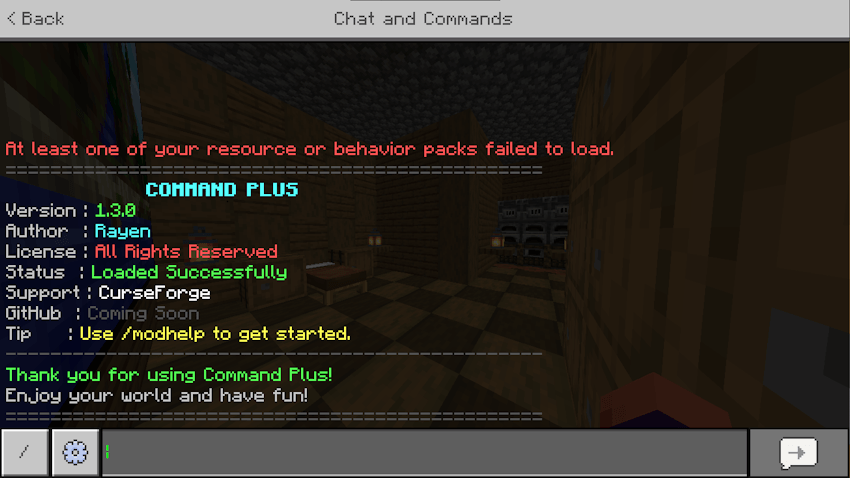
Getting Started & Command List
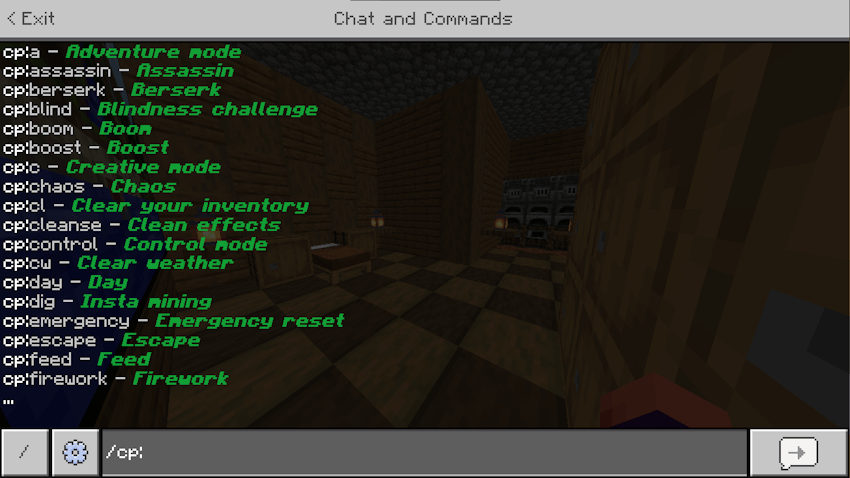
CommandPlus offers a full suite of utilities directly inside your world. Simply open chat and type /cp: to view the entire interactive auto-complete list!
Core Command Types
CommandPlus categorizes commands into two main behaviors:
- Instant Commands: Run once immediately to perform an action (e.g., healing, changing weather, or spawning fireworks).
- Toggle Commands: Switch effects on or off. Running the command once activates the effect; typing it again deactivates it!
Top Essential Commands
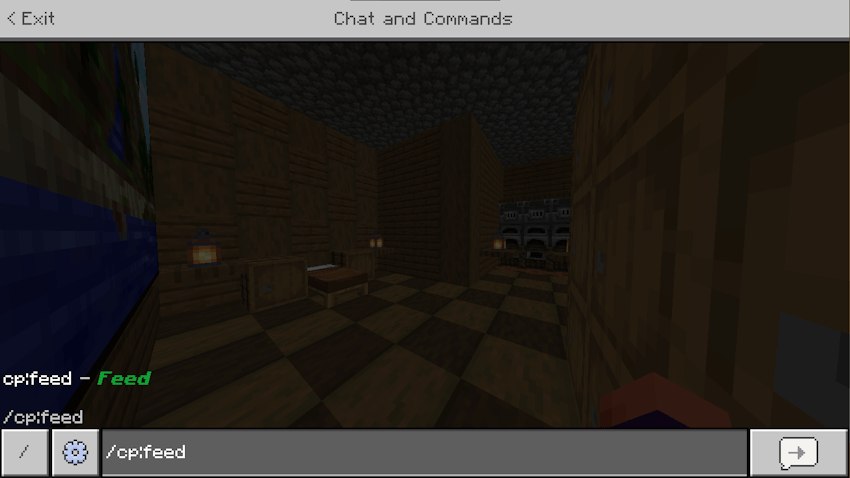
/cp:god(Toggle) — Grants full invincibility with maximum Protection and Regeneration./cp:panic(Instant) — Wipes out all hostile mobs in a 15-block radius and fully restores your health./cp:heal(Instant) — Instantly restores your health bar./cp:feed(Instant) — Instantly refills your hunger bar to max./cp:emergency(Instant) — Emergency reset button: heals, feeds, and clears every effect at once./cp:dig(Toggle) — Gives instant block-breaking capabilities with max Haste./cp:sp(Instant) — Switches your gamemode directly to Spectator Mode./cp:c//cp:s(Instant) — Instantly switches between Creative and Survival modes./cp:day//cp:night(Instant) — Updates world time instantly./cp:sun//cp:rain(Instant) — Clears or starts weather conditions immediately./cp:cleanse(Instant) — Removes all active status and potion effects./cp:modhelp(Instant) — Opens the interactive in-game CommandPlus guide.
Instant Survival Utilities
Quickly recover health, hunger, or escape dangerous fights with simple, lightweight execution.
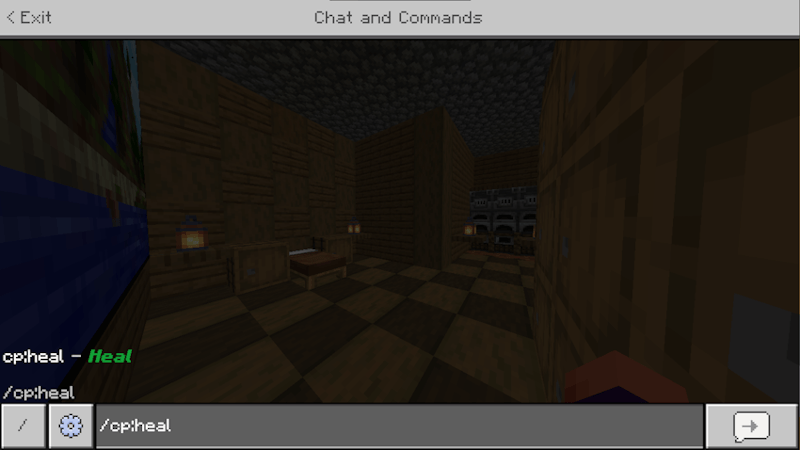
Toggleable Player Buffs
Activate powerful survival and combat toggles like God Mode to gain instant resistance and status effects!
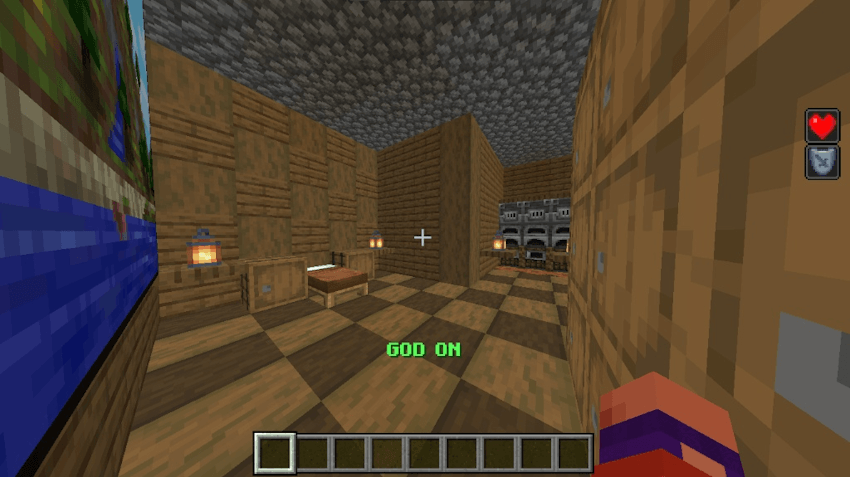
Built-In System
Toggle Engine
Easily manage persistent buffs that stay active until you decide to turn them off.
Startup Banner
A clean welcome banner appears upon joining your world, displaying addon details and version info.
Extension System
Serves as a lightweight central framework. Official extension packs plug directly into the /cp: engine without cluttering core files!
Installation
Installing CommandPlus Core:
- Download the latest
.mcpackfile from the Files tab. - Open/double-click the file to automatically import it into Minecraft Bedrock Edition.
- Open world settings and apply CommandPlus under Behavior Packs.
- Enable Beta APIs under the Experiments toggle in world settings.
- Launch your world!
(note: Education edition must be enabled to execute /fly command)
Installing Extensions:
- Download your desired CommandPlus Extension
.mcpack. - Activate it under Behavior Packs in your world settings alongside the main CommandPlus Core pack.
- Start your world—extension commands will plug directly into your
/cp:framework automatically!
Tips & Quick Start
- The
cp:Namespace: Every command uses thecp:prefix (e.g.,/cp:heal,/cp:fly) to completely avoid conflicts with other addons! - Auto-Complete: Just type
/cp:in chat to browse through all available commands dynamically.
Thank you for downloading and supporting CommandPlus!
Created by rayenmt8
- Edition: Minecraft Bedrock
- File type: .mcpack or .mcaddon
- Minecraft versions listed: 26.40, 26.30, 26.20
- How to install: Download the .mcpack or .mcaddon file. → Open it — Minecraft imports it. → In your world: Behavior Packs → Available → Activate, then the same under Resource Packs.
- Where to get it: Opens on CurseForge — not every file is mirrored on our own servers.
Install steps are the general flow for this file type — How to install Minecraft Bedrock addons & mods walks through it step by step.
CommandPlus is a free Minecraft Bedrock addon. Compatible with Minecraft 26.40, 26.30, 26.20. Downloaded 583 times (via CurseForge). Download it and open it directly in the game.