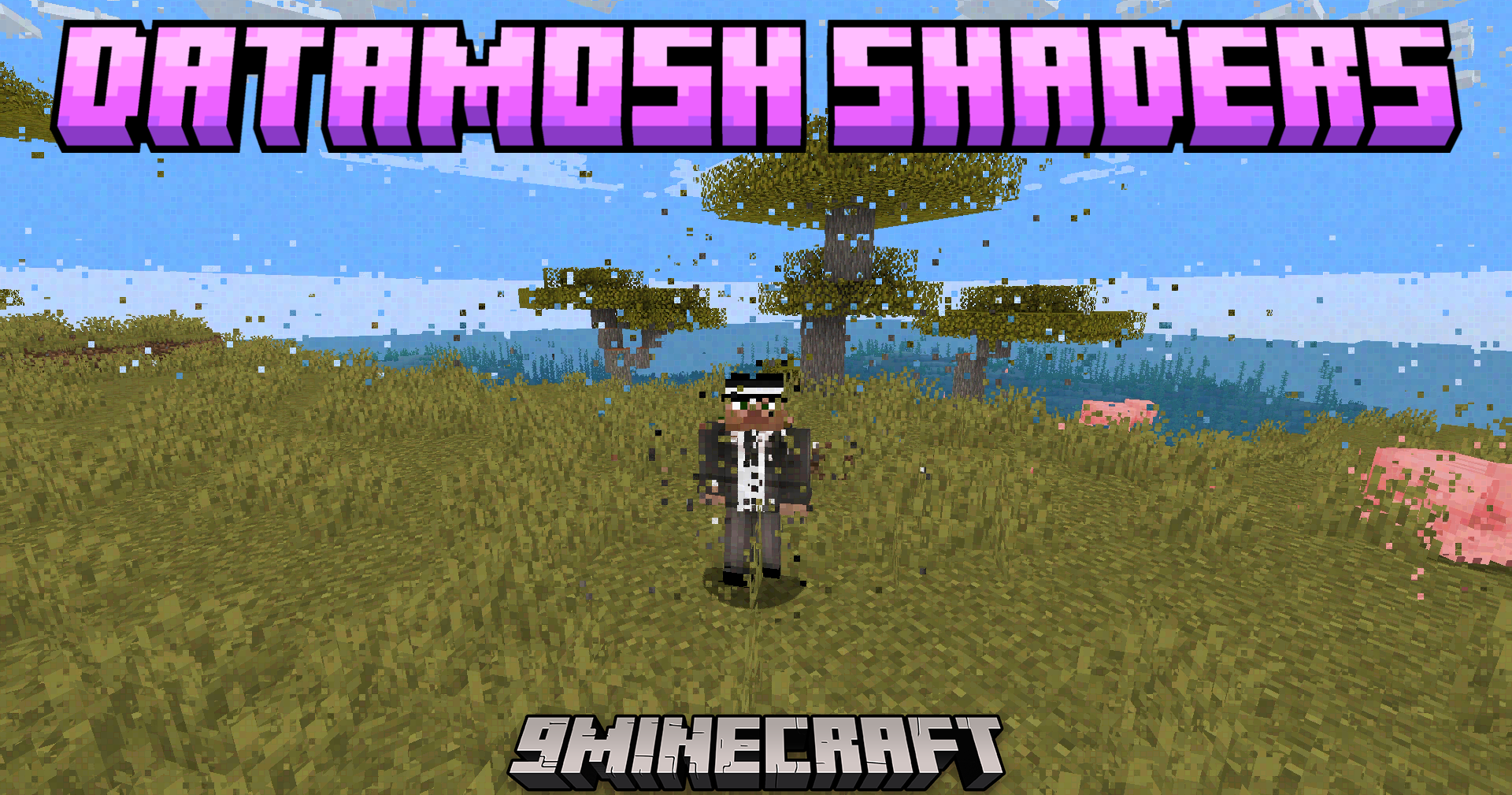
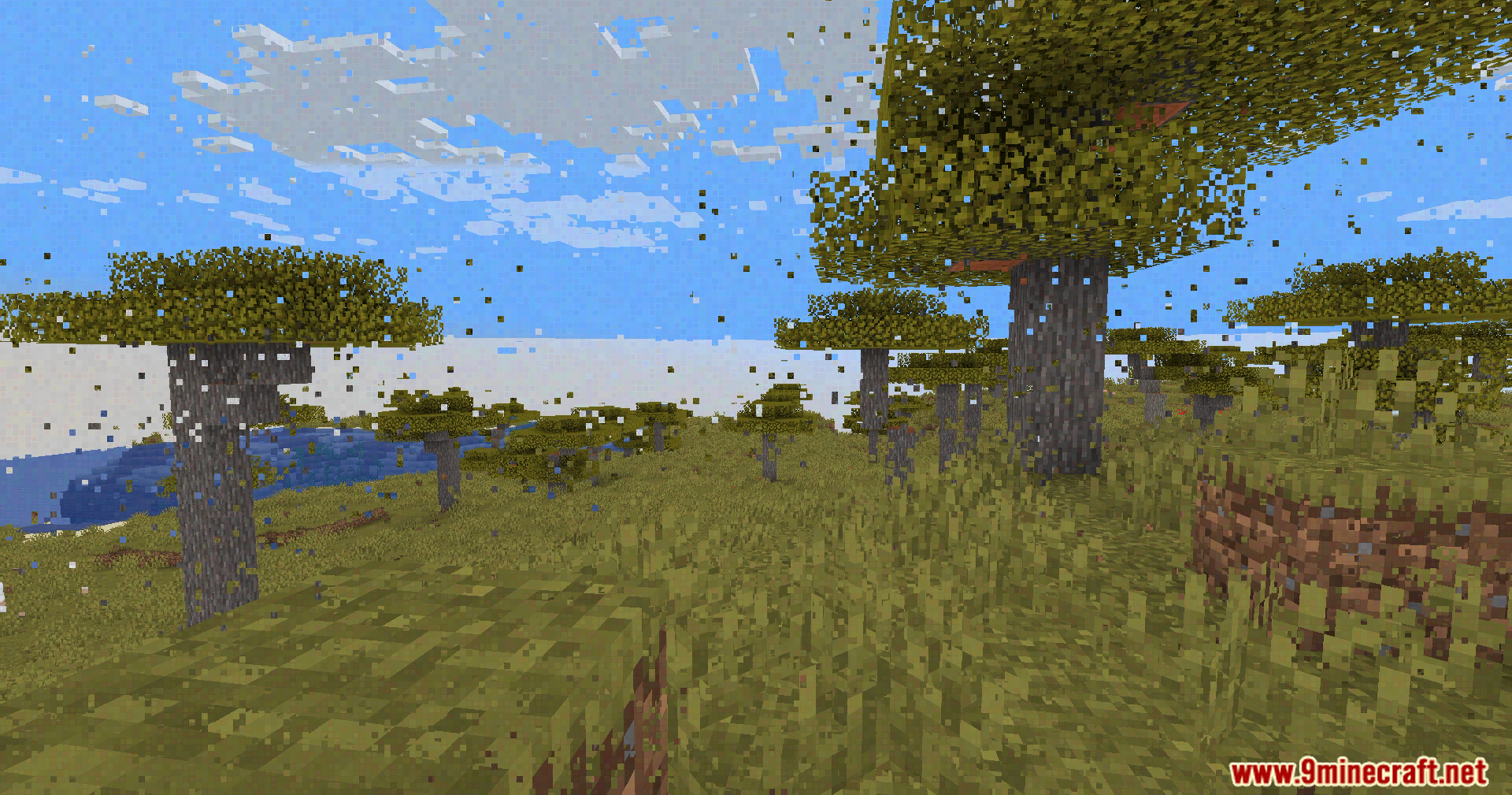
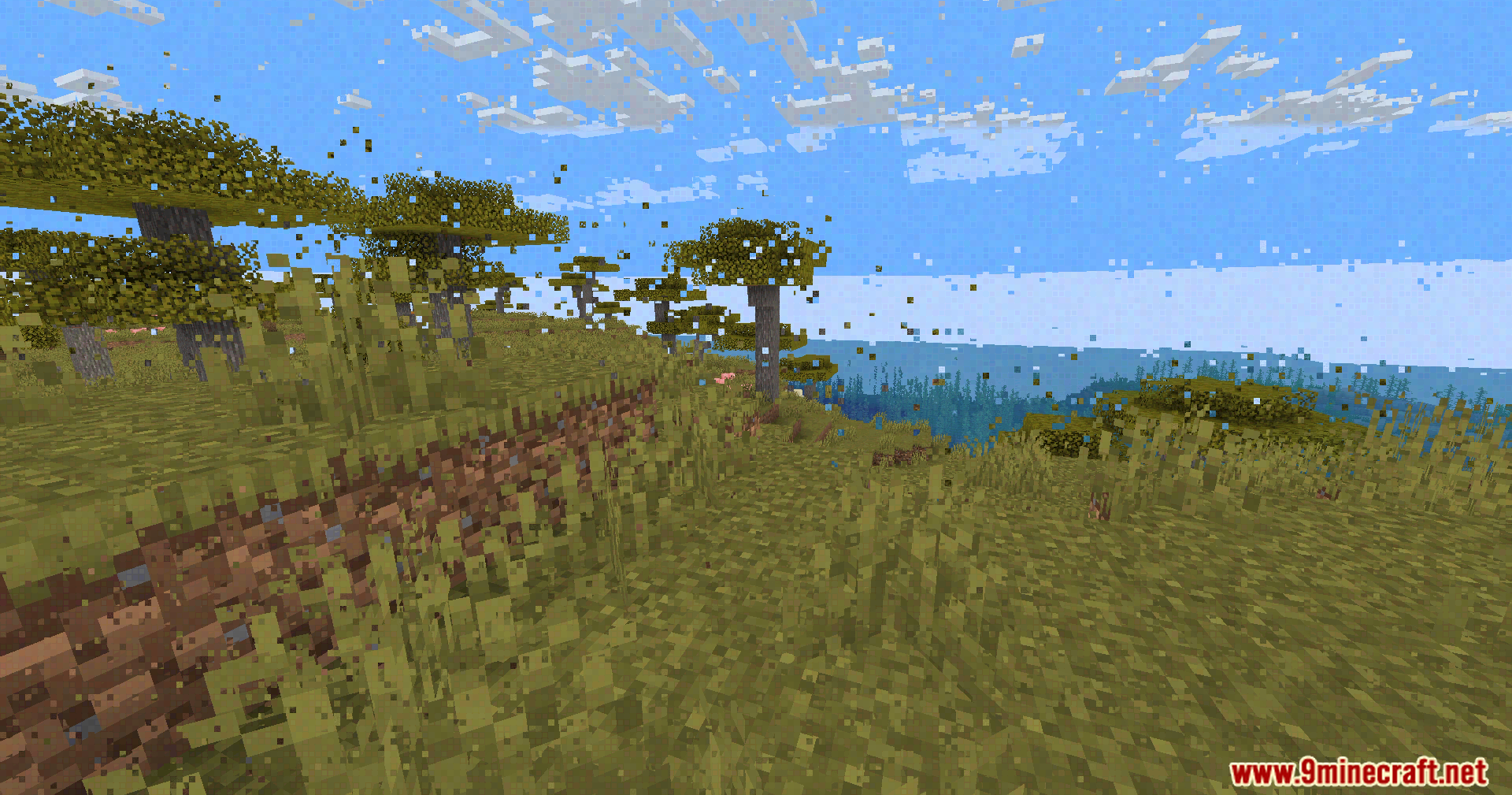
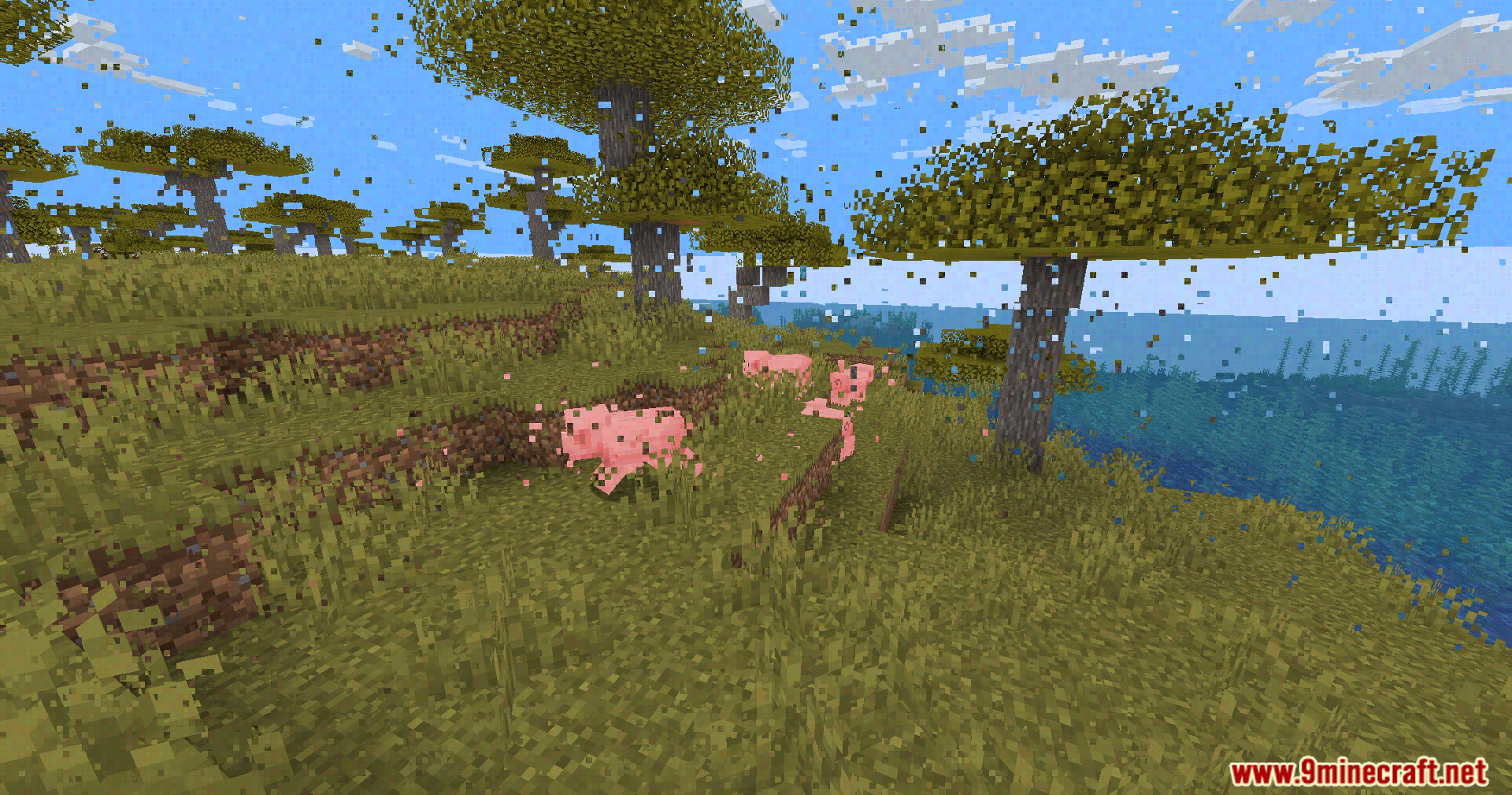
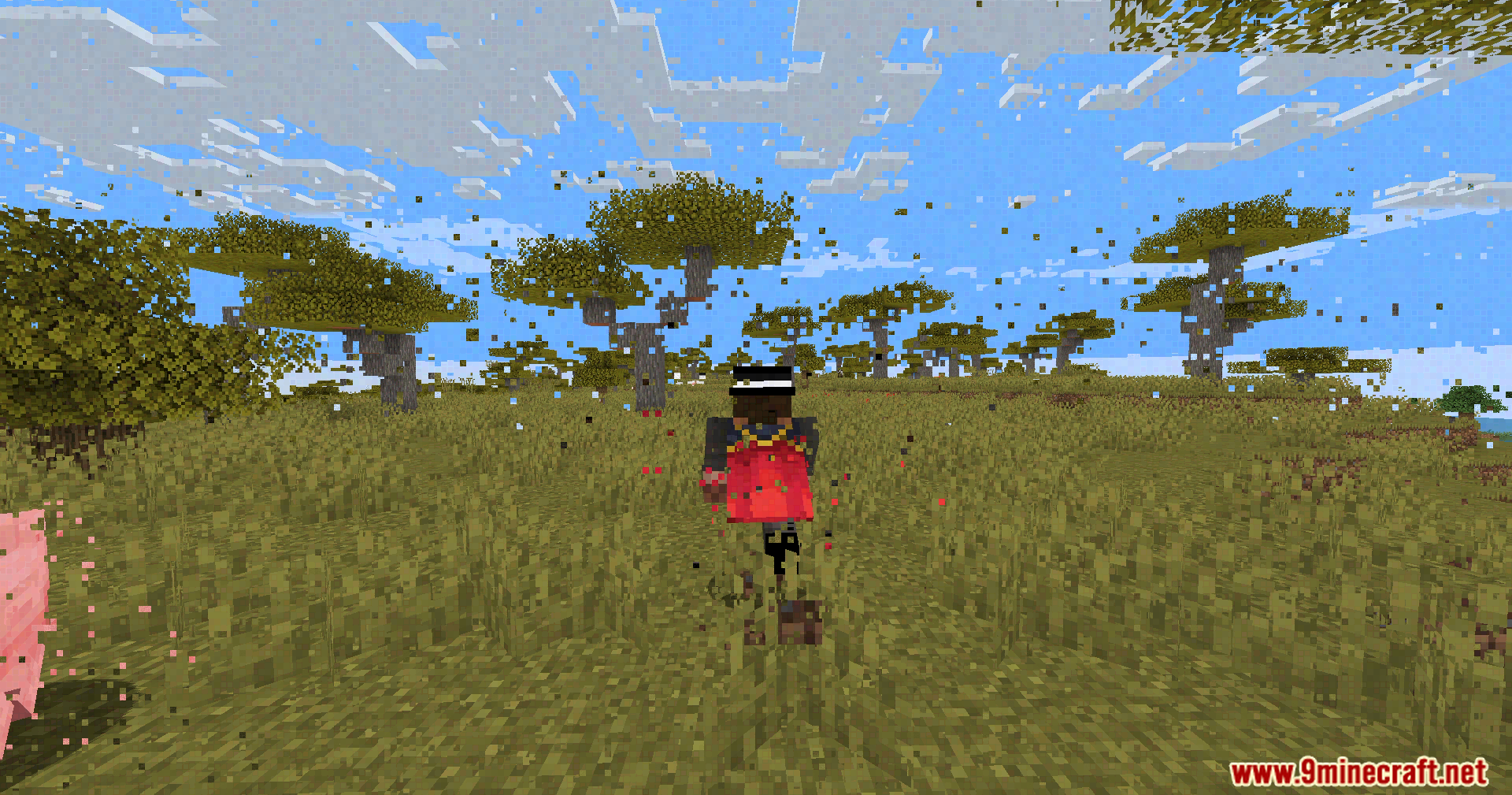
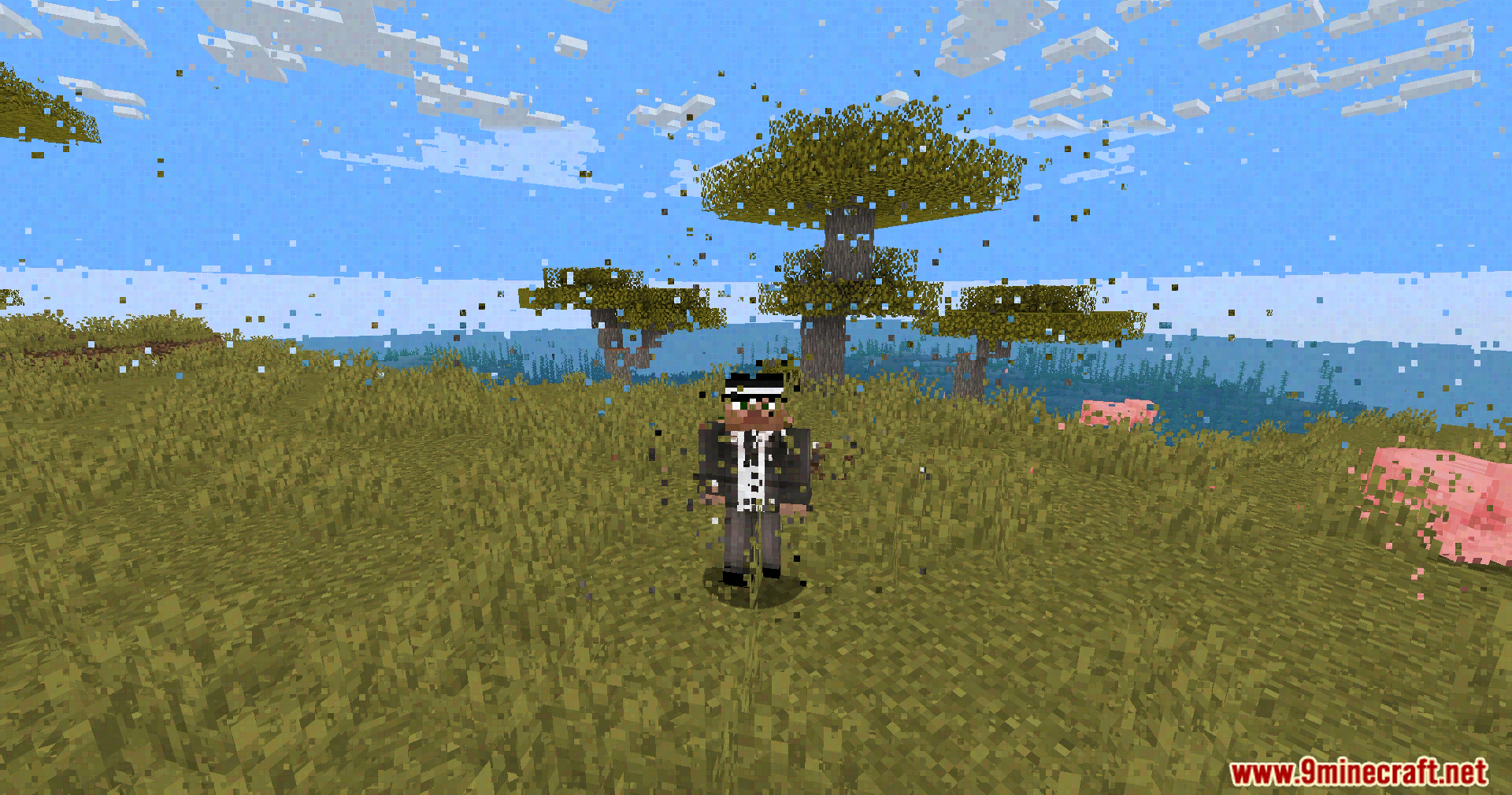
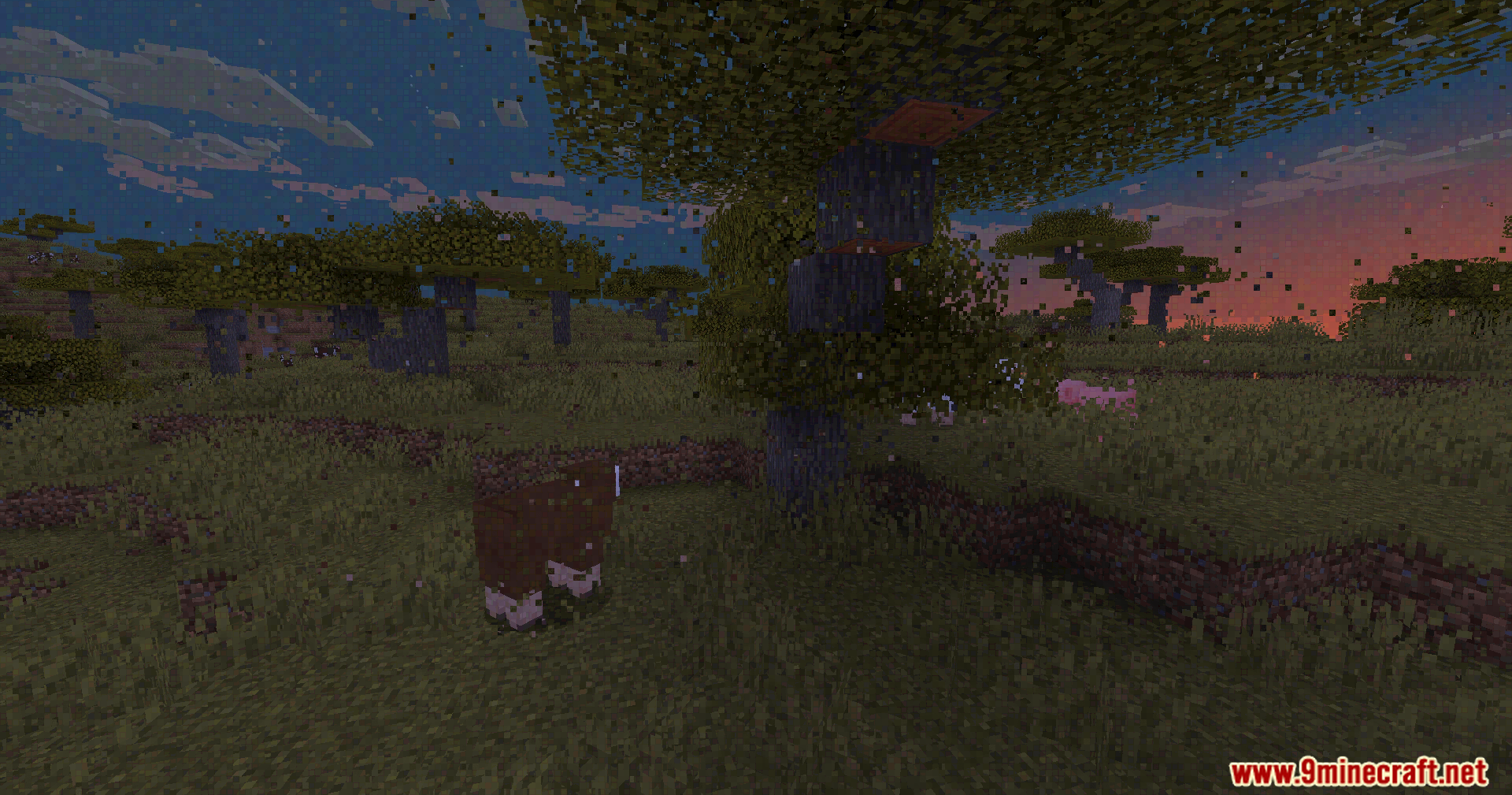
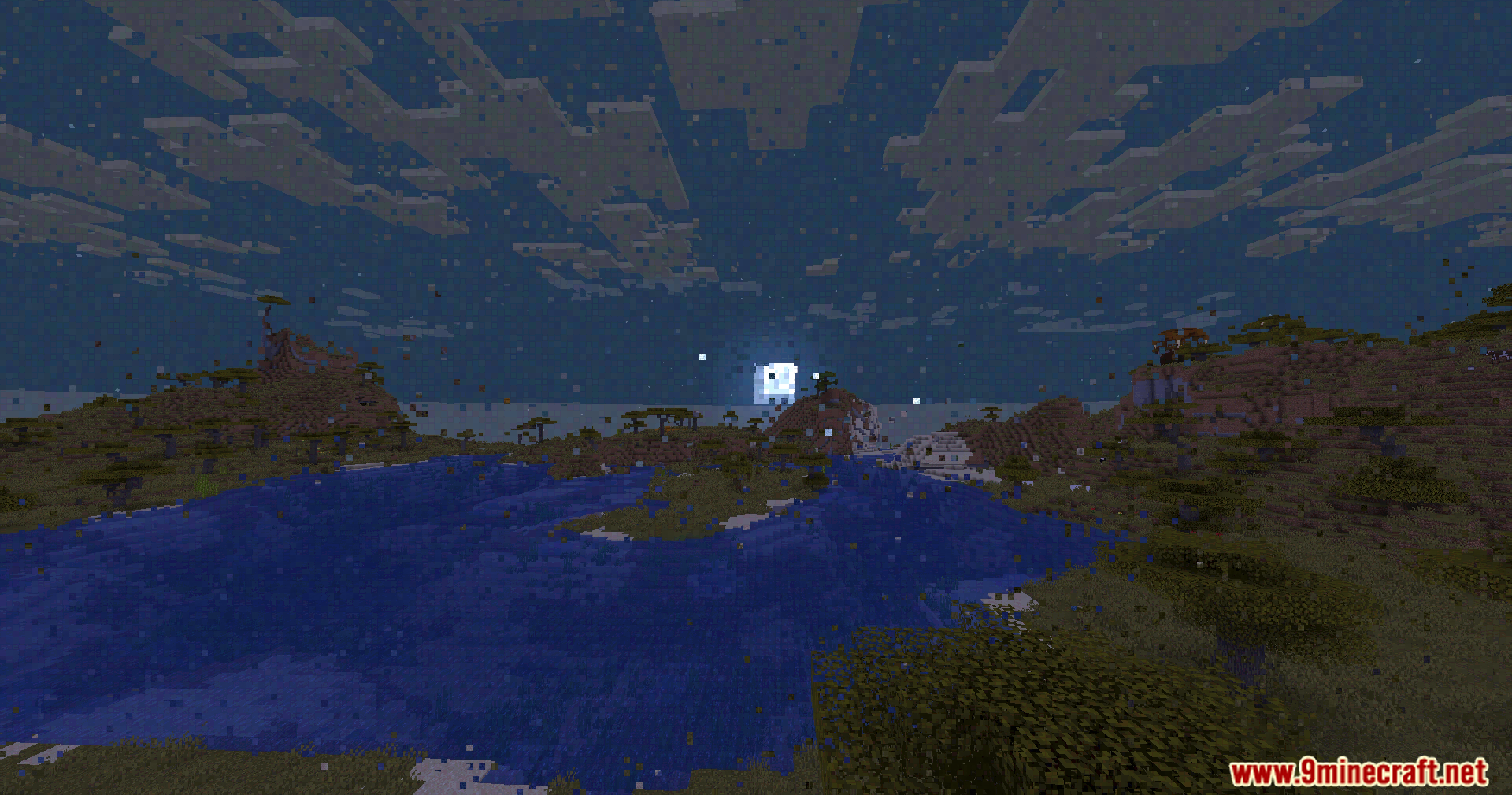
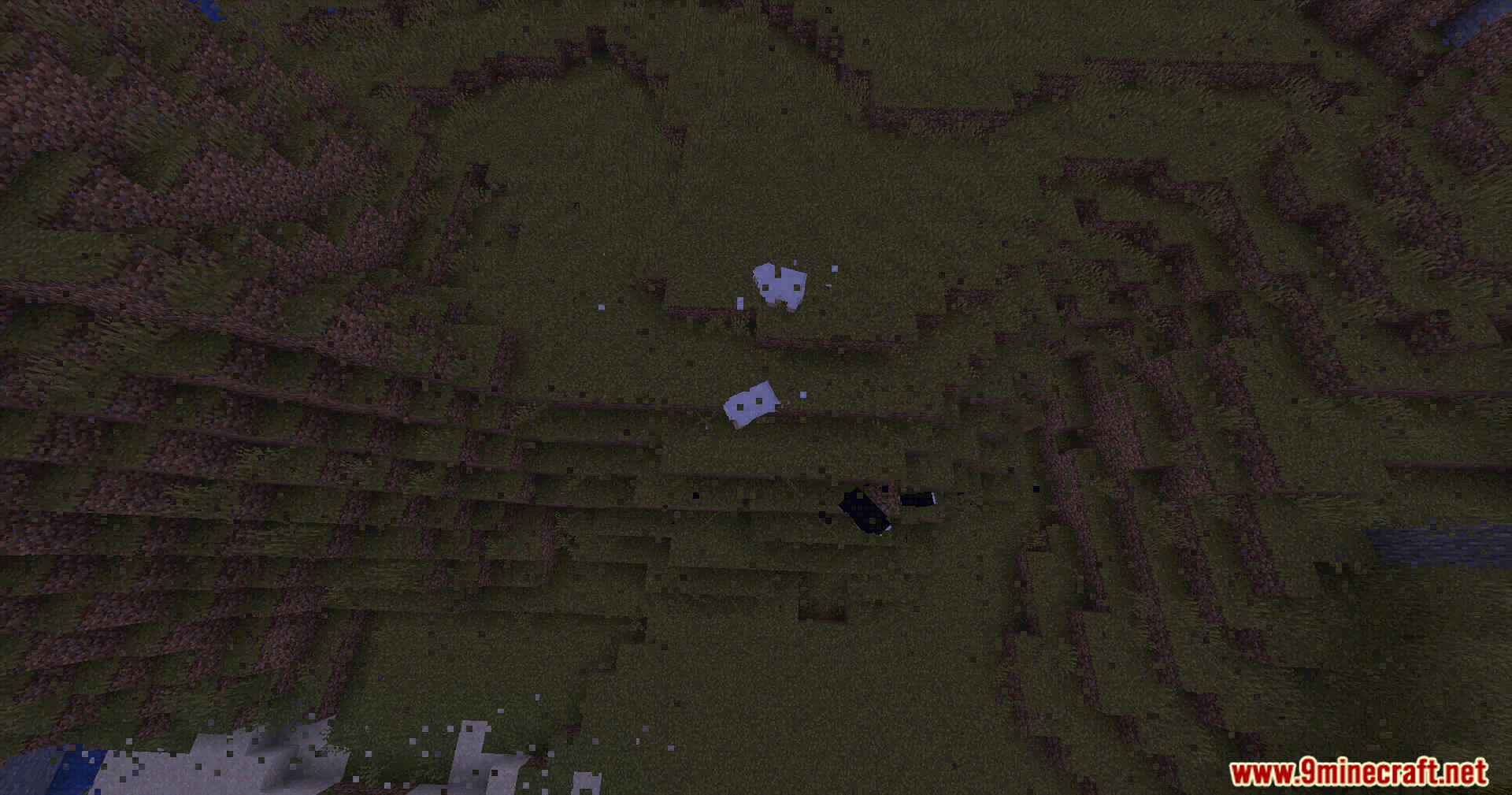
Datamosh Shaders turns your Minecraft screen into a glitchy, broken video. It adds special visual effects that make the game look like a damaged video file. Instead of making the world look beautiful, it breaks the image into small blocks that shift, smear and change colors. This creates a fun, messy look where parts of the screen seem to freeze or pull pixels from the wrong spots.
Features:
- Blocky Glitches: Divides the screen into small pixel blocks that randomly jump and move around.
- Color Bleeding: Lowers the color quality so colors bleed into each other and look messy.
- Smeared Frames: Makes moving objects leave a trail of smeared pixels behind them.
- Updates each glitchy block at different times so the broken effect spreads naturally across your screen.
- Adds strange bright and dark lines around the edges of the blocks to make the video look heavily compressed.
- Creates a shimmering noise effect around moving things and sharp edges.
- Works as a simple screen filter, meaning it does not change how the sun, shadows, or actual game blocks load.
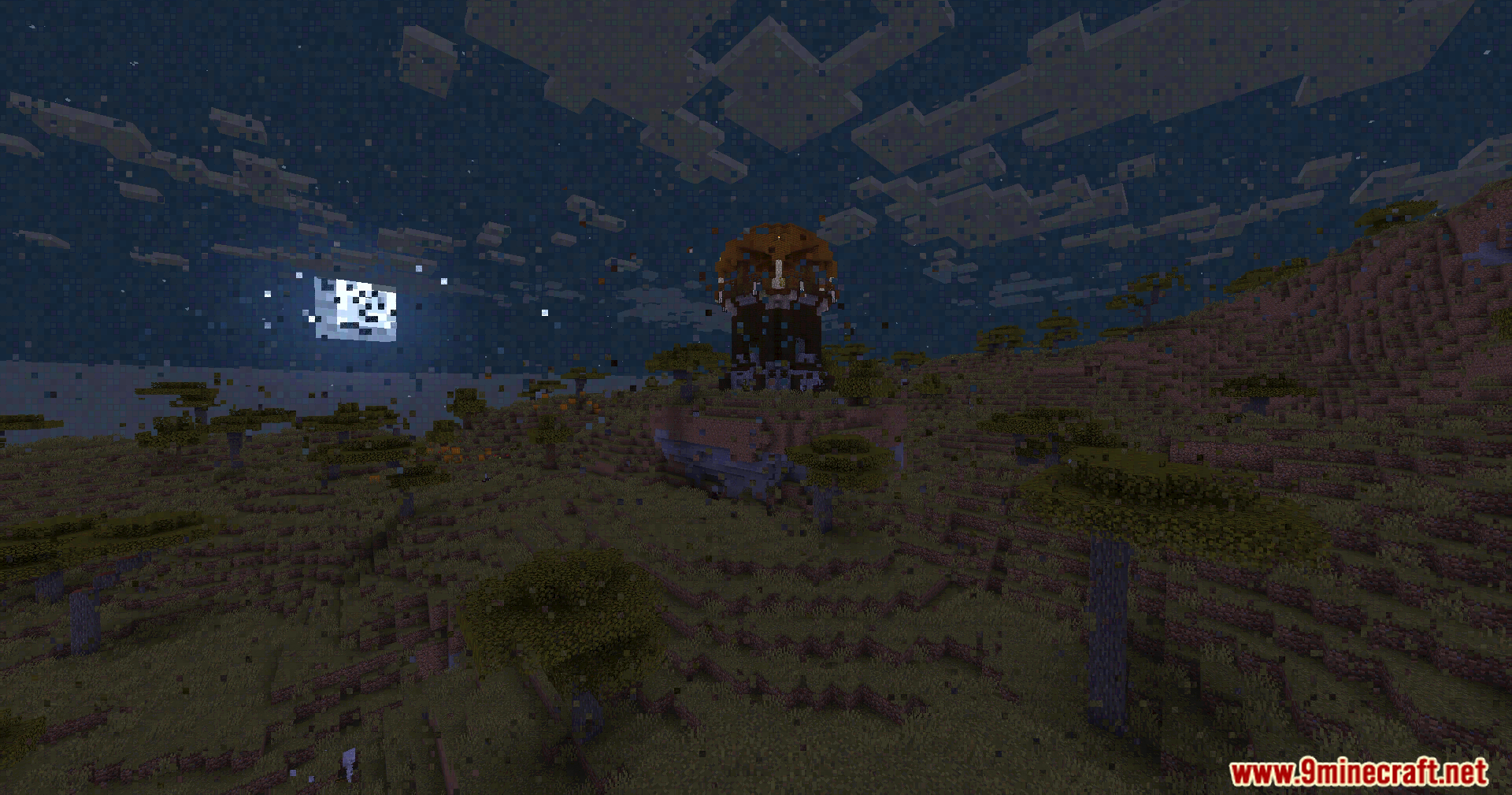
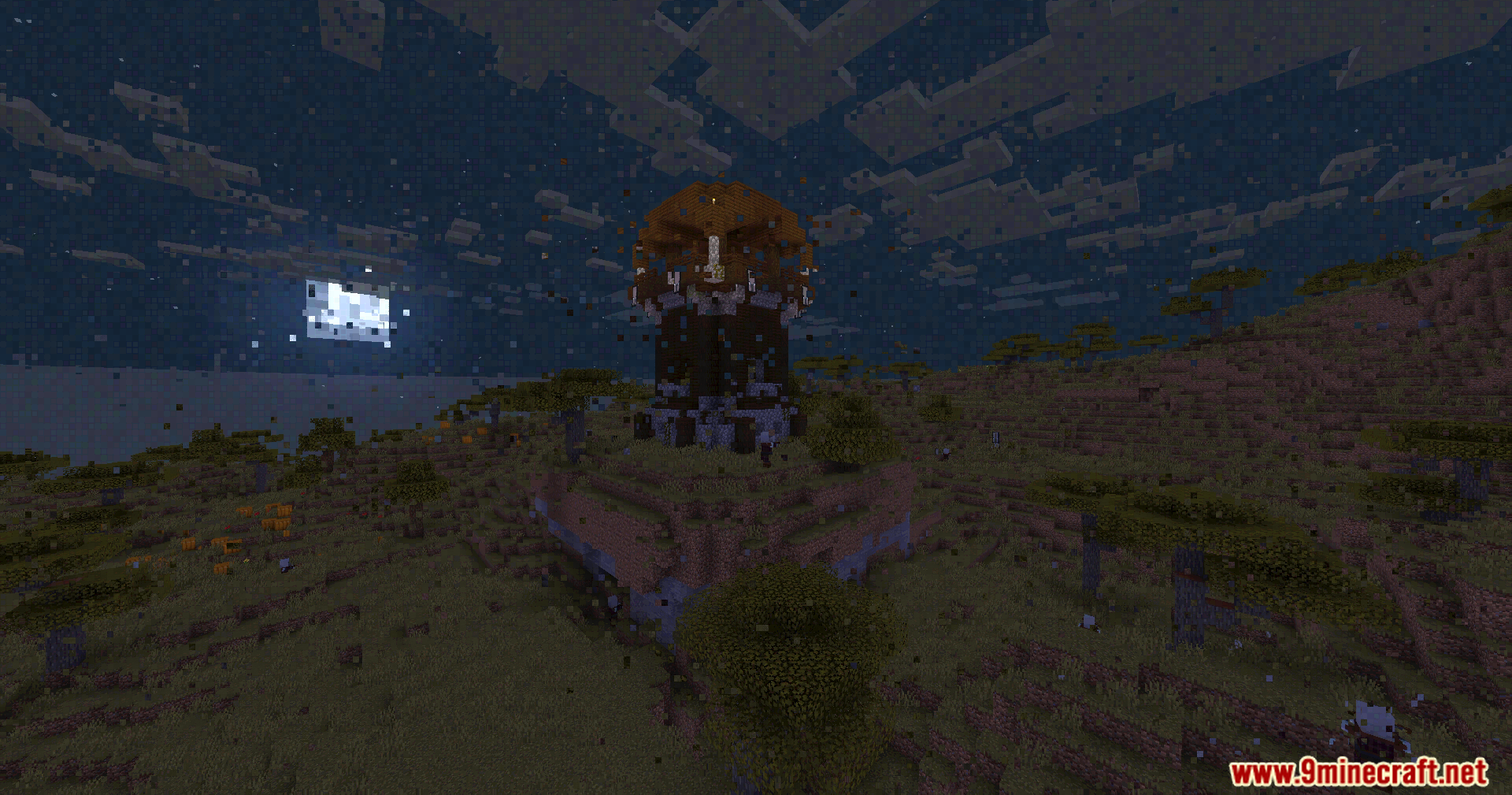
Screenshots:
Datamosh Shaders Download Links
Quick facts
- Edition: Minecraft Java
- File type: .zip (resource pack)
- Minecraft version listed: 1.20.1
- How to install: Download the .zip resource pack — do not unzip it. → Put it in .minecraft/resourcepacks. → Enable it in Options → Resource Packs.
- Where to get it: In MC Java Mods, or directly above on this page.
Install steps are the general flow for this file type — see the MC Java Mods guides for the full walkthrough.
Verified by MCModsHub
- Downloads as 90650.mcpack
- Download size: 3 KB
- Download link checked 25 Jul 2026 — working
- Mirrored on our own servers — the download does not depend on the original host
These come from our own check of the pack file, not from the source page.