ShadersJava
Cripe Shaders (26.2, 1.20.1) – Broken TV Visuals And Glitchy Color Separation
Java shader pack listed for Minecraft 1.20. Downloads from the MC Java Mods app on Android.
⬇ Download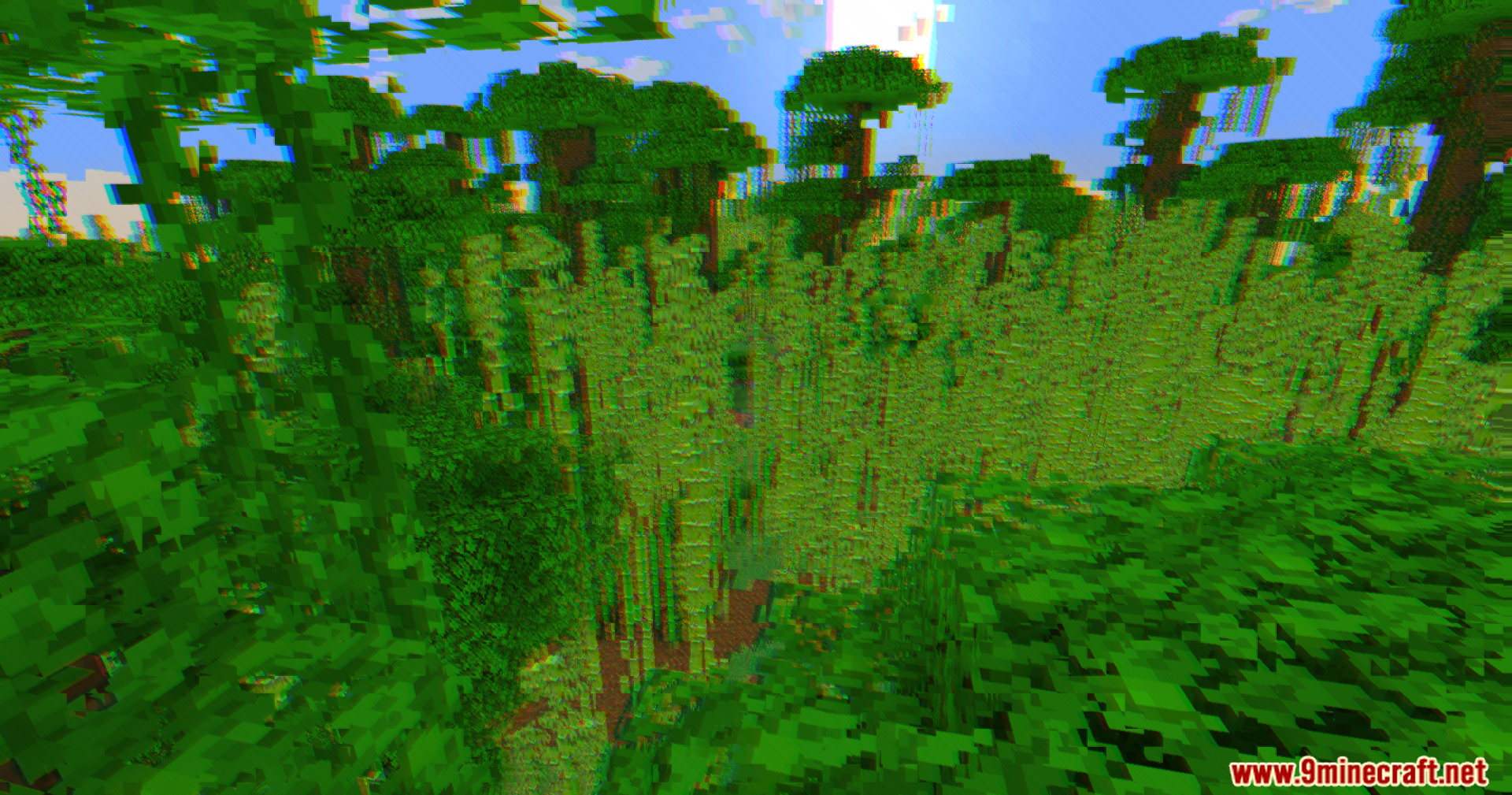
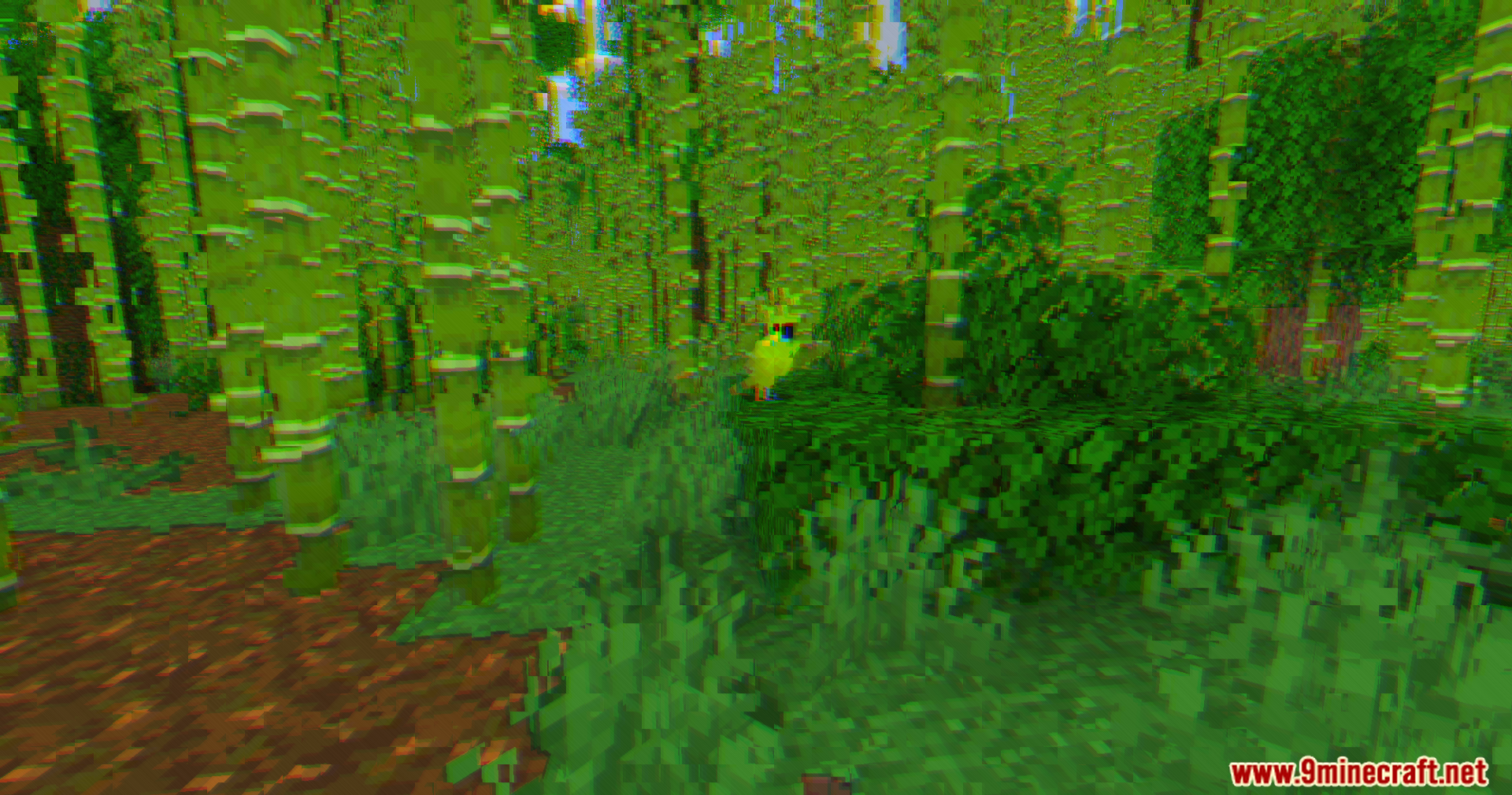
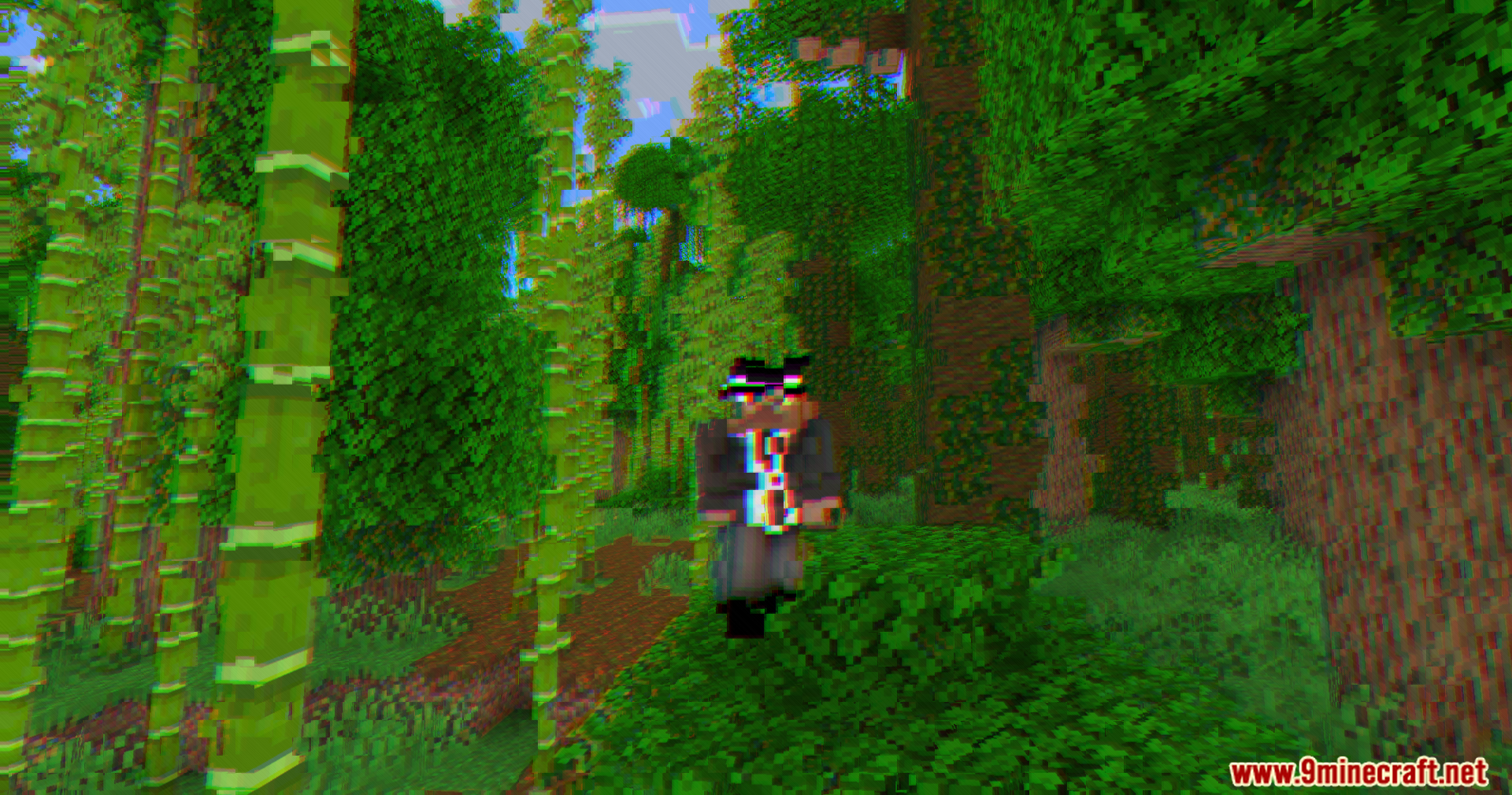
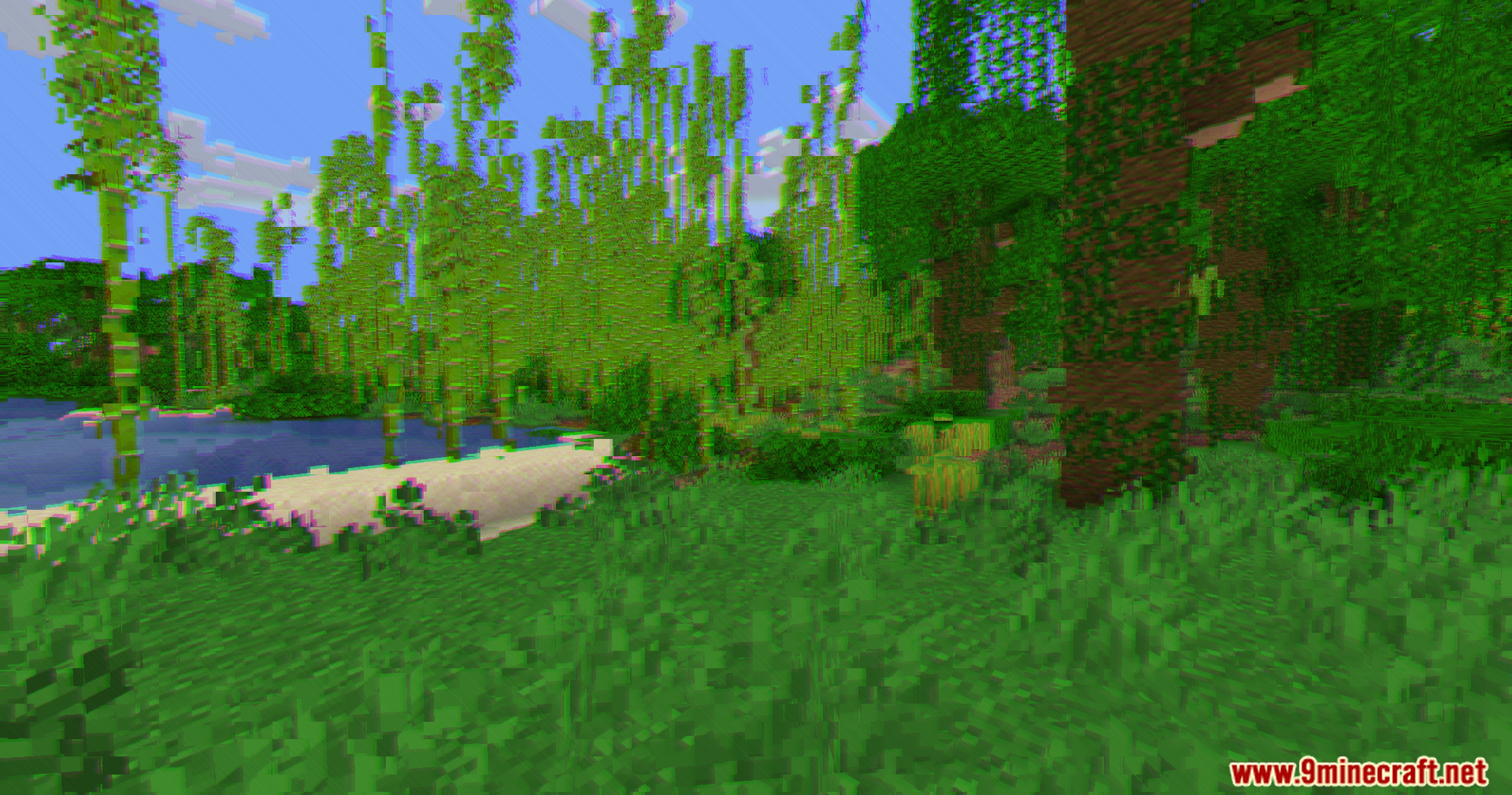
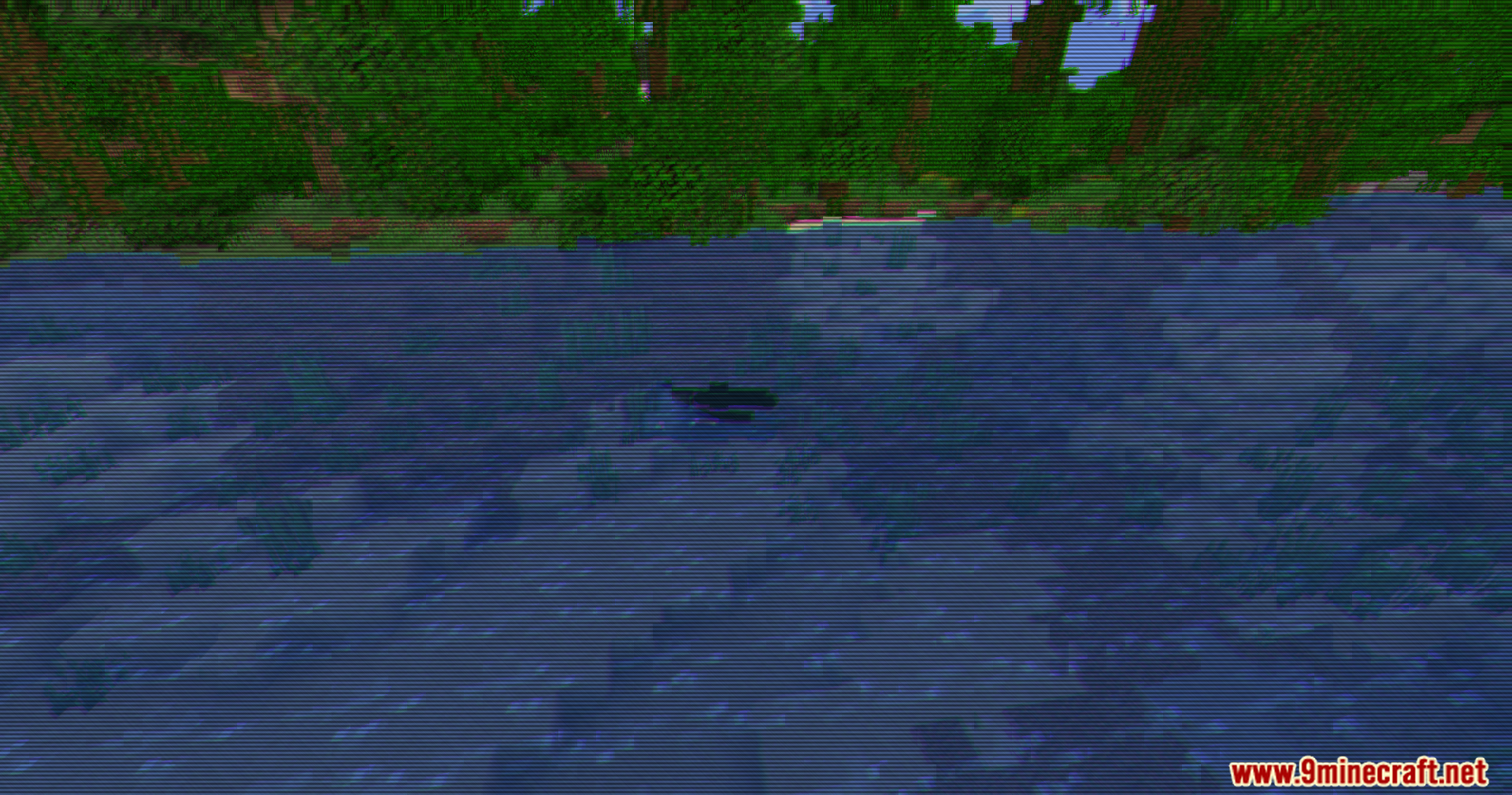

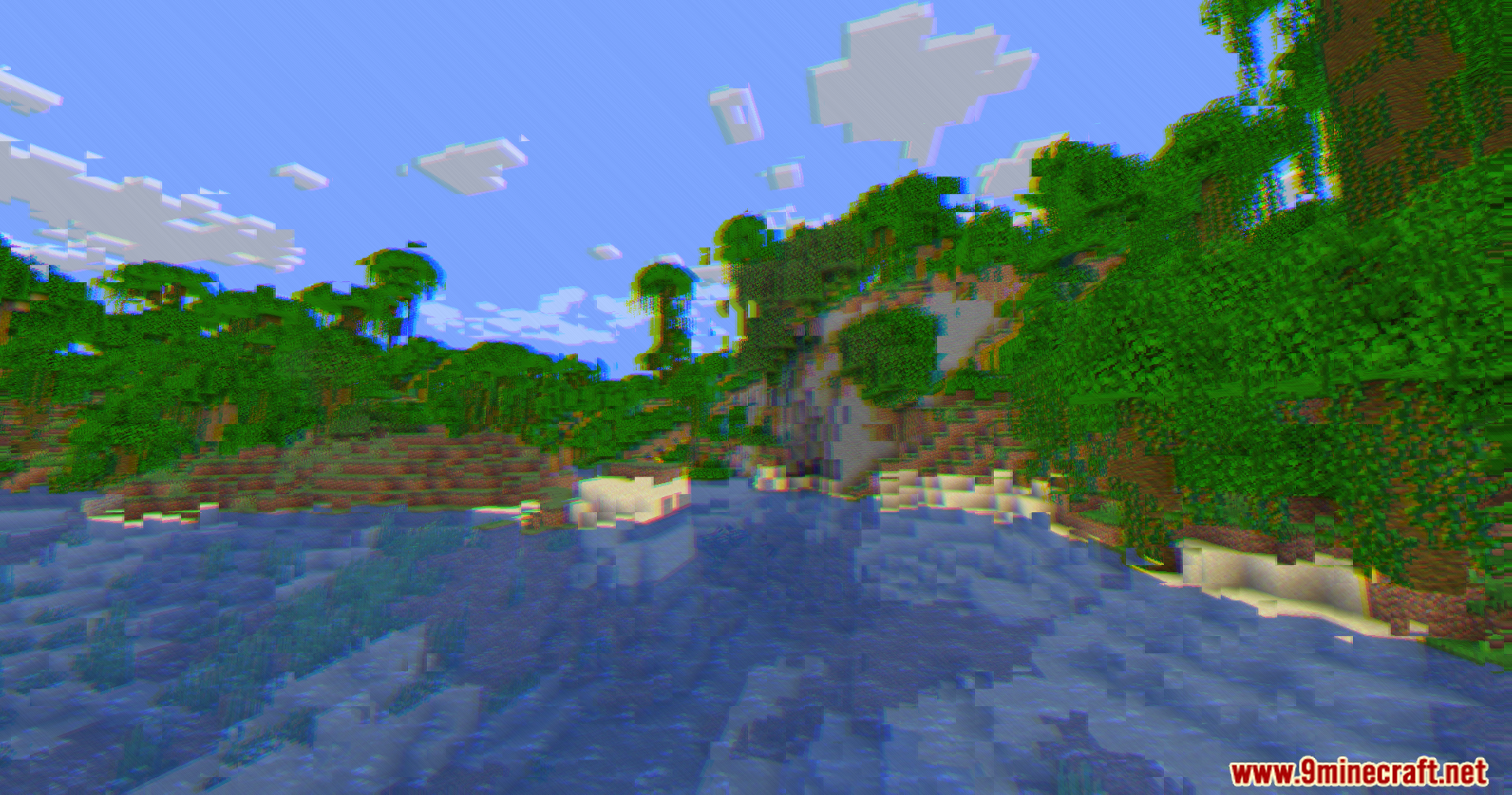
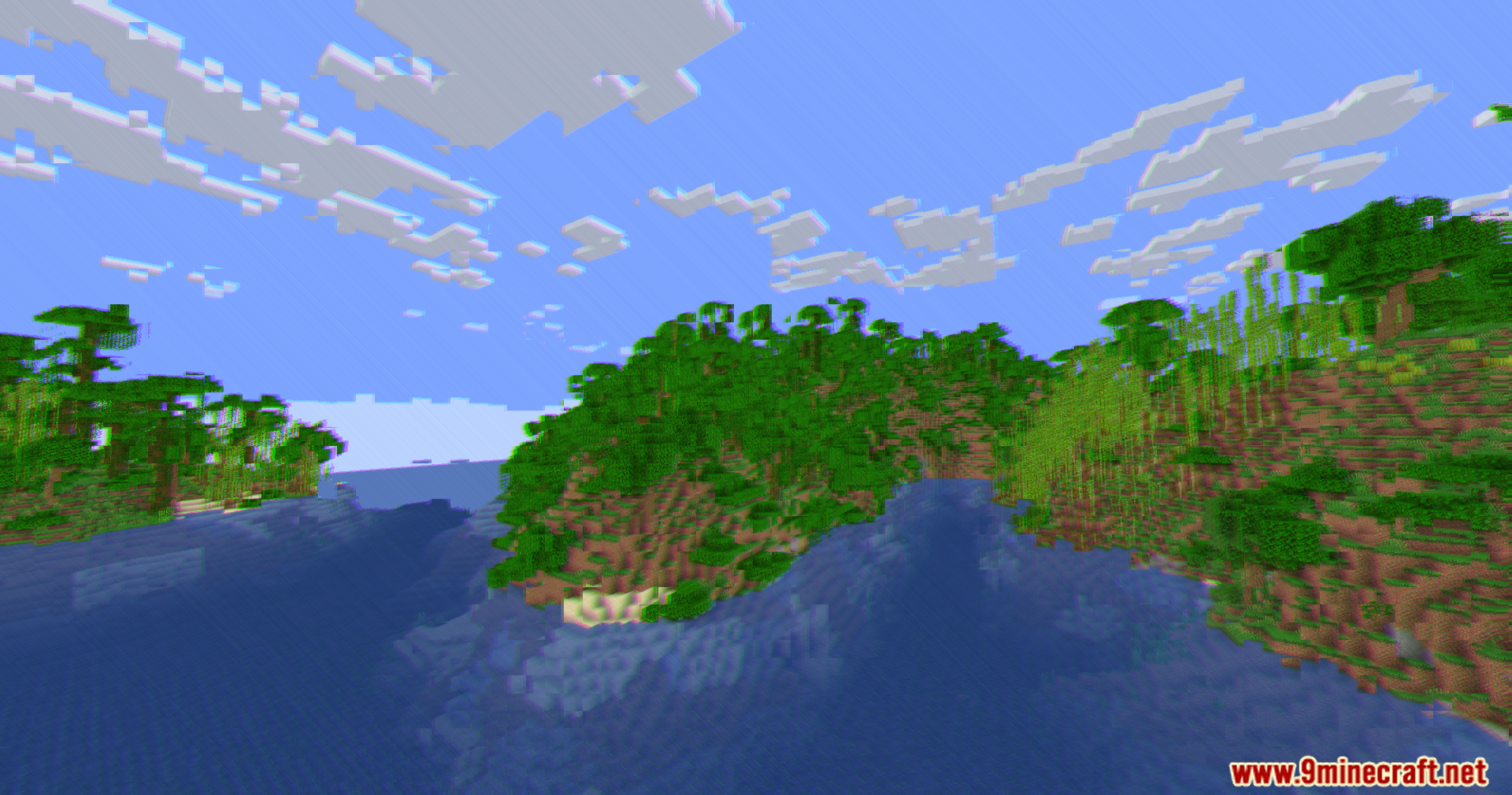
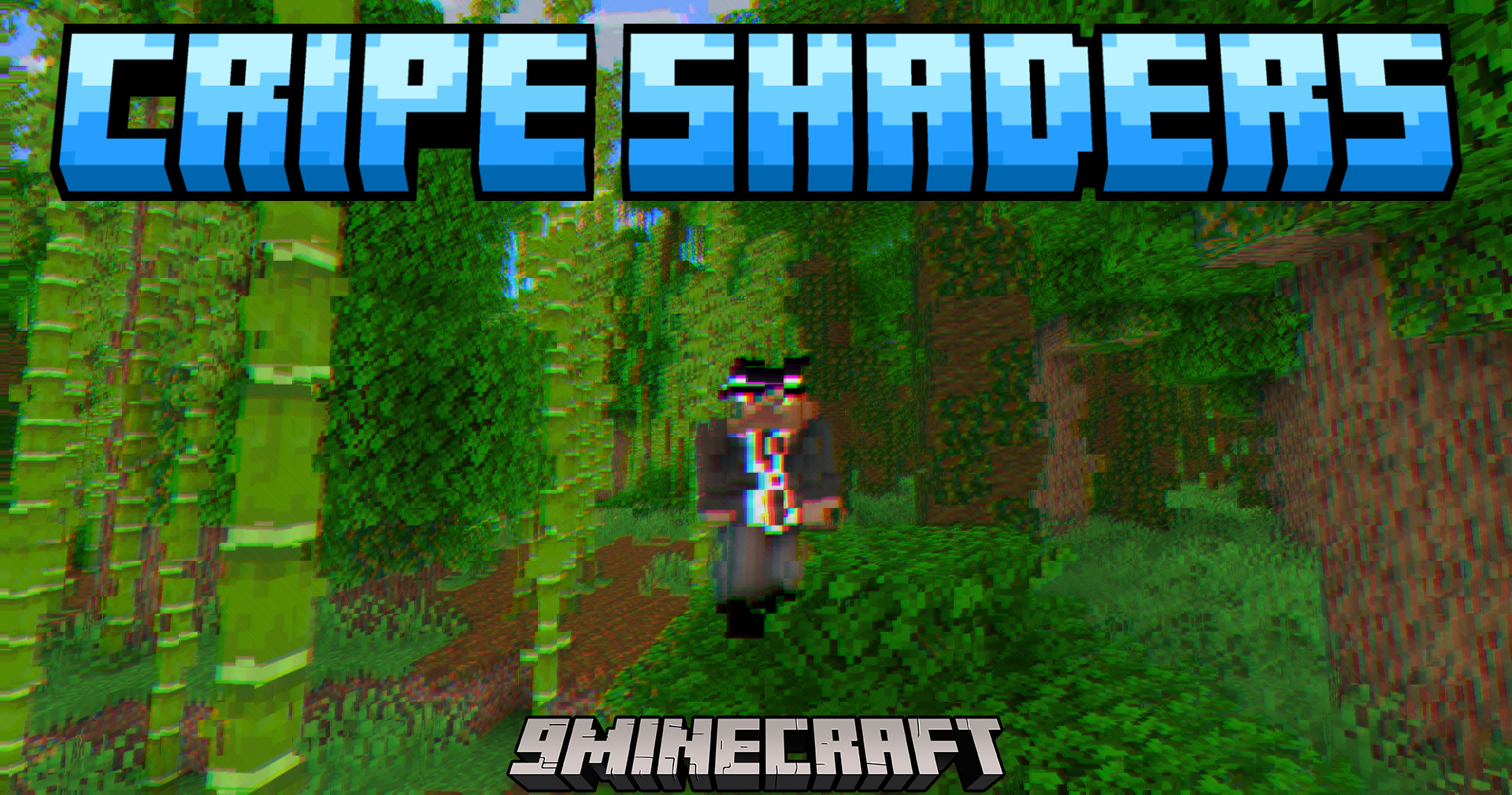
Cripe Shaders paints your Minecraft world with broken and glitchy visual effects. Instead of adding realistic shadows or bright sun rays, this shader makes your screen look like an old, damaged TV monitor. It adds static, color splits and random distortions that change as you play. The pack runs easily on most computers because it skips heavy lighting changes and focuses only on these fun screen glitches.
Features:
- Screen Corruption: Chops the screen into grid pieces that shift around randomly to look like broken video memory.
- Color Separation: Splits the red, green, and blue colors apart so they drift away from objects and blocks.
- Jitters the screen to make the ground and buildings look like they are slowly melting.
- Shoots random bursts of scanlines across your view like a damaged VHS tape.
- Leaves faint ghost trails behind moving objects on your screen.
- Flickers the brightness up and down to make the display feel highly unstable.
- Adds a dark layer of film noise and static over the whole game.
- Runs smoothly on older computers because it avoids heavy lighting and shadow calculations.
Screenshots:
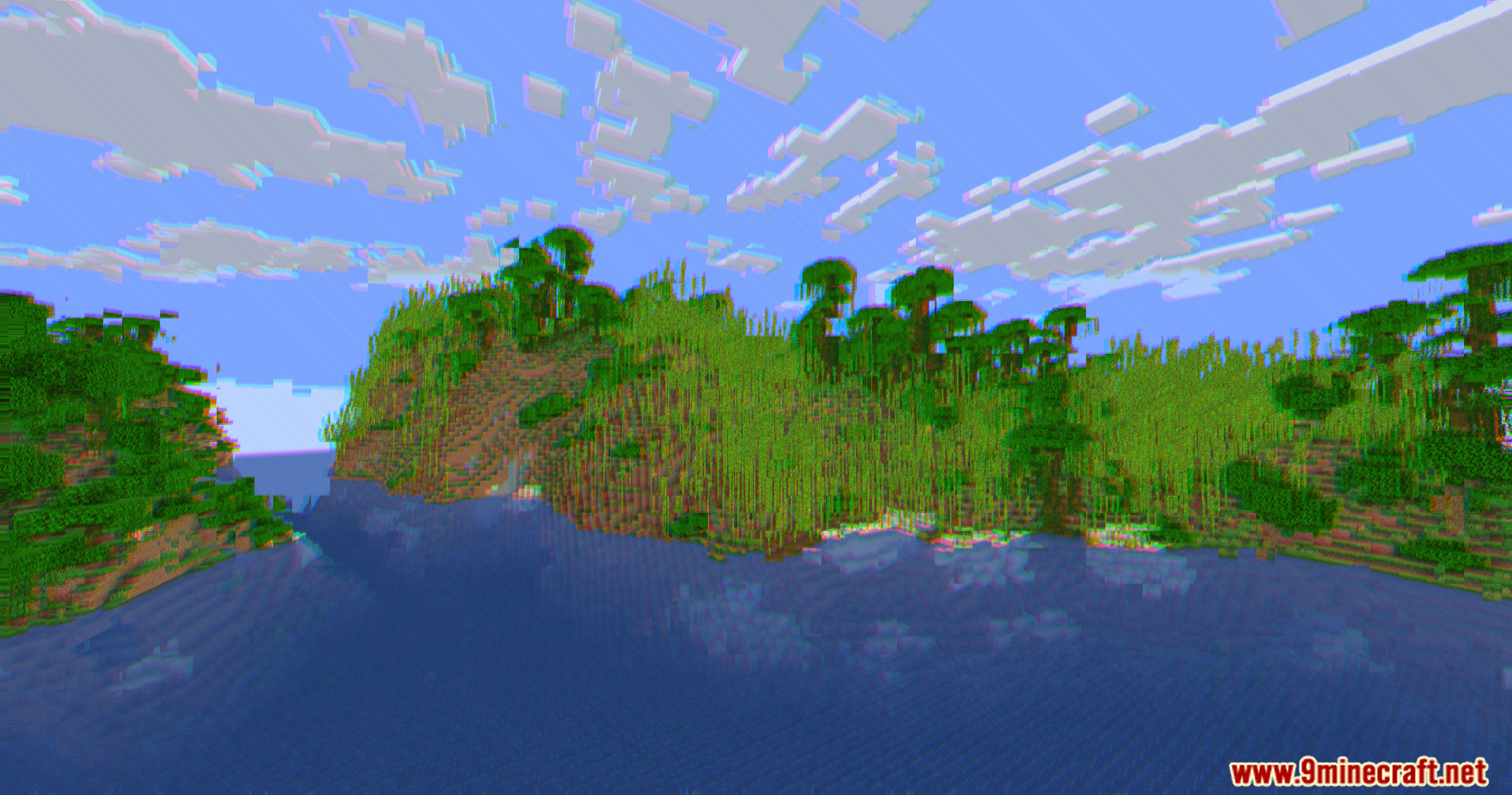
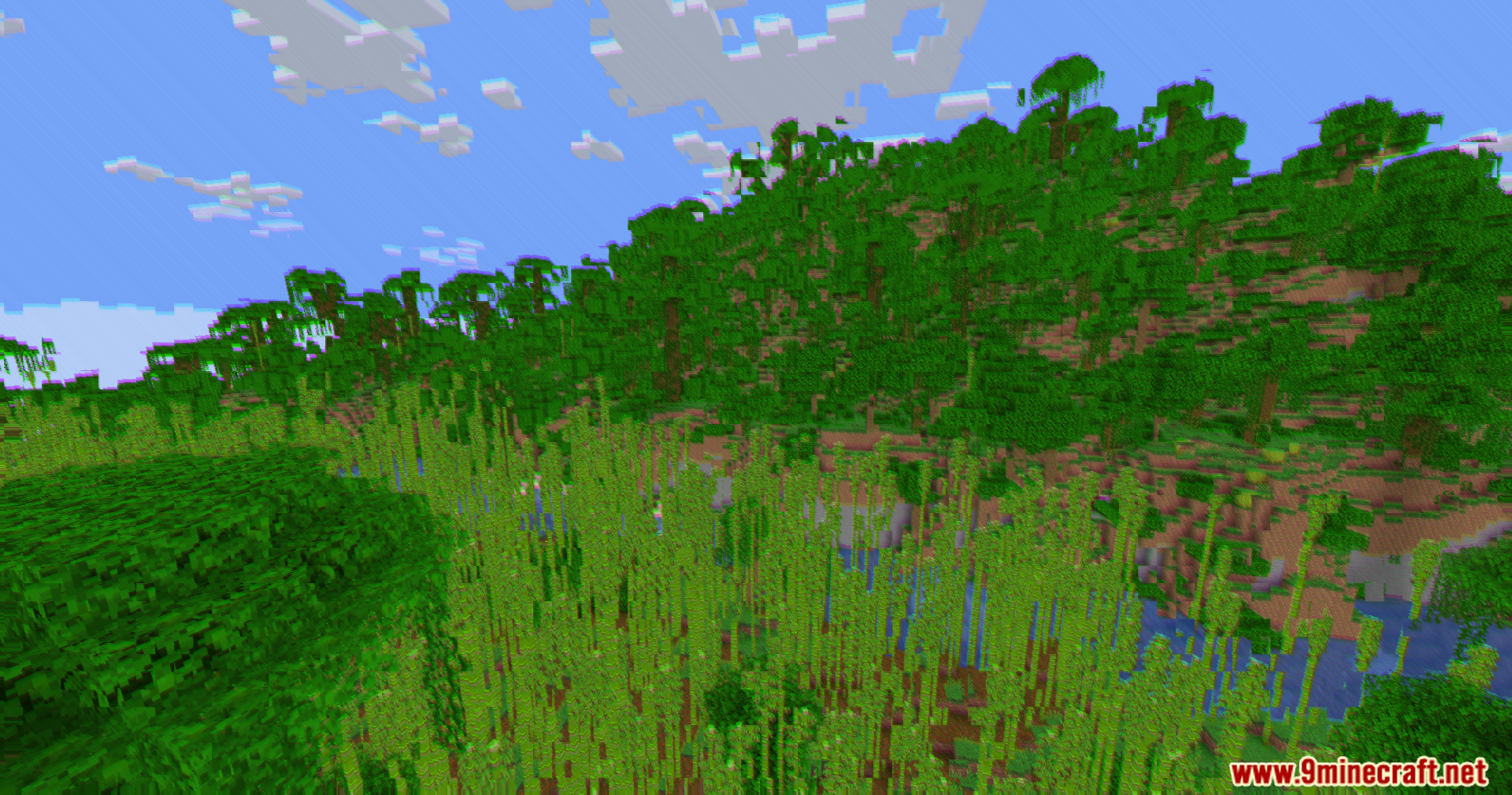
Cripe Shaders Download Links
Quick facts
- Edition: Minecraft Java
- File type: .zip (resource pack)
- Minecraft version listed: 1.20.1
- How to install: Download the .zip resource pack — do not unzip it. → Put it in .minecraft/resourcepacks. → Enable it in Options → Resource Packs.
- Where to get it: In MC Java Mods, or directly above on this page.
Install steps are the general flow for this file type — see the MC Java Mods guides for the full walkthrough.
File checked by MCModsHub
- Downloads as 90652.mcpack
- Download size: 2 KB
- Download link checked 25 Jul 2026 — working
- Mirrored on our own servers — the download does not depend on the original host
These come from our own check of the pack file, not from the source page.