Low Fire by CreepyPie Lag free and best for pvp Description
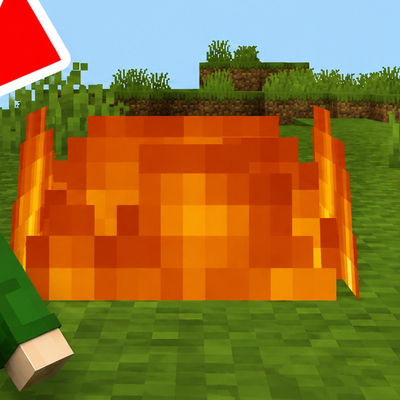
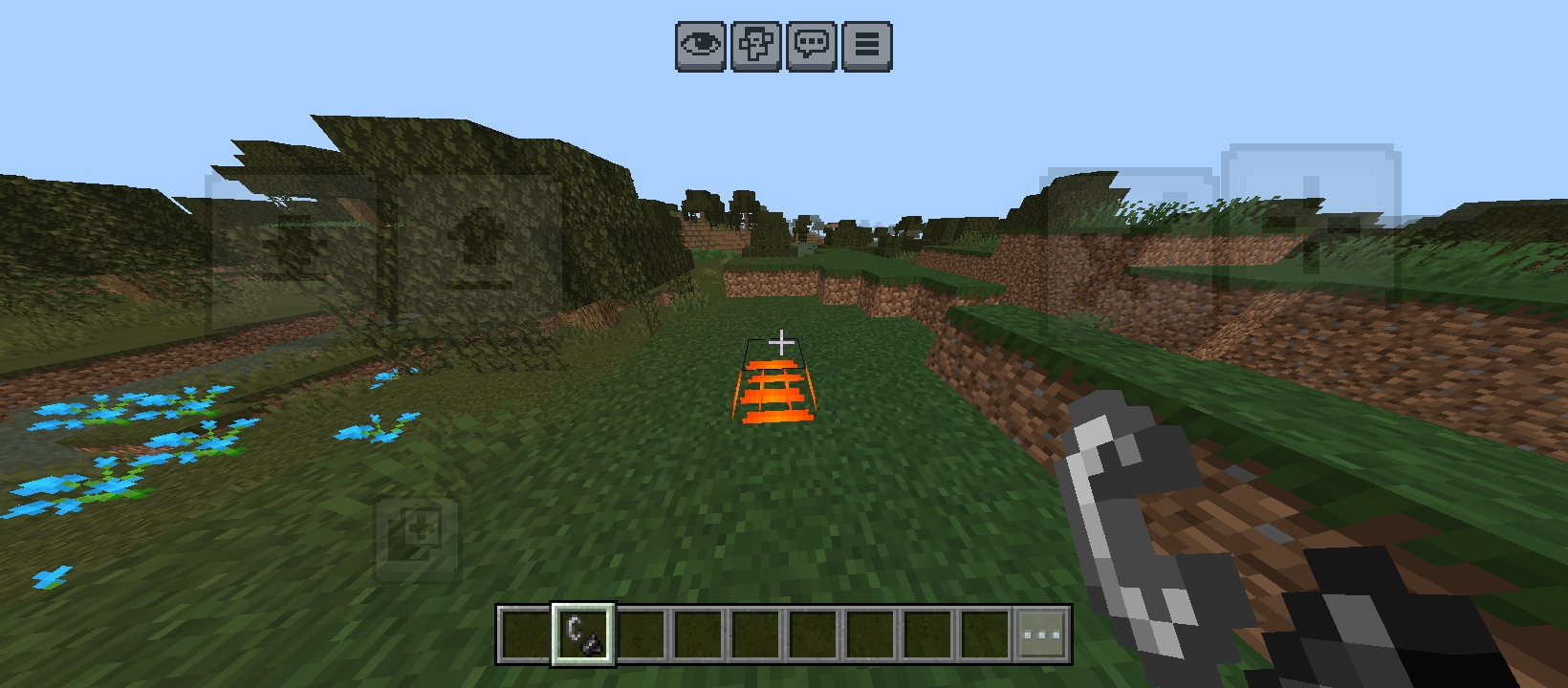
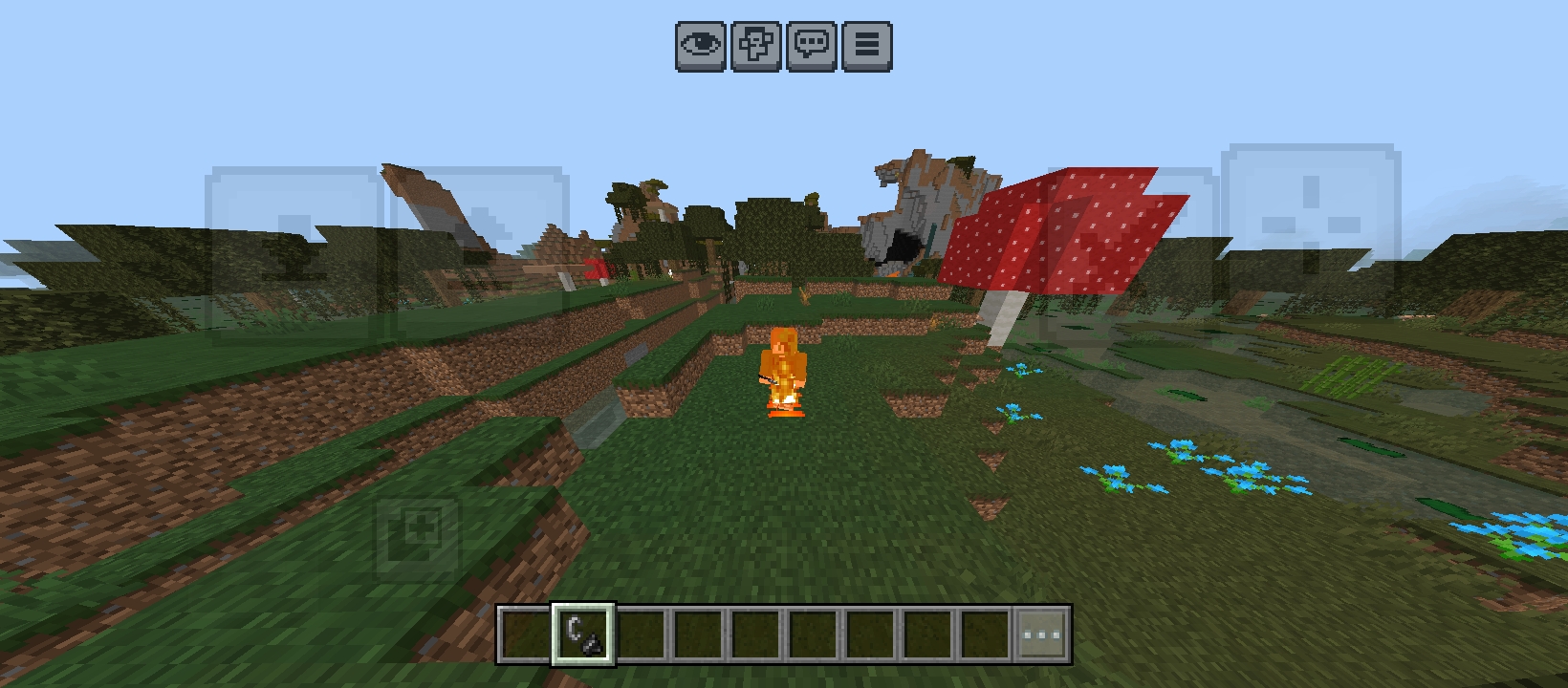
Low Fire by CreepyPie is a lightweight Minecraft Bedrock texture pack designed to improve PvP visibility and gameplay. The default fire overlay is reduced, allowing you to see more of your screen while fighting, exploring, or playing on SMP servers.
Features
🔥 Lower fire height for better visibility ⚔️ Improved PvP experience 🚀 No lag and optimized performance 📱 Works smoothly on mobile devices 🌍 Great for SMP, Survival, and PvP servers 🎨 Clean and simple design
Compatibility
Minecraft Bedrock Edition
Android, iOS, Windows, and Console supported
Installation
Download the pack.
Import it into Minecraft.
Activate it in Global Resources or your world settings.
Enjoy better visibility during combat!
Credits
Created by CreepyPie. Please do not re-upload or redistribute without permission.
See through the flames and dominate every fight with Low Fire by CreepyPie! 🔥⚔️
- Edition: Minecraft Bedrock
- File type: .mcpack
- Minecraft versions listed: 26.11, 26.12, 26.20
- How to install: Download the .mcpack. → Open it — Minecraft imports it under Resource Packs. → Activate it in Global Resources, or for one world under Resource Packs → Available.
- Where to get it: Opens on CurseForge — not every file is mirrored on our own servers.
Install steps are the general flow for this file type — see the MCModsHub guides for the full walkthrough.
- Save it as LowFire_by_creepypie.mcaddon before opening — it downloads as .mcpack, but it is a .mcaddon pack
- Manifest requires Minecraft 1.16.0 or newer
- Complete pack — everything it depends on is inside the file
- Download size: 9 KB
- Download link checked 19 Aug 2026 — working
These come from our own check of the pack file, not from the source page.