Bedrock add-on listed for Minecraft 1.21 (behavior + resource pack). Needs Beta APIs. File opened and checked on 8 Oct 2026; installs from the MC Bedrock Mods app on Android.
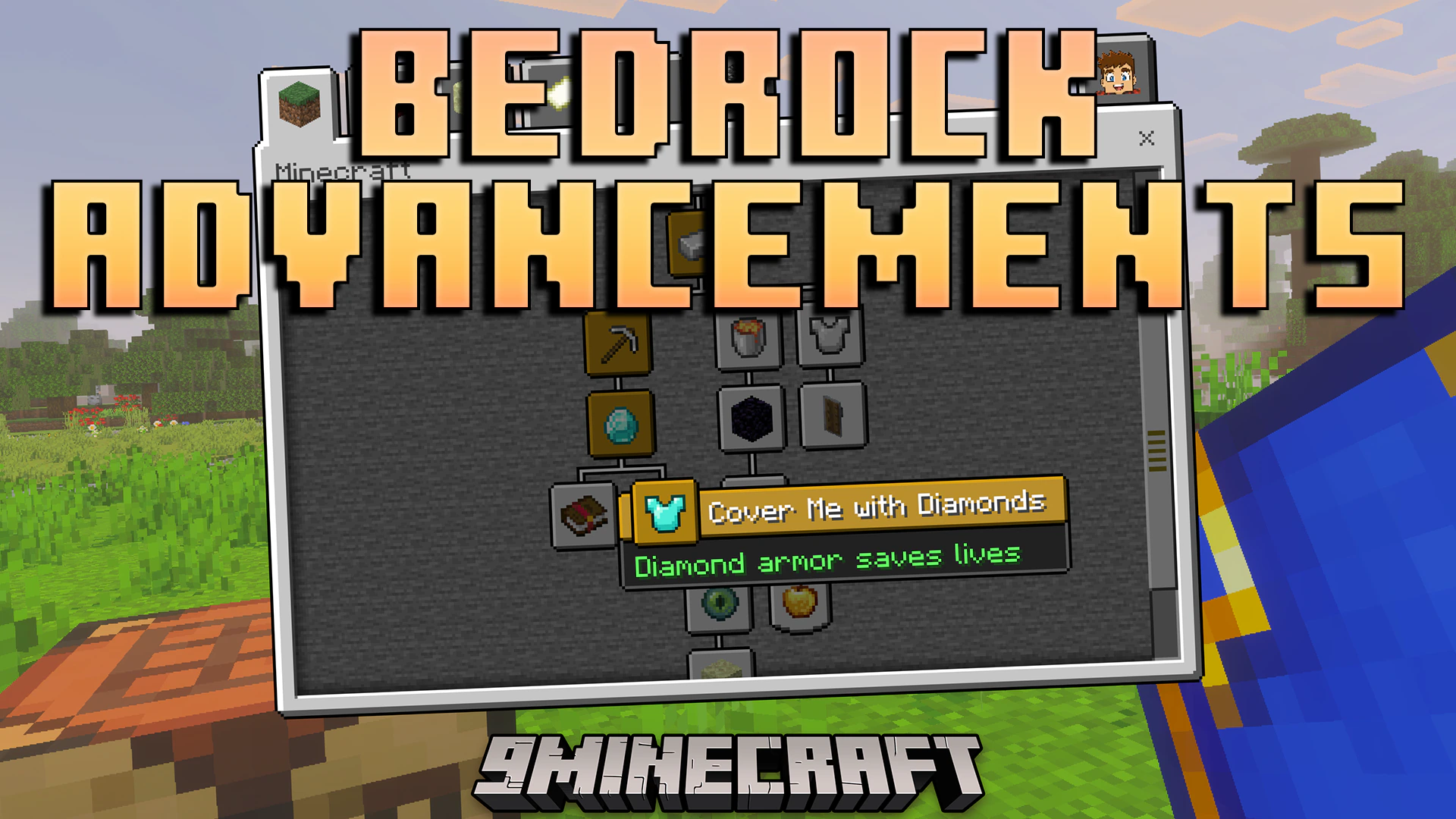
Bedrock Advancements Addon adds a complete progression system to your game with custom notifications and menus. It lets you track over 100 classic advancements and 132 achievements directly in your world. You can craft a special book to view your progress or place it on a lectern to show off your completed goals.
Features:
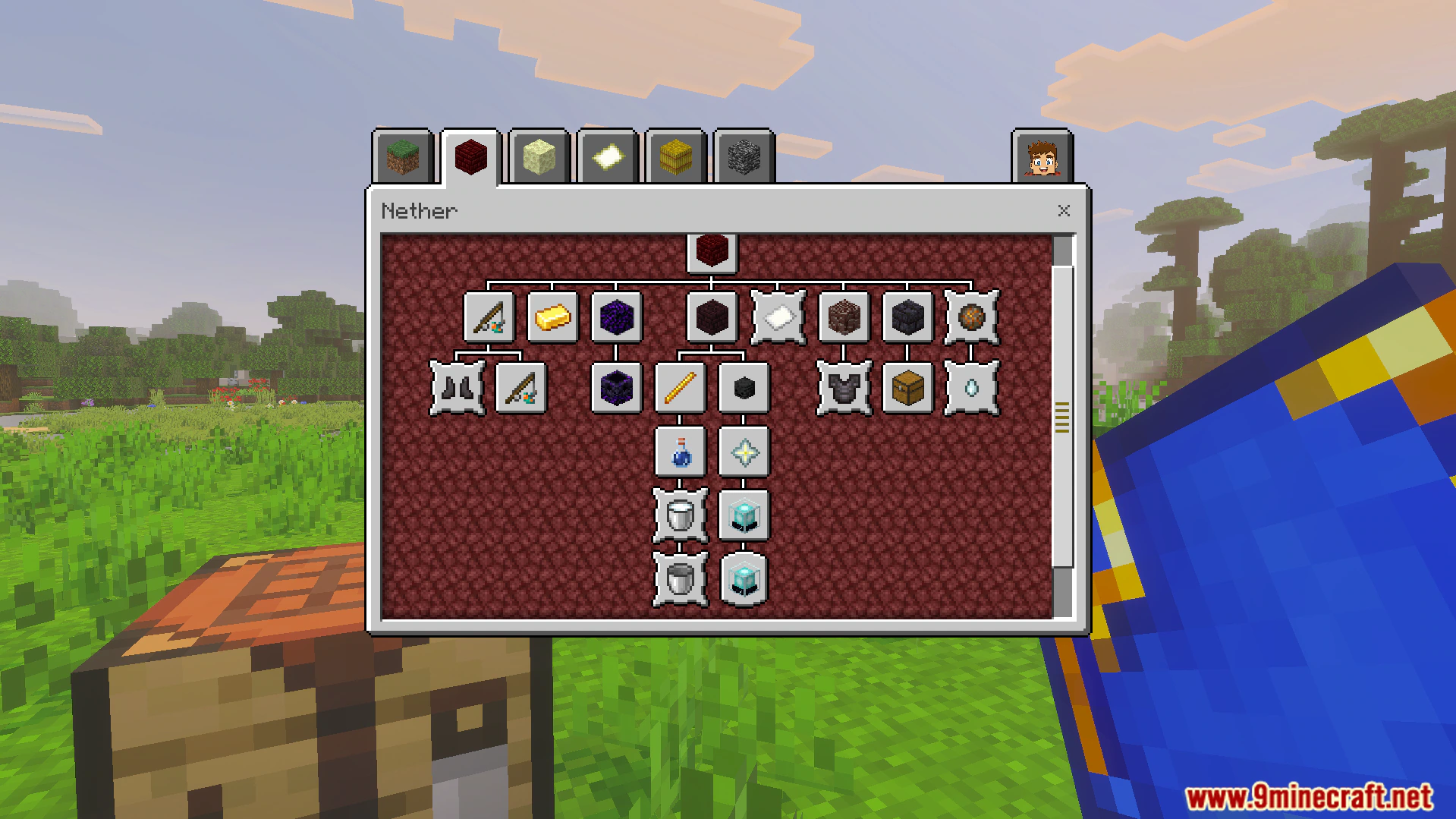
Adds over 100 classic advancements across five different categories.
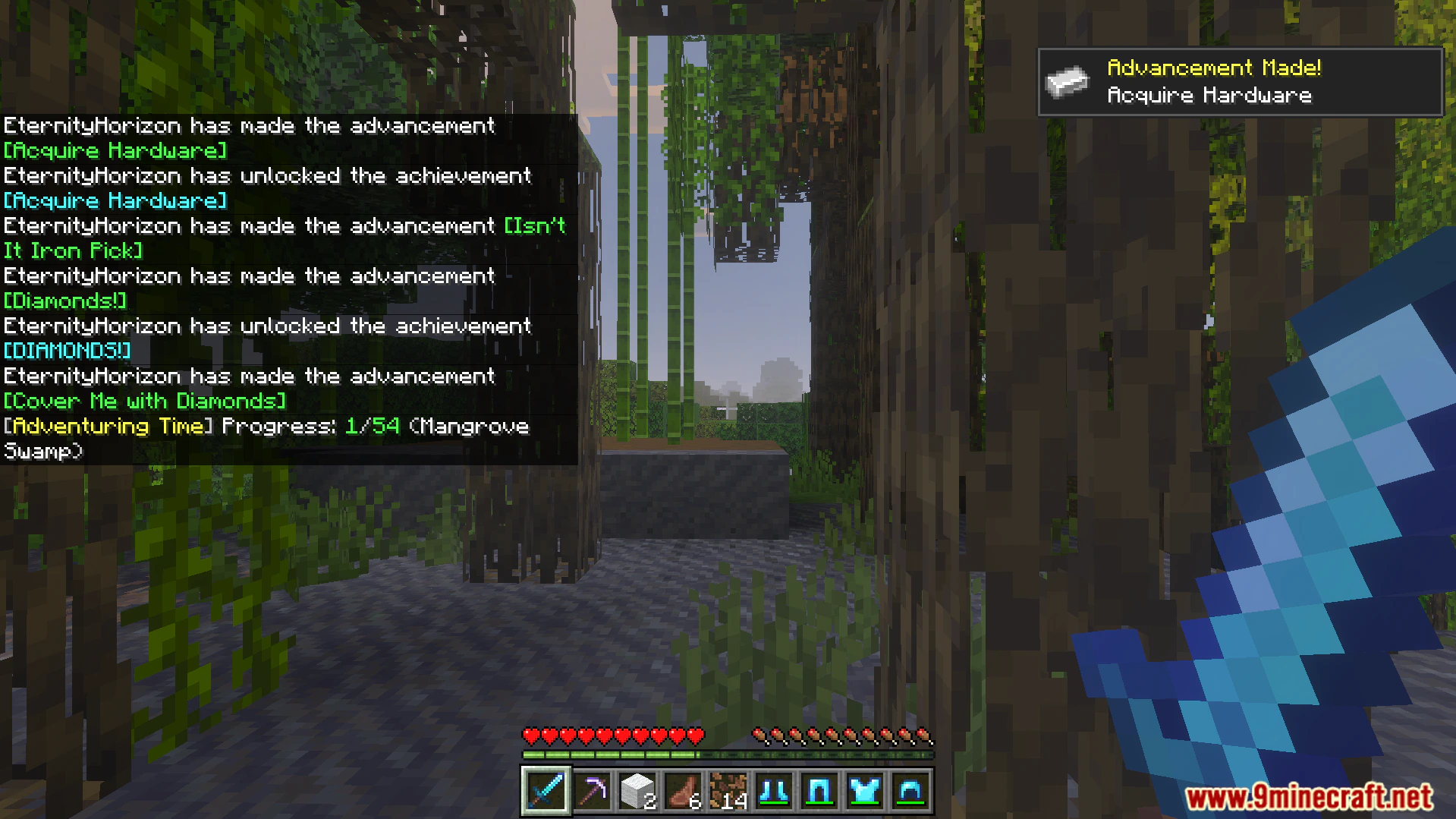
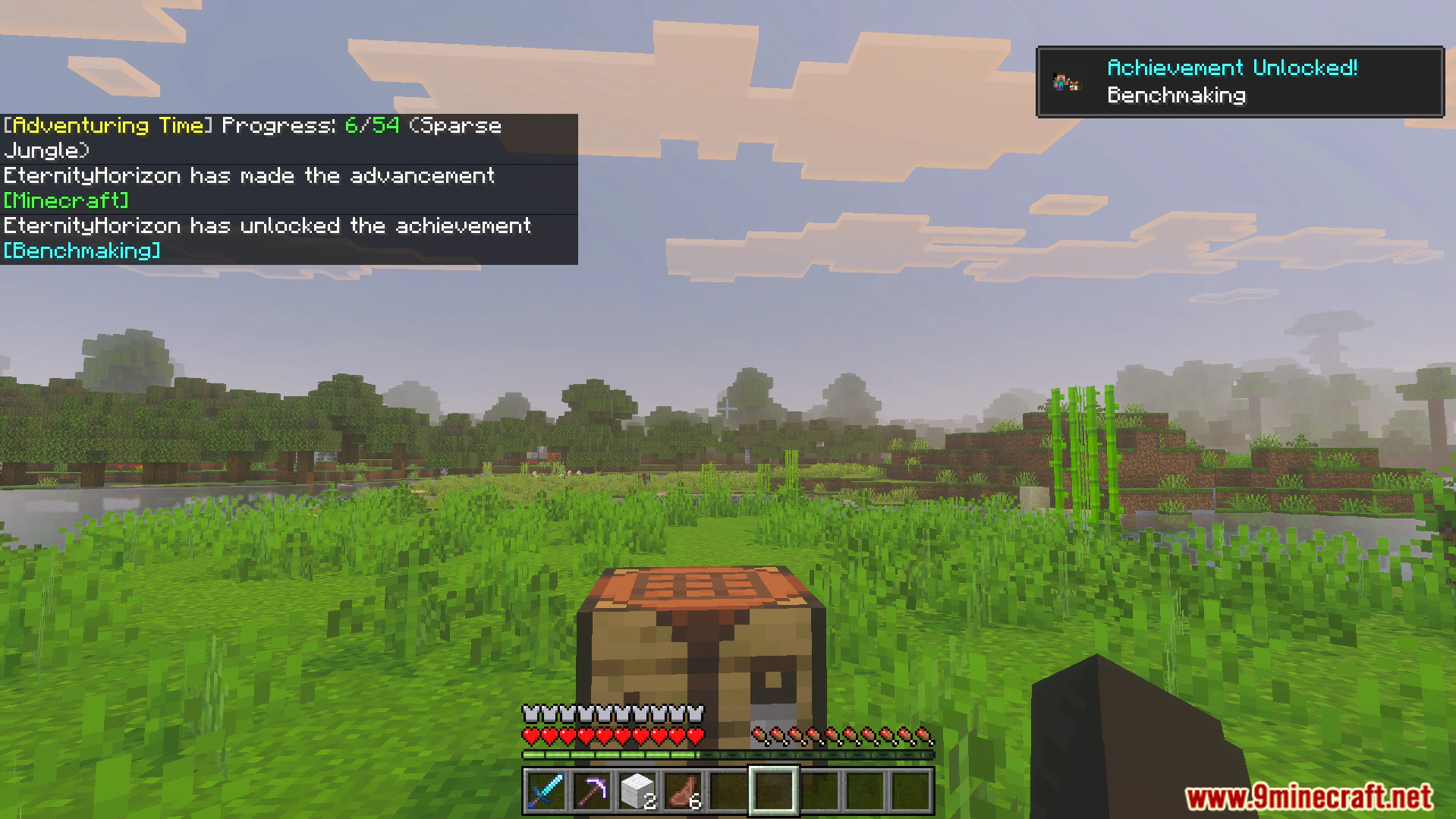
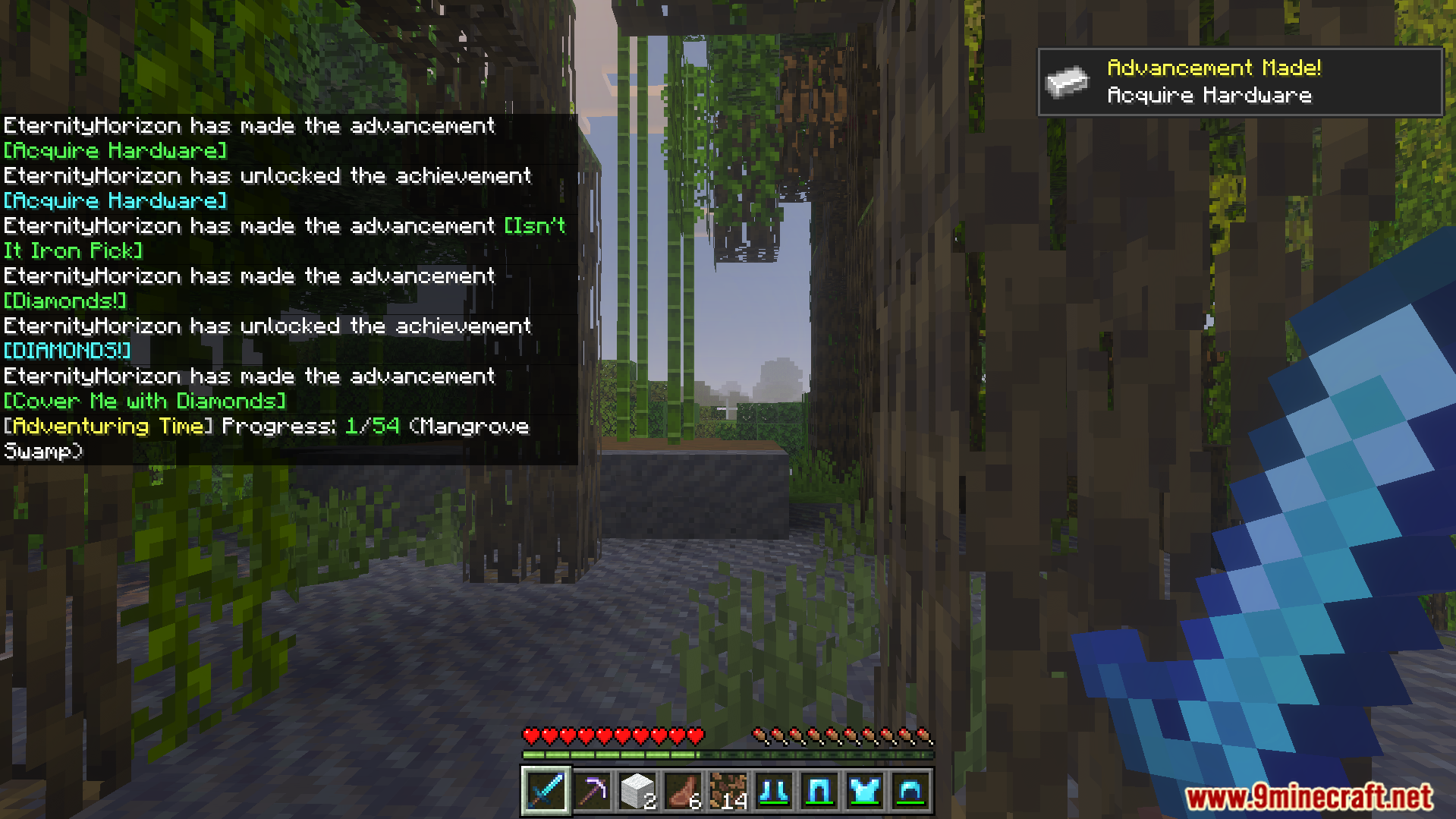
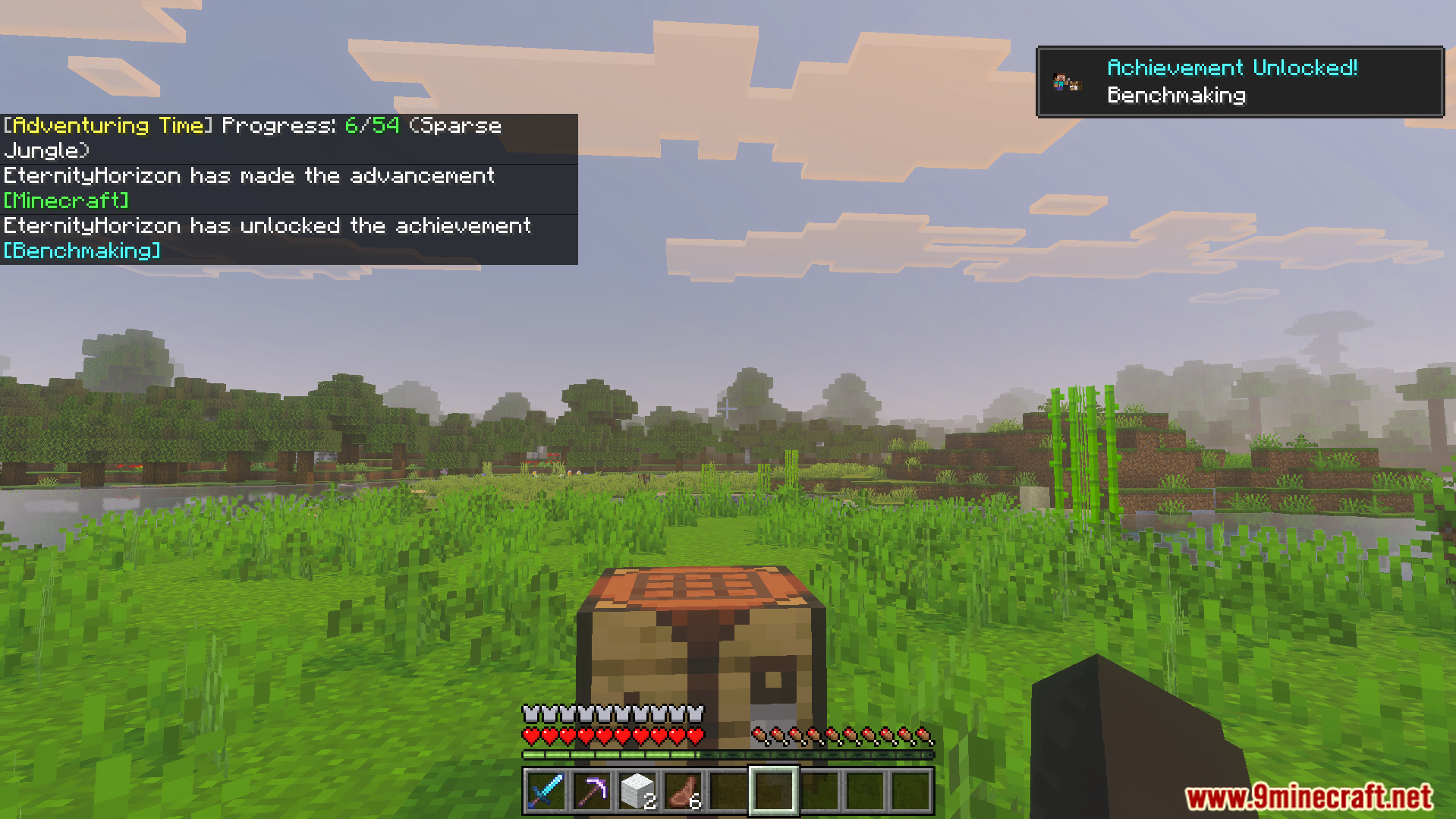
Displays popup notifications on your screen when you finish tasks.
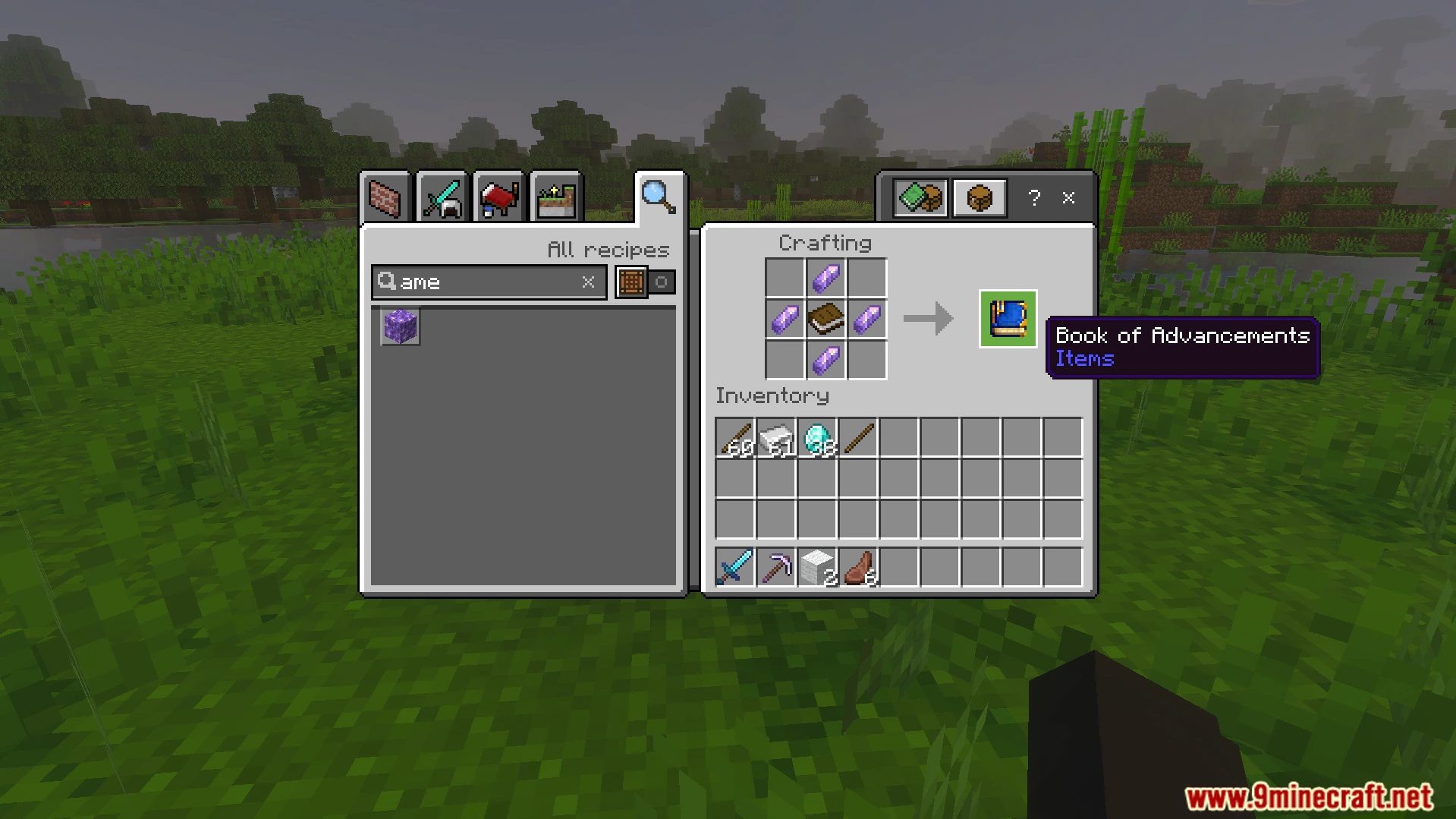
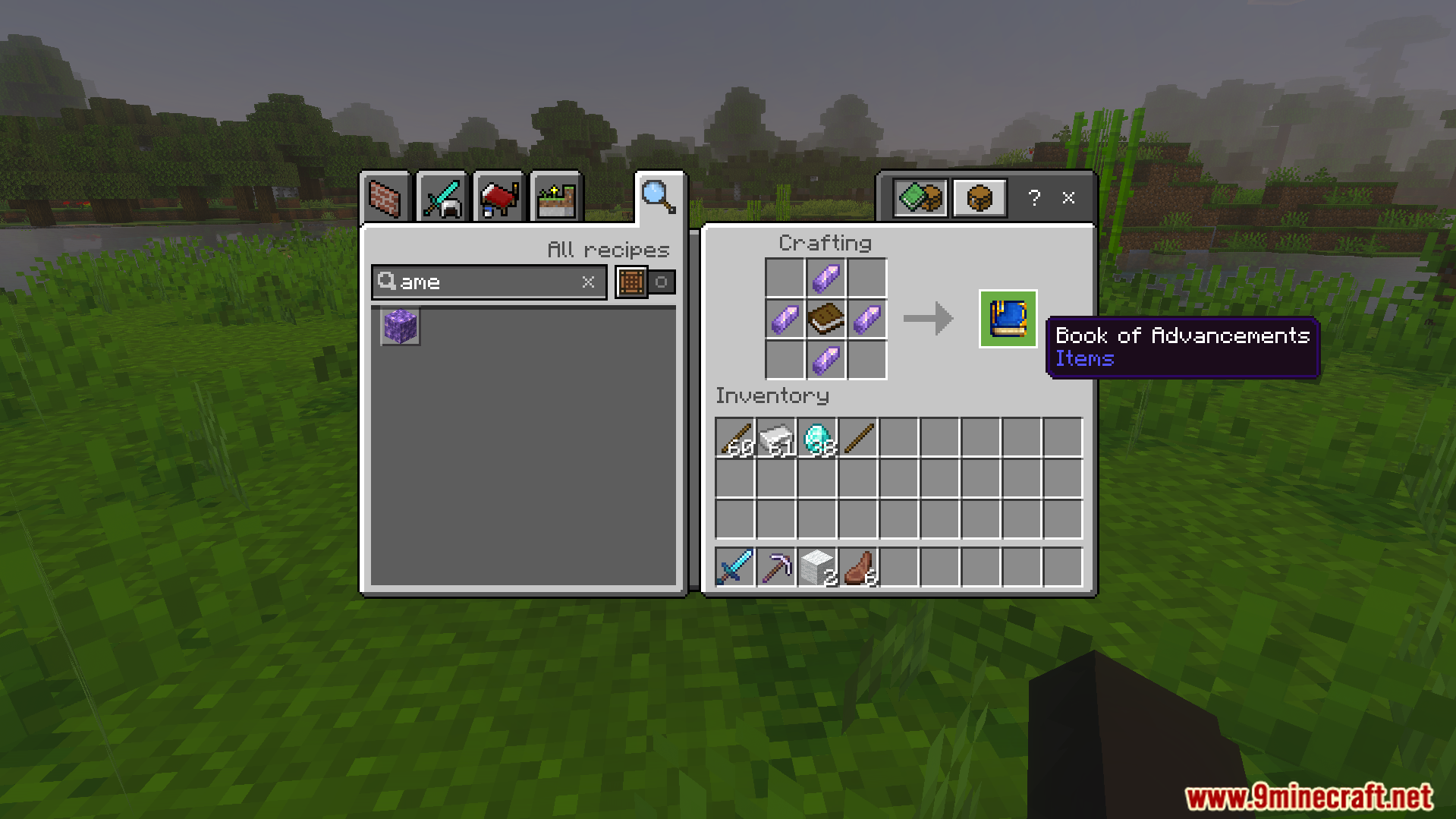
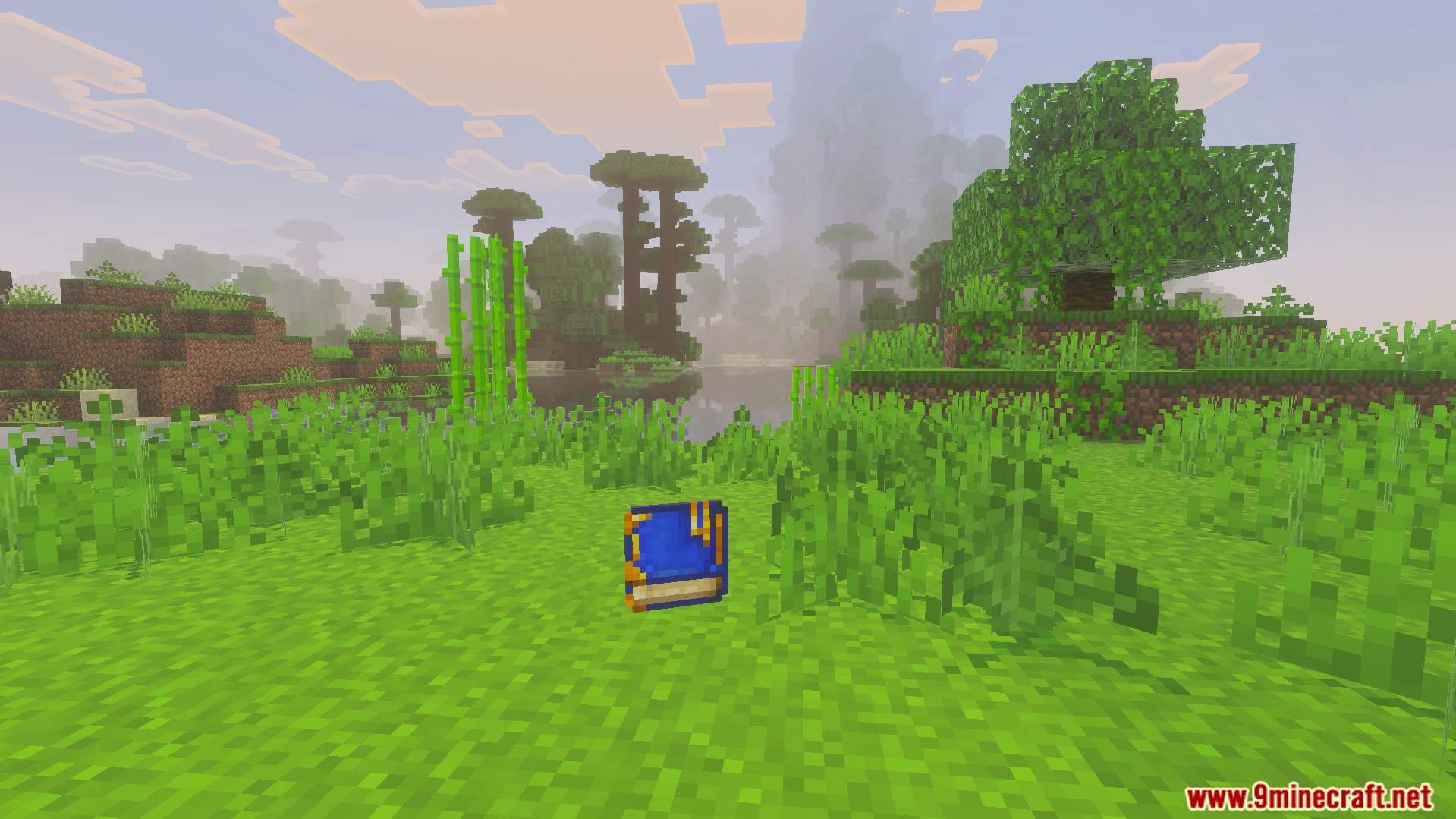
Lets you craft a special book to track your current progress.
Gives you experience points for completing difficult challenge goals.
Includes an admin panel to manage players and change settings.
Commands:
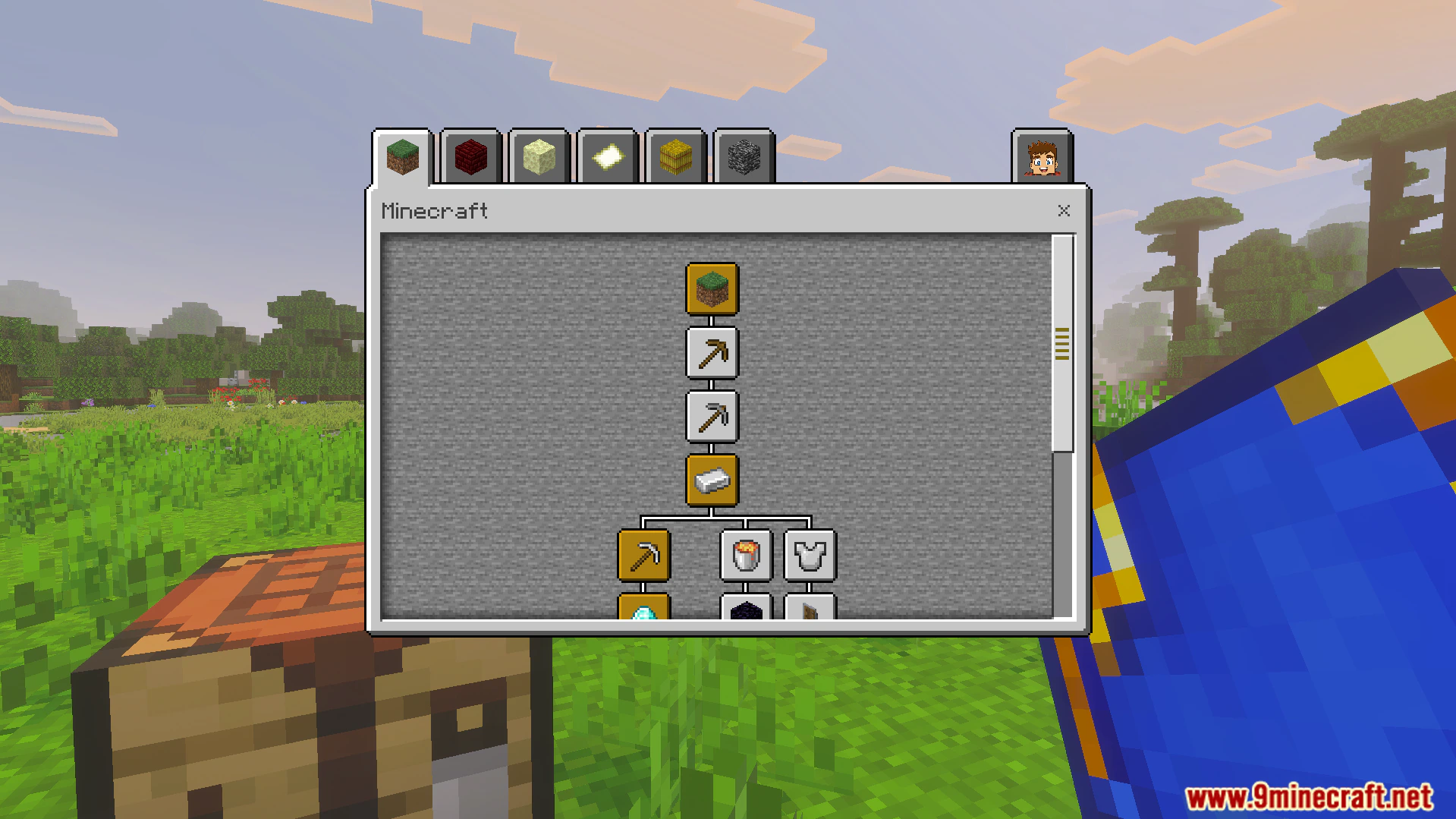
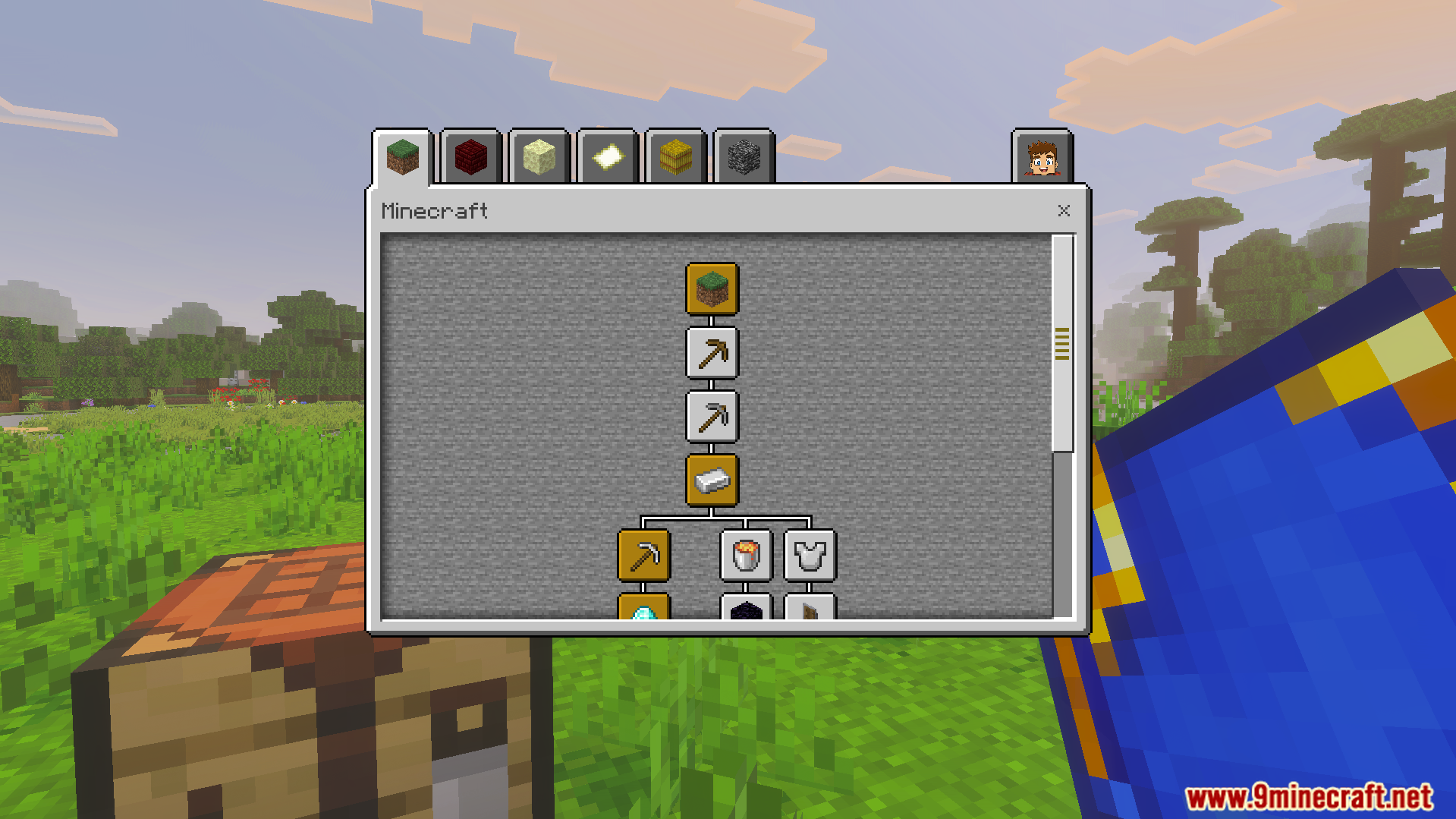
Type /ba:advancements to open the main progress tracking menu.
Type /ba:progress to view a detailed checklist of your tasks.
Screenshots:
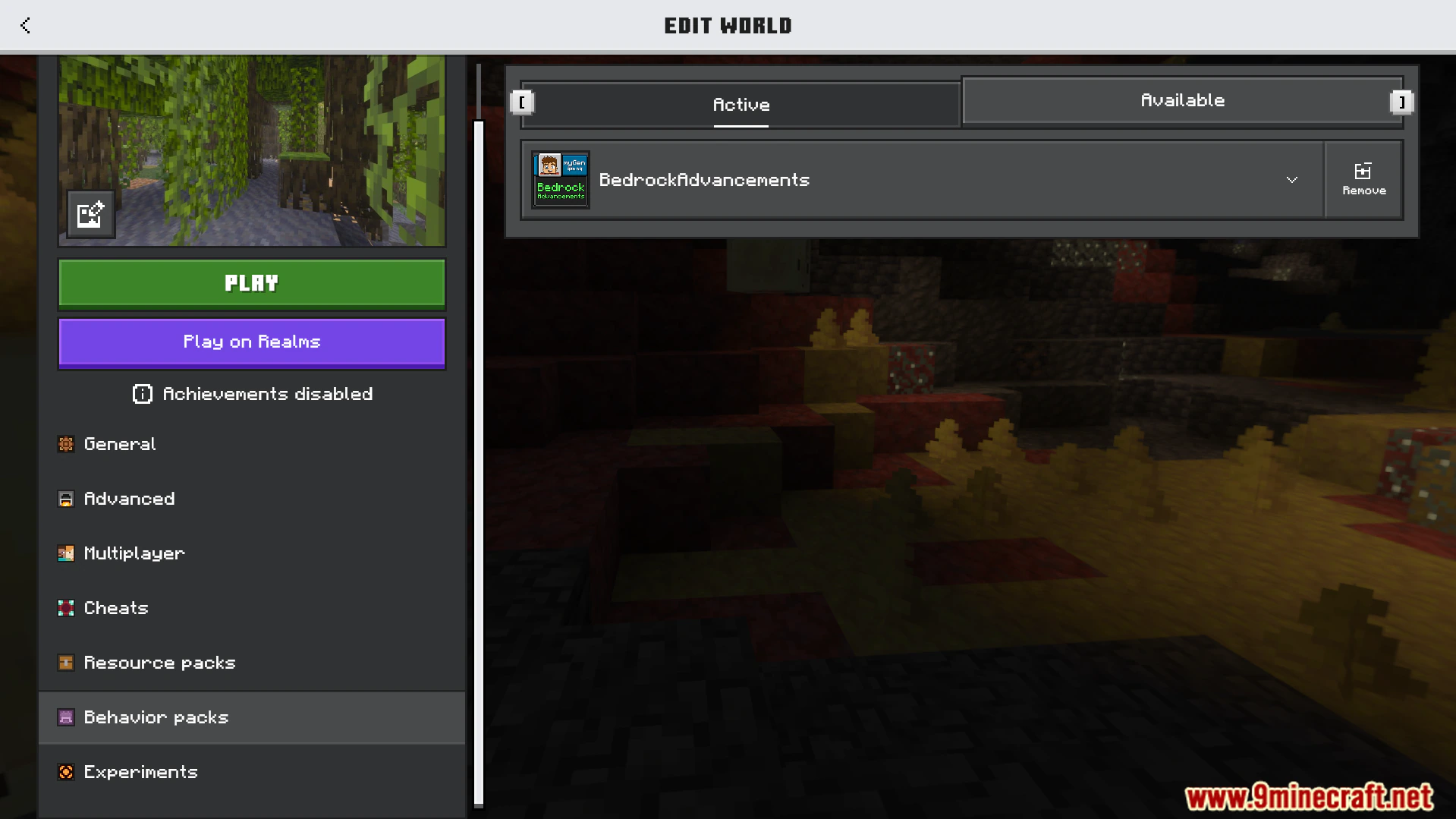
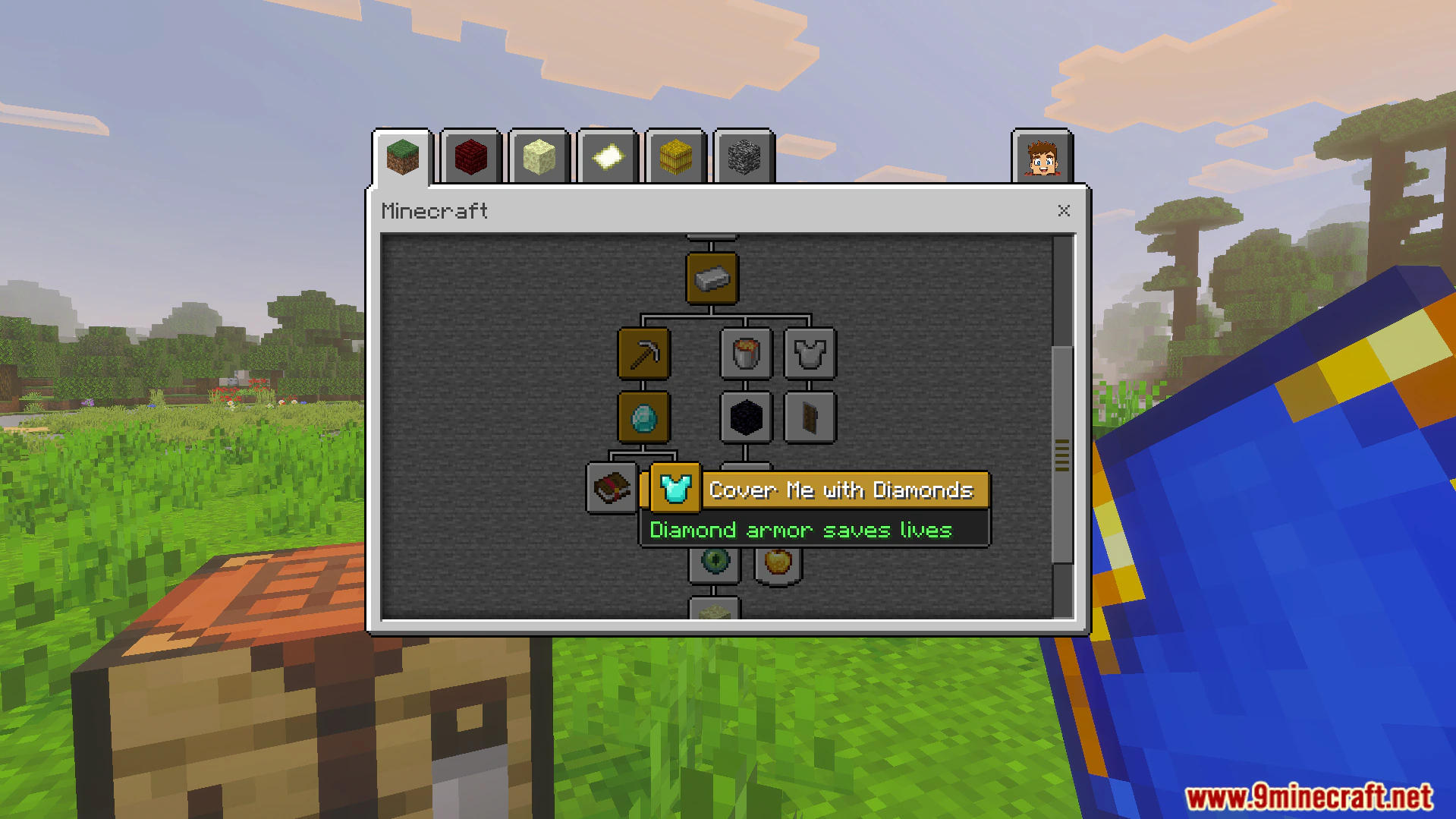
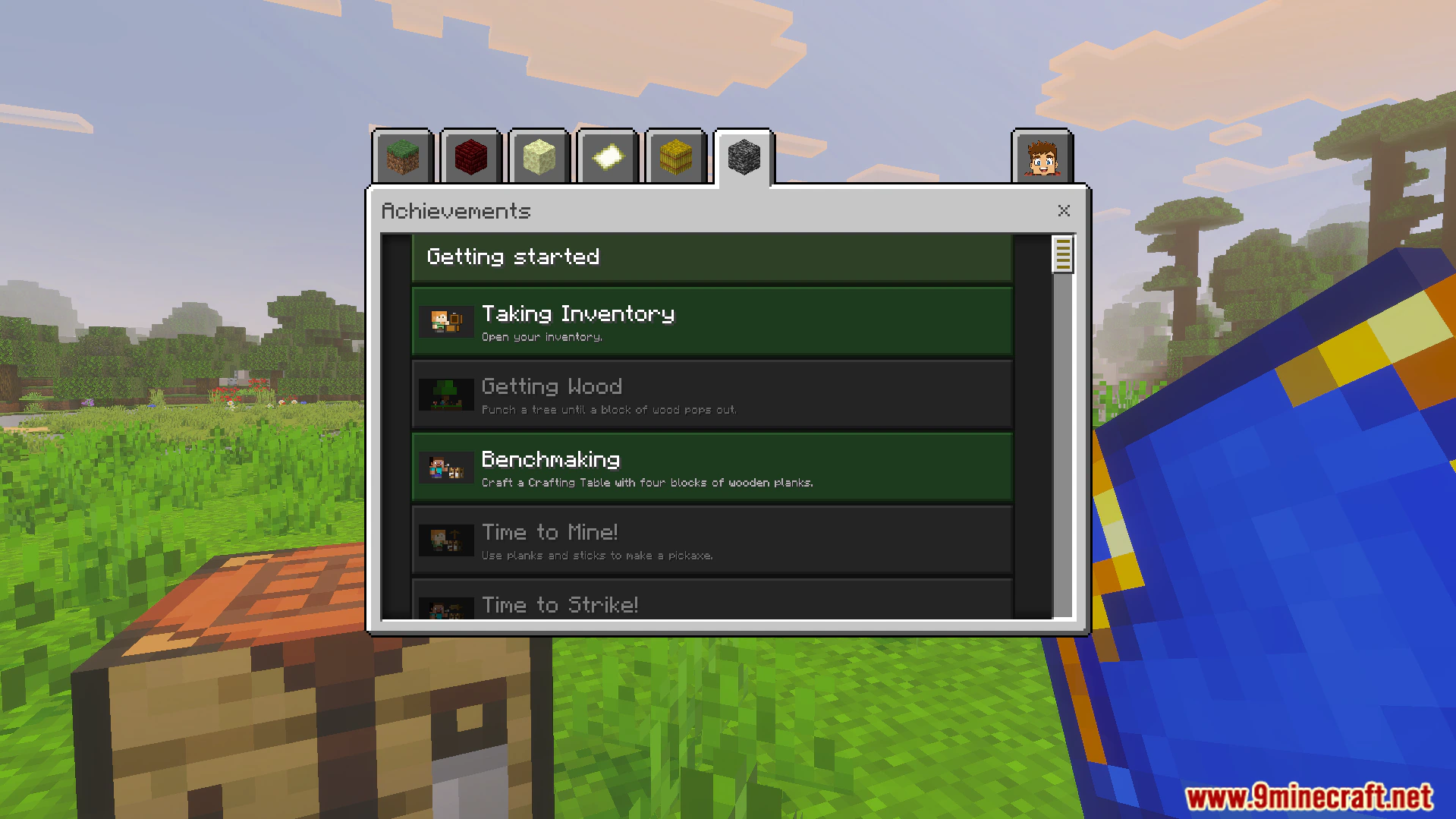
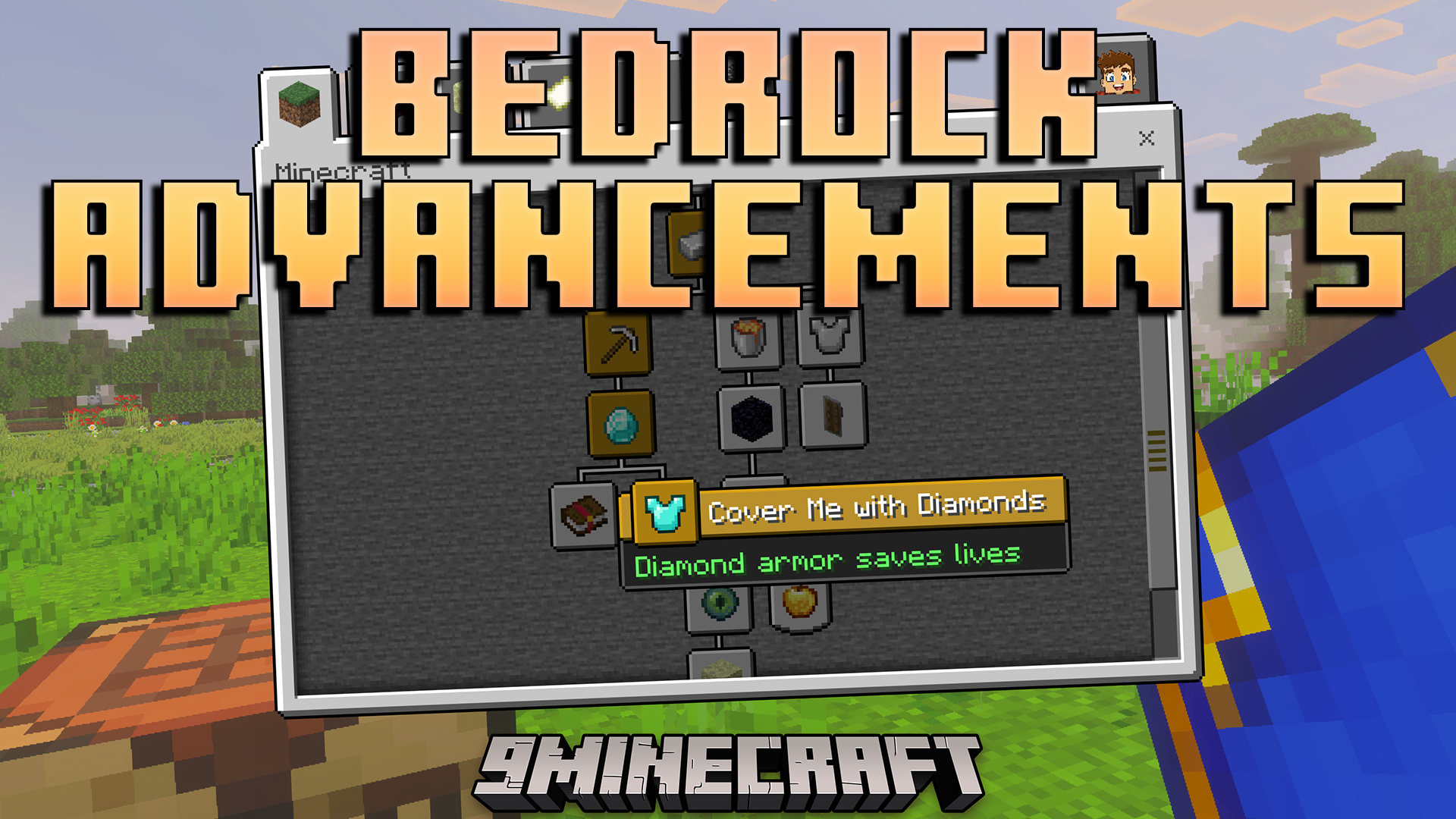
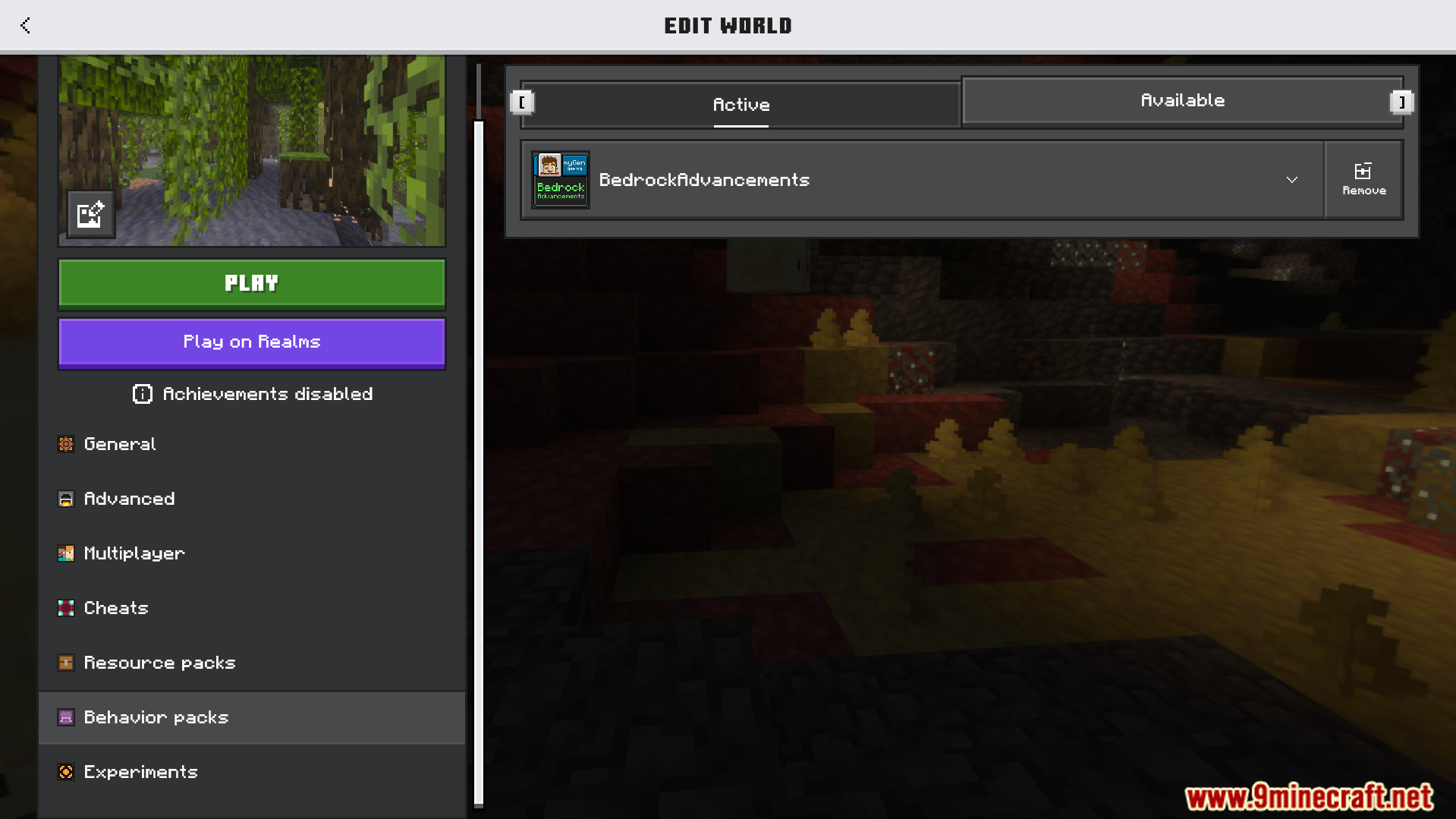
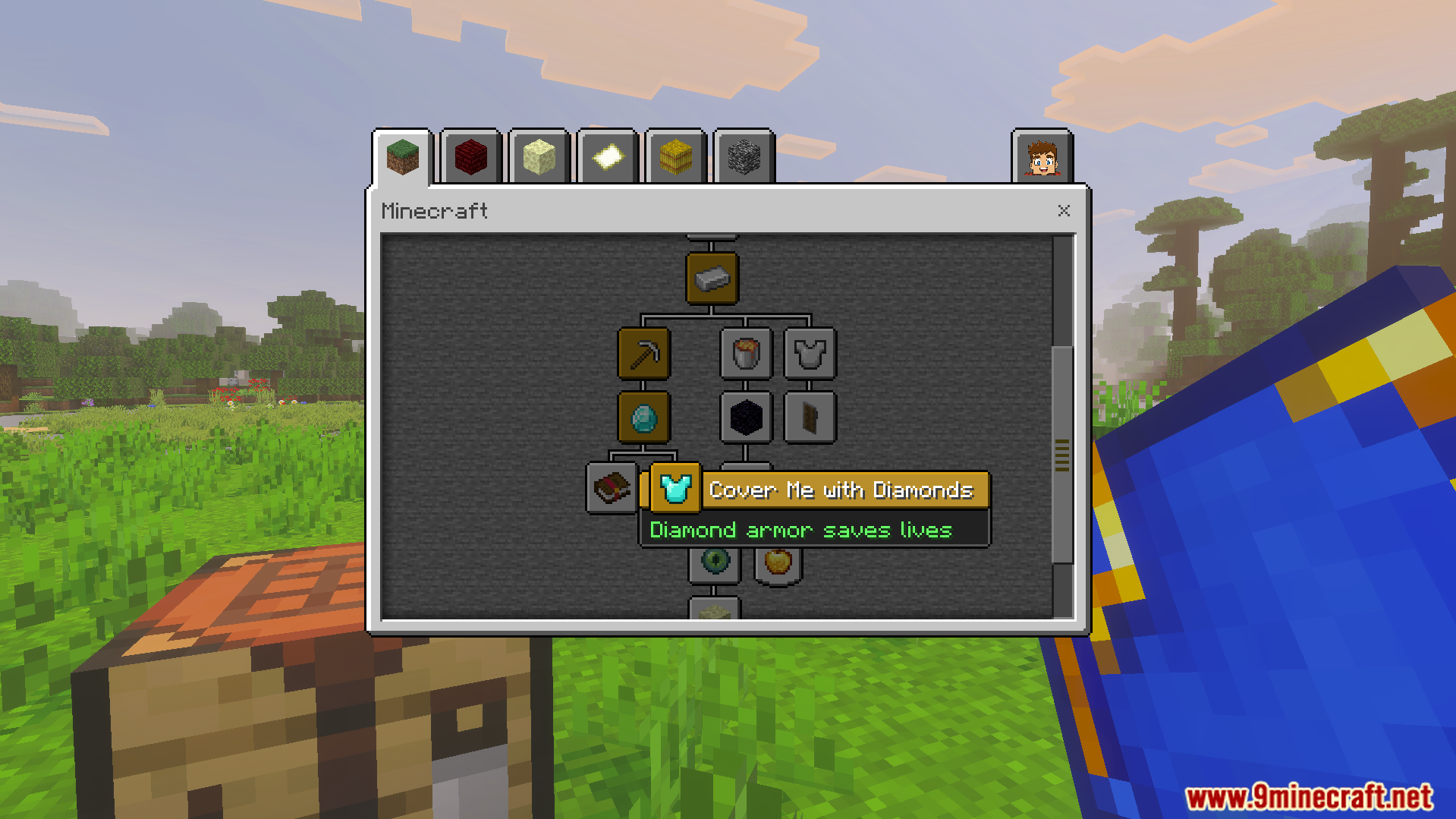
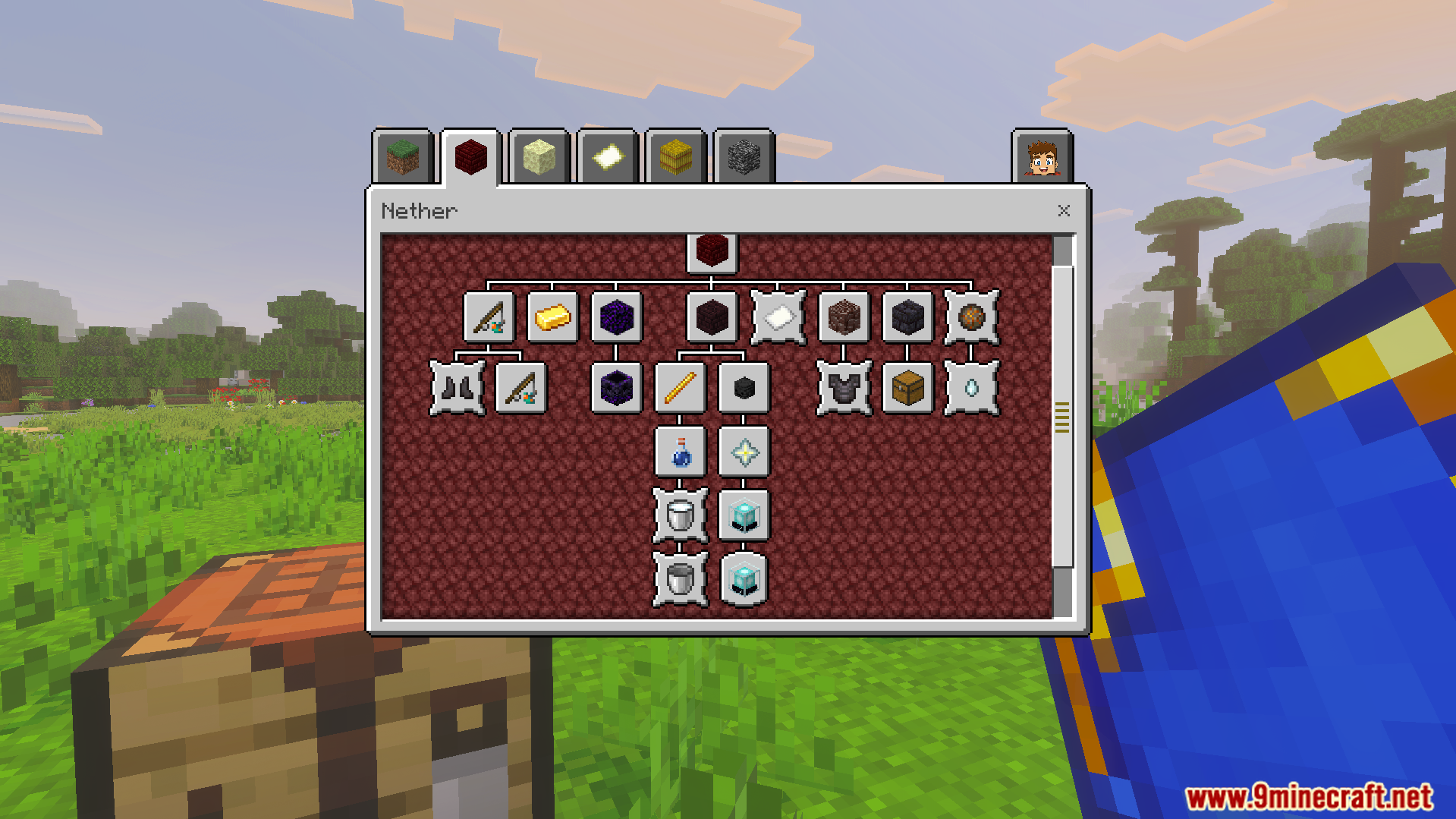
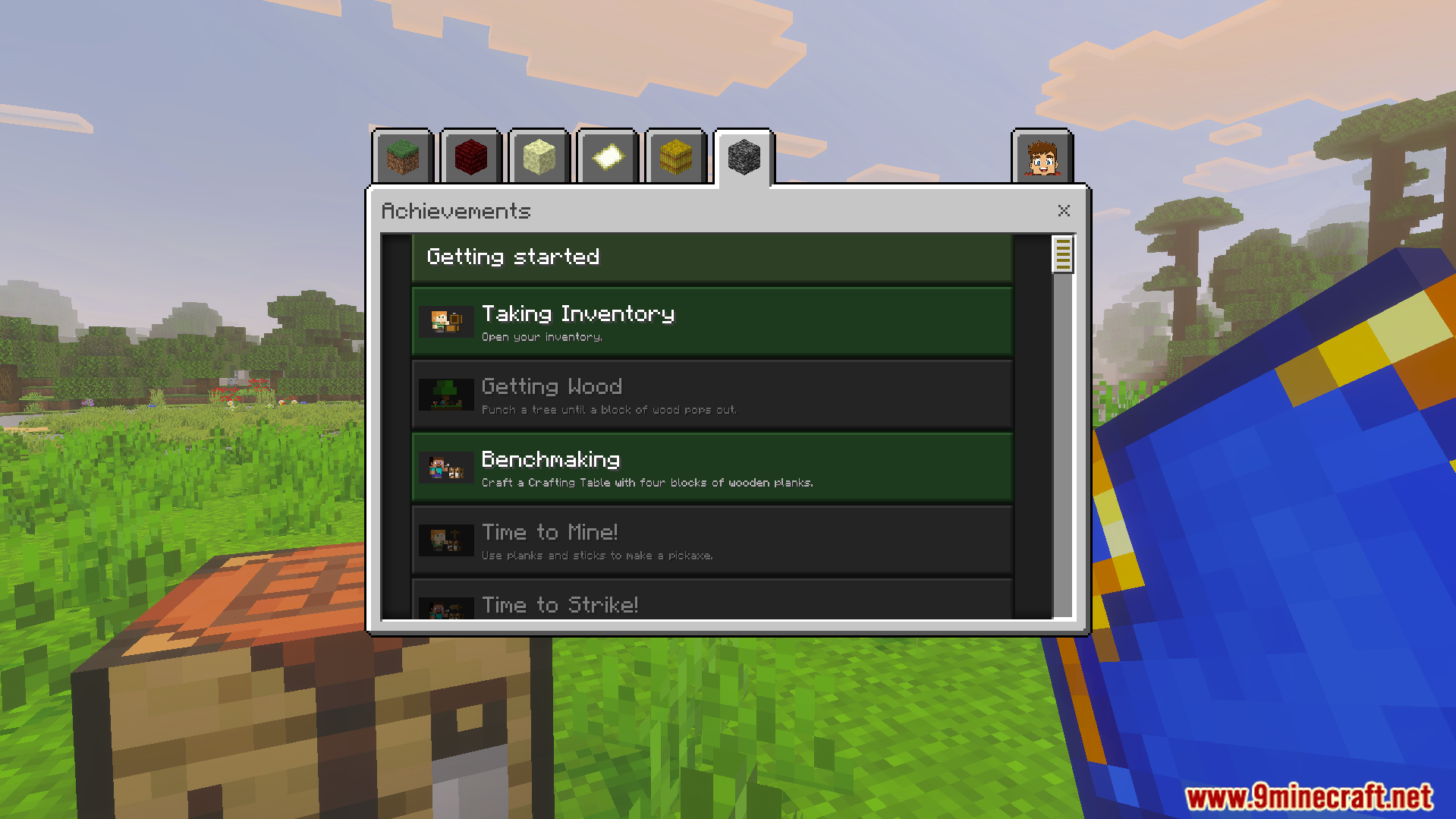
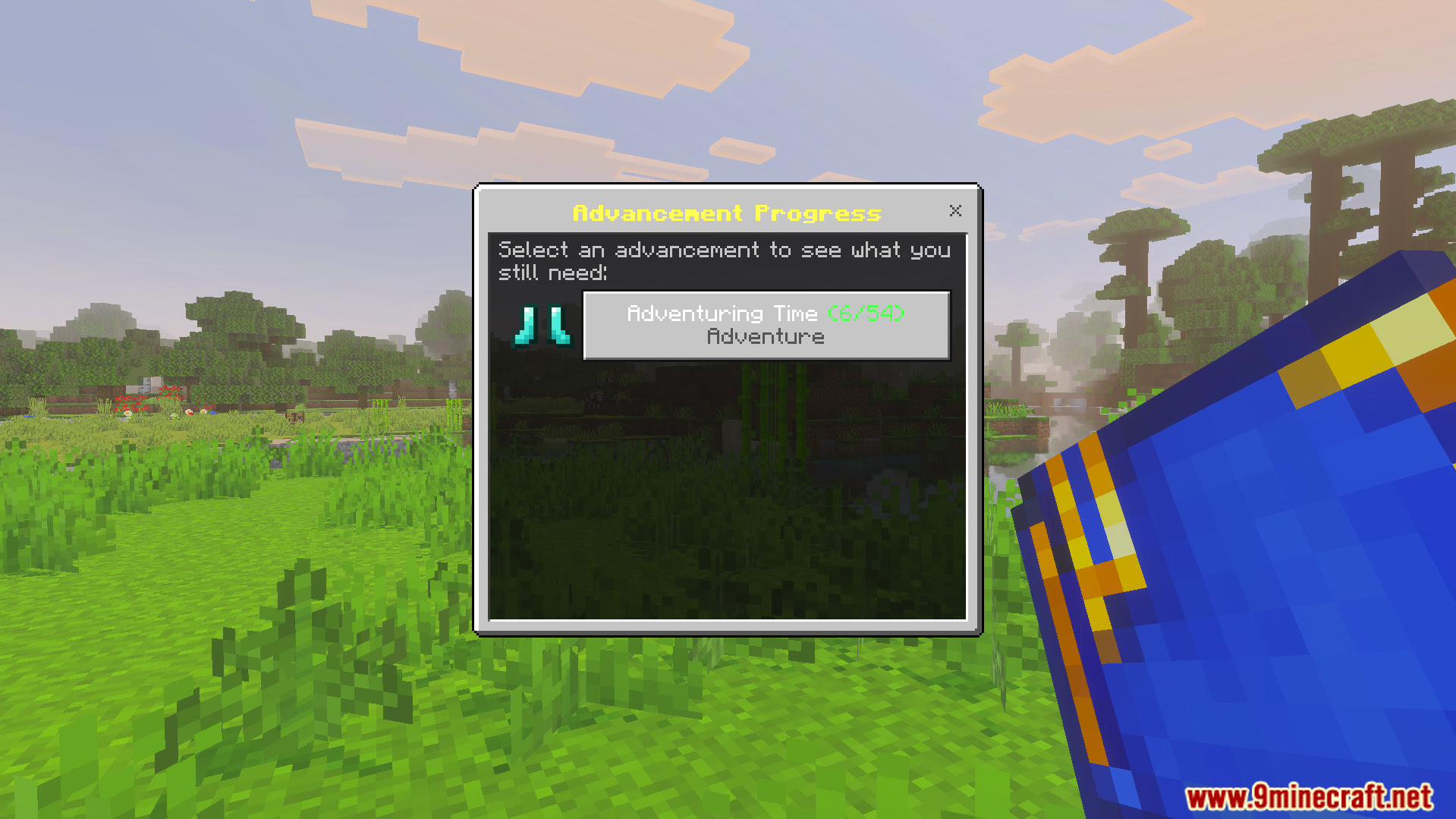
The Bedrock Advancements behavior pack is enabled in the world edit menuPlayer receives advancement notifications and chat alerts while exploring a mangrove swampBedrock Advancements Addon displays a popup notification for unlocking a new achievementCrafting recipe for the Book of Advancements using amethyst shards and a bookMain menu of Bedrock Advancements Addon showing a progression tree of tasksHighlighting the Cover Me with Diamonds achievement within the custom advancement menuCustom Nether advancement tree menu showing progress icons in a red interfaceAchievement list menu displaying completed tasks like getting wood and taking inventoryCustom advancement progress menu displaying the status of the adventuring time taskA special blue book used to track advancements lying on the grass
Bedrock Advancements Addon Download Links
Quick facts
Edition: Minecraft Bedrock
File type: .mcpack or .mcaddon
Minecraft version listed: 1.21
How to install: Download the .mcpack or .mcaddon file. → Open it — Minecraft imports it. → In your world: Behavior Packs → Available → Activate, then the same under Resource Packs.
Where to get it: In MCModsHub, or directly above on this page.