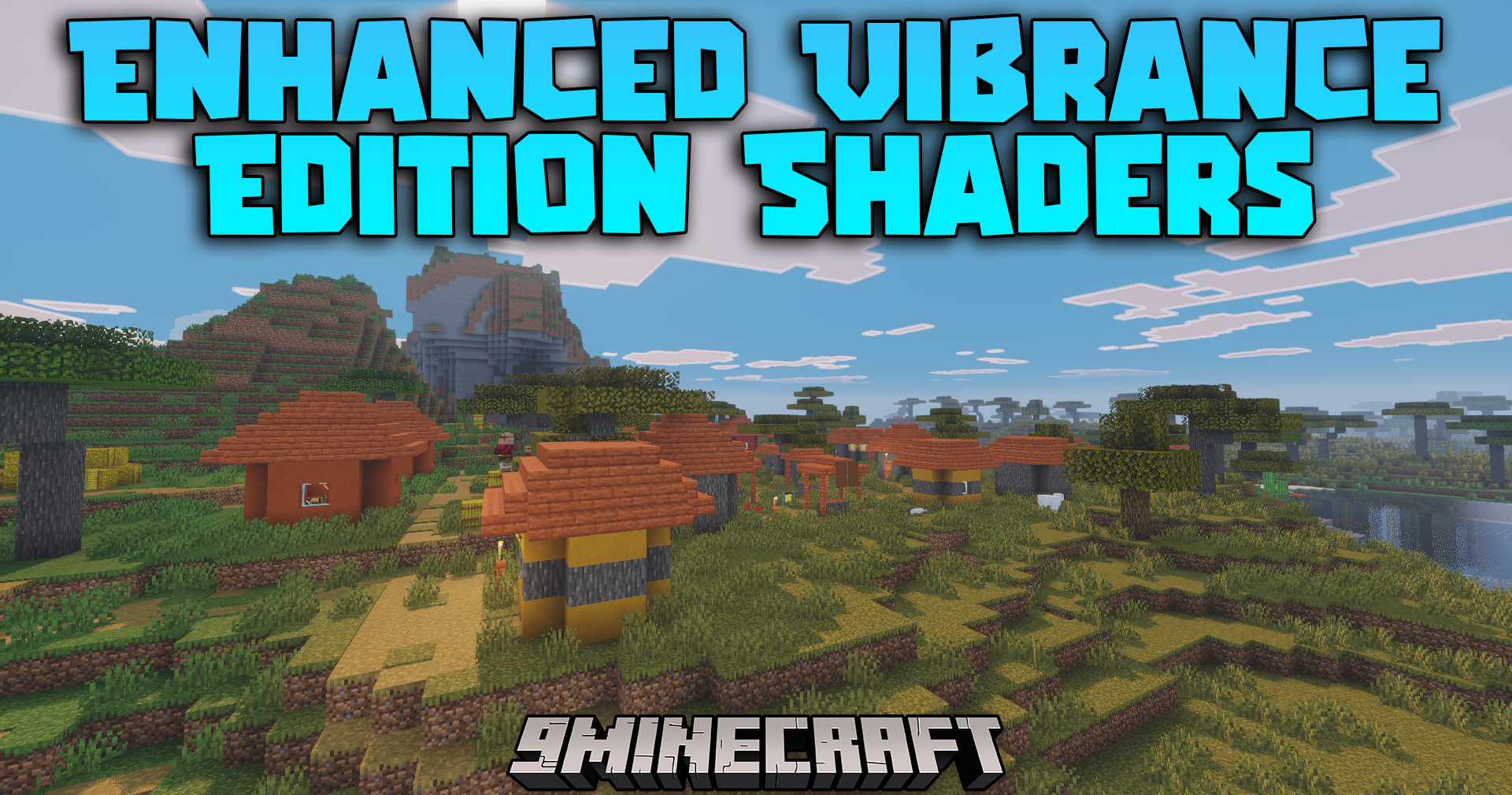
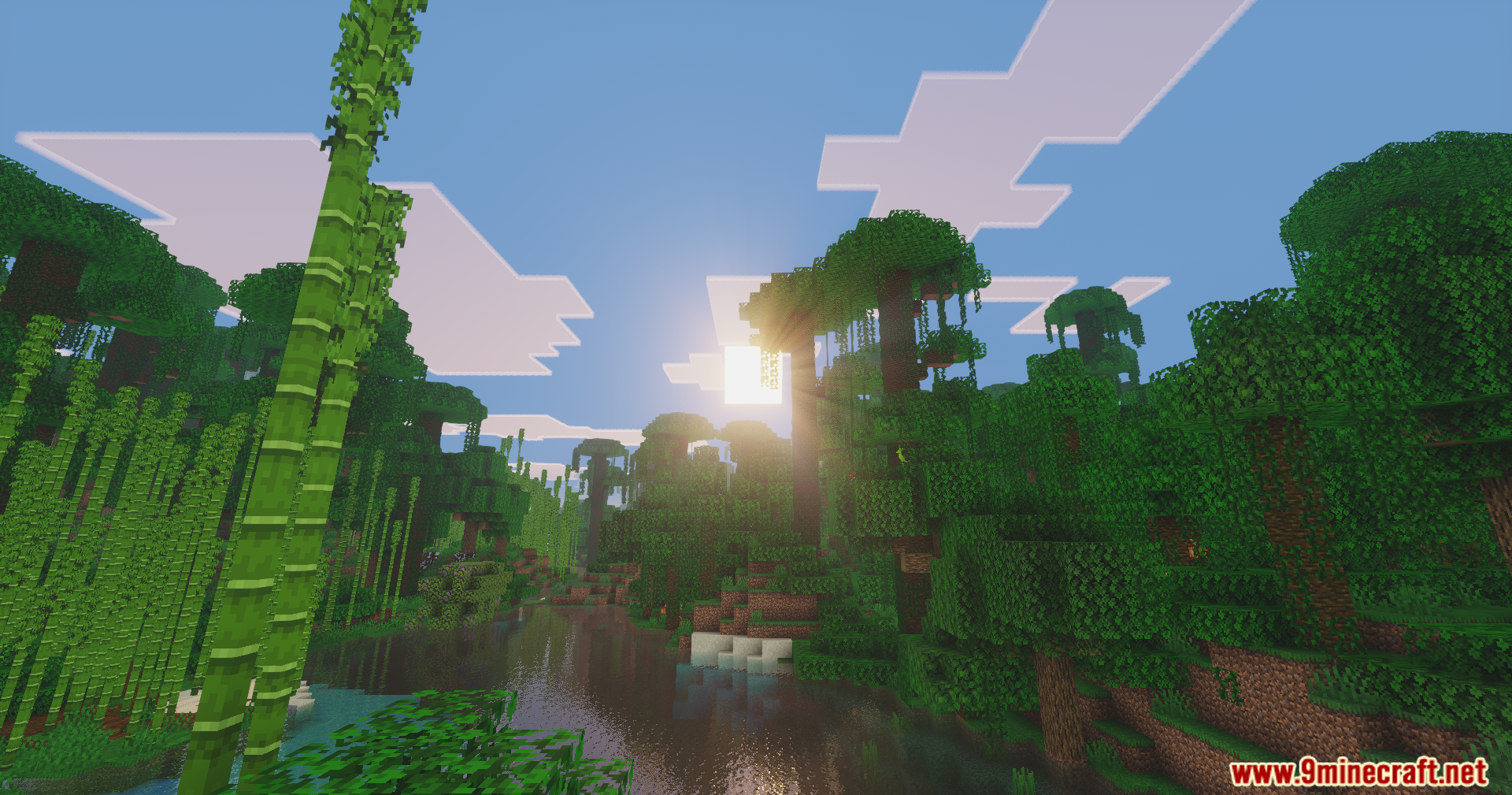
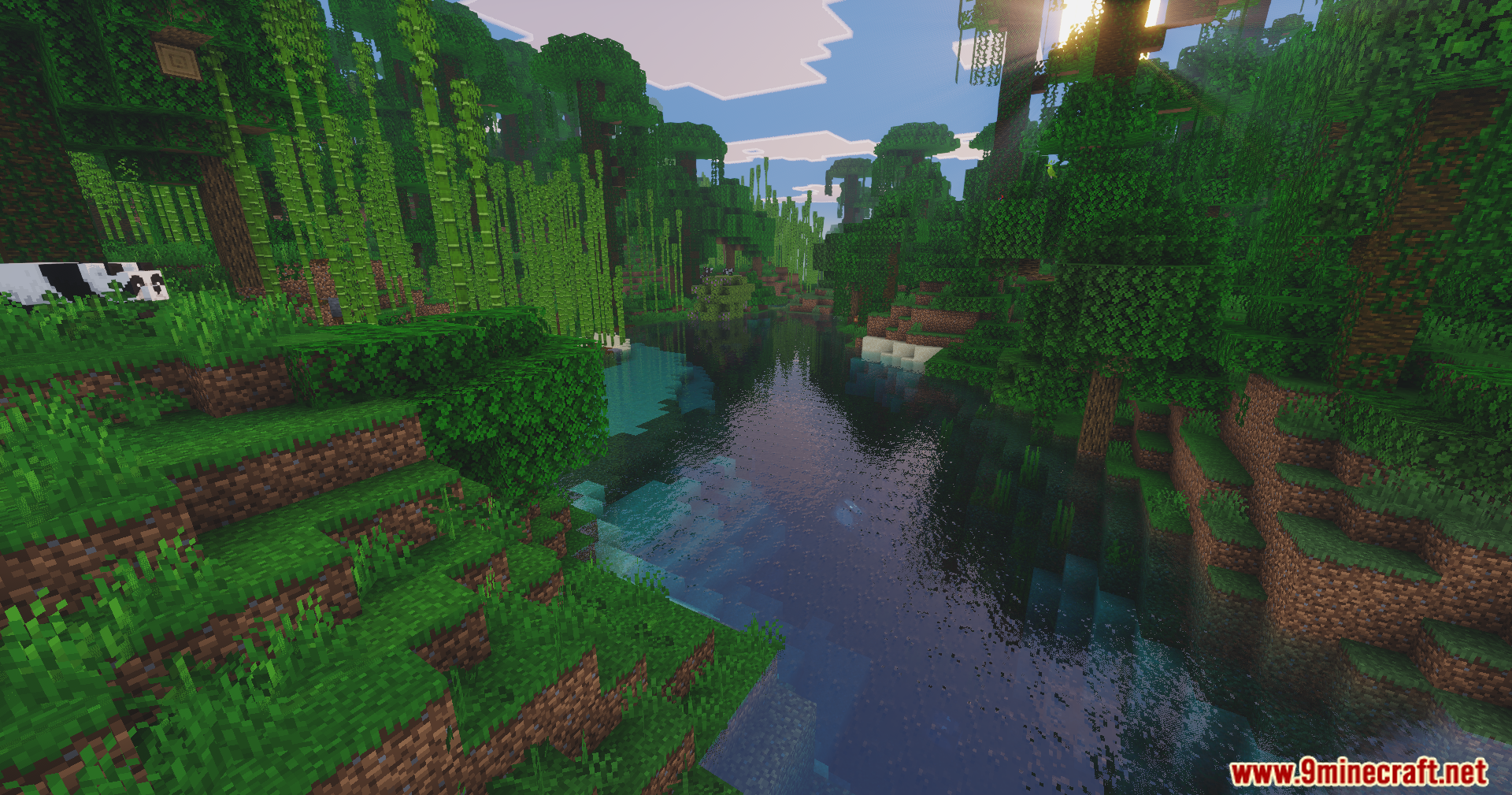
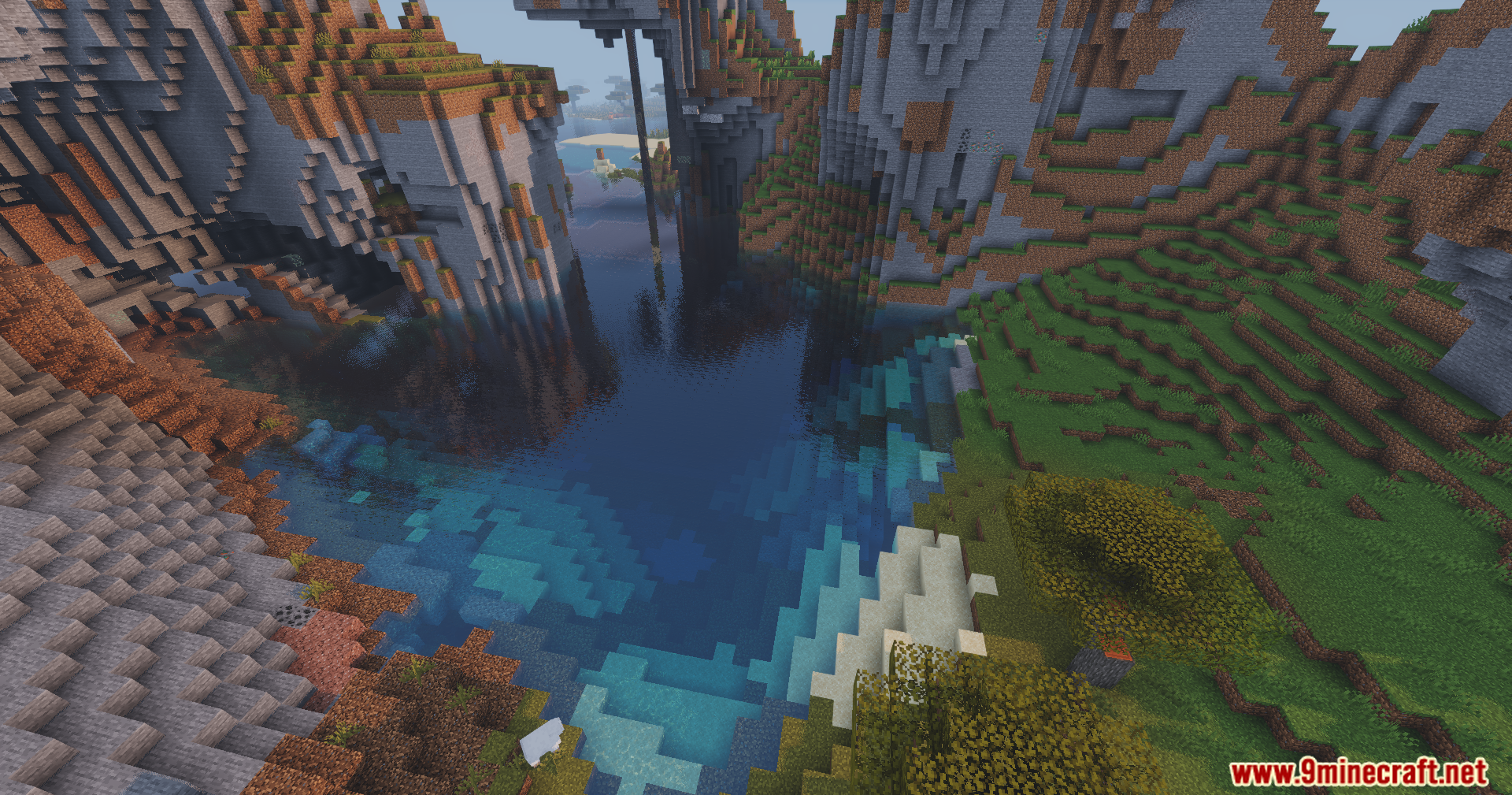
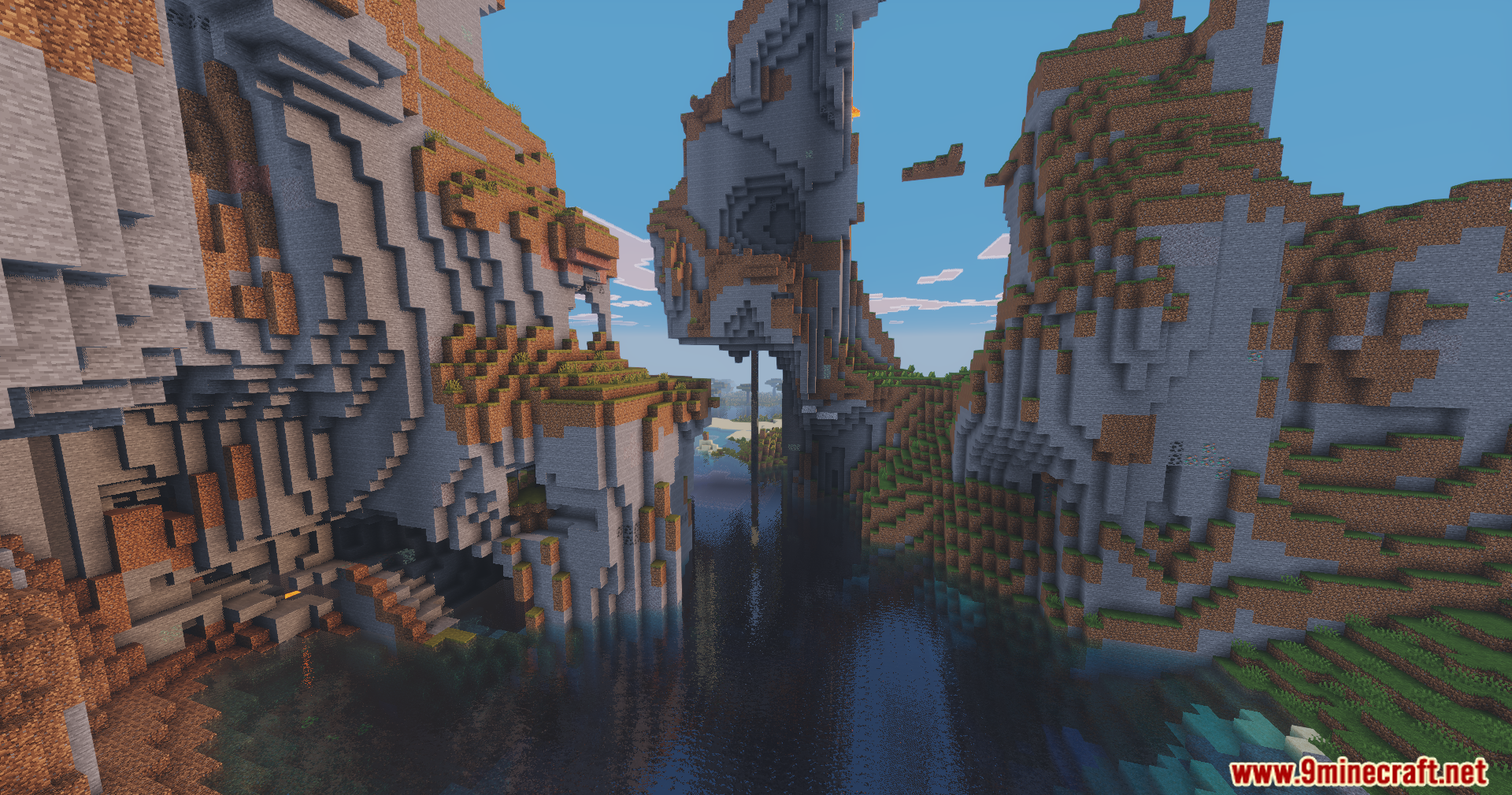
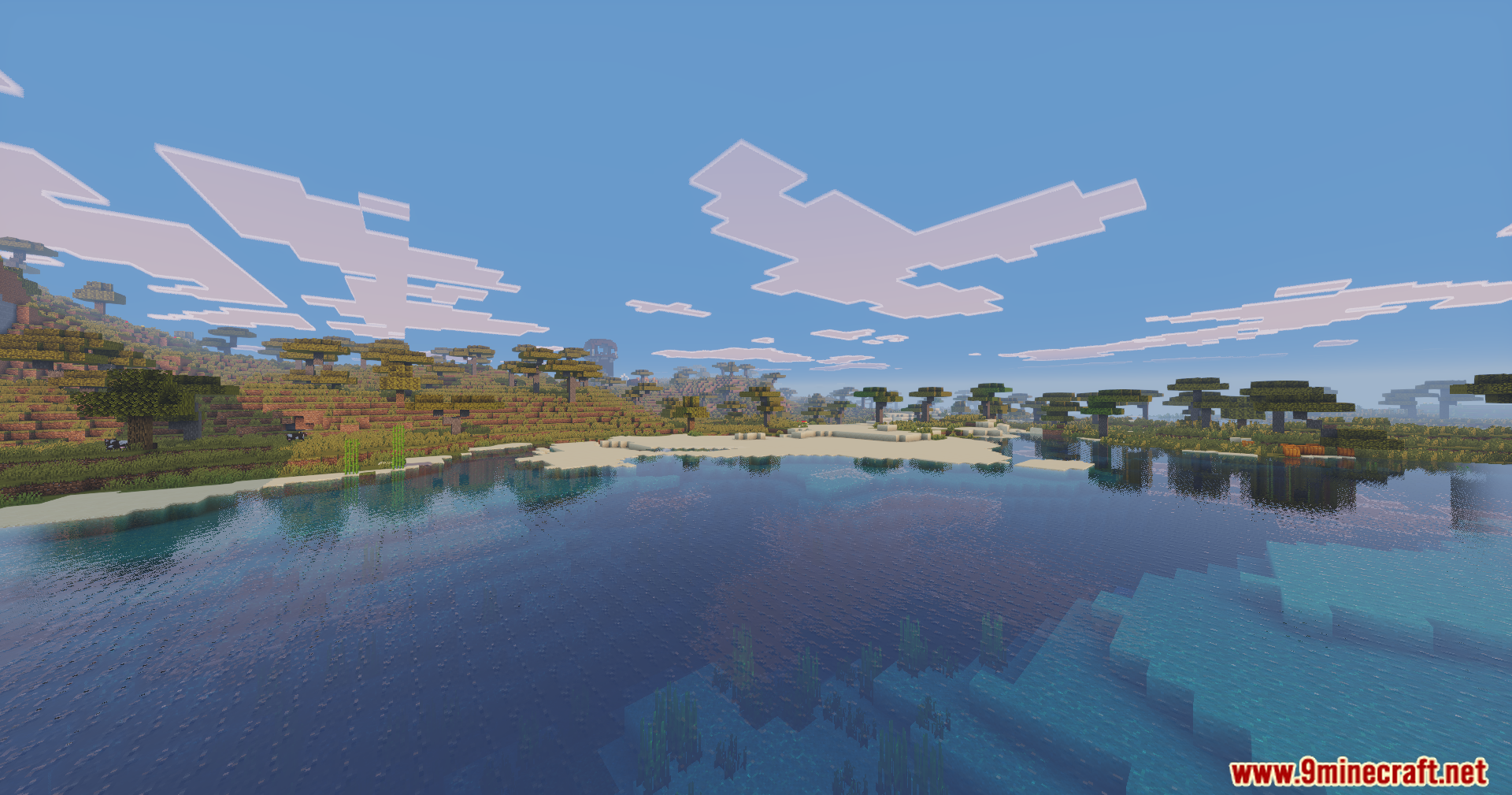
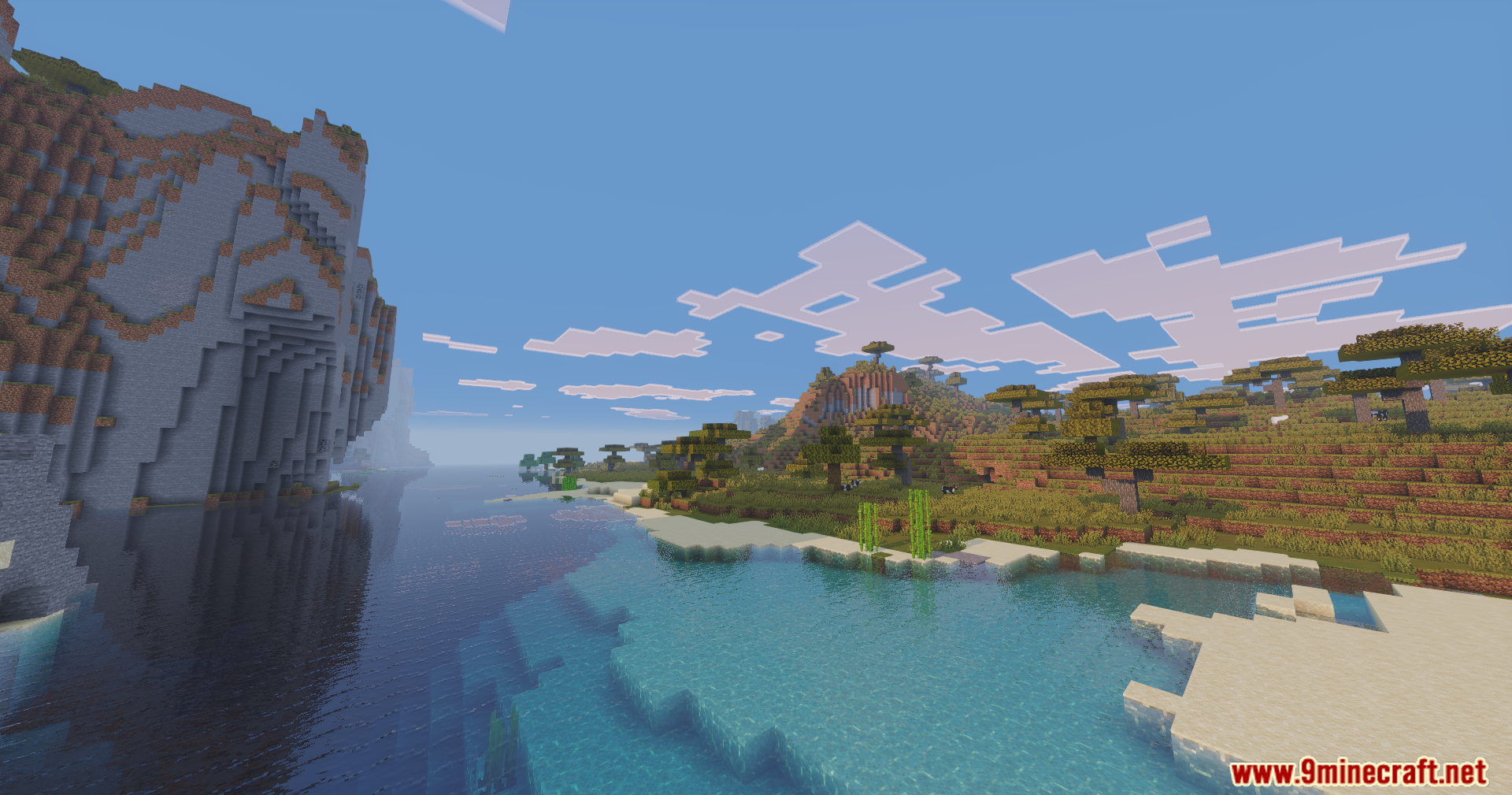
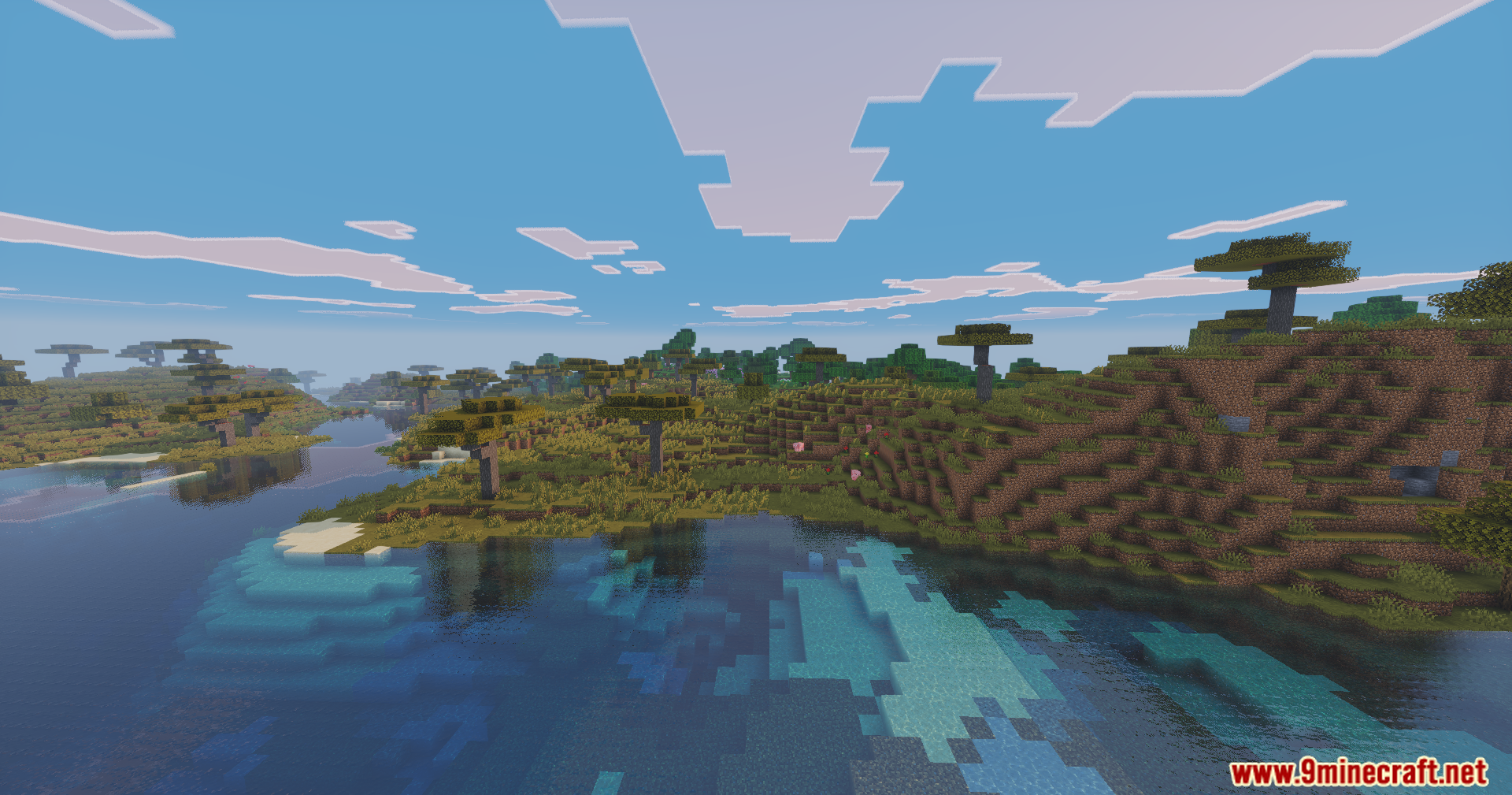
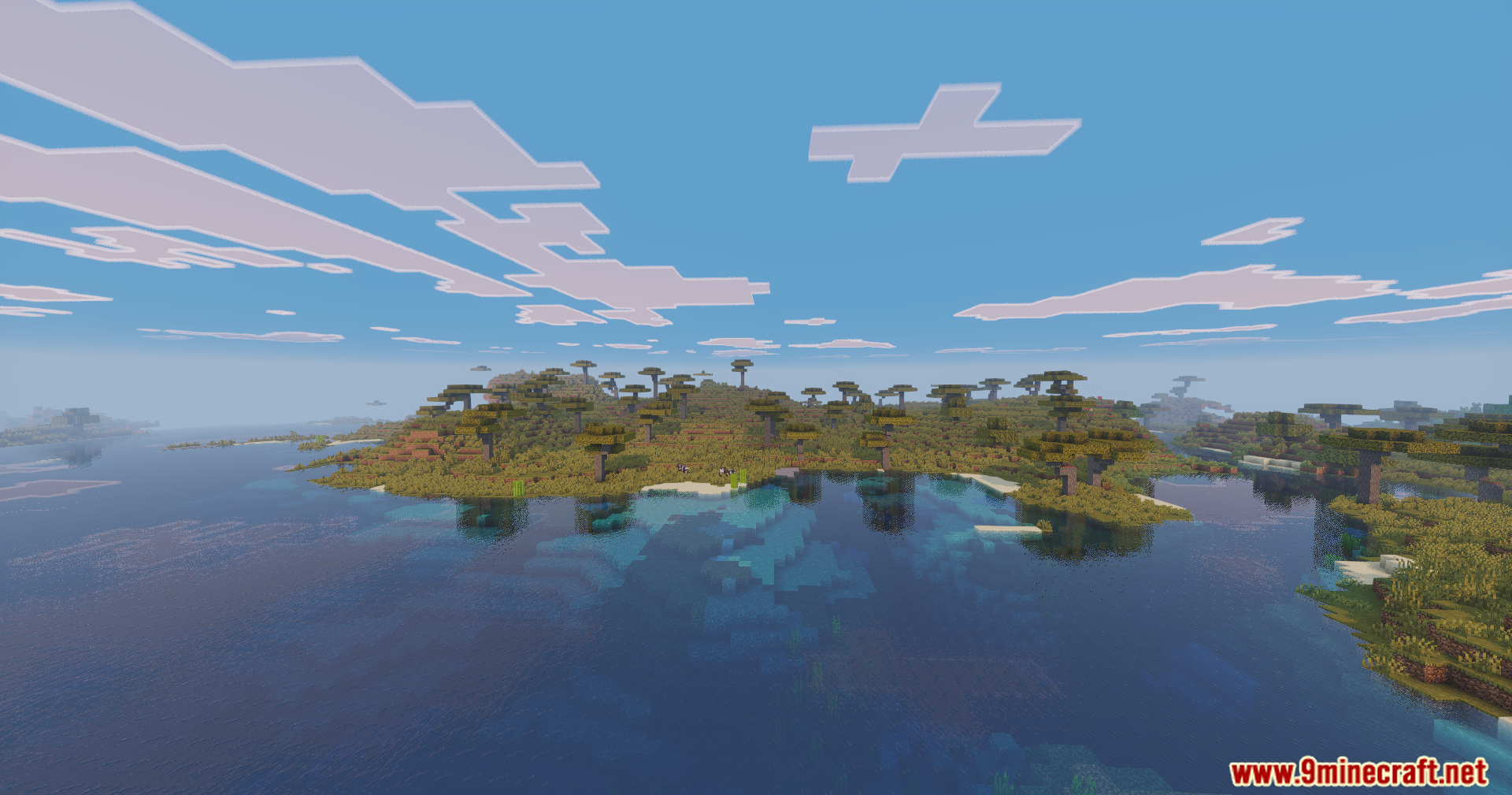
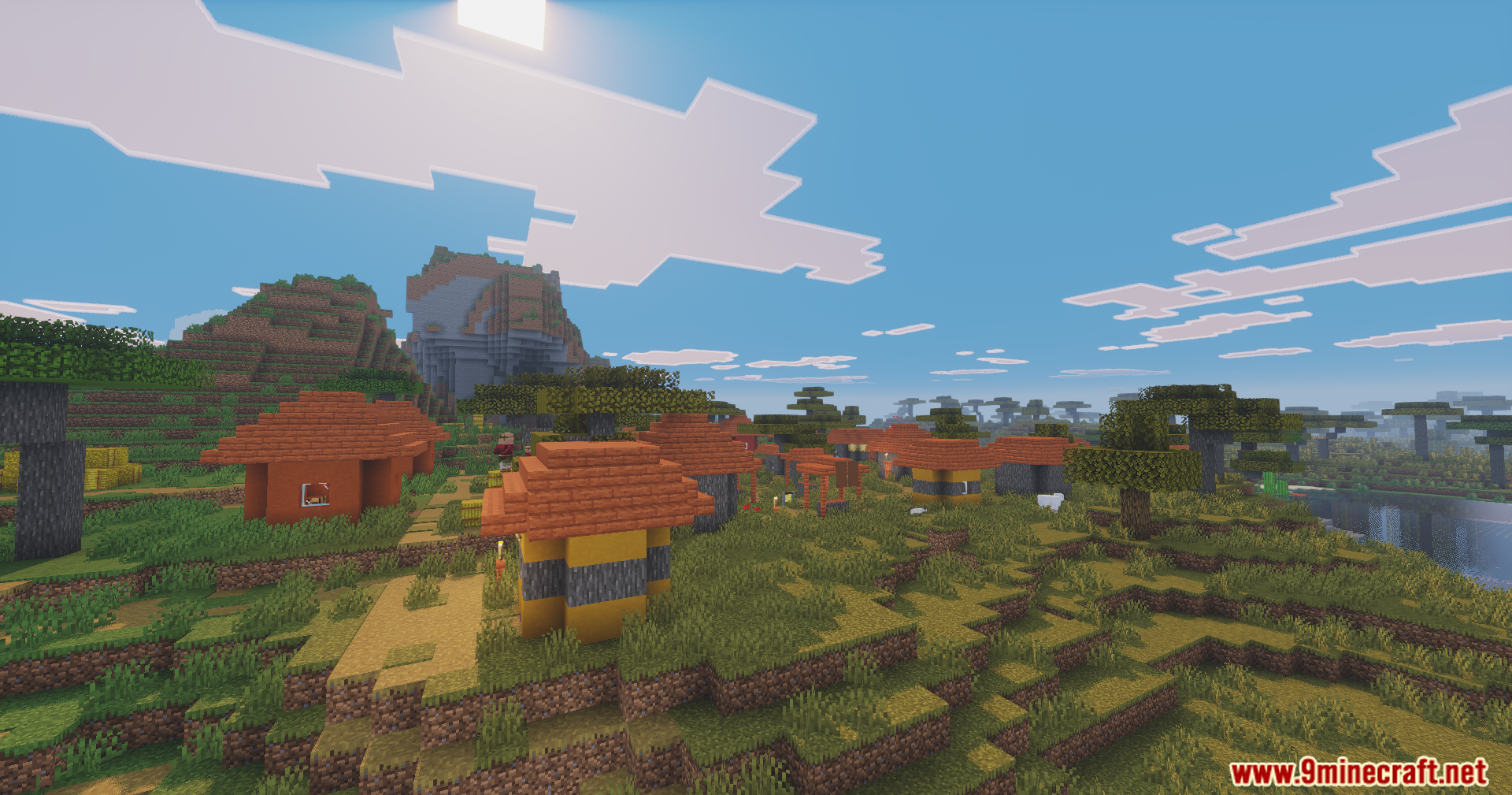
Enhanced Vibrance Edition Shaders paints your Java Edition world with the bright colors of Bedrock Edition. It copies the look of the Vibrant Visuals update to give you better lighting and shadows. The shader changes how the sun, sky and clouds look during the day. It also adds realistic reflections to all the water in your game.
Features:
- Bedrock Style: Brings the colorful look of the Bedrock Vibrant Visuals update over to Java Edition.
- Changes the sunlight and shadows to make the world look brighter and more colorful.
- Paints the sky with bright colors when the sun rises and sets.
- Adds realistic reflections to rivers, lakes, and oceans.
- Creates thick fog and depth effects to make distant mountains look better.
- Updates the sky and clouds to look more natural above your head.
- Adjusts the lighting in different biomes to match their specific weather.
- Balances good looks with a smooth framerate so the game runs well.
More About Enhanced Vibrance Edition Shaders
This shader pack focuses on keeping the original charm of the game while updating the graphics. Every visual effect is tuned to make building, fighting, and exploring look bright and beautiful without changing how the base game feels.
🎛️ Compare Minecraft Shaders Side by Side →
Drag the slider across real in-game scenes — find YOUR perfect shader.
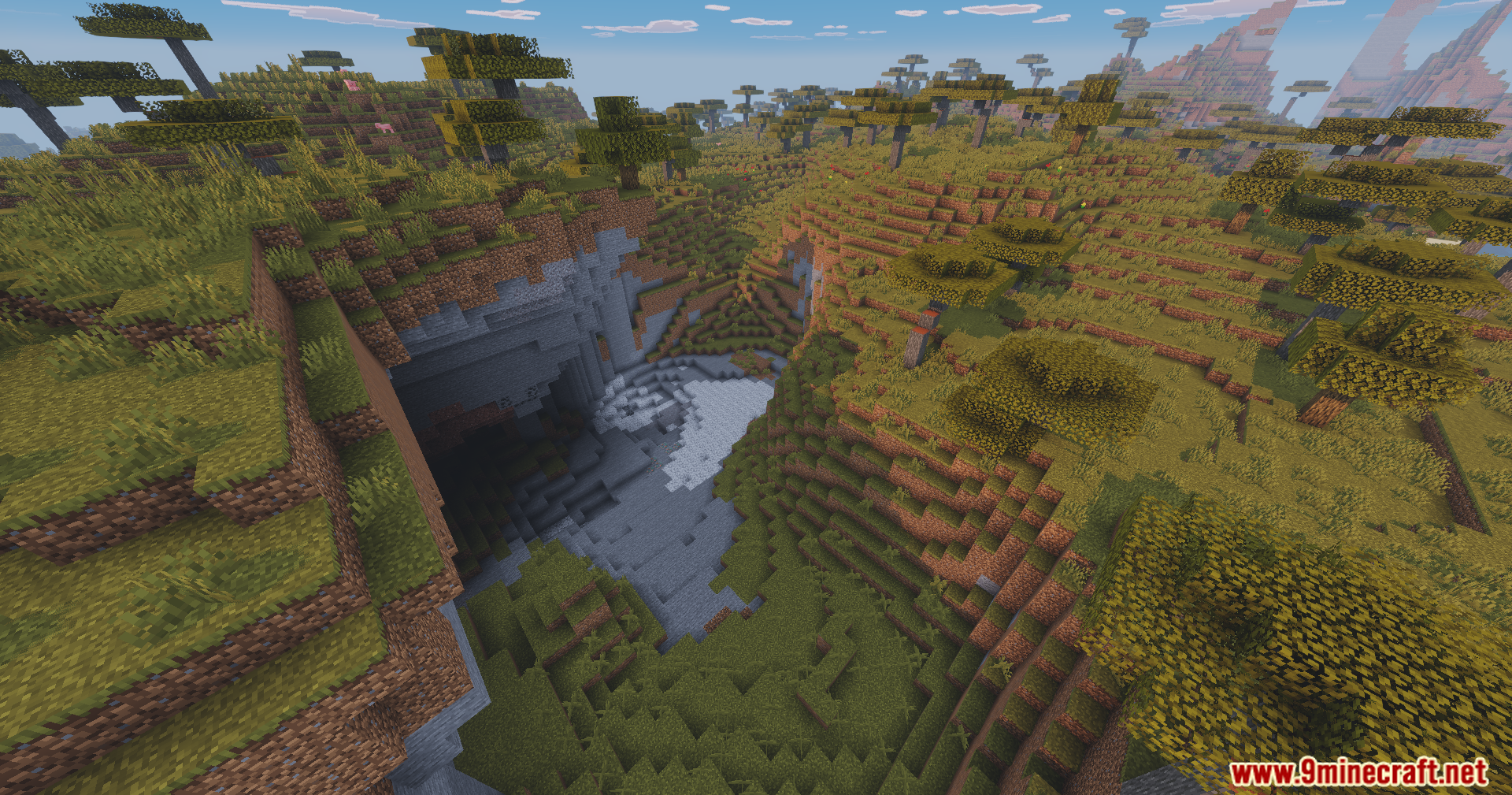
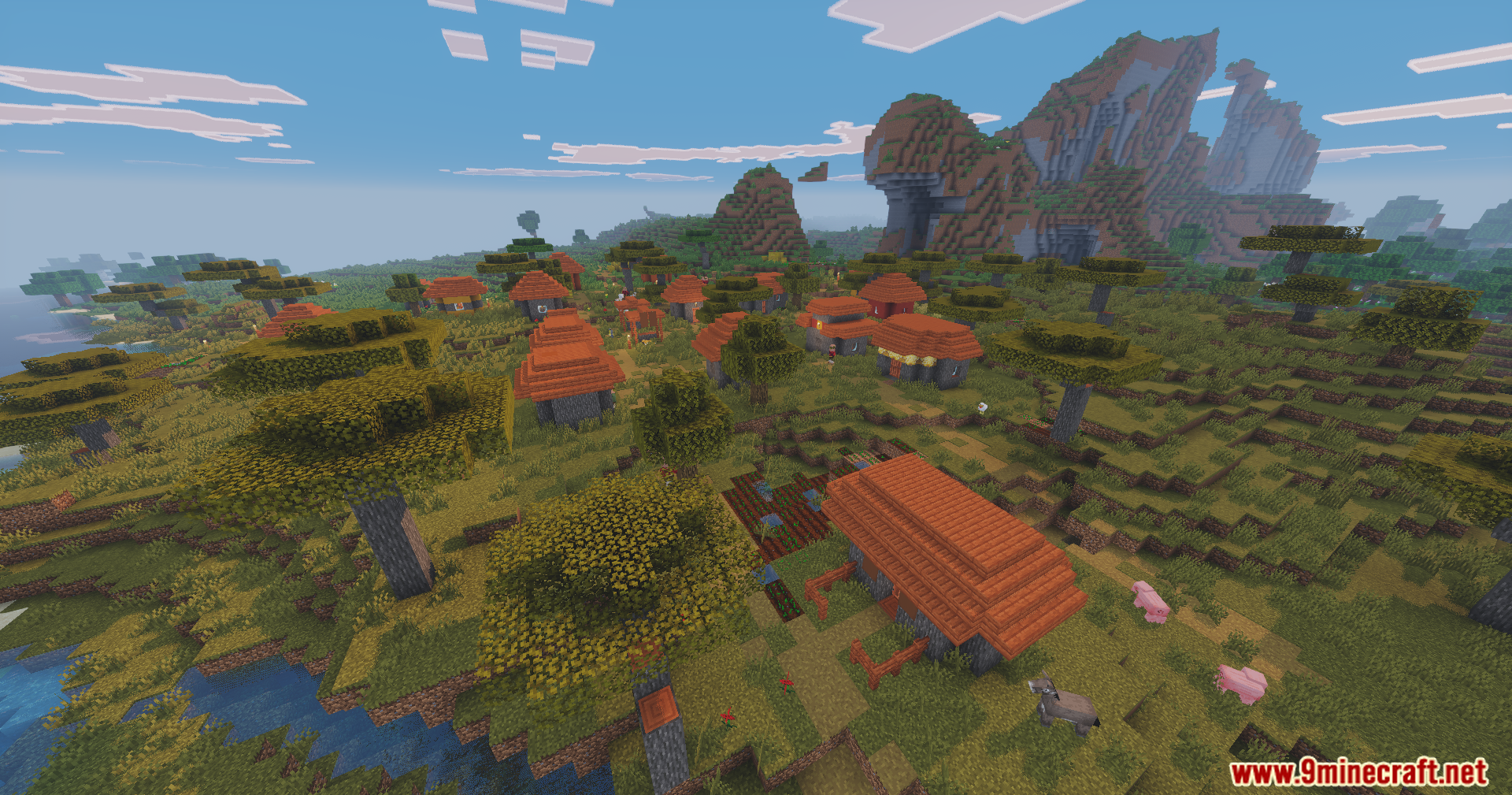
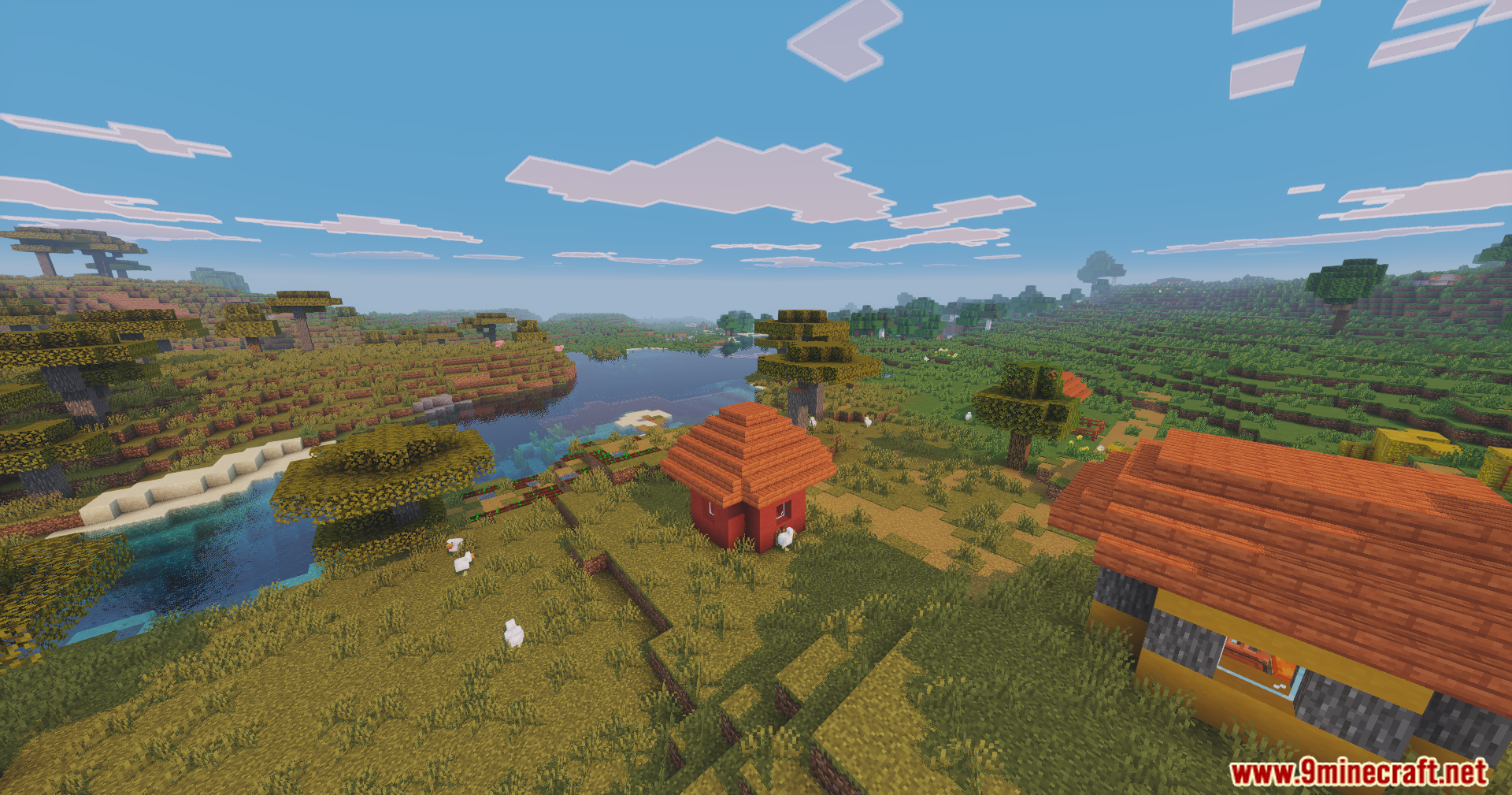
Screenshots:
Enhanced Vibrance Edition Shaders Download Links
- Edition: Minecraft Java
- File type: .zip (resource pack)
- Minecraft version listed: 1.20.1
- How to install: Download the .zip resource pack — do not unzip it. → Put it in .minecraft/resourcepacks. → Enable it in Options → Resource Packs.
- Where to get it: In MC Java Mods, or directly above on this page.
Install steps are the general flow for this file type — see the MC Java Mods guides for the full walkthrough.
Enhanced Vibrance Edition Shaders (1.20.1) – Realistic Reflections is a free Minecraft Java shader. Compatible with Minecraft 1.20.1. Download it and open it directly in the game.