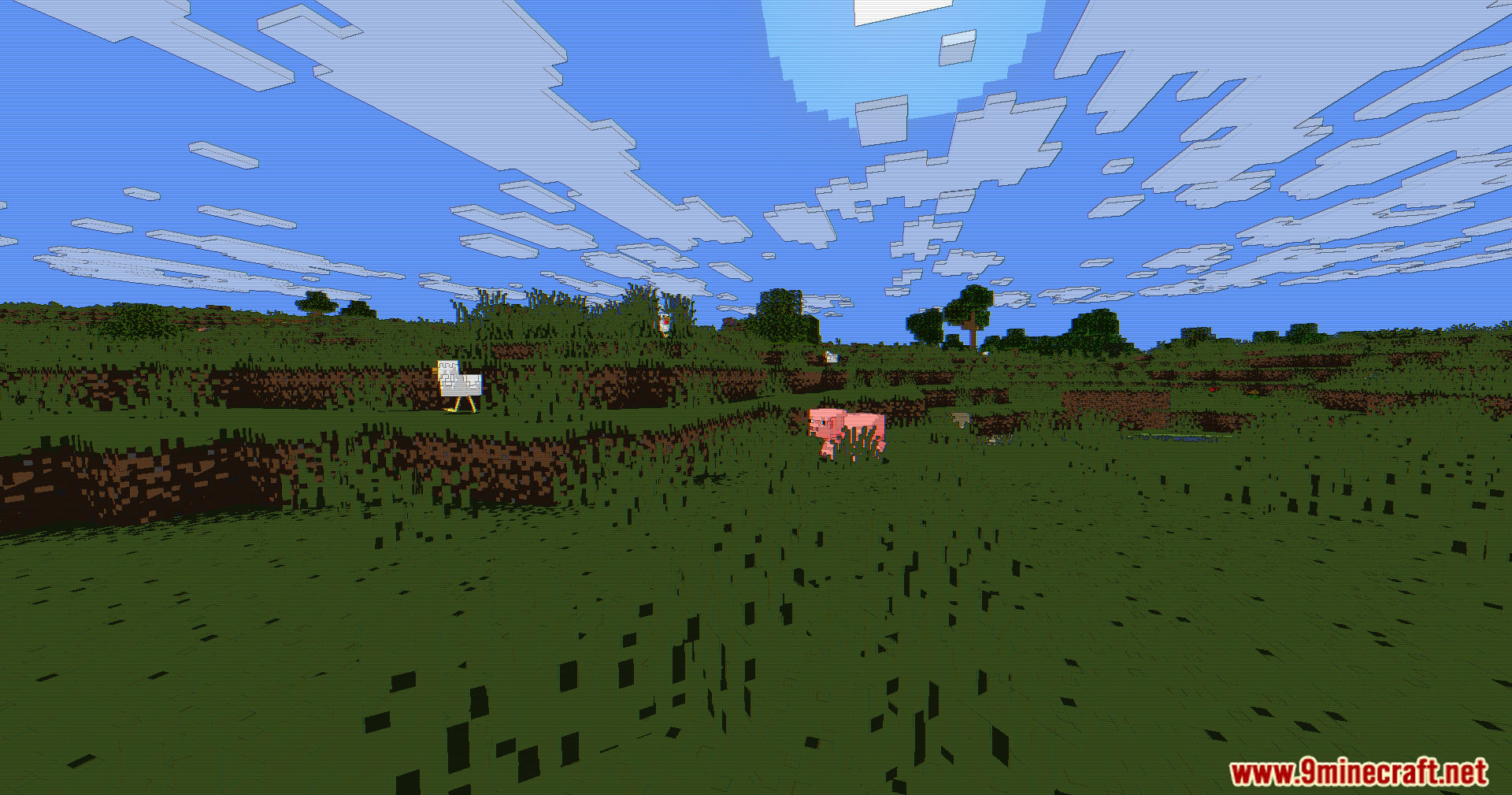
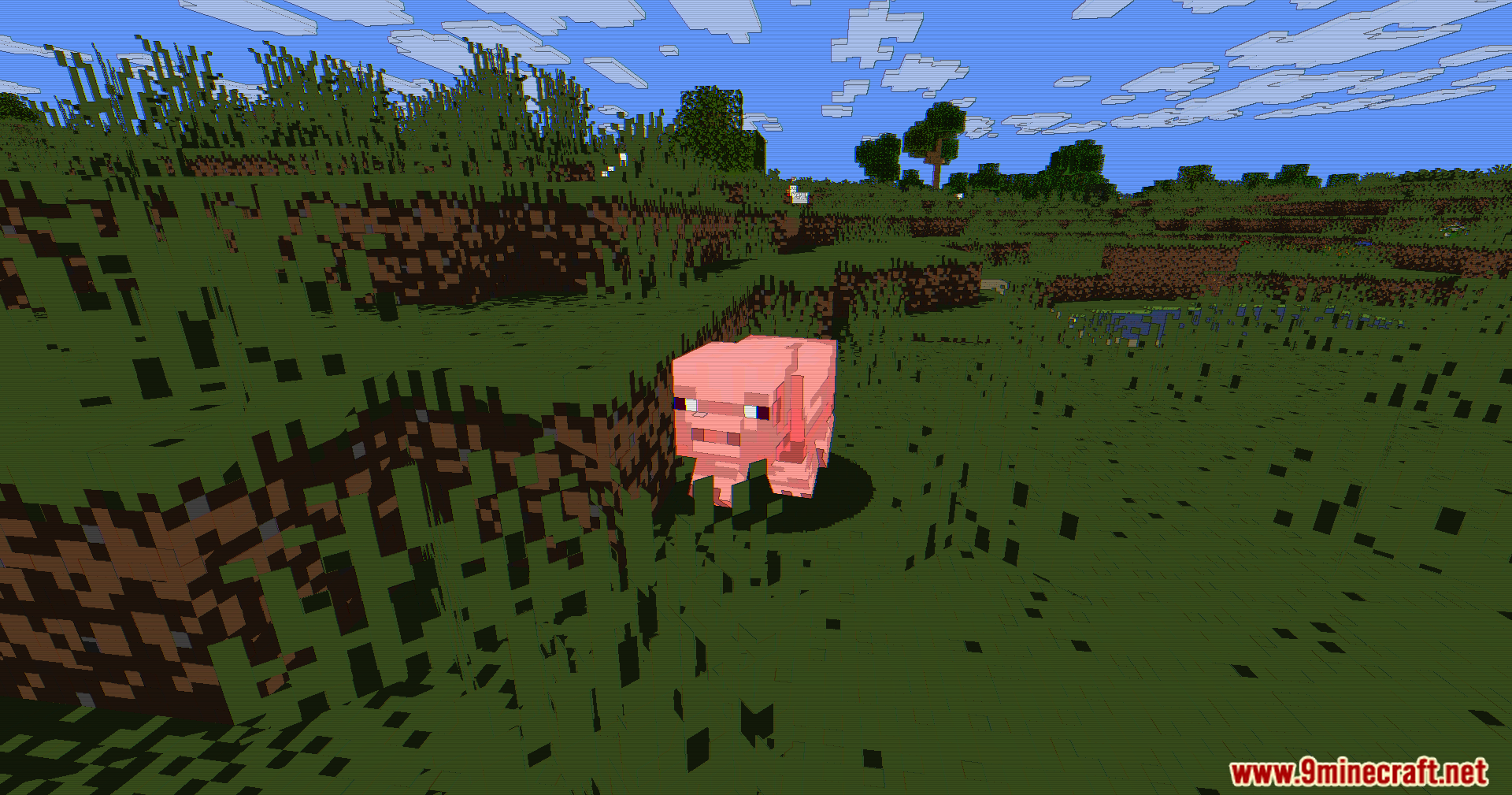
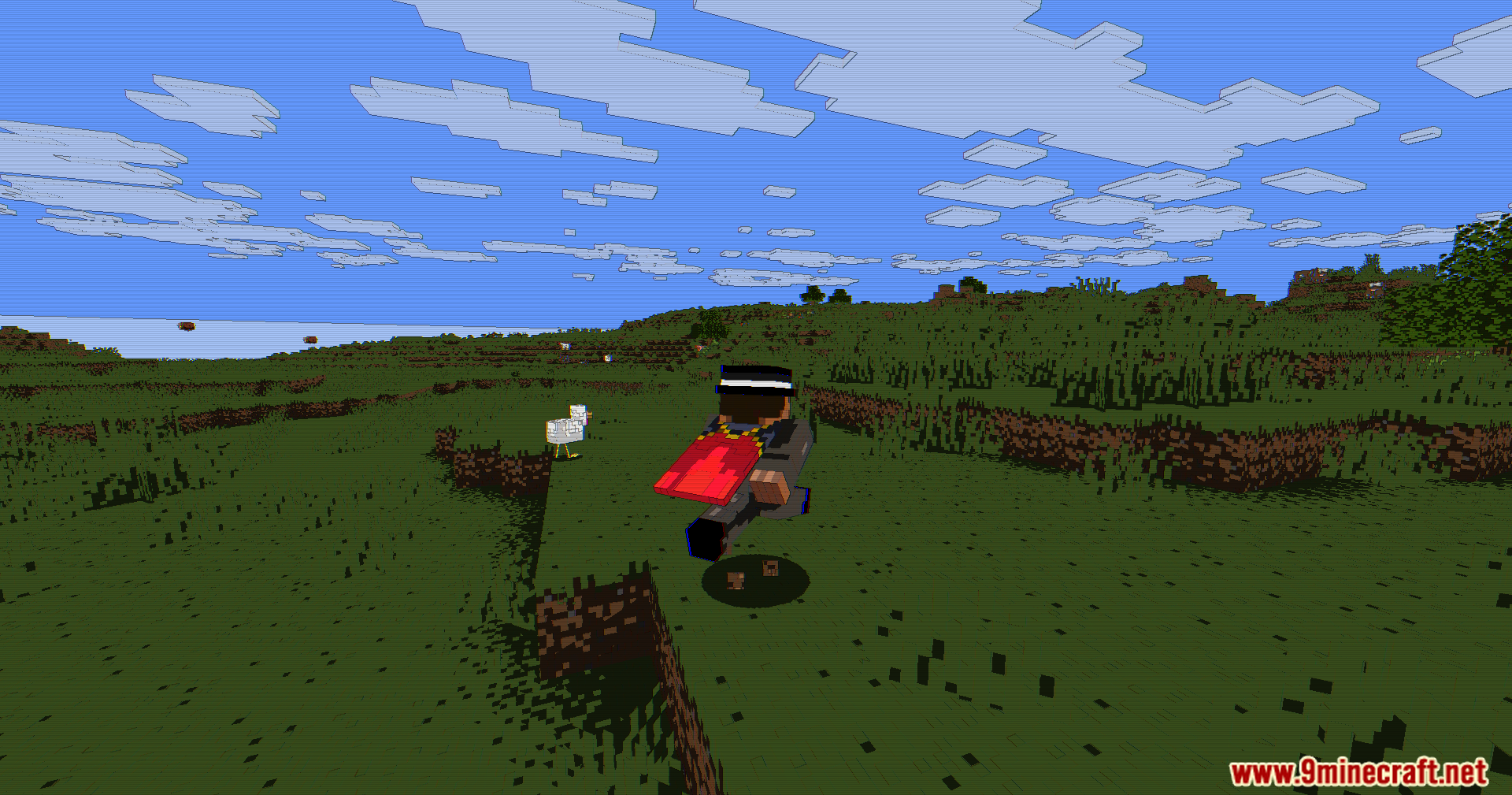
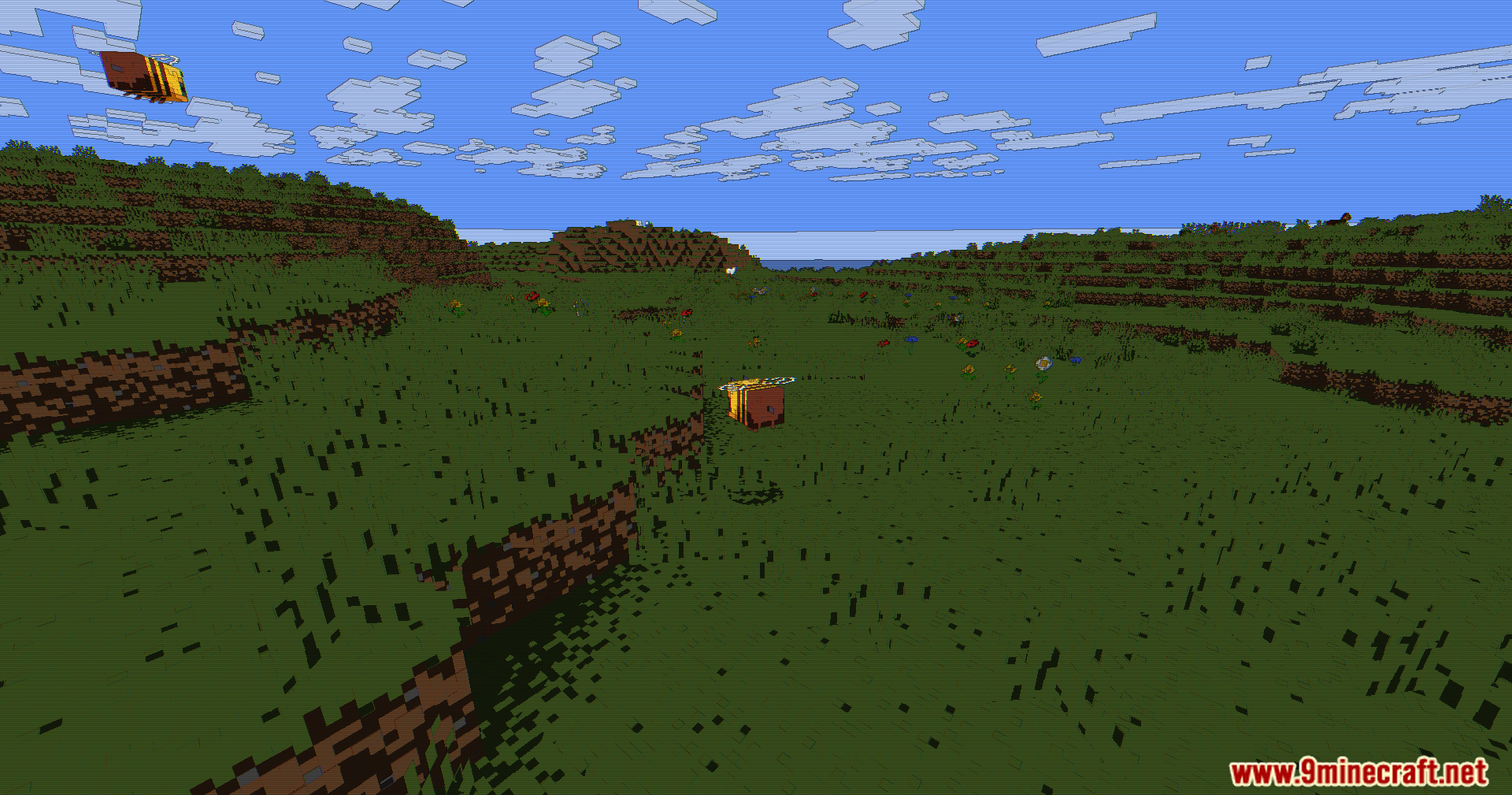
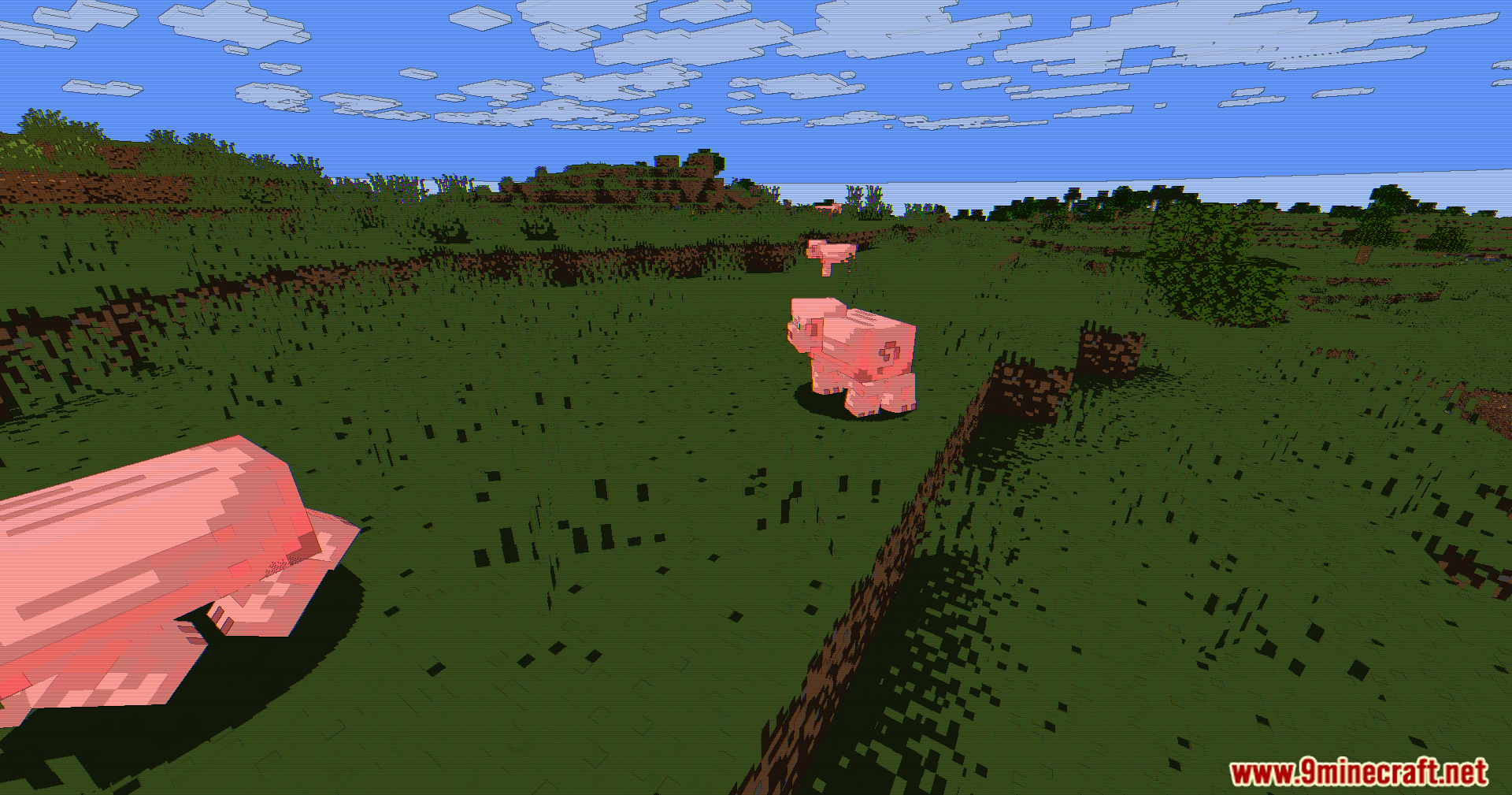
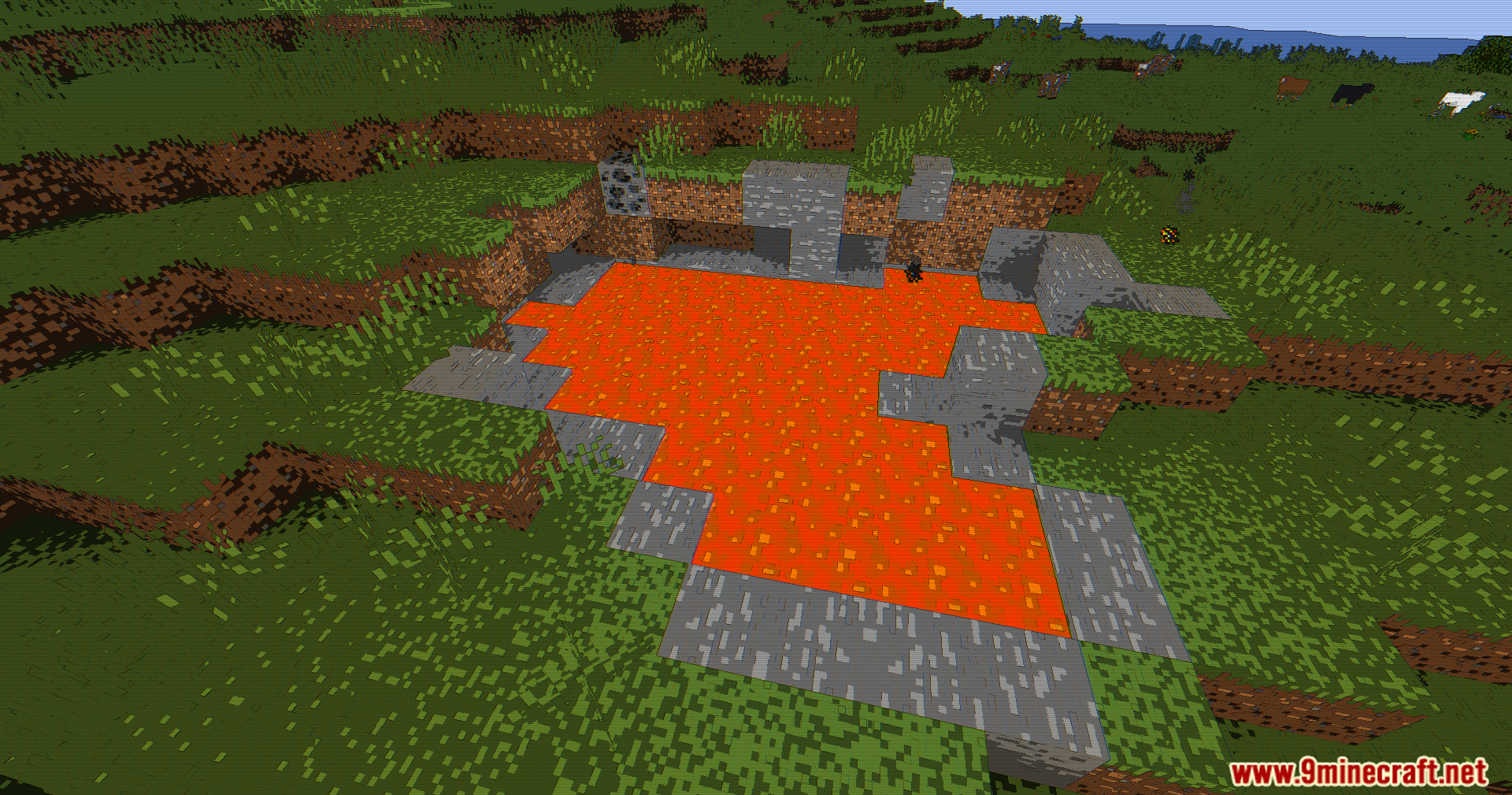
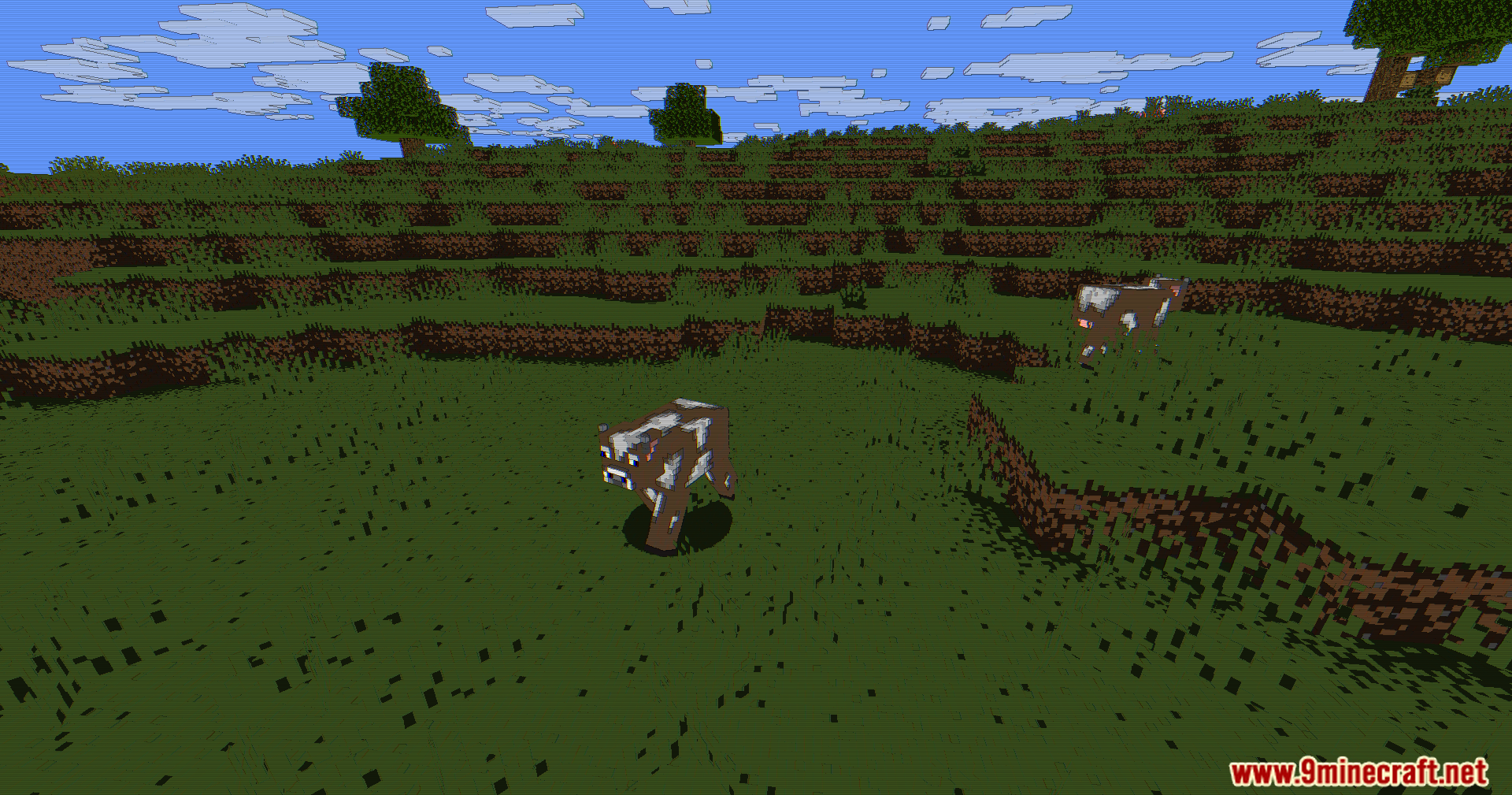
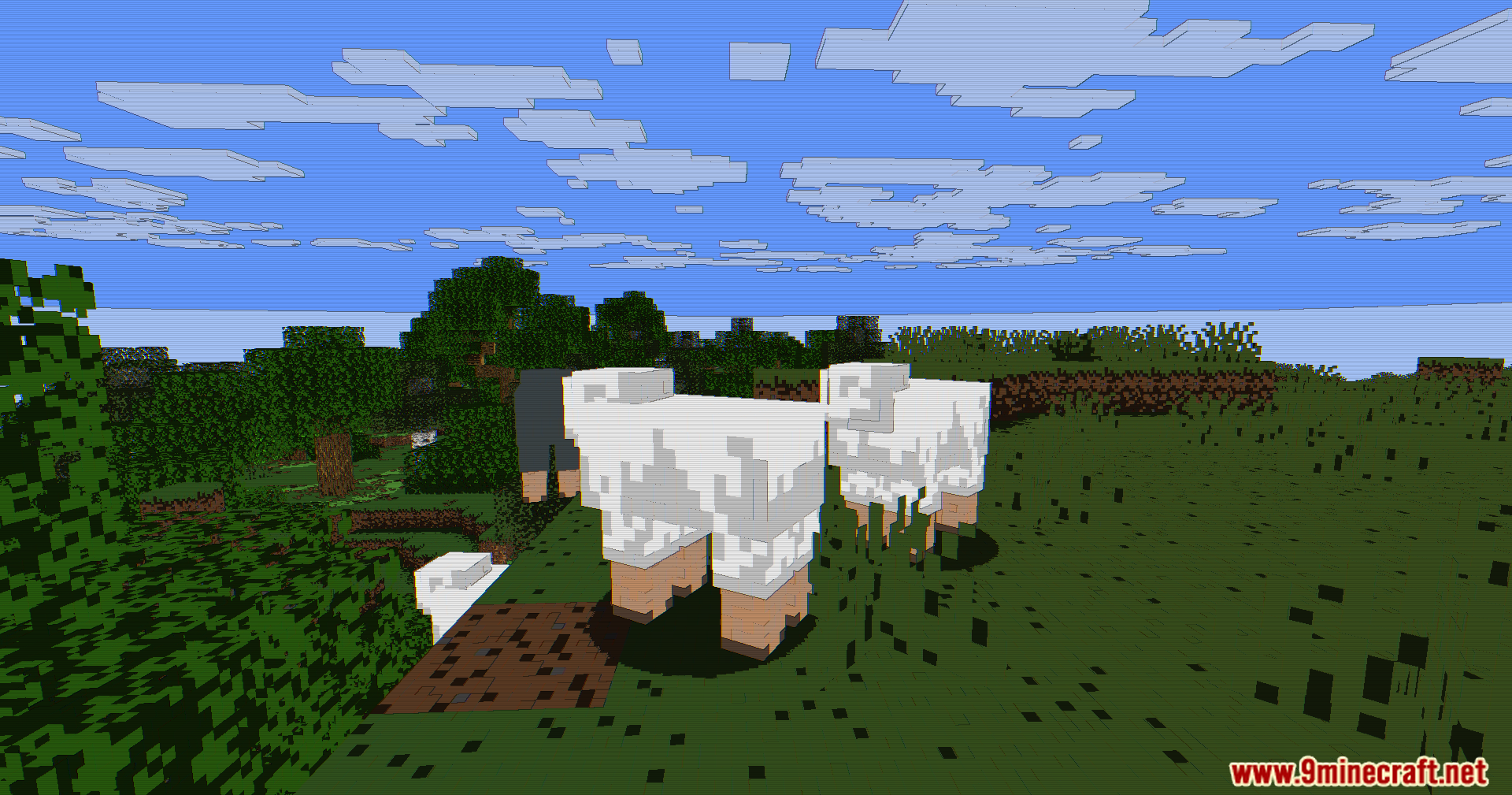
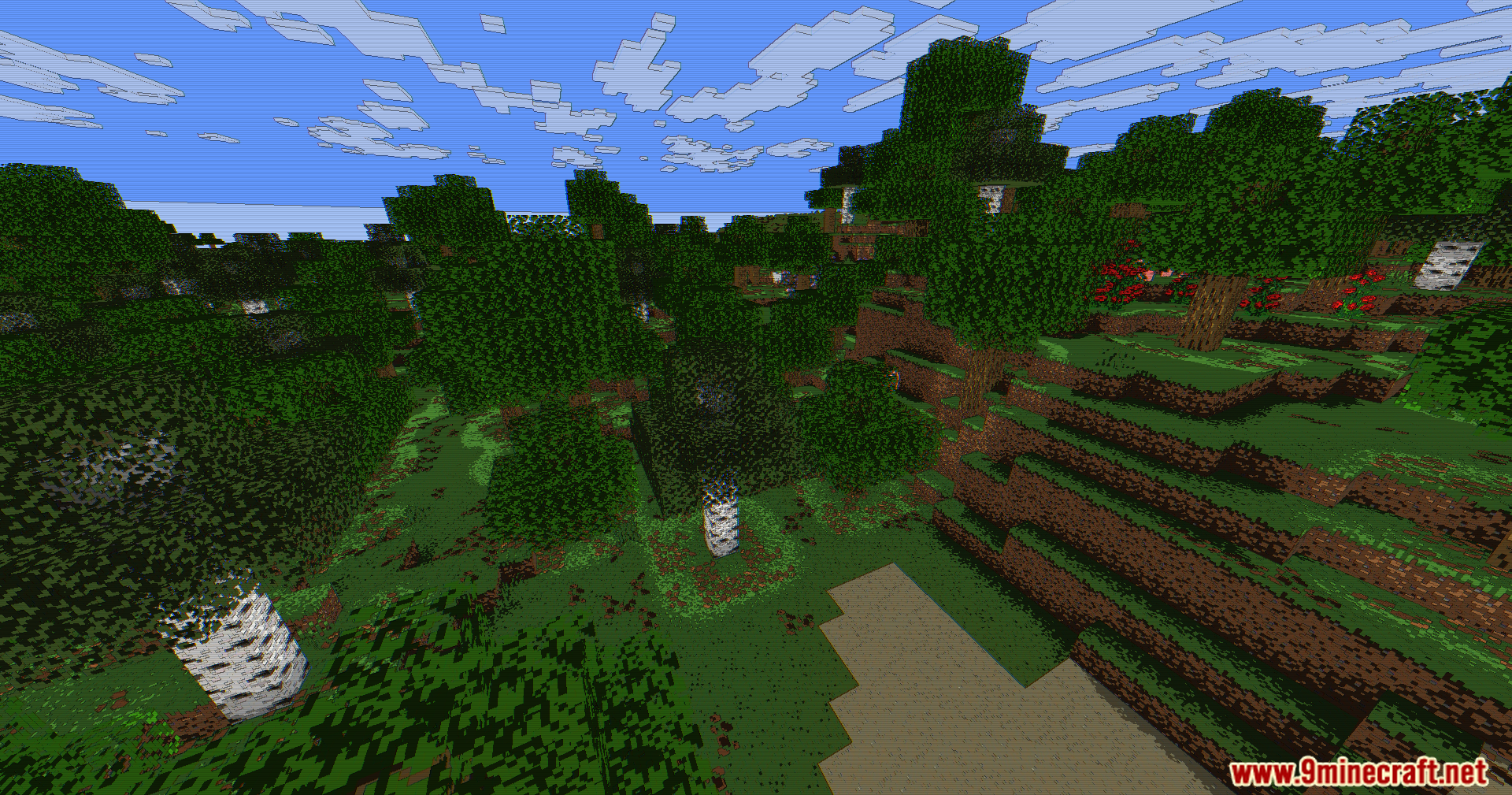
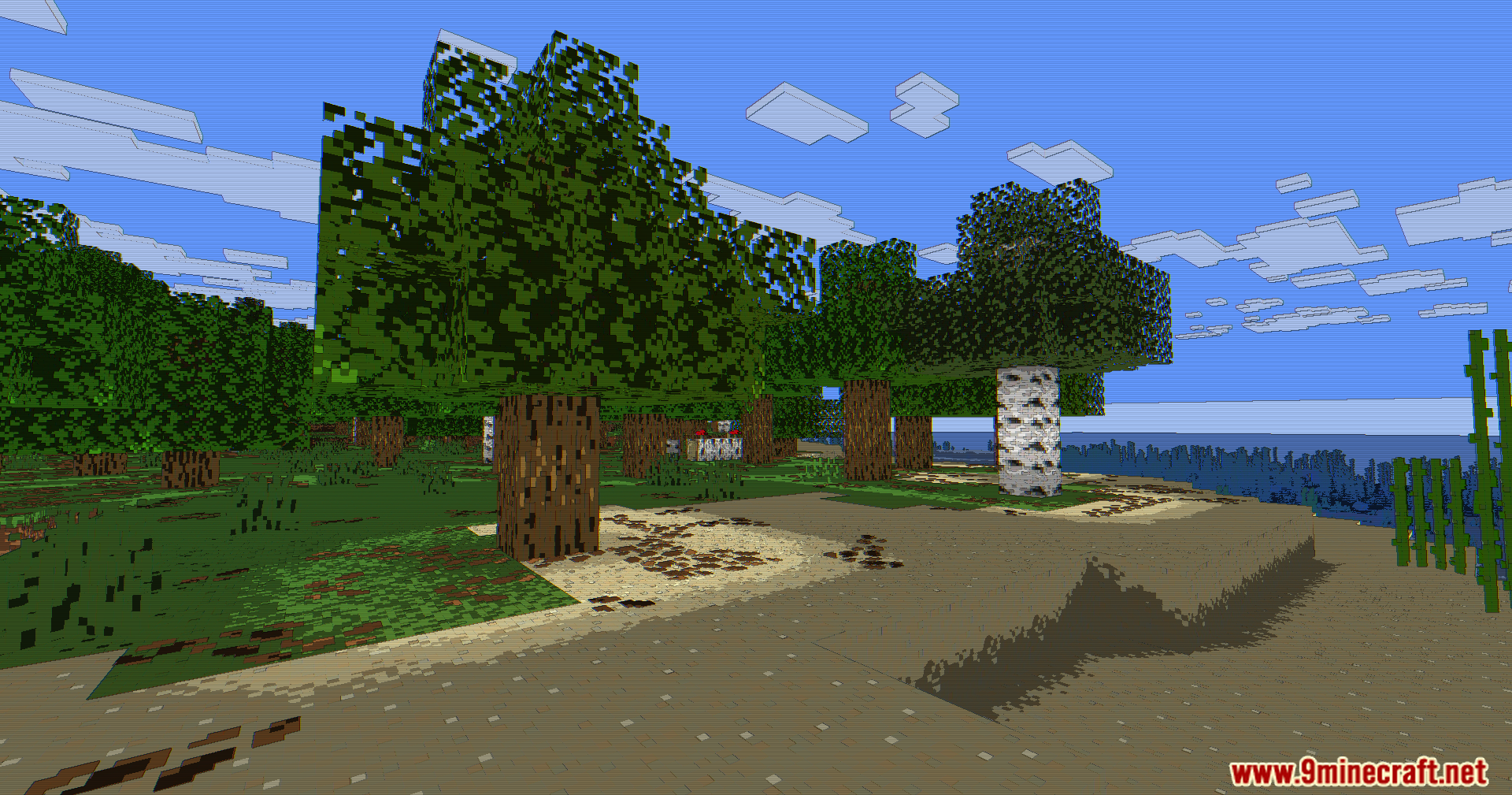
Animetro Shaders paints your Minecraft world with a fun cartoon style and cool retro screen effects. Instead of adding heavy realistic lighting, this shader changes how the game looks using simple color tricks. It groups colors into flat bands to create a hand-drawn look. The pack also adds dark outlines around blocks and items to make shapes stand out clearly. Because it does not use complex light bouncing or water reflections, it runs very well on older computers.
Features:
- Changes smooth color blending into flat brightness bands for a cartoon appearance.
- Draws dark lines around edges where colors meet to separate objects from the background.
- Shifts the red and blue color channels slightly to create a cool retro glitch effect.
- Boosts the color brightness so the world looks more colorful and alive.
- Puts faint horizontal lines across your screen, making the game look like an old tube television.
- Runs smoothly on low-end hardware because it only uses simple screen effects instead of heavy lighting systems.
- Works perfectly with standard game lighting and requires OptiFine or Iris to load.
🎛️ Compare Minecraft Shaders Side by Side →
Drag the slider across real in-game scenes — find YOUR perfect shader.
Screenshots:
Animetro Shaders Download Links
- Edition: Minecraft Java
- File type: .zip (resource pack)
- Minecraft version listed: 1.20.1
- How to install: Download the .zip resource pack — do not unzip it. → Put it in .minecraft/resourcepacks. → Enable it in Options → Resource Packs.
- Where to get it: In MC Java Mods, or directly above on this page.
Install steps are the general flow for this file type — see the MC Java Mods guides for the full walkthrough.
Animetro Shaders (26.3, 1.20.1) – Cartoon Outlines With Retro Glitch Effects is a free Minecraft Java shader. Compatible with Minecraft 1.20.1. Download it and open it directly in the game.