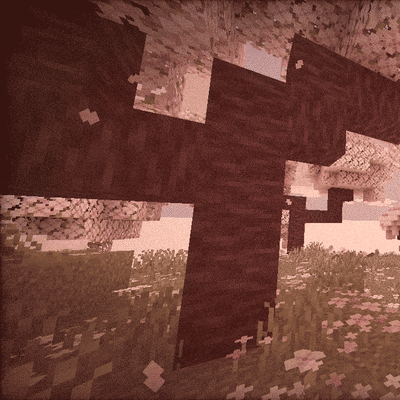
FilterLite Shaders
A lightweight, screen-space post-processing shader focused entirely on color grading and camera filters. Features 20 built-in presets (Cinematic, Vintage…
⬇ Download on CurseForge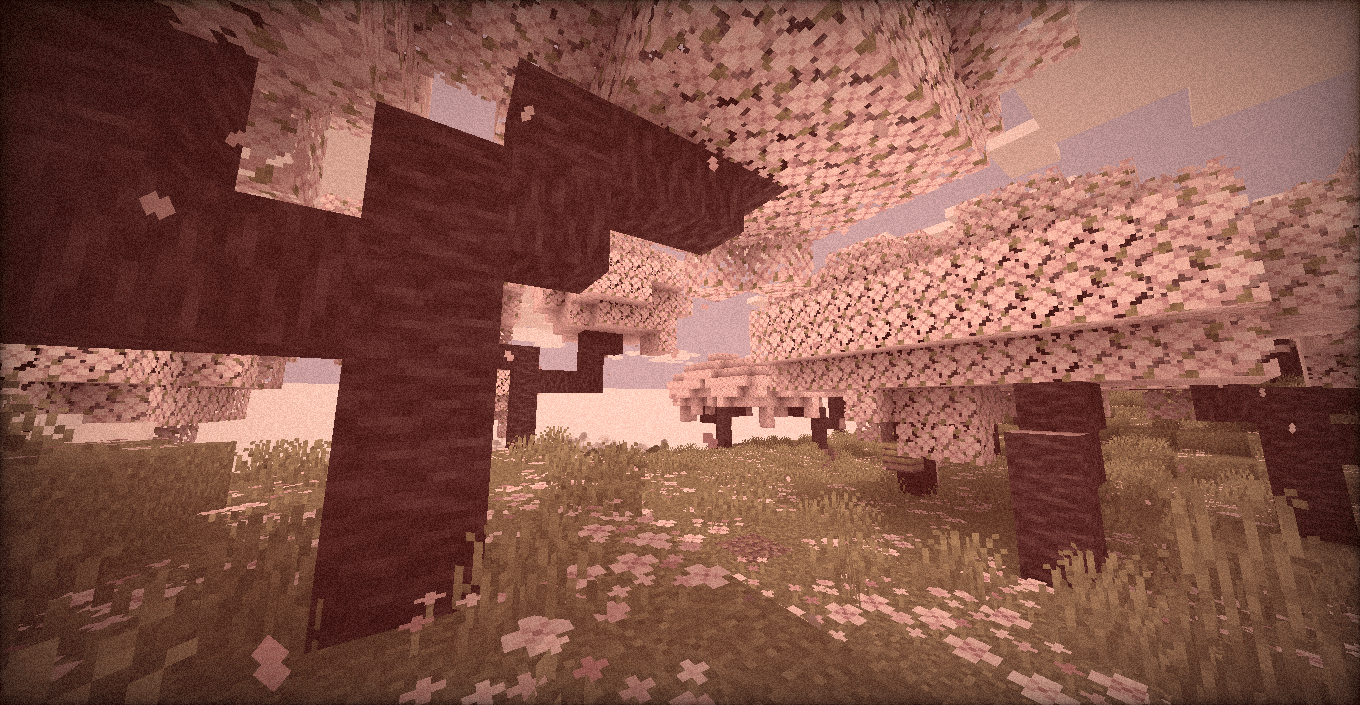
FilterLite Shaders
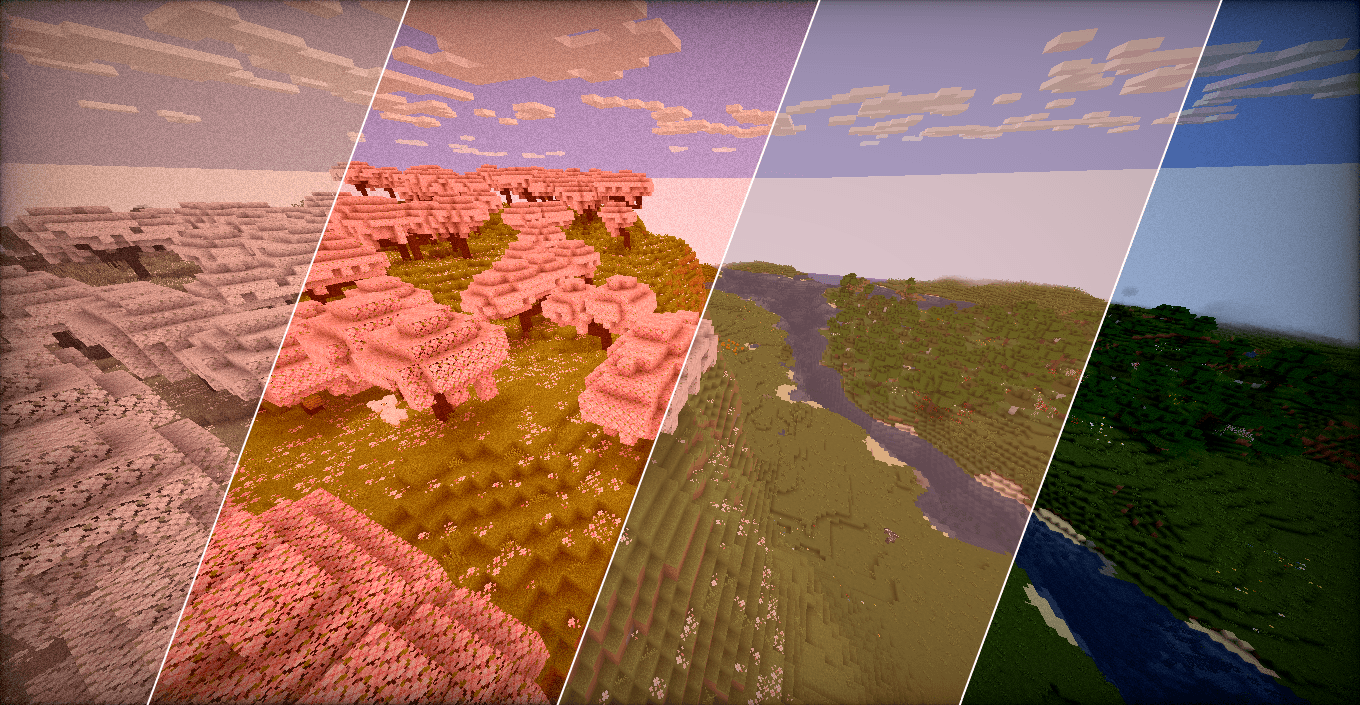
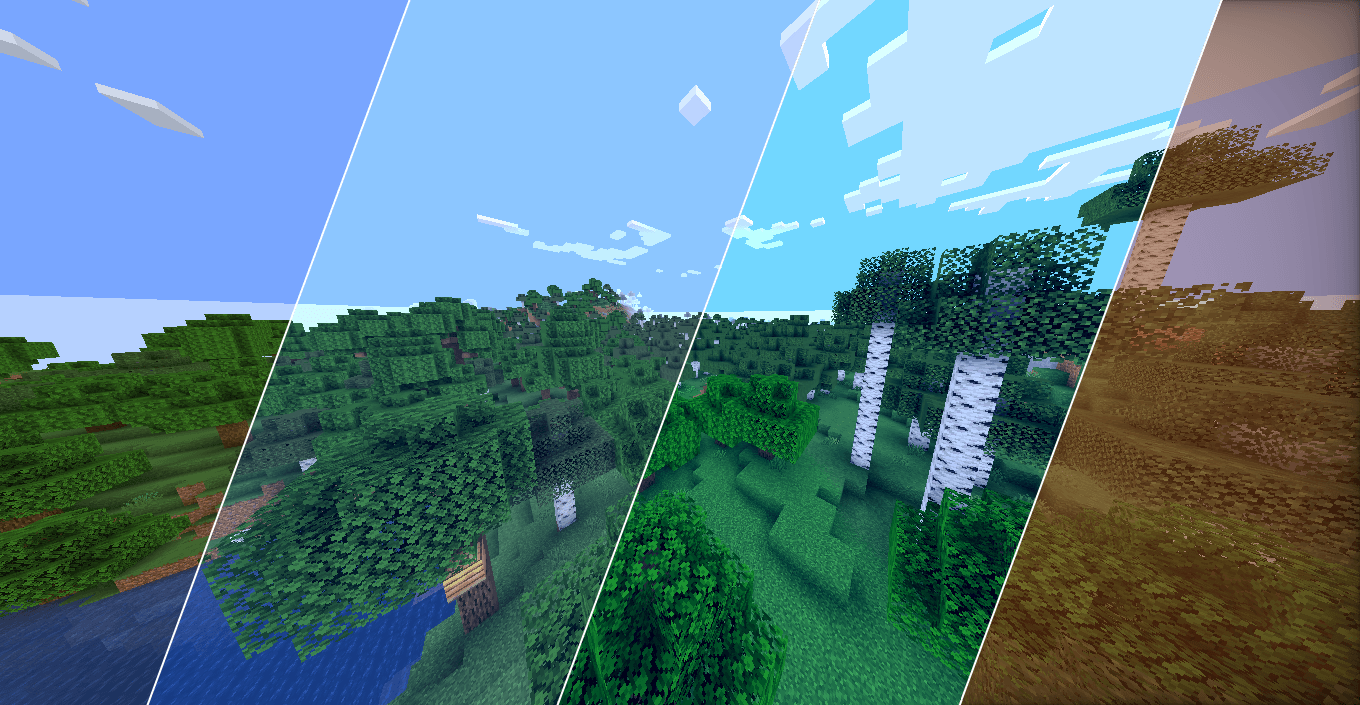
A pure post-processing shader designed to act like a built-in Lightroom / camera filter for your game.
It doesn’t add heavy dynamic shadows, waving leaves, or realistic water-instead, it focuses 100% on screen-space color manipulation. The result is a photographic look that runs on literally any machine.
Features
- Full Color Grading Suite: Manual control over Exposure, Contrast, Saturation, Temperature (Kelvin), and Tint.
- Camera Effects: Toggleable Sepia, Screen Vignette, and dynamic (animated) Film Grain.
- 20 Built-in Profiles: Don't want to tweak sliders? Just pick a preset:
- Clean & Natural: Default, Lark, Reyes, Ludwig, Perpetua
- Warm & Cozy: Gingham, Slumber, Crema, Aden, Seventies, Toaster
- High Contrast / Vibrant: Clarendon, Juno, Lo-Fi, Kelvin
- Retro & Monochrome: Moon, Inkwell, Vintage, Nashville, Cinematic
- Zero Lag: Built on standard
#version 120GLSL math. If your PC can run the base game, it can run this at full speed.
Compatibility
- Fully compatible with Iris Shaders and OptiFine.
- Version agnostic (Works on virtually any Minecraft update).
How to install
- Download the
.zipfile. - Drop it into your
shaderpacksfolder. - Select it in-game and use the Shader Options menu to pick your favorite profile.
- Edition: Minecraft Java
- File type: .zip (resource pack)
- Minecraft versions listed: 1.16.3, 1.17.1, 1.21
- How to install: Download the .zip resource pack — do not unzip it. → Put it in .minecraft/resourcepacks. → Enable it in Options → Resource Packs.
- Where to get it: Opens on CurseForge — not every file is mirrored on our own servers.
Install steps are the general flow for this file type — see the MC Java Mods guides for the full walkthrough.
FilterLite Shaders is a free Minecraft Java shader. Compatible with Minecraft 1.16.3, 1.17.1, 1.21, 1.16.1 and newer. Downloaded 8,030 times (via CurseForge). Download it and open it directly in the game.