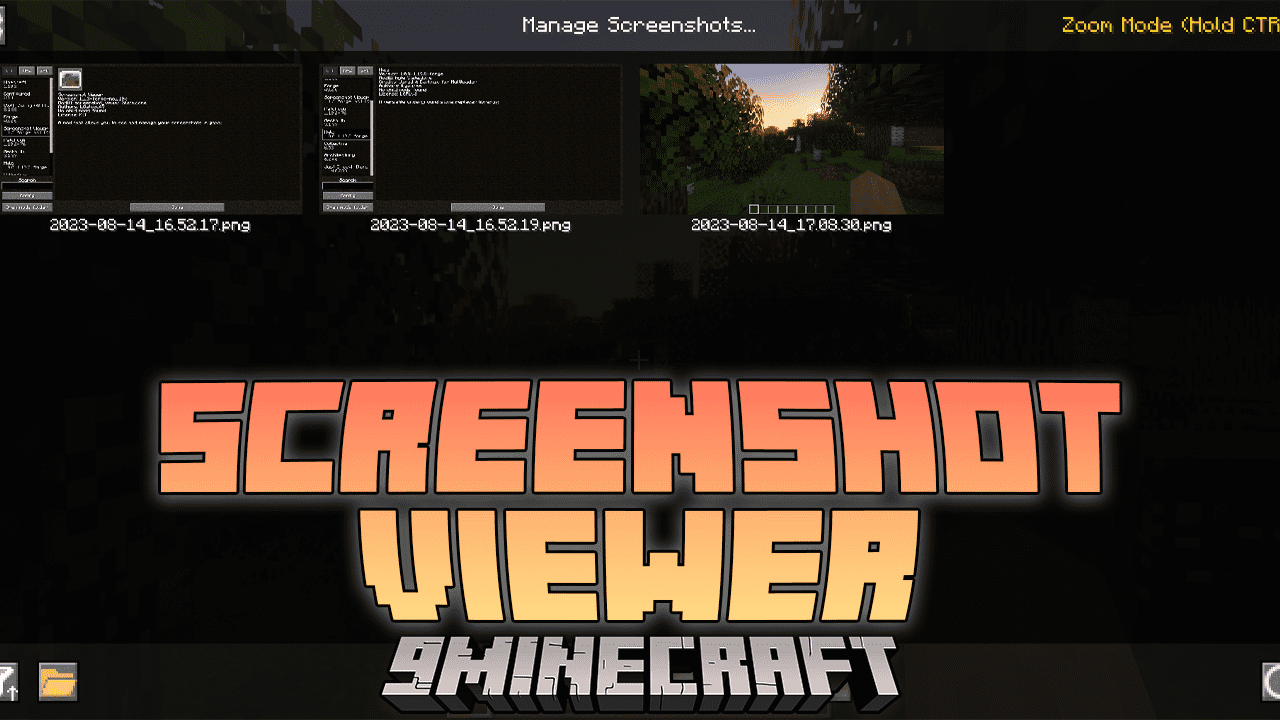
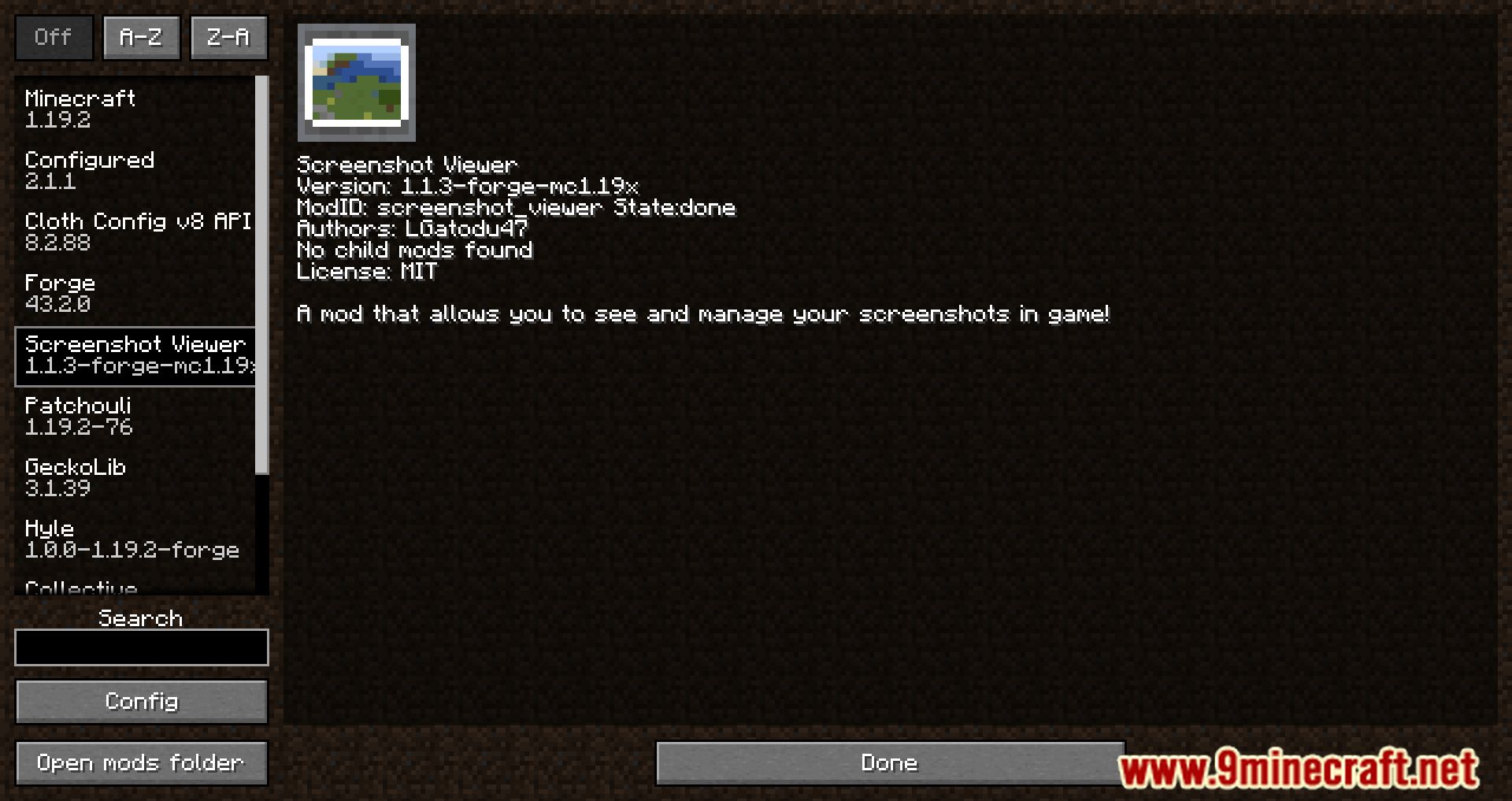
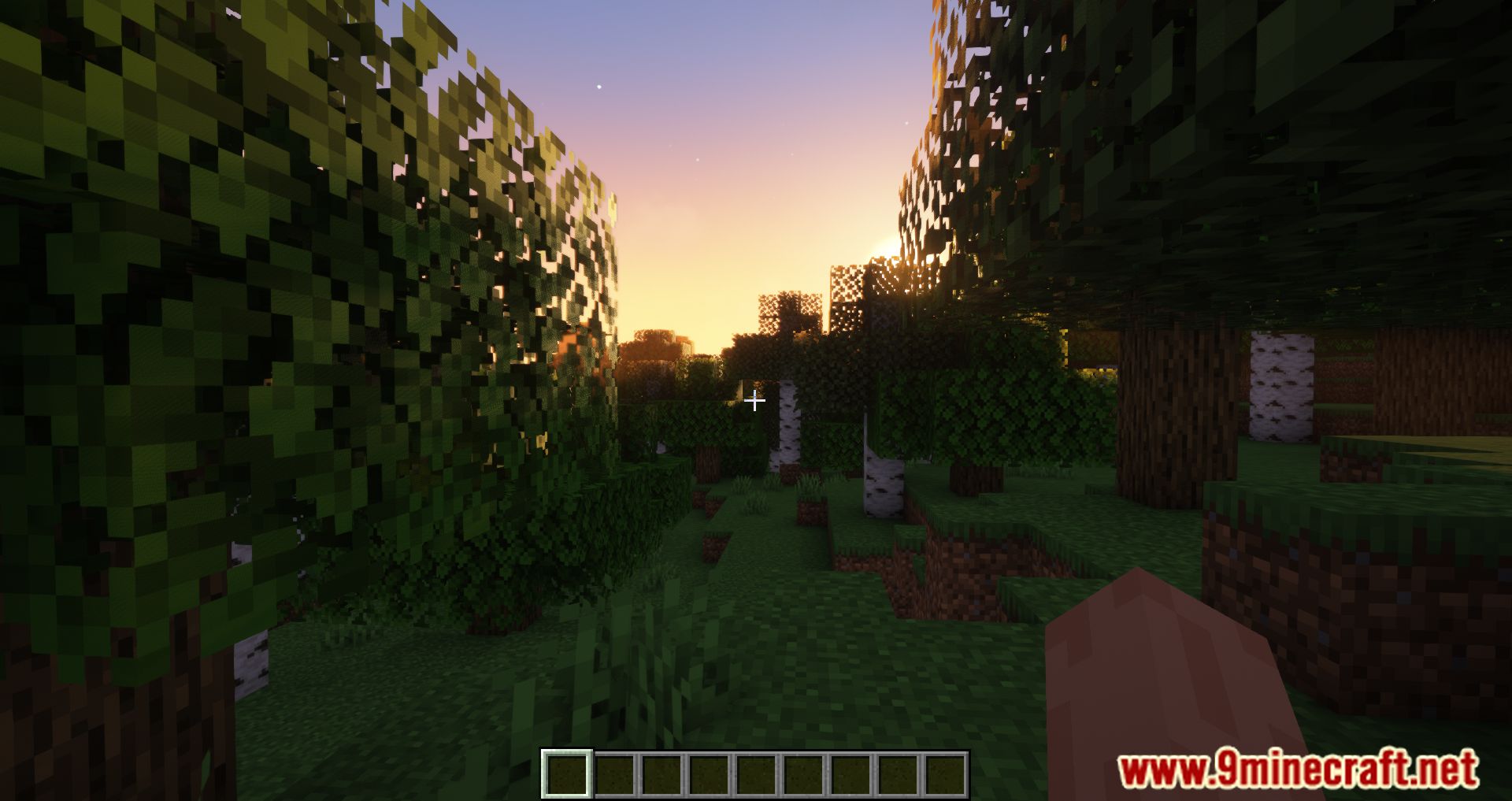
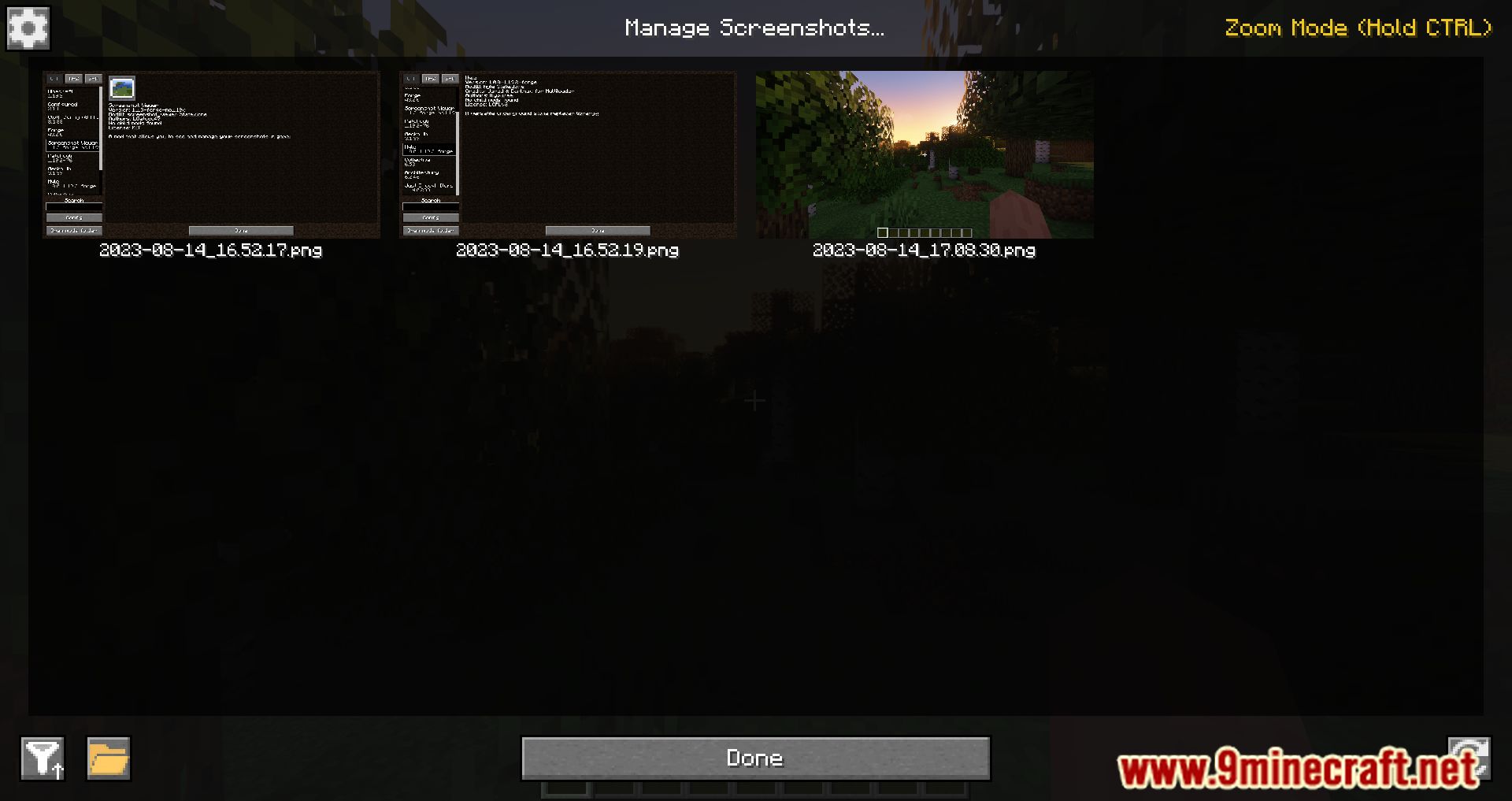
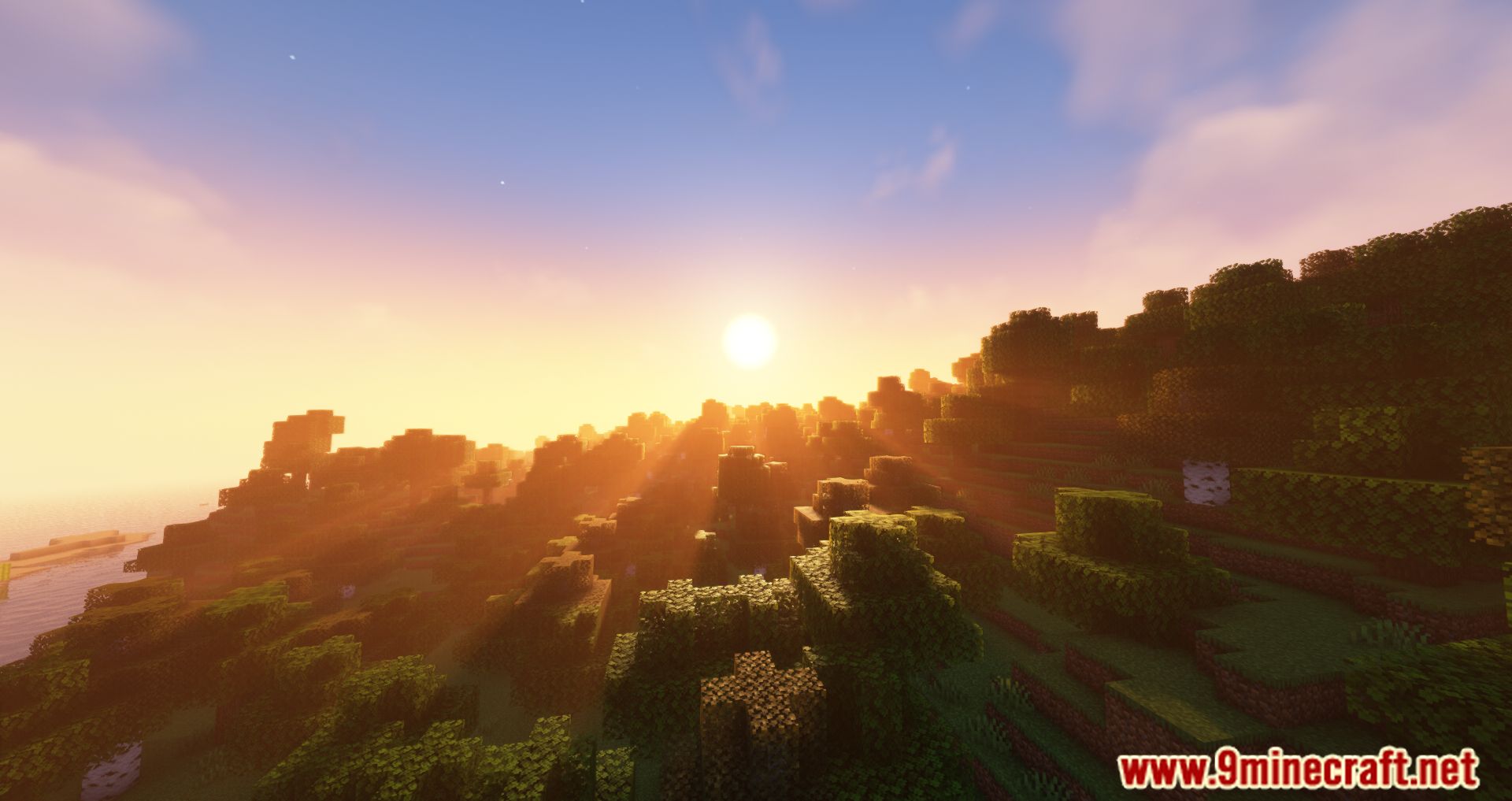
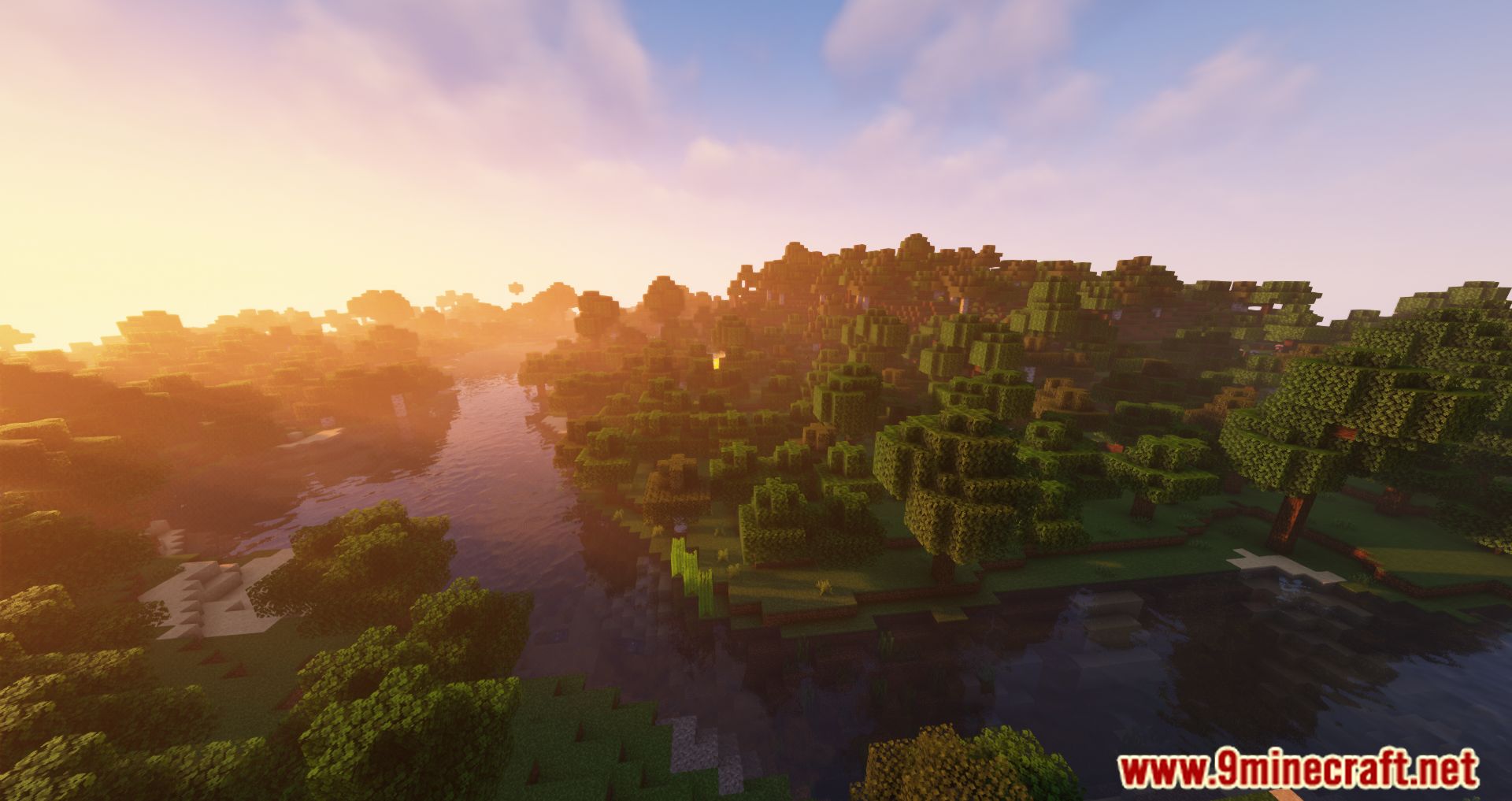
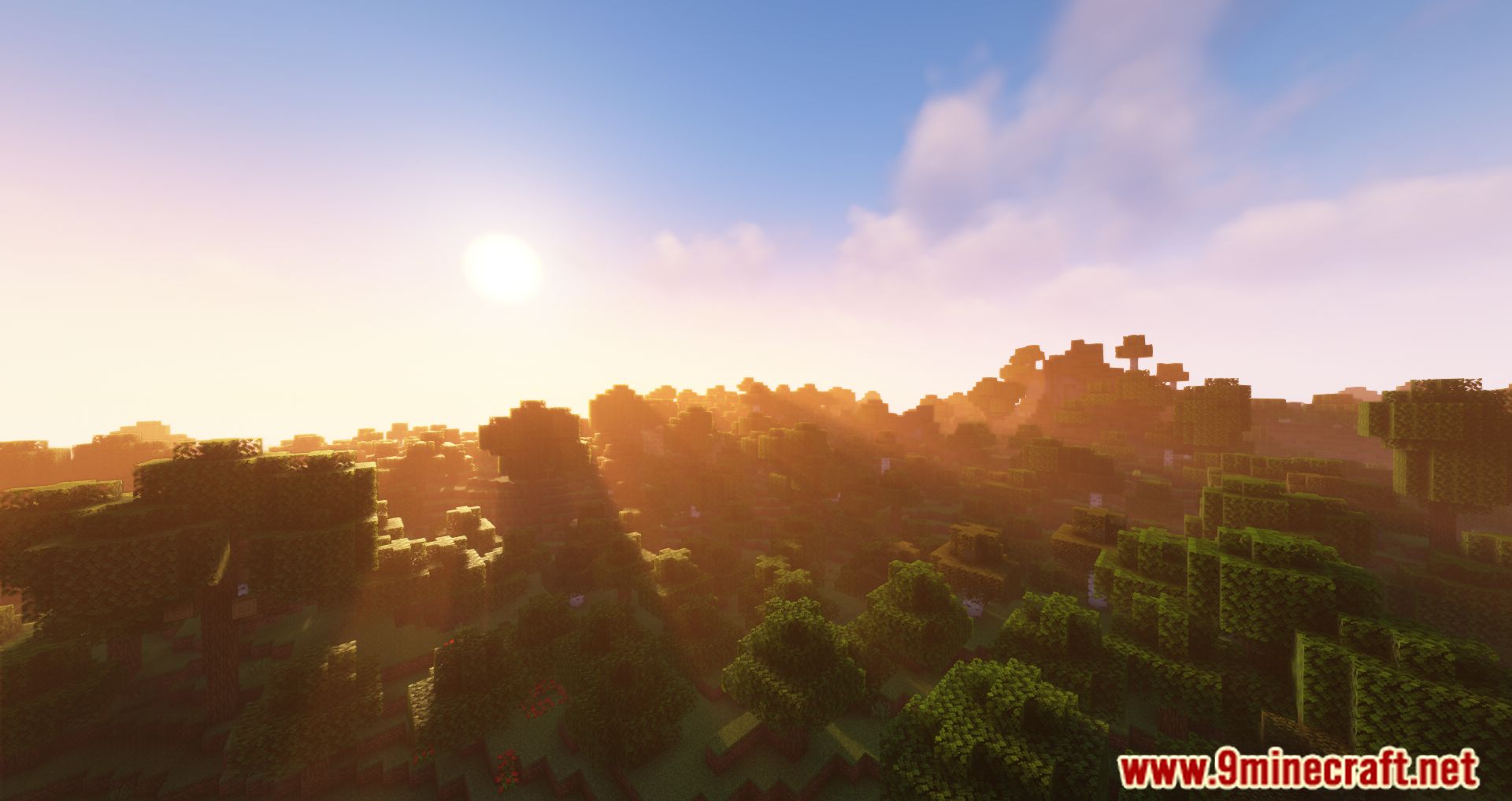
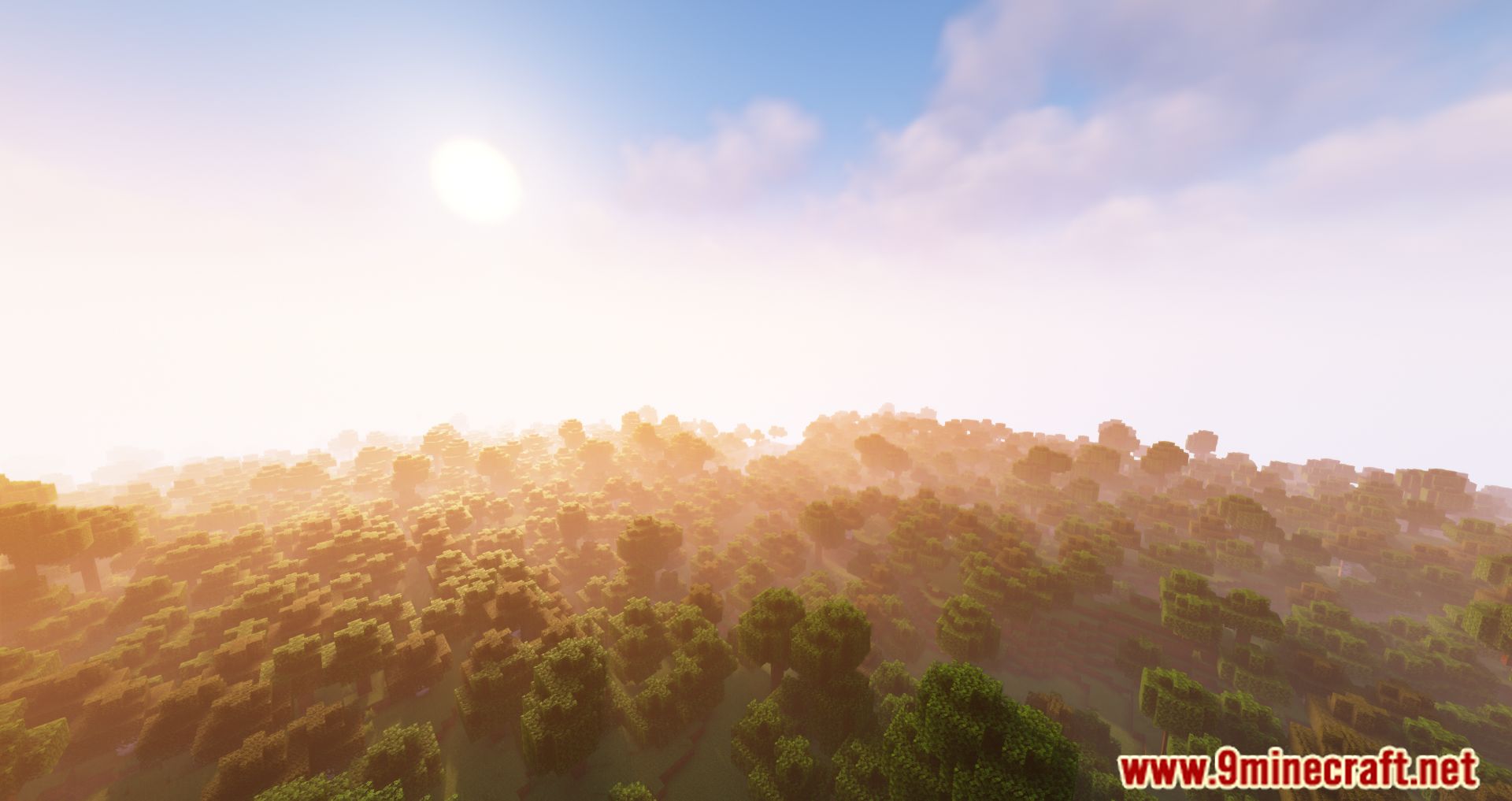
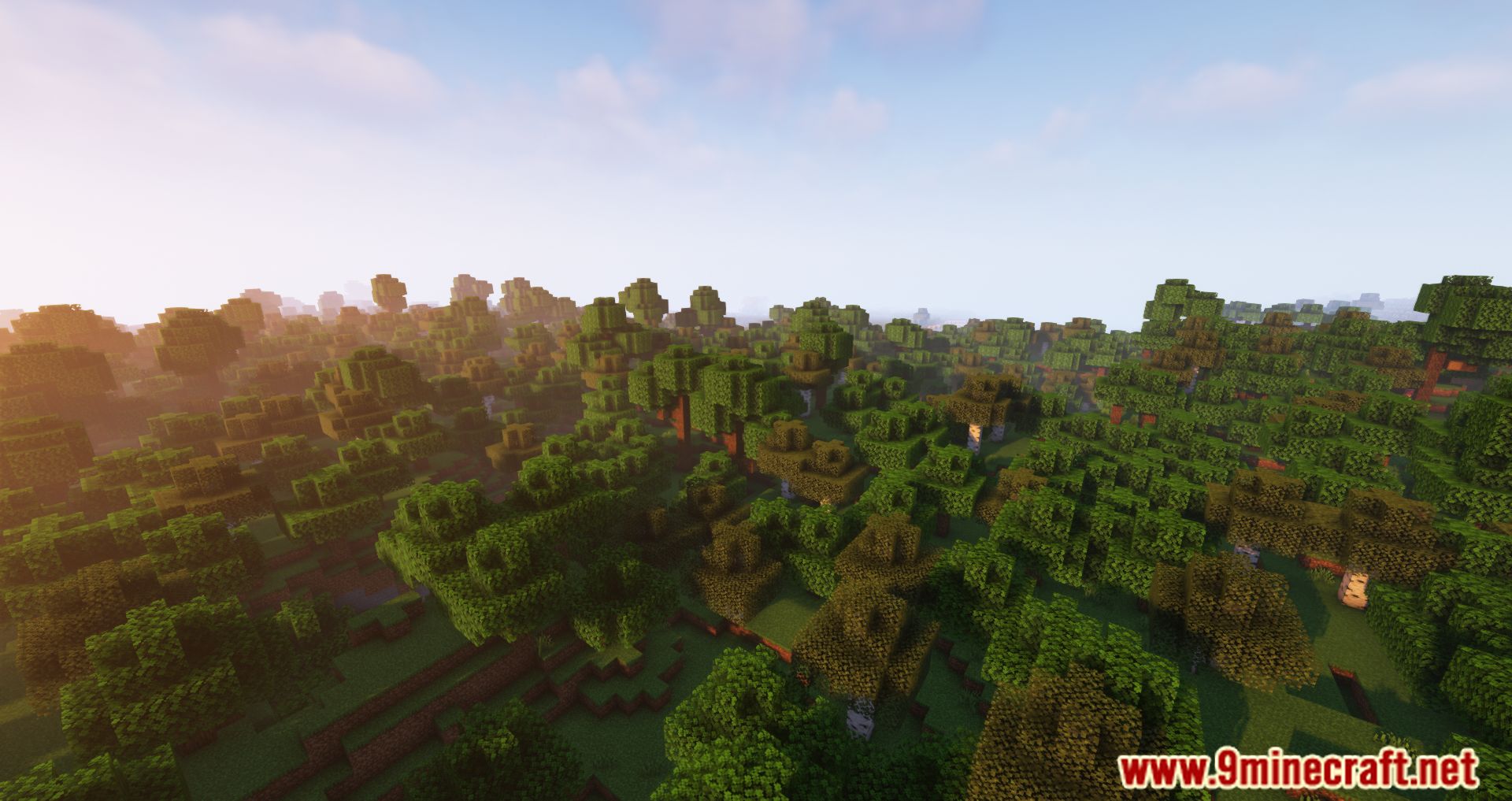
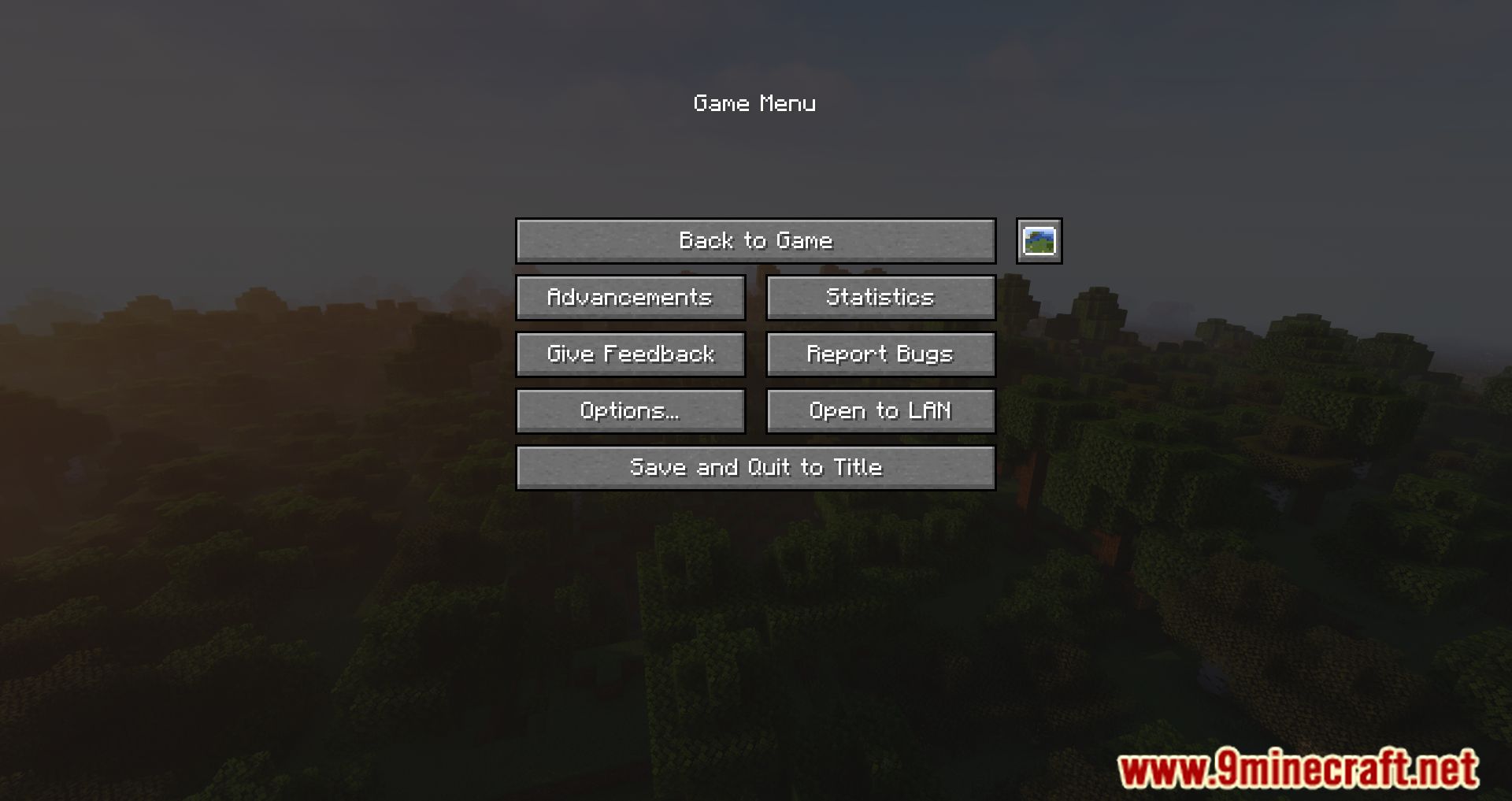
Tired of having to view the photos you take outside of Minecraft? View them inside the game. Screenshot Viewer Mod is a mod that allows us to view any screenshots you take while playing by pressing F2, within Minecraft. No more having to exit the game to see the photos you take. As you know, by default the images you take by pressing F2 are stored in the ‘screenshots’ folder of our Minecraft installation. However, to view these photos, you have to exit the game and navigate to this folder to see the photos. With this mod installed, you can have a specially designed graphical interface to view the photos without leaving the game. All you need to do is access the pause menu during the game and click on the new ‘Manage Screenshots’ icon.
Features:
- Easily access and view all your captured screenshots within the game.
- Navigate through your screenshots with a simple and intuitive interface.
- Share your favorite moments with others by showcasing your screenshots.
- Organize and categorize your screenshots for easy retrieval and browsing.
- Navigate through your screenshots using both keyboard and controller inputs.
- Adjust viewing settings to suit your preferences and maximize your experience.
Screenshots:
Screenshot Viewer Mod Download Links
- Edition: Minecraft Java
- File type: .jar
- Minecraft version listed: 1.20.1
- How to install: Install the matching mod loader (Forge, Fabric or NeoForge) for your Minecraft version. → Download the .jar. → Put it in the .minecraft/mods folder and launch that loader profile.
- Where to get it: In MC Java Mods, or directly above on this page.
Install steps are the general flow for this file type — How to install Minecraft Java mods & modpacks walks through it step by step.
- Downloads as 90873.mcaddon
- Download size: 305 KB
- Download link checked 25 Sept 2026 — working
- Mirrored on our own servers — the download does not depend on the original host
These come from our own check of the pack file, not from the source page.