
Rank+ Management: Dynamic Rank Management and Server Utility
Easily manage player ranks using an in-game Form GUI with full CRUD options. Add, edit, remove, or set ranks instantly without touching any scripts. Also…
⬇ Download on CurseForge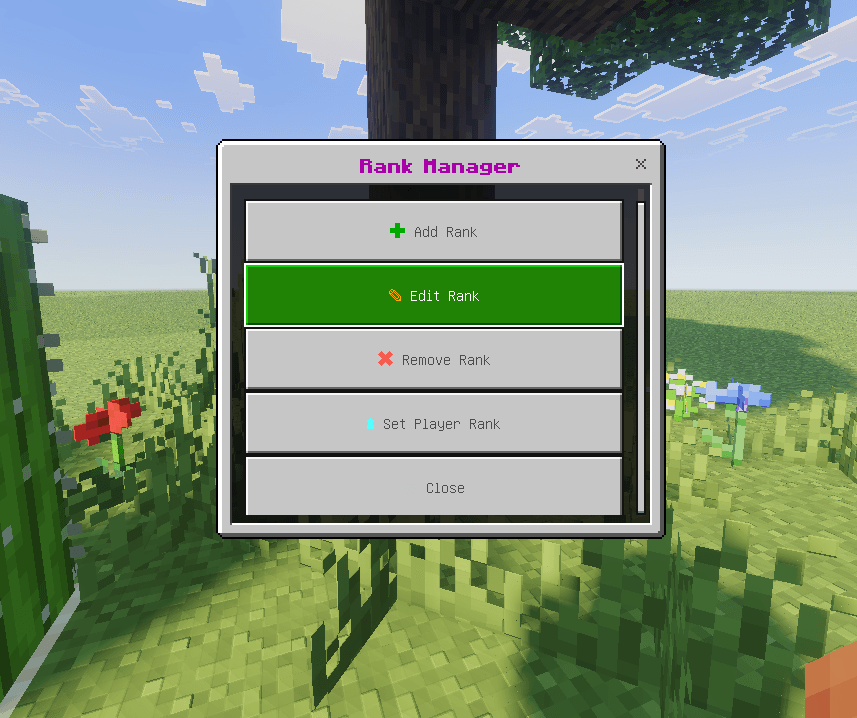
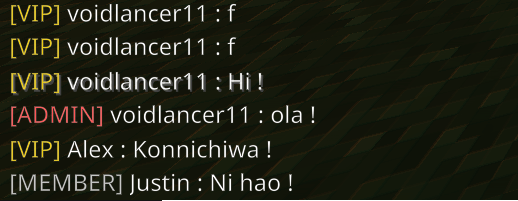
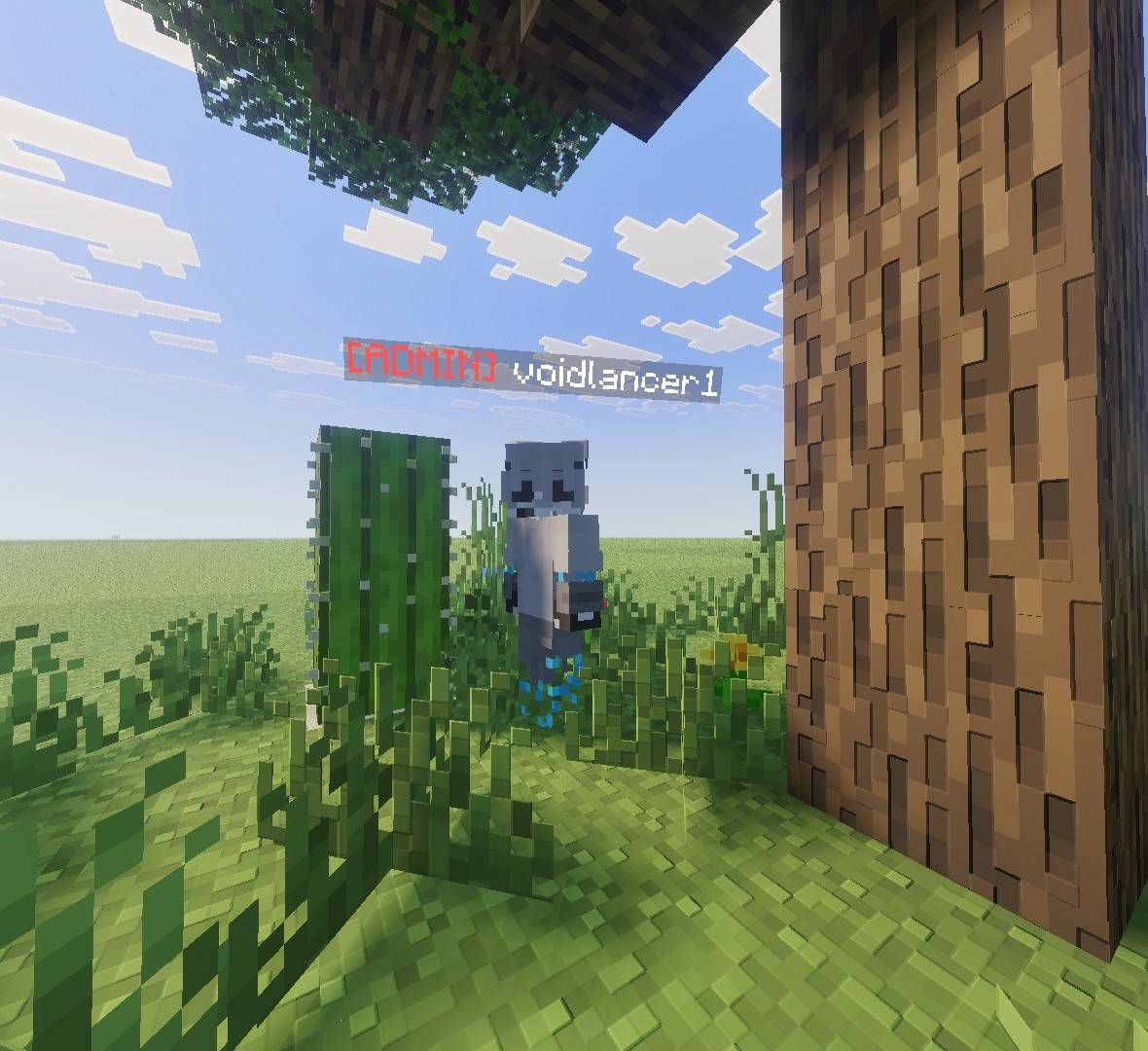
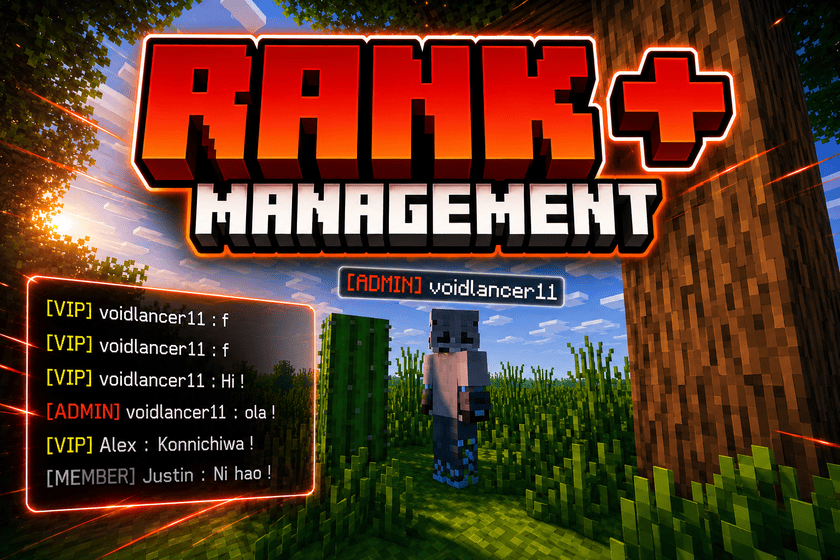
RANK+ Management
This is an addon for Minecraft Bedrock that dynamically manages player ranks. It includes full CRUD (Create, Read, Update, and Delete) options for ranks via an intuitive form GUI, allowing hosts to easily manage player ranks without touching any scripts.
To make this addon even more versatile, it also features an integrated nickname changer.
[!IMPORTANT] Turn on Beta API in the Experiments section to ensure this addon works perfectly!
Available Commands
/rank rankui- Description: Opens the Rank Manager Form UI.
- Requirement: Please add the
RANK2026:ADMINtag to get permission. - Example:
/tag @s add RANK2026:ADMIN
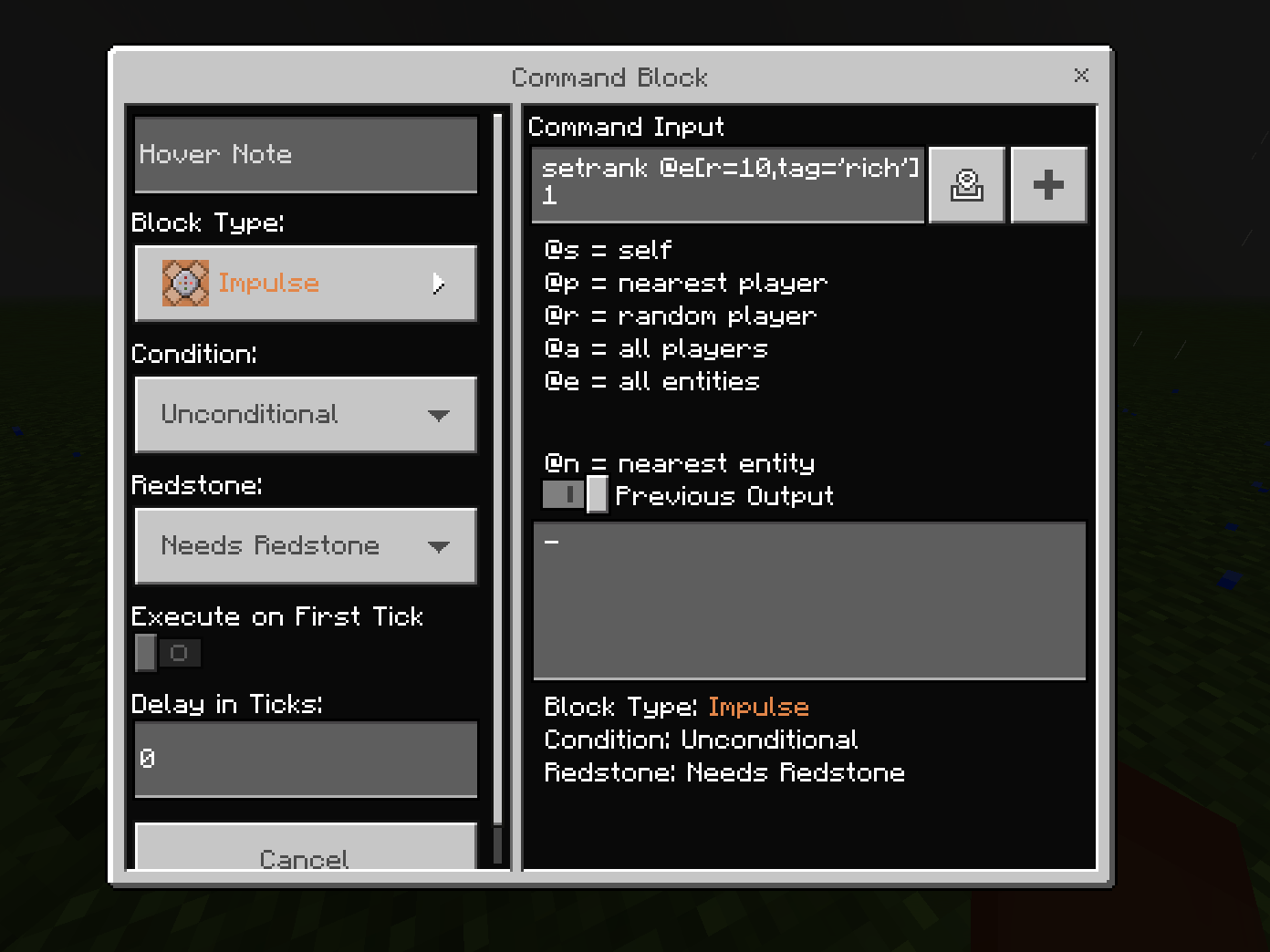
/setrank [selector: target] [rankId: int]- Description: Sets the rank for the selected entity.
- Permission: Only GameDirectors or command blocks can execute this command.
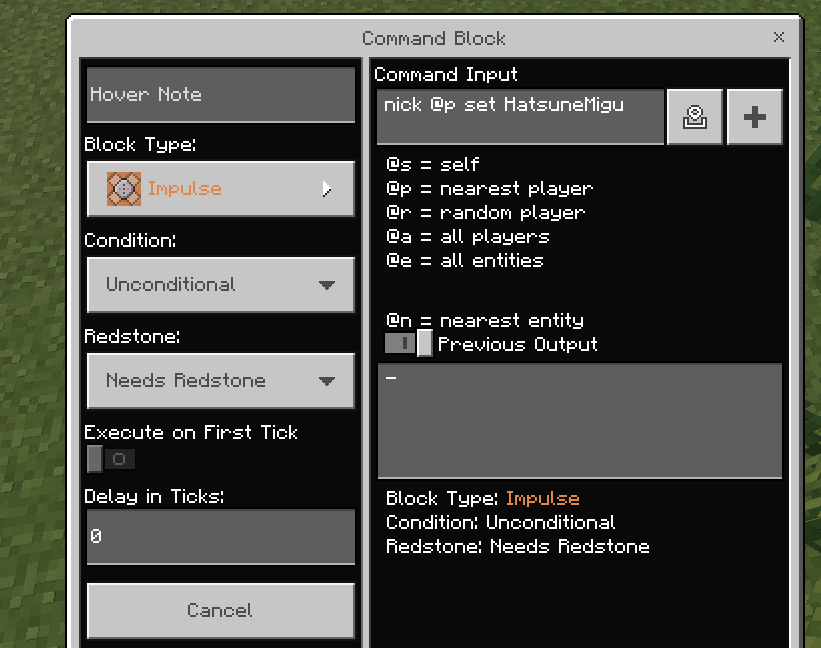
/nick <set|reset> [selector: target] [value: string]- Description: Sets or resets the nickname of the target entity.
- Permission: Only GameDirectors or command blocks can execute this command.
Command Examples
/setrank Bob 0— Sets Bob's Rank to Admin (where0is the ID for the Admin Rank)./nick set Bob Jason— Changes Bob's nickname to Jason./nick reset Bob— Resets Bob's nickname back to default.
Form GUI Management Interface
The rank management interface can be accessed directly via the /rank rankui command.
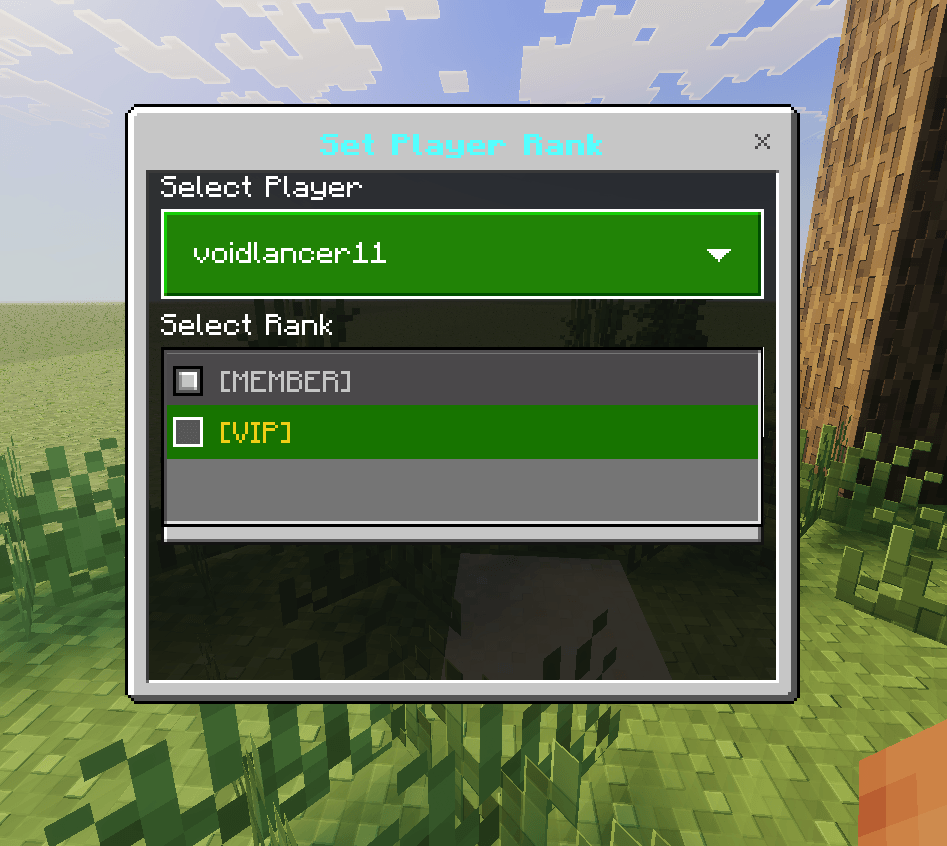
Here is what the primary form GUI looks like:

1. Add Rank
- Rank ID
[TextField]: A numerical identifier for the rank. The next available ID must be more than 2, as IDs0and1are reserved/hardcoded for the default initial ranks (ADMIN and Member). - Rank Name
[TextField]: Enter a name for the rank. This name makes it easy to find and identify the rank in the GUI without needing to memorize numerical IDs. - Rank Display Format
[TextField]: Enter a display format for the rank. This format will be used to display the rank in chat and on the player's nametag.- Example:
§6[ADMIN]§r
- Example:
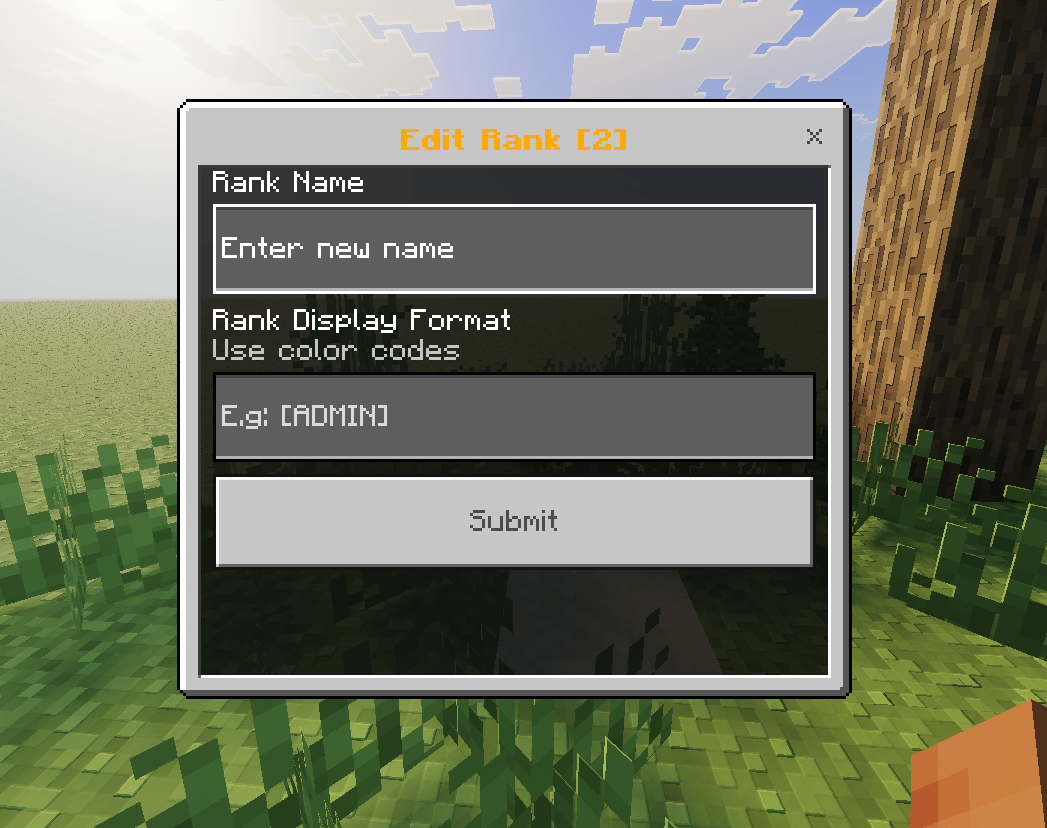
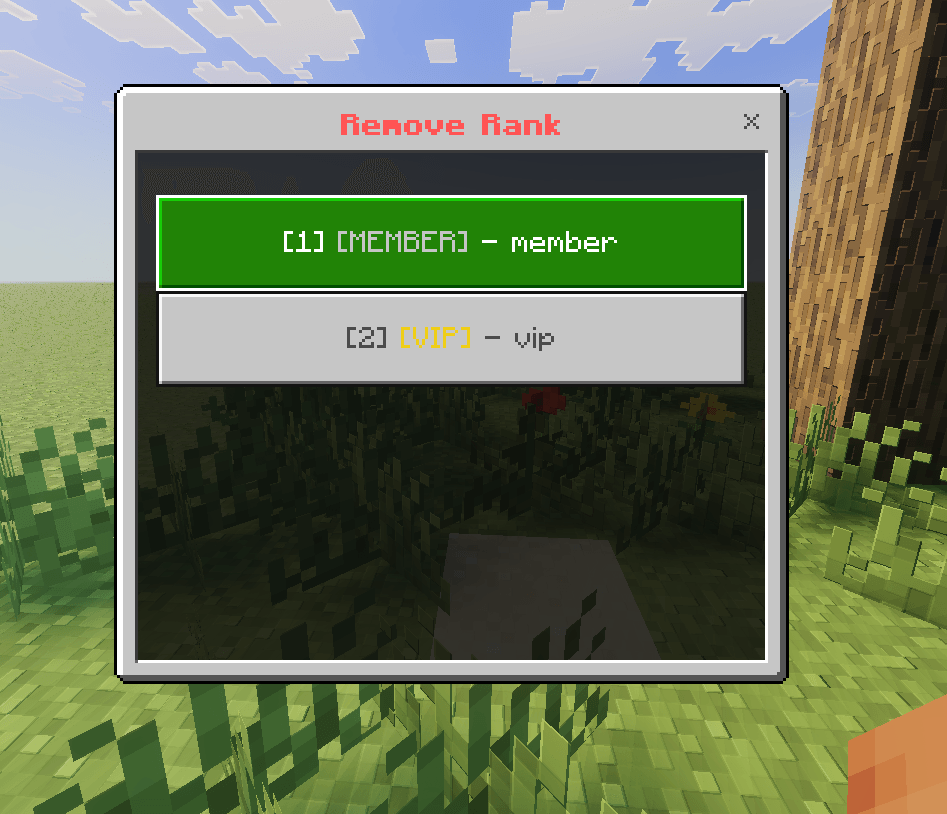
[!NOTE] The forms for Edit Rank, Remove Rank, and Set Player Rank are designed to be intuitive and easy to use. For a detailed description of each field, please refer to the field instructions provided in the Add Rank menu.
Additional Overview & Previews
Utilizing /nick Command in Command Blocks
Utilizing /setrank Command in Command Blocks
- Edition: Minecraft Bedrock
- File type: .mcpack or .mcaddon
- Minecraft versions listed: 26.0, 26.3, 26.10
- How to install: Download the .mcpack or .mcaddon file. → Open it — Minecraft imports it. → In your world: Behavior Packs → Available → Activate, then the same under Resource Packs.
- Where to get it: Opens on CurseForge — not every file is mirrored on our own servers.
Install steps are the general flow for this file type — How to install Minecraft Bedrock addons & mods walks through it step by step.
- Pack type: .mcpack — a single pack
- Manifest requires Minecraft 1.26.0 or newer
- Needs Beta APIs switched on in the world settings
- Complete pack — everything it depends on is inside the file
- Download size: 1.3 MB
- Download link checked 11 Sept 2026 — working
These come from our own check of the pack file, not from the source page.