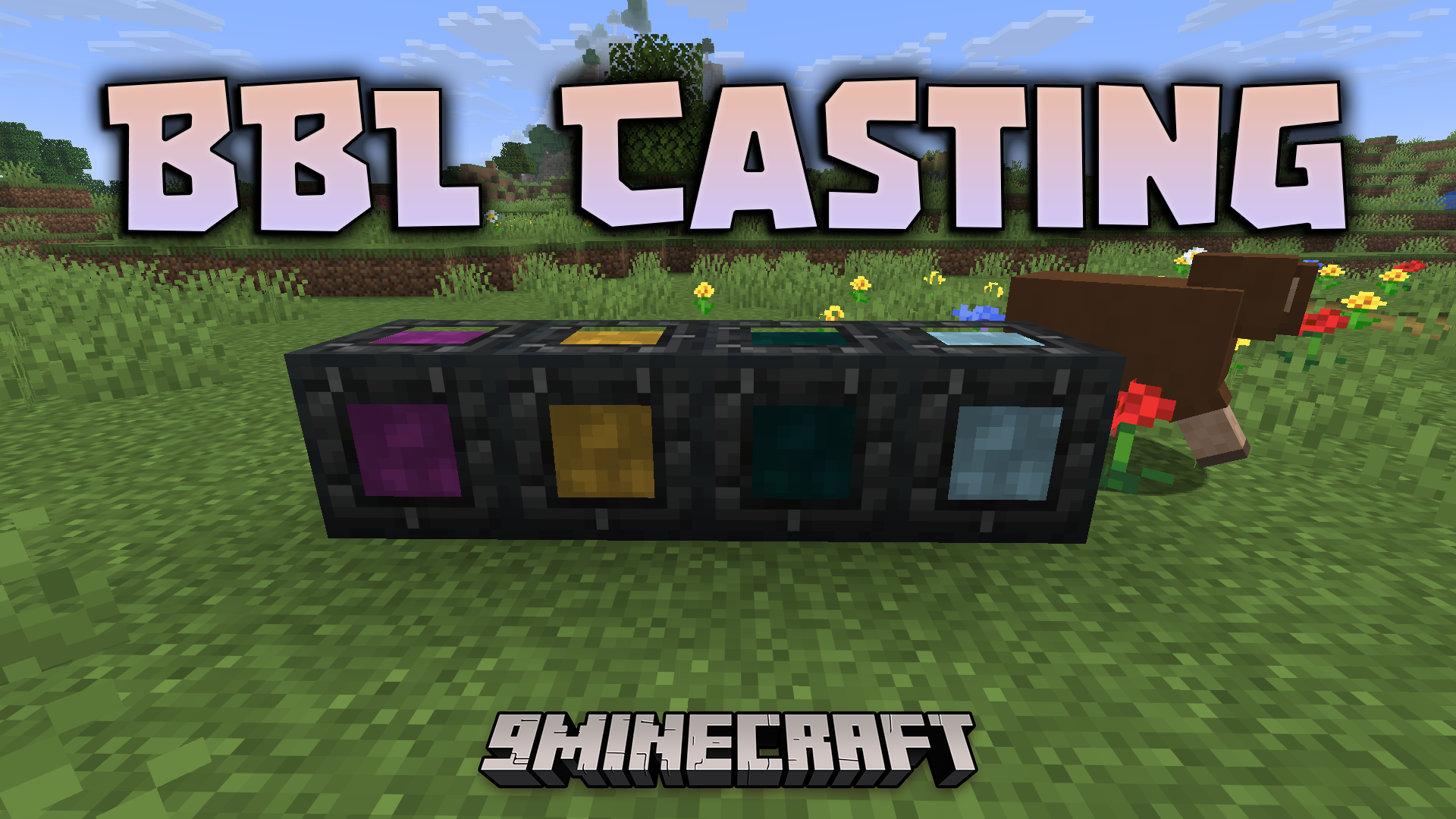
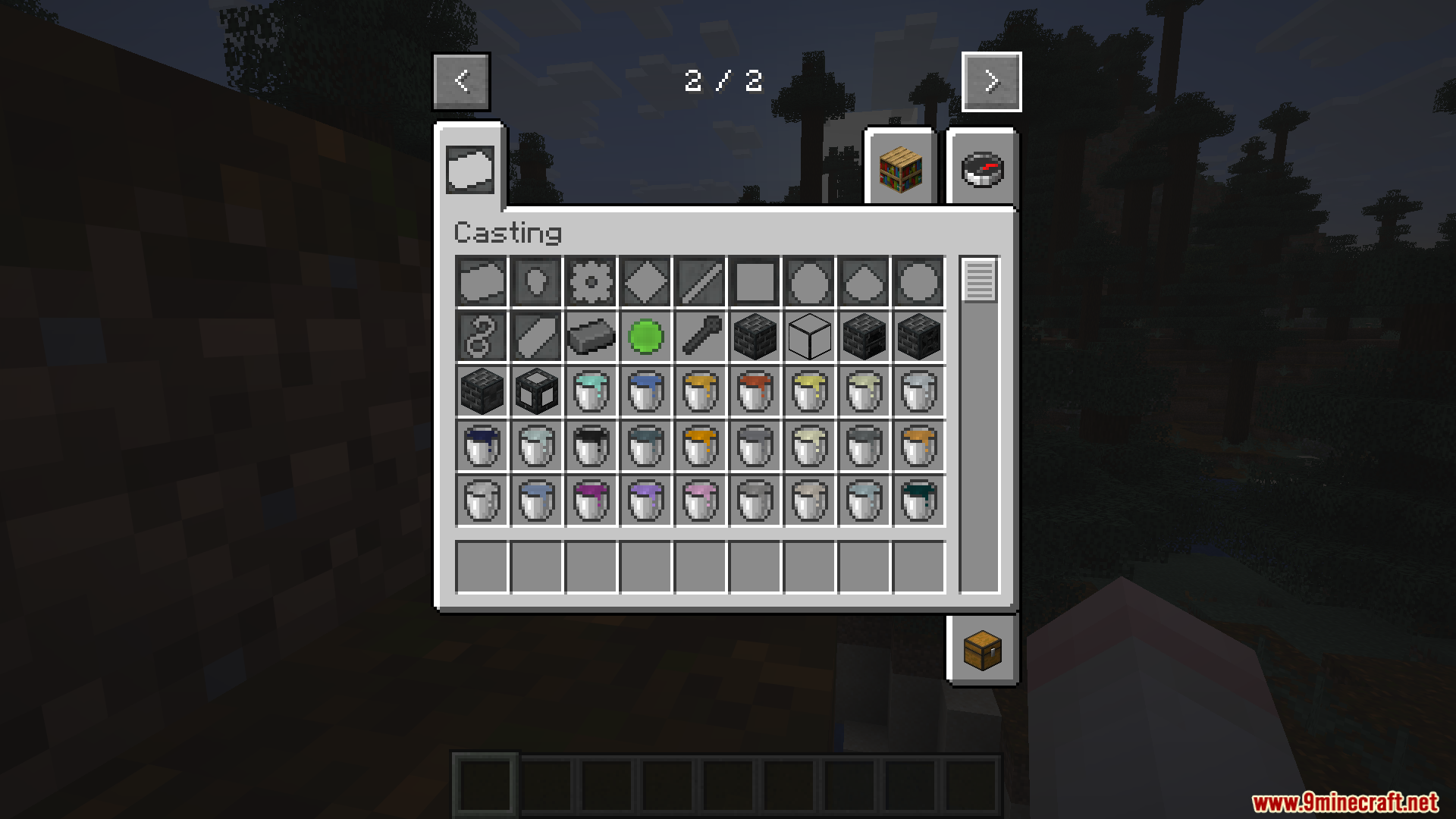
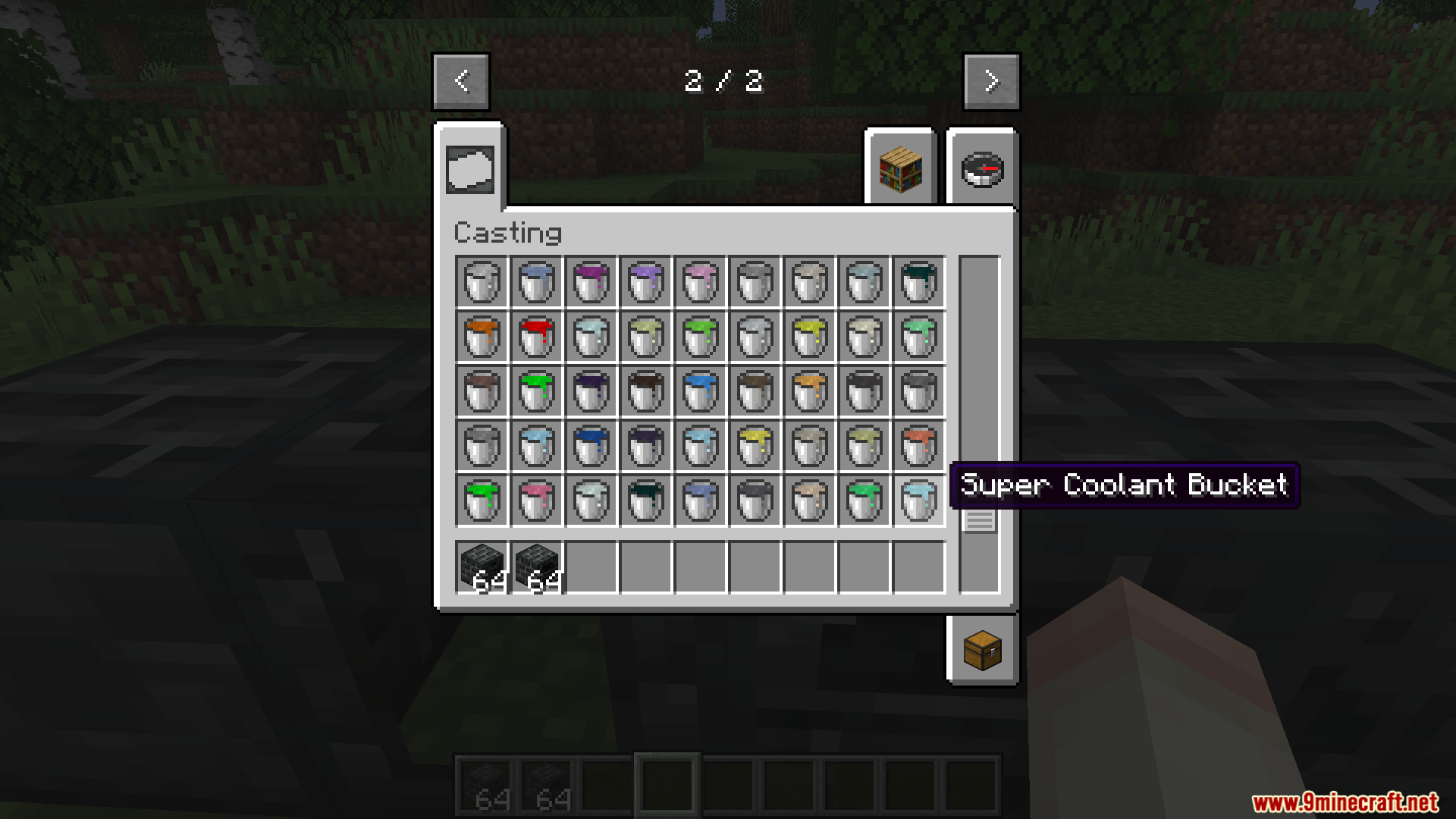
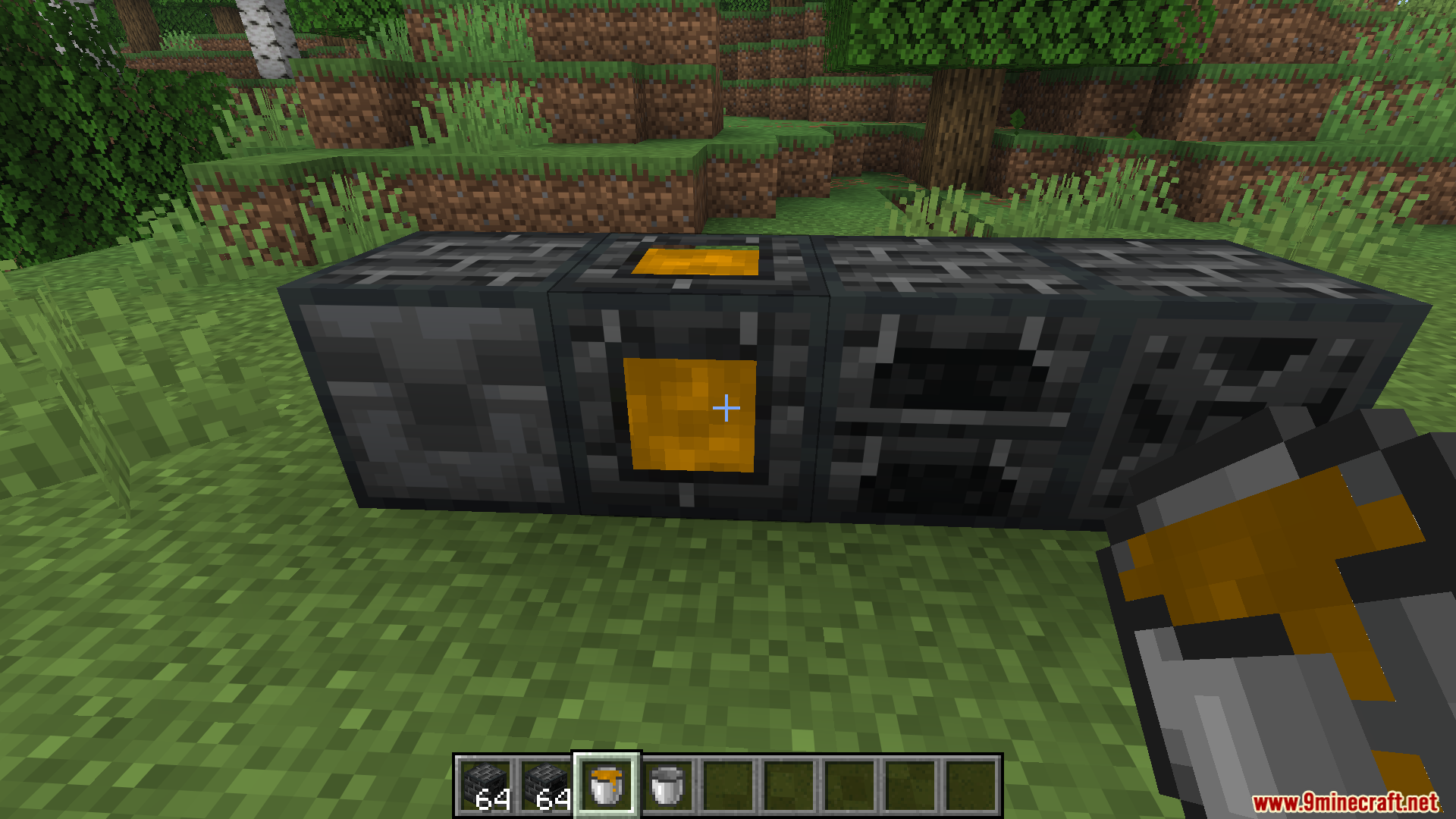
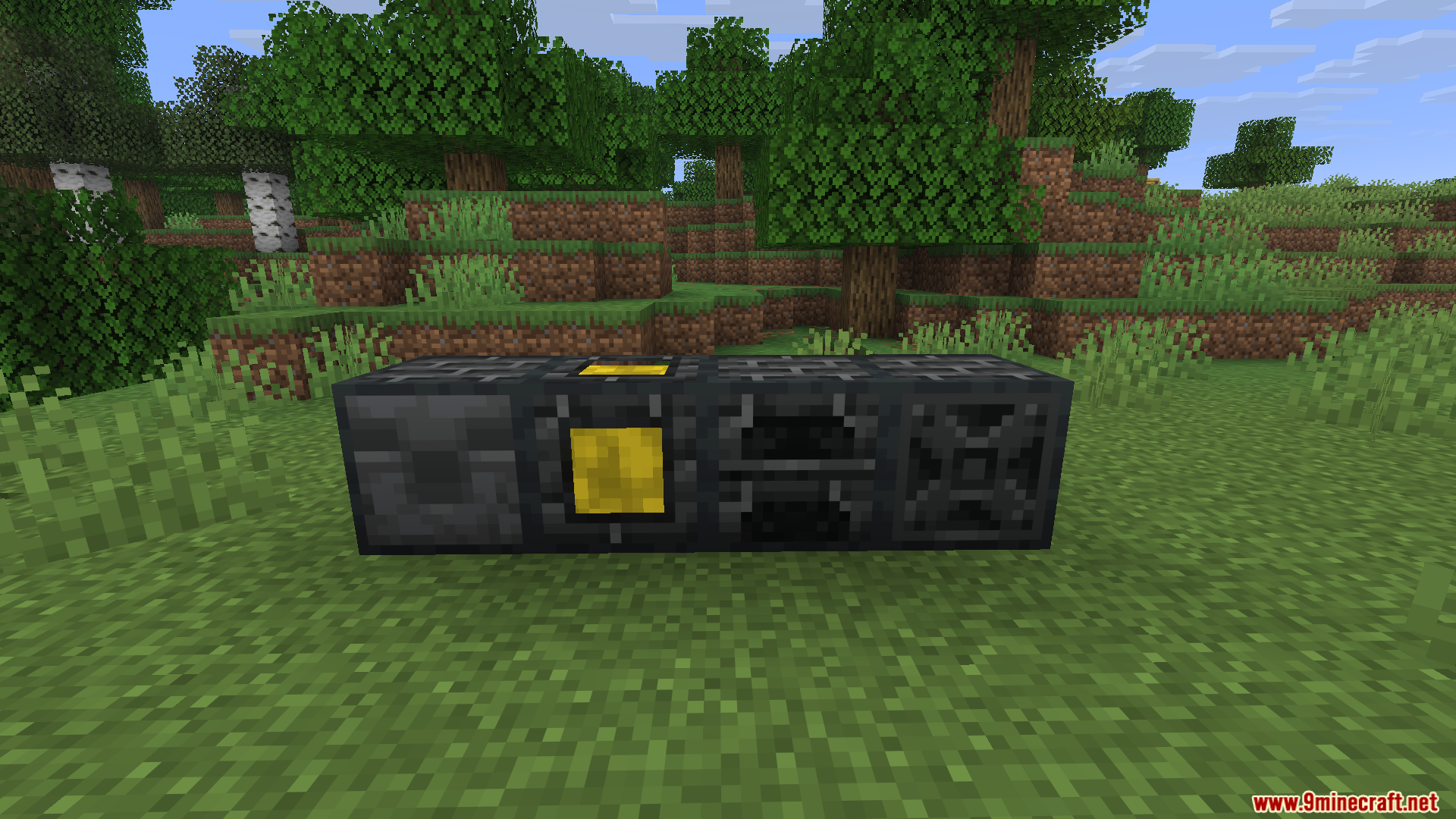
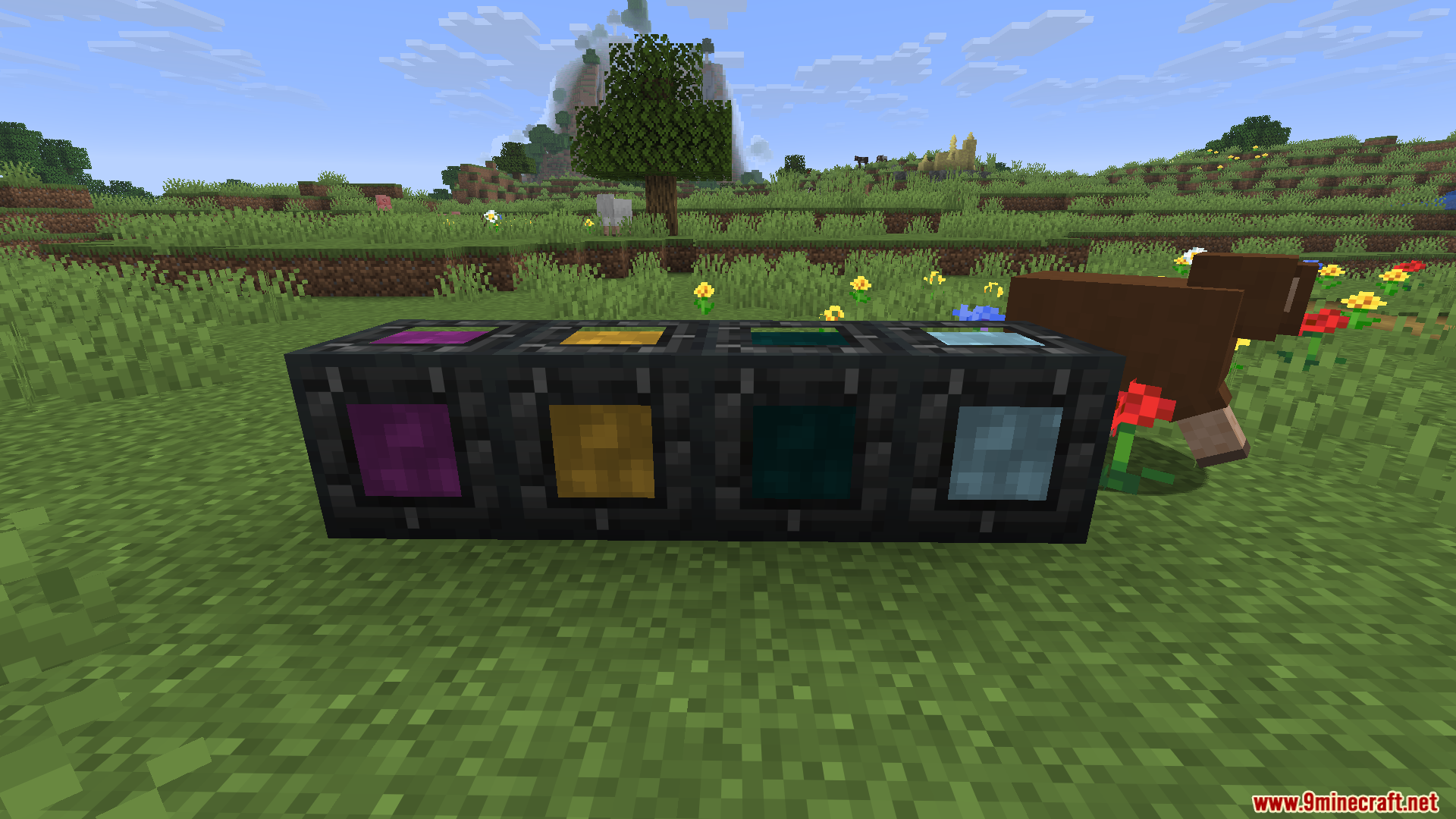
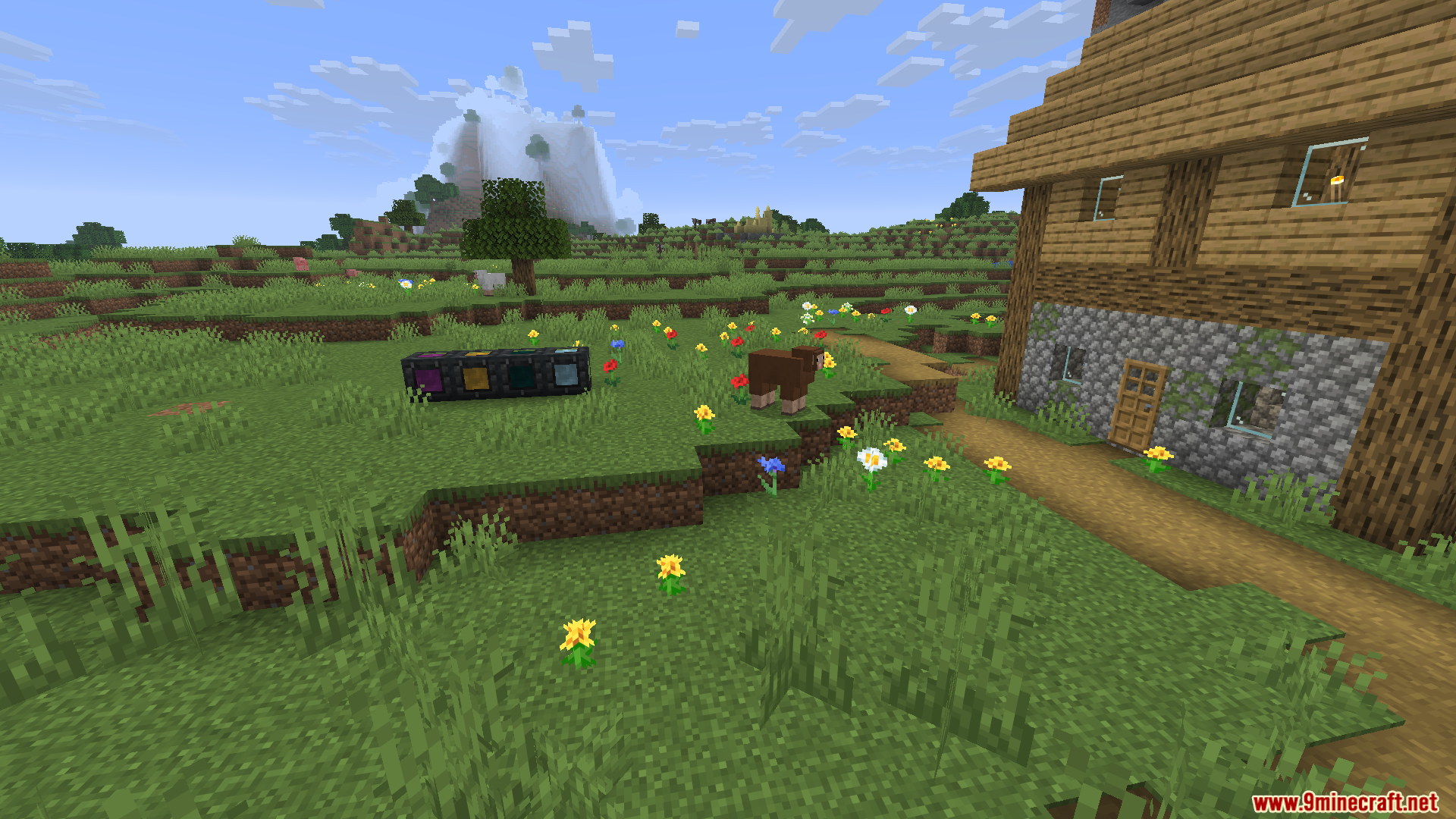
BBL Casting Mod lets you melt down your raw ores into liquid metal to get more resources out of them. It gives you a new way to process materials and mix alloys for better crafting. You can also use these molten liquids to upgrade your armor and tools with special traits.
Features:
- Liquid Smelting: Melts your raw ores and resources into liquid form so you can double your output.
- Gear Upgrades: Lets you apply special traits like auto-repair, fast digging, or flight to your tools and armor.
- Mixes different liquid metals together in a mixer to create new and stronger alloys.
- Pours molten liquids into a solidifier block to harden them back into usable ingots or items.
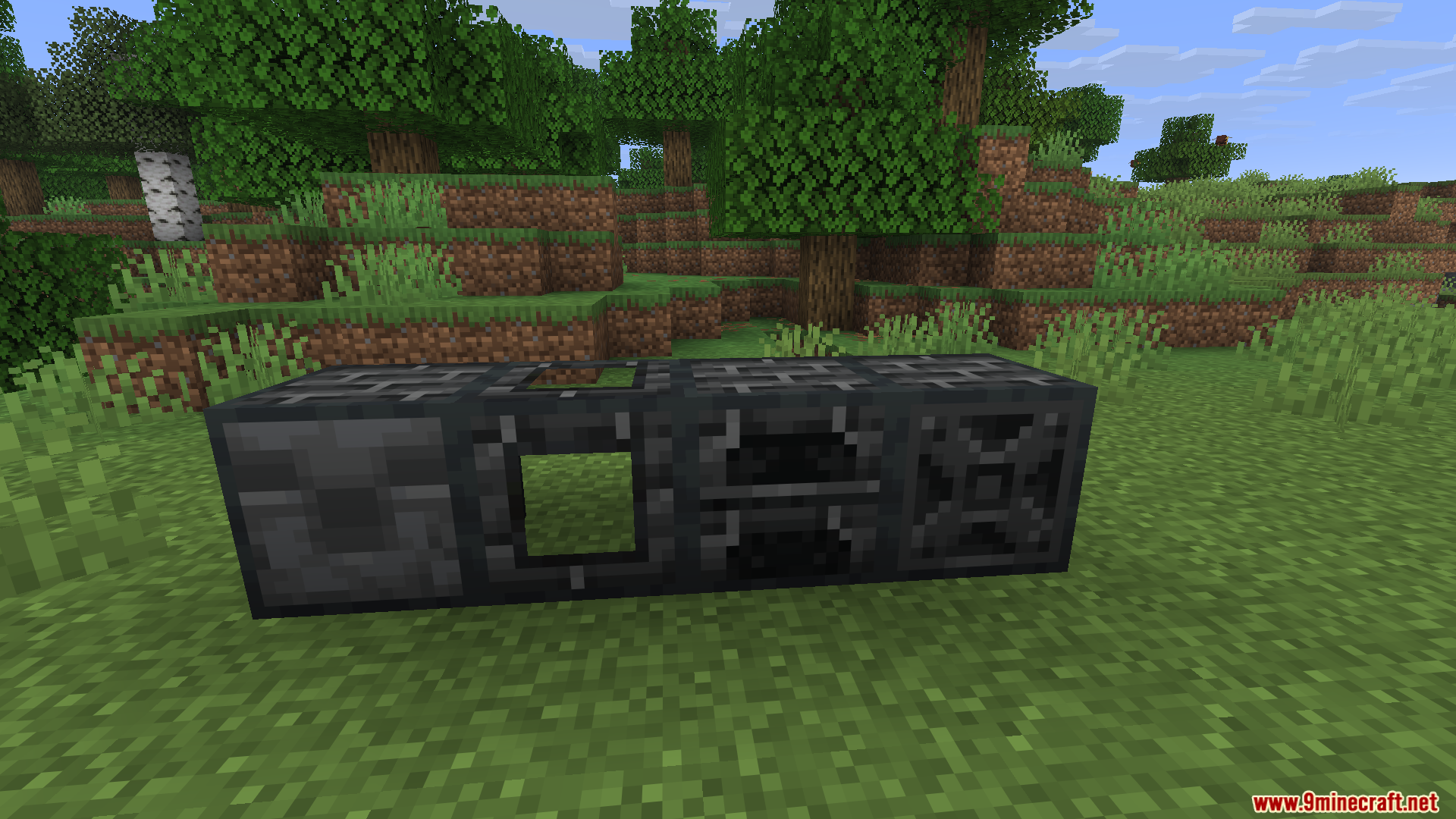
- Offers simple versions of the processing machines that work just by placing them next to each other.
- Supports extra metals from other mods, including tin, osmium, and enriched iron.
How to Use:
- Build the main controller block and connect it to a valid heat source.
- Put your ores inside the controller menu to melt them into liquid form.
- Use a valve or solidifier to pour the liquid metal into ingots.
- Apply modifiers to your gear using the liquid or specific items to gain new abilities.
Screenshots:
BBL Casting Mod Download Links
Quick facts
- Edition: Minecraft Java
- File type: .jar
- Minecraft version listed: 1.21.1
- How to install: Install the matching mod loader (Forge, Fabric or NeoForge) for your Minecraft version. → Download the .jar. → Put it in the .minecraft/mods folder and launch that loader profile.
- Where to get it: In MC Java Mods, or directly above on this page.
Install steps are the general flow for this file type — How to install Minecraft Java mods & modpacks walks through it step by step.
Verified by MCModsHub
- Downloads as 90918.mcaddon
- Download size: 2.3 MB
- Download link checked 25 Sept 2026 — working
- Mirrored on our own servers — the download does not depend on the original host
These come from our own check of the pack file, not from the source page.