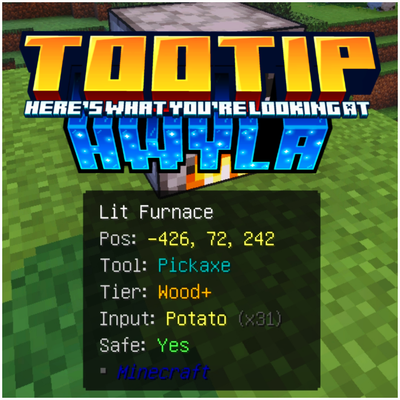
Tooltip What's Here Add-on
Bedrock add-on listed for Minecraft 1.21–26.x (behavior pack only). File opened and checked on 15 Oct 2026; installs from the MC Bedrock Mods app on Android.
Tooltip HWYLA — Real-Time Block & Entity Inspector Ever wanted to instantly know what block or entity you’re looking at? Tooltip HWYLA (Here's What You're…
⬇ Download on CurseForgeThe author built this one for Minecraft 1.21–26.50. On other versions it may install and then do nothing.
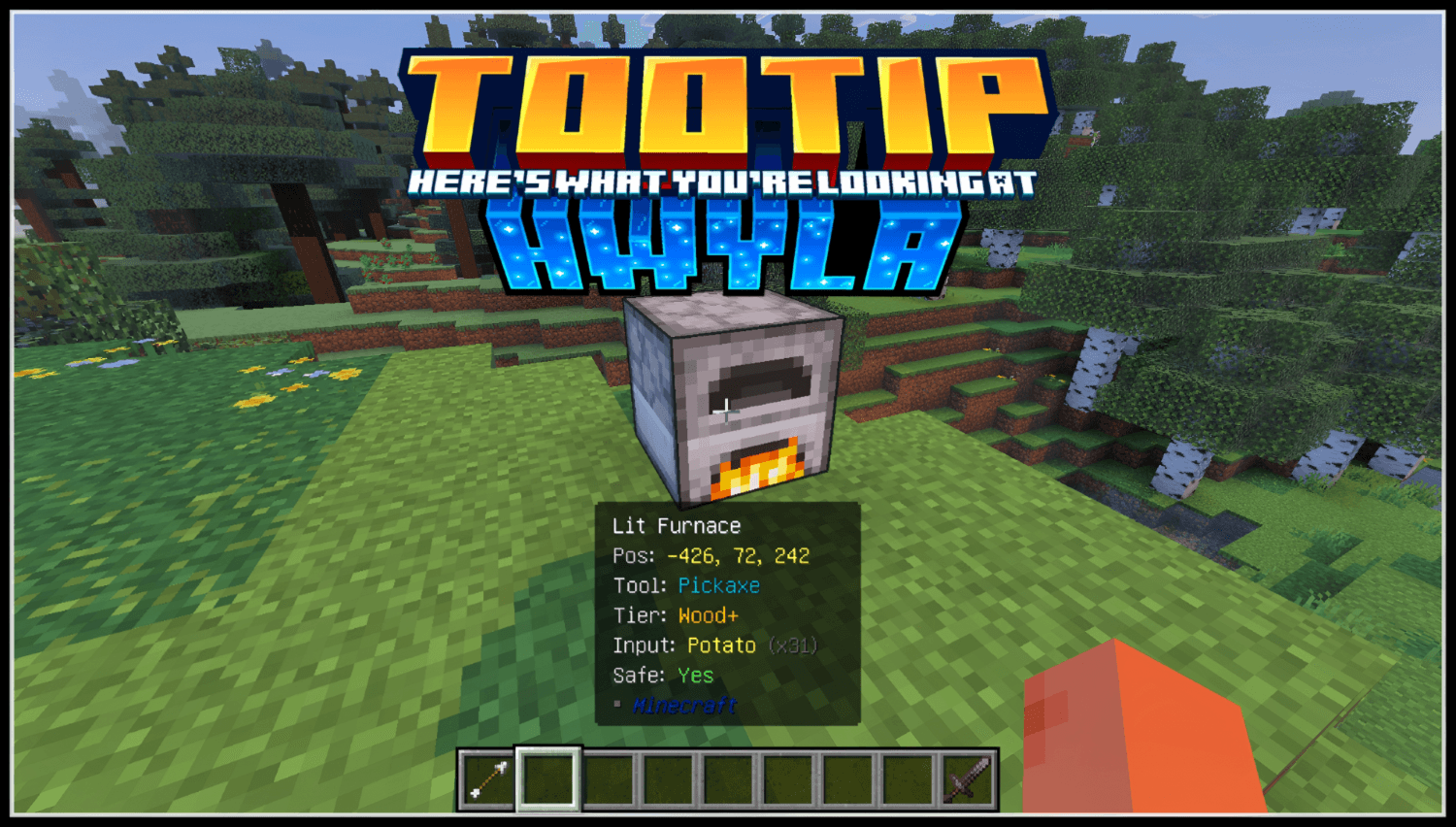
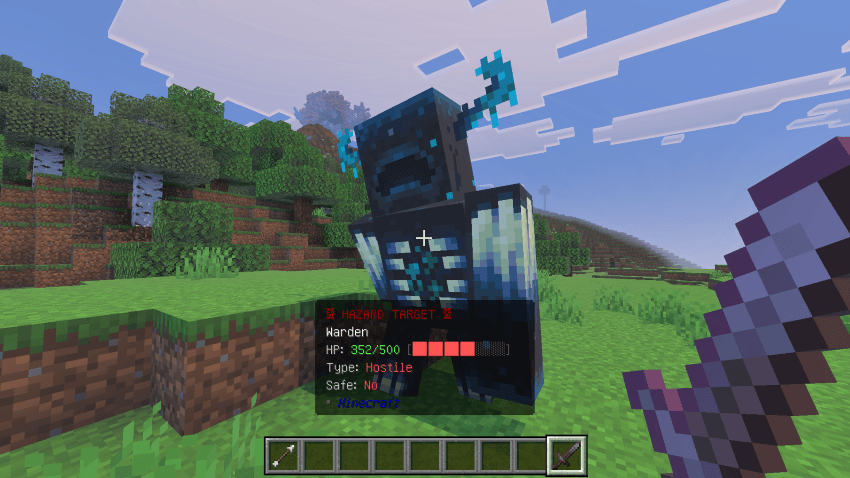
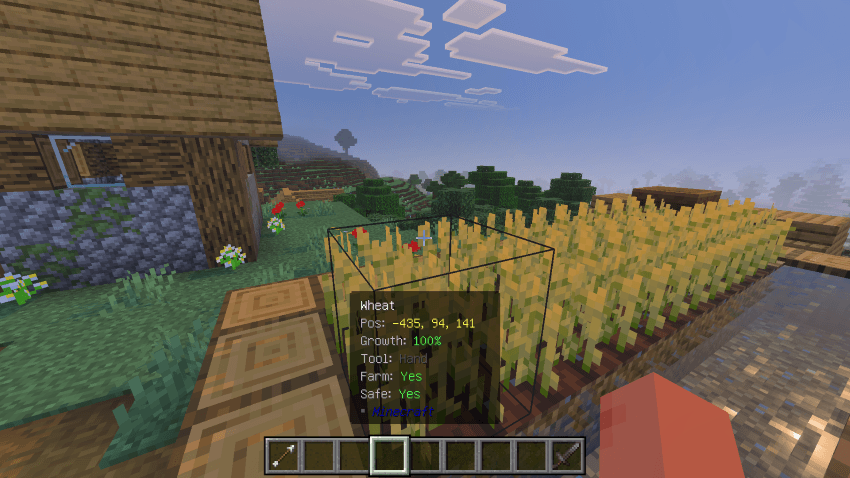
Tooltip HWYLA — Real-Time Block & Entity Inspector
Ever wanted to instantly know what block or entity you’re looking at? Tooltip HWYLA (Here's What You're Looking At.) Addon brings a clean and useful HUD to Minecraft Bedrock Edition, inspired by the classic Java mods WAILA / HWYLA.

FEATURES
🔍 Block Info
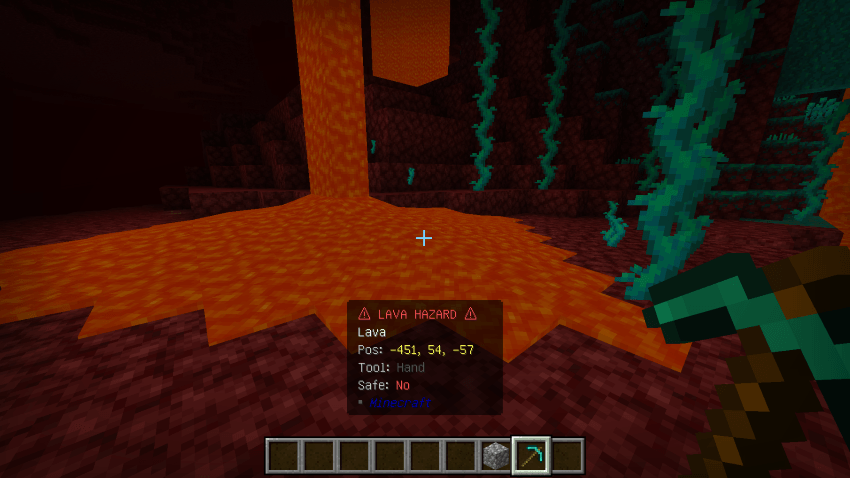
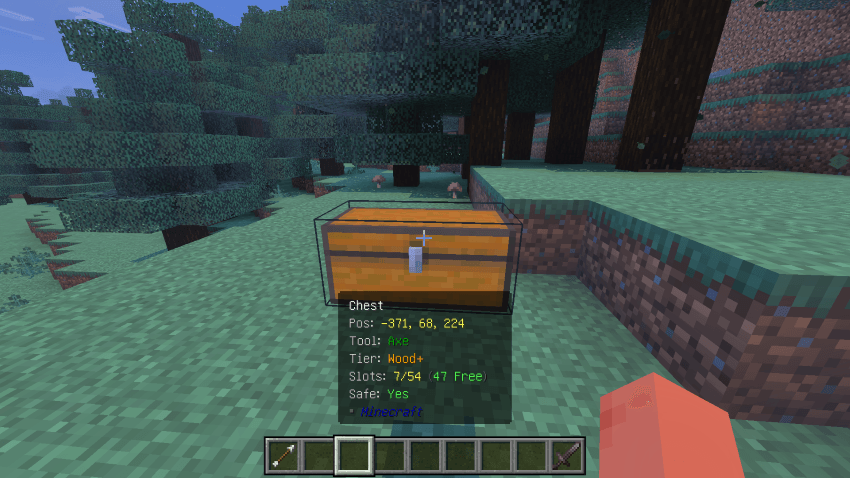
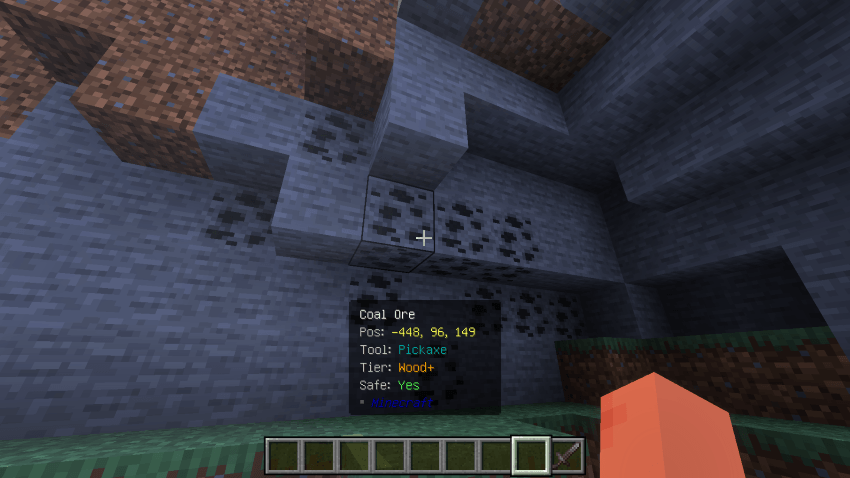
- Live position, name, and required tool + tier (Wood+, Stone+, Iron+, Diamond+, Netherite)
- Color-coded tool names (Pickaxe, Axe, Shovel, Hoe, Sword, Hand)
- Instant "Safe: Yes/No" status with hazard banners for lava and other dangers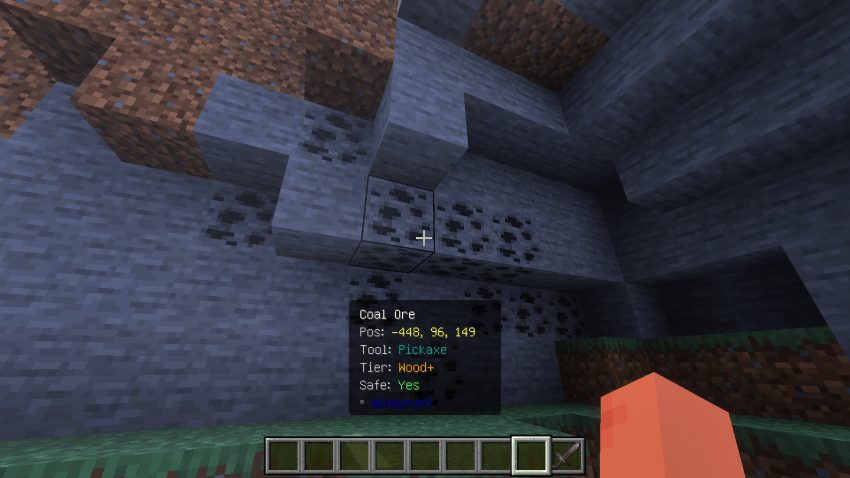
🌱 Smart Context Detection
- Crops show live growth percentage and whether they're planted on valid farmland
- Furnaces display their current input item and stack count
- Chests show slot usage at a glance (e.g. 7/54, 47 Free)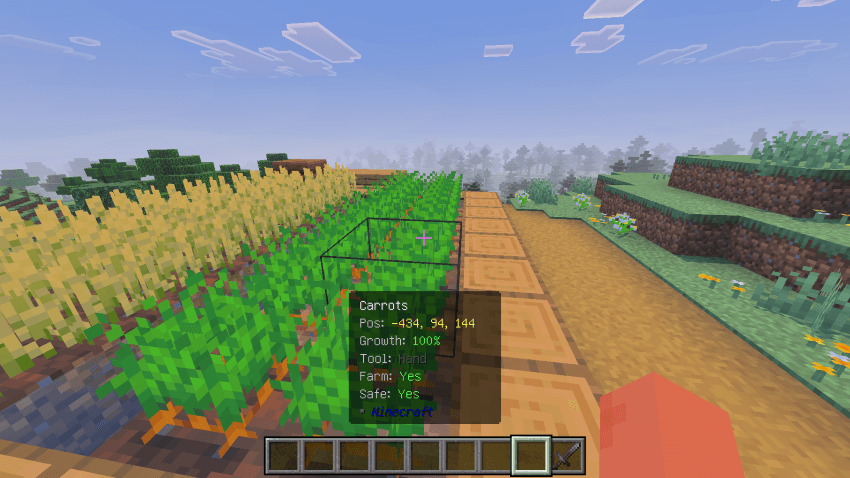
⚔️ Entity Info
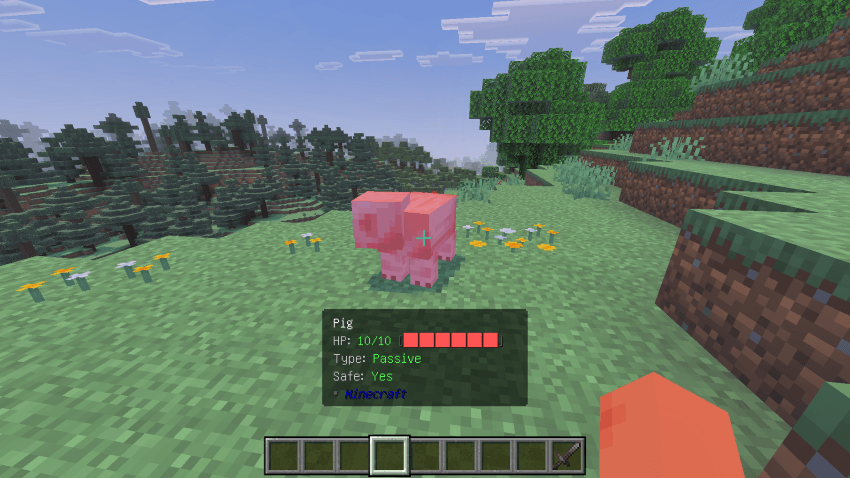
- Real-time HP bar with current/max health
- Type classification (Passive / Hostile / Neutral)
- Hostile mobs get a flashing "HAZARD TARGET" banner so you never get caught off guard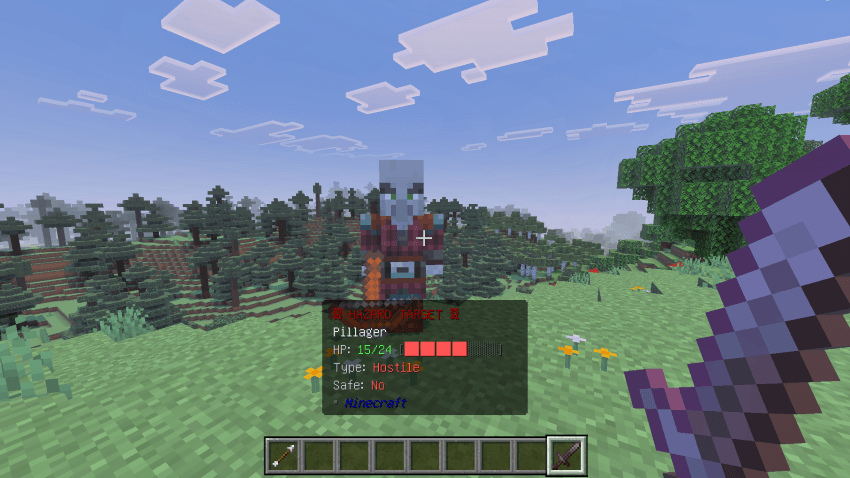
⚡ Performance-Friendly
- Tick-throttled raycasting (configurable interval, default ~0.15s)
- Smooth fade-out when you look away — no flicker, no popping
- Fully client-side, zero impact on world state
COMPATIBILITY
- Minecraft Bedrock 1.21.0+
- Script API powered (@minecraft/server 1.13.0)
- Works in Survival, Creative, and Adventure modes
Whether you're mining, farming, or fighting off a Pillager raid, Tooltip HWYLA keeps you informed without cluttering your screen.
- Edition: Minecraft Bedrock
- File type: .mcpack or .mcaddon
- Minecraft versions listed: 1.21.50, 1.21.90, 1.21
- How to install: Download the .mcpack or .mcaddon file. → Open it — Minecraft imports it. → In your world: Behavior Packs → Available → Activate, then the same under Resource Packs.
- Where to get it: Opens on CurseForge — not every file is mirrored on our own servers.
Install steps are the general flow for this file type — How to install Minecraft Bedrock addons & mods walks through it step by step.
- Pack type: .mcpack — a single pack
- Manifest requires Minecraft 1.21.0 or newer
- Complete pack — everything it depends on is inside the file
- Download size: 701 KB
- Download link checked 12 Oct 2026 — working
These come from our own check of the pack file, not from the source page.