
Smart Smelt
Bedrock add-on listed for Minecraft 26.x (behavior pack only). File opened and checked on 4 Oct 2026; installs from the MC Bedrock Mods app on Android.
Automatically converts ore, log, and soil drops into their smelted form upon break — Works with all vein miner add-ons!
⬇ Download on CurseForge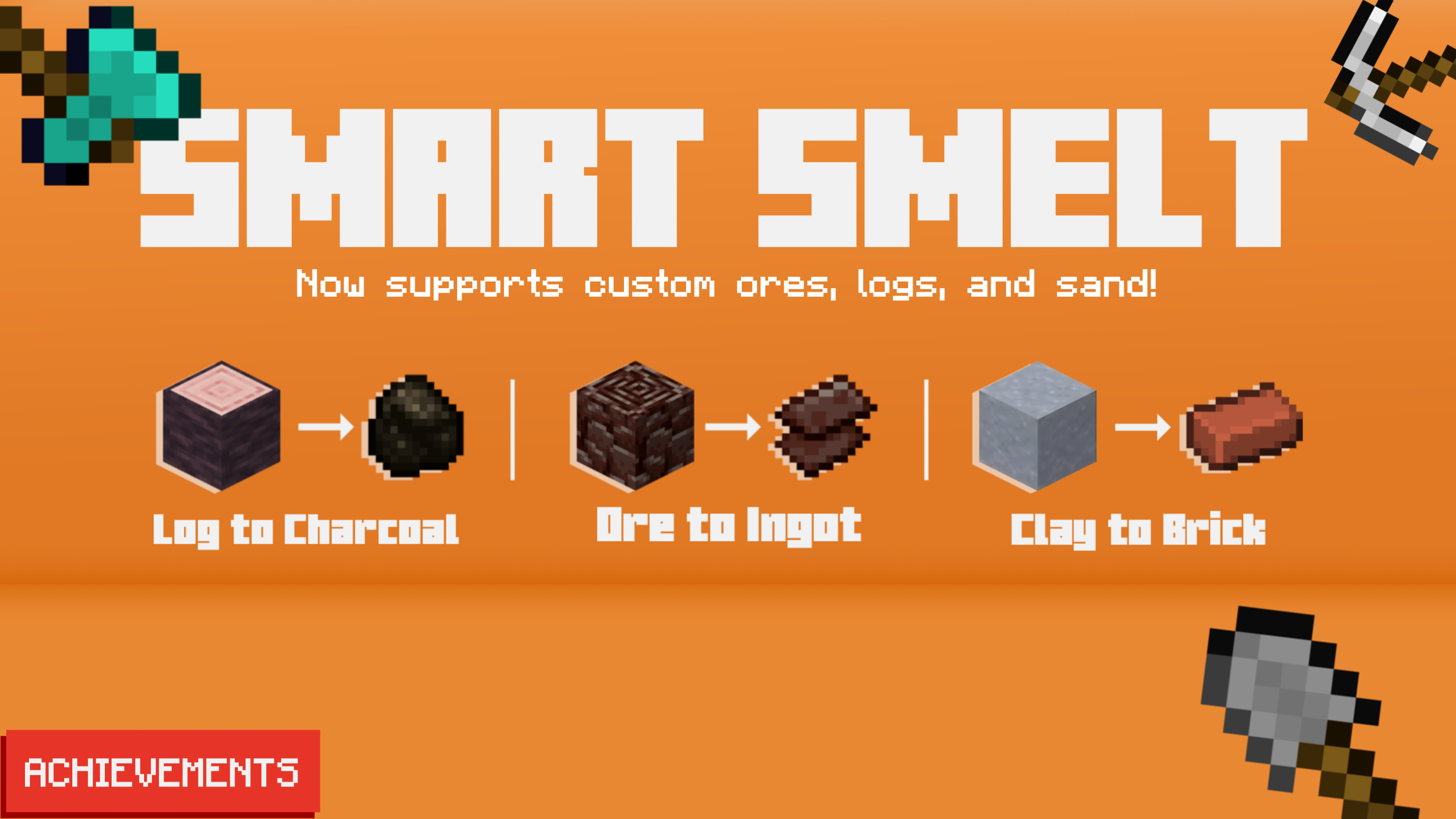
Are you tired of smelting raw iron manually in early game, or constantly running out of furnace fuel? If so, try this behavior pack!
Smart Smelt automatically converts ore, log, and soil drops into their smelted equivalent in real-time.
🧩 HOW IT WORKS
Smart Smelt intercepts item drops the moment they spawn and replaces them with their smelted form.
 It has a built-in 26-directional Breadth-First Search (BFS) to detect connected ore/log clusters (up to 256 blocks), so it works accurately with most Vein Miner and Tree Capitator add-ons. XP from smelting is given directly to you.
 Just mine with the correct tool, and let the script handle the rest!

 Custom ores, logs, and sand are supported as long as they use the standard Minecraft naming system (For example: raw_X → X_ingot).
🔁 CONVERTS
- Iron, gold, copper ore > ingot
- Ancient debris > netherite scrap
- All logs, woods & stripped variants > charcoal
- Sand, red sand > glass
- Clay > brick
✨ EXTRAS
- Per-player settings — other players are never affected.
- 3 activation modes: Sneak, Stand, or Anytime.
- Tool-aware: pickaxe for ore, axe for log, shovel for soil. Custom tools are supported.
- Silk Touch safe — block drops are automatically skipped.
- Fortune compatible — stack amount is preserved.
- XP rewarded accurately per item converted.
⚠️ "Log to Charcoal" is OFF by default. You can enable it in the config menu:
⚙️ CONFIGURATION
 Type /smart:smelt (or /smelt if it works) in chat to open your personal settings menu.

No cheats required! And it's achievement-friendly.
📥 INSTALLATION
- Download the .mcpack (behavior only) file
- Import it to your Minecraft
- Activate in your Minecraft world
Requires Minecraft Bedrock v1.26.0 and above.
- Edition: Minecraft Bedrock
- File type: .mcpack or .mcaddon
- Minecraft versions listed: 26.0.02, 26.0, 26.3
- How to install: Download the .mcpack or .mcaddon file. → Open it — Minecraft imports it. → In your world: Behavior Packs → Available → Activate, then the same under Resource Packs.
- Where to get it: Opens on CurseForge — not every file is mirrored on our own servers.
Install steps are the general flow for this file type — How to install Minecraft Bedrock addons & mods walks through it step by step.
- Save it as SmartSmelt v1.2.0.mcaddon before opening — it downloads as .mcpack, but it is a .mcaddon pack
- Manifest requires Minecraft 1.26.0 or newer
- Complete pack — everything it depends on is inside the file
- Download size: 53 KB
- Download link checked 10 Oct 2026 — working
These come from our own check of the pack file, not from the source page.