Chest Lock
Bedrock add-on listed for Minecraft 1.21–26.x. Download on the author's site.
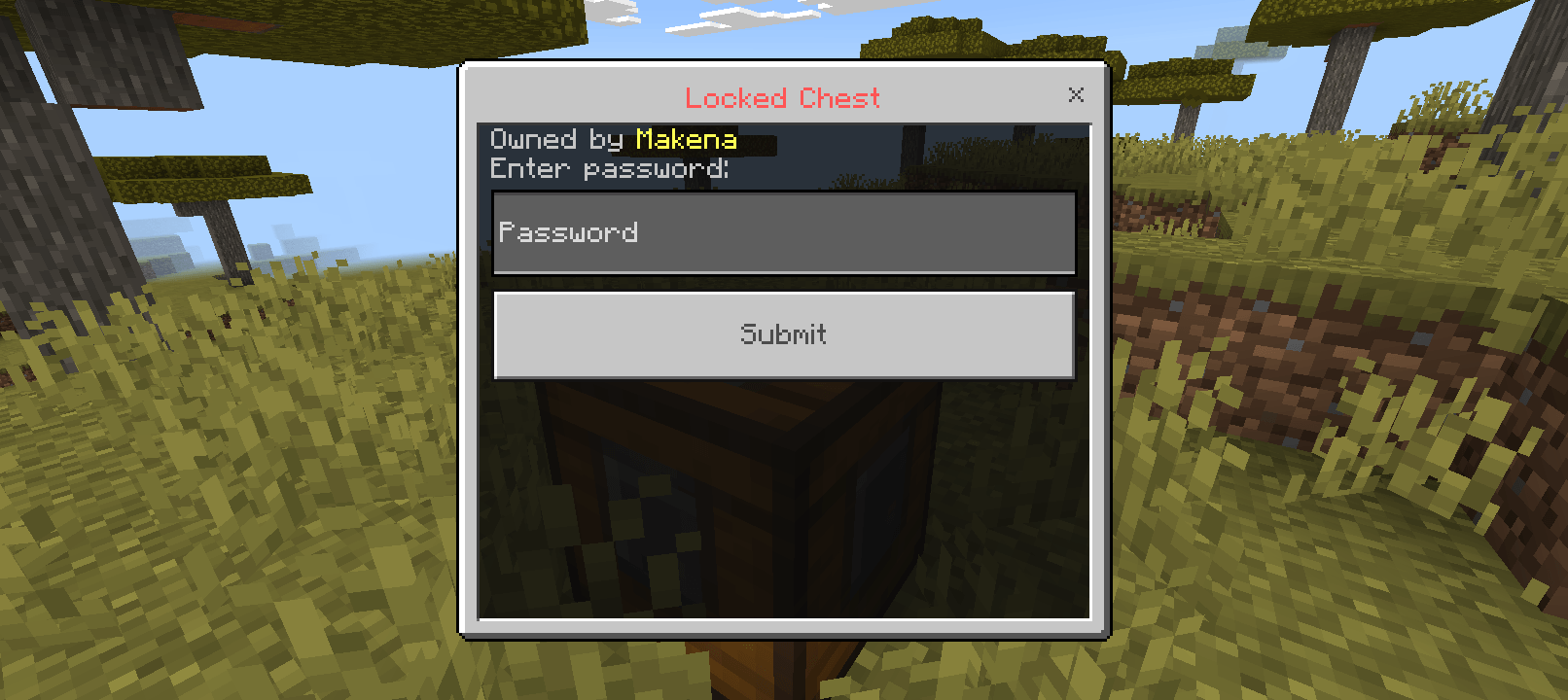
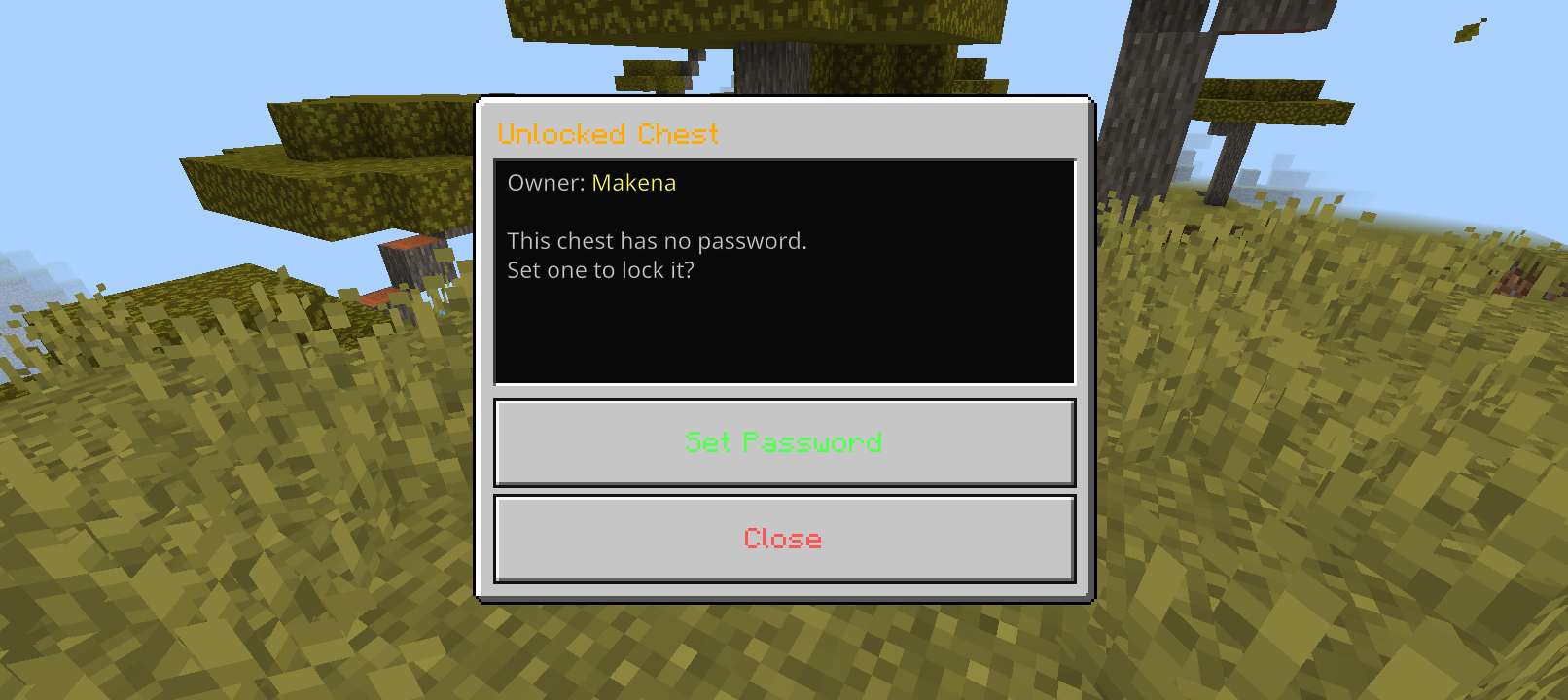
Protect your valuables with a Password Chest! Only players with the correct password can open the chest, keeping your items safe in multiplayer worlds.
⬇ Download on CurseForge
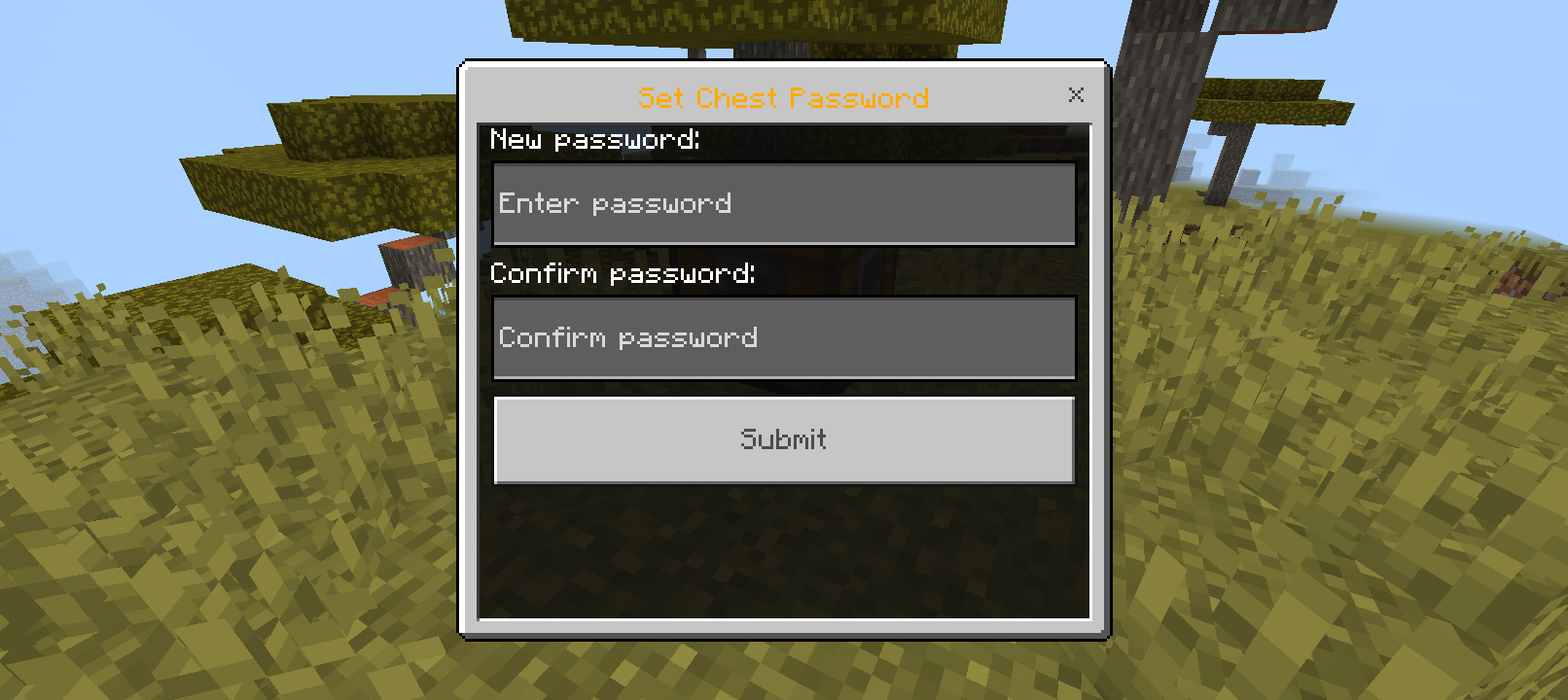
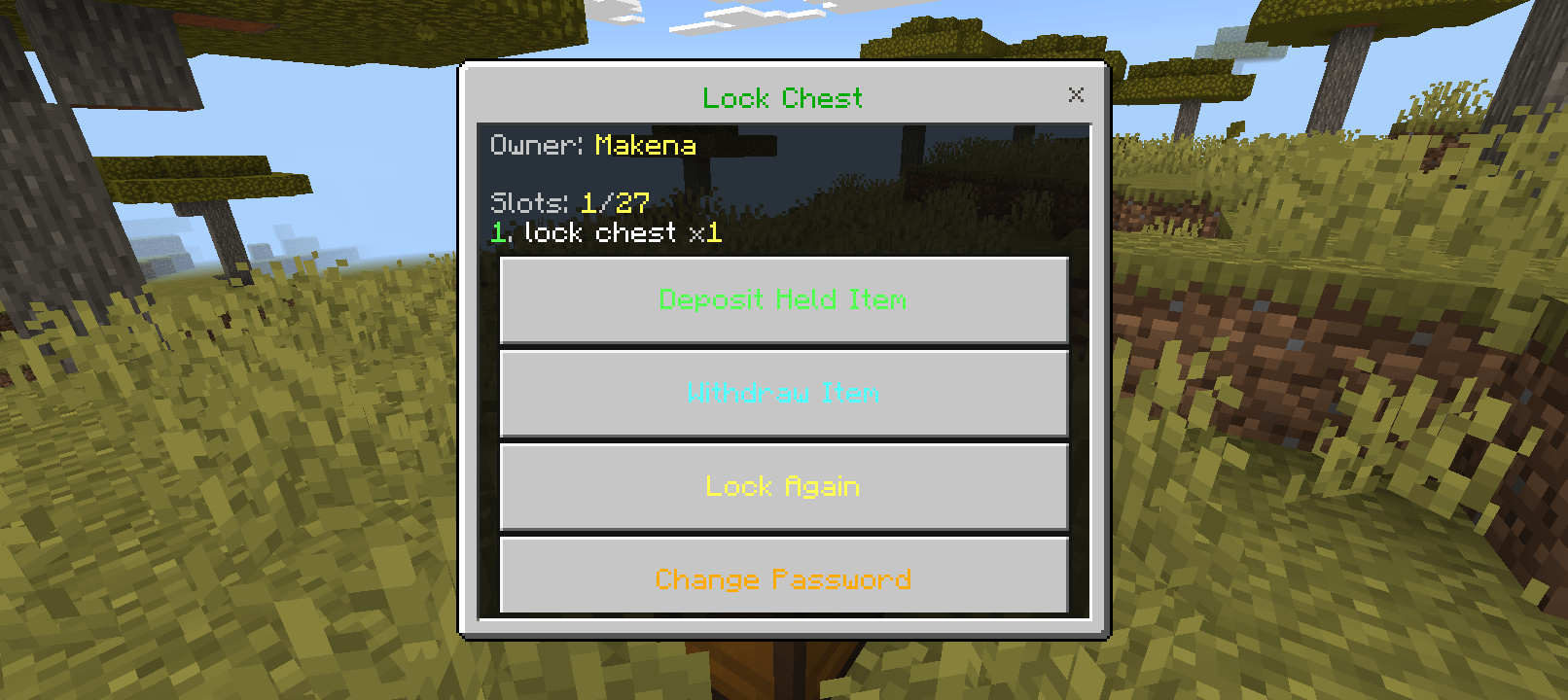
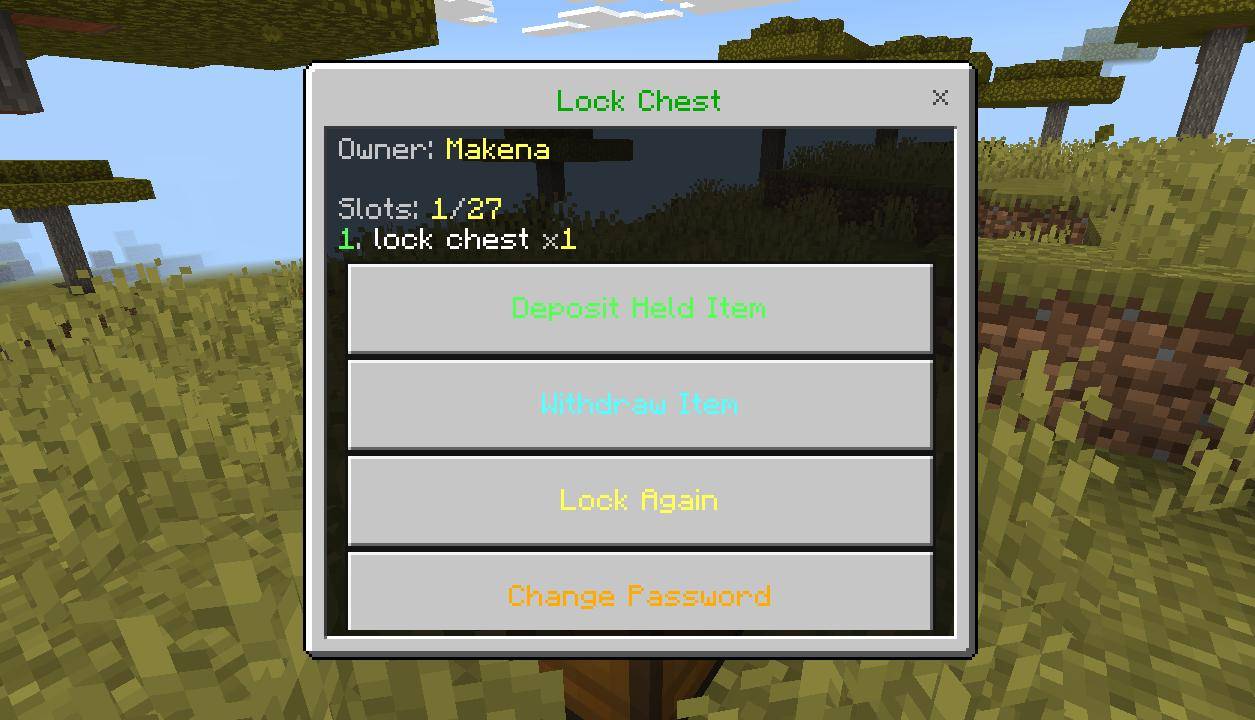
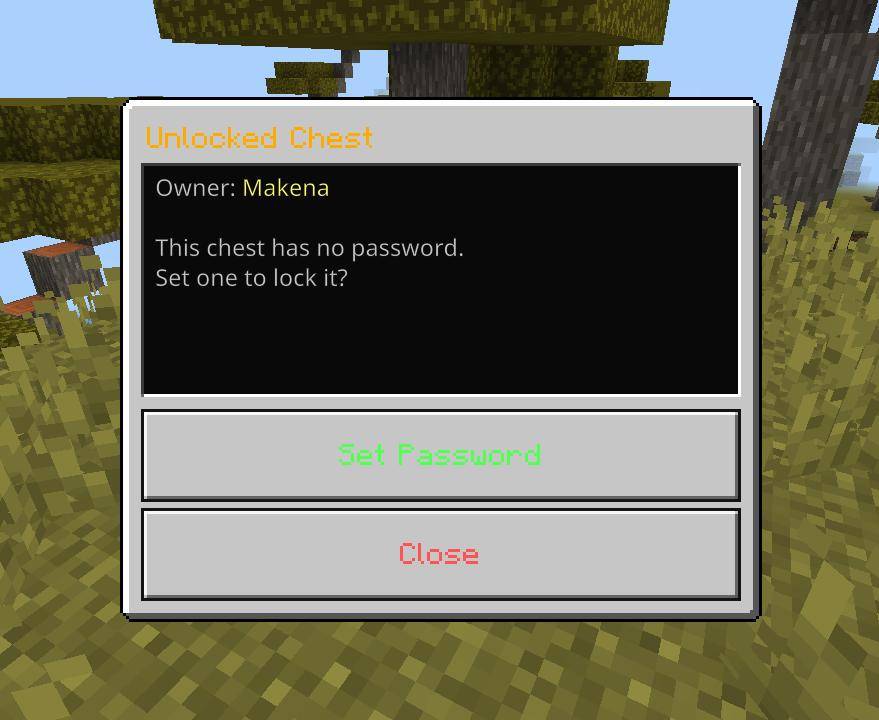
How to use Chest Lock:-
Step 1 — Open Minecraft and tap Play.
Step 2 — Tap Create New World.
(Or, for an existing world, tap the ✏️ pencil icon → Edit.)
Step 3 — Scroll down the left-side menu and tap Experiments.
Step 4 — Find the Beta APIs toggle and turn it ON (it will turn blue).
Step 5 — A warning popup will appear. Tap Continue.
Step 6 — Go back, activate the required packs, and create or load your world.
How to craft Chest Lock:-
R R R
R C R
R R R
R = Redstone dust, C = normal Chest
- Edition: Minecraft Bedrock
- File type: .mcpack or .mcaddon
- Minecraft versions listed: 1.21.30, 1.21.50, 1.21.81
- How to install: Download the .mcpack or .mcaddon file. → Open it — Minecraft imports it. → In your world: Behavior Packs → Available → Activate, then the same under Resource Packs.
- Where to get it: Opens on CurseForge — not every file is mirrored on our own servers.
Install steps are the general flow for this file type — How to install Minecraft Bedrock addons & mods walks through it step by step.
Chest Lock is a free Minecraft Bedrock addon. Compatible with Minecraft 1.21.30, 1.21.50, 1.21.81, 1.21.2 and newer. Downloaded 1,355 times (via CurseForge). Download it and open it directly in the game.