ModsJava
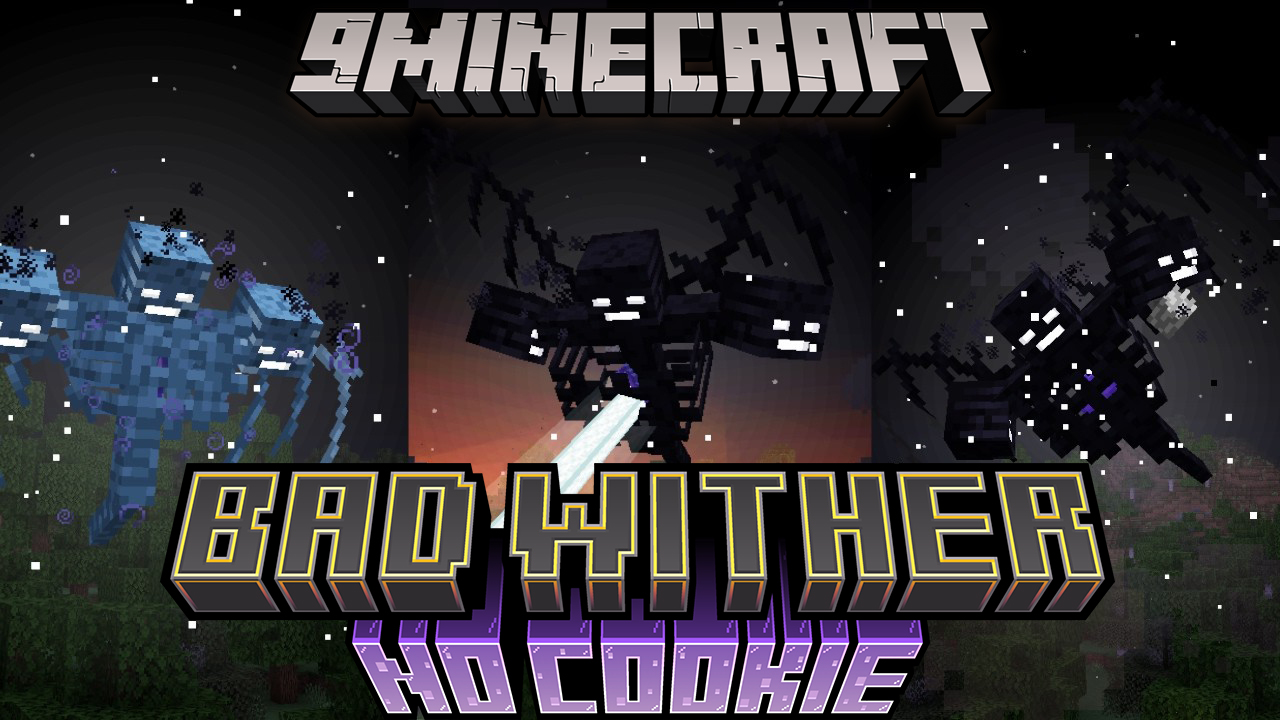
Bad Wither No Cookie 9minecraft Mod (26.3) – Silence Annoying Global Sounds
Minecraft Java mod. Download on the author's site.
⬇ DownloadBad Wither No Cookie 9minecraft Mod lets you silence loud, annoying sounds that play across the entire world. It removes the global broadcast noises from boss spawns and weather, so you only hear them if you stand close to the source. This mod gives you a quiet, peaceful game even on busy multiplayer servers.
Features:
- Boss Sound Fix: Stops the Wither spawn and Ender Dragon death sounds from playing across the whole server.
- Weather Control: Makes lightning thunder sounds local instead of global.
- Trader Mute: Silences the ambient noises from Wandering Traders.
- Lets you add any custom sound to a mute list, like sheep eating grass or cows mooing.
- Runs lightly in the background without slowing down the game.
- Makes multiplayer worlds much quieter for everyone playing.
Bad Wither No Cookie 9minecraft Mod – Video Showcase
Commands:
- Includes a built-in chat command that prints out active sound names, helping you find the exact text you need to mute specific noises.
How to Use:
- Open the configuration menu for the mod.
- Turn off the default global sounds for bosses, weather, and traders.
- Run the chat command to print out the names of noises playing around you.
- Type those exact sound names into your custom silence list to mute them completely.
Bad Wither No Cookie 9minecraft Mod Download Links
Quick facts
- Edition: Minecraft Java
- File type: .jar
- How to install: Install the matching mod loader (Forge, Fabric or NeoForge) for your Minecraft version. → Download the .jar. → Put it in the .minecraft/mods folder and launch that loader profile.
- Where to get it: Opens on the file's original source — not every file is mirrored on our own servers.
Install steps are the general flow for this file type — How to install Minecraft Java mods & modpacks walks through it step by step.
Bad Wither No Cookie 9minecraft Mod (26.3) – Silence Annoying Global Sounds is a free Minecraft Java mod. Download it and open it directly in the game.