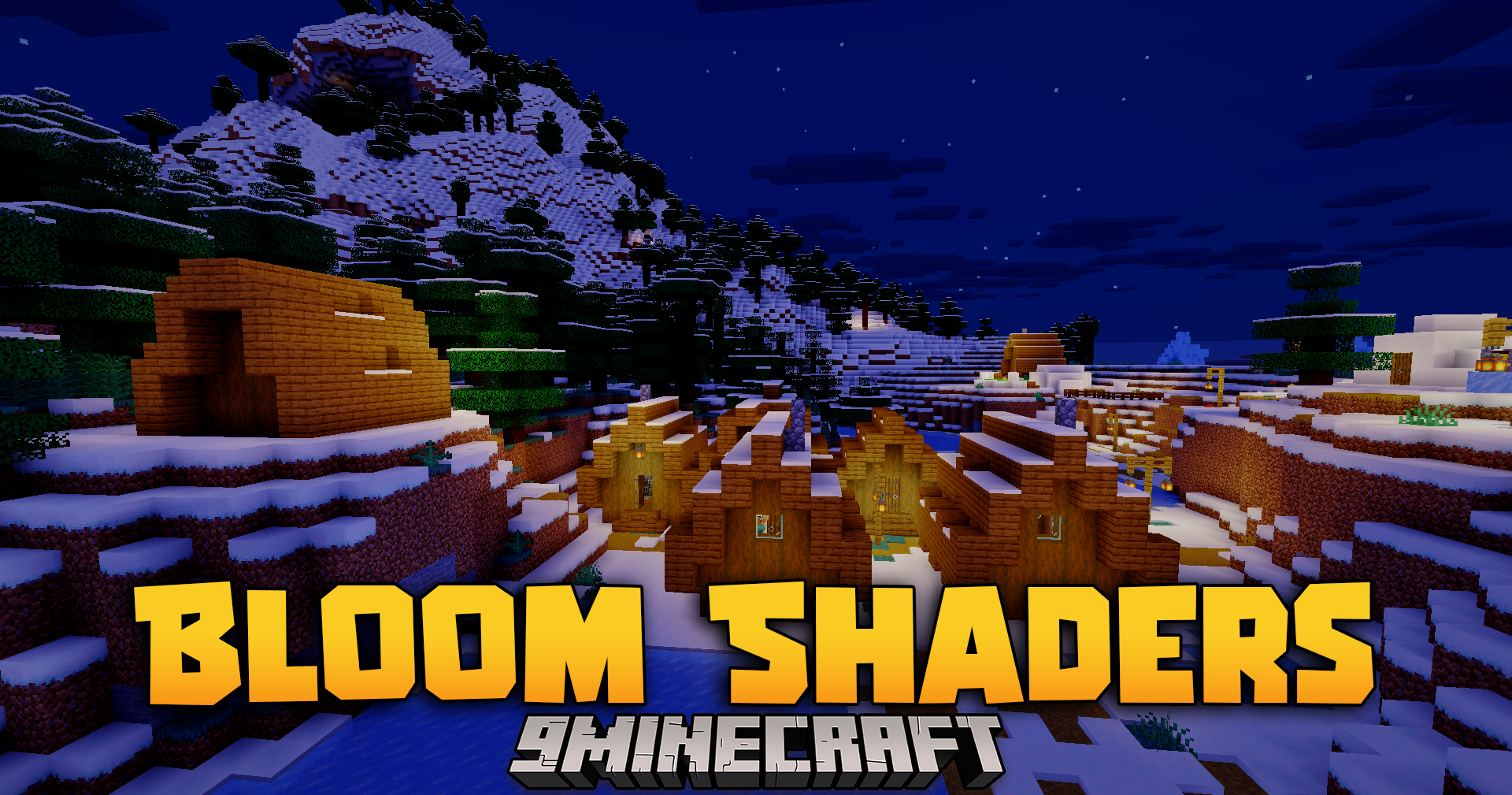
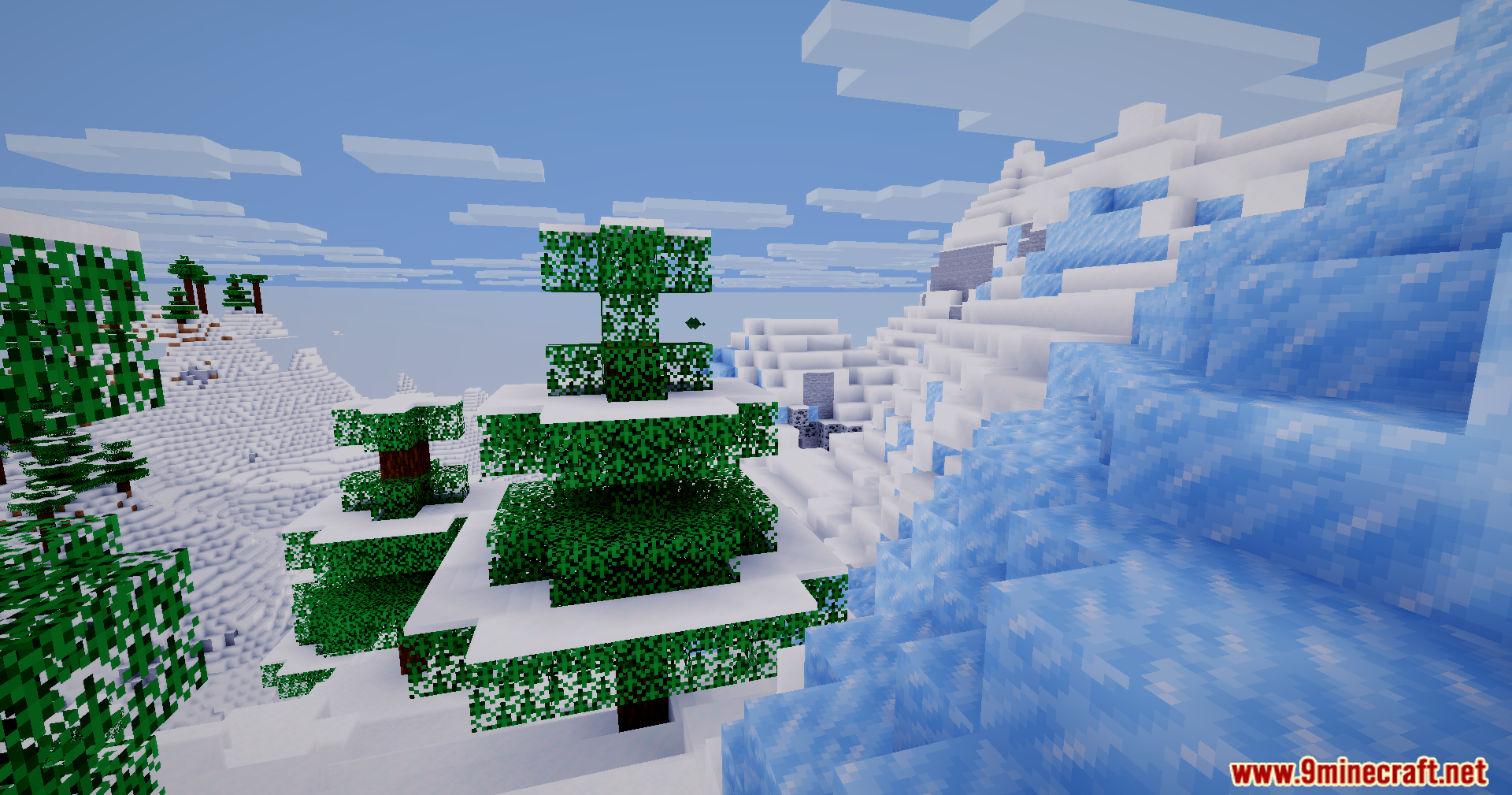
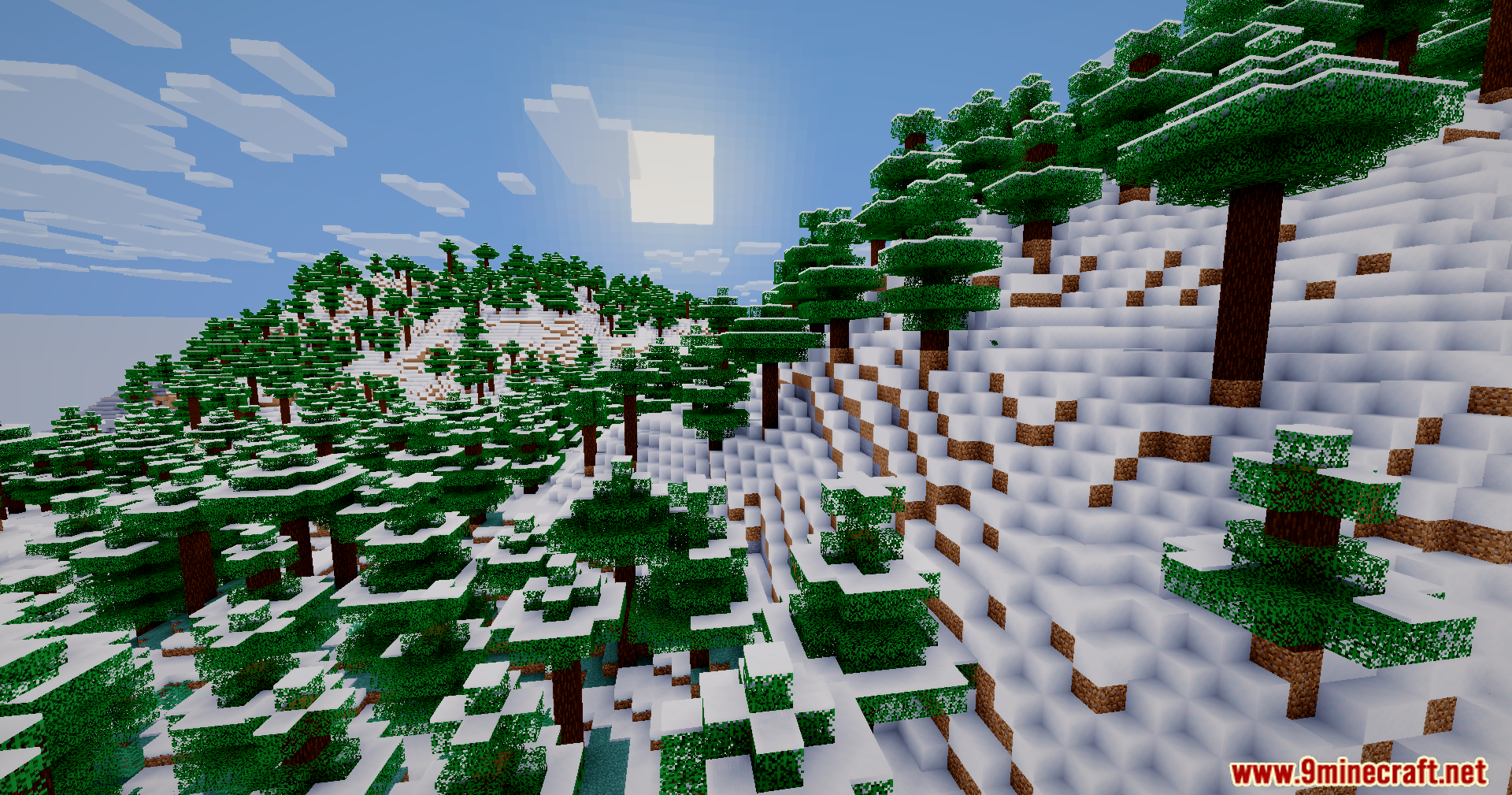
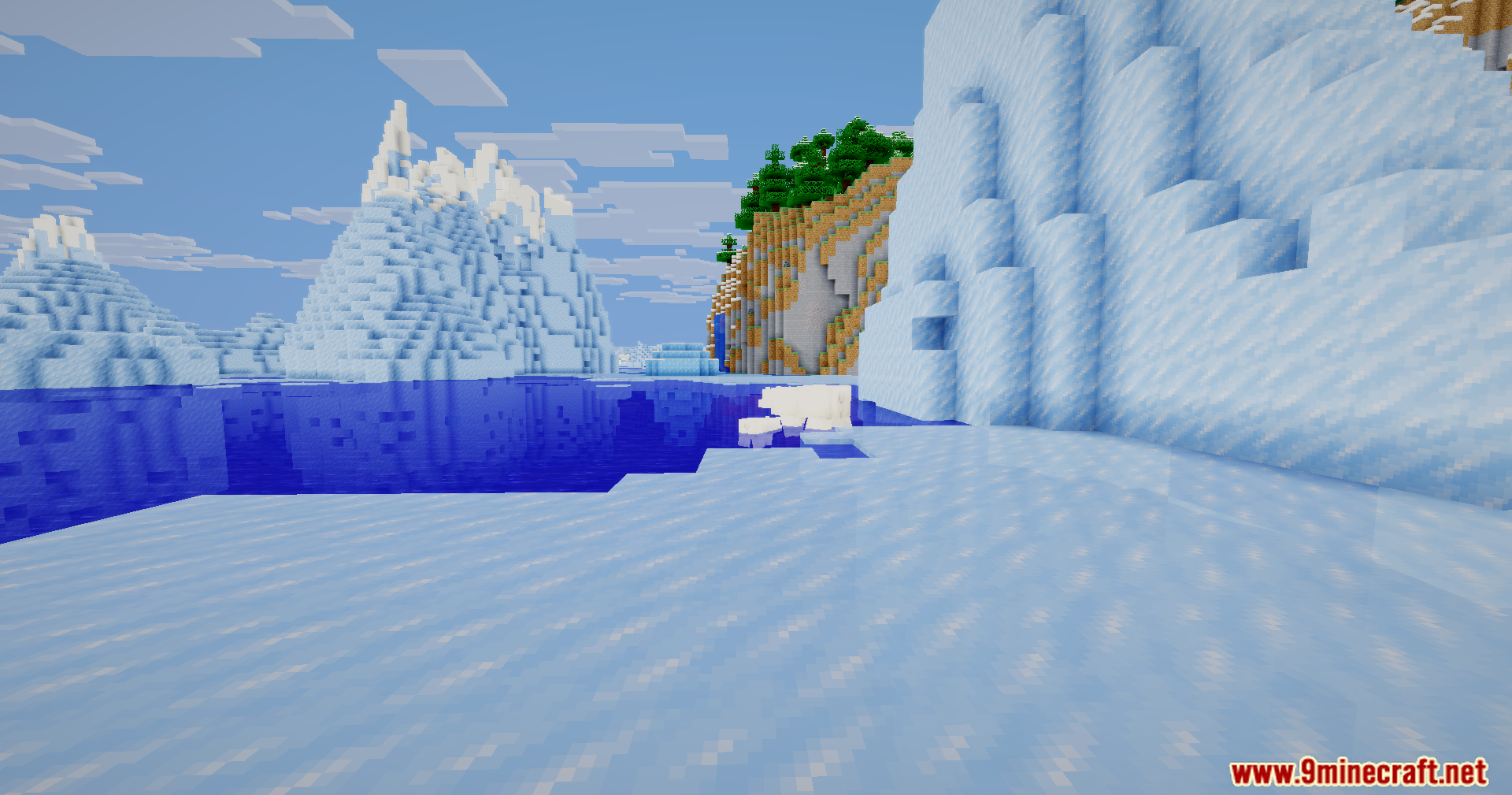
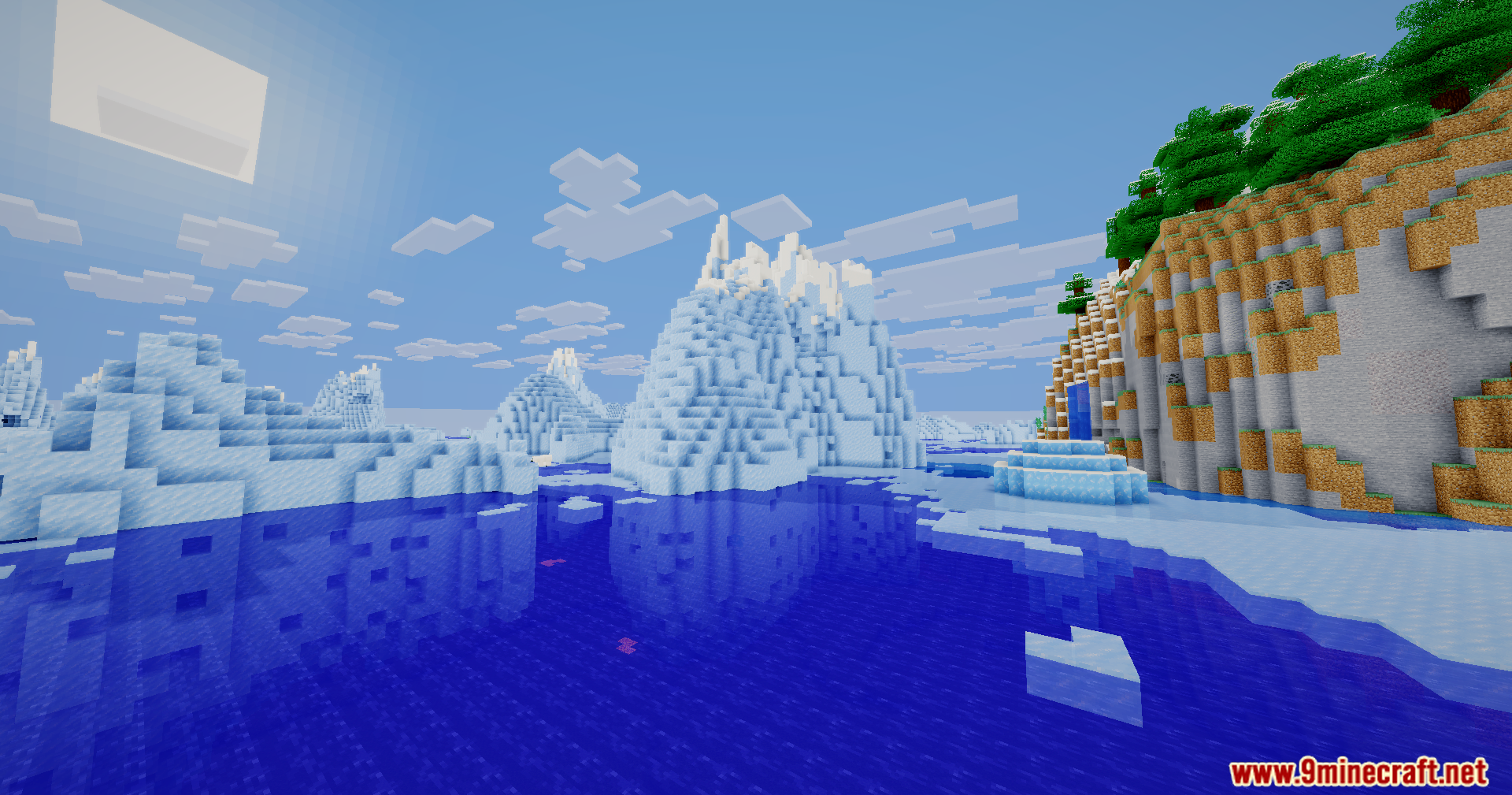
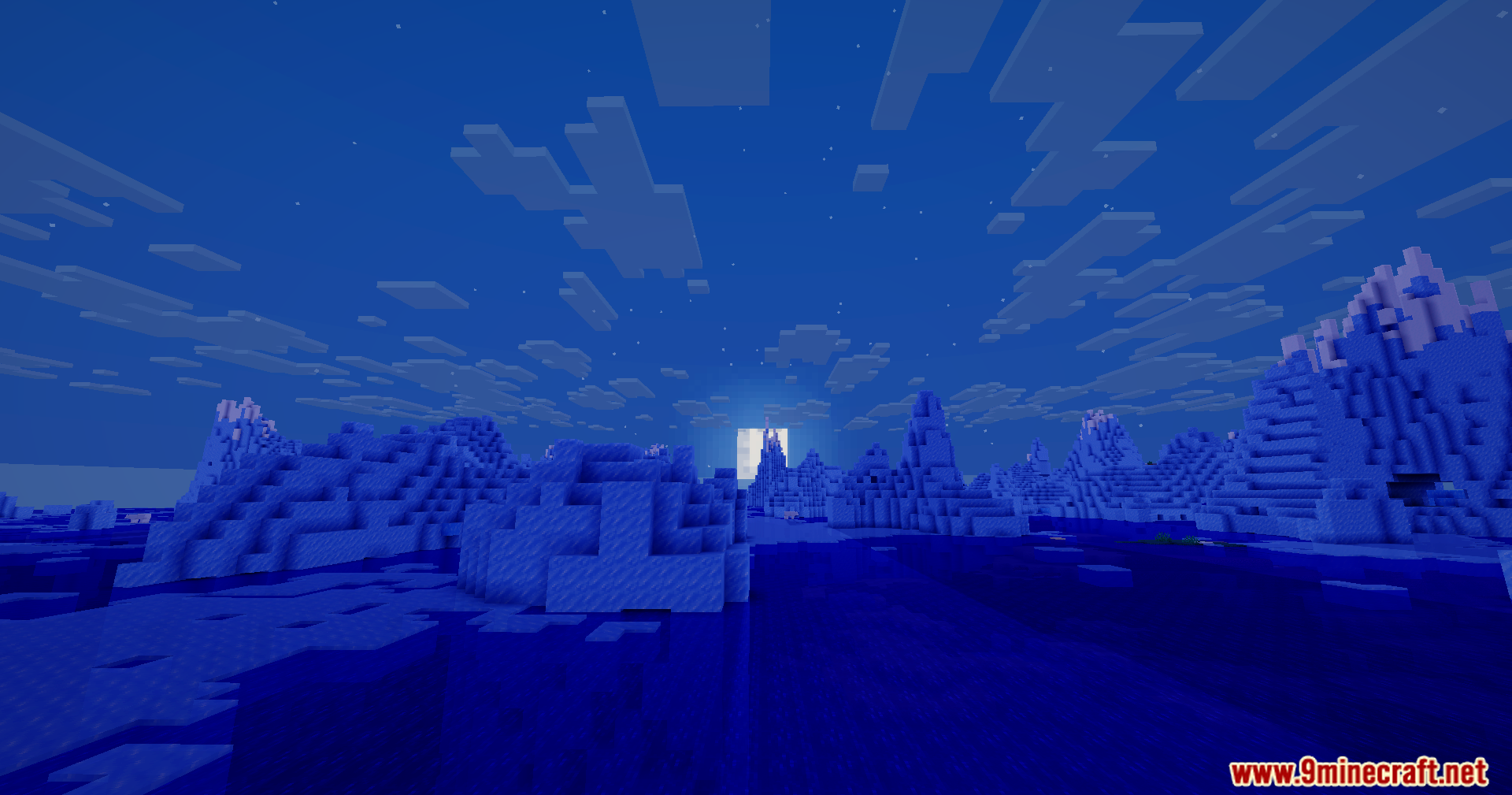
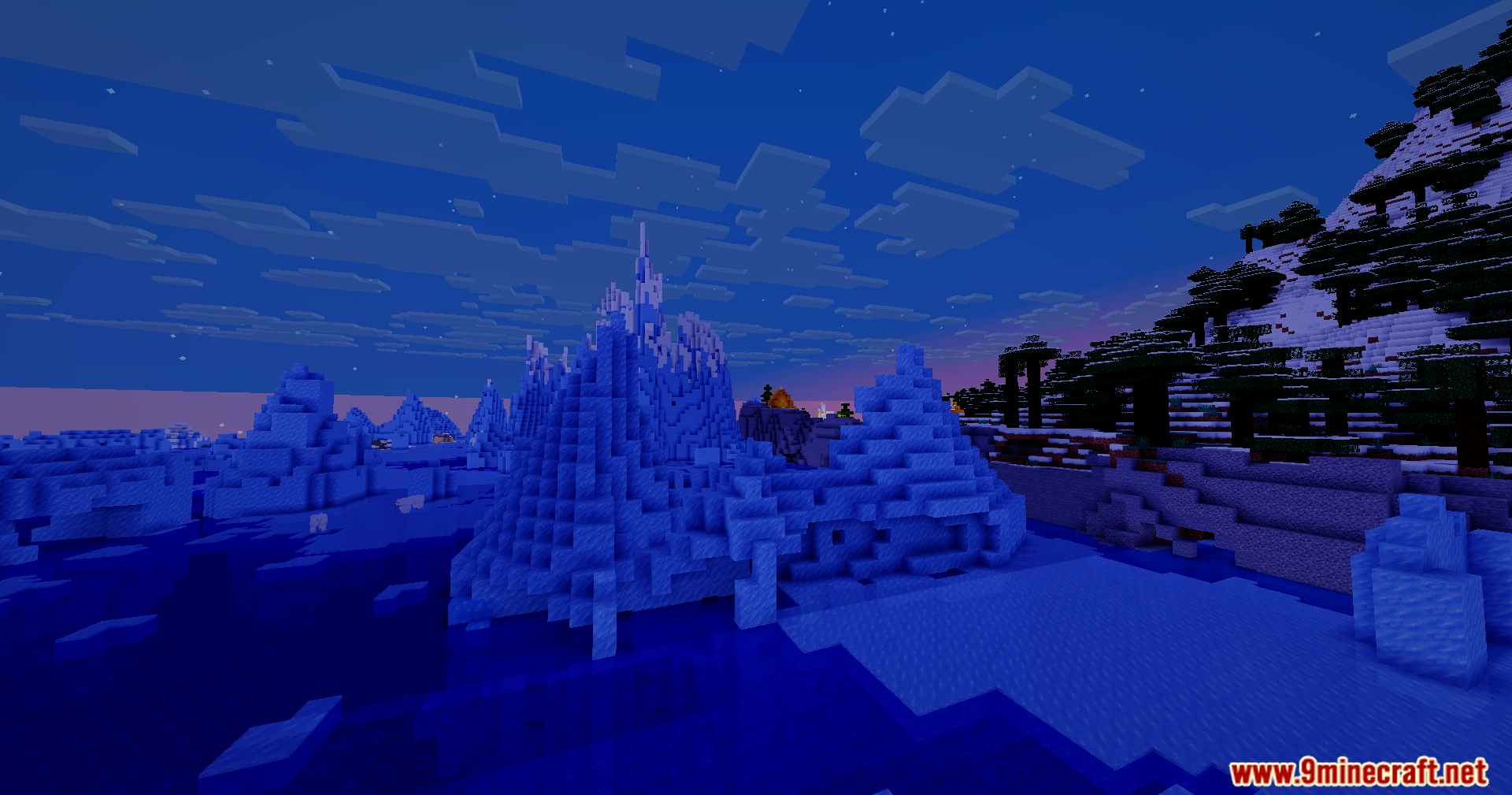
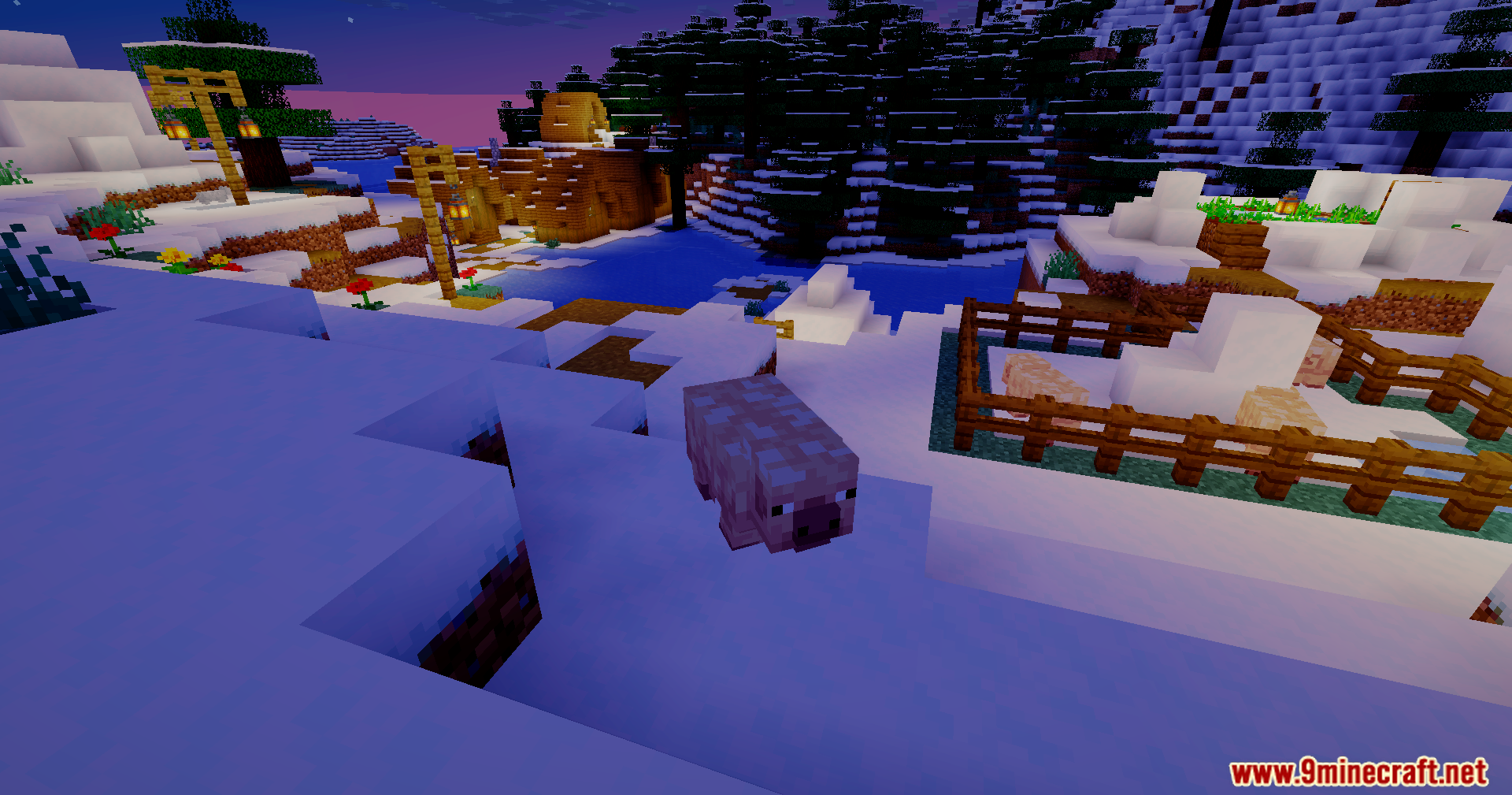
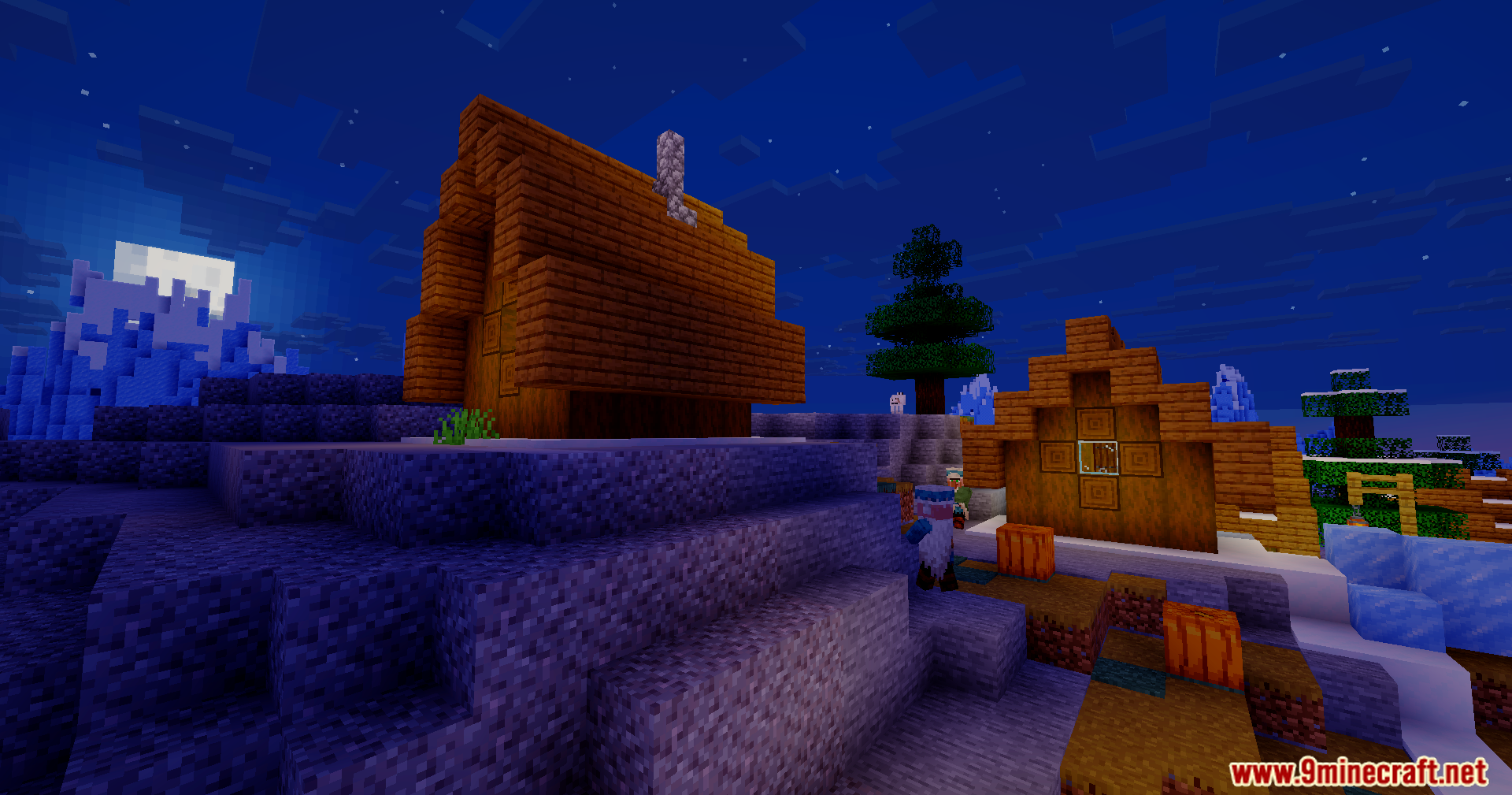
Bloom Shaders bathes your Minecraft world in bright and warm colors without slowing down your game. It keeps the classic vanilla look but makes everything feel more alive. This shader pack runs well on older laptops and potato computers because it skips heavy visual tricks. You get a beautiful game and high frame rates at the same time.
Features:
- Paints the game with warmer tones and brighter colors for a happy mood.
- Runs perfectly on older laptops and low-end computers without massive frame drops.
- Removes heavy visual tricks and extreme reflections to save computer power.
- Keeps the classic vanilla block style so the game still feels familiar.
- Gives you smooth gameplay during normal survival mode adventures.
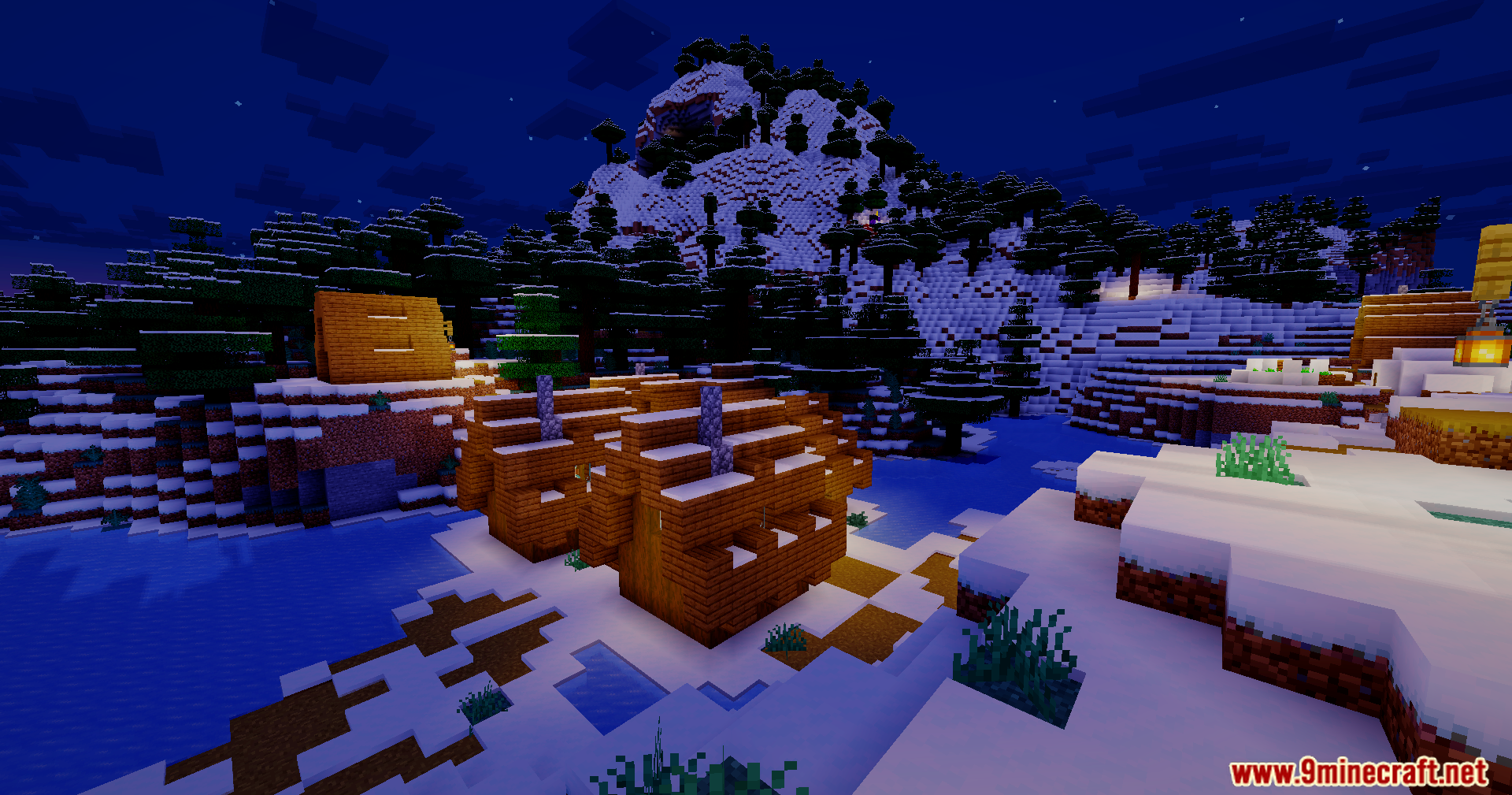
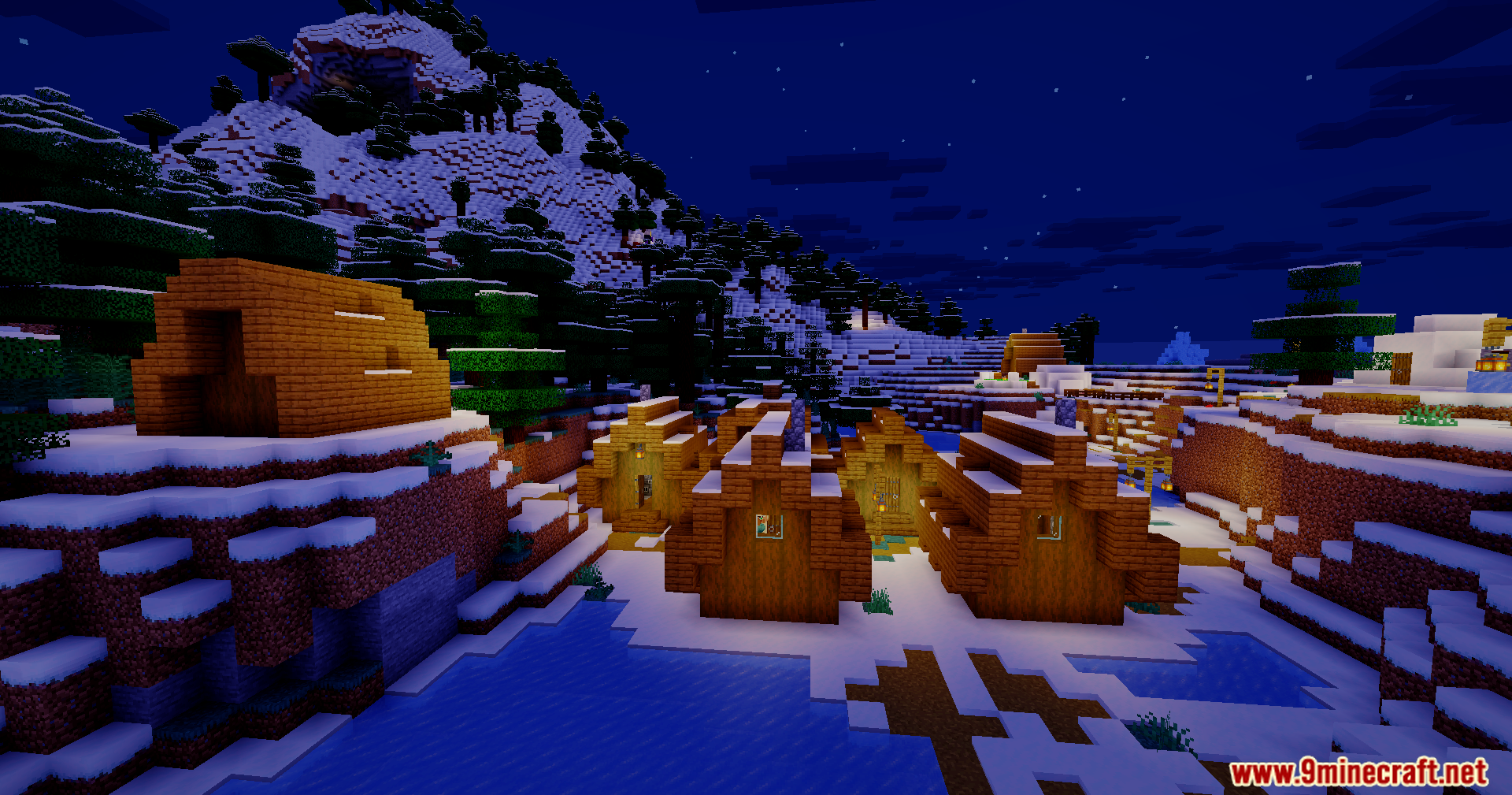
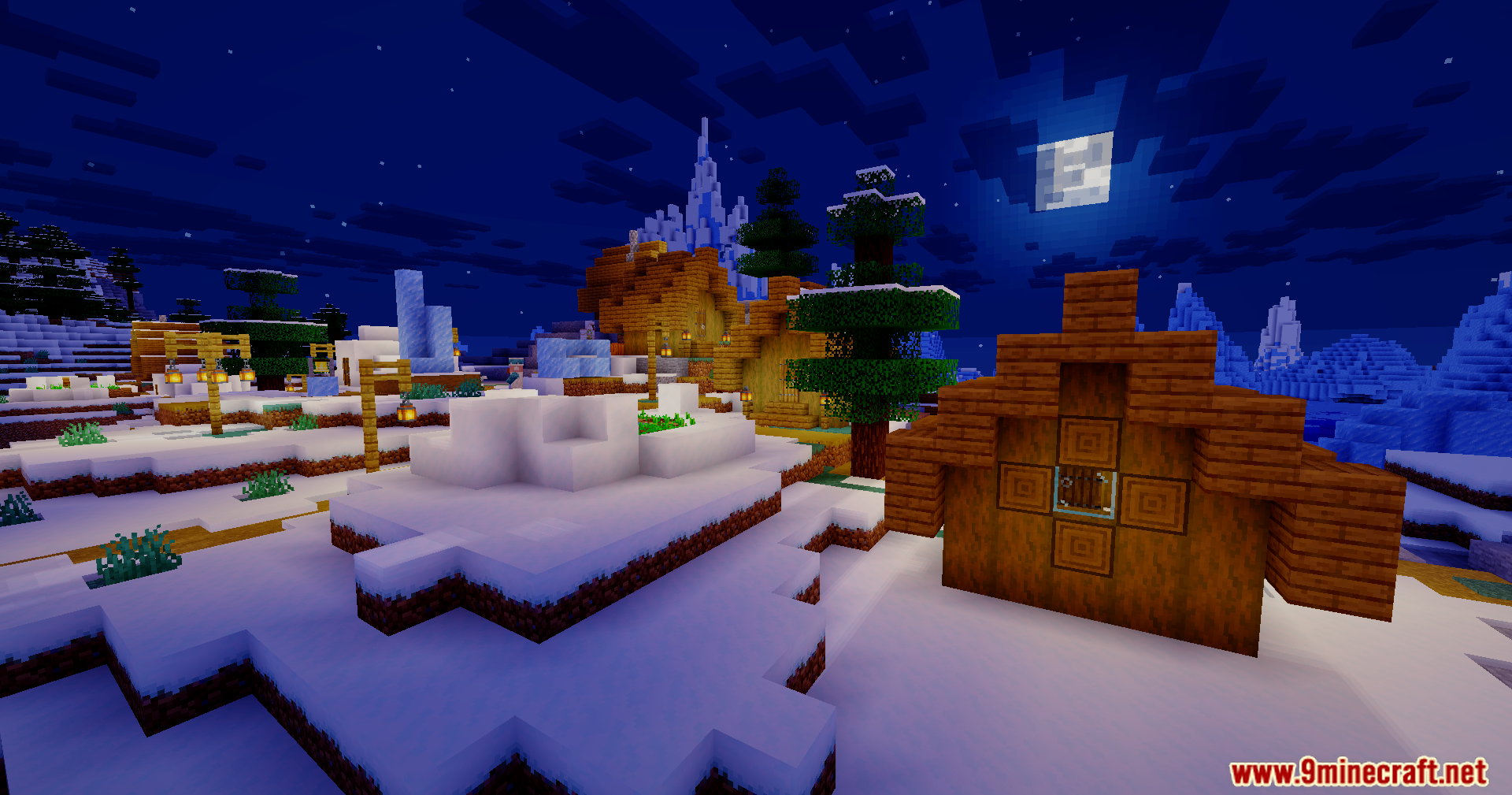
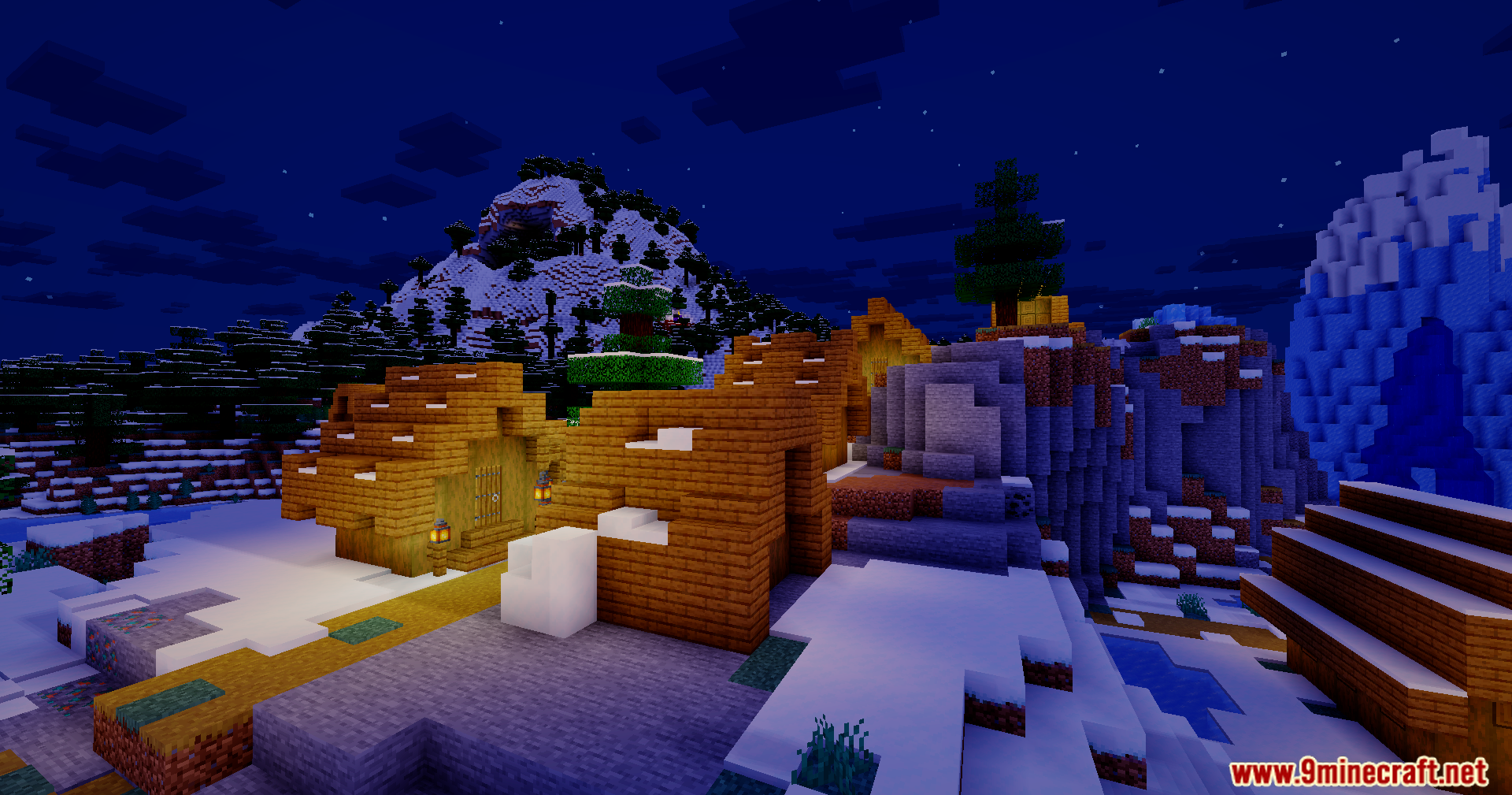
Screenshots:
Bloom Shaders Download Links
Quick facts
- Edition: Minecraft Java
- File type: .zip (resource pack)
- Minecraft version listed: 1.20.1
- How to install: Download the .zip resource pack — do not unzip it. → Put it in .minecraft/resourcepacks. → Enable it in Options → Resource Packs.
- Where to get it: In MC Java Mods, or directly above on this page.
Install steps are the general flow for this file type — see the MC Java Mods guides for the full walkthrough.
Verified by MCModsHub
- Downloads as 90978.mcpack
- Download size: 36 KB
- Download link checked 25 Jul 2026 — working
- Mirrored on our own servers — the download does not depend on the original host
These come from our own check of the pack file, not from the source page.