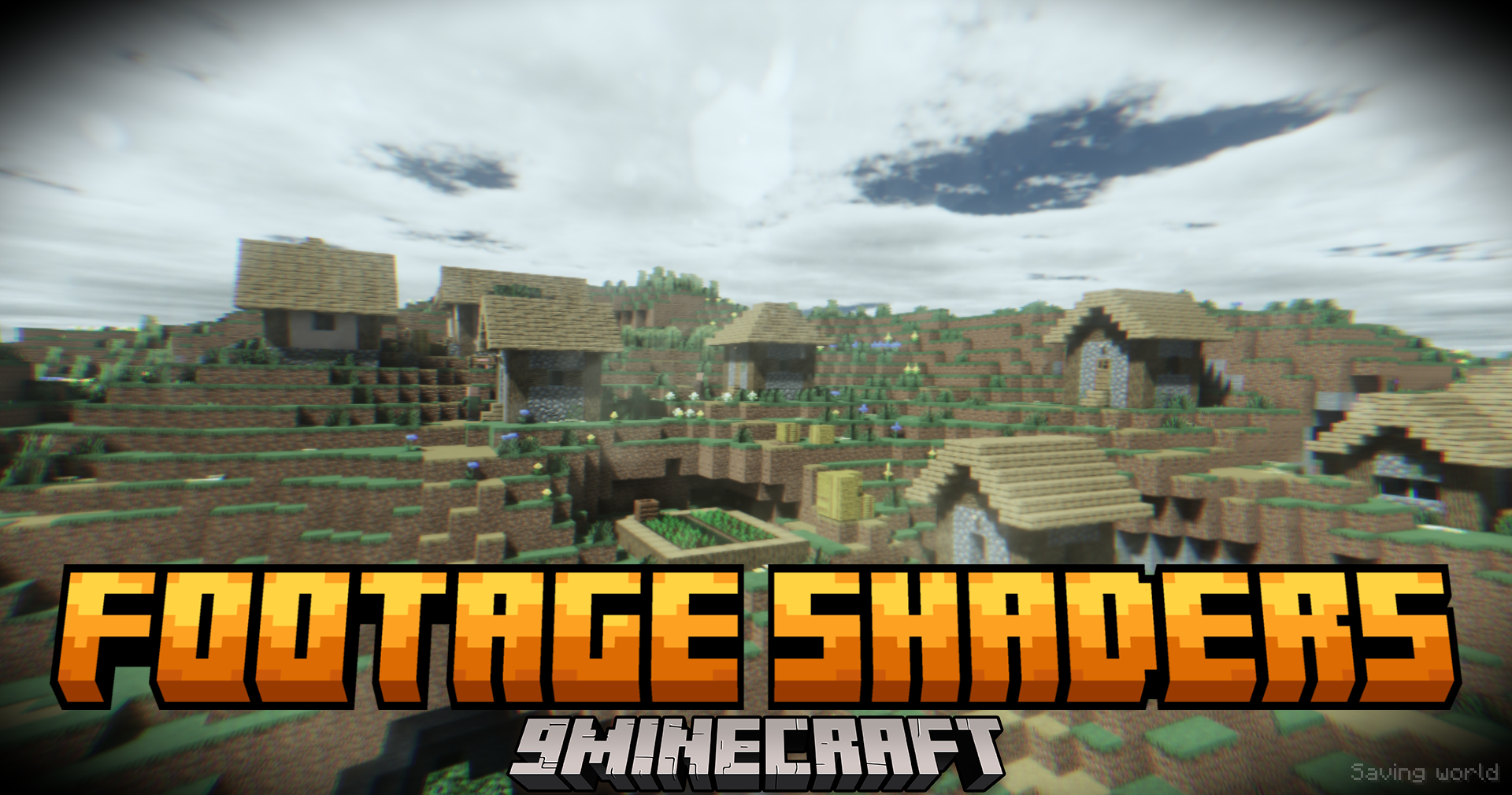
Footage Shaders (26.3, 1.20.1) – VHS Body Camera Style With Global Illumination
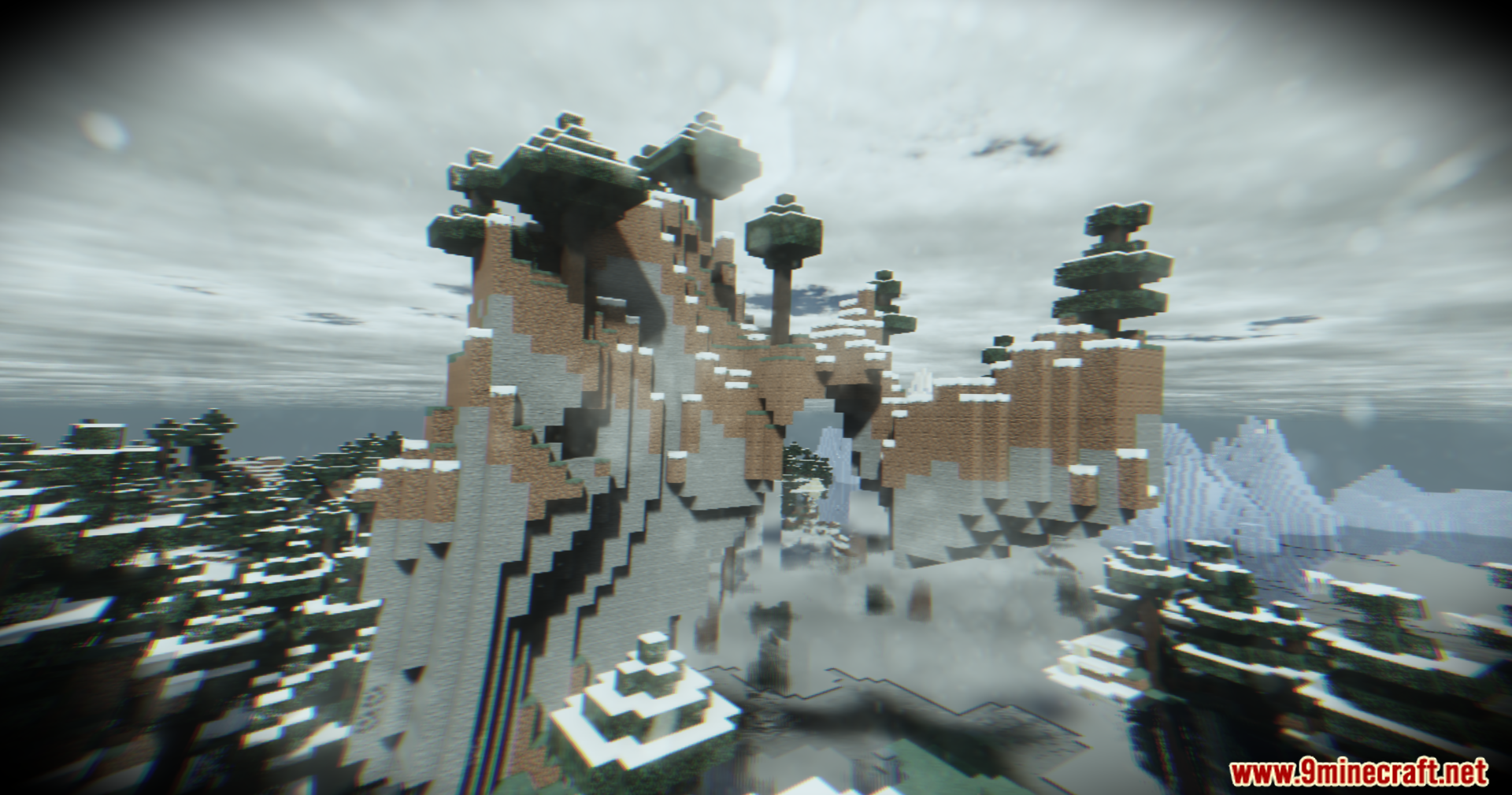
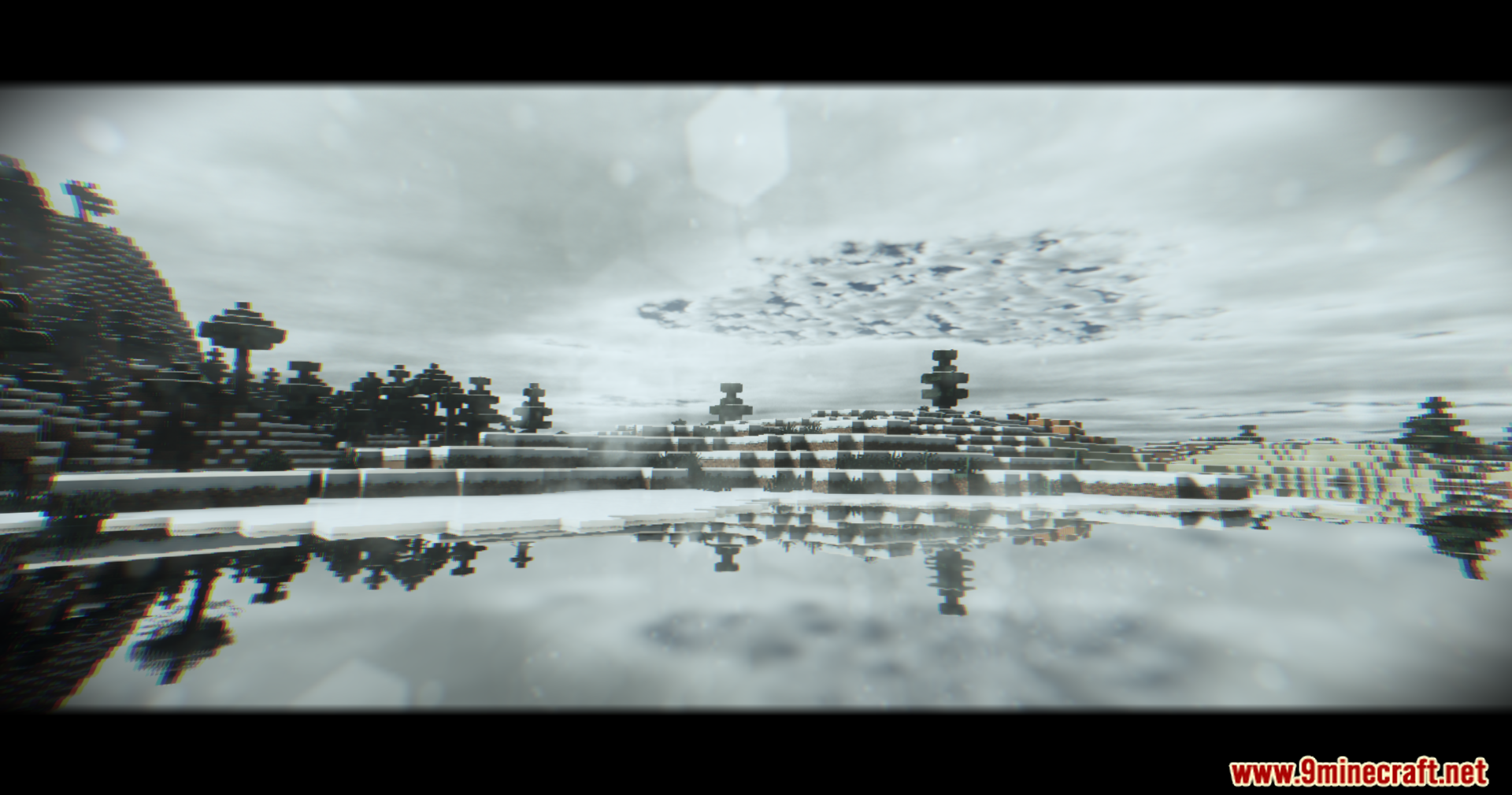
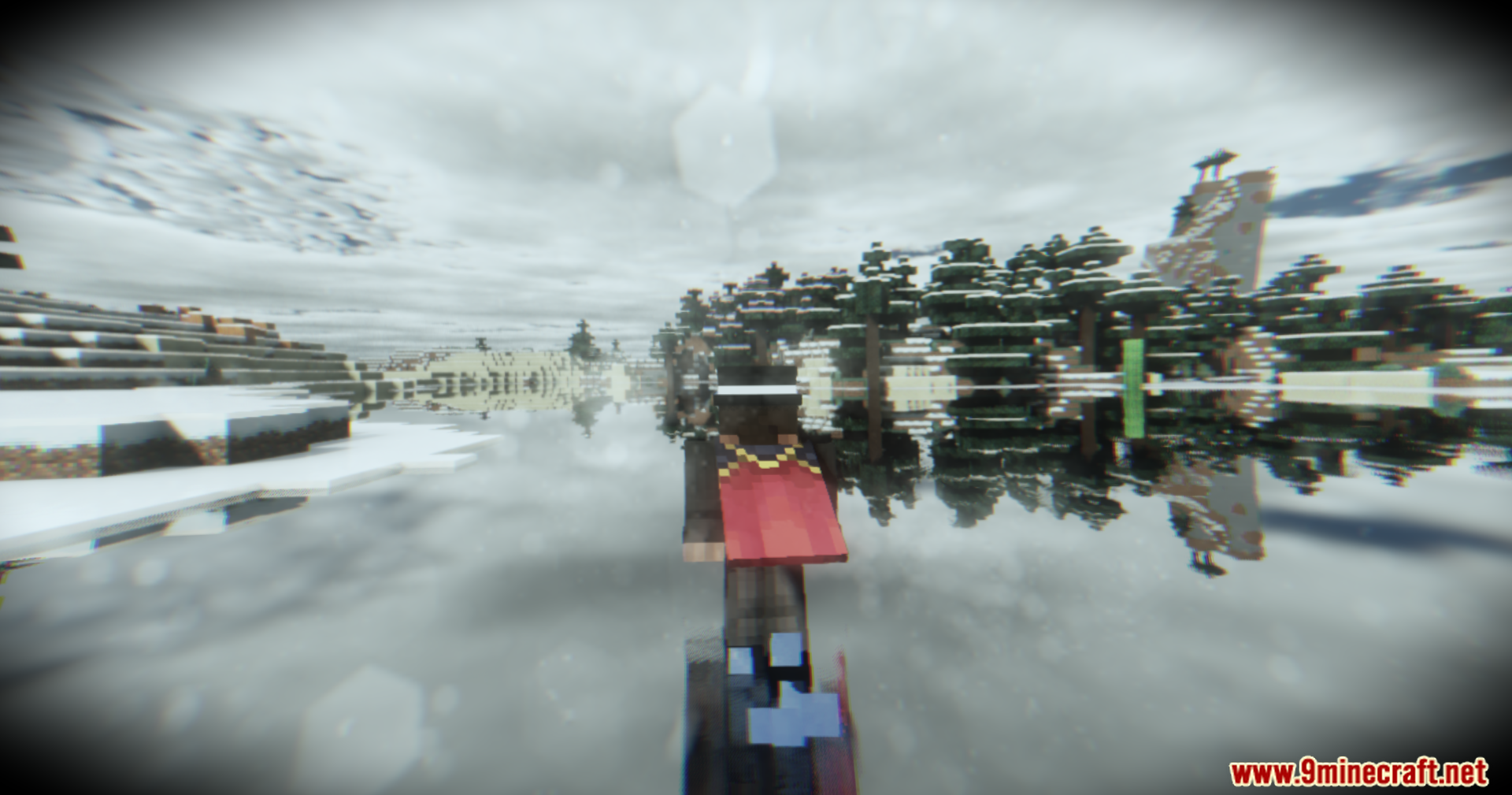
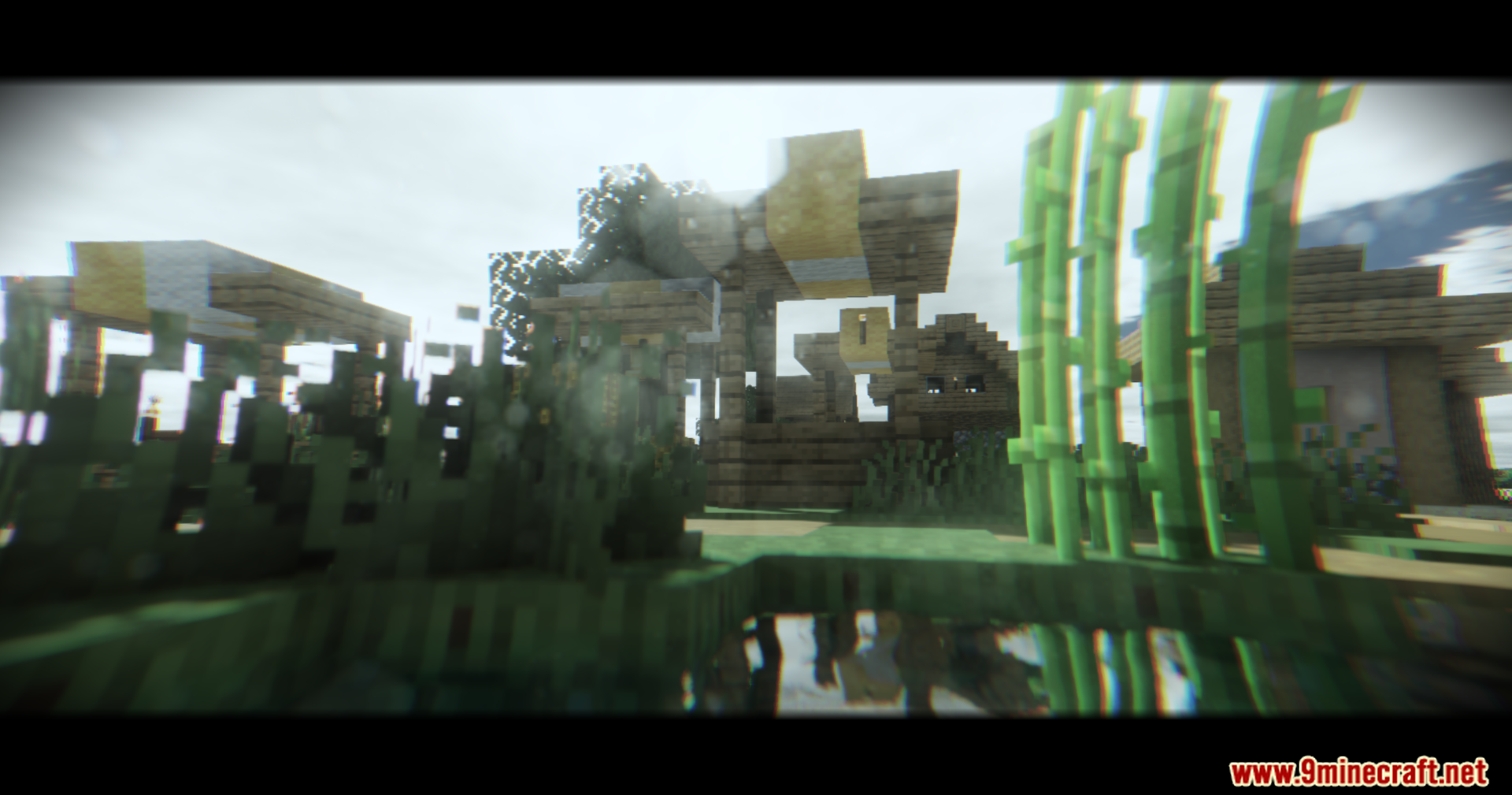
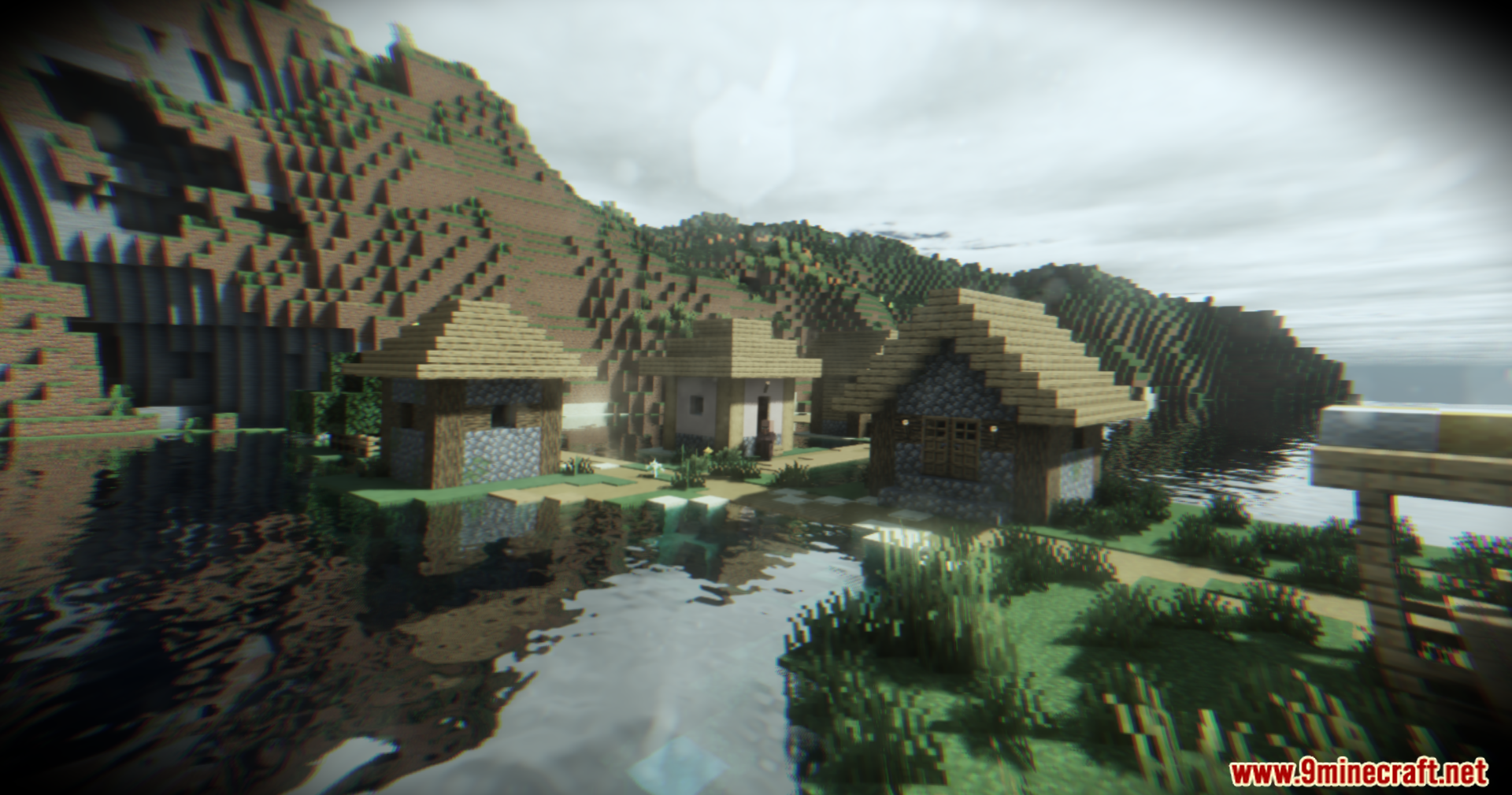
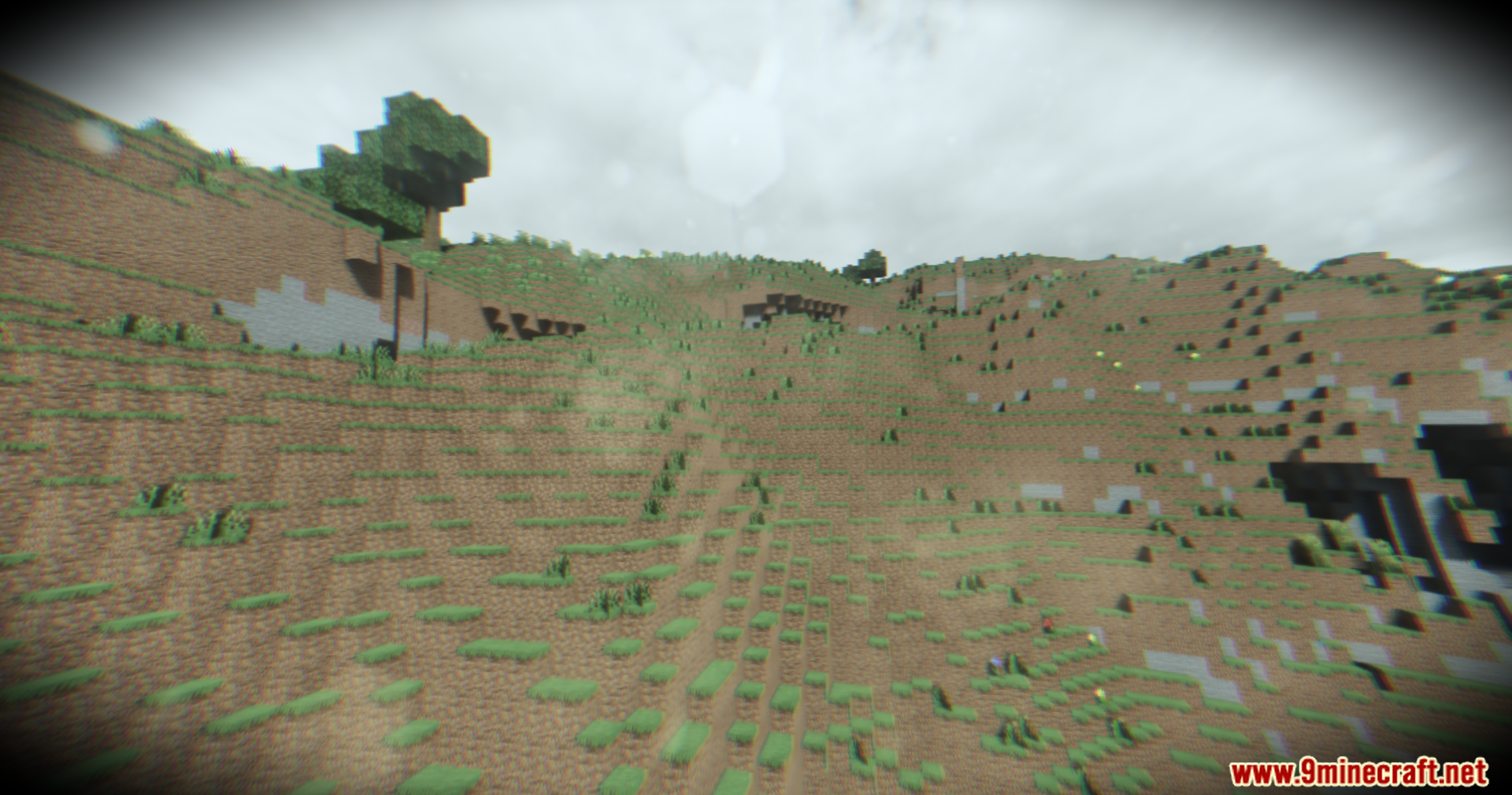
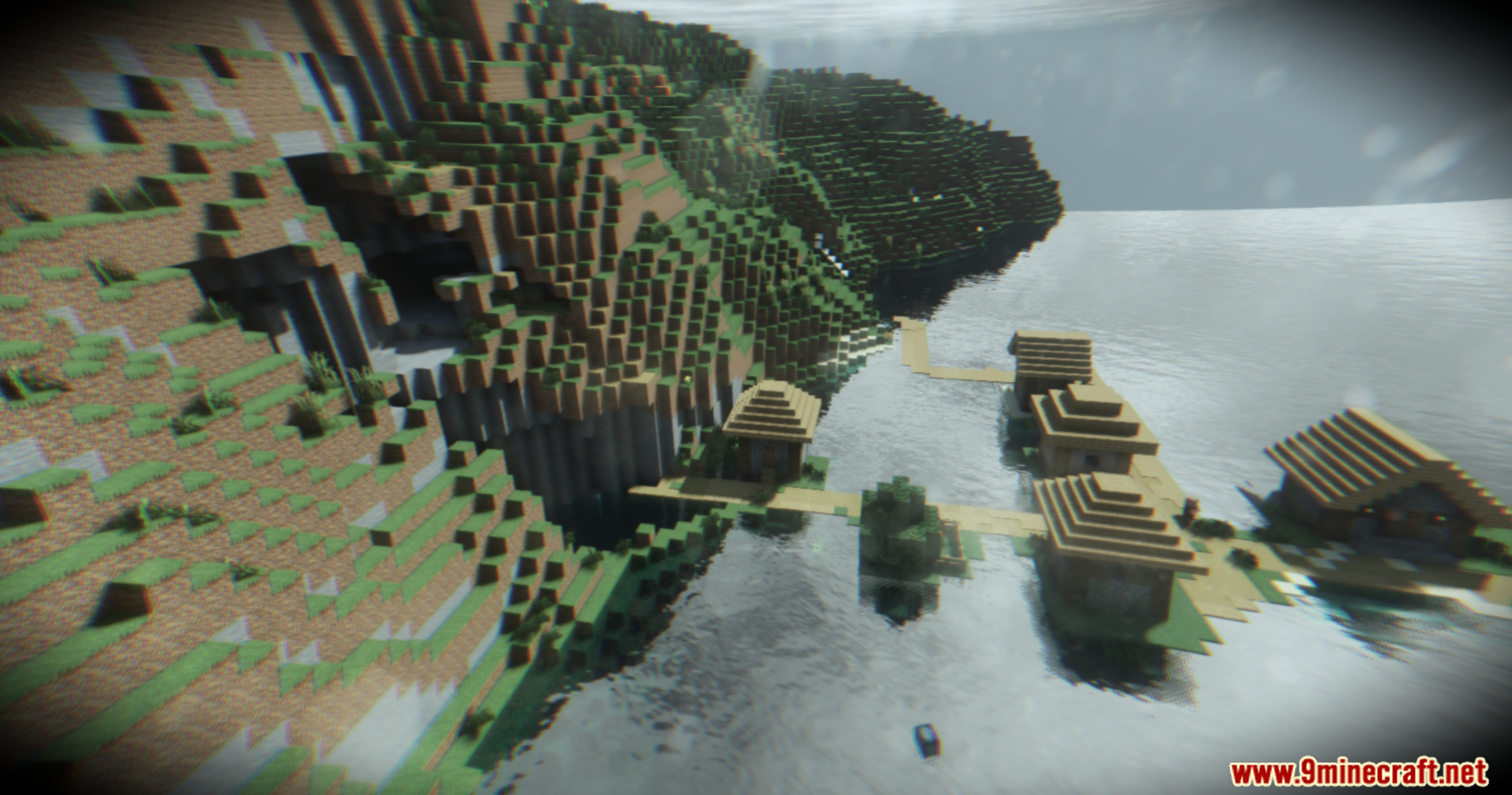
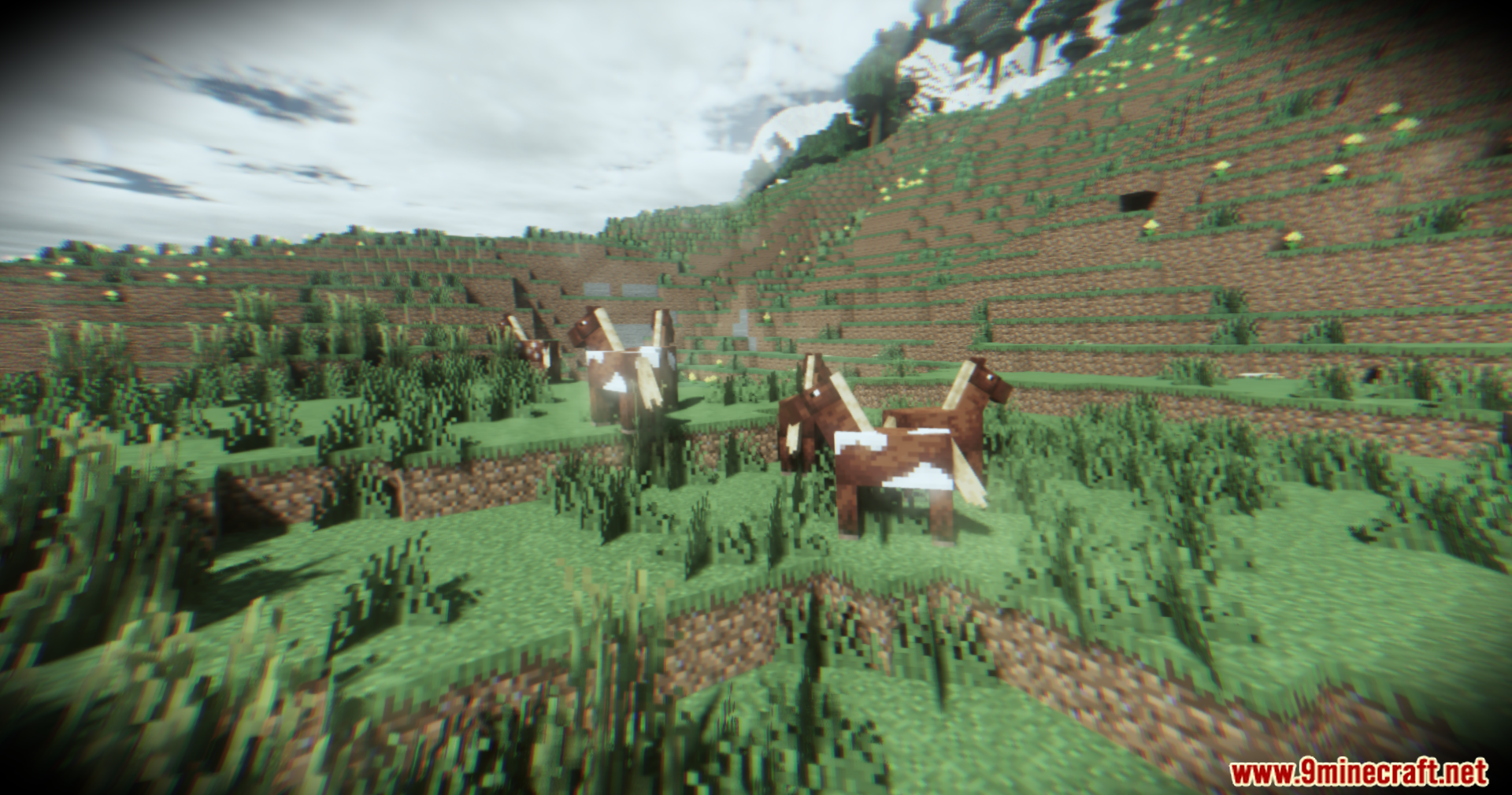
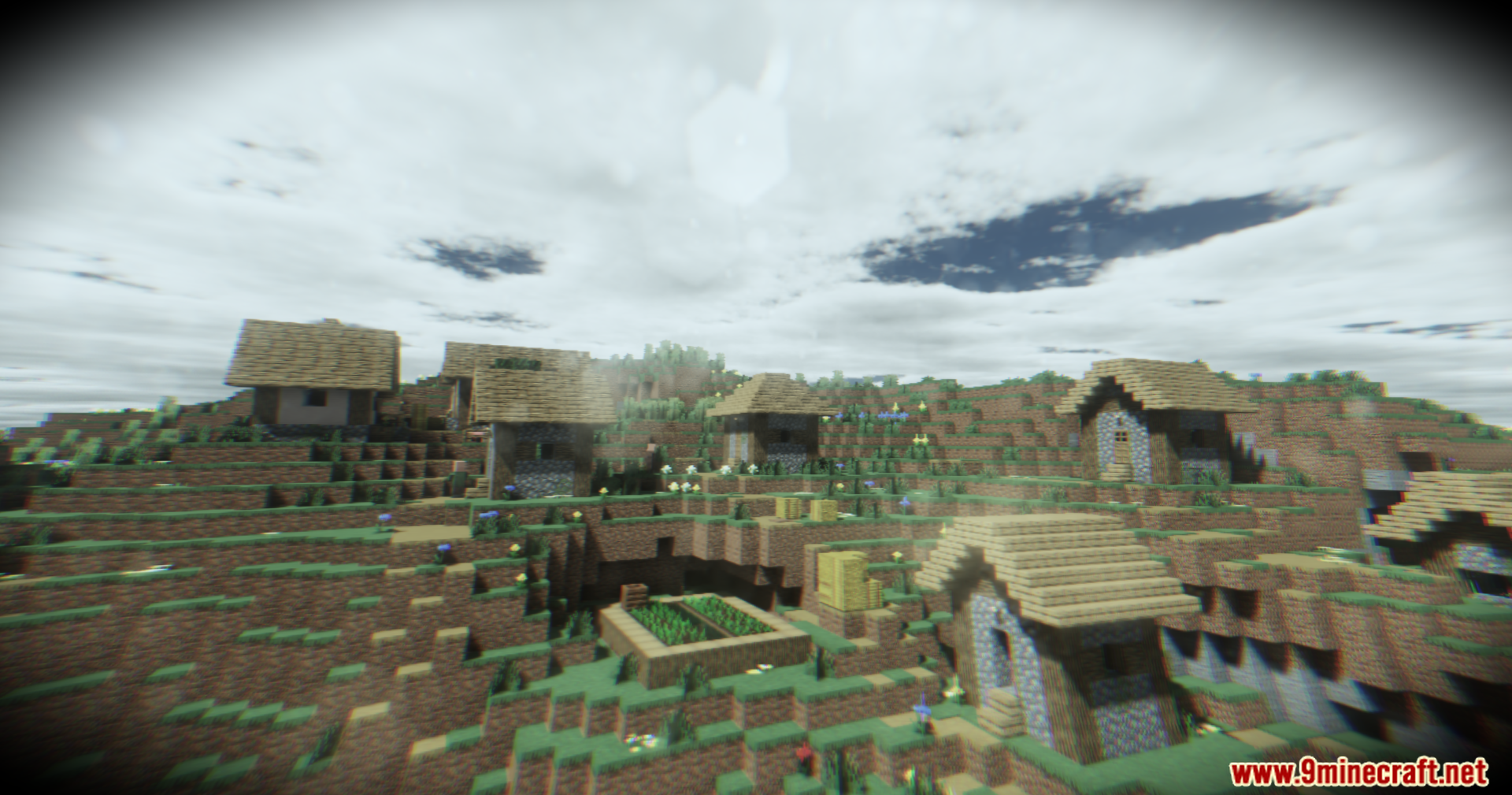
Footage Shaders transforms the look of your game into a gritty body camera recording. It adds a VHS tape style to the screen, making everything look like old video footage. The shader pack brings realistic lighting and shadows to the world. It builds upon the well-known Derivative shaders to give players a unique visual style. You can use it to make scary maps or survival worlds look much creepier.
Features:
- VHS Body Camera Style: Adds static, tape lines, and a camera lens look to your screen.
- Physics Mod Pro Support: Works perfectly with the popular physics mod for realistic blocks and mobs.
- Adds global illumination so light bounces off blocks naturally.
- Makes the grass wave and move in the wind.
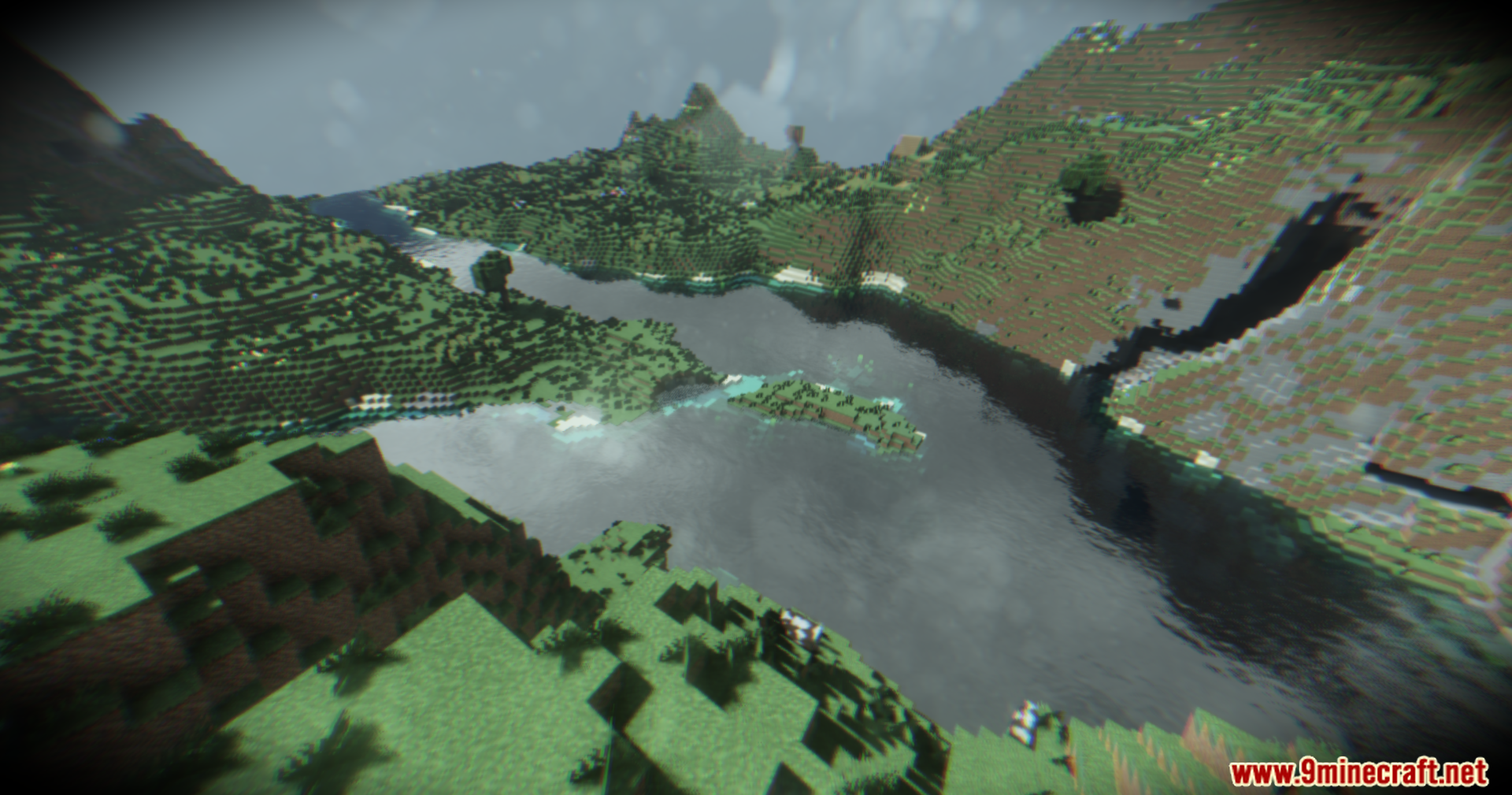
- Changes the water to look like real liquid with ripples and reflections.
- Runs well on many different graphics cards, from older laptops to fast desktop computers.
Expected Frame Rates (12 Chunks):
- GTX 1650 laptop gets about 100 frames per second.
- RTX 4070 laptop reaches around 130 frames per second.
- AMD 6700 runs at roughly 120 frames per second.
- RTX 3090 desktop pushes up to 160 frames per second.
🎛️ Compare Minecraft Shaders Side by Side →
Drag the slider across real in-game scenes — find YOUR perfect shader.
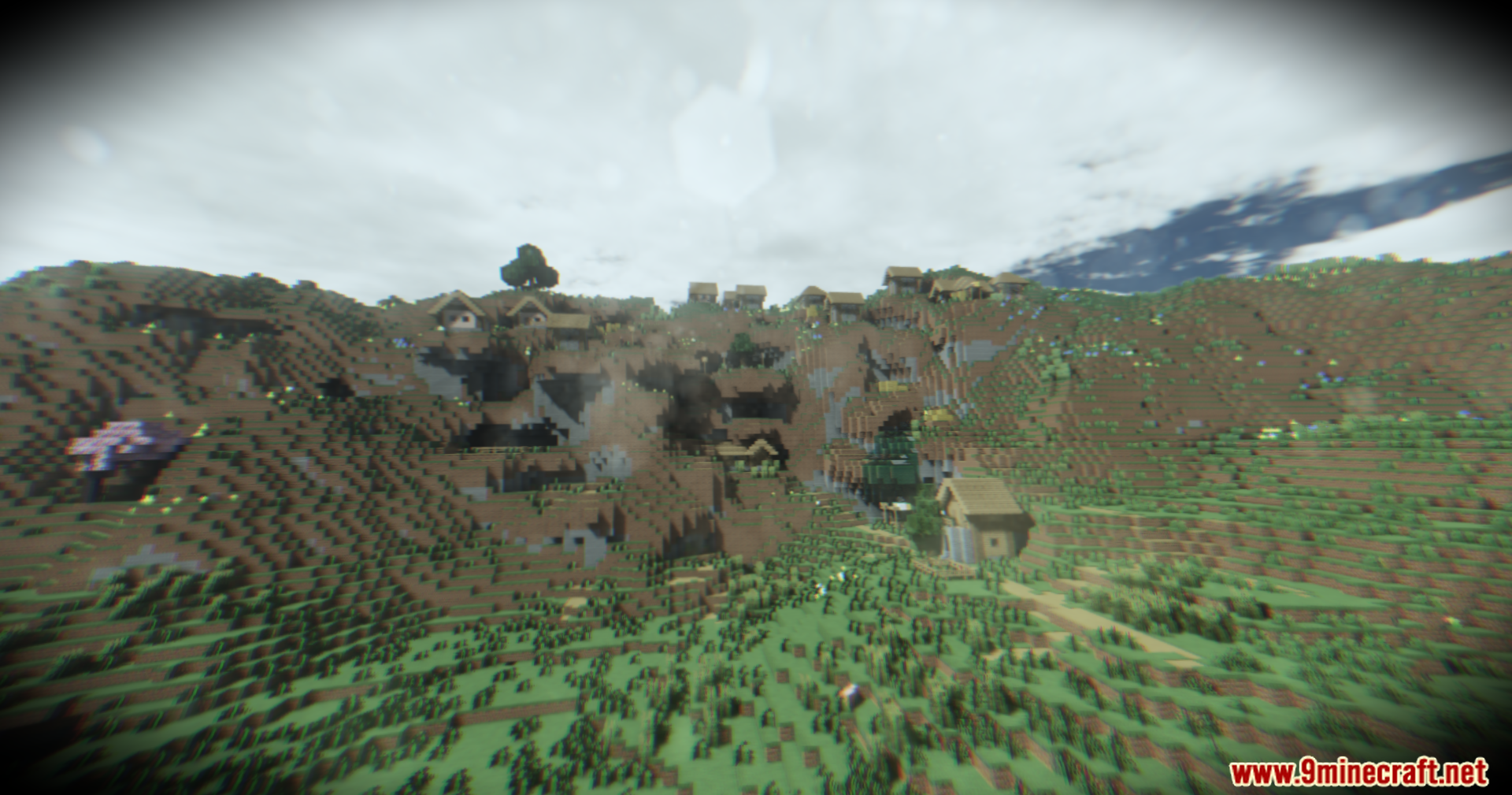
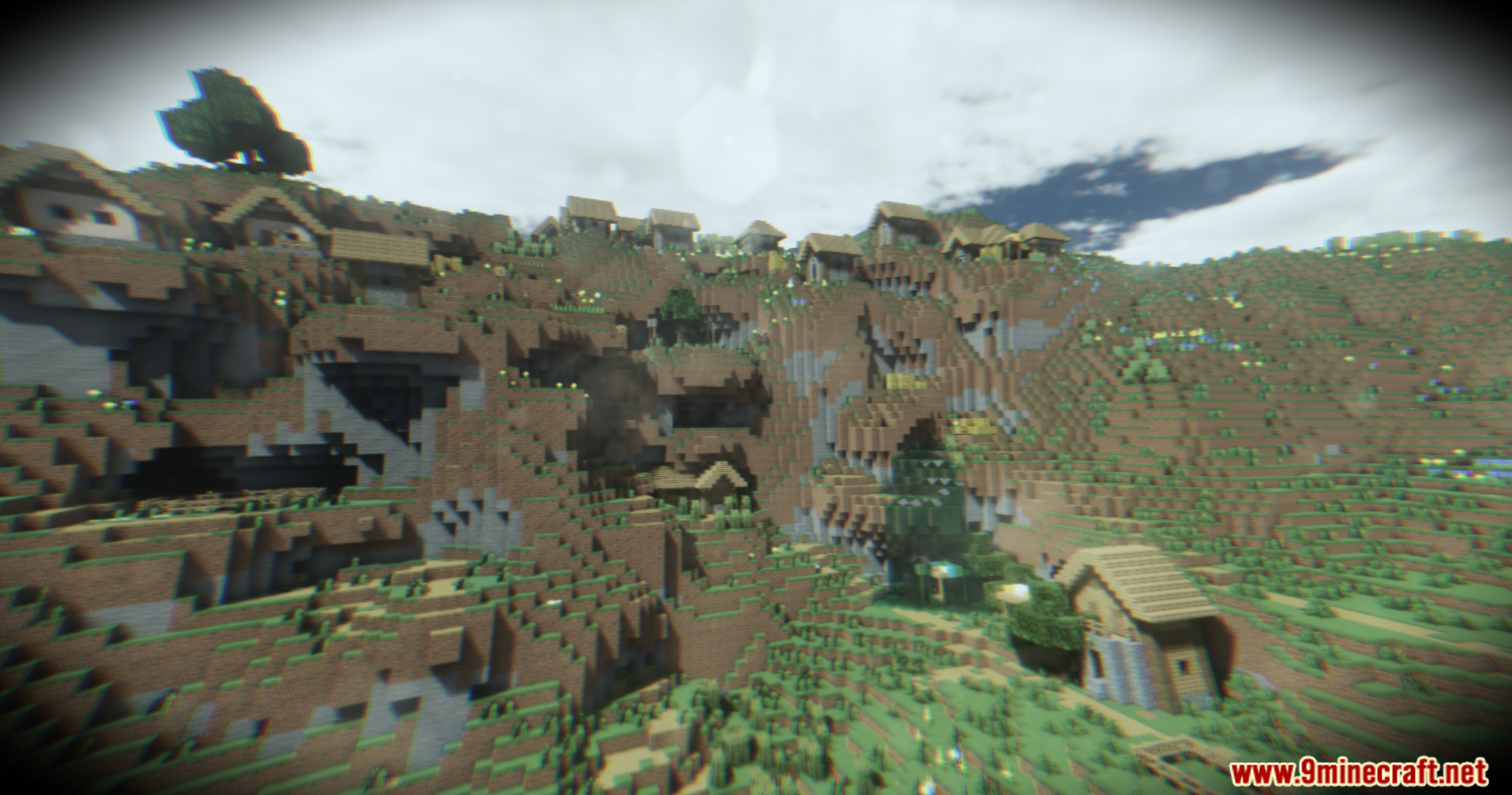
Screenshots:
Footage Shaders Download Links
- Edition: Minecraft Java
- File type: .zip (resource pack)
- Minecraft version listed: 1.20.1
- How to install: Download the .zip resource pack — do not unzip it. → Put it in .minecraft/resourcepacks. → Enable it in Options → Resource Packs.
- Where to get it: In MC Java Mods, or directly above on this page.
Install steps are the general flow for this file type — see the MC Java Mods guides for the full walkthrough.
Footage Shaders (26.3, 1.20.1) – VHS Body Camera Style With Global Illumination is a free Minecraft Java shader. Compatible with Minecraft 1.20.1. Download it and open it directly in the game.