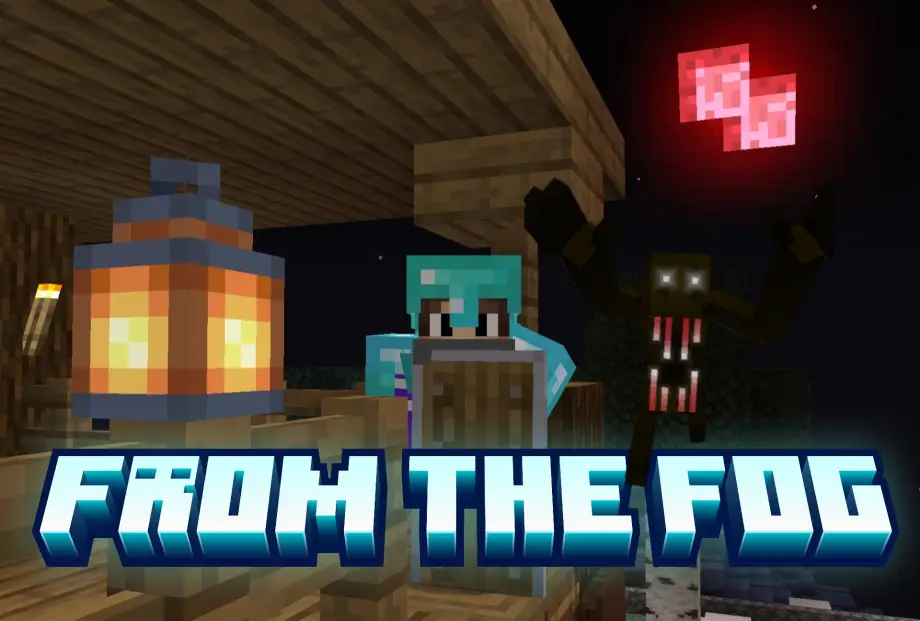
From The Fog Addon for Minecraft Bedrock 26.50
Horror modpack from the From The Fog series — custom mobs, structures, shaders and ambient sounds for a tense Minecraft experience.
⬇ DownloadHow to download and import the modpack into Minecraft
First, once you download the file, extract it so you can access all of the addon files inside the folder. Then, you import all of the addons into Minecraft SEPARATELY. To import the addons into the game, make sure that ALL of the addon files are .mcaddon files. Once each file is a .mcaddon, click the file to import it into Minecraft. After importing every addon, create a world with those addons (you can add other addons, like different shaders, but avoid adding too many other addons so you don't ruin the horror experience). For all of the addons to work, enable all "Add-on Creators" experimental settings. Then create the new world and have fun ;)
Note
Not all addons included in my From The Fog Season 1 episodes are included in this modpack. For example, the Man From The Fog (Night Dweller) is not included because the addon no longer works in newer Minecraft versions — sorry about that.
Make sure to check out my tutorial video on how to summon the Herobrine addon included (link down below).
Credits for all of the addons that are included in this modpack
- The Skinstalker Dweller by: PnTMC
- The Dweller King by: PnTMC
- The Midnight Lurker by: Shine
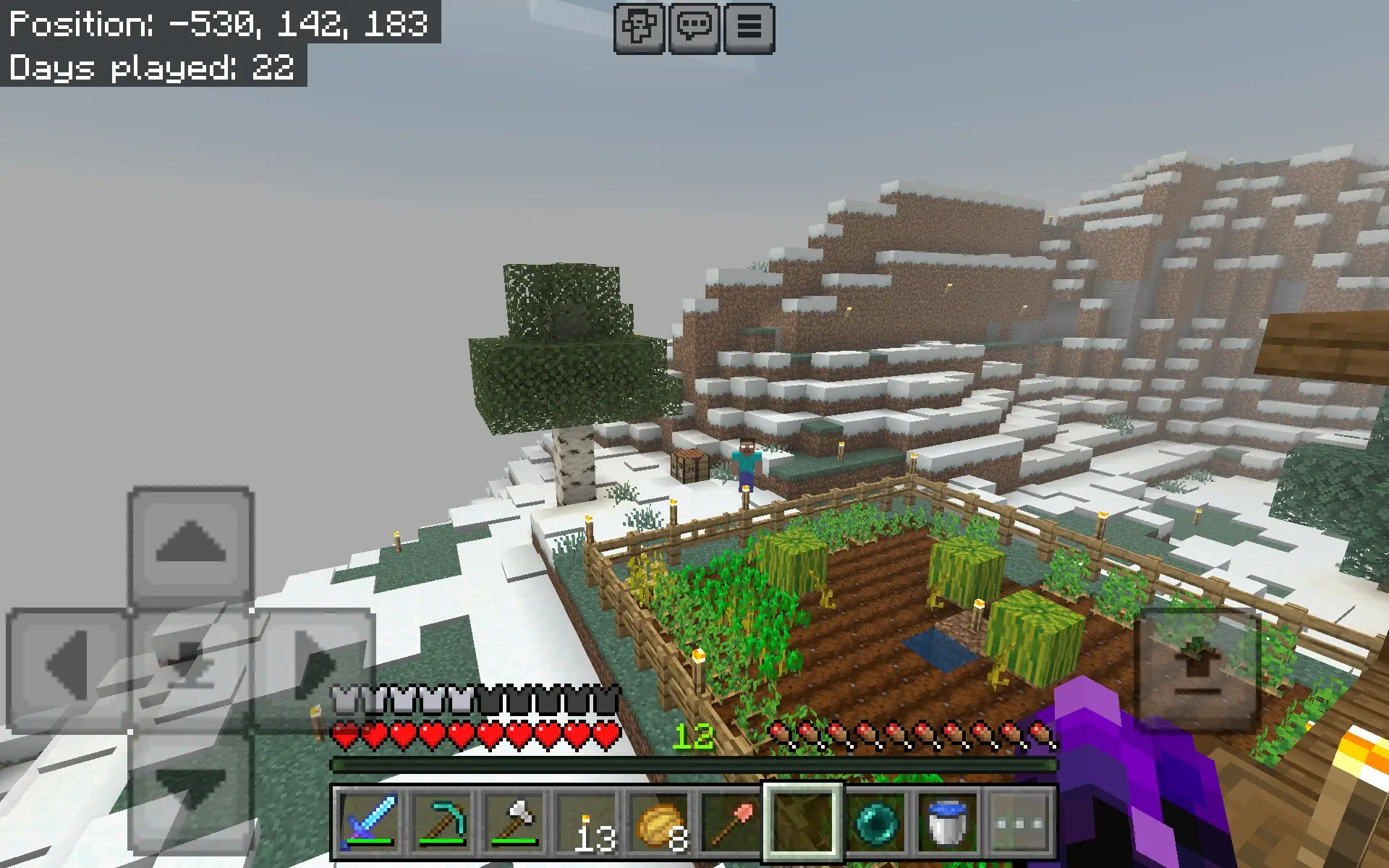
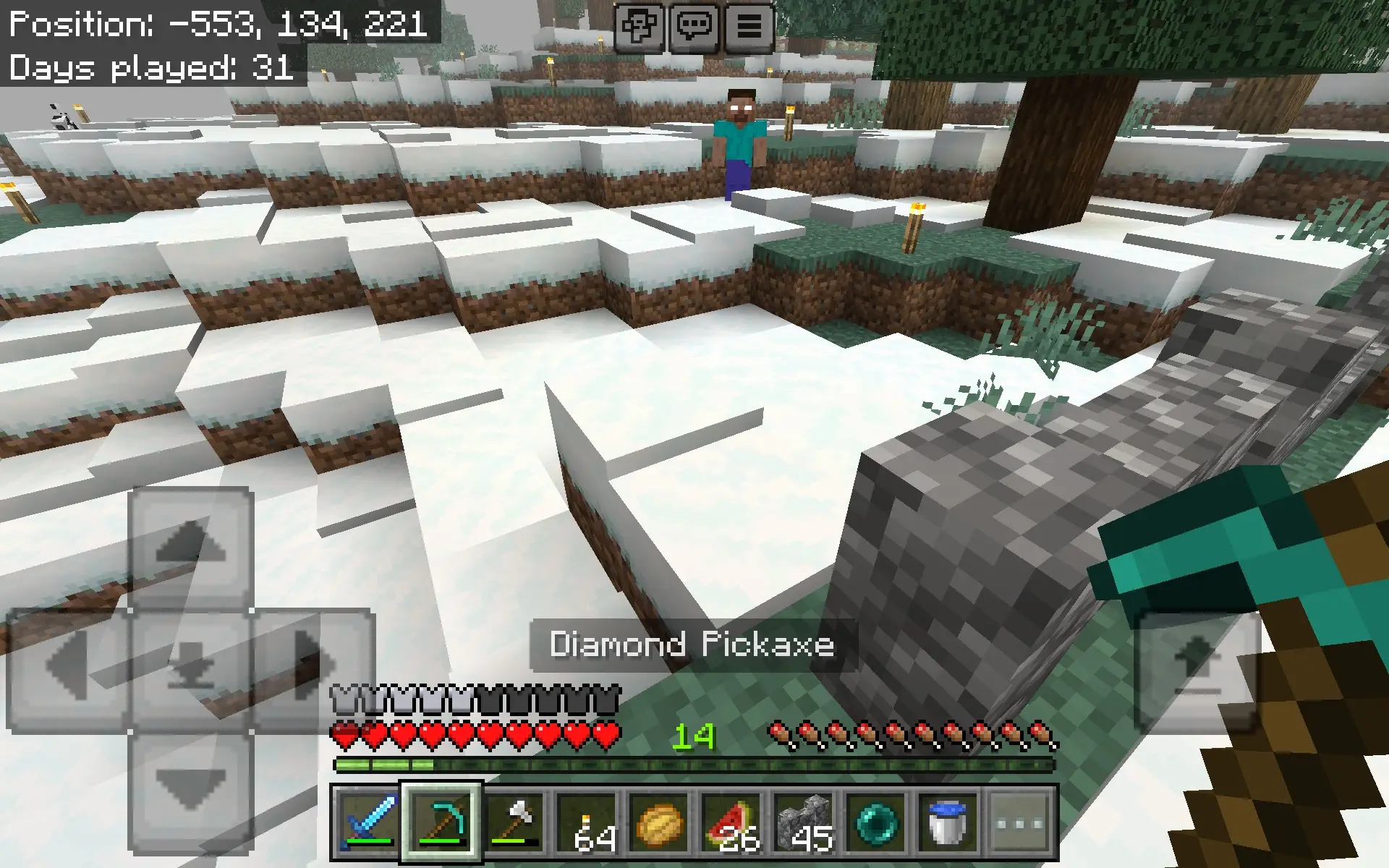
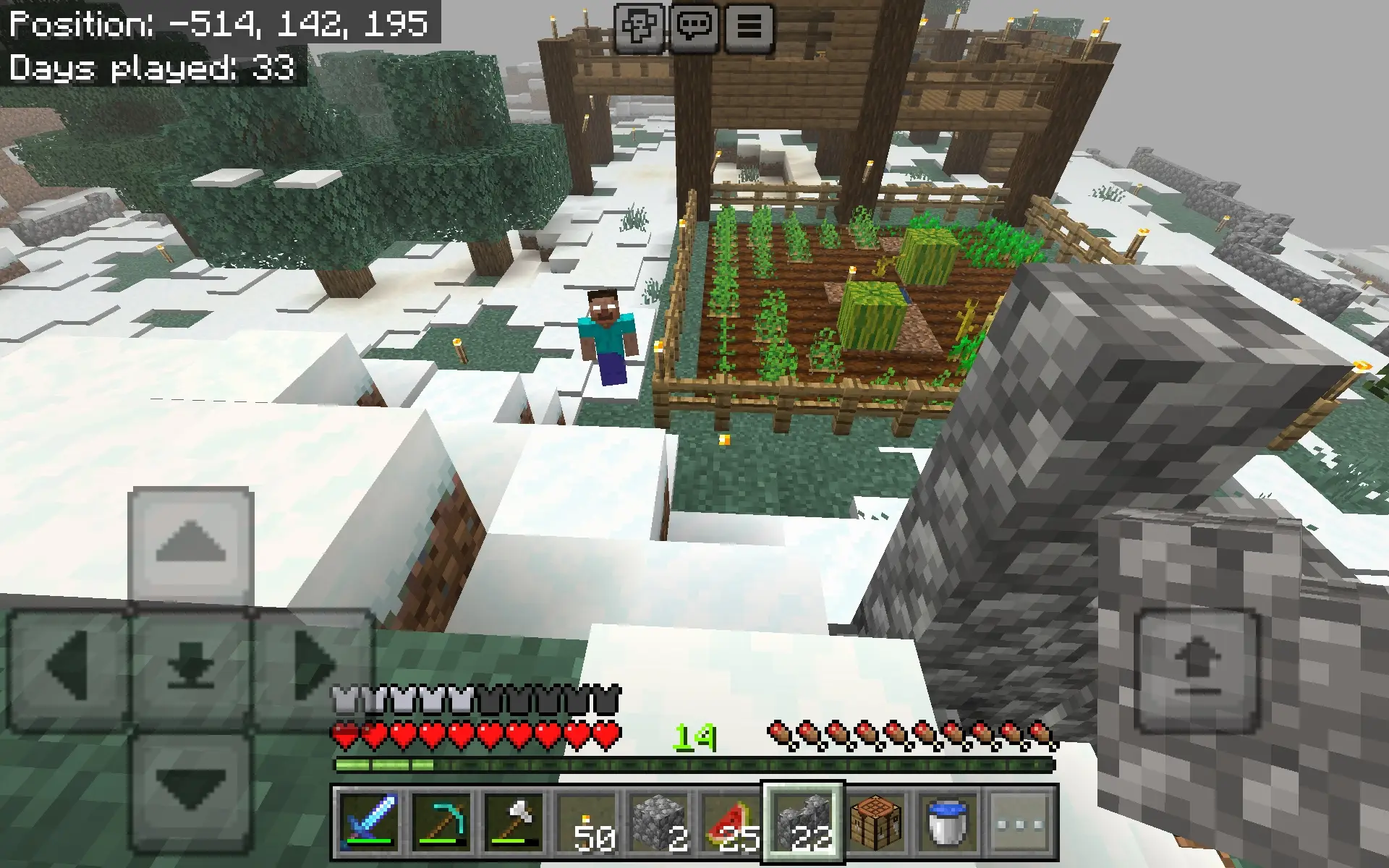
- The Herobrine Lurking addon by: Minez400
- Abandoned Ruin Structures by: NicoTheKid
- Realistic Ambient Sounds V5 by: The Big Onion Institute
- Insanity Visuals (Shader) by: PnTMC
(Sorry for not including the Emerald Tools and Armor mod — I lost the file or something like that.)
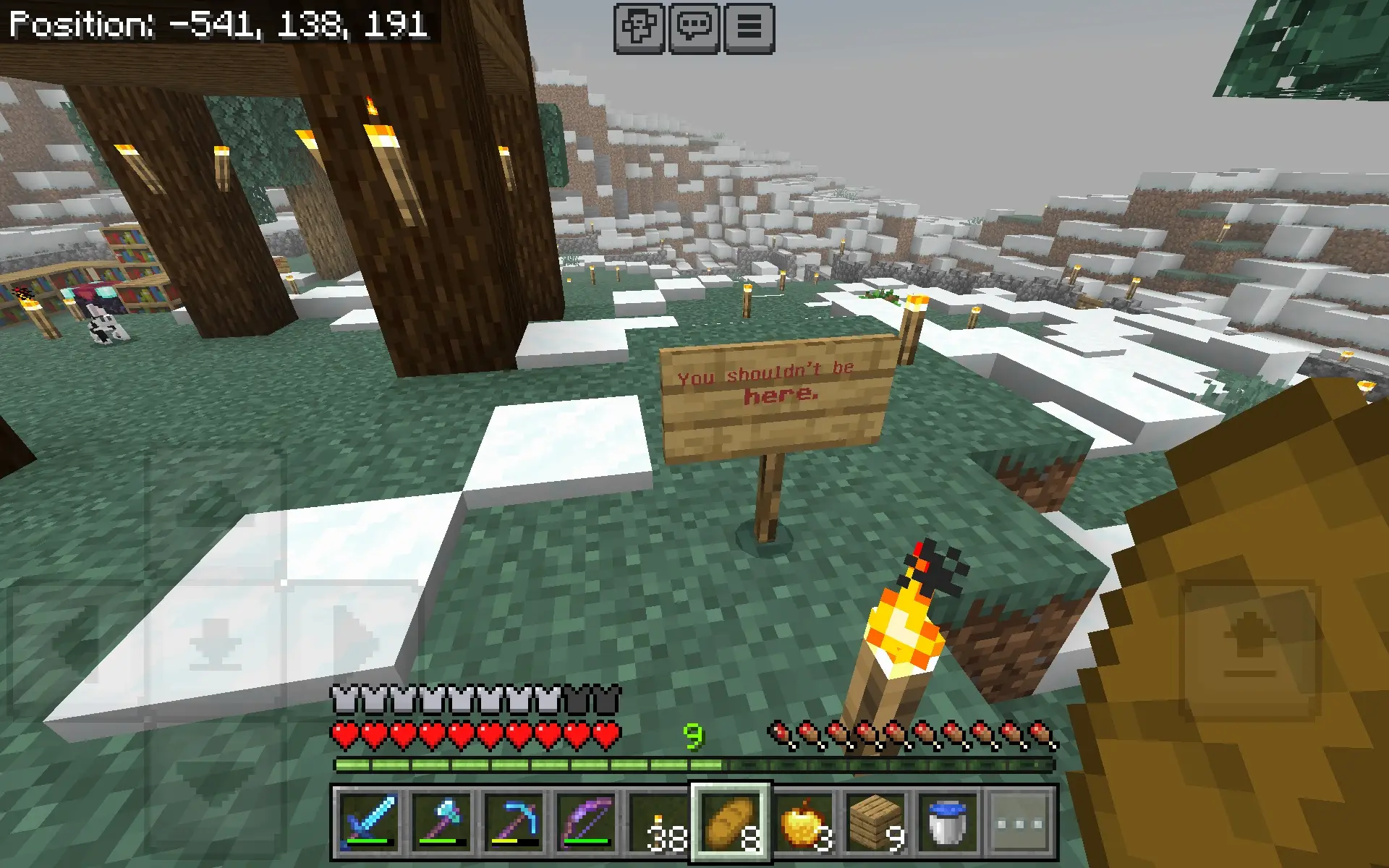
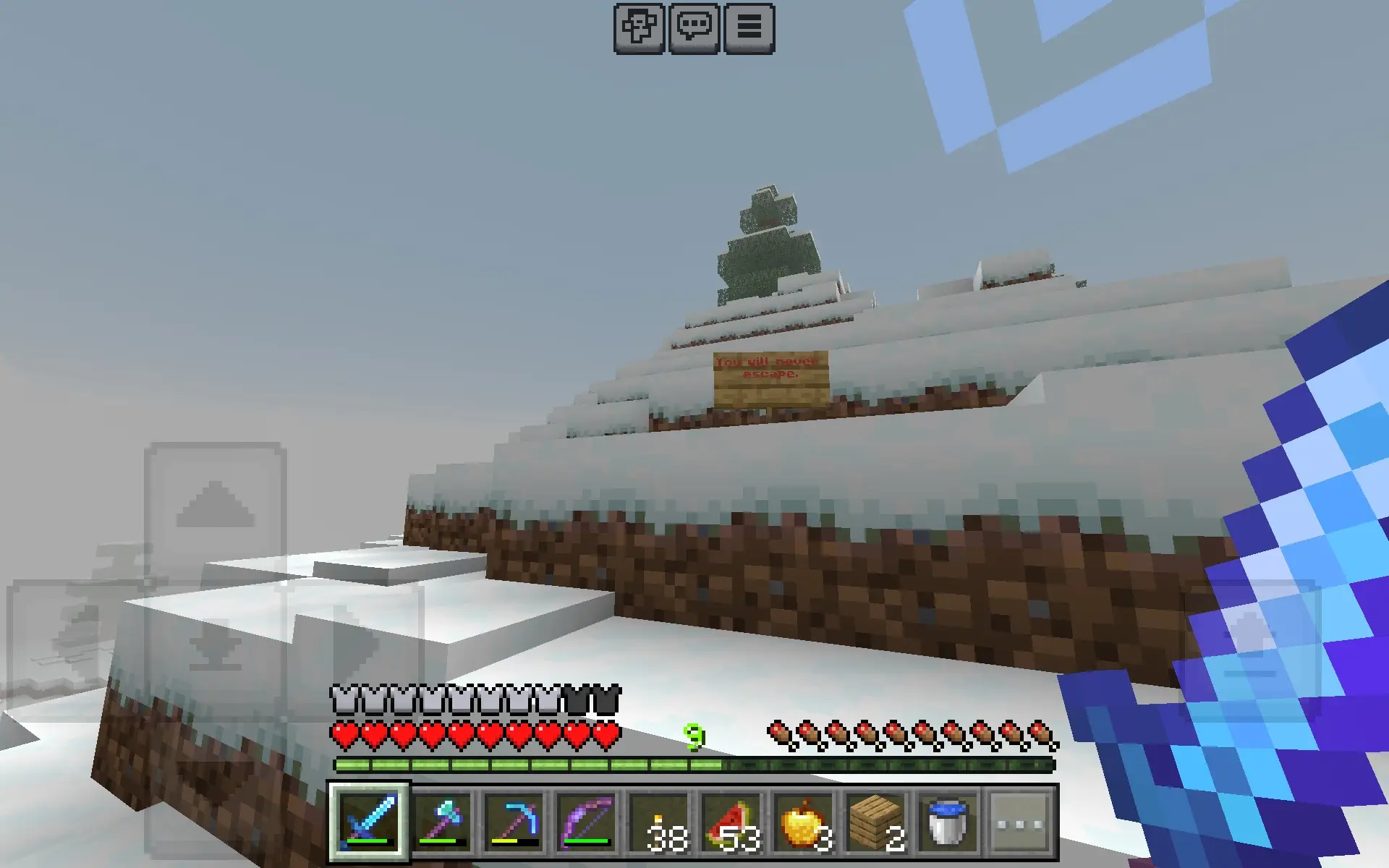
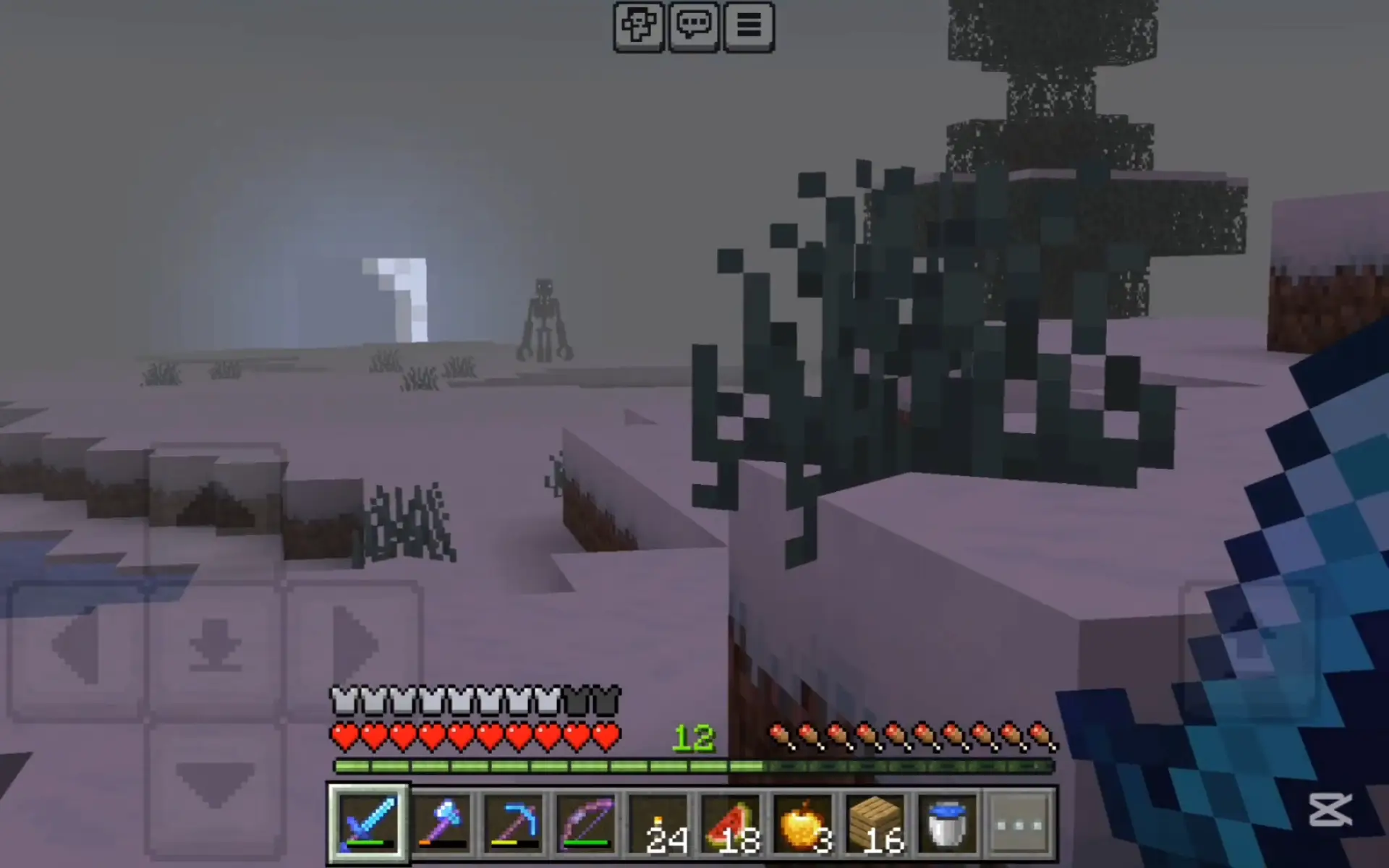
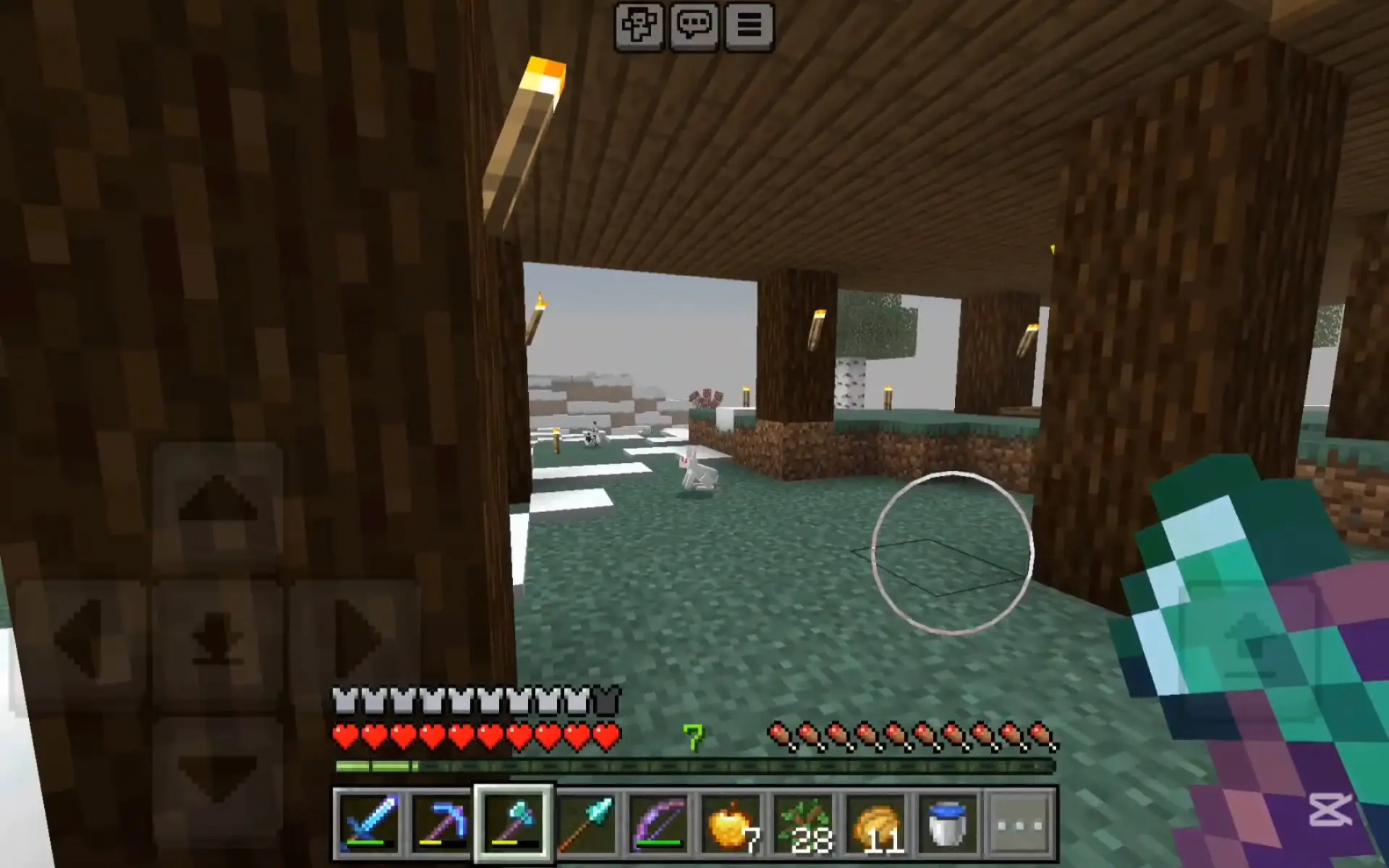
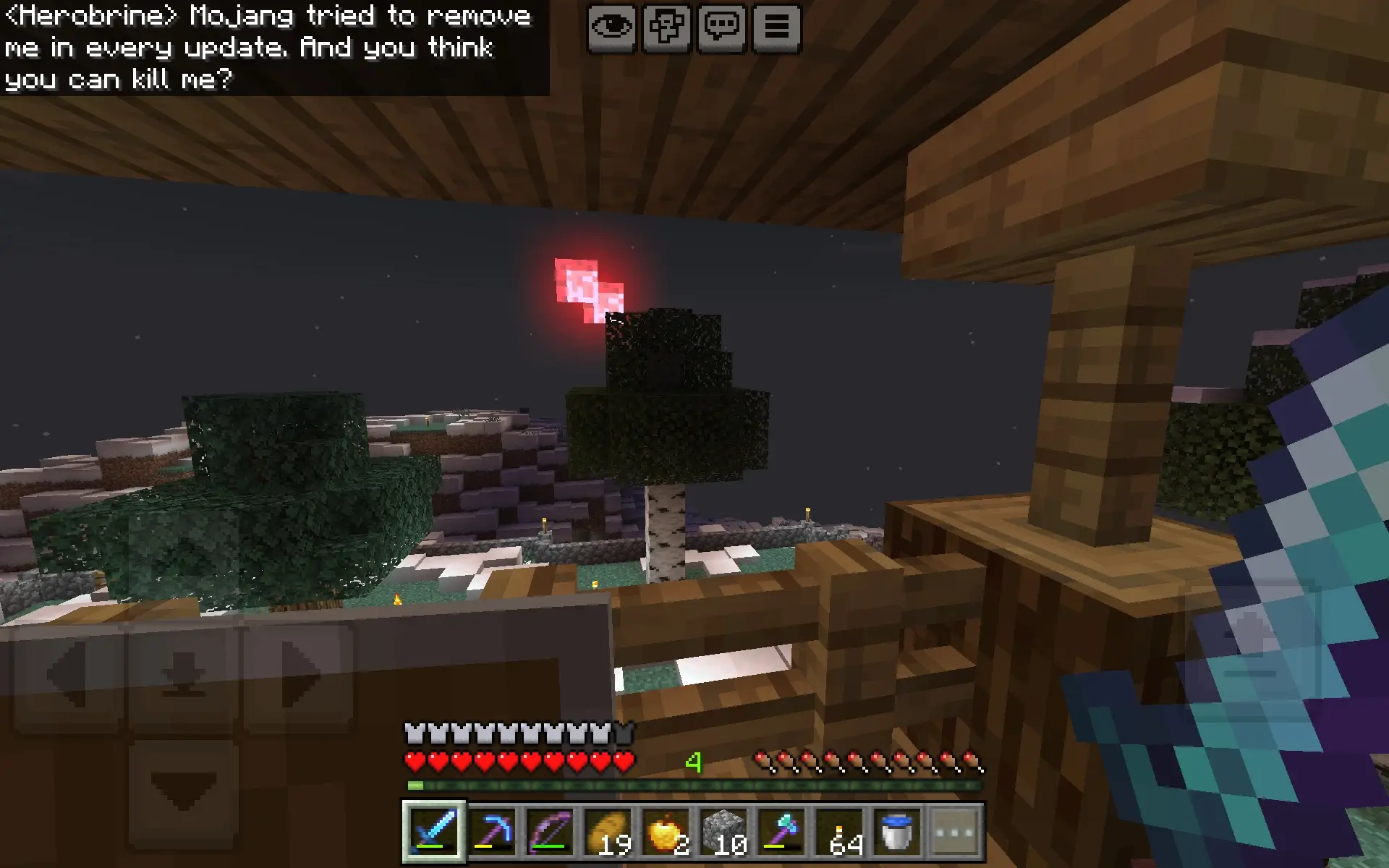
Gameplay screenshots
- Edition: Minecraft Bedrock
- File type: .mcpack or .mcaddon
- How to install: Download the .mcpack or .mcaddon file. → Open it — Minecraft imports it. → In your world: Behavior Packs → Available → Activate, then the same under Resource Packs.
- Where to get it: In MCModsHub, or directly above on this page.
Install steps are the general flow for this file type — How to install Minecraft Bedrock addons & mods walks through it step by step.
- Manifest requires Minecraft 1.21.100 or newer
- Complete pack — everything it depends on is inside the file
- Download link checked 30 Jun 2026 — working
- Mirrored on our own servers — the download does not depend on the original host
These come from our own check of the pack file, not from the source page.