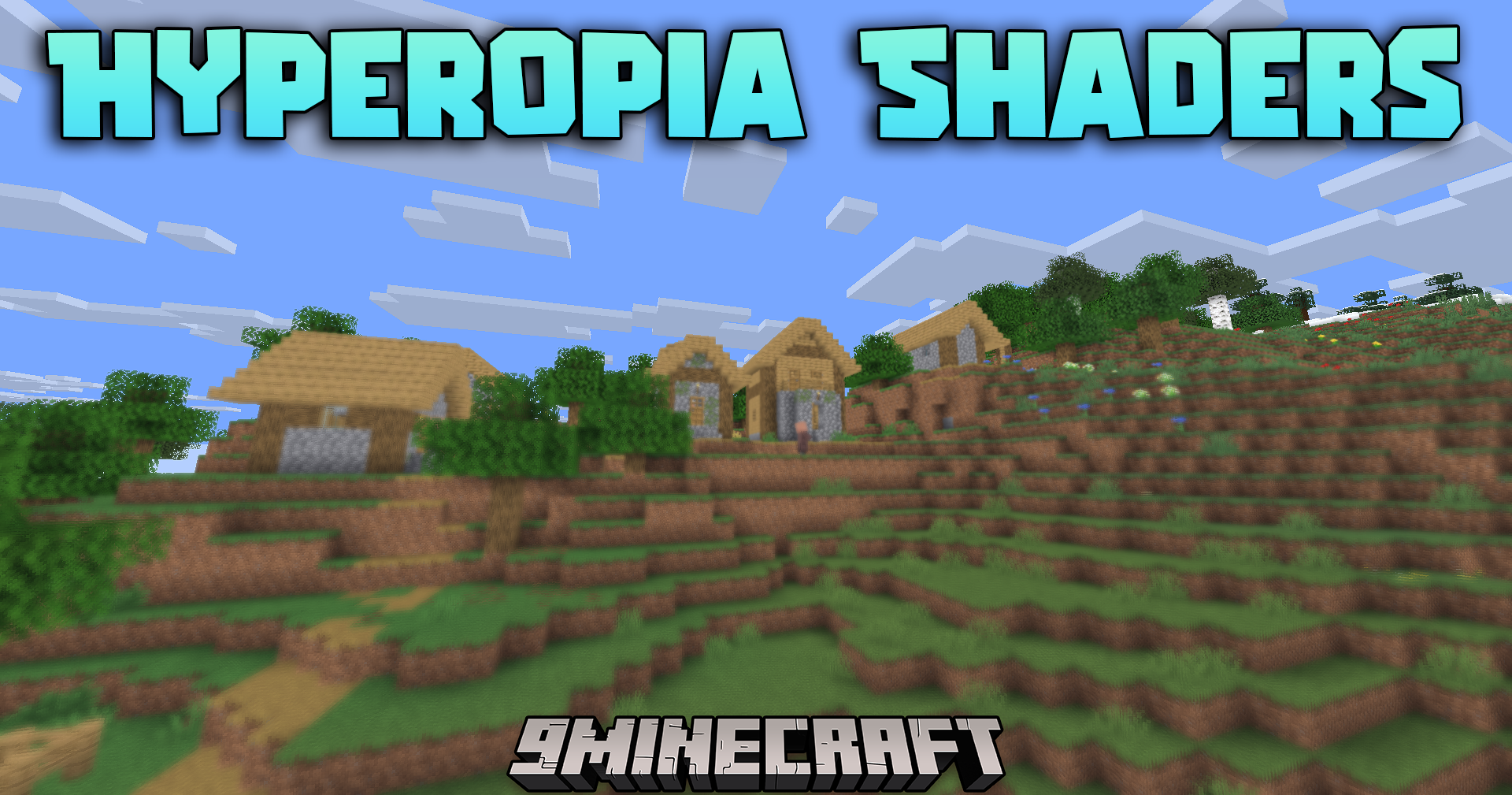
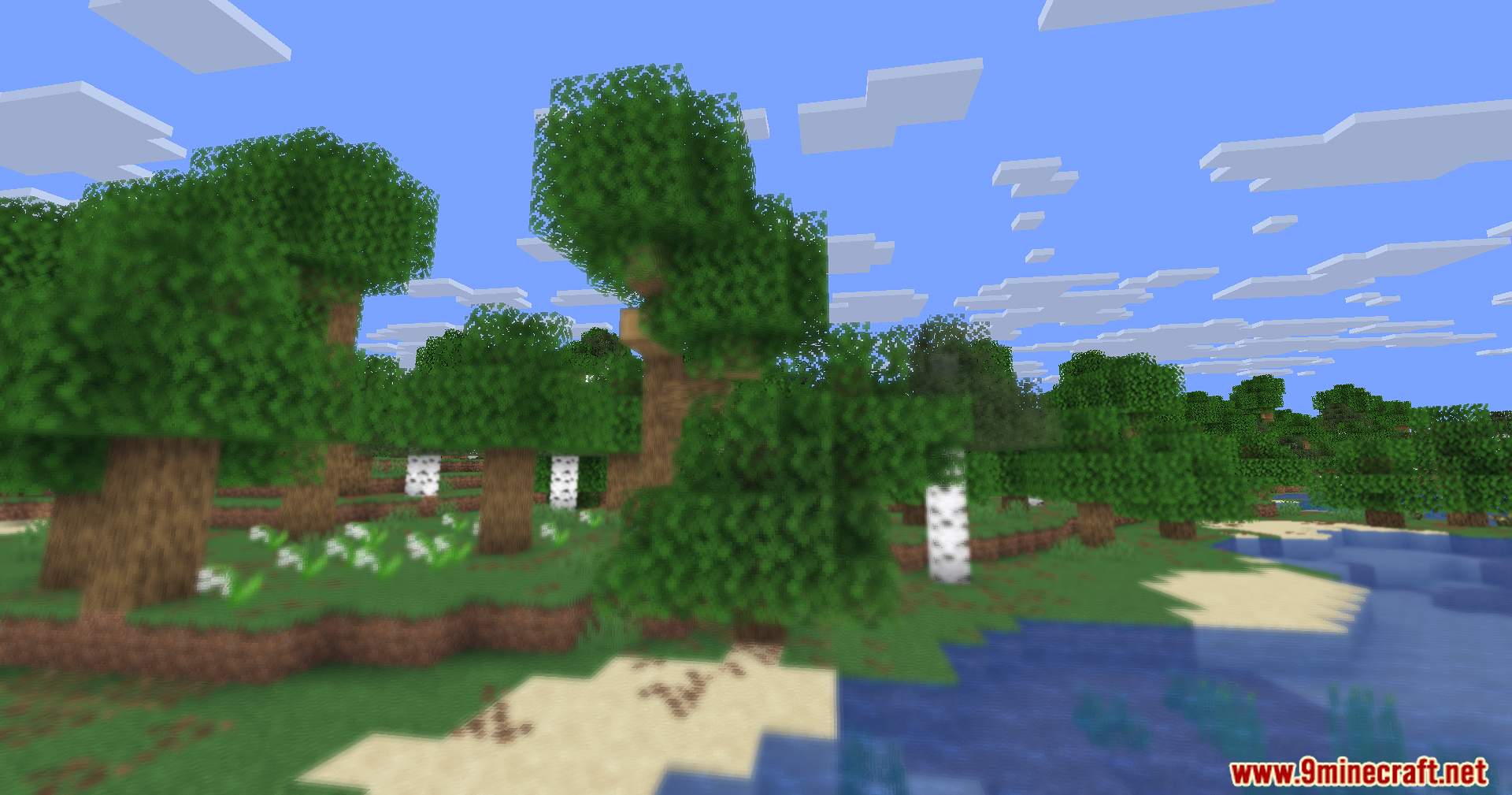
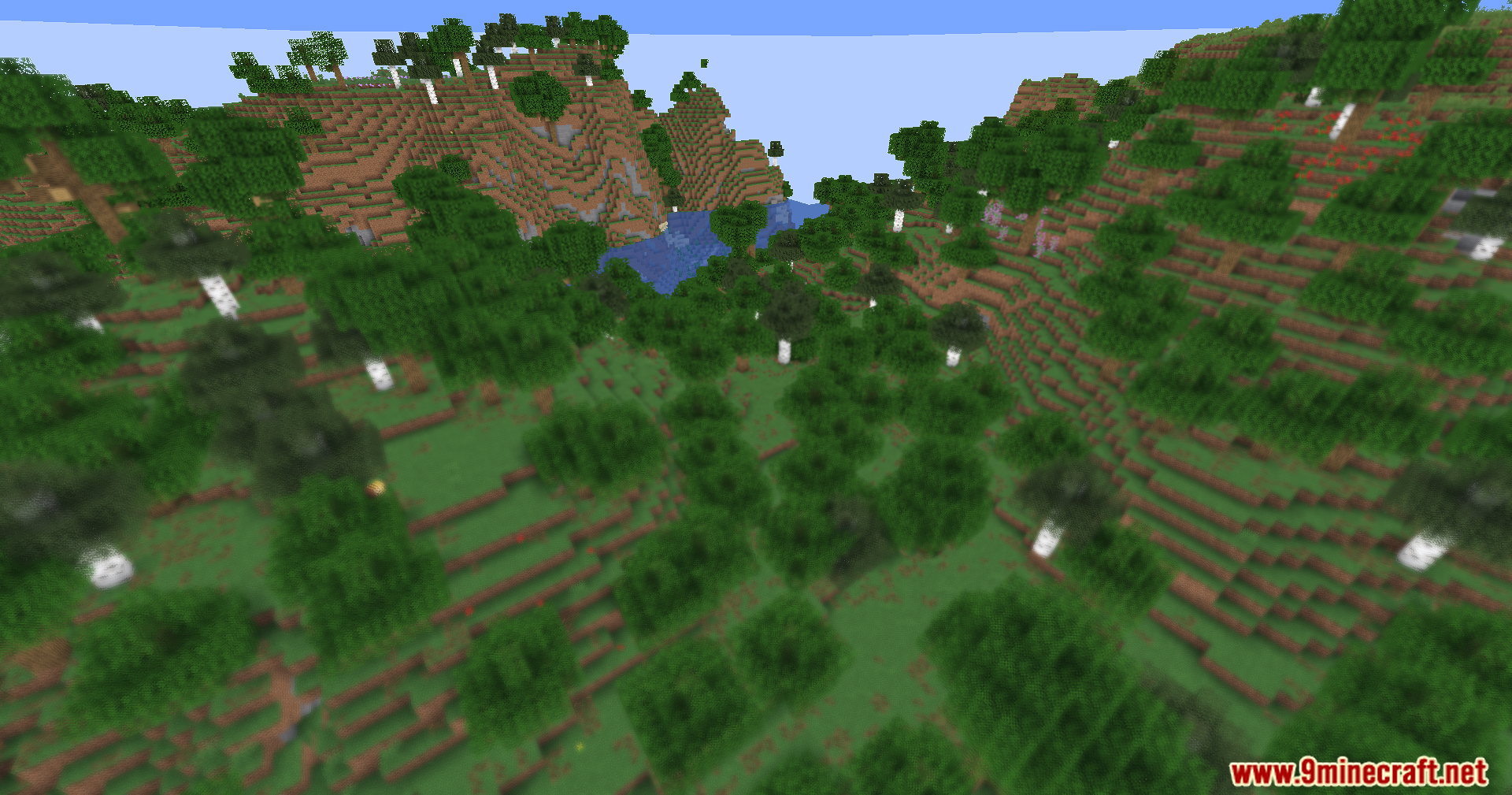
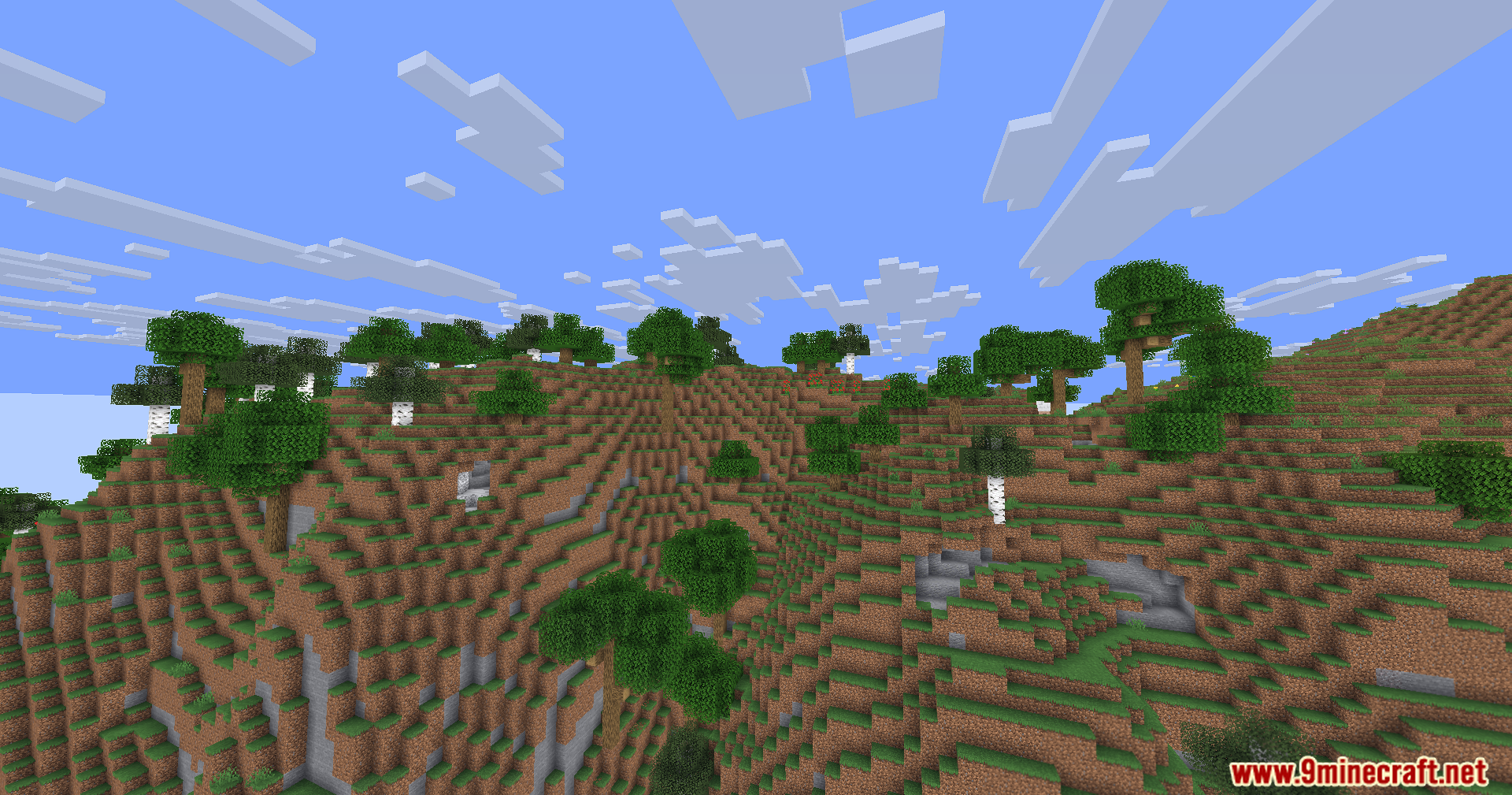
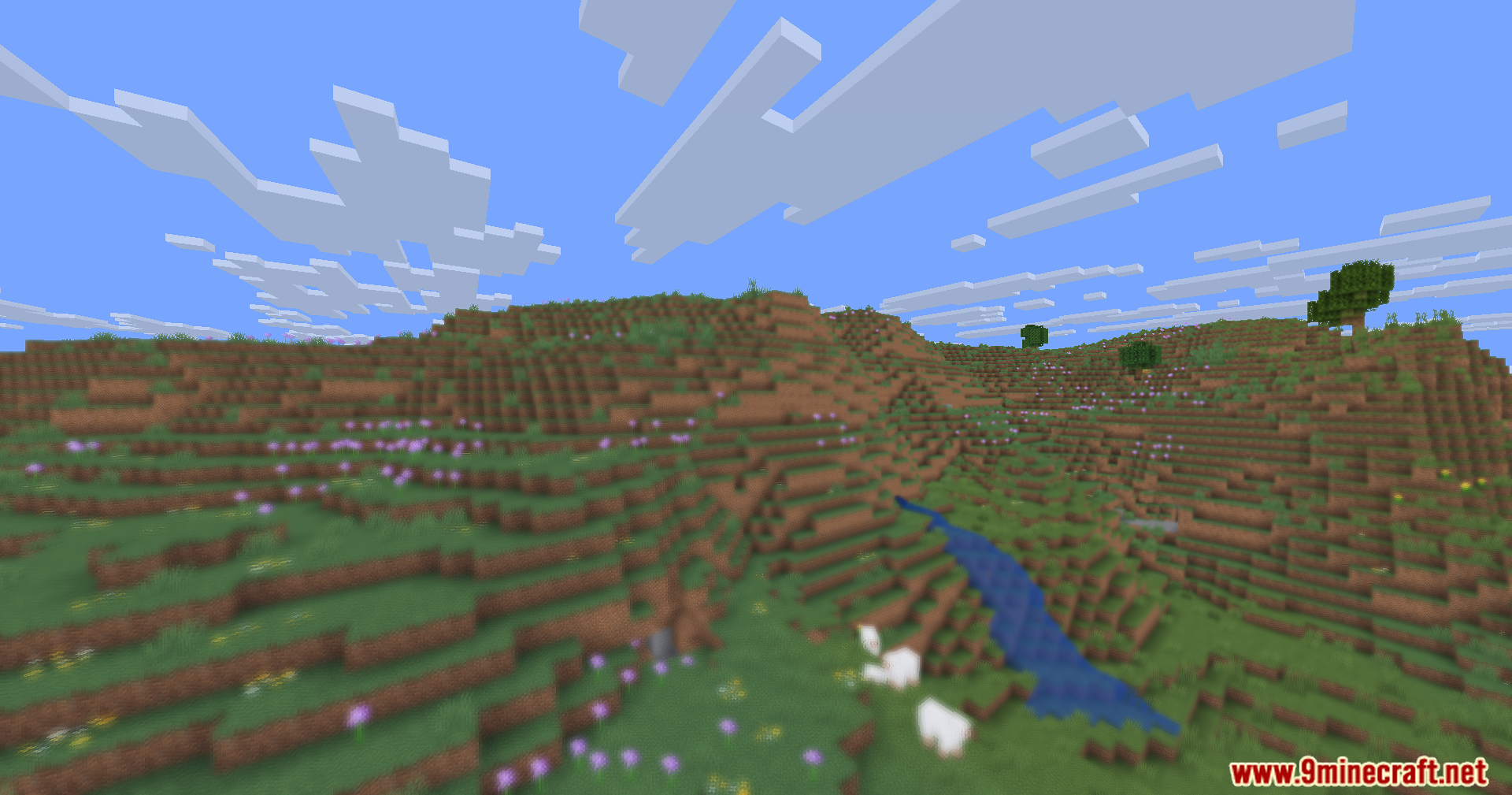
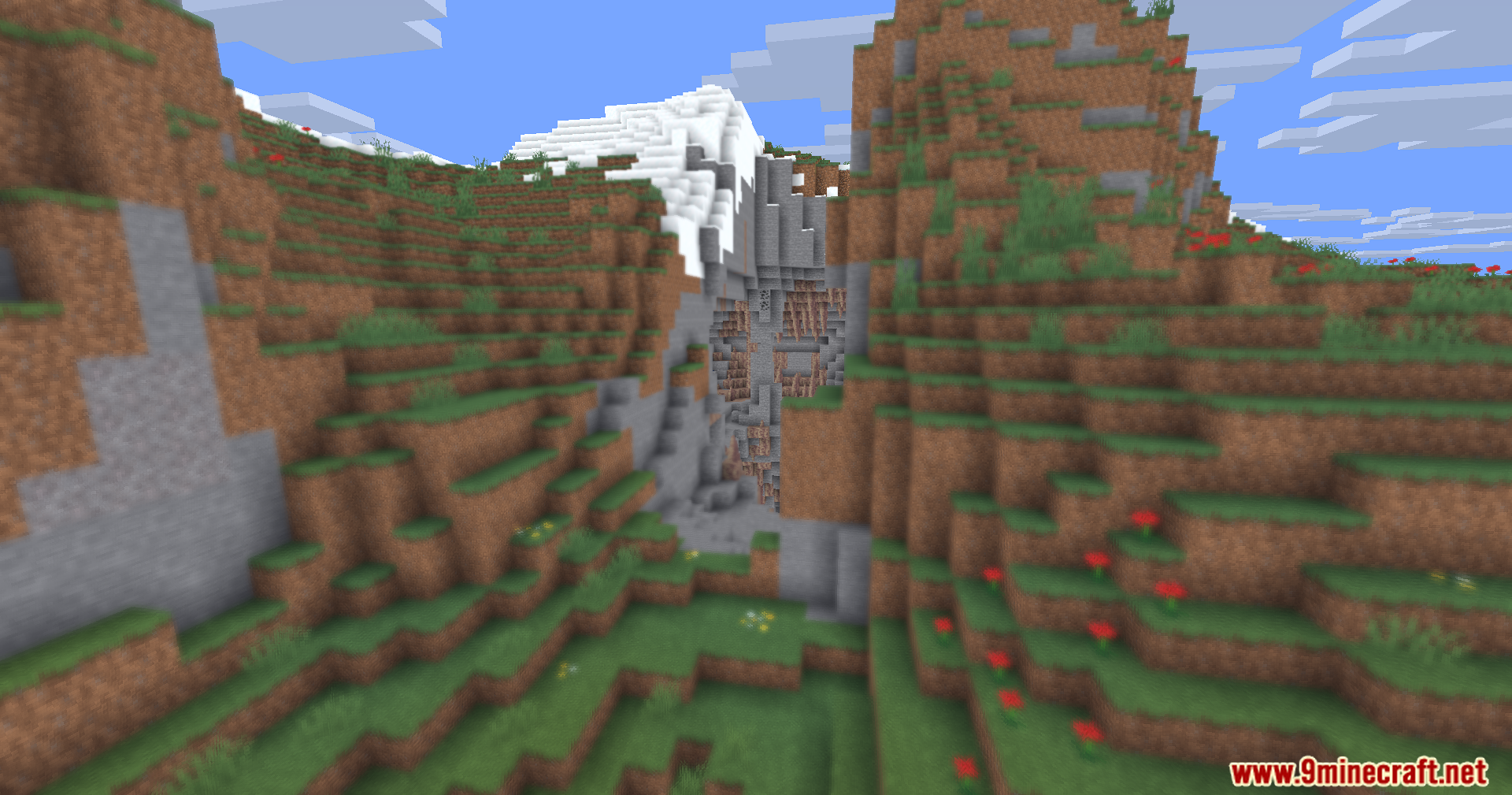
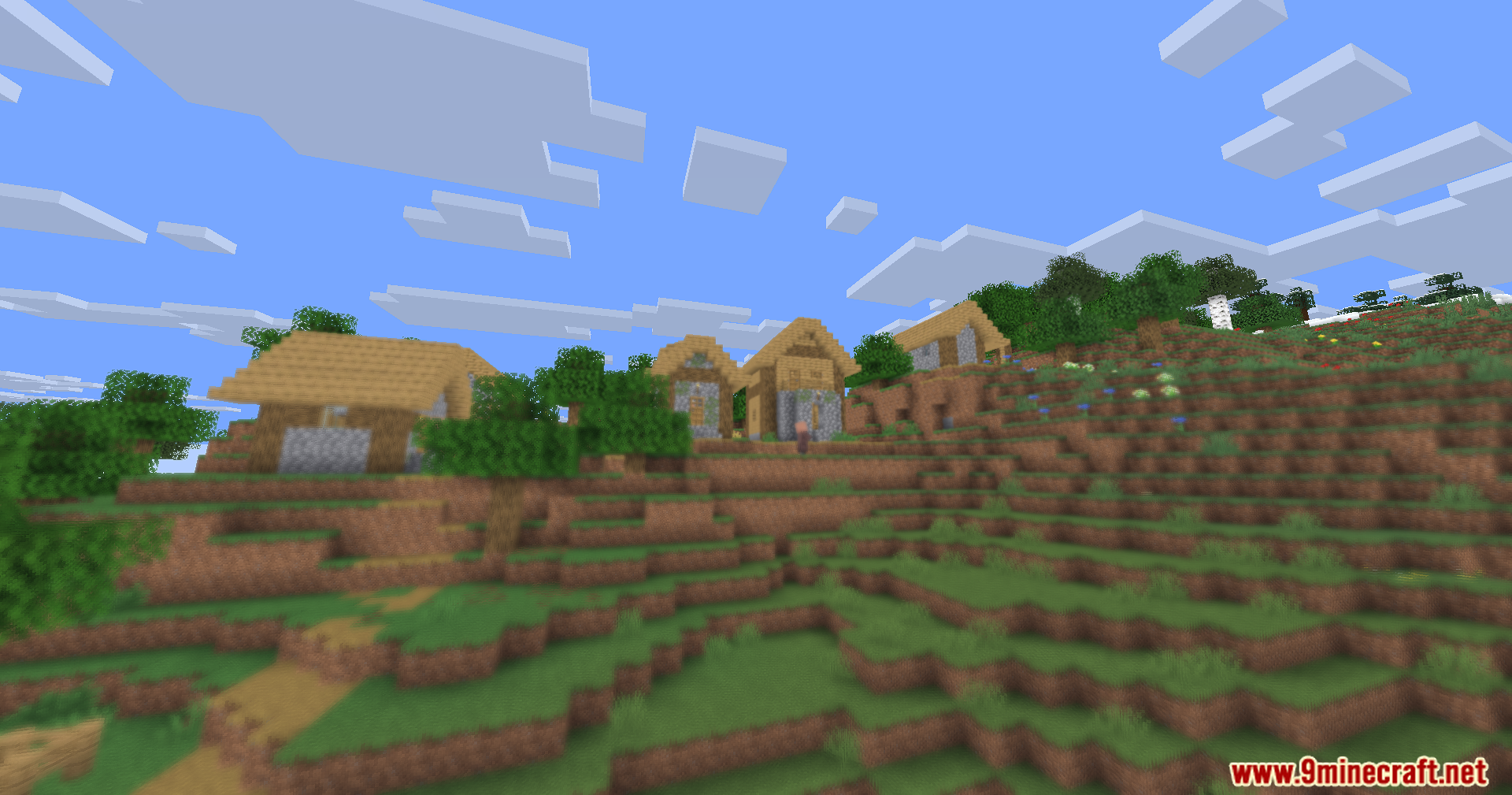
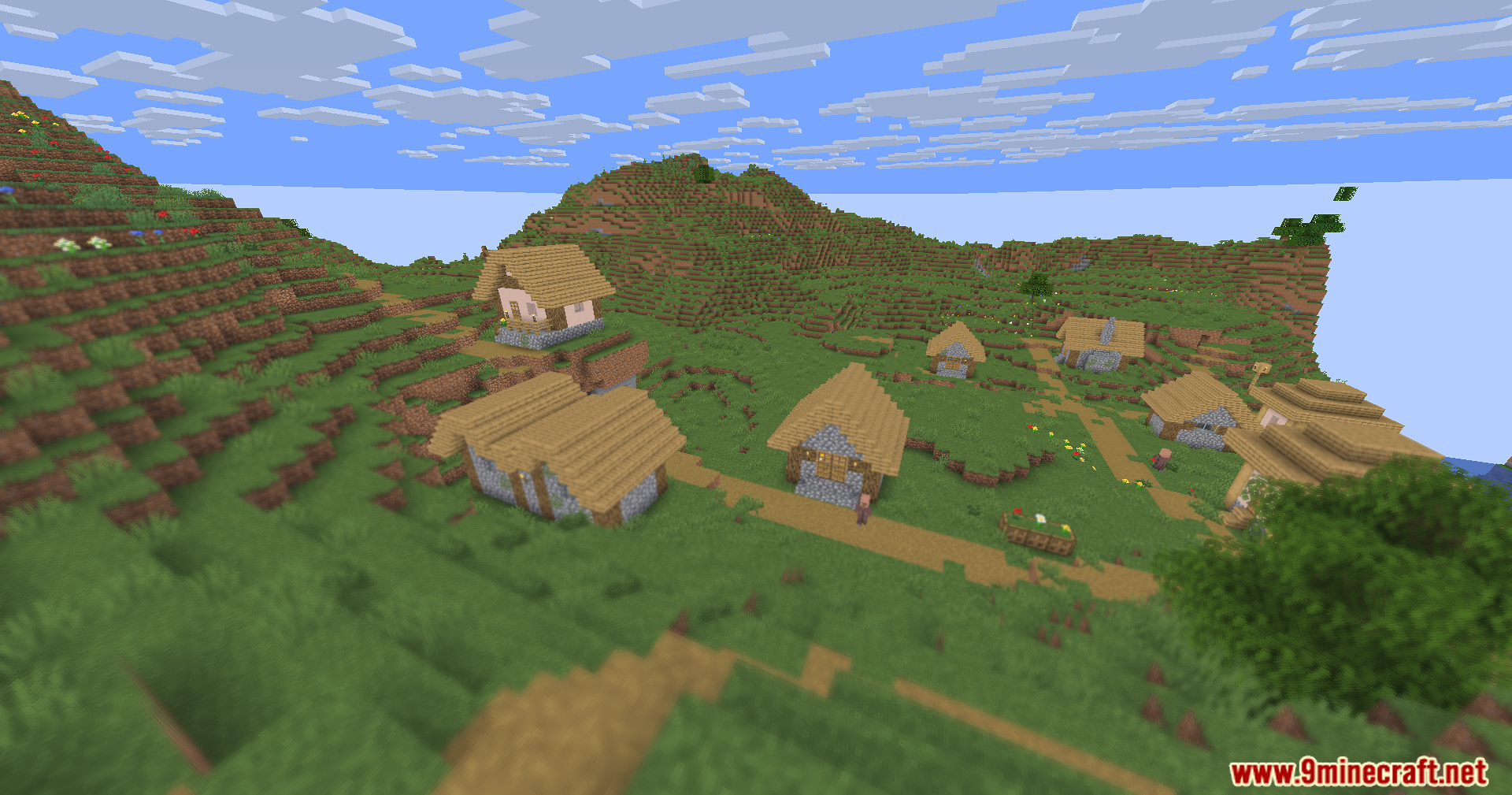
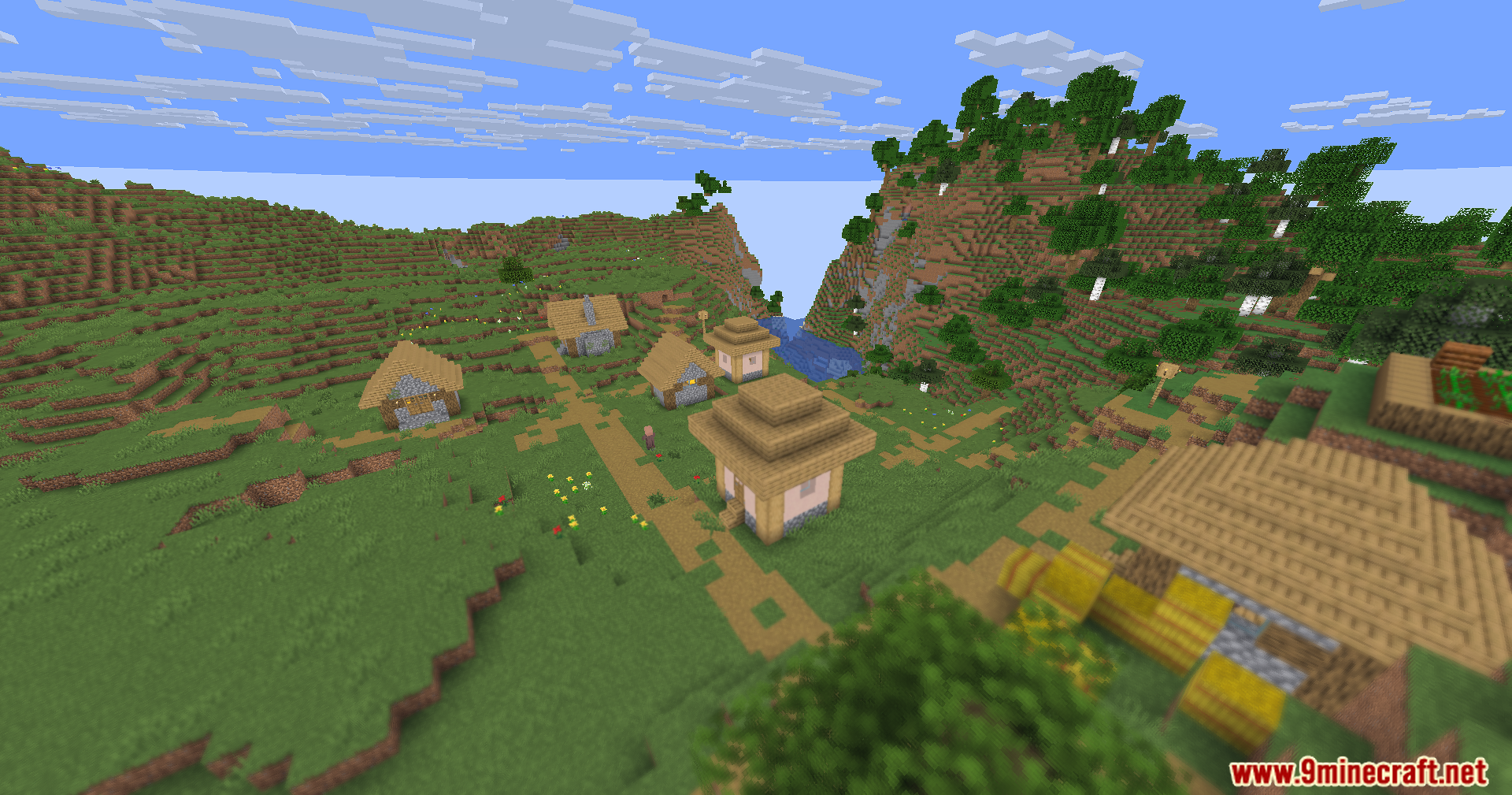
Hyperopia Shaders flips how you see distance in the game. Instead of making nearby blocks clear and faraway mountains blurry, this shader does the exact opposite. Things close to your screen get soft and fuzzy, while distant buildings and landscapes stay perfectly sharp. It creates a fun visual trick that messes with your sense of space as you walk around your world.
Features:
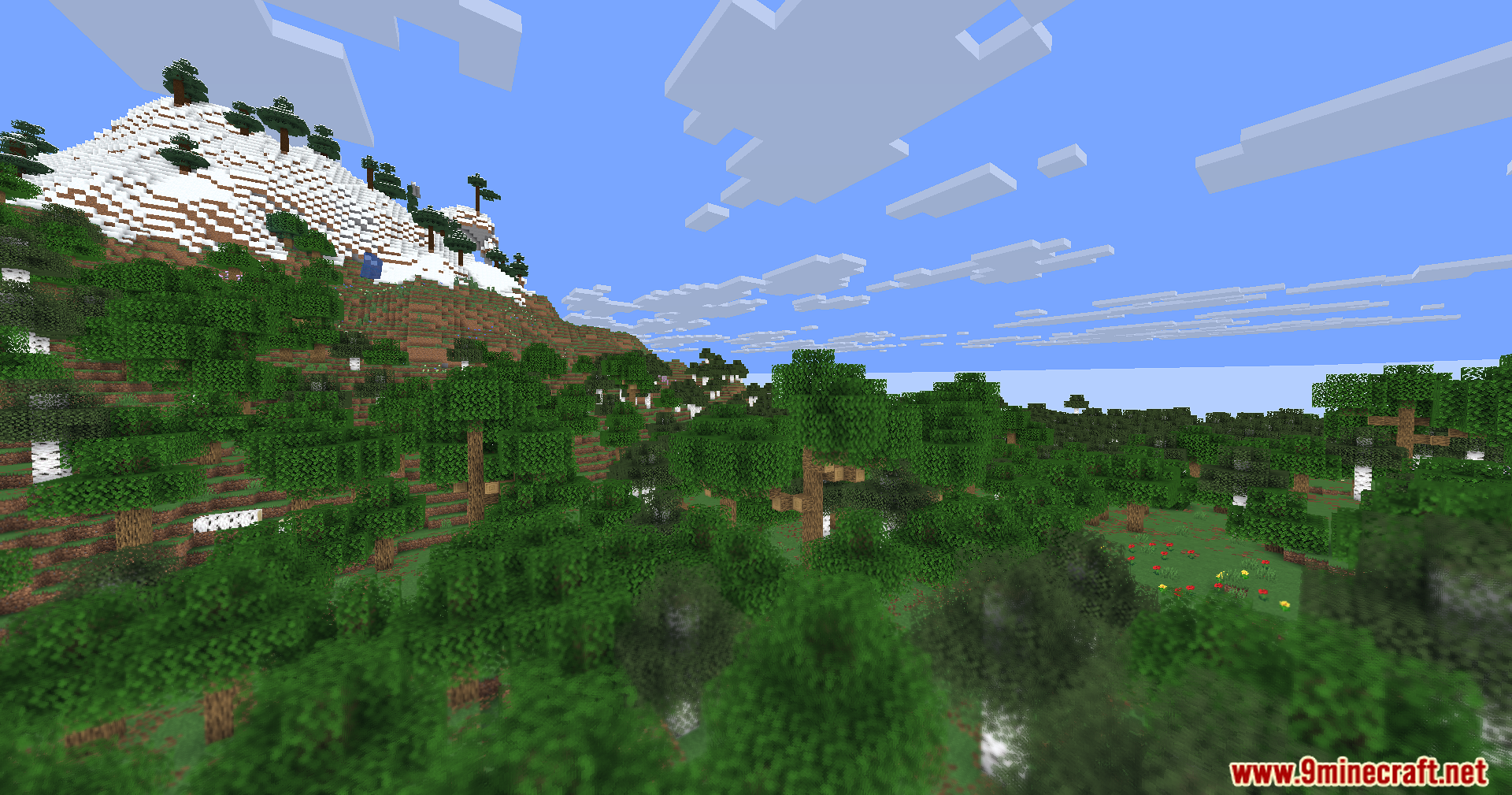
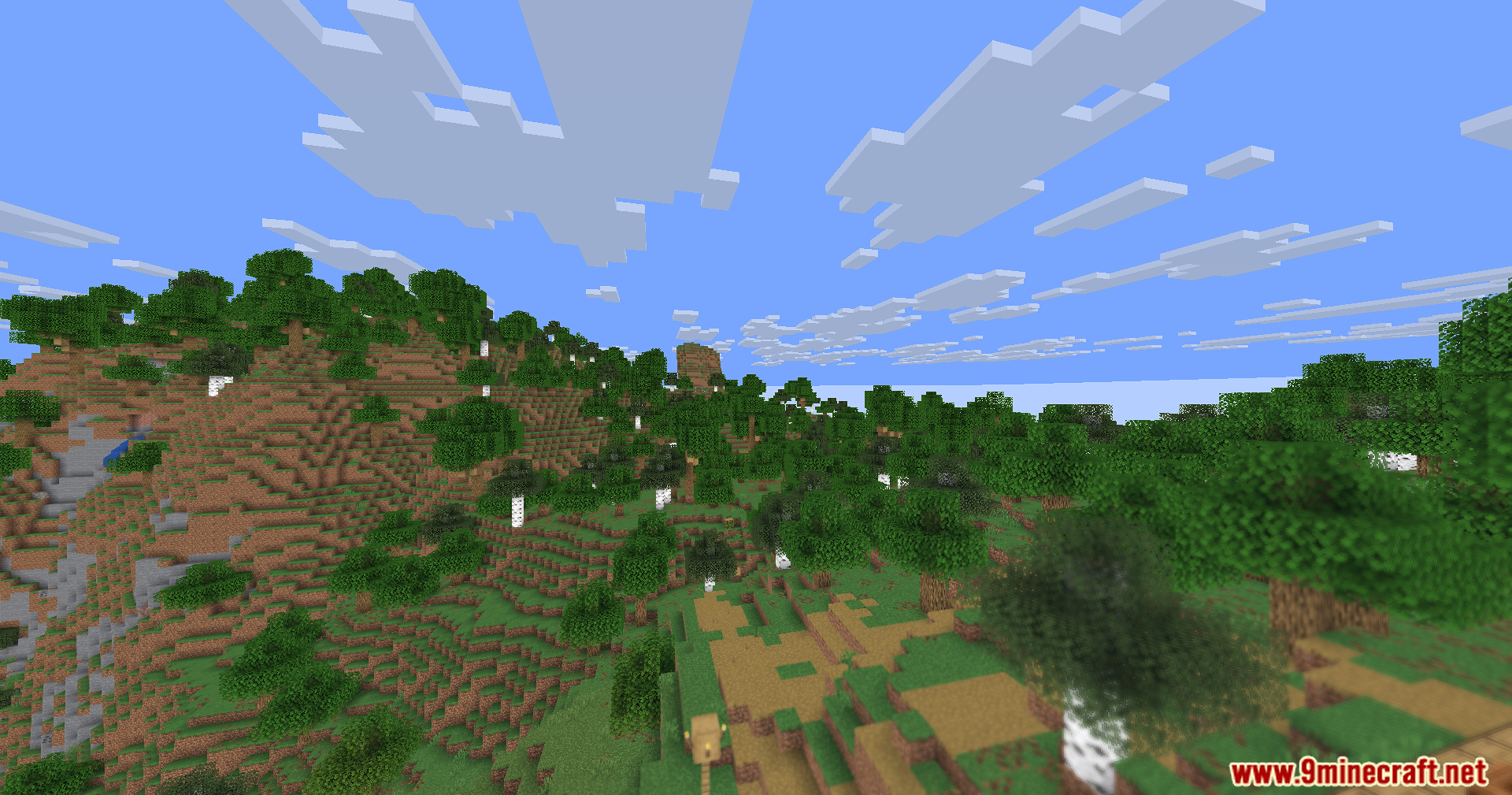
- Makes objects close to you look blurry while keeping distant blocks perfectly sharp and clear.
- Uses a smooth circular blur effect on nearby items so they look soft instead of messy.
- Shifts the focus point back and forth over time, creating a slow breathing effect on your screen.
- Adds a tiny bit of extra sharpness to faraway objects so they stand out even more.
- Changes colors slightly based on distance, adding cool blue tones to certain areas to trick your brain.
- Runs very fast on older computers because it skips heavy graphics like shadows, glowing lights, and water reflections.
- Works as a simple visual experiment rather than a normal beauty pack.
🎛️ Compare Minecraft Shaders Side by Side →
Drag the slider across real in-game scenes — find YOUR perfect shader.
Screenshots:
Hyperopia Shaders Download Links
- Edition: Minecraft Java
- File type: .zip (resource pack)
- Minecraft version listed: 1.20.1
- How to install: Download the .zip resource pack — do not unzip it. → Put it in .minecraft/resourcepacks. → Enable it in Options → Resource Packs.
- Where to get it: In MC Java Mods, or directly above on this page.
Install steps are the general flow for this file type — see the MC Java Mods guides for the full walkthrough.
Hyperopia Shaders (26.3, 1.20.1) – Reversed Depth Of Field With Blurry is a free Minecraft Java shader. Compatible with Minecraft 1.20.1. Download it and open it directly in the game.