Home›Java›Mods›Chipped 9minecraft Mod (26.3, 26.2) – Transform Basic Blocks Into Detailed Decorations
ModsJava
Chipped 9minecraft Mod (26.3, 26.2) – Transform Basic Blocks Into Detailed Decorations
Minecraft Java mod. Download on the author's site.
⬇ Download
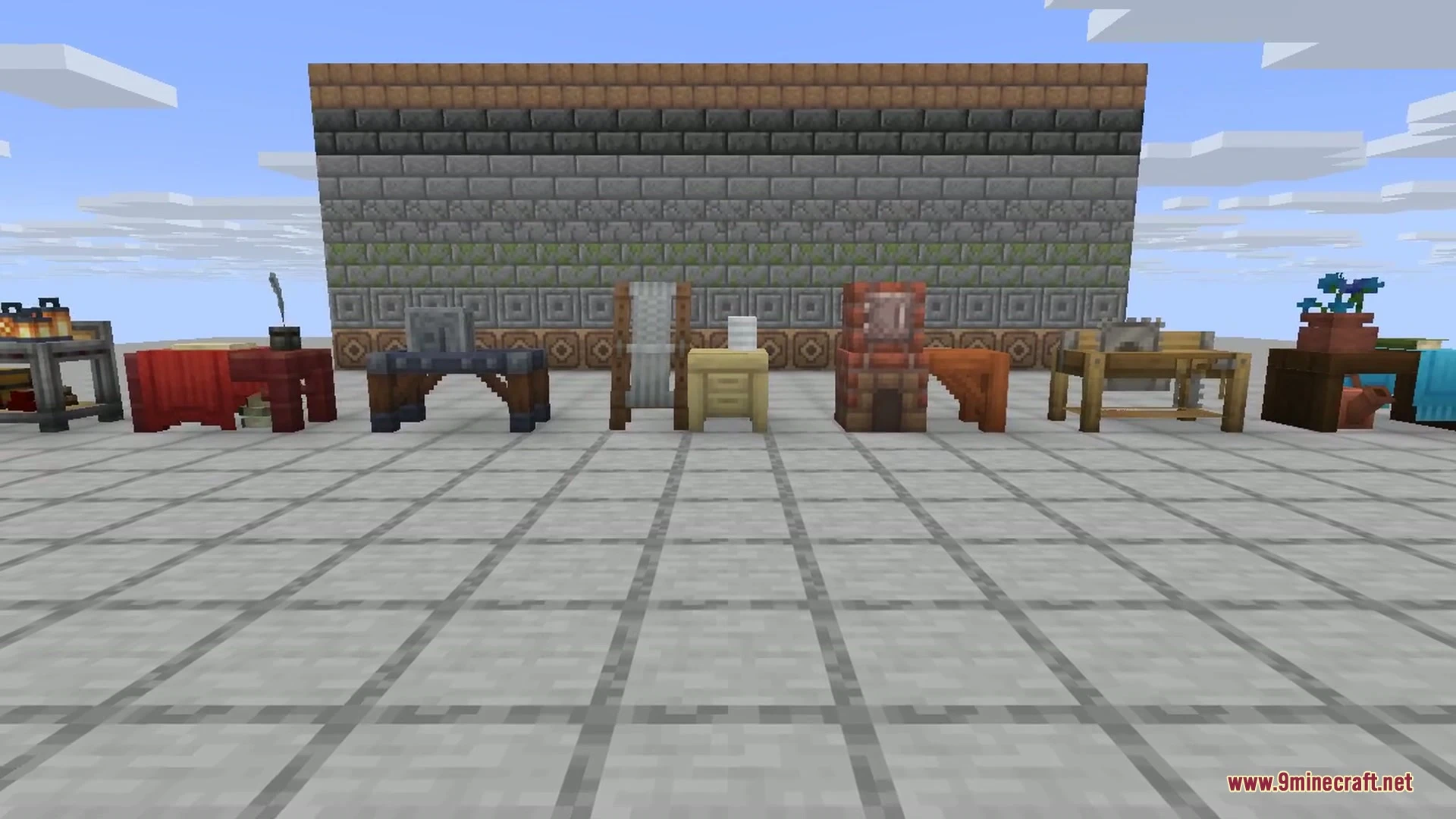
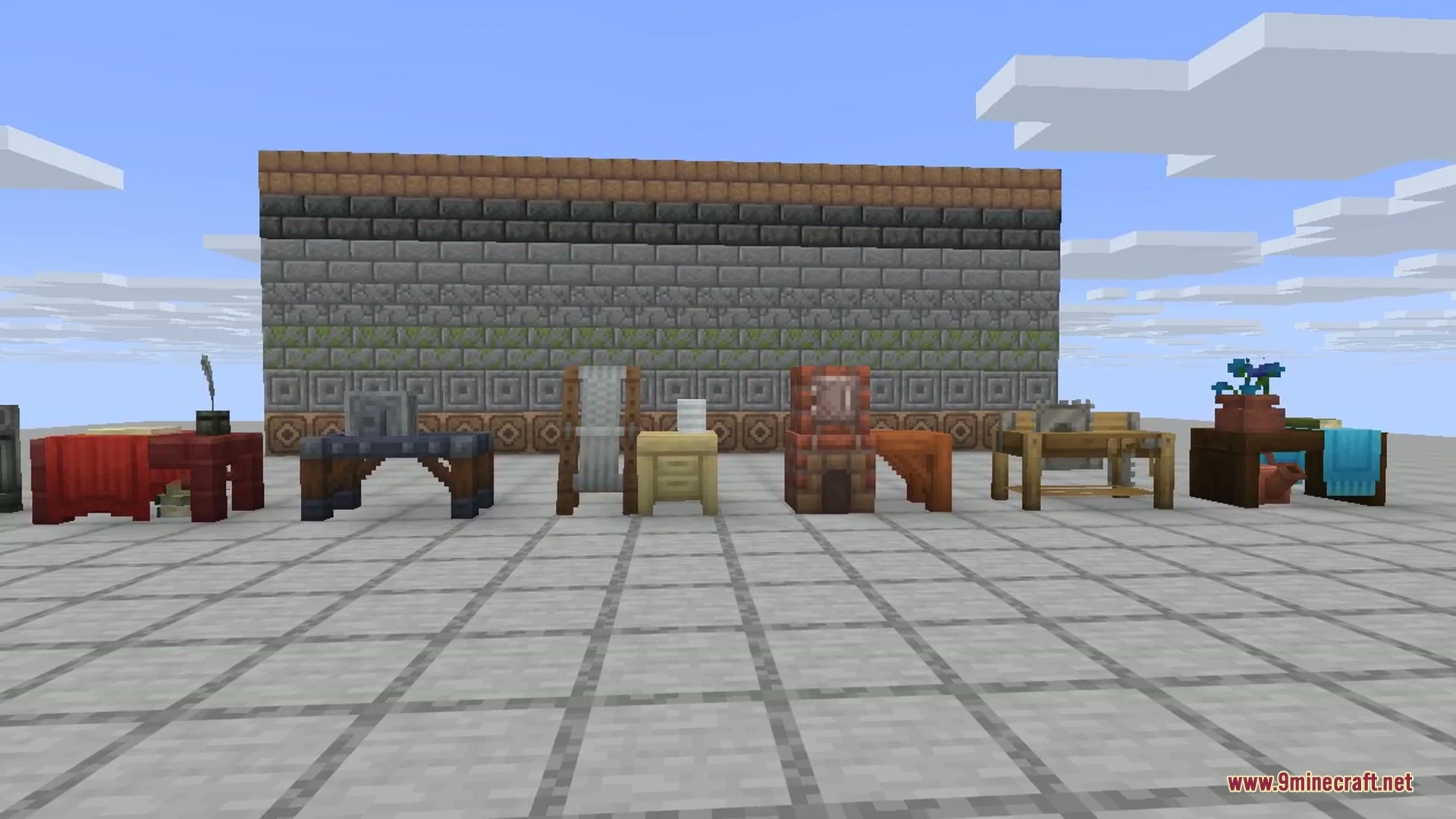
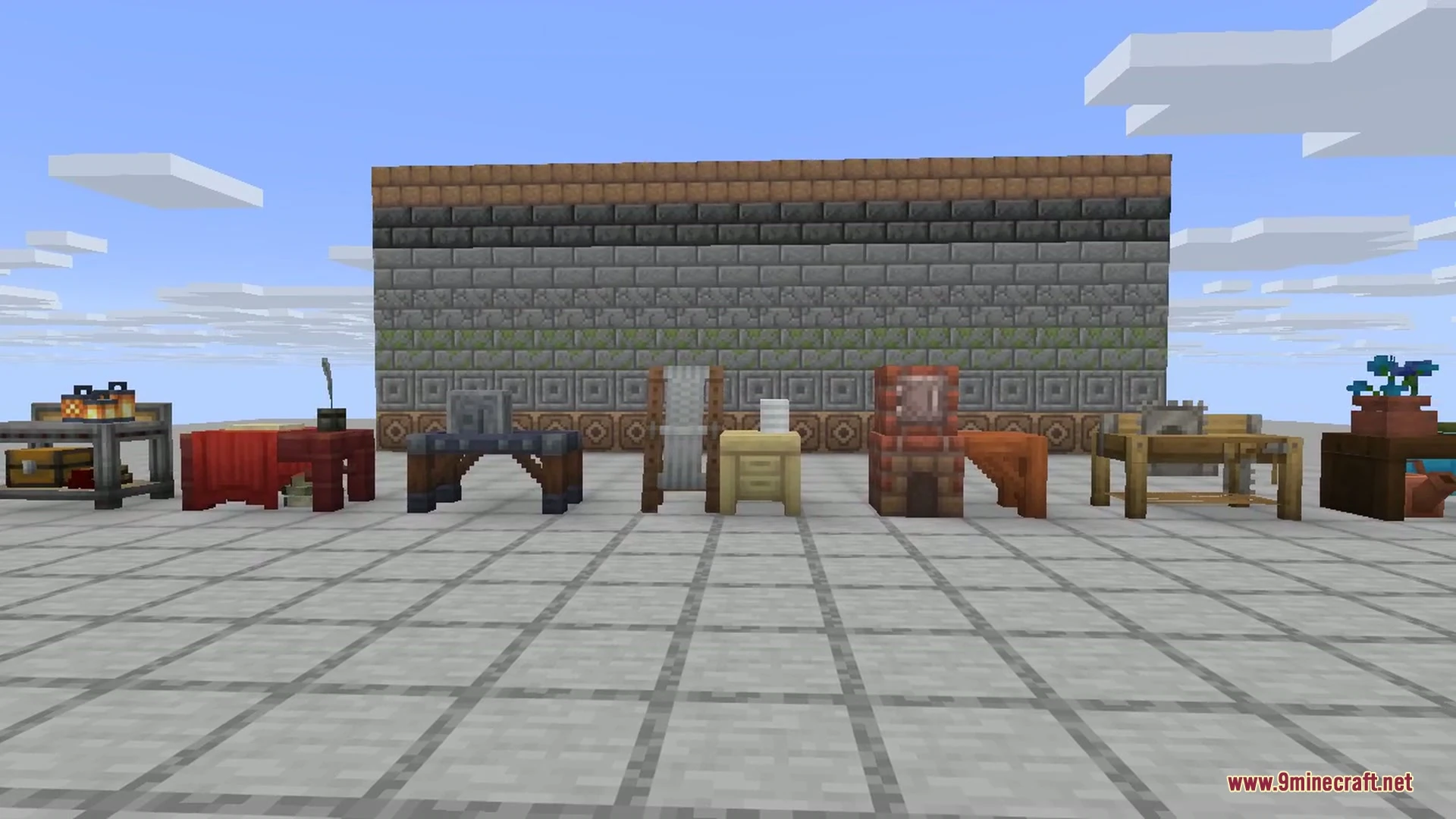
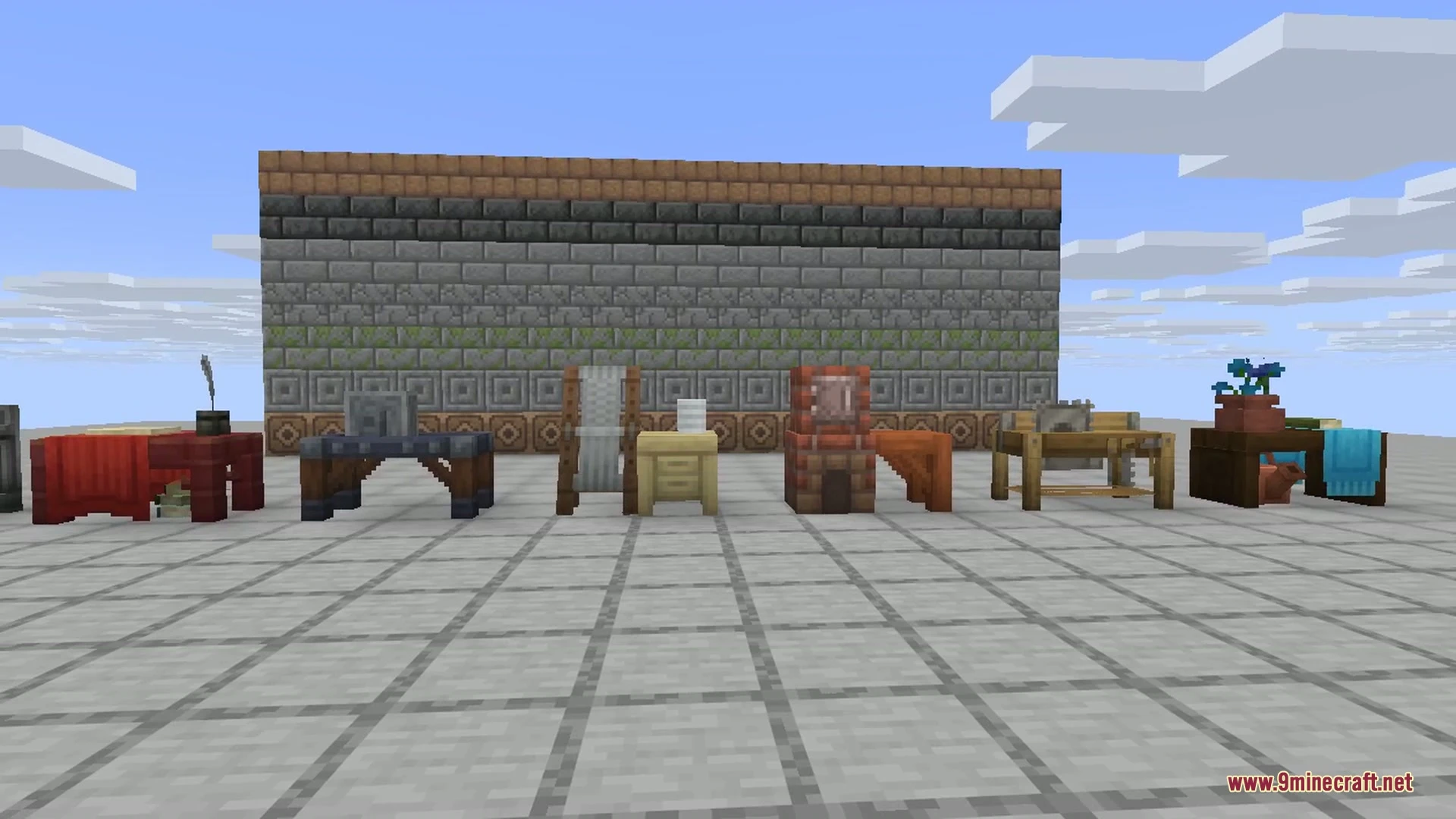
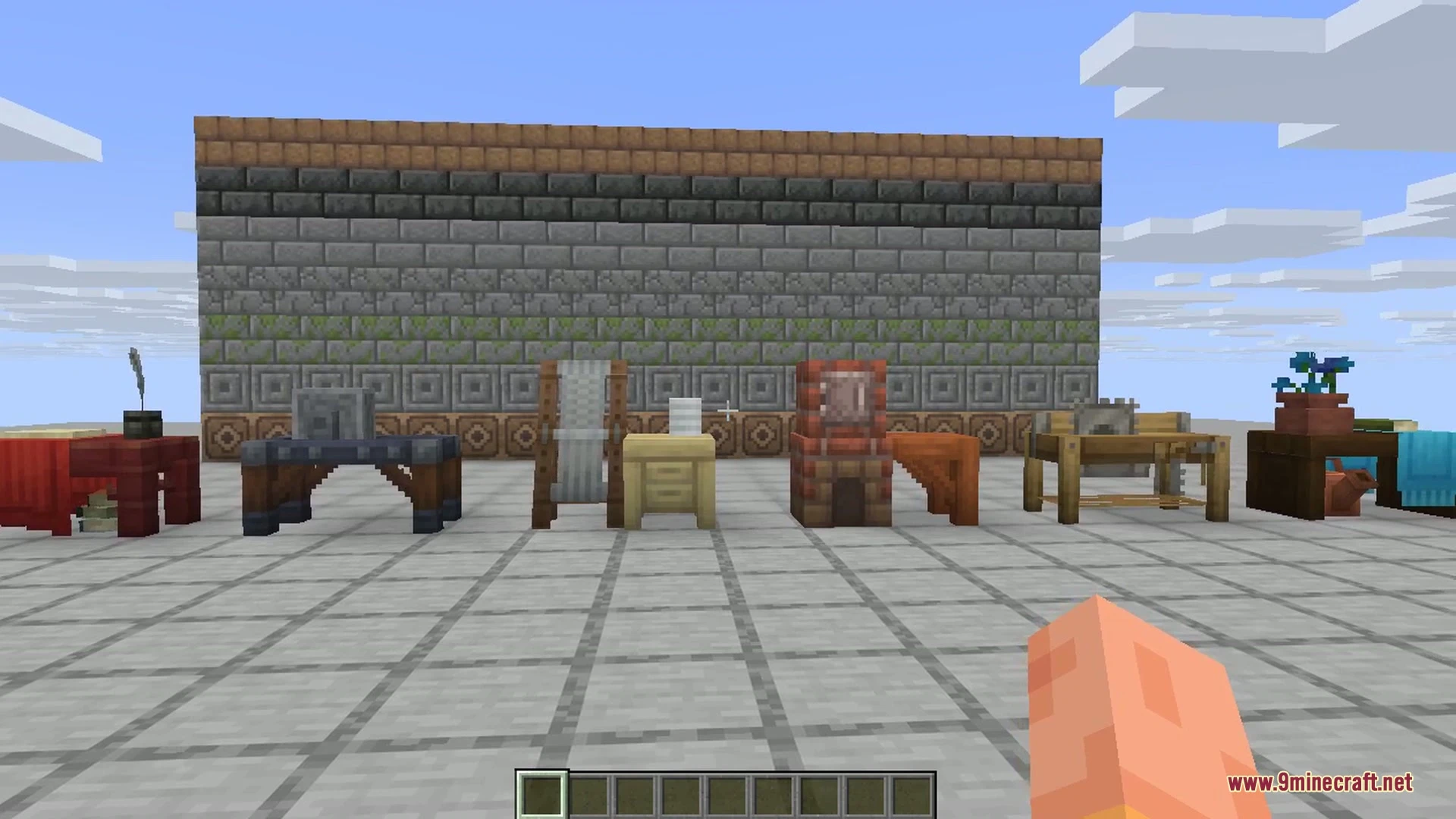
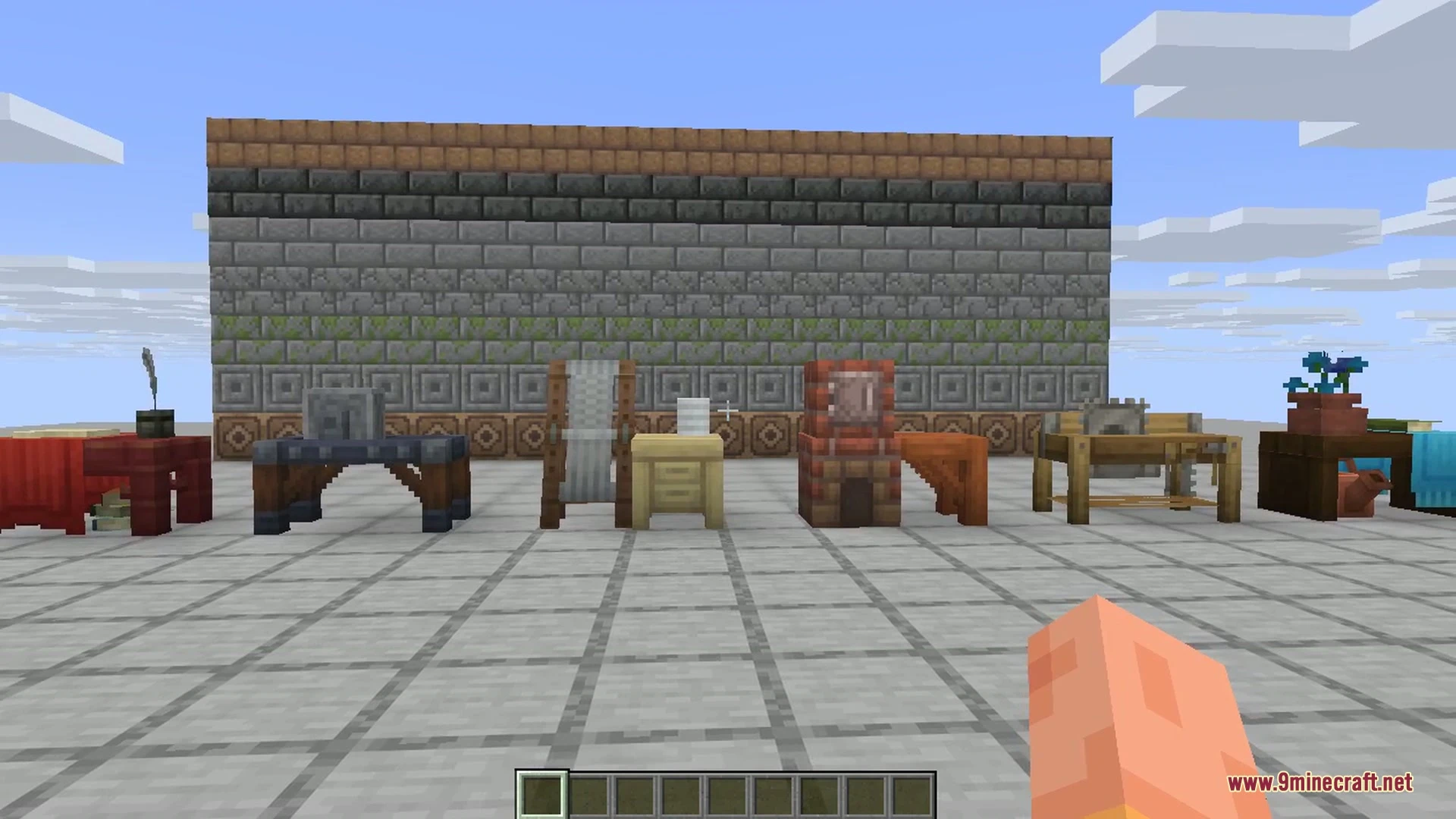
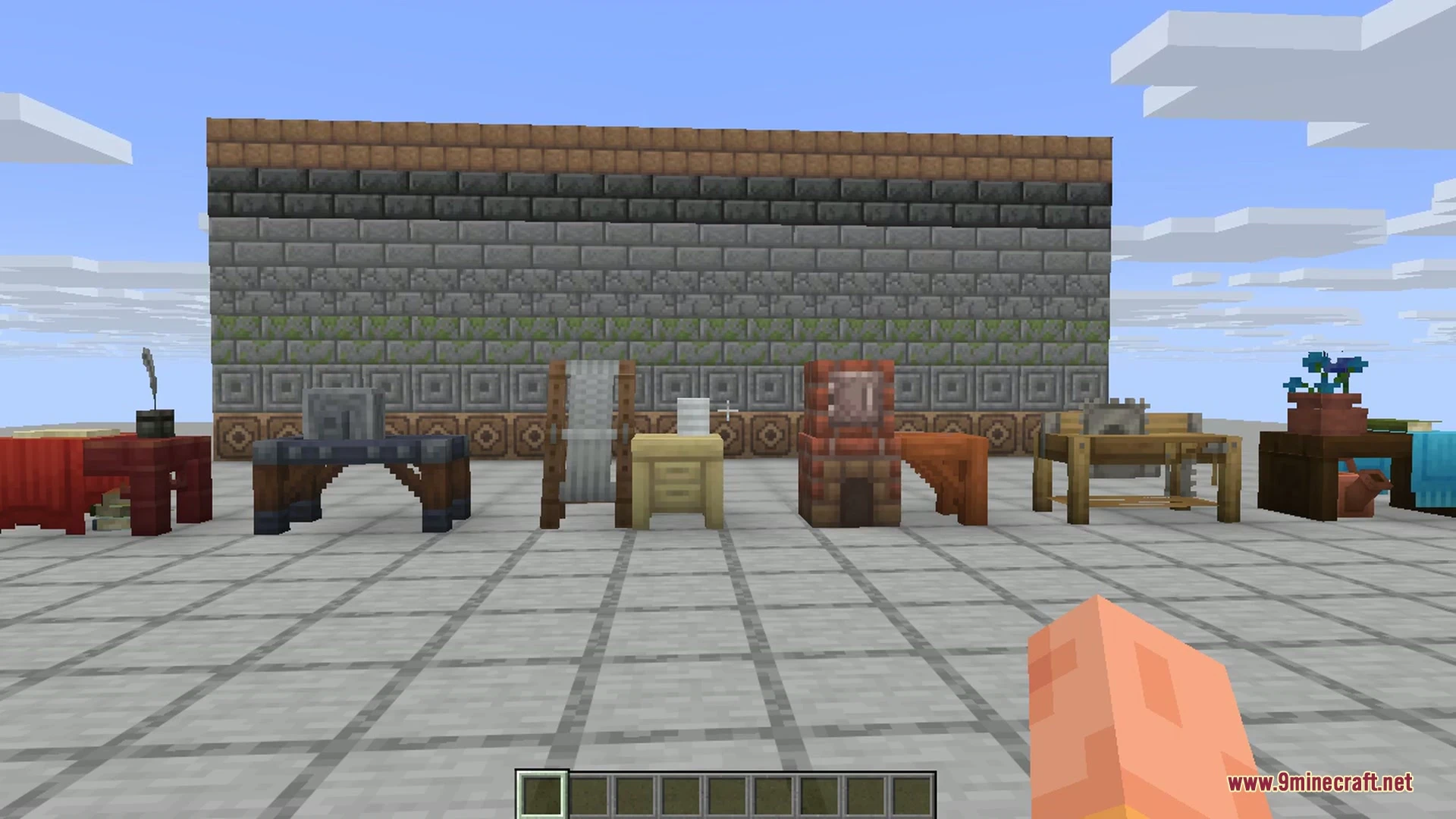
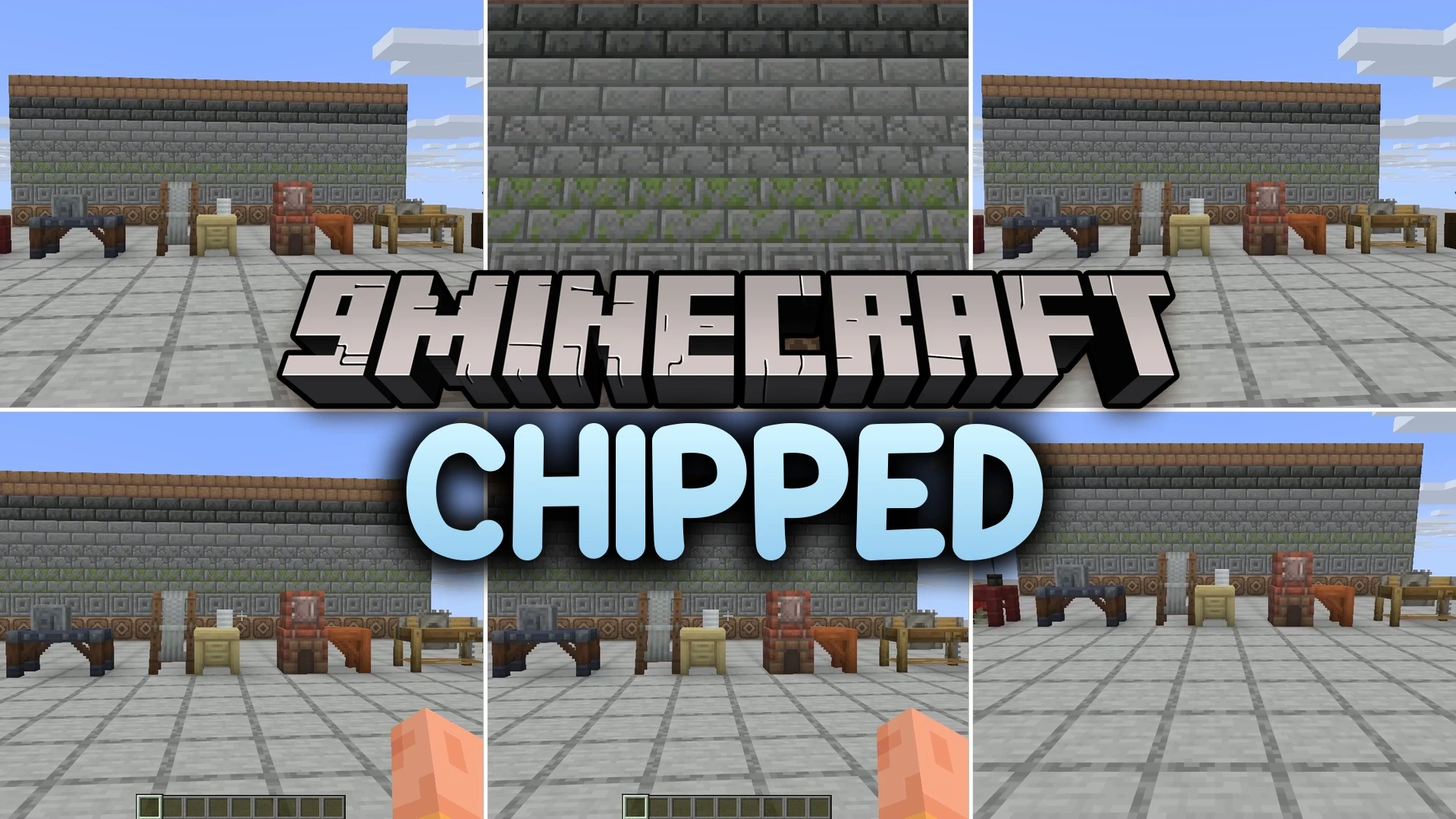
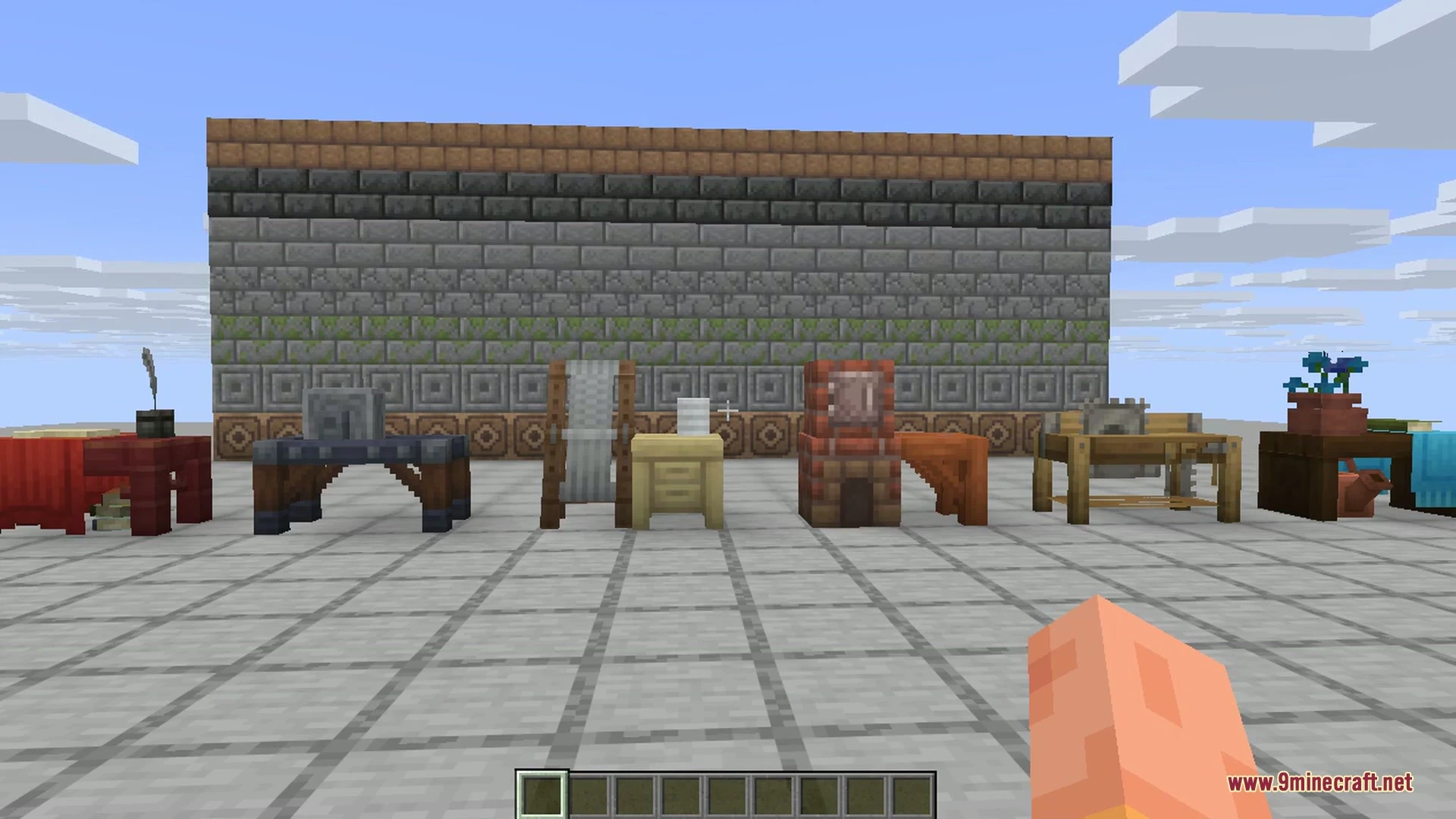
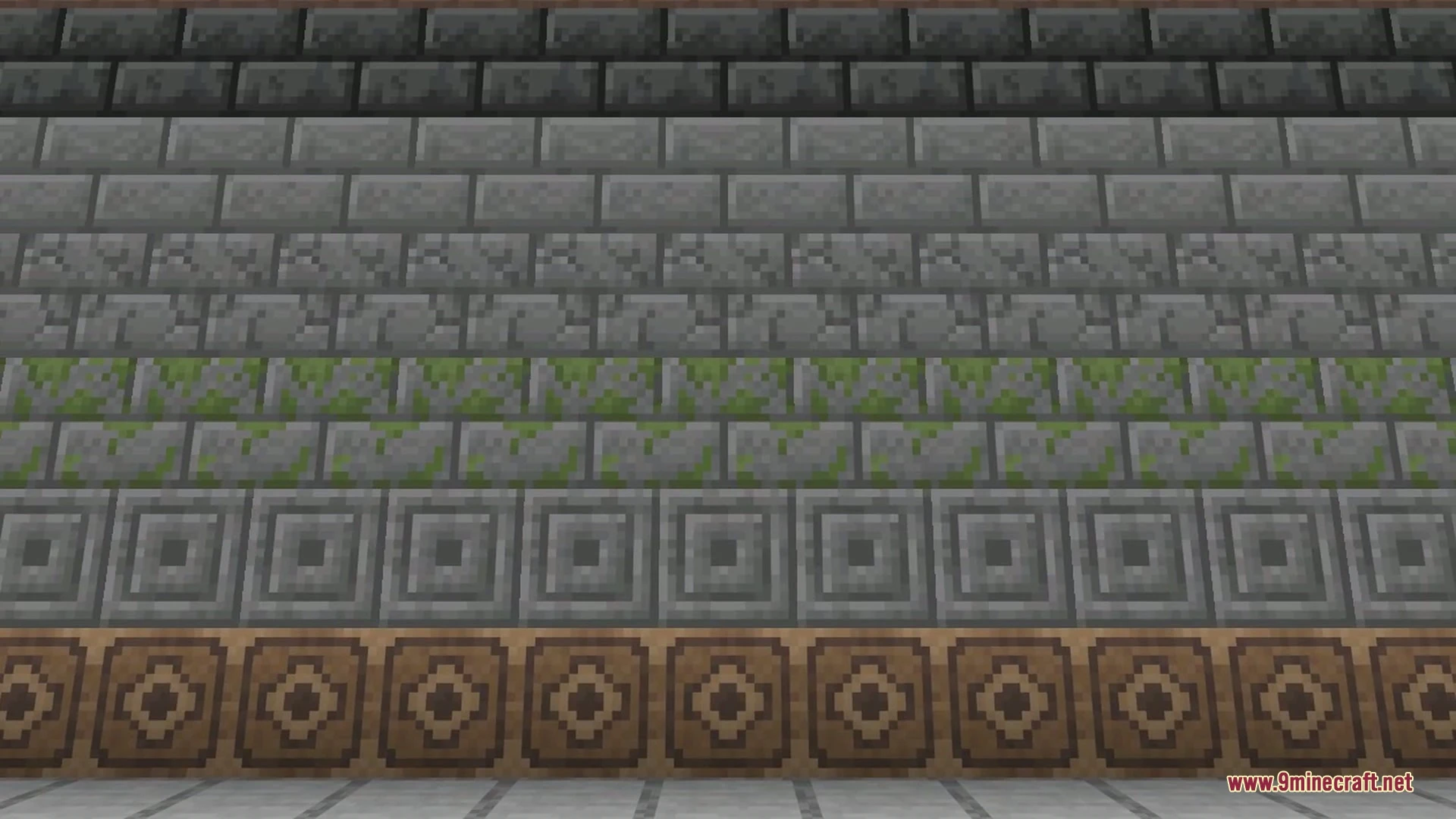
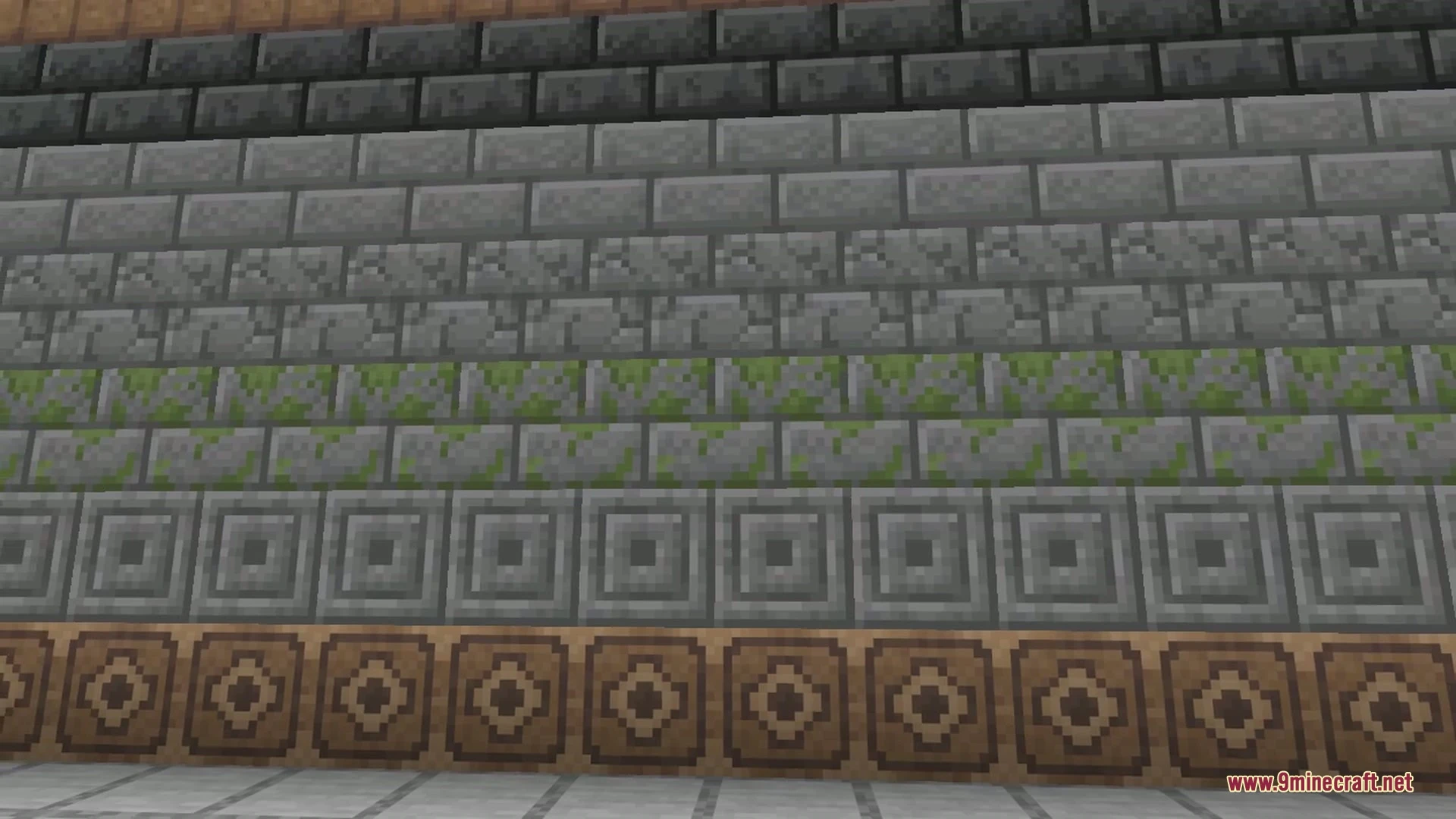
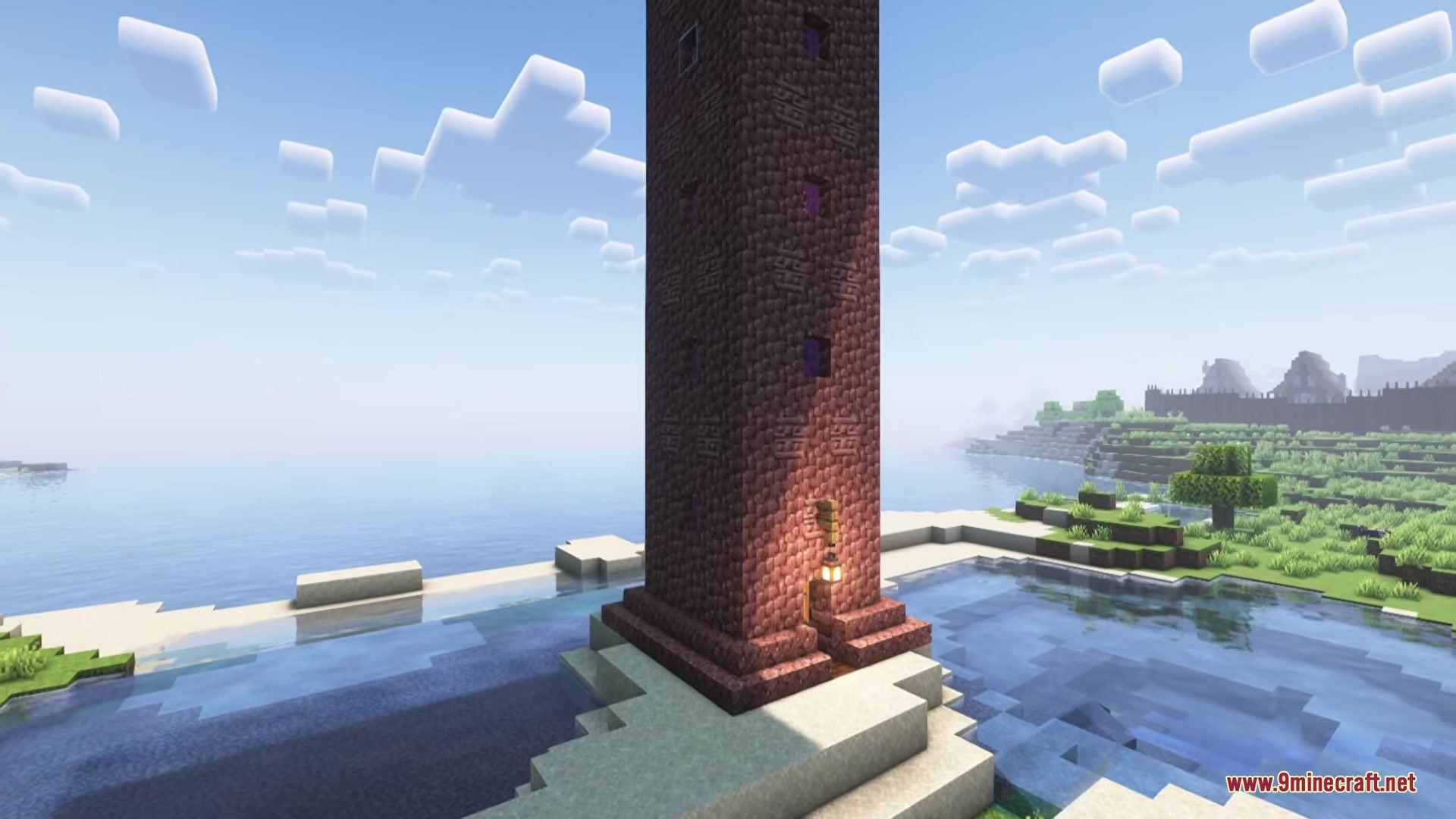
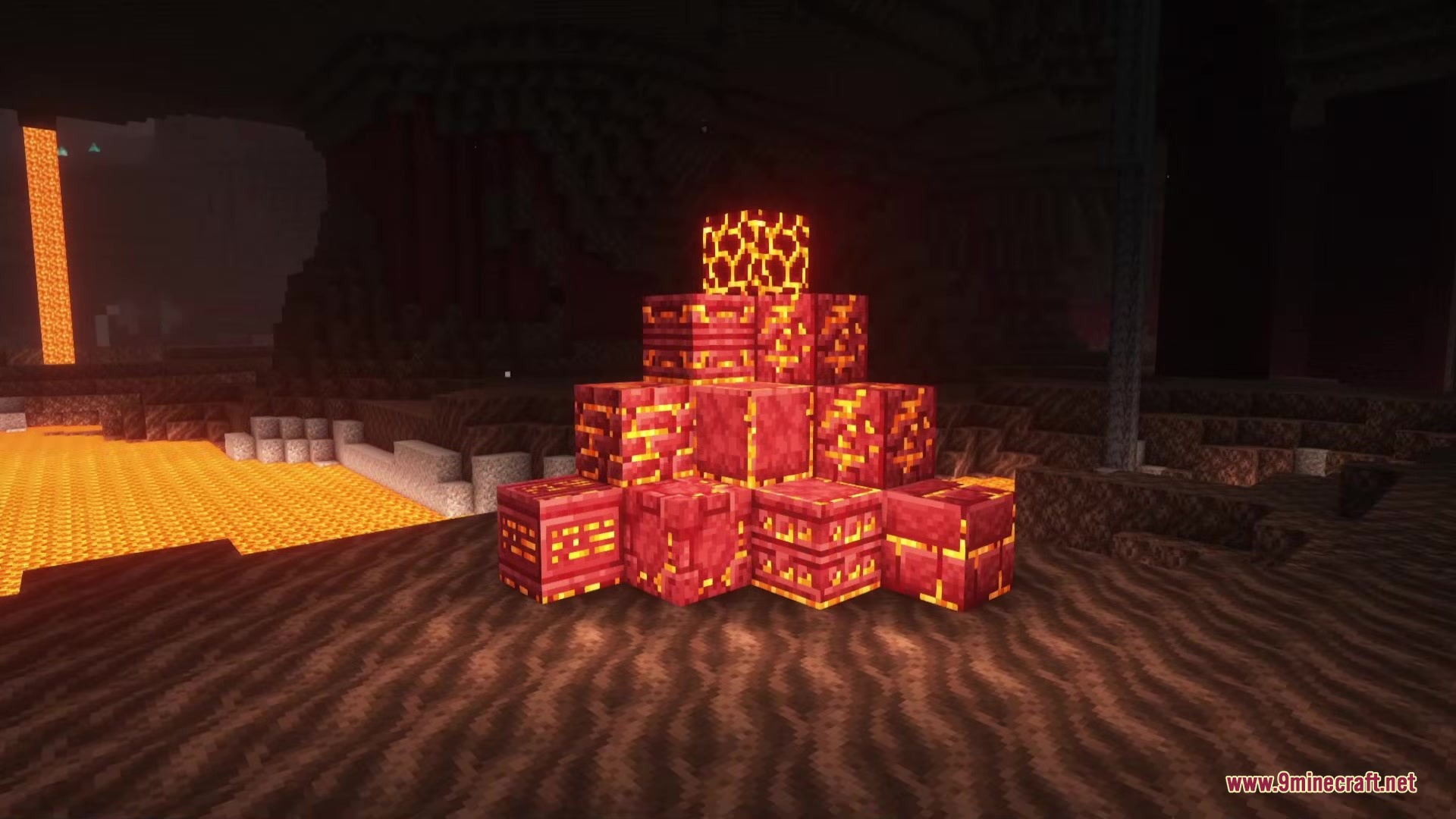
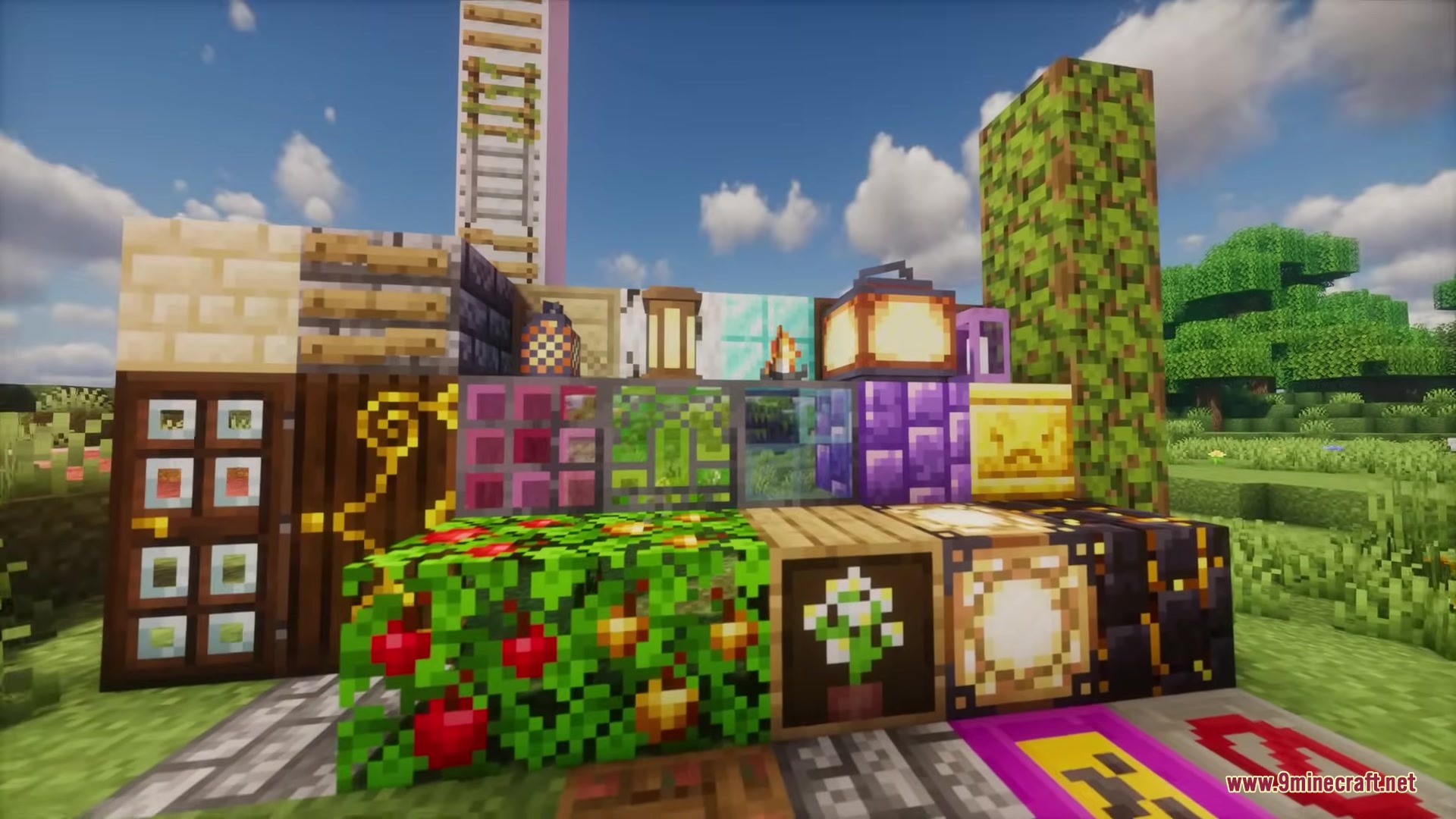
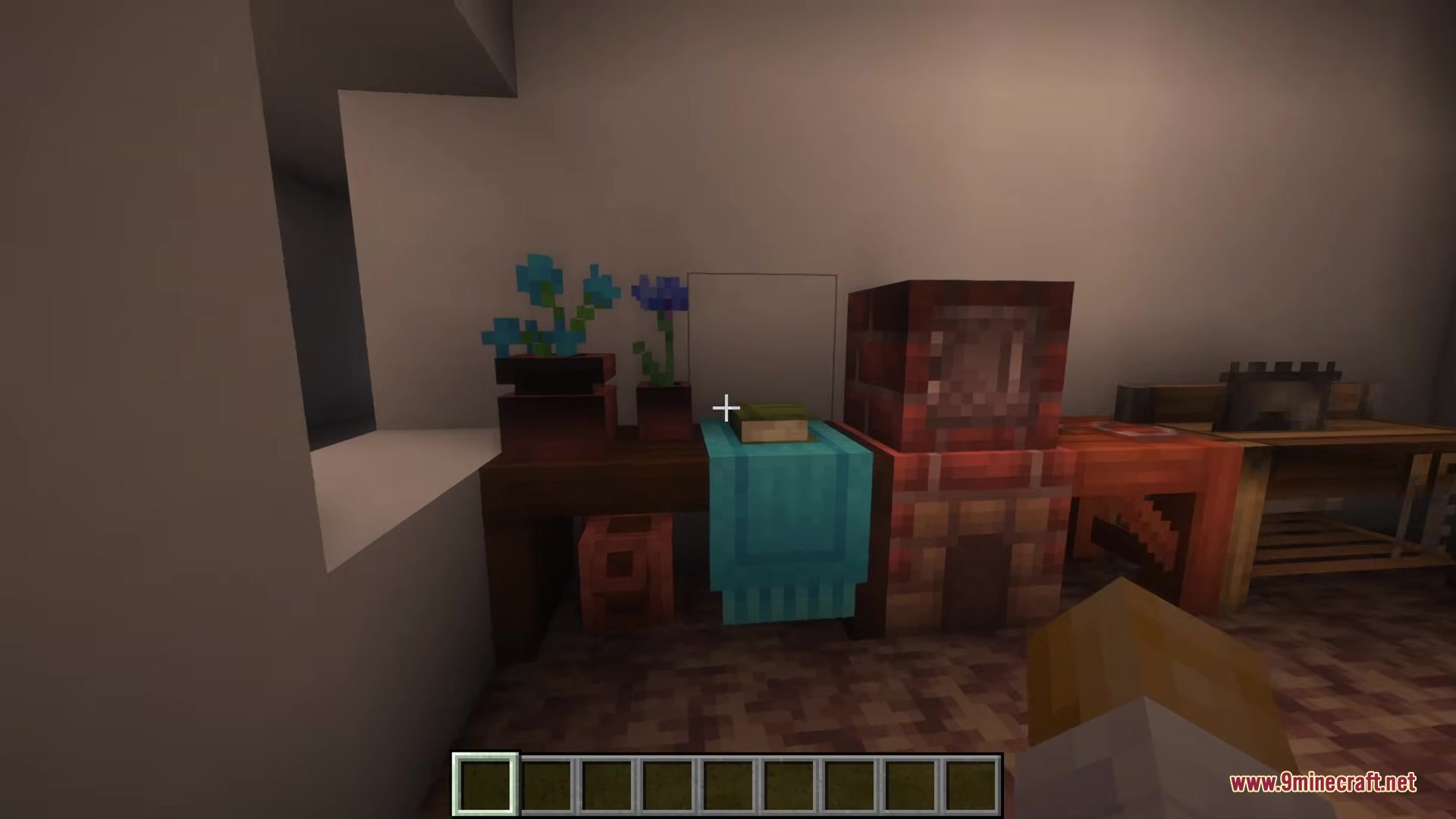
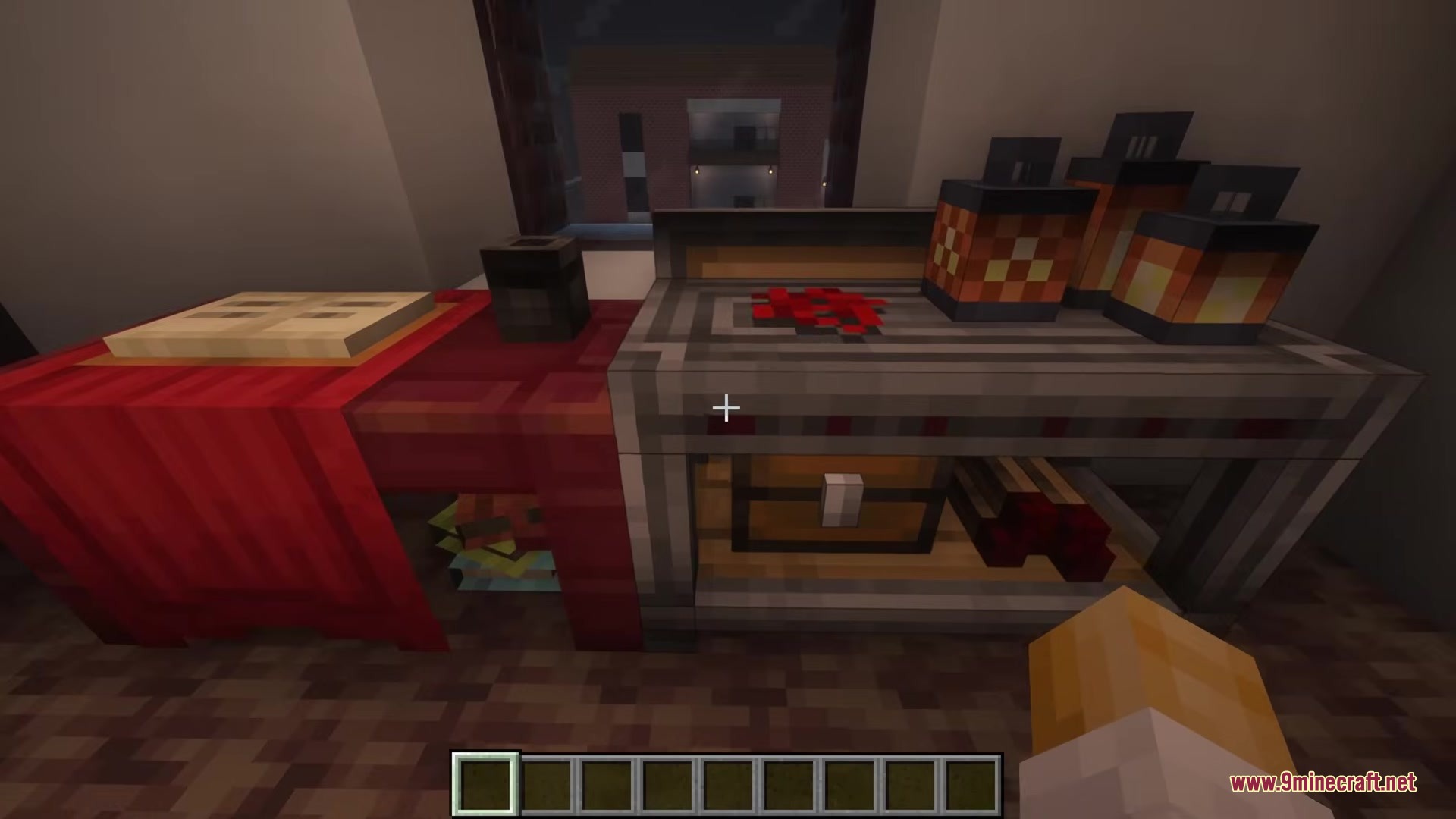
Chipped 9minecraft Mod turns basic building materials into thousands of new decorative blocks. The mod gives builders a massive palette of unique designs without needing to gather any new resources. You can quickly craft carved stone, patterned wool, and detailed wooden planks to make your houses look amazing.
Features:
- Thousands of Variants: Adds dozens of carved, patterned, and textured designs for almost every common block in the game.
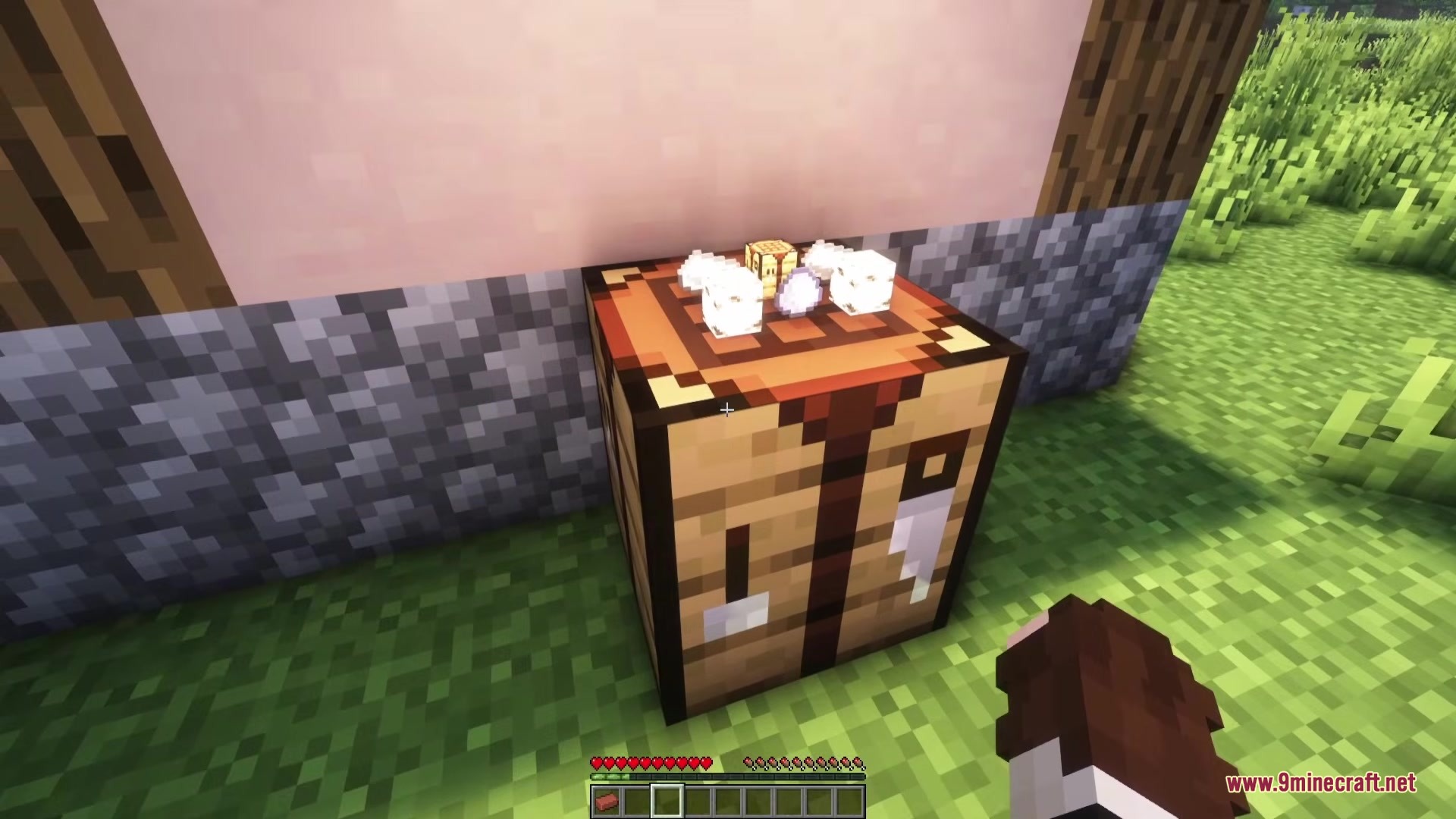
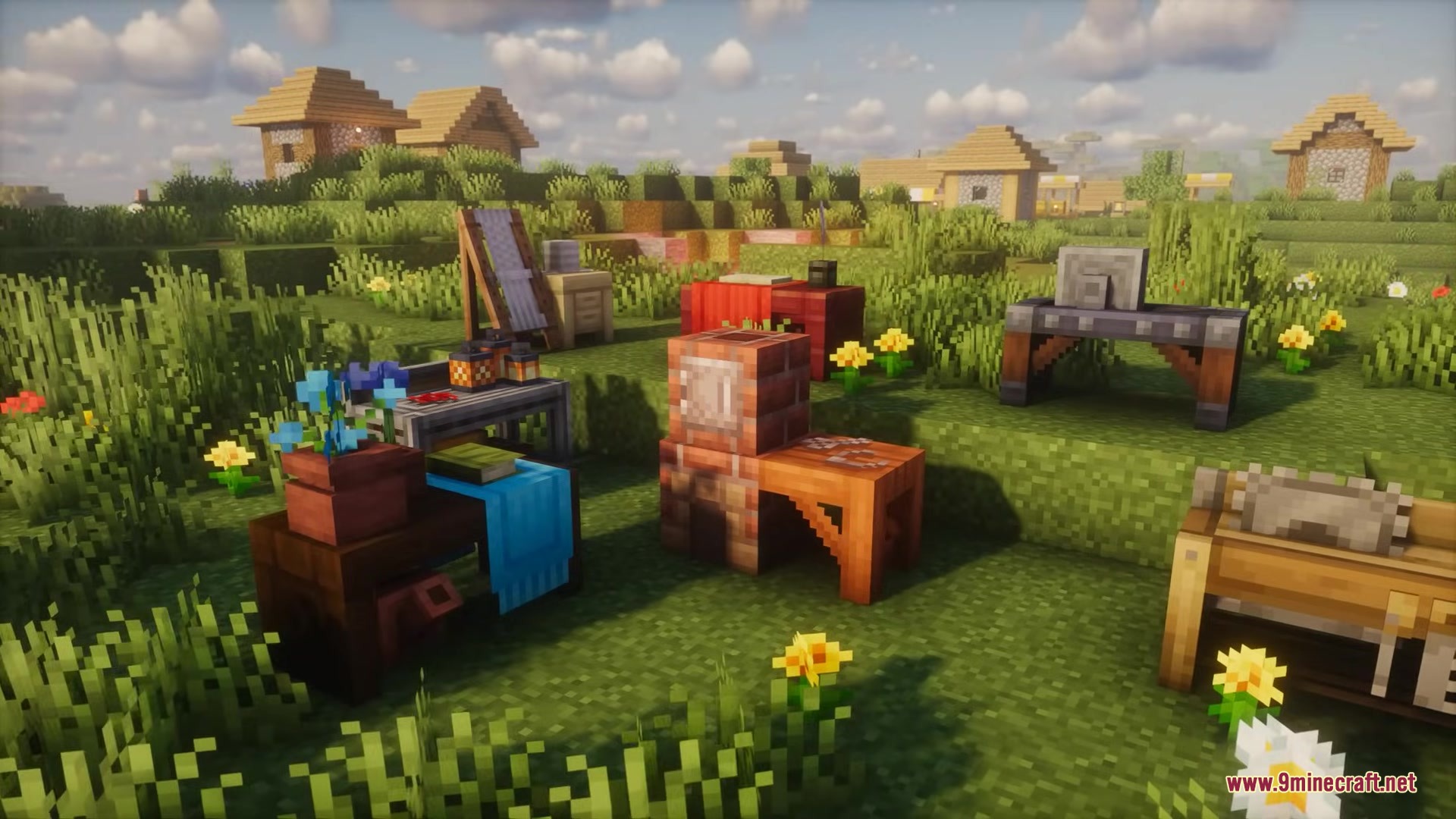
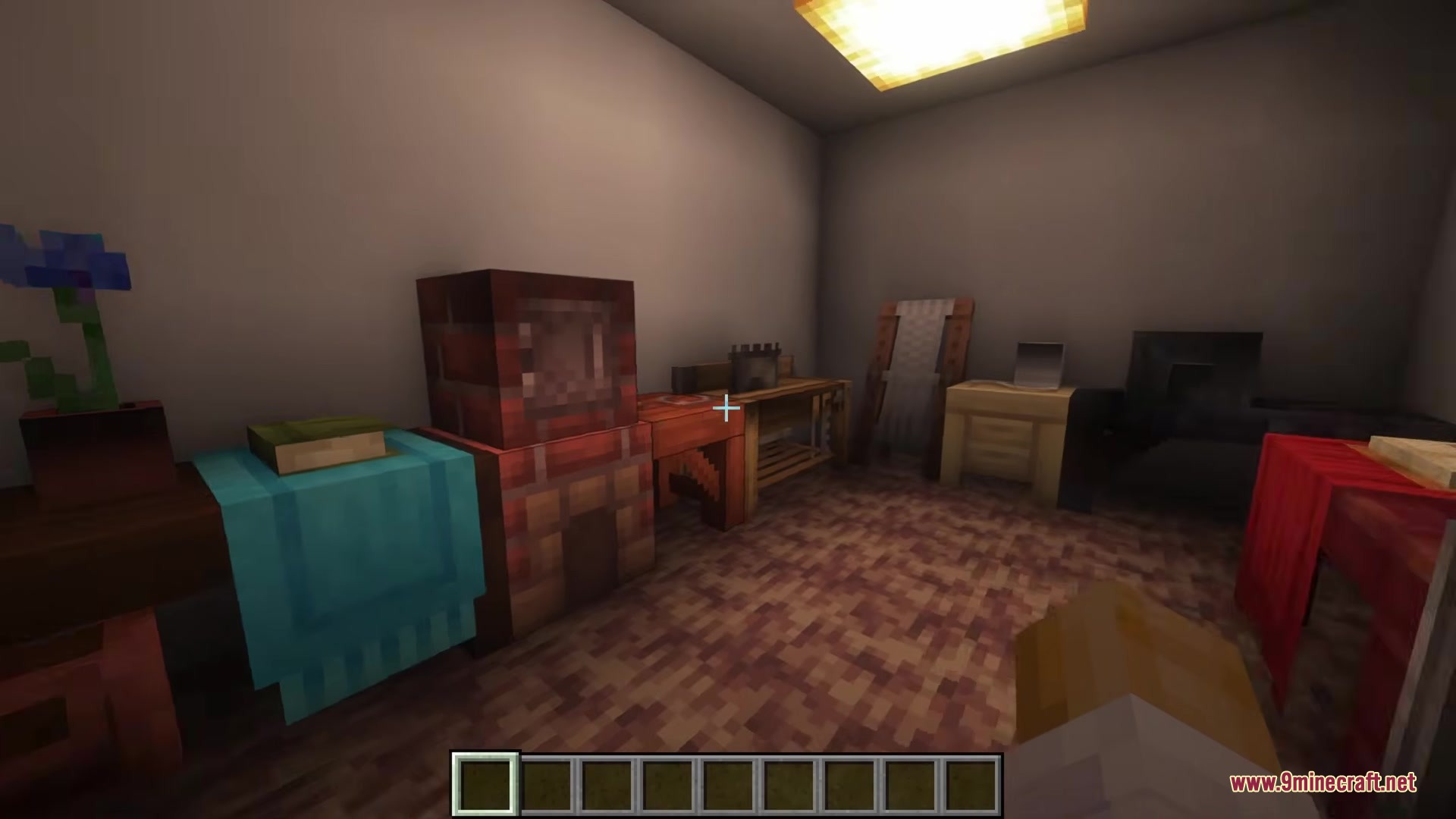
- Special Workbenches: Introduces new crafting stations like the Carpenter’s Table and Mason Table to make the decorative blocks.
- The mod changes normal stone, dirt, glass, and wood into beautiful building materials.
- Players can easily pick the exact block design they want from a simple visual grid menu.
- All new blocks are purely cosmetic and will not mess up your normal world generation.
- Gives you a huge amount of creative freedom to decorate floors, walls, and roofs.
New Crafting Stations:
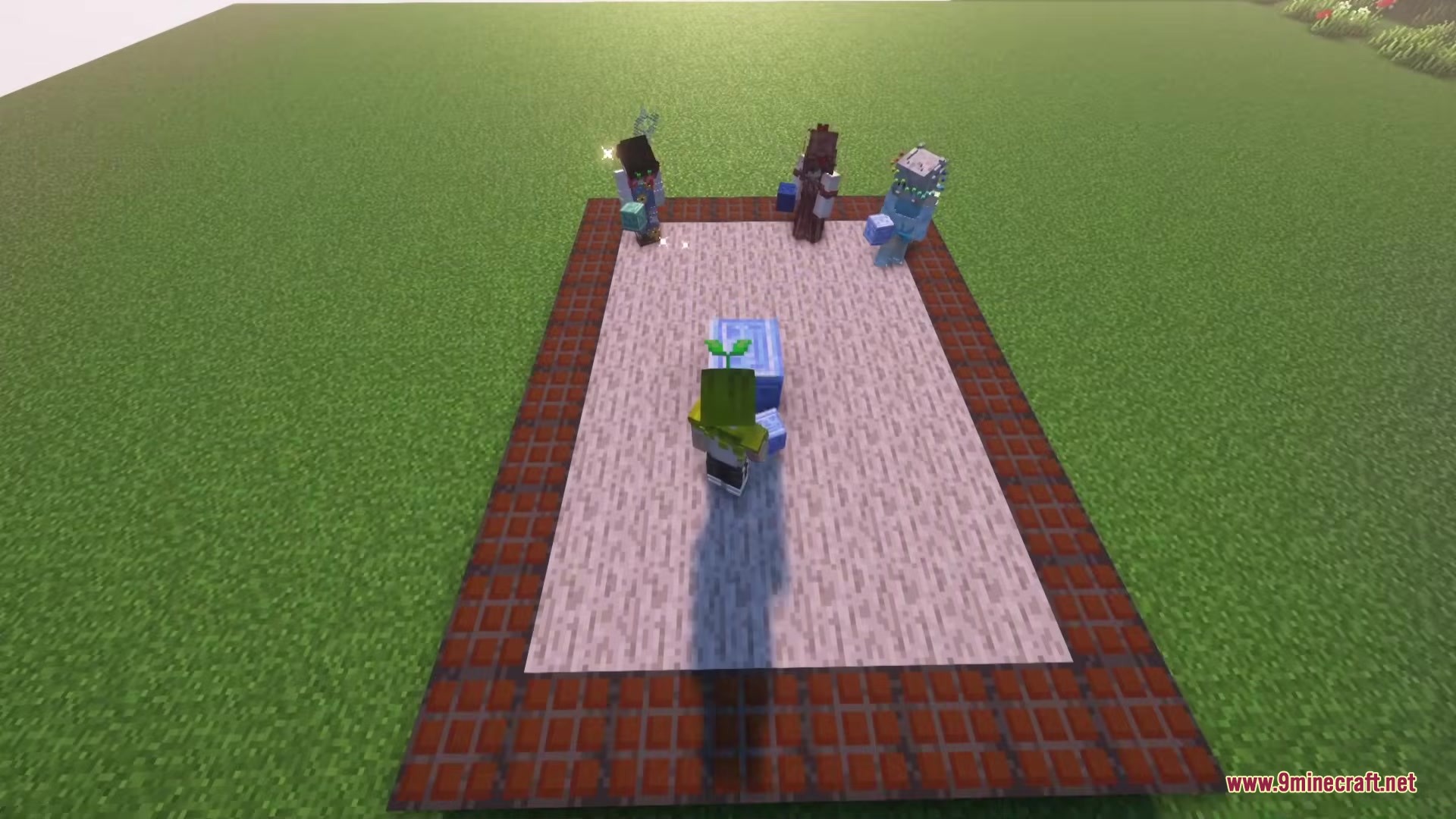
- Botanist Workbench: Changes dirt, mushrooms, and plant blocks into natural decorations.
- Carpenter’s Table: Turns basic wooden planks into detailed panels and carved wood.
- Mason Table: Crafts stone, bricks, and sandstone into patterned tiles and pillars.
- Glassblower: Makes stained glass and window panes look completely different.
- Loom Table: Gives wool blocks cozy new patterns for carpets and tents.
- Alchemy Bench: Upgrades amethyst and other special materials with glowing designs.
Chipped 9minecraft Mod – Video Showcase
How to Use:
- Craft one of the new special workbenches, like the Mason Table or Carpenter’s Table.
- Place the workbench on the ground and right-click to open its menu.
- Put a basic building block, like normal stone or oak planks, into the input slot.
- Click on the exact block design you want from the visual grid on the screen.
- Take your new decorative block out of the output slot and start building.
Screenshots:
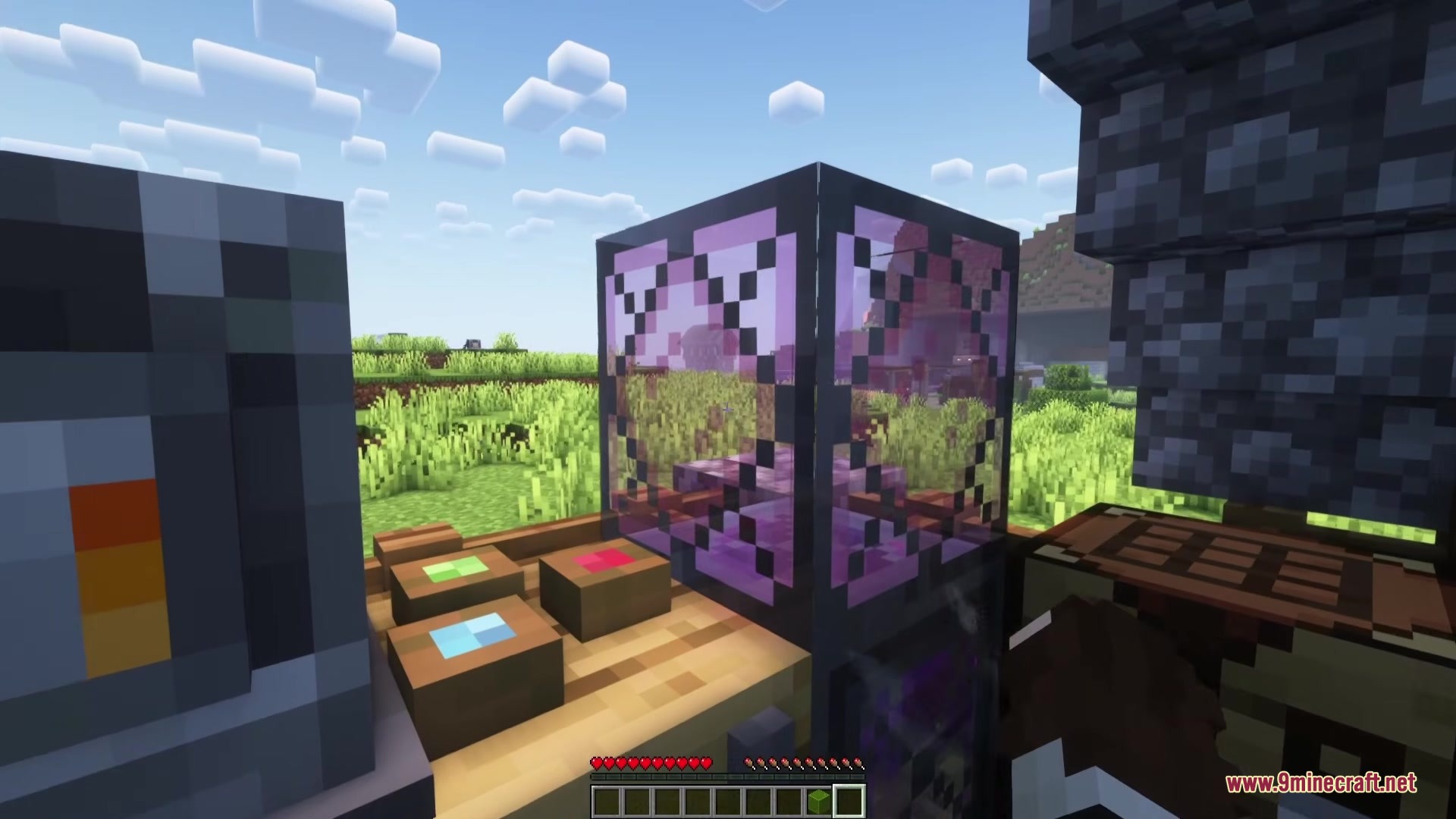
Chipped 9minecraft Mod Download Links
Quick facts
- Edition: Minecraft Java
- File type: .jar
- How to install: Install the matching mod loader (Forge, Fabric or NeoForge) for your Minecraft version. → Download the .jar. → Put it in the .minecraft/mods folder and launch that loader profile.
- Where to get it: Opens on the file's original source — not every file is mirrored on our own servers.
Install steps are the general flow for this file type — How to install Minecraft Java mods & modpacks walks through it step by step.
Chipped 9minecraft Mod (26.3, 26.2) – Transform Basic Blocks Into Detailed Decorations is a free Minecraft Java mod. Download it and open it directly in the game.