
ModsJava
Mod Name Tooltip Mod (26.2, 1.20.1) – Identify Any Item's Origin
Mod Name Tooltip Mod adds the name of a mod to an item's description box. When you hover over an item, you will see which mod it came from. This is very…
⬇ Download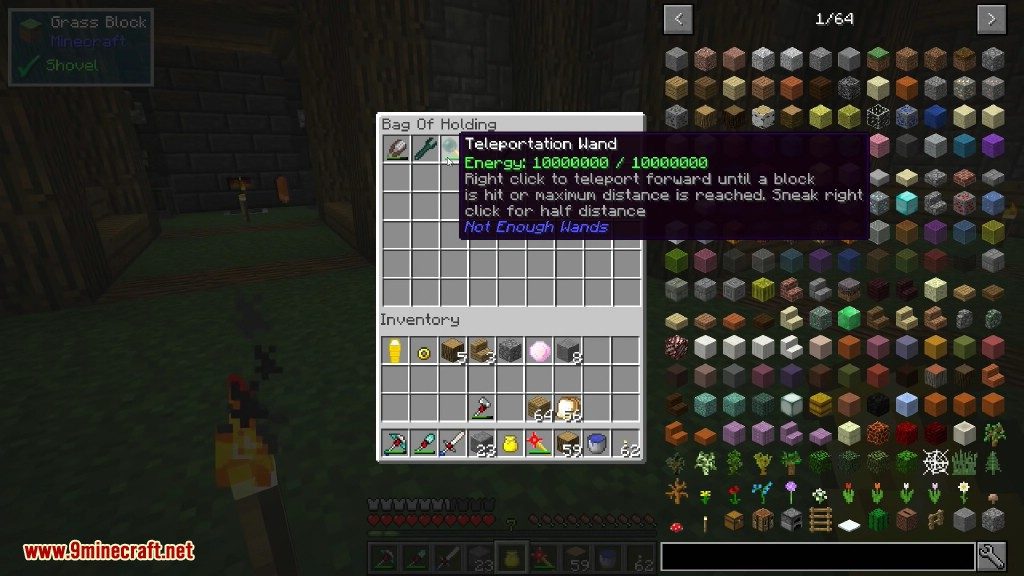

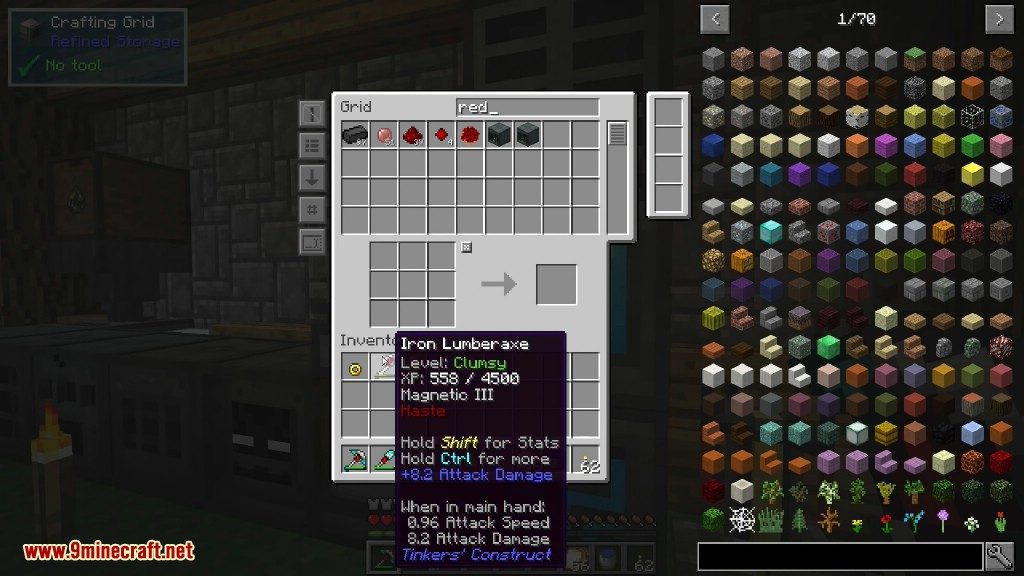
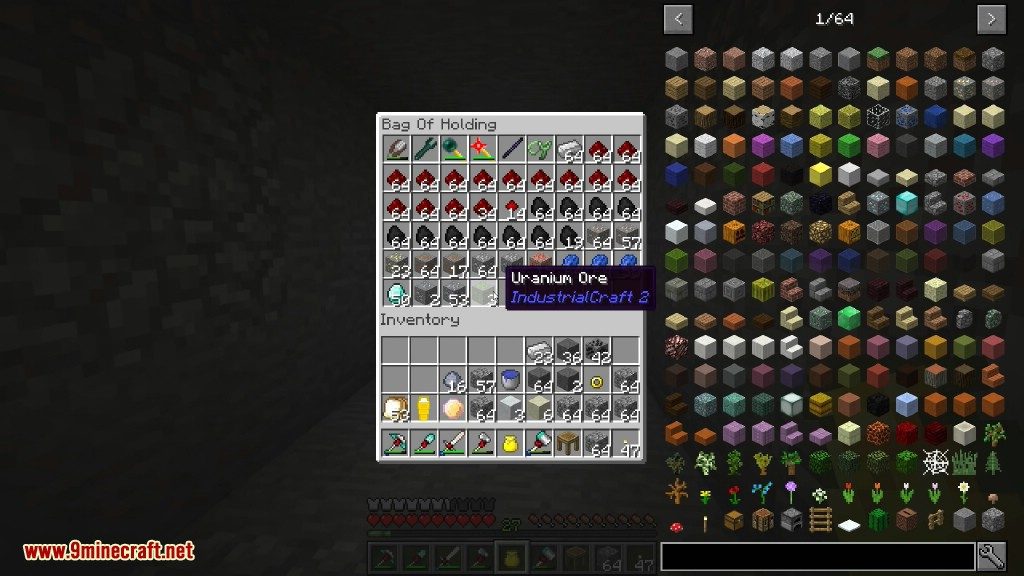
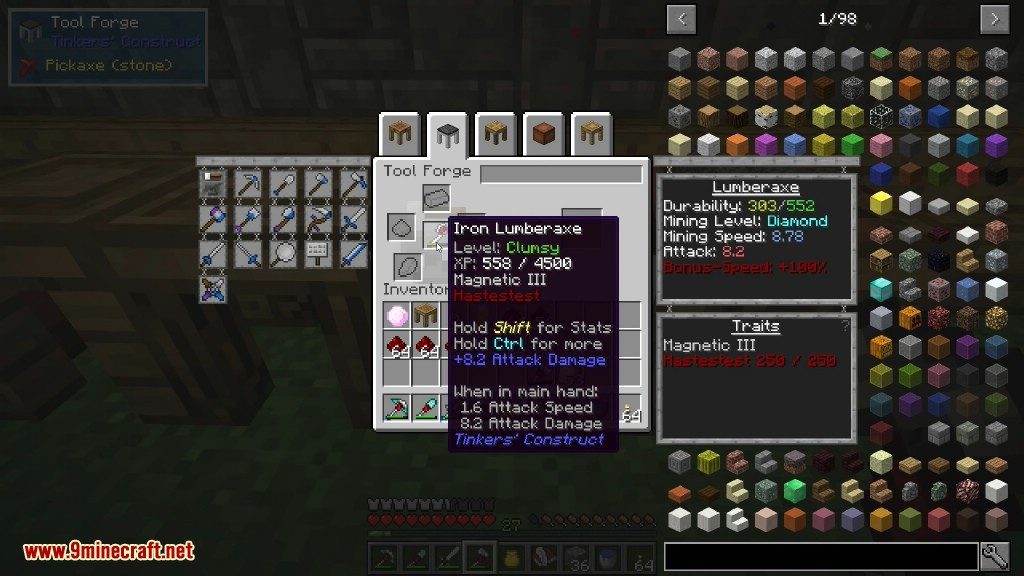
Mod Name Tooltip Mod adds the name of a mod to an item’s description box. When you hover over an item, you will see which mod it came from. This is very helpful when you play with many mods at once and need to know where an item belongs.
Features:
- Shows the name of the mod that an item belongs to directly in its tooltip.
- Helps you tell apart items from different mods, which is useful in big modpacks.
- You can change the look of the mod name, such as its color or style (bold, italic, underlined).
- Allows you to search for items by their mod name in the creative inventory by using the “@” symbol.
Screenshots:
Mod Name Tooltip Mod Download Links
Quick facts
- Edition: Minecraft Java
- File type: .jar
- Minecraft version listed: 1.20.1
- How to install: Install the matching mod loader (Forge, Fabric or NeoForge) for your Minecraft version. → Download the .jar. → Put it in the .minecraft/mods folder and launch that loader profile.
- Where to get it: In MC Java Mods, or directly above on this page.
Install steps are the general flow for this file type — How to install Minecraft Java mods & modpacks walks through it step by step.
Verified by MCModsHub
- Downloads as 91040.mcaddon
- Download size: 12 KB
- Download link checked 23 Sept 2026 — working
- Mirrored on our own servers — the download does not depend on the original host
These come from our own check of the pack file, not from the source page.