Trap Setter | Set Traps For Chests
Bedrock add-on listed for Minecraft 26.x. File opened and checked on 7 Oct 2026; installs from the MC Bedrock Mods app on Android.
Turn any chest into a deadly surprise. Arm any chest with explosive traps, mob ambushes, teleports & pranks. Great for security or fun. 18+ traps.
⬇ Download on CurseForgeThe author built this one for Minecraft 26.30–26.50. On other versions it may install and then do nothing.
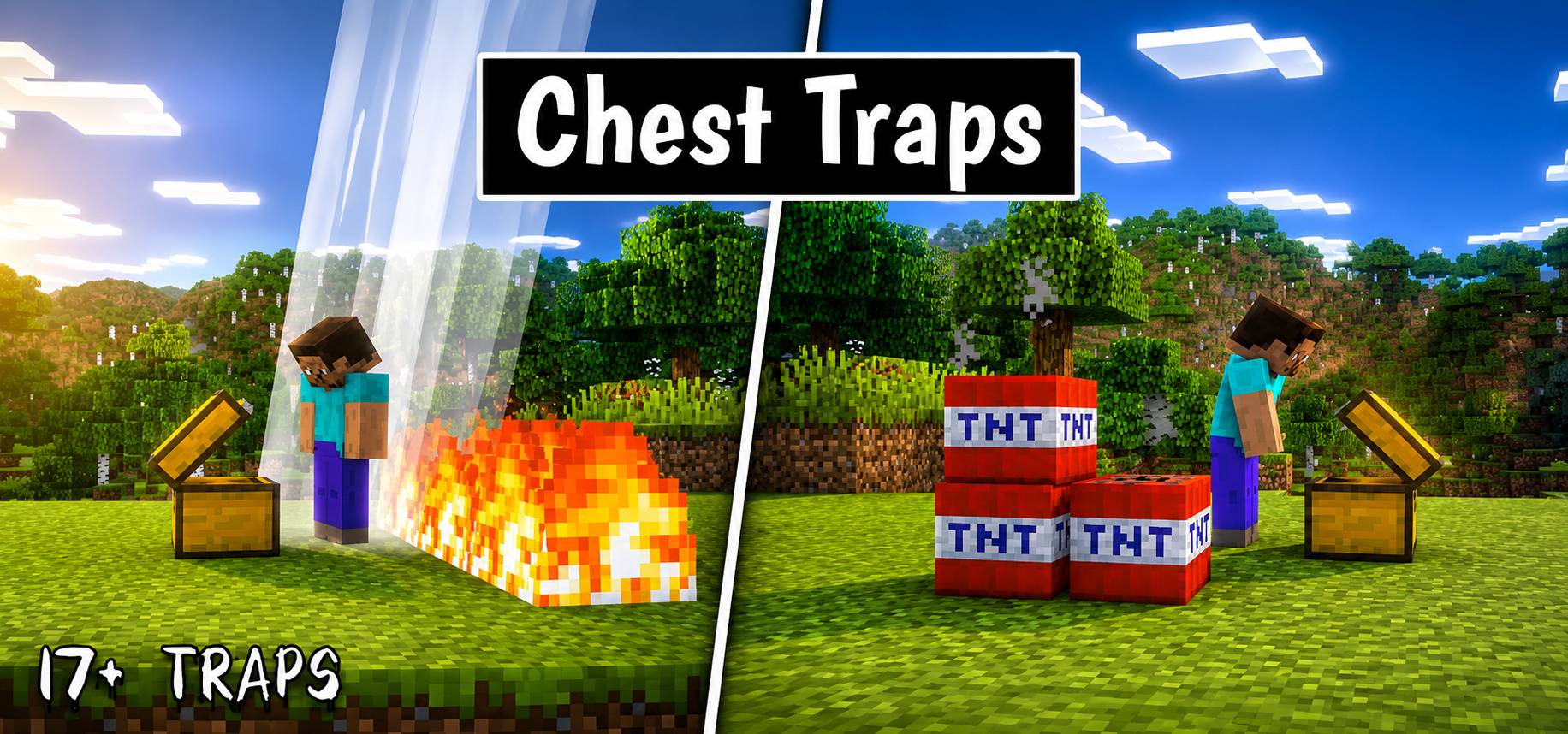
Trap Setter Addon - The Ultimate Chest Trapping System!
Hey there! I have got you something very interesting here. Trap Setter is a feature rich, multiplayer ready Minecraft Bedrock Addon that allows you to easily arm, configure, and manage traps on Chests, Trapped Chests and other containers. You can use it to prans your friends or setup security in you world.
With 18 unique traps across 6 distinct categories, full multiplayer protection, and a clean, responsive GUI, defending your base or pranking your friends has never been easier or more fun!
🛠️ Getting Started & Crafting
To start trapping chests, you will need to craft the Trap Setter tool:
1. Crafting the Trap Setter
Head to a crafting table and use the following recipe:
- Pattern:
Redstone Dust|Iron Ingot|Redstone DustIron Ingot|Tripwire Hook|Iron IngotRedstone Dust|Iron Ingot|Redstone Dust
2. Using the Tool
- Arming a Chest: Hold the Trap Setter tool and right click (or interact) on any standard Chest, Trapped Chest, Ender chest or Shulkar Box (any color varient). A menu will open, allowing you to select a trigger condition, and the specific trap you want to set. You can also point at the chest and use command
/trapsetter:menuto open the Menu. - The Dashboard: Right click with the Trap Setter in the air (not pointing at a chest), or run the command
/trapsetter:menuwhile not targeting a chest, to open the Trap Dashboard. This dashboard shows you all active traps in the world, their coordinates, dimension, trigger types, and owner details!
⚙️ How It Works (GUI Features)
- Triggers: Configure your trap to trigger either When Opened or When Closed.
- Modes:
- Reusable: The trap stays armed and will activate every time the chest is triggered.
- One-time: The trap fires once and automatically disarms itself. (Highly destructive traps are locked to One-time).
- Security & Ownership: When you set a trap, you become its owner. Only the owner can change, disarm, or test-fire the trap. Other players interacting with your trapped chest will get a "Protected Chest" message.
💥 Predefined Traps (18 Total)
Traps are split into six unique categories to suit any scenario:
1. 🧨 Explosive Traps (High Destruction)
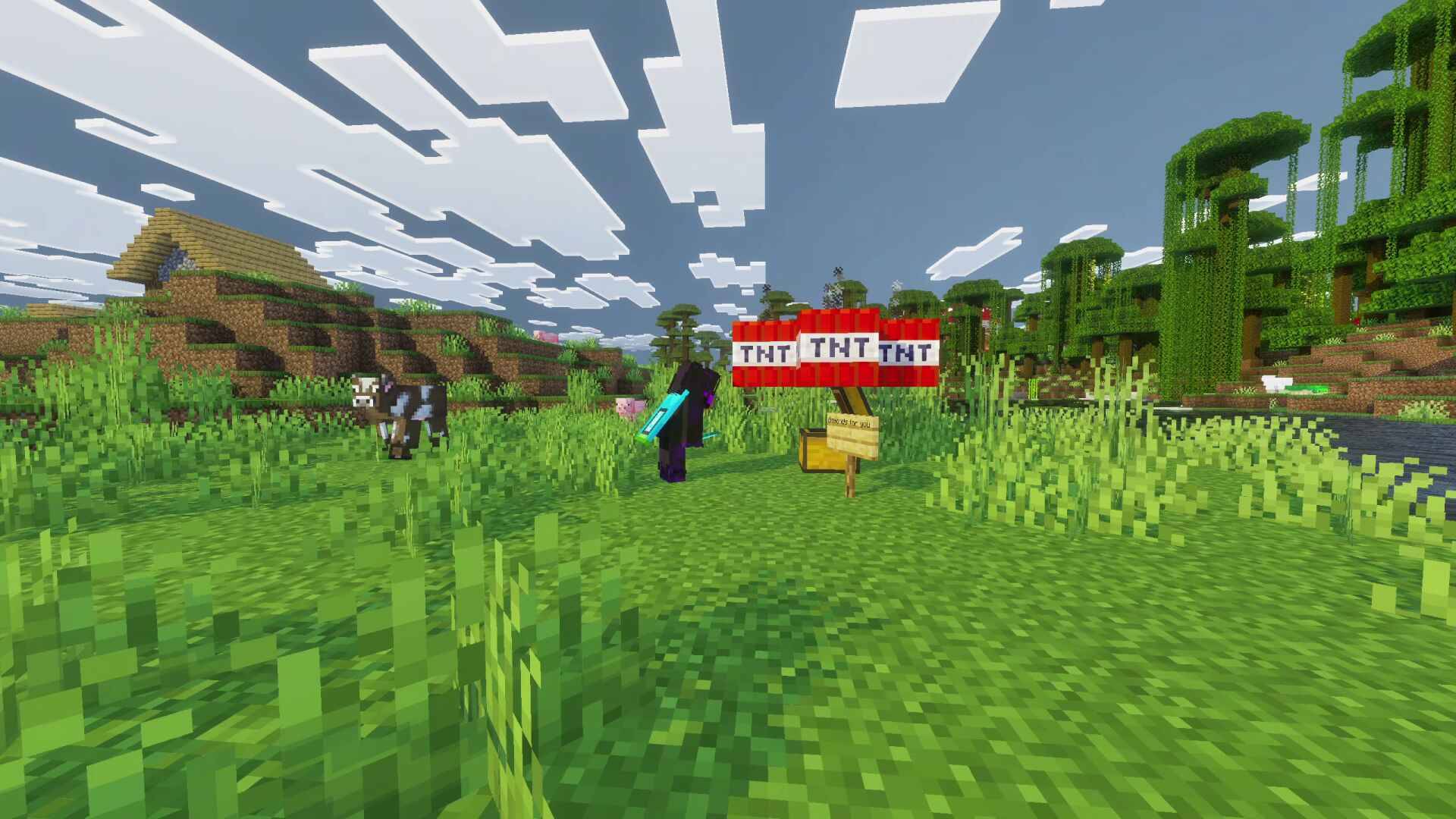
- TNT Surprise: Spawns 5 primed TNT blocks directly surrounding the chest.
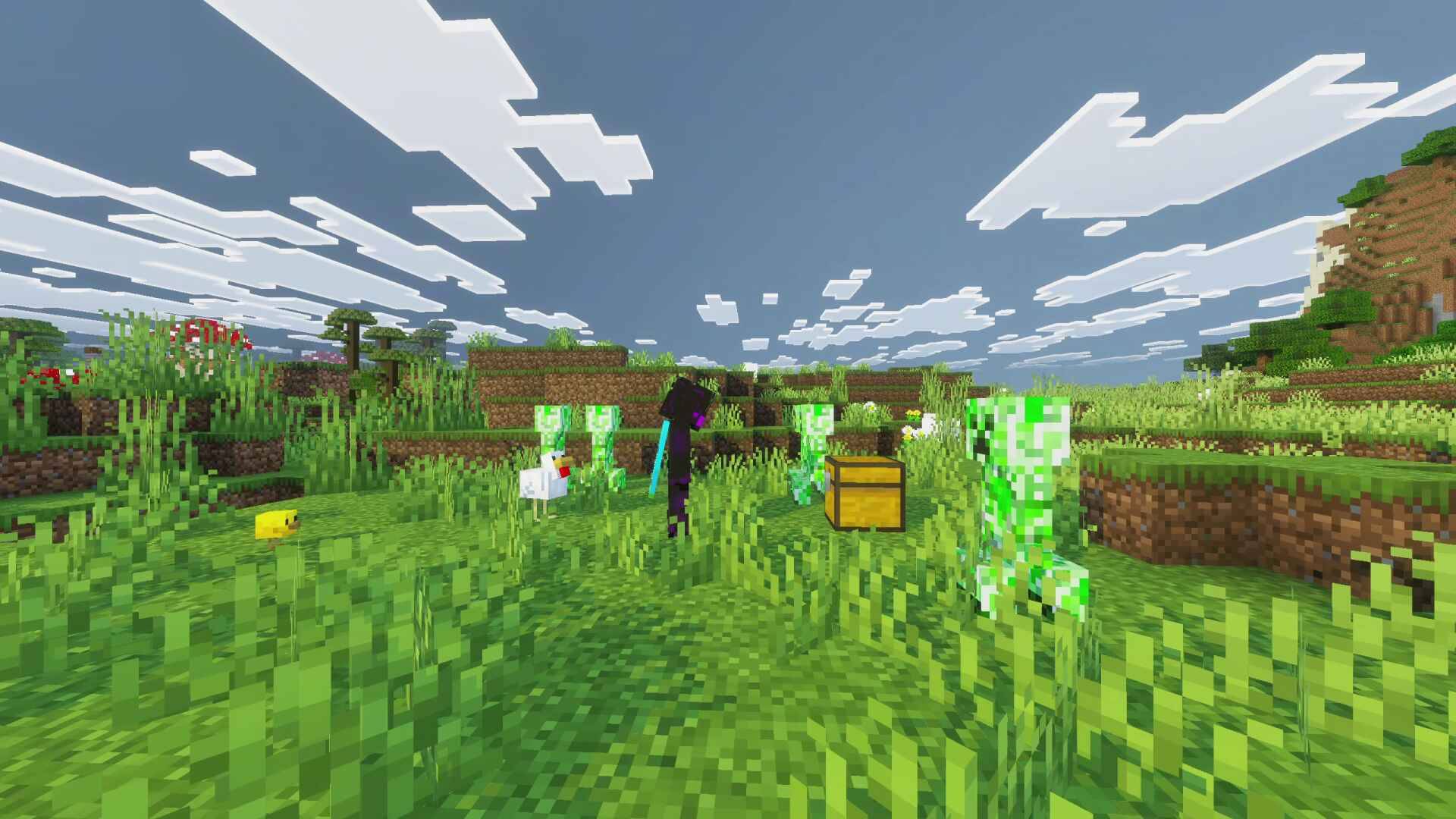
- Creeper Ambush: Spawns 5 charged creepers directly next to the opener and forces them to explode instantly.
- Thunder Mark: Strikes three consecutive lightning bolts directly on or near the victim.
2. 🧟 Mob Ambush (Entity Spawn)
- Zombie Swarm: Surrounds the victim with a ring of 7 zombies.
- Skeleton Crossfire: Spawns 7 skeletons in a wider circle, bombarding the target with arrow crossfire.
- Silverfish Nest: Spawns a compact, squirming nest of 10 silverfish directly out of the chest.
3. 🌀 Movement & Disorientation
- Random Teleport: Safely teleports the victim far away (300 to 500 blocks). Gives them temporary Slow Falling, Fire Resistance, and Resistance III so they land safely.
- Sky Toss: Instantly launches the victim 50 blocks straight up into the air. Intended to kill players unless they can save them from fall.
- Webbed Chest: Rapidly spawns a massive 5x4x5 cage of cobwebs around the player, trapping them instantly.
4. 🧪 Status Effects (Debuffs)
- Poison Needle: Inflicts the opener with Nausea and Poison II.
- Blind Panic: Blinds and heavily slows the victim, inducing panic.
- Weakness Curse: Instantly afflicts the player with Weakness and Mining Fatigue, accompanied by an ominous Elder Guardian curse sound.
5. 🔥 World Hazards
- Lava Burst: Replaces blocks around the chest with a temporary 5x5 pool of lava that automatically vanishes after 4 seconds.
- Fire Ring: Spawns a temporary ring of fire around the player and ignites them.
- Anvil Drop: Spawns a 3x3 array of falling anvils high above the player.
6. 🃏 Pranks & Utilities (Non destructive)
- Fake Reward: Sends a server message saying "You found a rare reward!" with a level-up sound, only to display "Just kidding. It was a trap." and slow them down.
- Alarm Beacon: Broadcasts the victim's exact coordinates to everyone on the server, while spawning fire and smoke particles at the chest.
- Smoke Screen: Fills the area with thick smoke particles and a loud fizzing noise, blinding the thief.
💻 Commands & Administration
Administrators or players with cheats enabled can use the following commands:
/trapsetter:give- Gives the executing player a Trap Setter tool./trapsetter:menu- Opens the configuration menu for the chest the player is currently looking at, or the Dashboard if not looking at a chest.
Video Showcase
NOTE: This addon works only in v26.30 or higher/newer version of Minecraft Bedrock. no experimental features required.
1. You are allowed to make video on the addon but give credits in video description. Please Only give original MCPEDL/CurseForge link.
2. You are not allowed to edit and publish it on the internet.
3. You are not allowed to publish the texture on any other website and claim it as yours
Join My Discord Server: https://discord.gg/Wvst4znsgk
Download the New Bedrock Manager application to easily install and manage your minecraft addons, worlds and more!
Download Now! (Windows only, android in future) 
Enjoy!
 👉 Click the banner or [start here] to get going. Use code MODMCPE40 for 40% off!
💬 Curious what players think? Check out the community discussion on [Best Minecraft Server Hosting].
- Edition: Minecraft Bedrock
- File type: .mcpack or .mcaddon
- Minecraft versions listed: 26.30, 26.40, 26.50
- How to install: Download the .mcpack or .mcaddon file. → Open it — Minecraft imports it. → In your world: Behavior Packs → Available → Activate, then the same under Resource Packs.
- Where to get it: Opens on CurseForge — not every file is mirrored on our own servers.
Install steps are the general flow for this file type — How to install Minecraft Bedrock addons & mods walks through it step by step.
- Pack type: .mcaddon — behaviour and resource pack in one file
- Download size: 442 KB
- Download link checked 17 Oct 2026 — working
These come from our own check of the pack file, not from the source page.