
ModsJava
WAIG Mod (26.2, 1.20.1) – Where Am I Going
Java mod listed for Minecraft 1.20. Downloads from the MC Java Mods app on Android.
⬇ Download



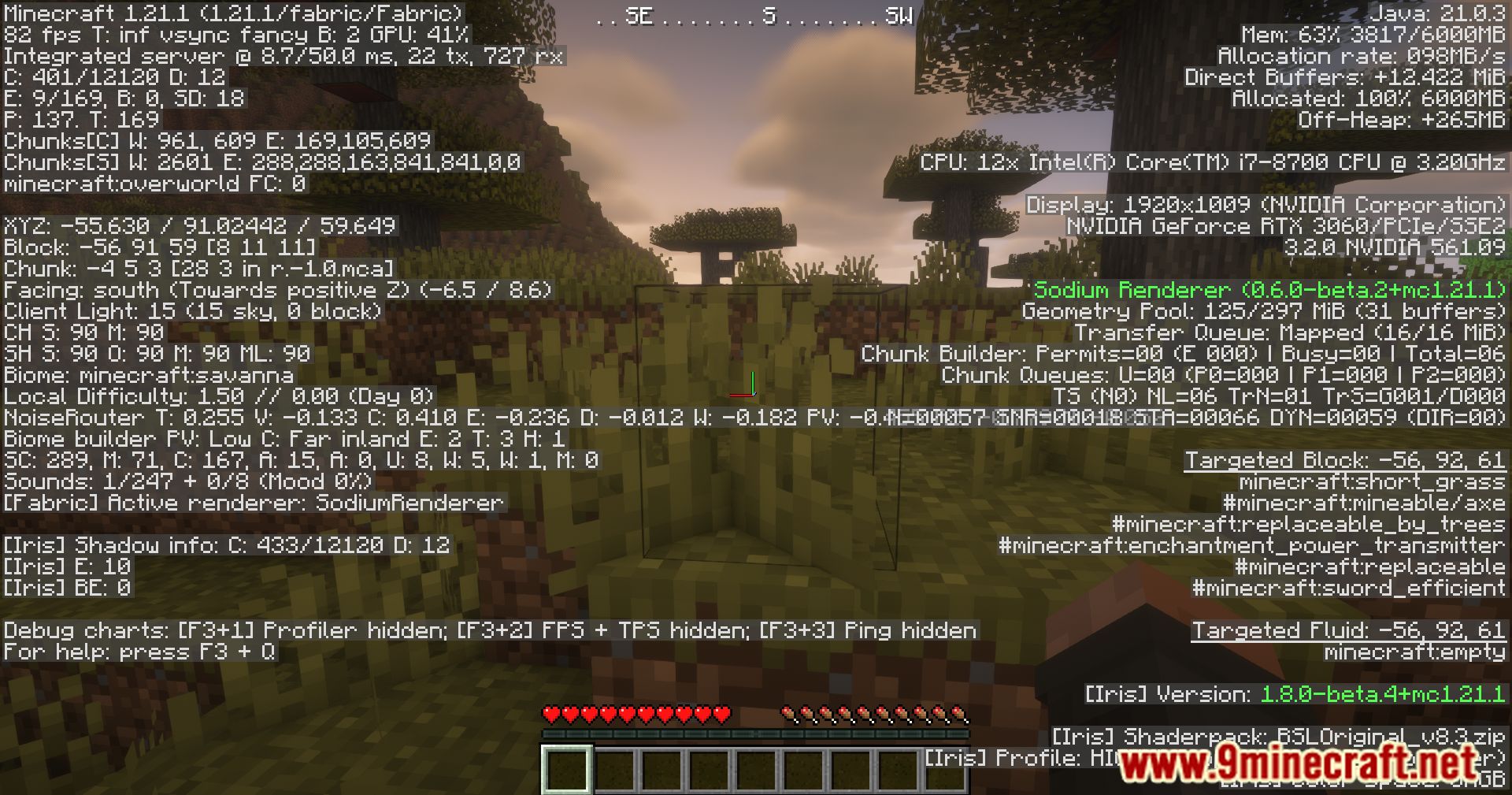



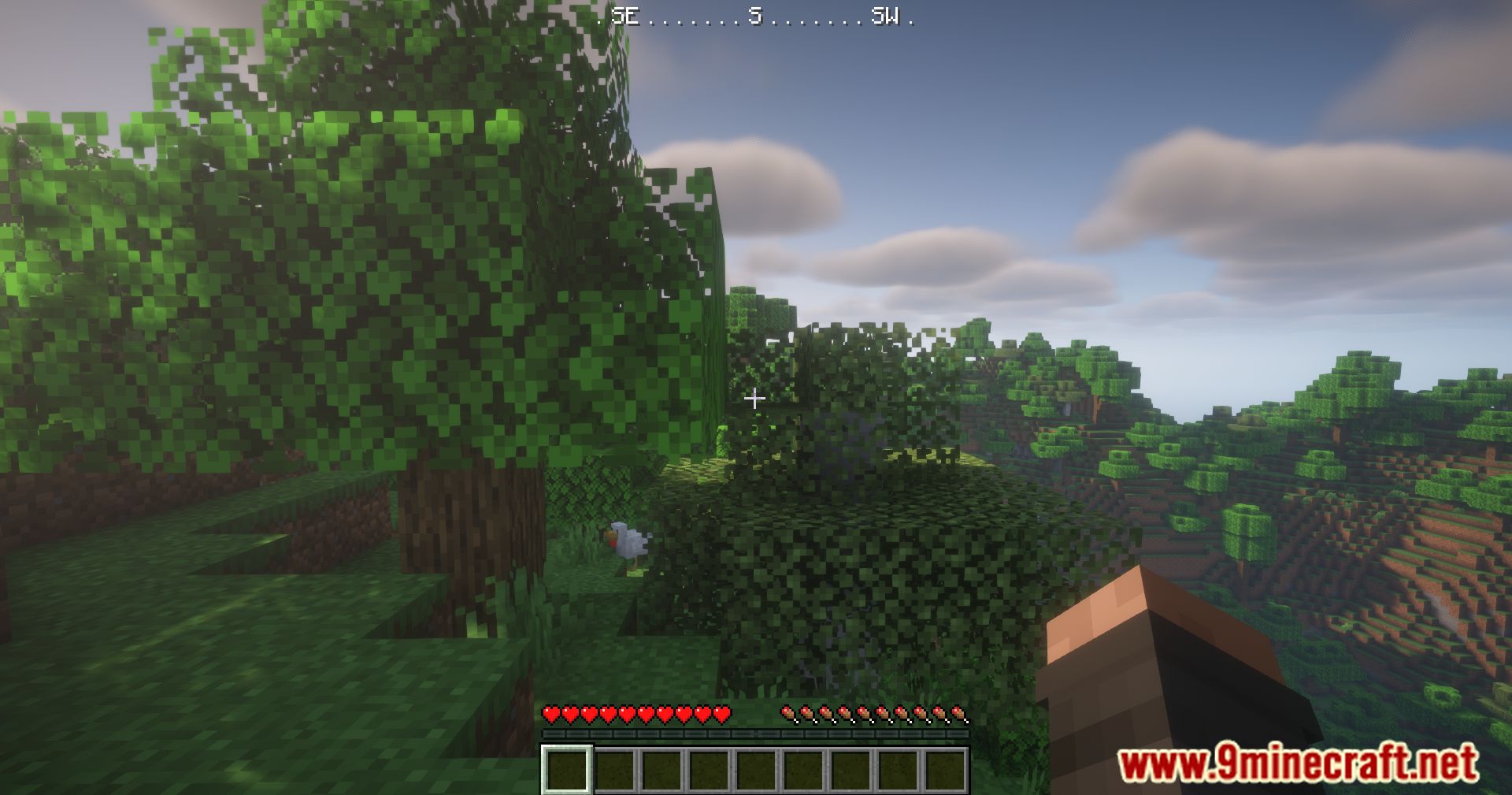
WAIG Mod introduces a minimal, RPG-style compass HUD to help players easily determine their direction. This HUD overlay shows which way your character is facing; the HUD can be toggled on or off with the F6 key, allowing you to manage it based on your needs.
Features:
- RPG-inspired compass HUD: Displays character direction
- Toggleable display: Keybind (default F6) enables easy on/off
- Conditional display: HUD can be limited to only show when holding or carrying a compass
- Non-intrusive: Adjusts position to avoid blocking boss bars and scales with GUI
Screenshots:

WAIG Mod Download Links
Quick facts
- Edition: Minecraft Java
- File type: .jar
- Minecraft version listed: 1.20.1
- How to install: Install the matching mod loader (Forge, Fabric or NeoForge) for your Minecraft version. → Download the .jar. → Put it in the .minecraft/mods folder and launch that loader profile.
- Where to get it: In MC Java Mods, or directly above on this page.
Install steps are the general flow for this file type — How to install Minecraft Java mods & modpacks walks through it step by step.
File checked by MCModsHub
- Downloads as 91149.mcaddon
- Download size: 68 KB
- Download link checked 22 Sept 2026 — working
- Mirrored on our own servers — the download does not depend on the original host
These come from our own check of the pack file, not from the source page.