ModsJava
Pack Core Mod (26.1.2, 1.21.11) – Set Up Your SkyBlock Modpacks
Java mod listed for Minecraft 1.21. Downloads from the MC Java Mods app on Android.
⬇ Download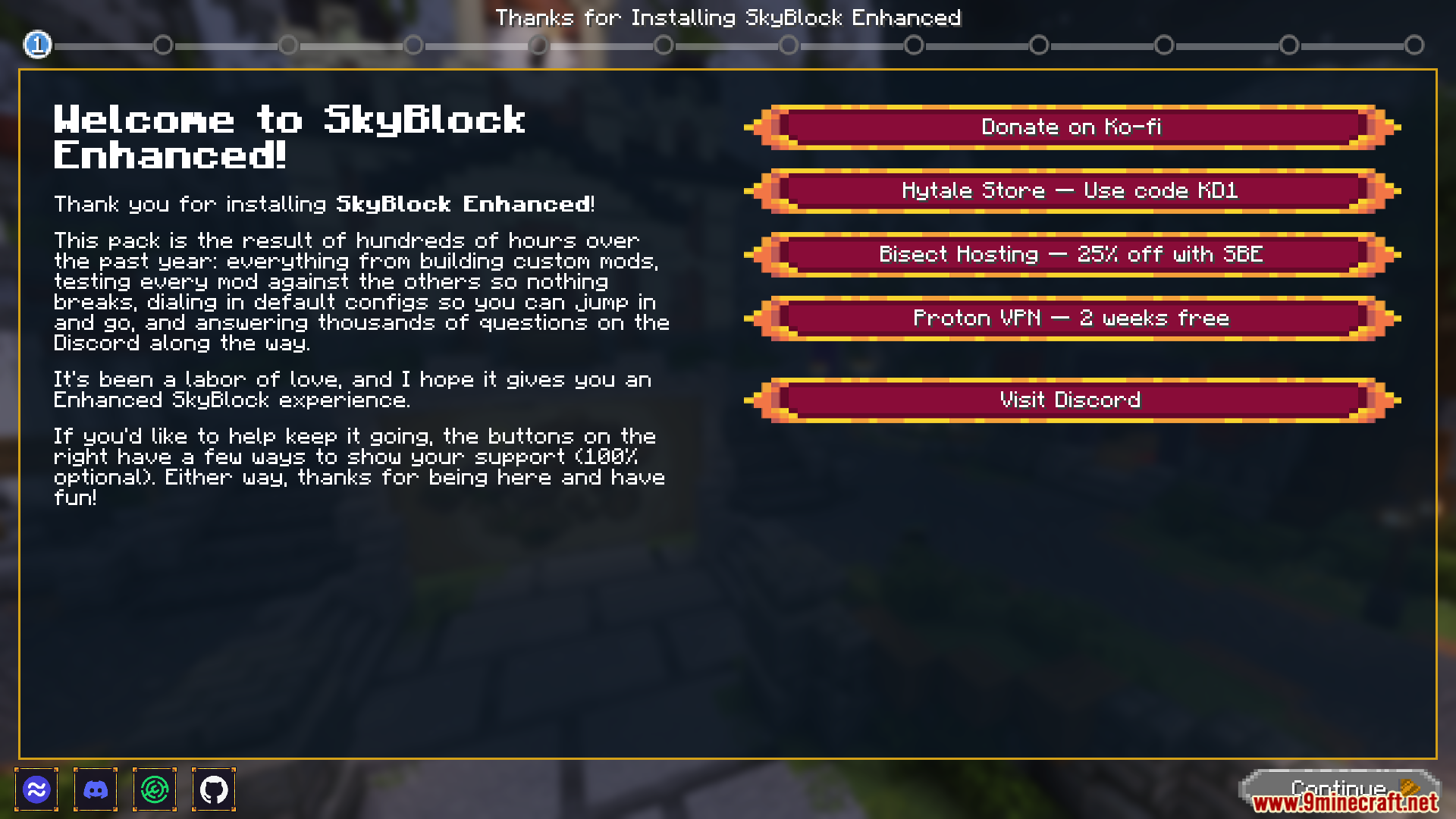
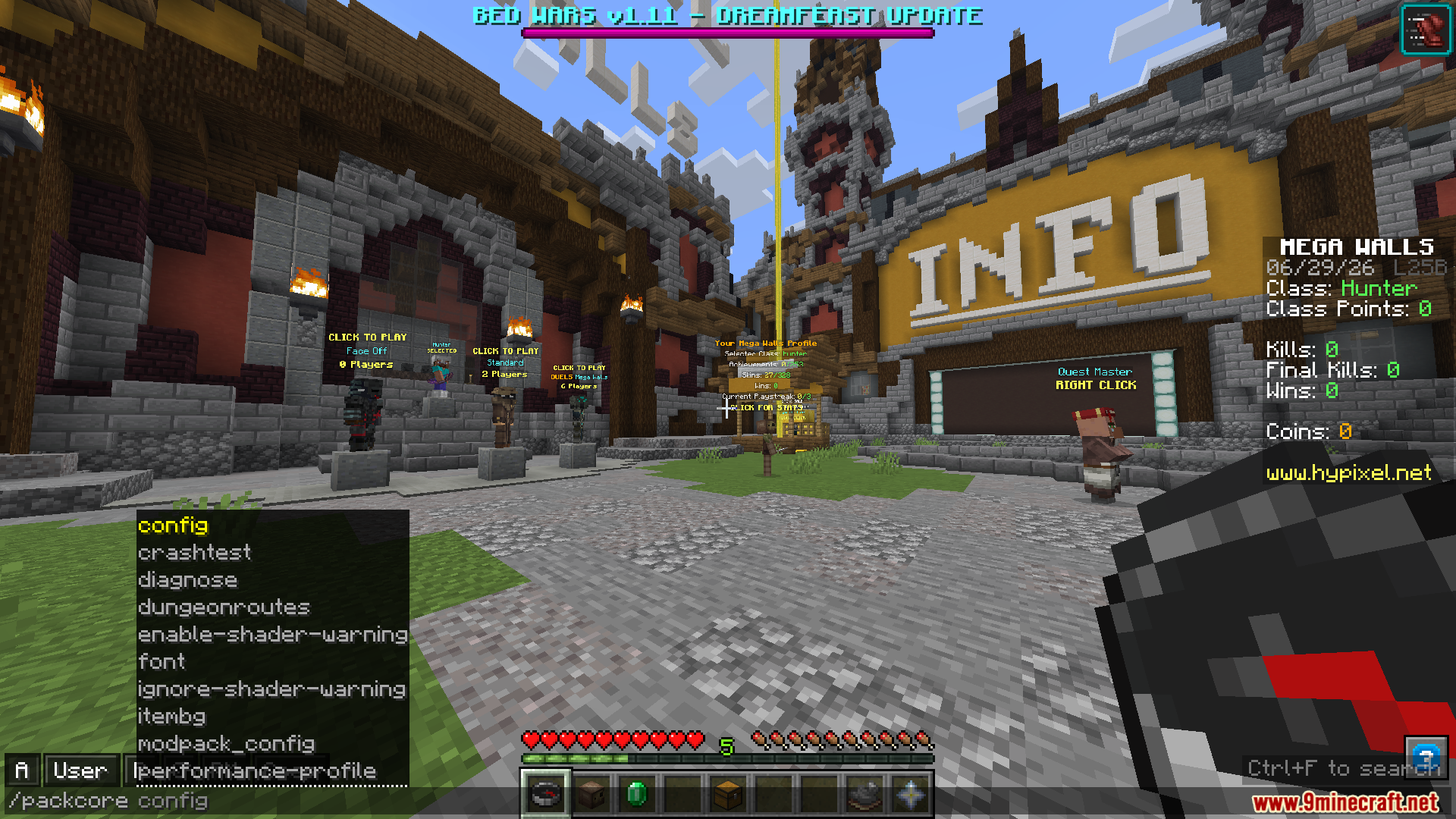
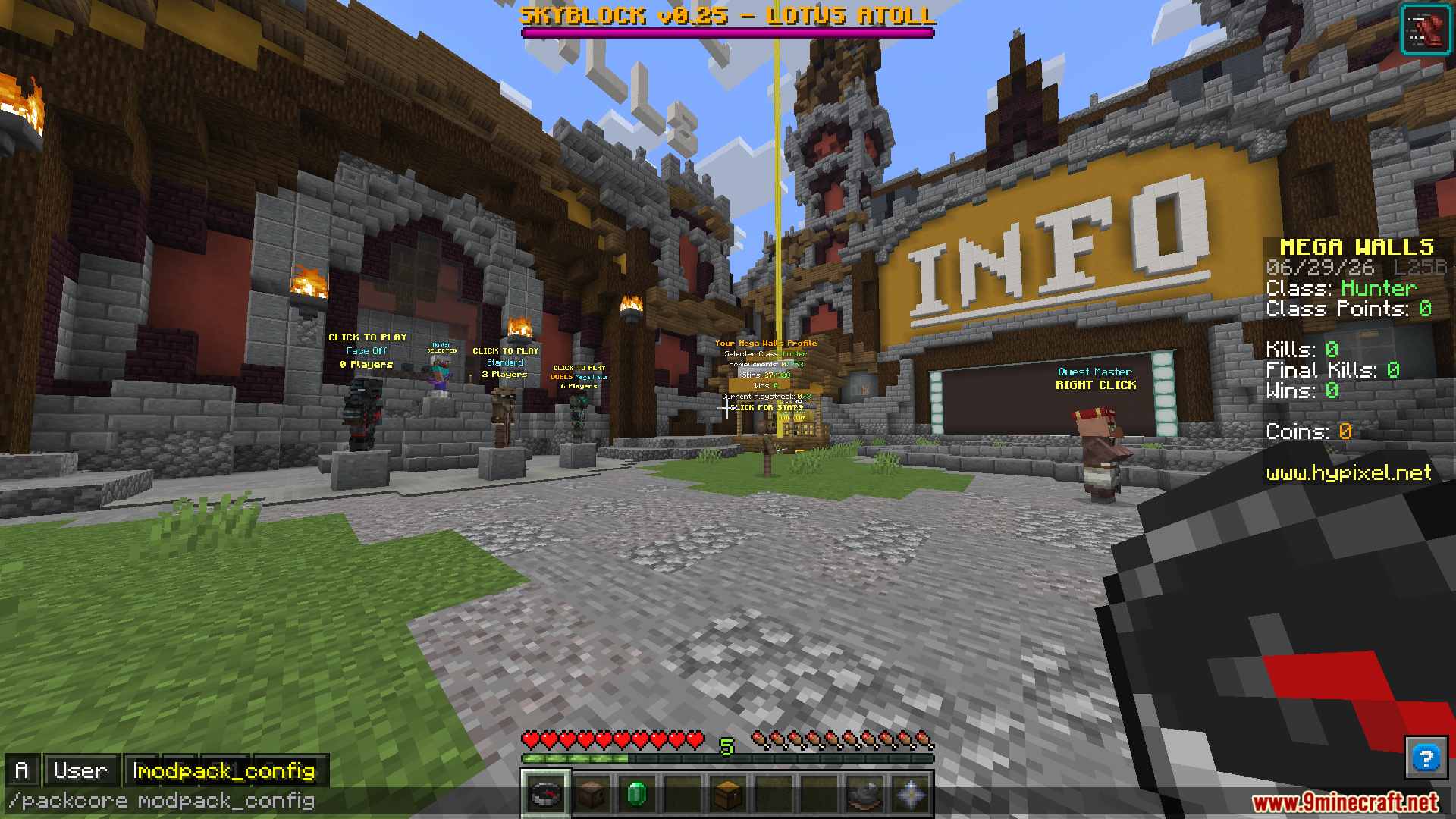
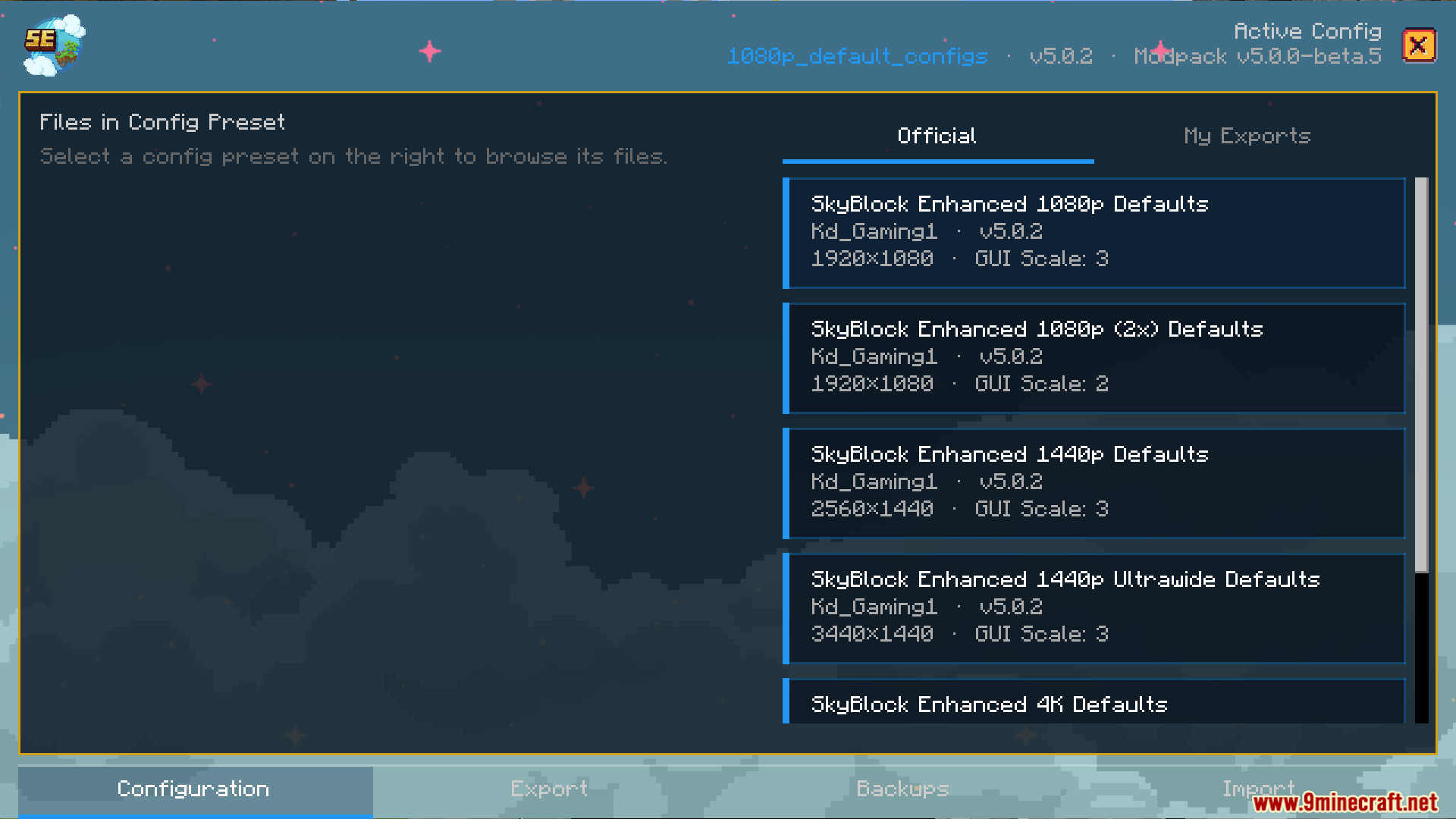

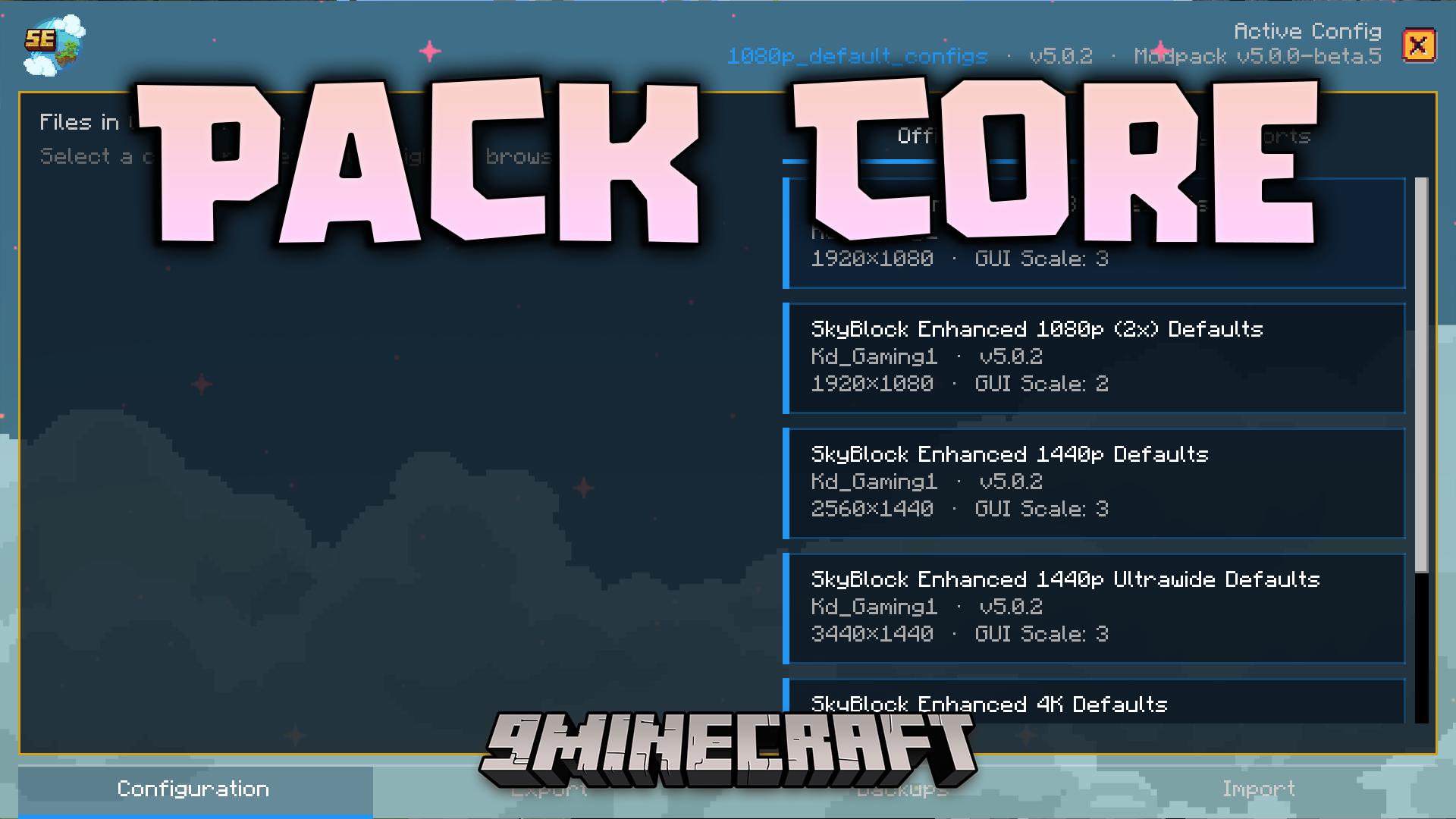
Pack Core Mod helps you set up SkyBlock modpacks quickly and easily. It adds a special Hypixel SkyBlock-themed start menu to your game and walks you through a simple setup process. You can pick your favorite menu styles, adjust performance settings, and manage your files without leaving the game.
Features:
- Setup Wizard: Opens a helpful guide the first time you play so you can pick your favorite settings while looking at pictures of them.
- Performance Picker: Lets you choose between running the game super fast for high frames or making everything look pretty with high quality.
- Changes the look of your main menu to match the popular Hypixel SkyBlock style.
- Lets you pick different designs for your game tabs, storage screens, and item backgrounds.
- Helps you turn on resource packs right from the setup screen.
- Shows you a final review page before you save your changes so you know exactly what is happening.
- Pops up an alert to help you pick a default configuration before the game fully loads.
- Guides you through the steps to get OptiFine if you do not have it installed yet.
Commands:
- Type
/packcore wizardto open the setup screen again. - Use
/packcore modpack_configto open the menu where you manage your settings. - Type
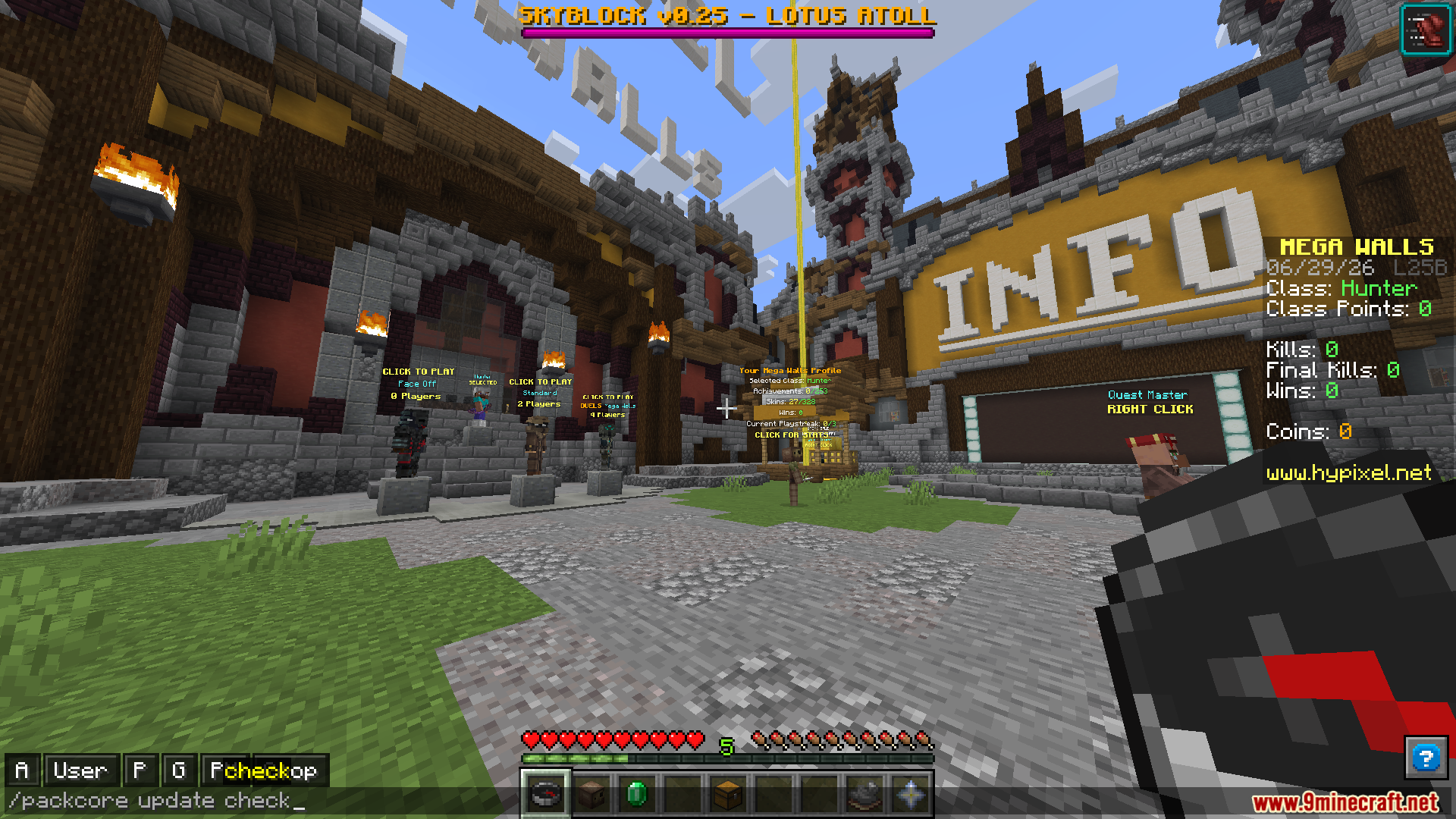
/packcore update checkto look for a newer version of the tool.
How to Use:
- Start your game for the first time to see the default settings prompt.
- Follow the setup guide on your screen to pick your menu styles and resource packs.
- Choose a performance profile based on how fast your computer is.
- Review your choices on the final page and click apply to save them.
Screenshots:
Pack Core Mod Download Links
Quick facts
- Edition: Minecraft Java
- File type: .jar
- Minecraft version listed: 1.21.11
- How to install: Install the matching mod loader (Forge, Fabric or NeoForge) for your Minecraft version. → Download the .jar. → Put it in the .minecraft/mods folder and launch that loader profile.
- Where to get it: In MC Java Mods, or directly above on this page.
Install steps are the general flow for this file type — How to install Minecraft Java mods & modpacks walks through it step by step.
File checked by MCModsHub
- Downloads as 91151.mcaddon
- Download size: 22.6 MB
- Download link checked 24 Sept 2026 — working
- Mirrored on our own servers — the download does not depend on the original host
These come from our own check of the pack file, not from the source page.