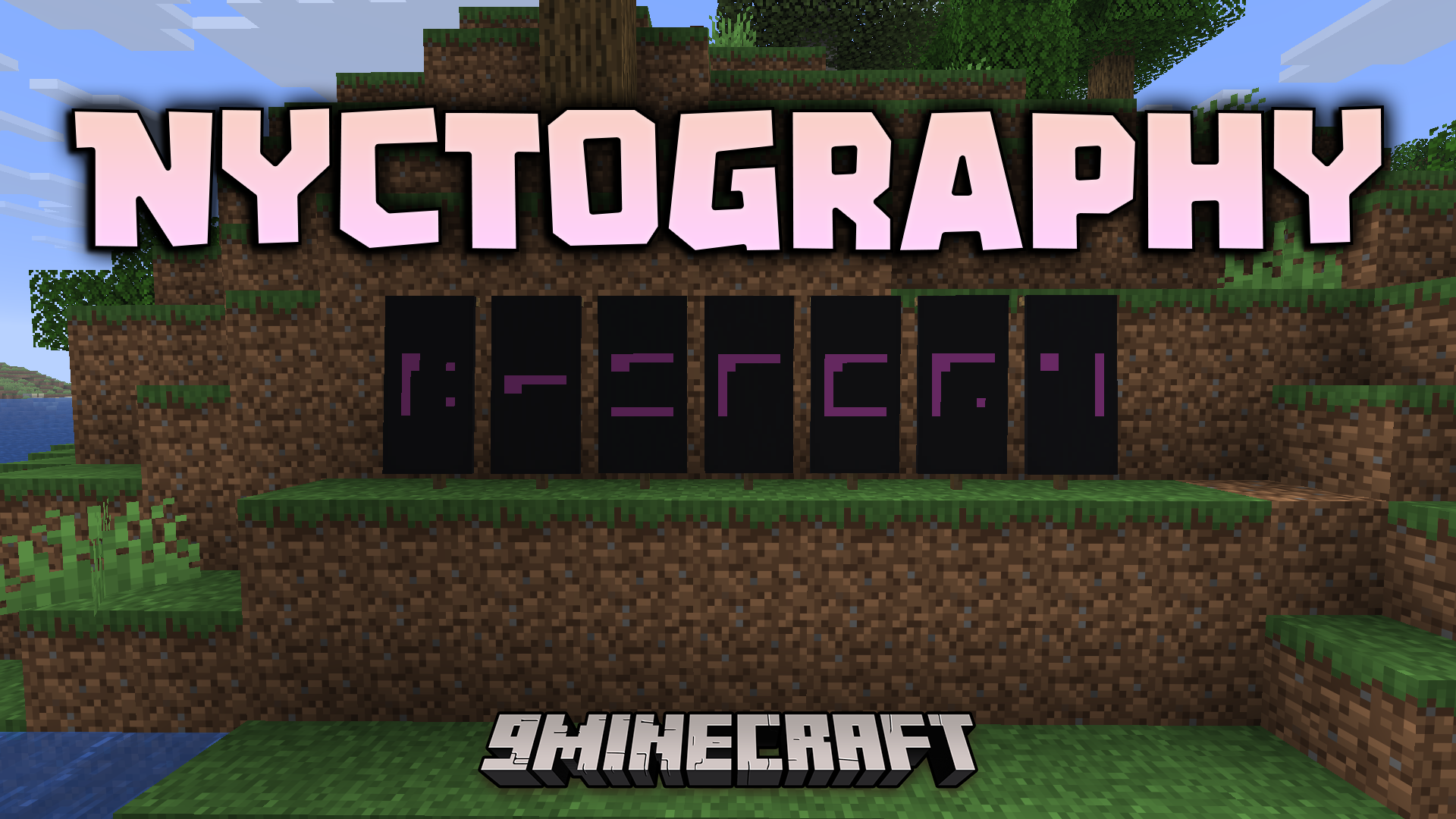
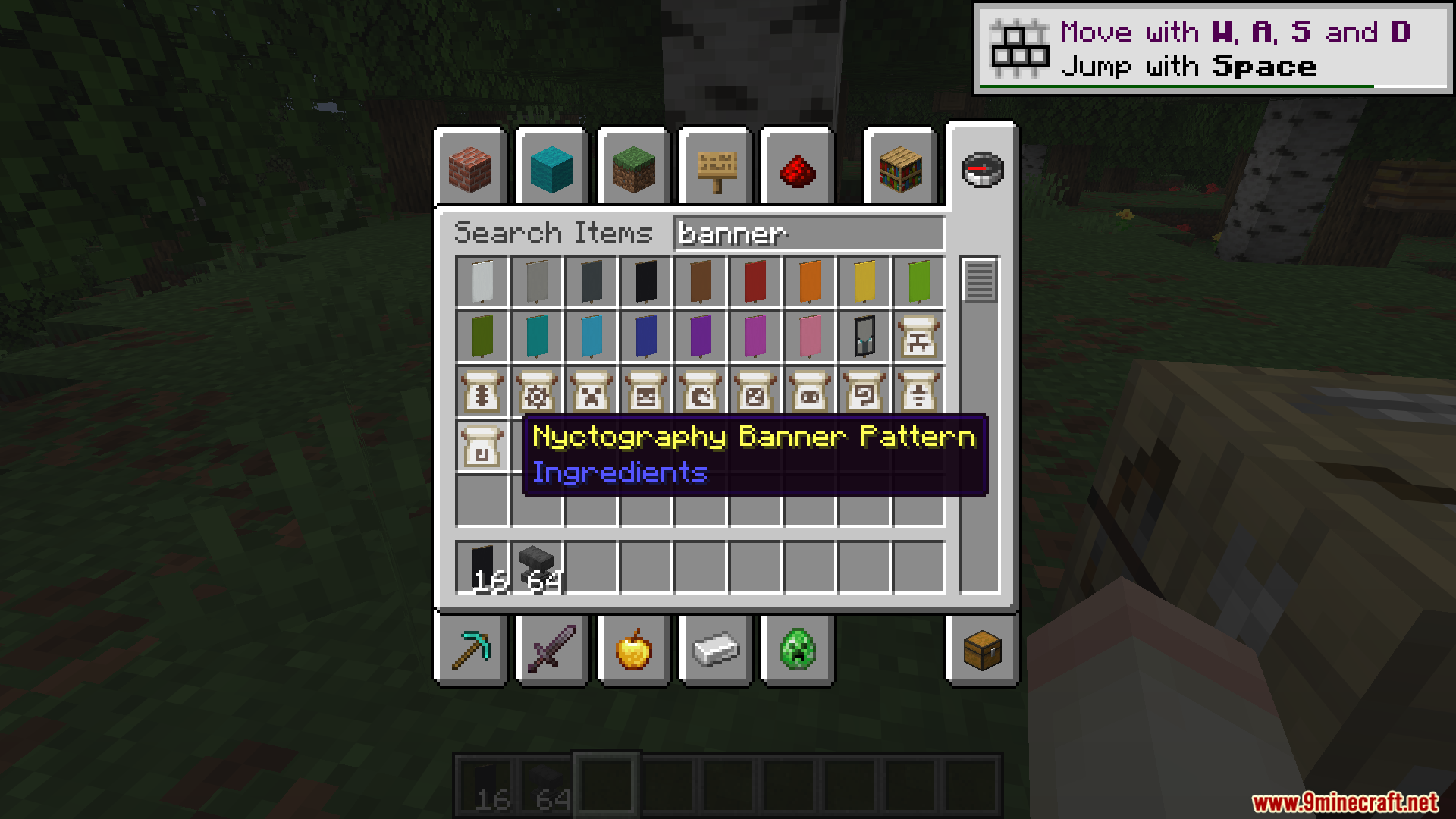
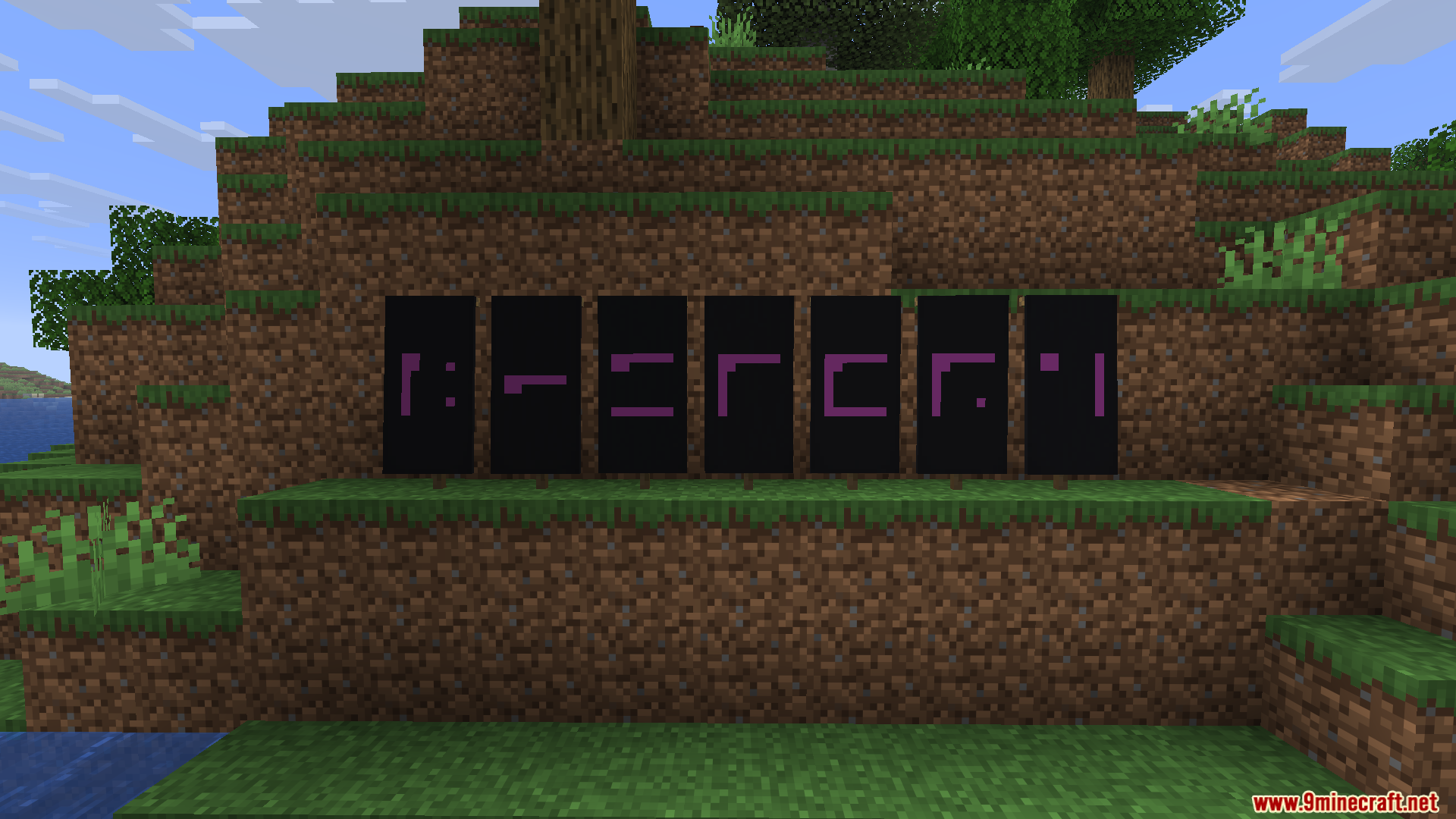
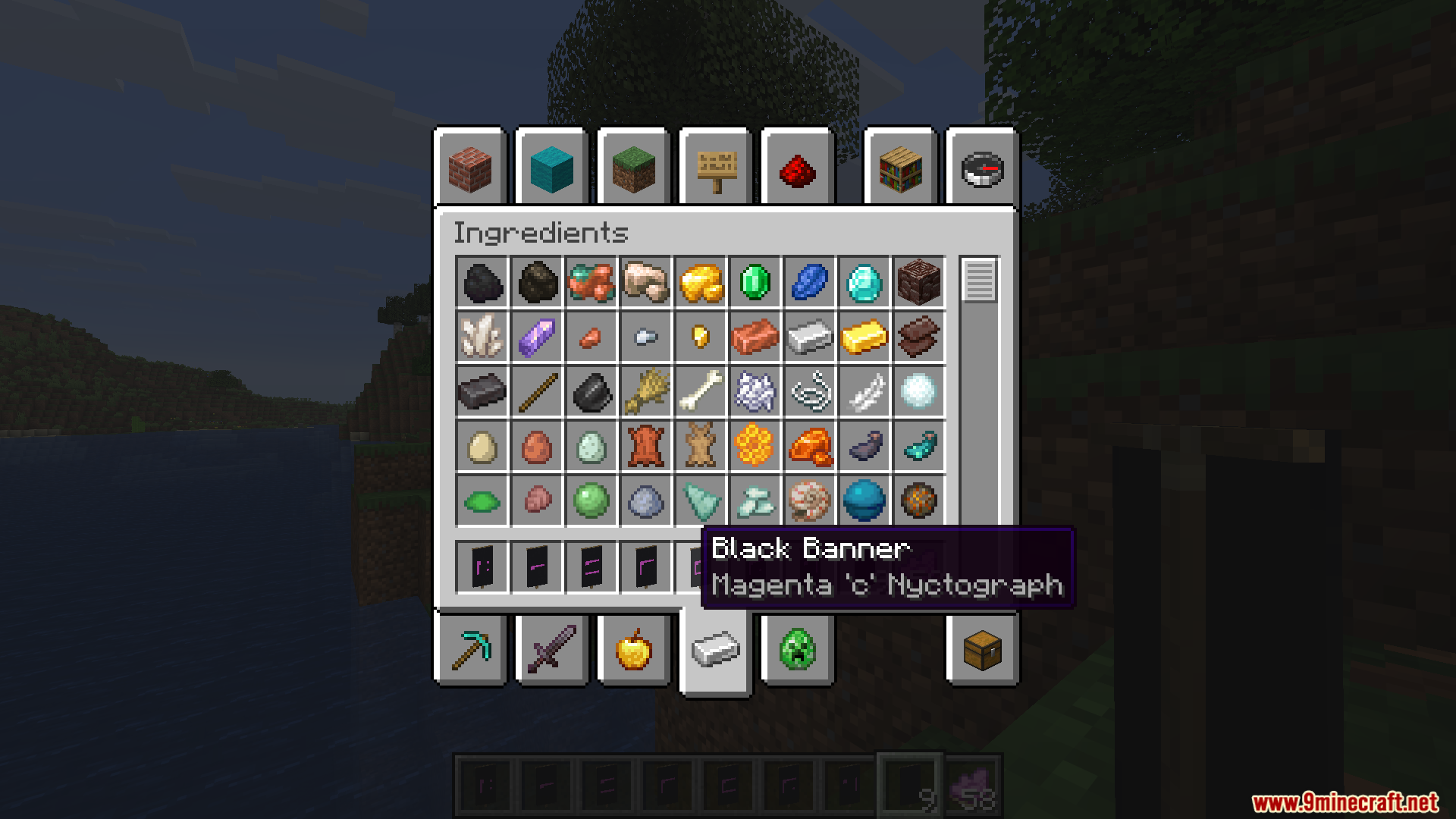
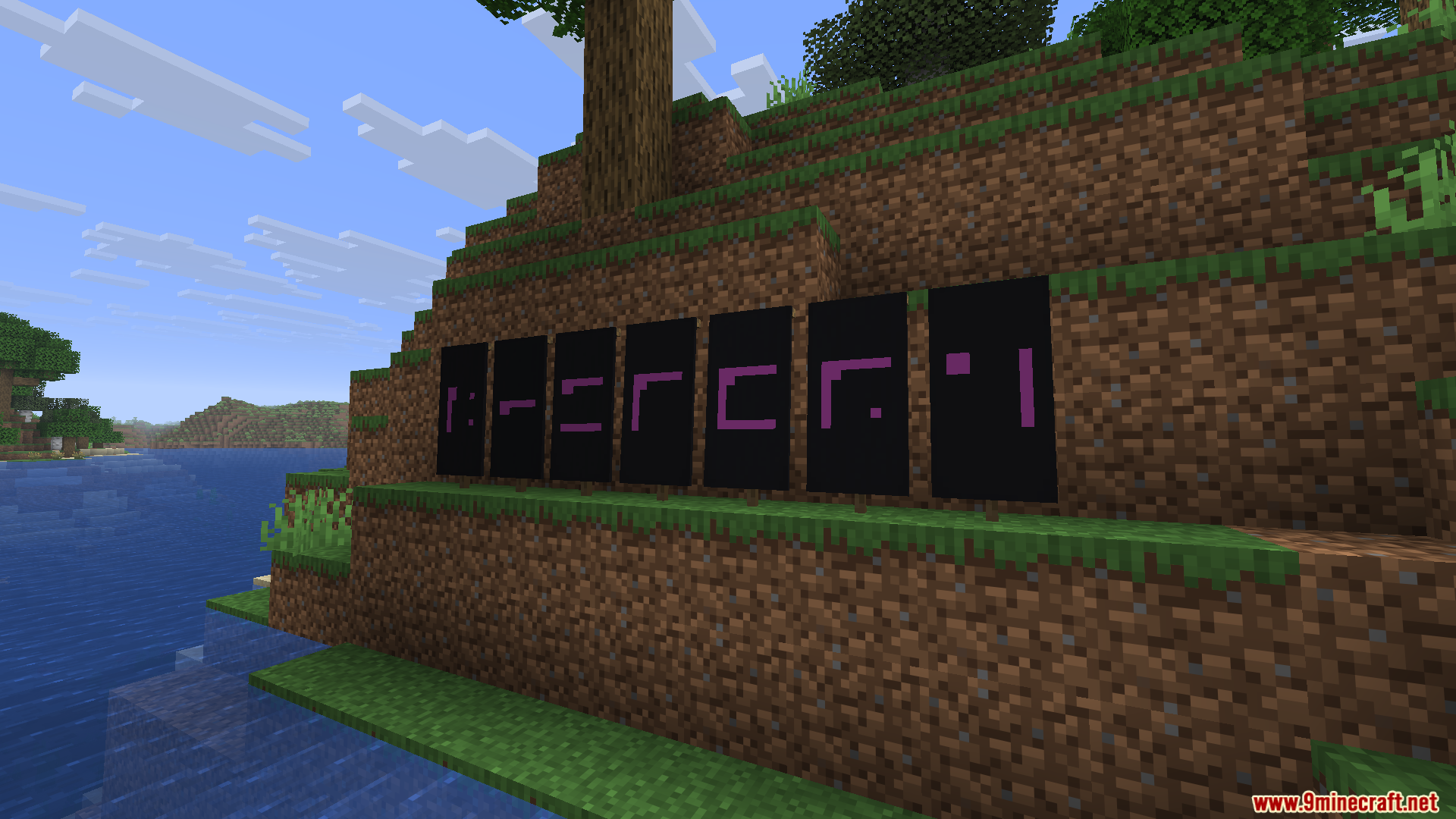
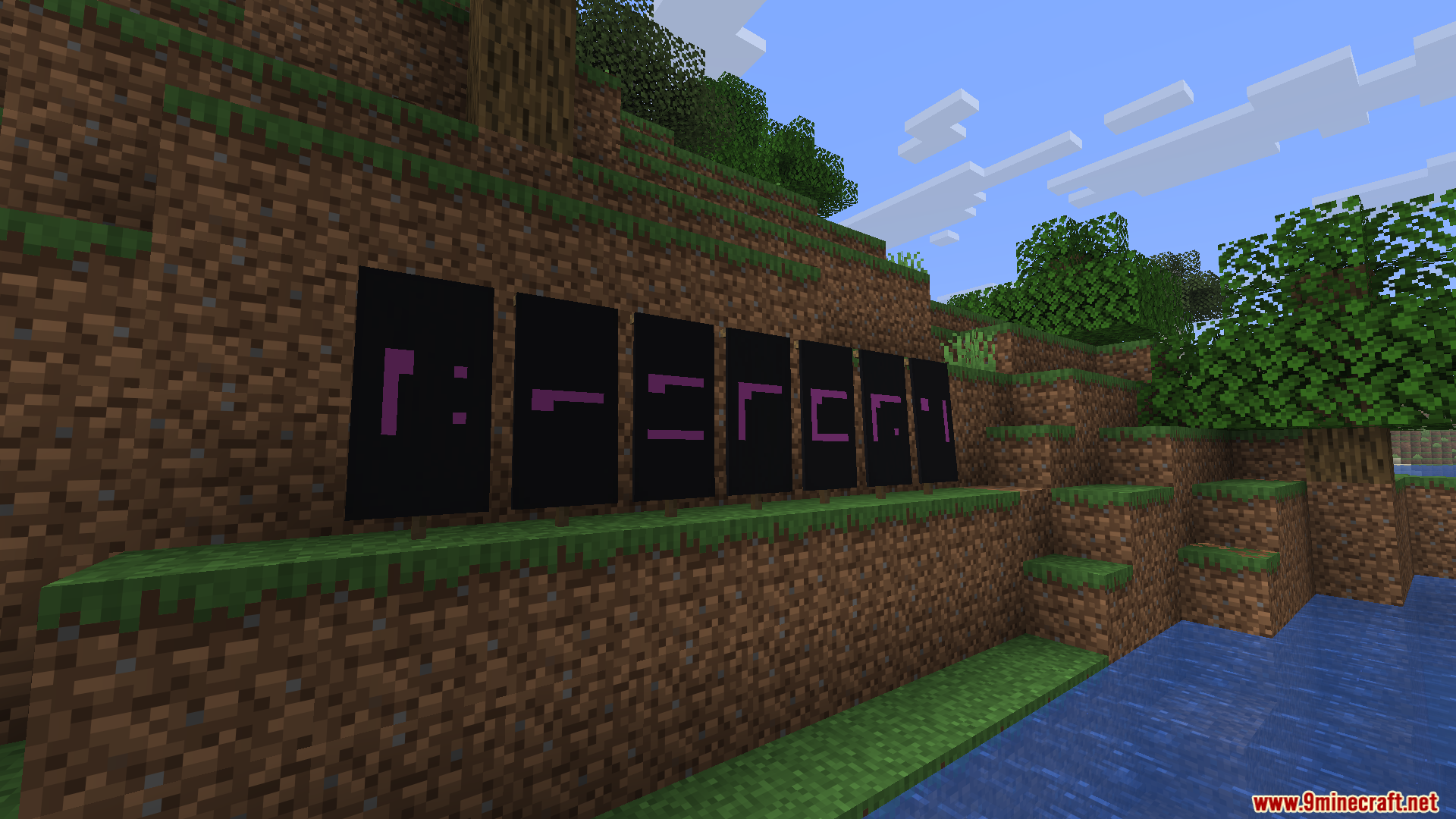
Nyctography Mod adds a secret writing system to your game. This mod brings a special font that replaces normal letters with dots and lines. You can use this hidden code on signs, inside books, in the chat, and on item tooltips. It also includes a special banner pattern so you can craft flags with these secret symbols. This system makes it fun to hide messages or create puzzles for your friends.
Features:
- Secret Font: Changes normal text into a system of dots and lines around a square.
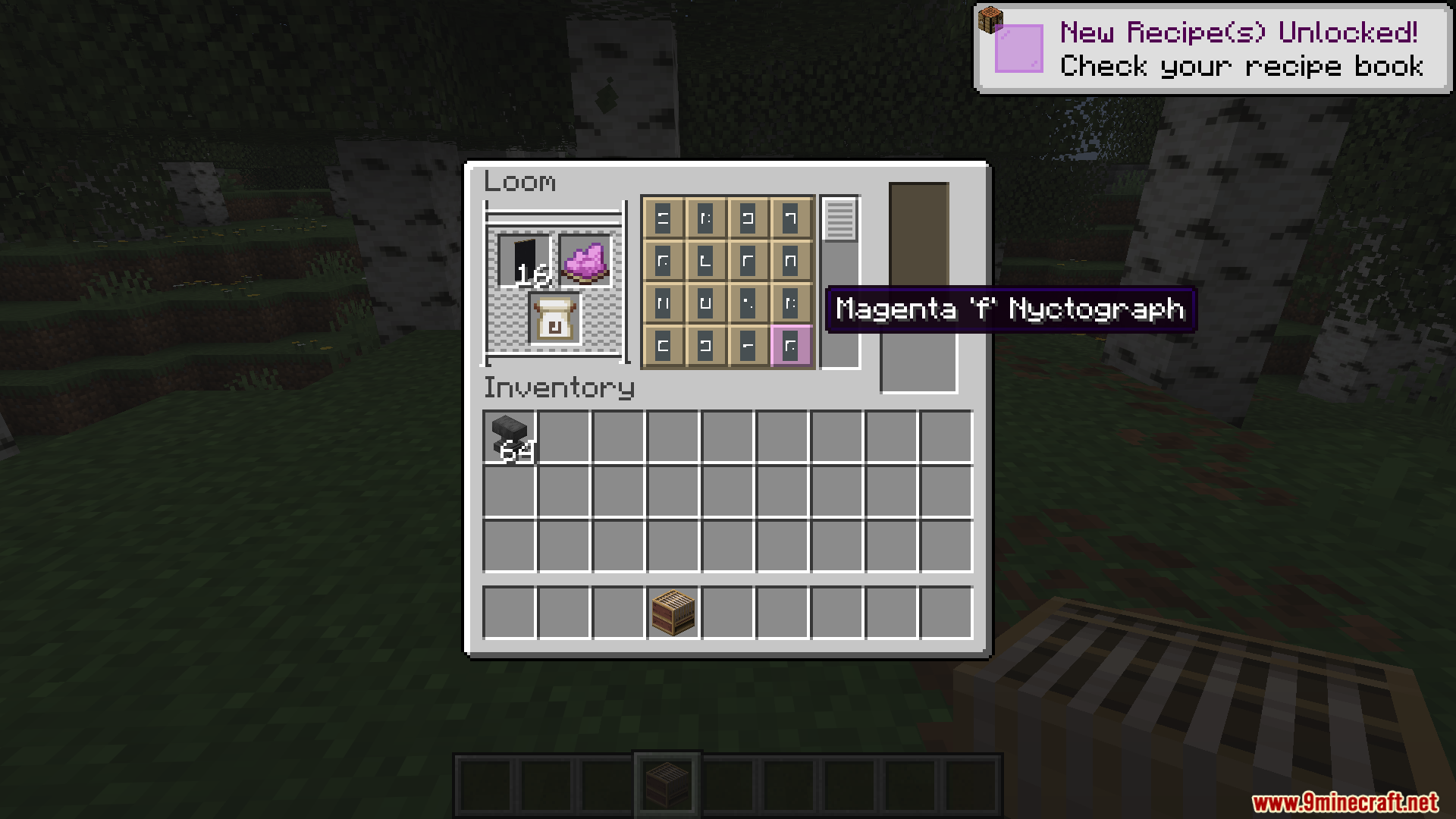
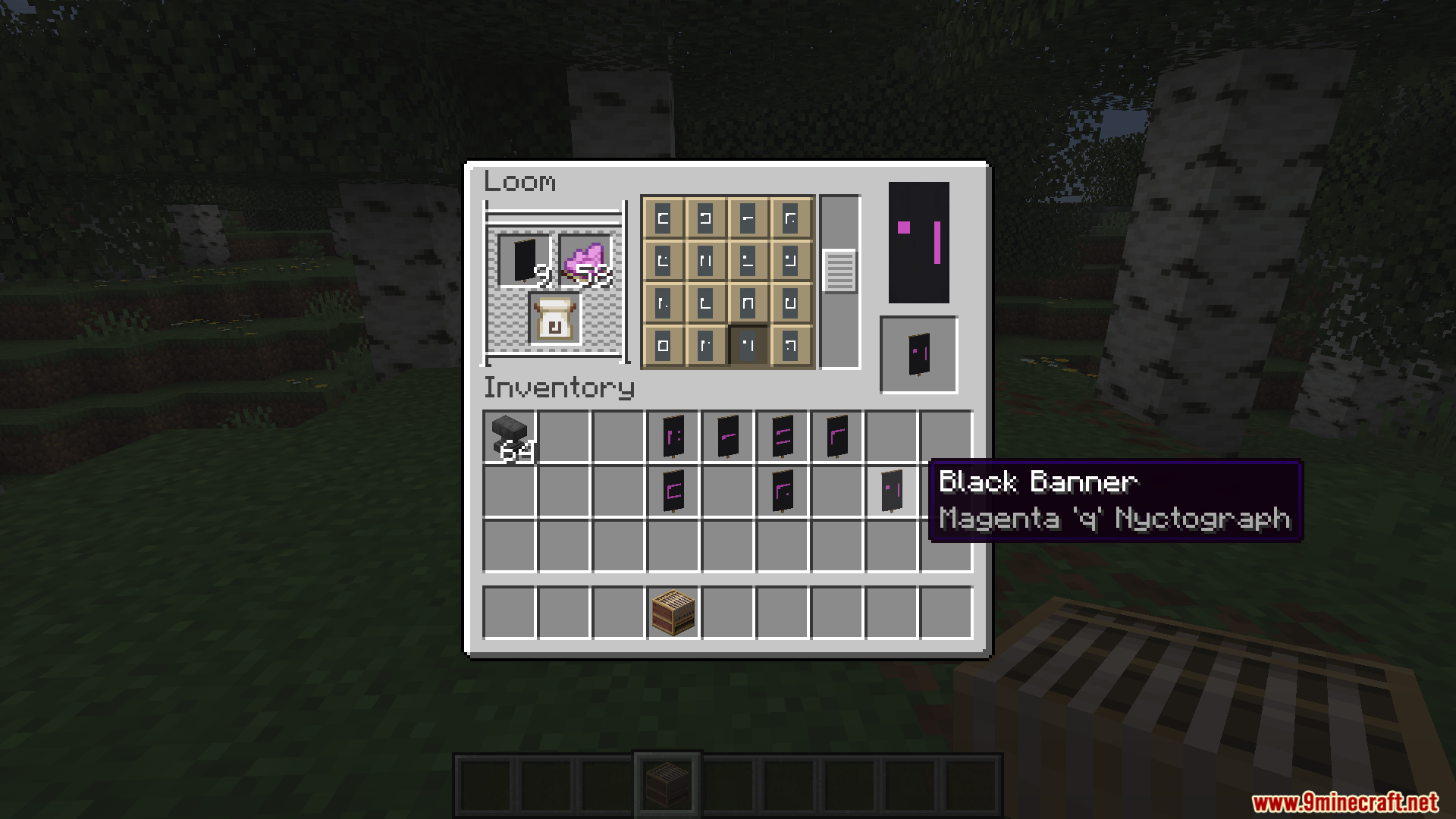
- Banner Patterns: Lets you craft special banners showing any character from the secret alphabet.
- Applies the new font to chat messages, books, signs, and item names.
- Replaces numbers with specific consonants to keep the secret code looking clean.
- Includes special symbols for common words to save space on your signs.
- Lets you buy the special banner pattern from wandering traders if you do not want to craft it.
How Numbers Work:
- The mod turns numbers into specific letters, like Z for 0 and B for 1.
- You need to read the consonants to figure out the exact number written in the code.
Special Characters:
- Use a dash (-) to write the word The.
- Use an ampersand (&) to write the word And.
- Type a hashtag (#) to show that the next symbols are numbers.
- Type an asterisk (*) to show that the next symbols are letters.
- Type an at symbol (@) to write a date.
Commands:
/give @a stone[custom_name='["",{"text":"Stone","font":"nyctography:nyctography",italic:false}]']– Gives a stone with a secret name./title @a title {"text":"Hello","font":"nyctography:nyctography"}– Shows a big secret message on the screen./bookshelf font say nyctography:nyctography– Sends a chat message in the secret font./bookshelf font item nyctography:nyctography– Changes the name of the item you are holding./bookshelf font block nyctography:nyctography X Y Z– Changes the text on a block, like a sign or a chest.
How to Use:
- Craft the new banner pattern using paper and a dye, or find a wandering trader who sells it.
- Place the pattern in a Loom to print secret letters onto your banners.
- Use the commands listed above to change the font on signs, books, and chat messages.
- Memorize the dot and line shapes to read the hidden messages without help.
Screenshots:
Nyctography Mod Download Links
Quick facts
- Edition: Minecraft Java
- File type: .jar
- Minecraft version listed: 1.21.1
- How to install: Install the matching mod loader (Forge, Fabric or NeoForge) for your Minecraft version. → Download the .jar. → Put it in the .minecraft/mods folder and launch that loader profile.
- Where to get it: In MC Java Mods, or directly above on this page.
Install steps are the general flow for this file type — How to install Minecraft Java mods & modpacks walks through it step by step.
Verified by MCModsHub
- Downloads as 91152.mcaddon
- Download size: 54 KB
- Download link checked 25 Sept 2026 — working
- Mirrored on our own servers — the download does not depend on the original host
These come from our own check of the pack file, not from the source page.