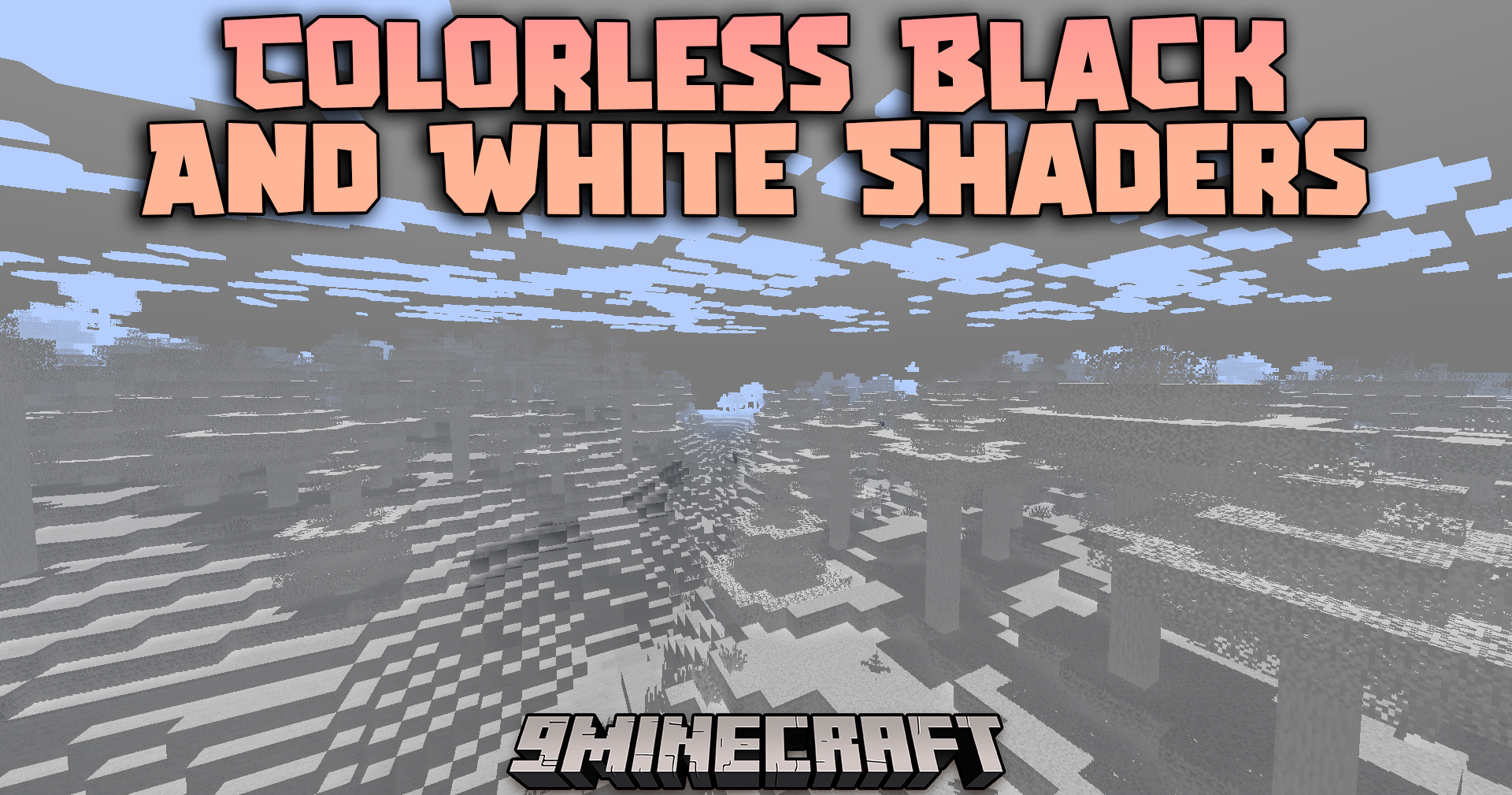
Colorless Black And White Shaders (26.1.2, 1.20.1) – Grayscale Visuals
Java shader pack listed for Minecraft 1.20. Downloads from the MC Java Mods app on Android.
⬇ Download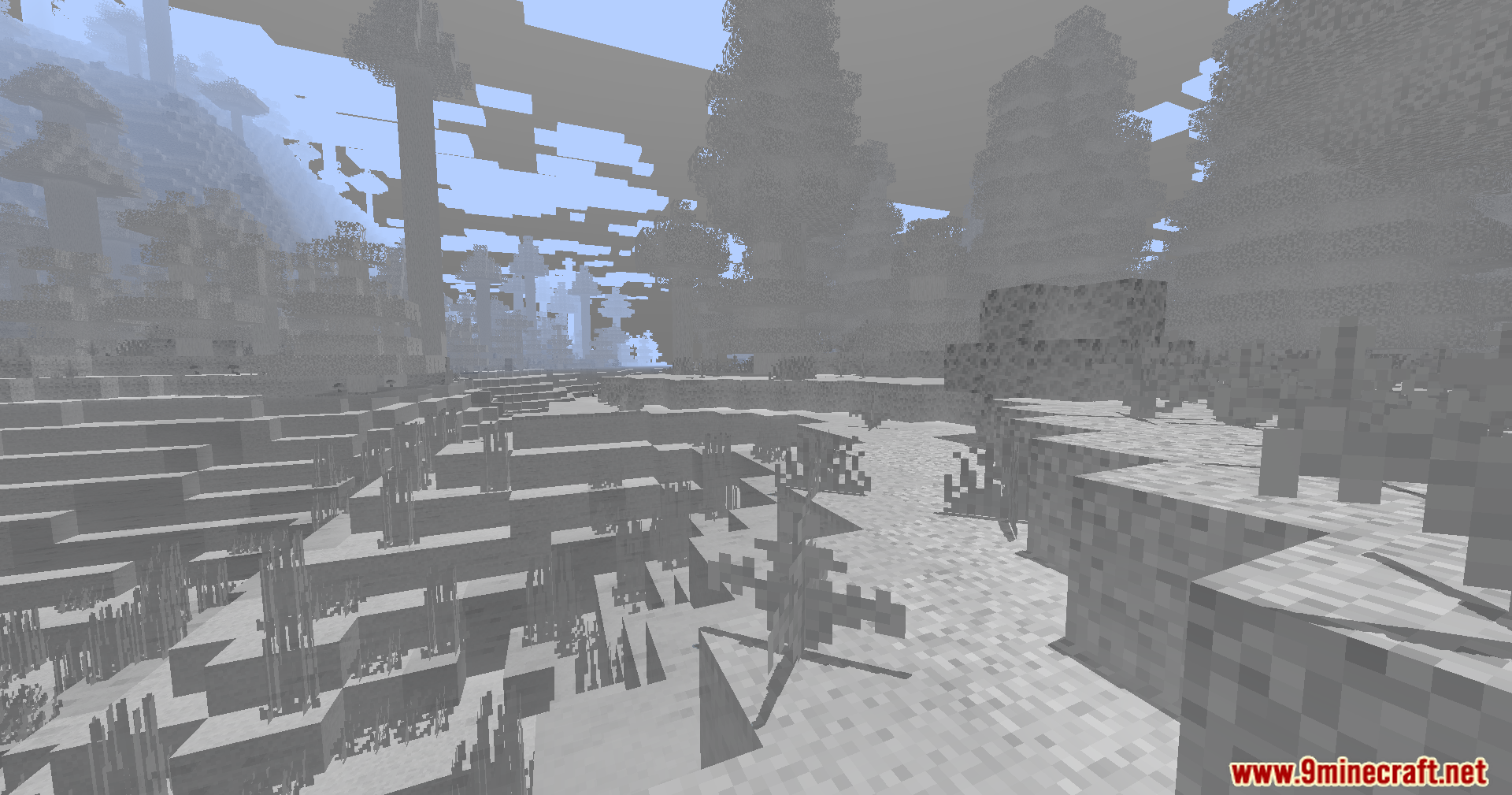
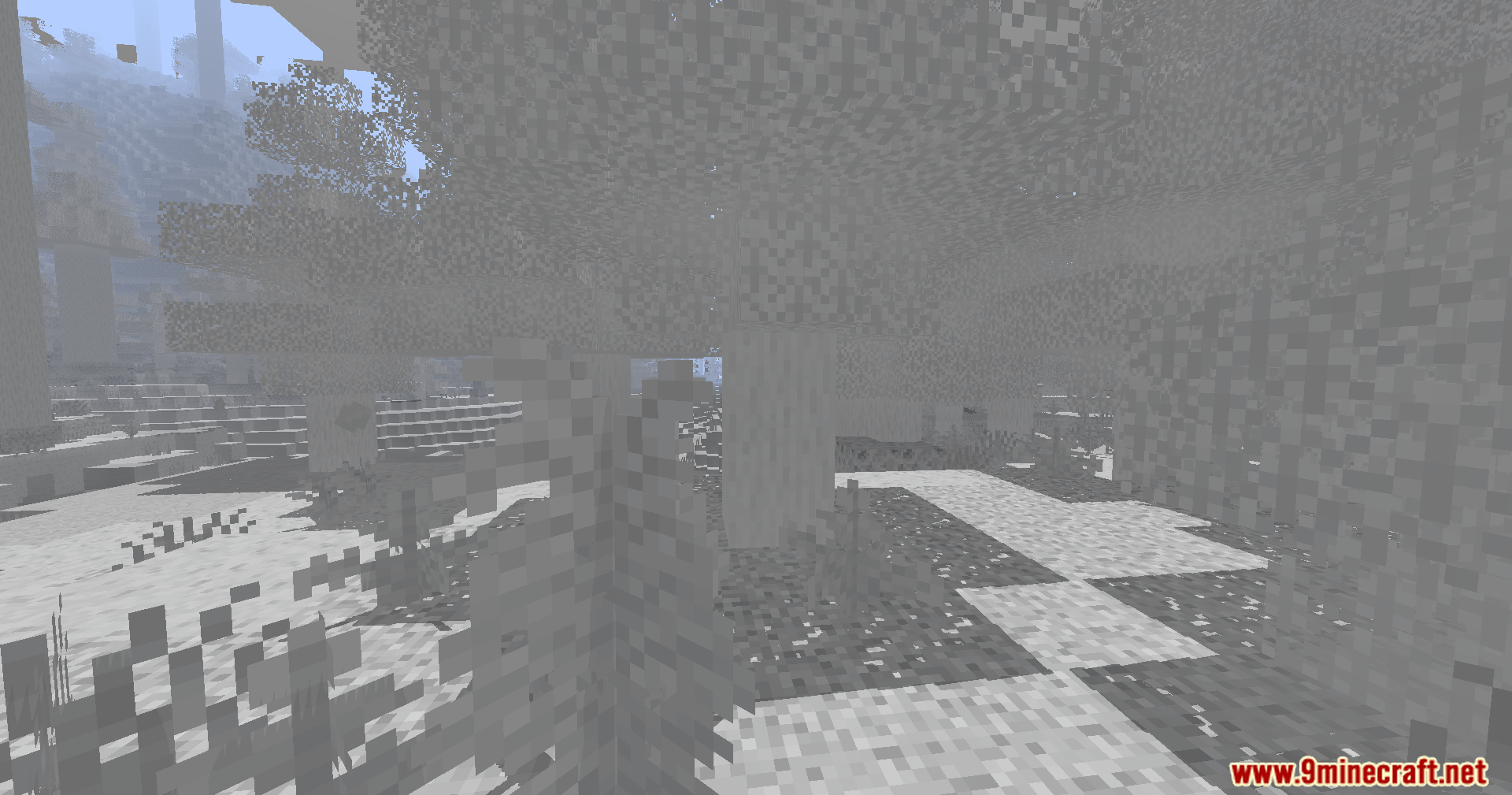
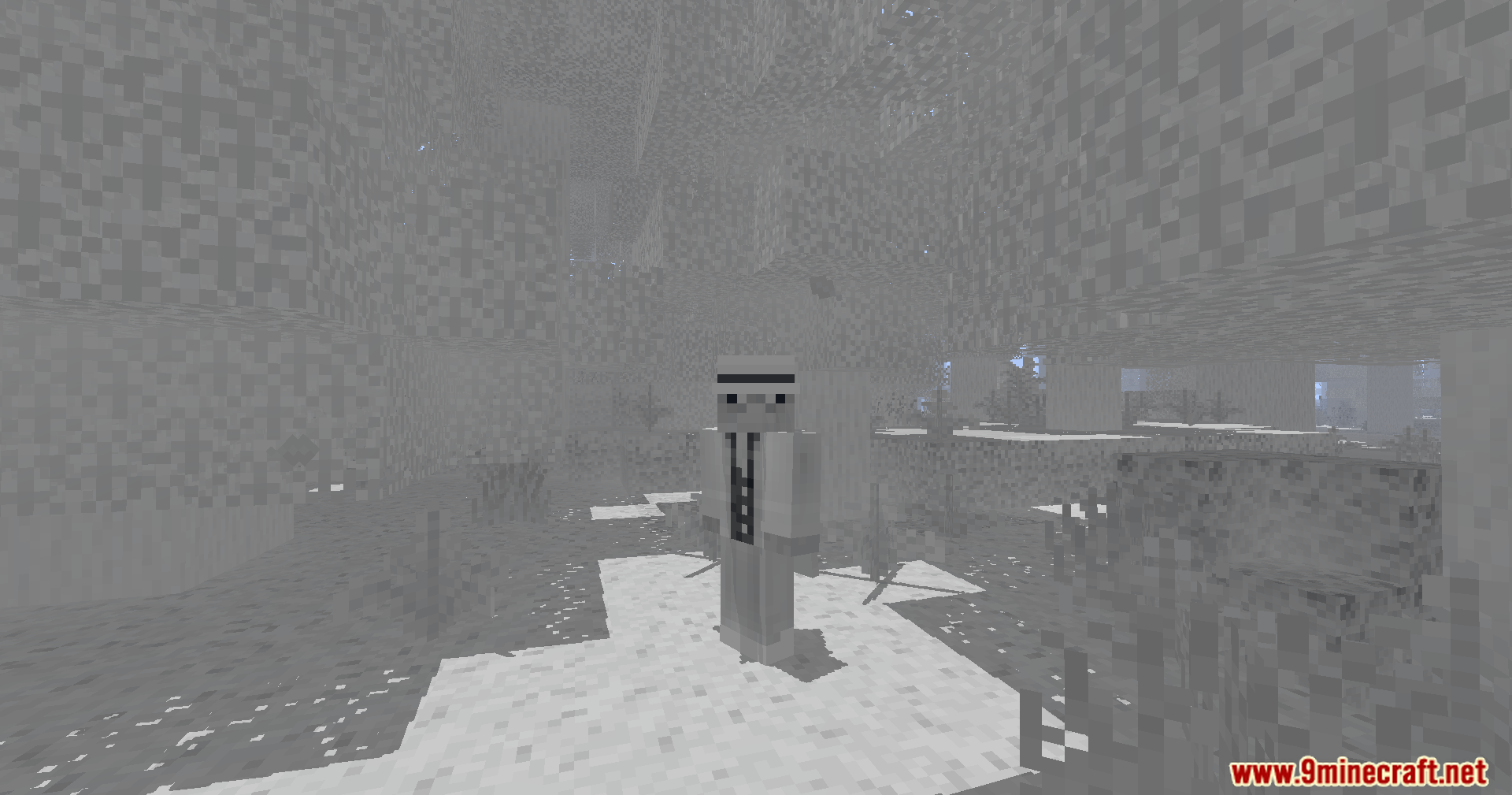
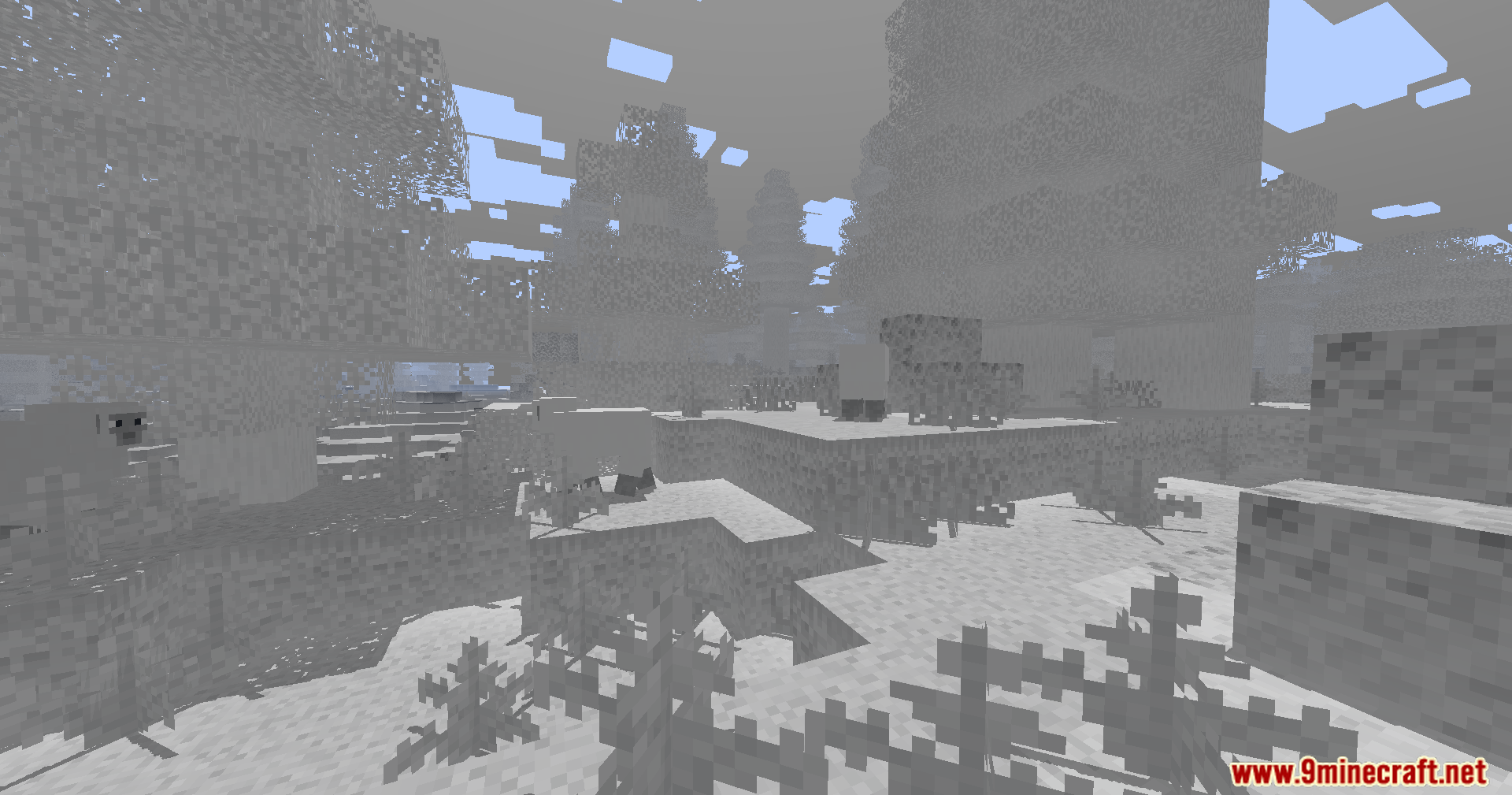
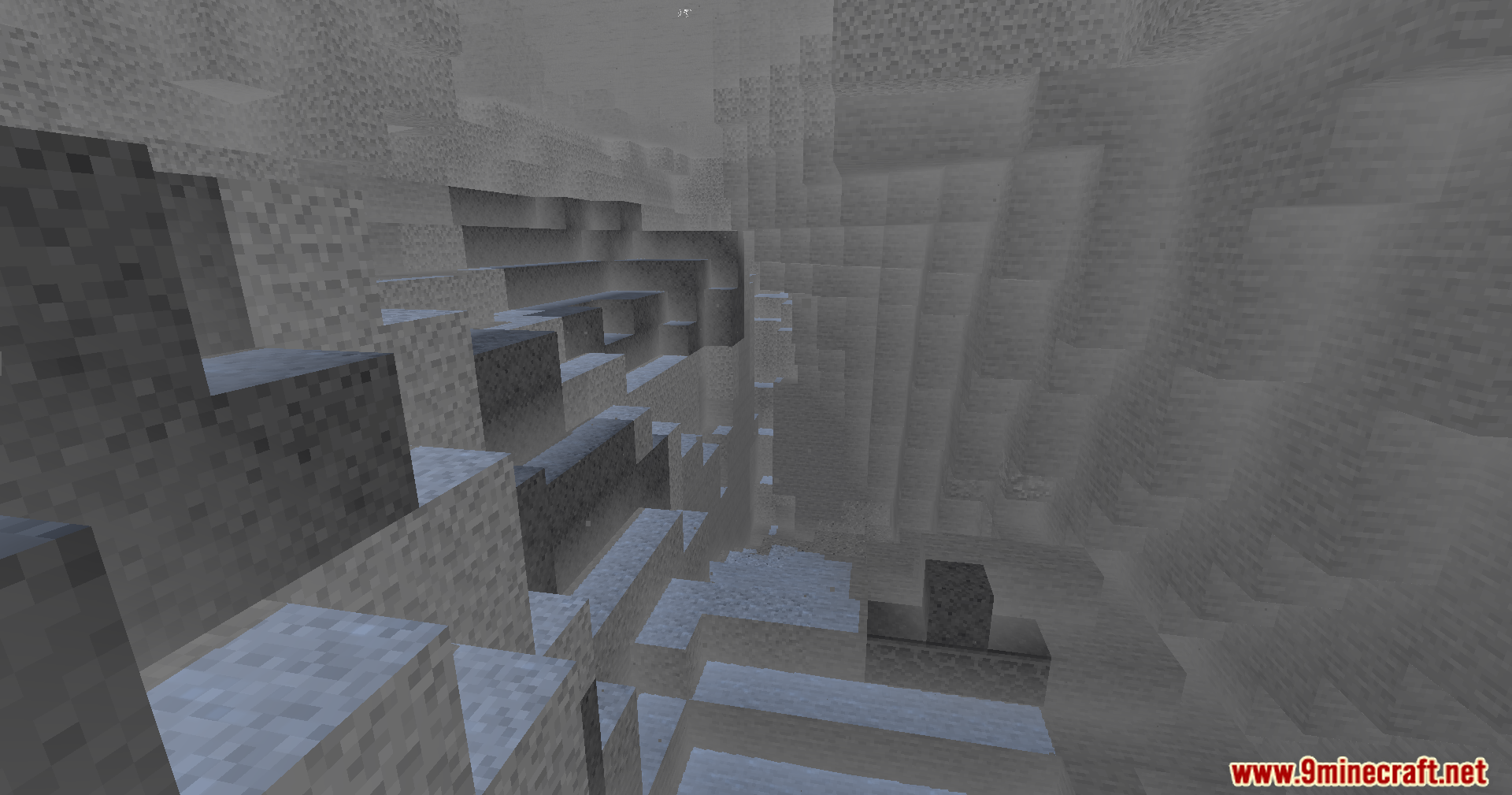
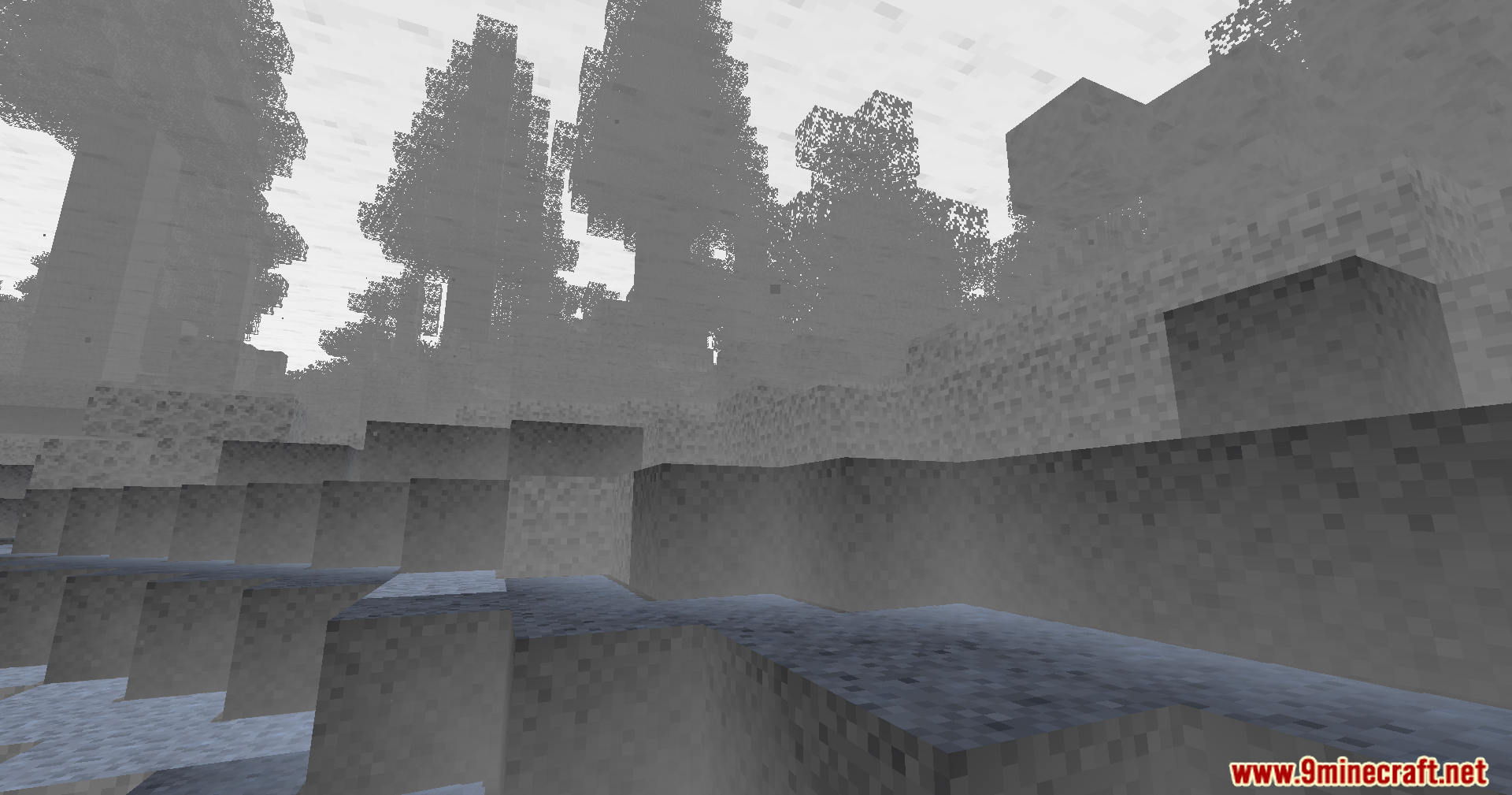
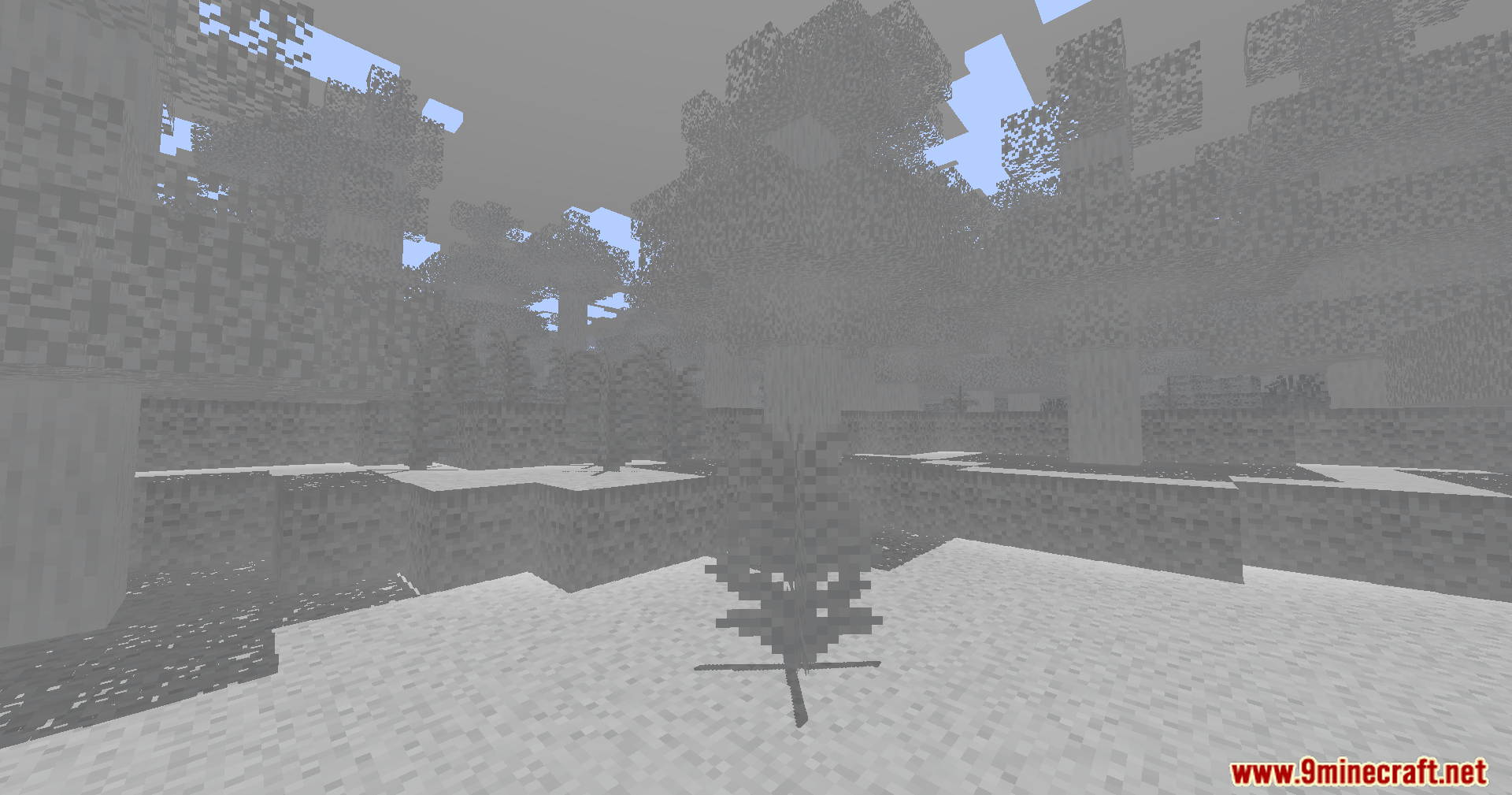
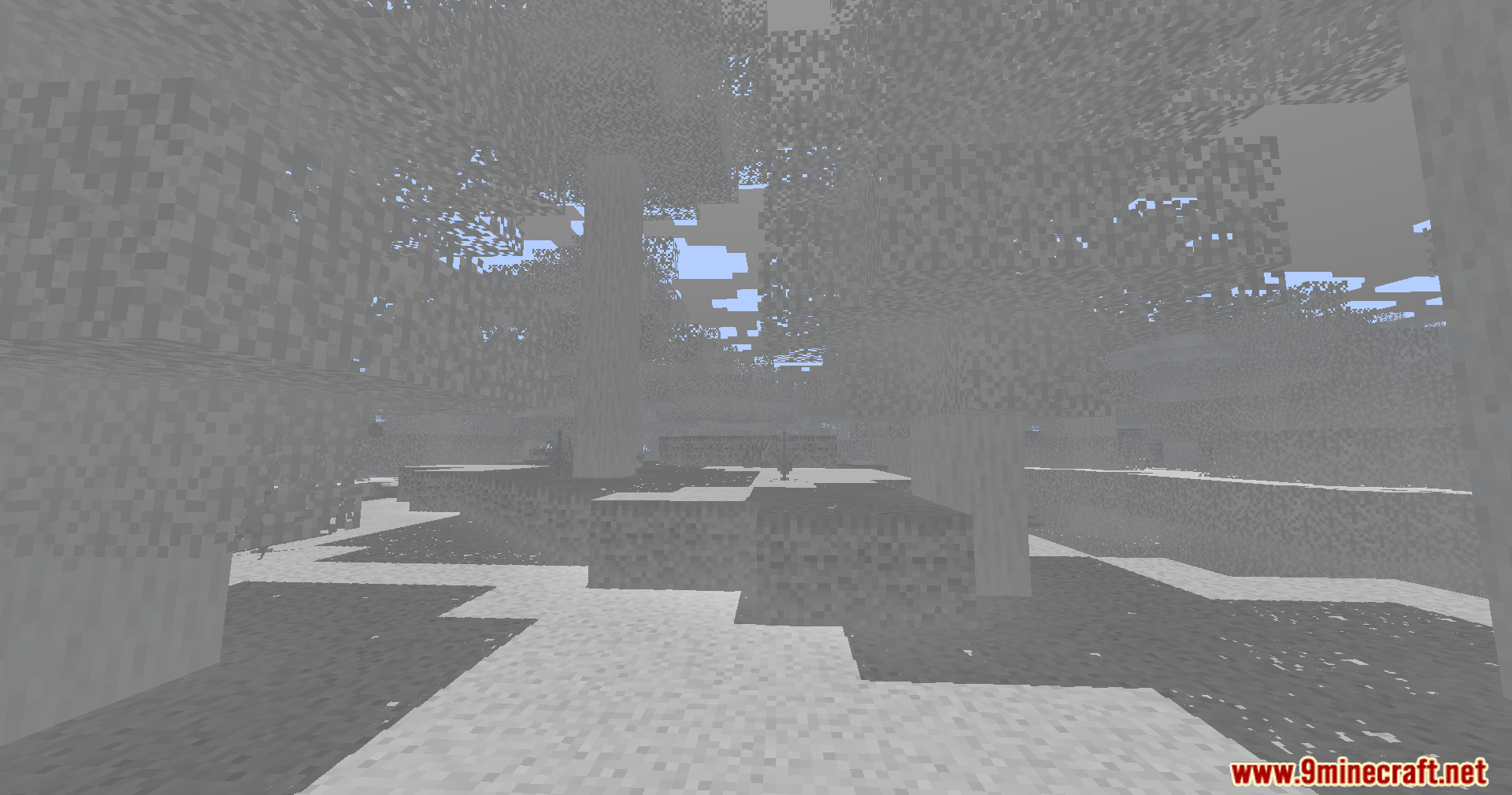
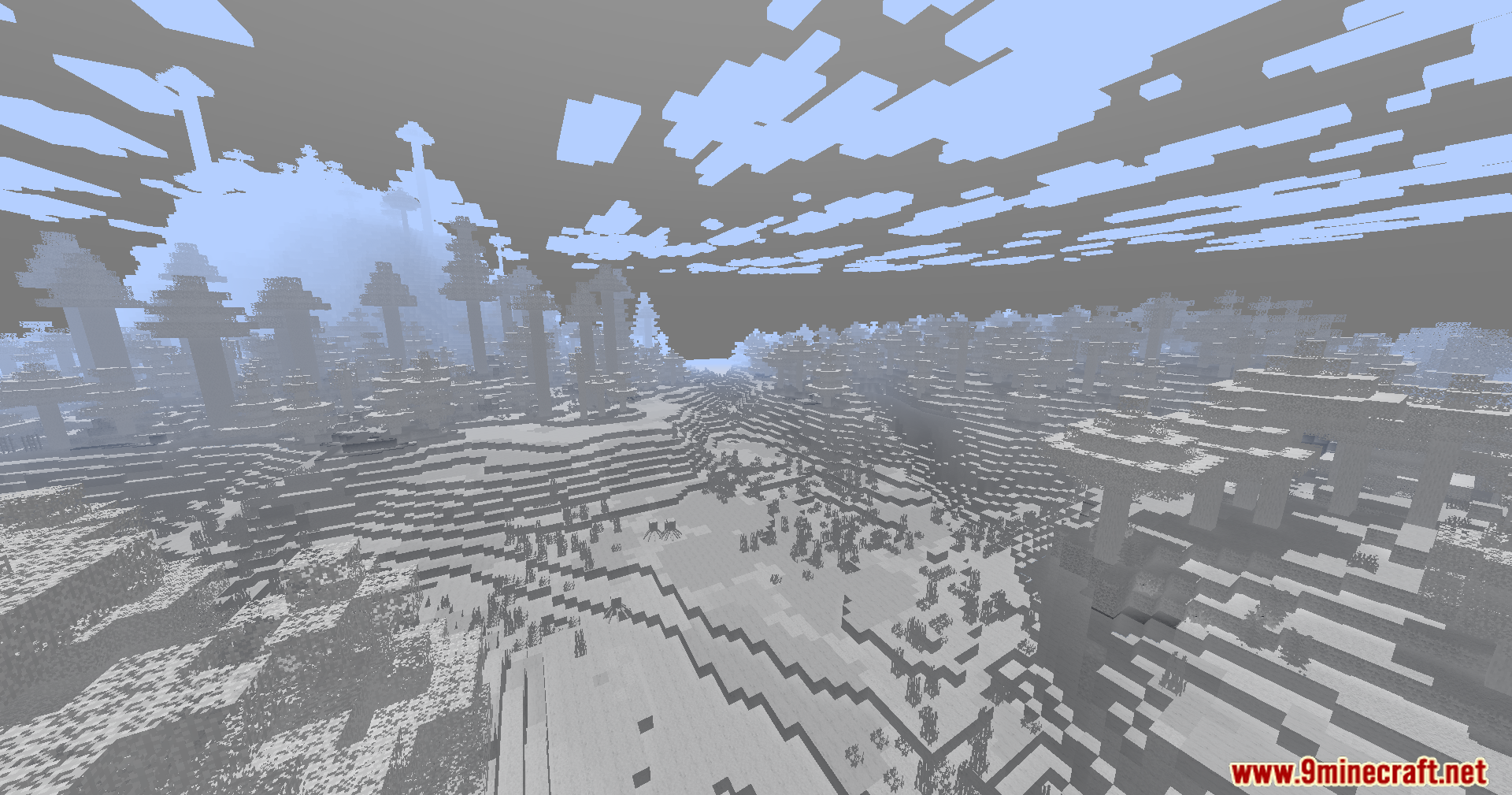
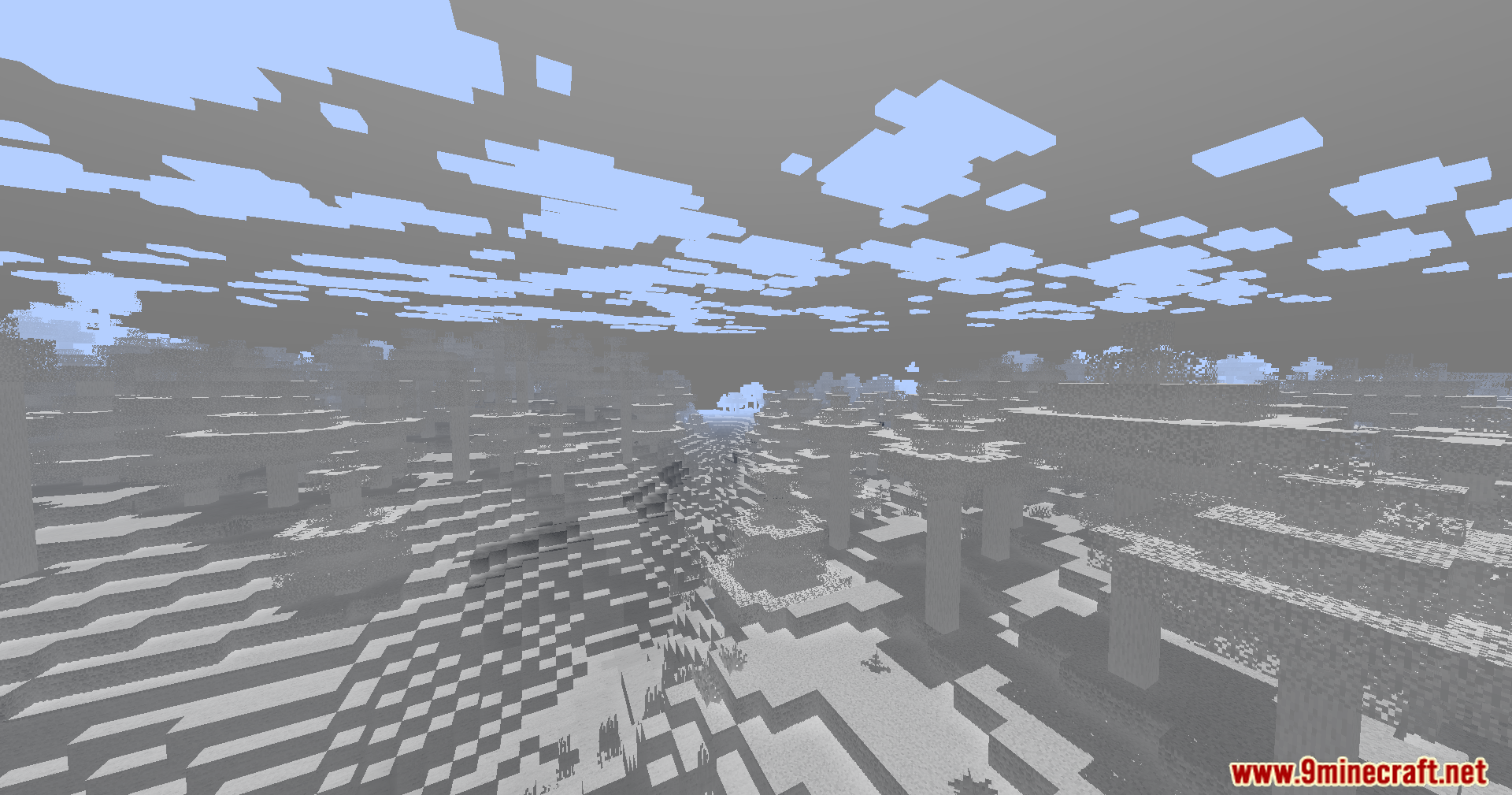
Colorless Black and White Shaders paints your Minecraft world in simple black and white colors. This shader removes the normal colors and turns everything into shades of gray. It runs smoothly on older computers that struggle with heavy graphics. You can still see special colored lights from torches or stained glass if you change the settings. For the best look, you should turn your in-game brightness down to zero percent. It gives the game a fun, old-movie style without causing lag.
Features:
- Black and White Mode: Turns your entire world into a classic black and white style.
- Low-End Friendly: Runs well on older PCs with low graphics power.
- Lets you hold a torch in your hand to light up the dark areas around you.
- Adds basic shadows and fog to make the world look nice.
- Gives you the choice to keep torch light gray or change it to a warm orange.
- Flashes a red light around your character when you take damage so you know you are hurt.
- Casts colored shadows on the ground when light shines through stained glass.
- Starts with inverted colors by default, but you can change this in the options menu.
Screenshots:
Colorless Black and White Shaders Download Links
- Edition: Minecraft Java
- File type: .zip (resource pack)
- Minecraft version listed: 1.20.1
- How to install: Download the .zip resource pack — do not unzip it. → Put it in .minecraft/resourcepacks. → Enable it in Options → Resource Packs.
- Where to get it: In MC Java Mods, or directly above on this page.
Install steps are the general flow for this file type — see the MC Java Mods guides for the full walkthrough.
- Downloads as 91161.mcpack
- Download size: 26 KB
- Download link checked 25 Jul 2026 — working
- Mirrored on our own servers — the download does not depend on the original host
These come from our own check of the pack file, not from the source page.