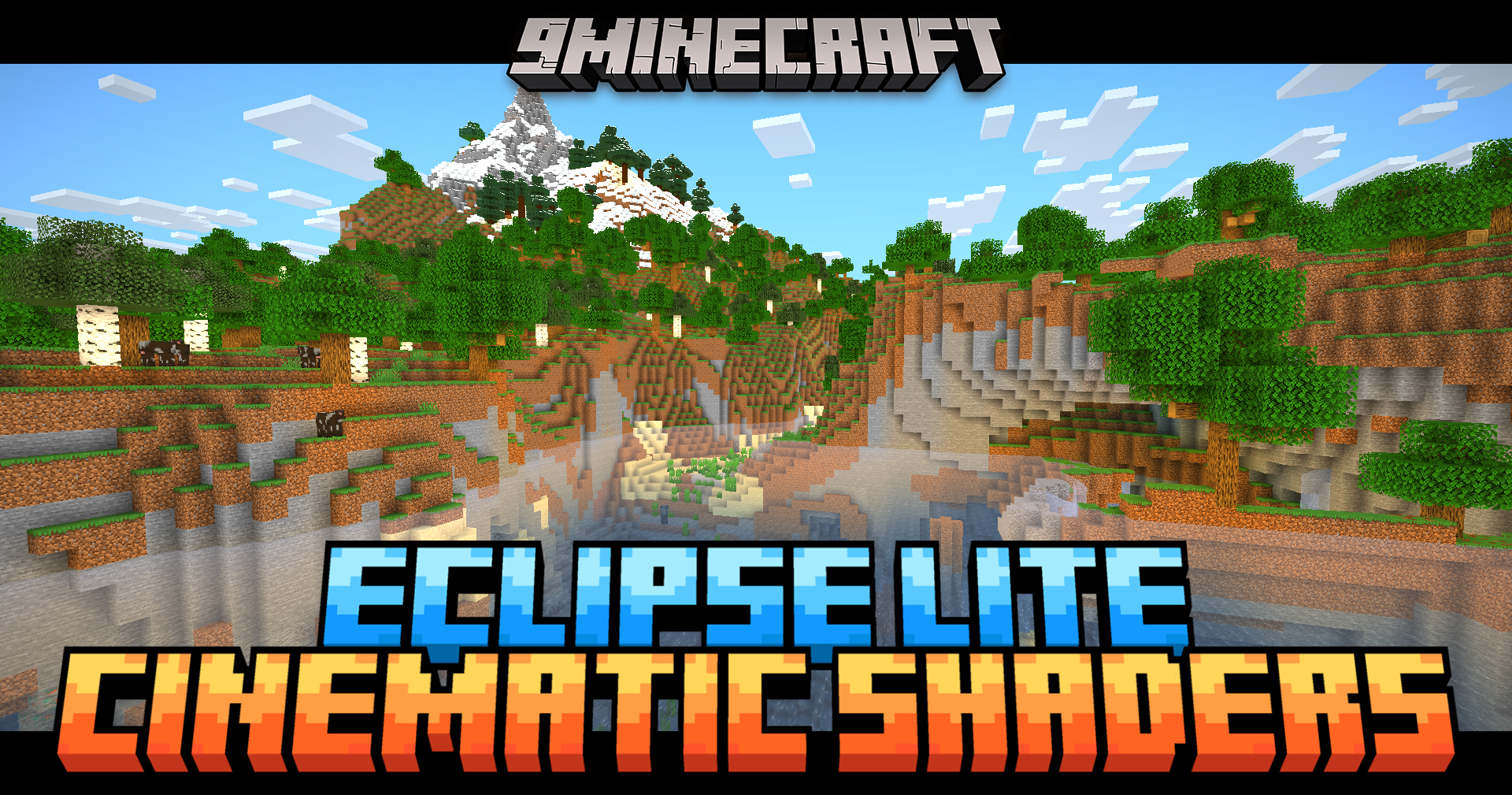
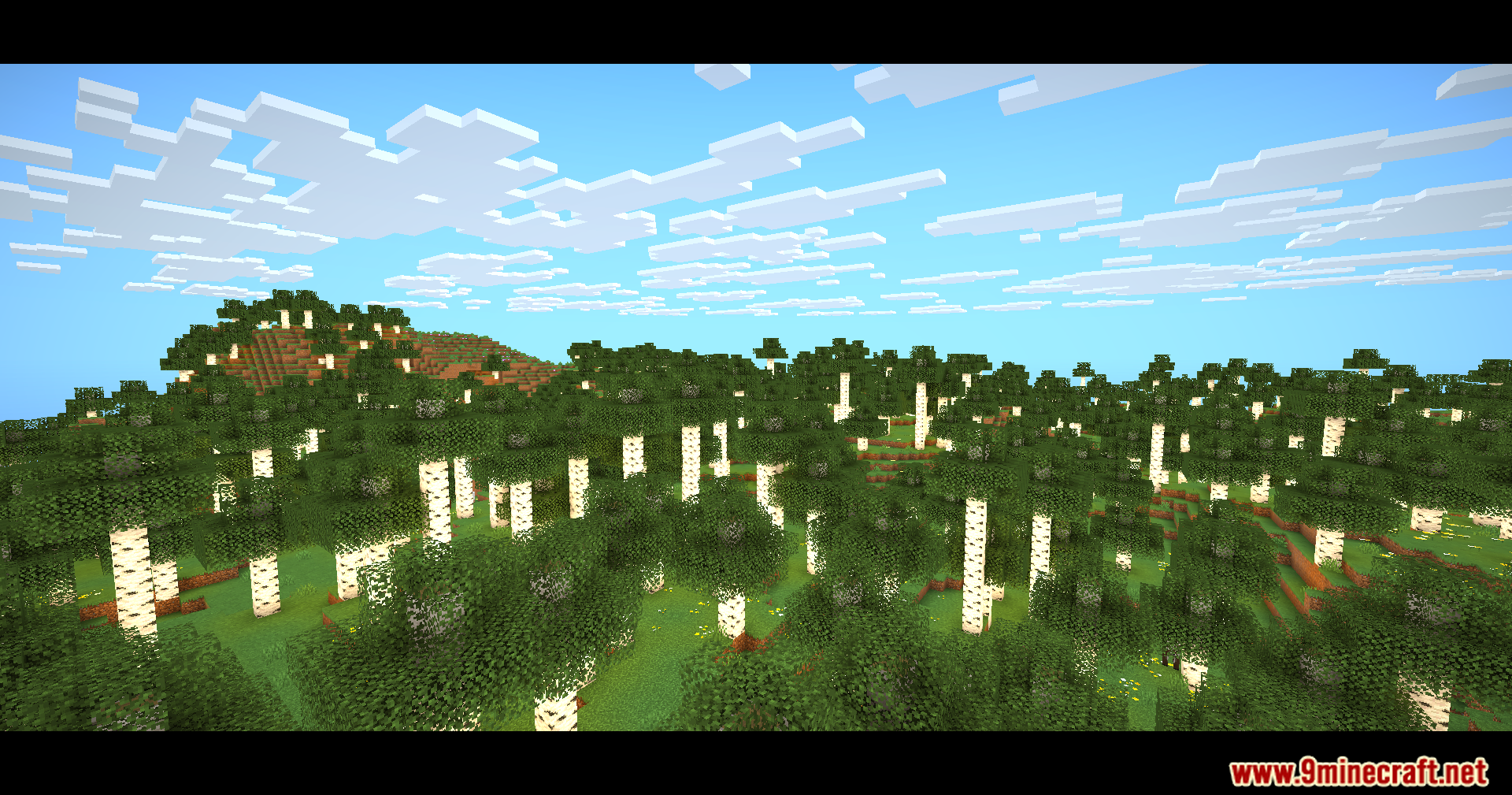
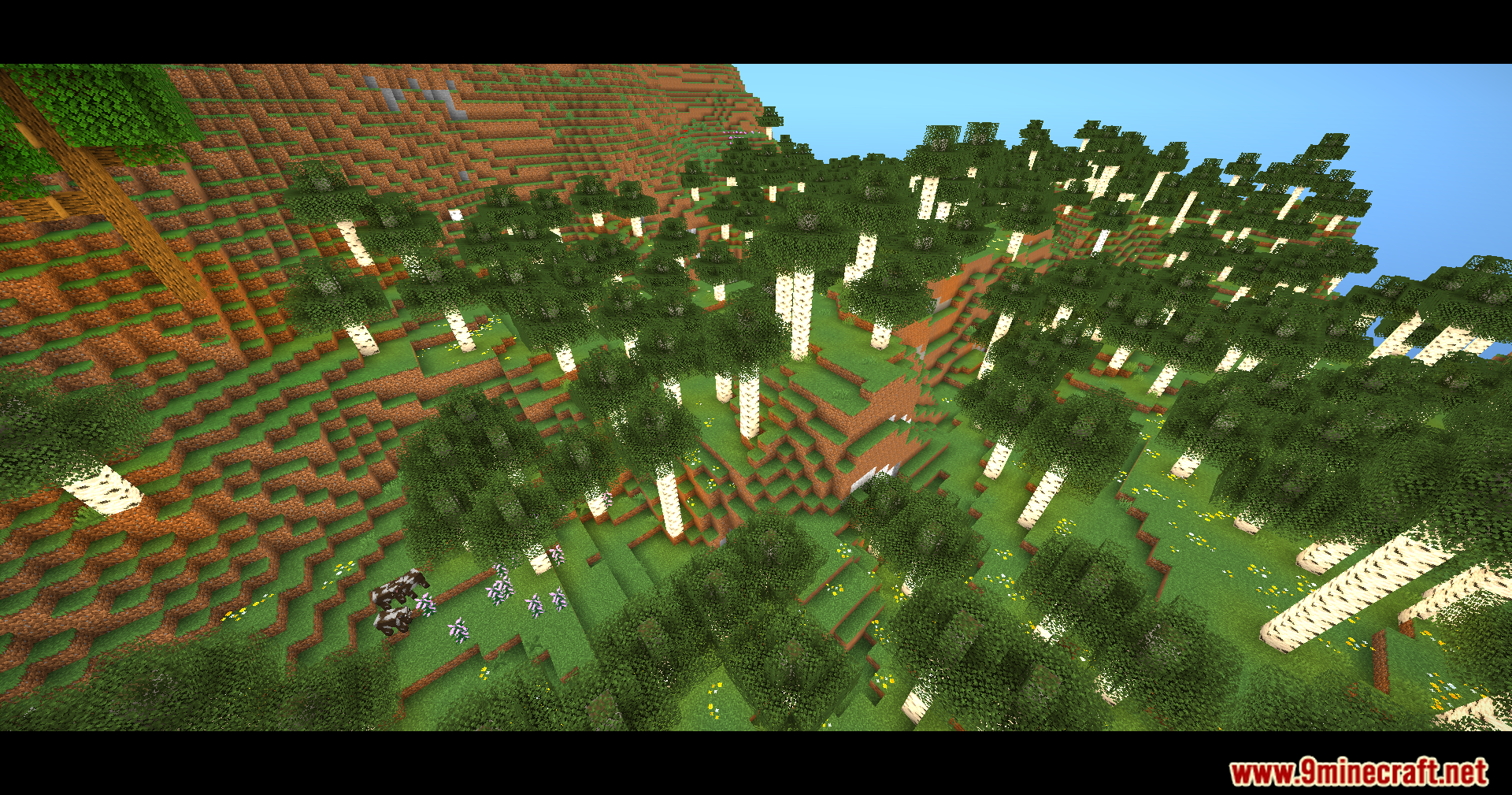
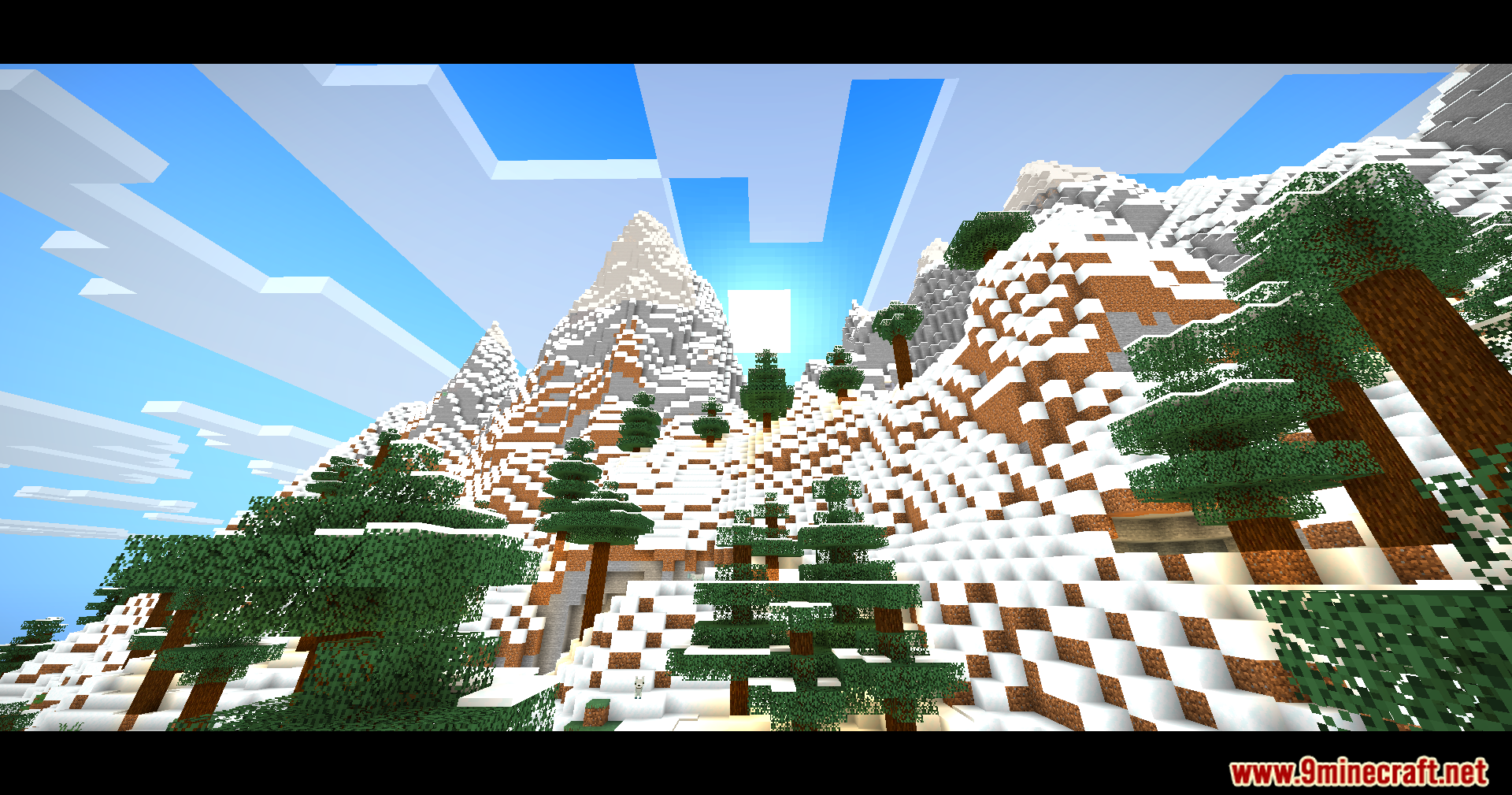
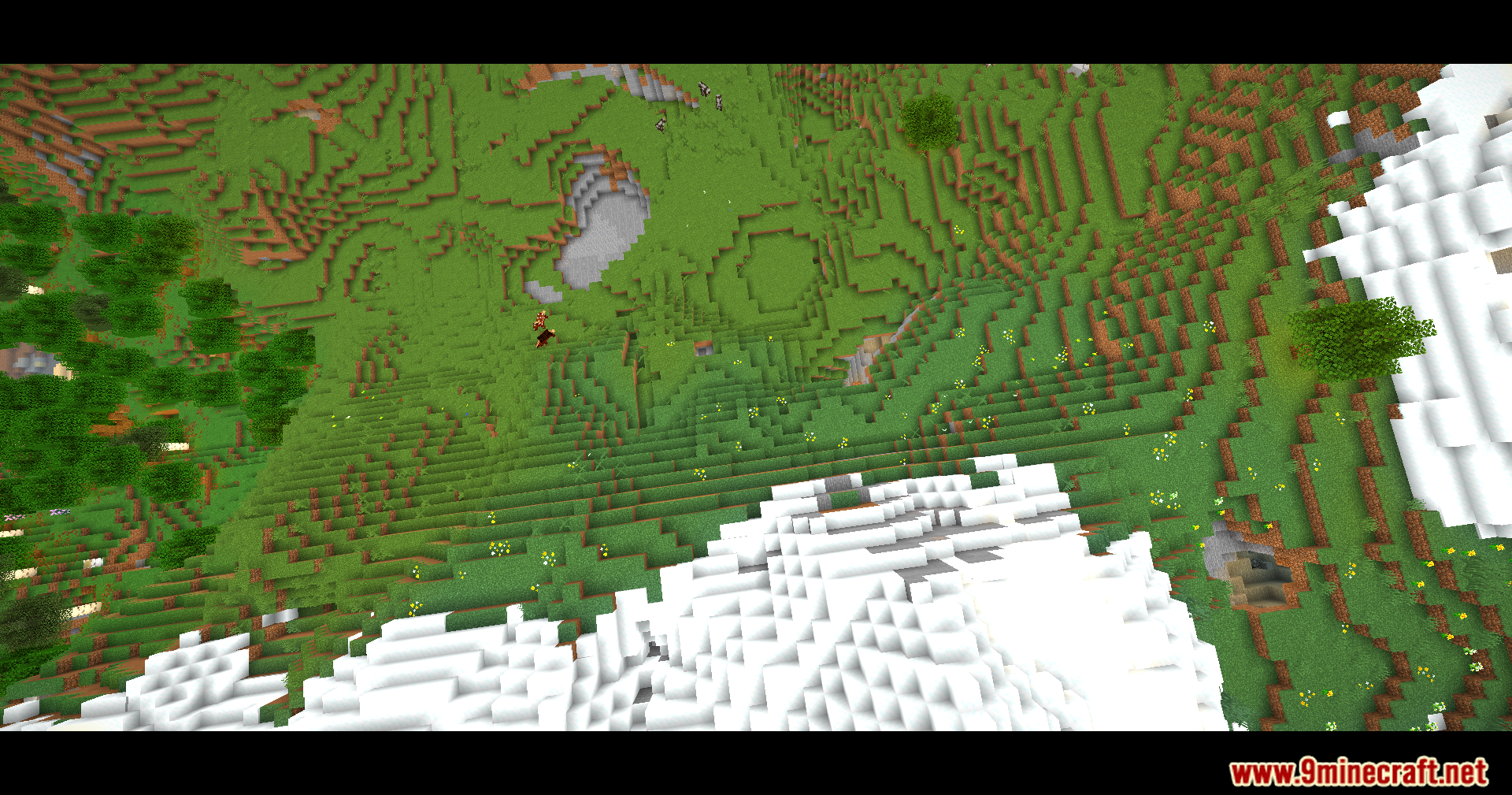
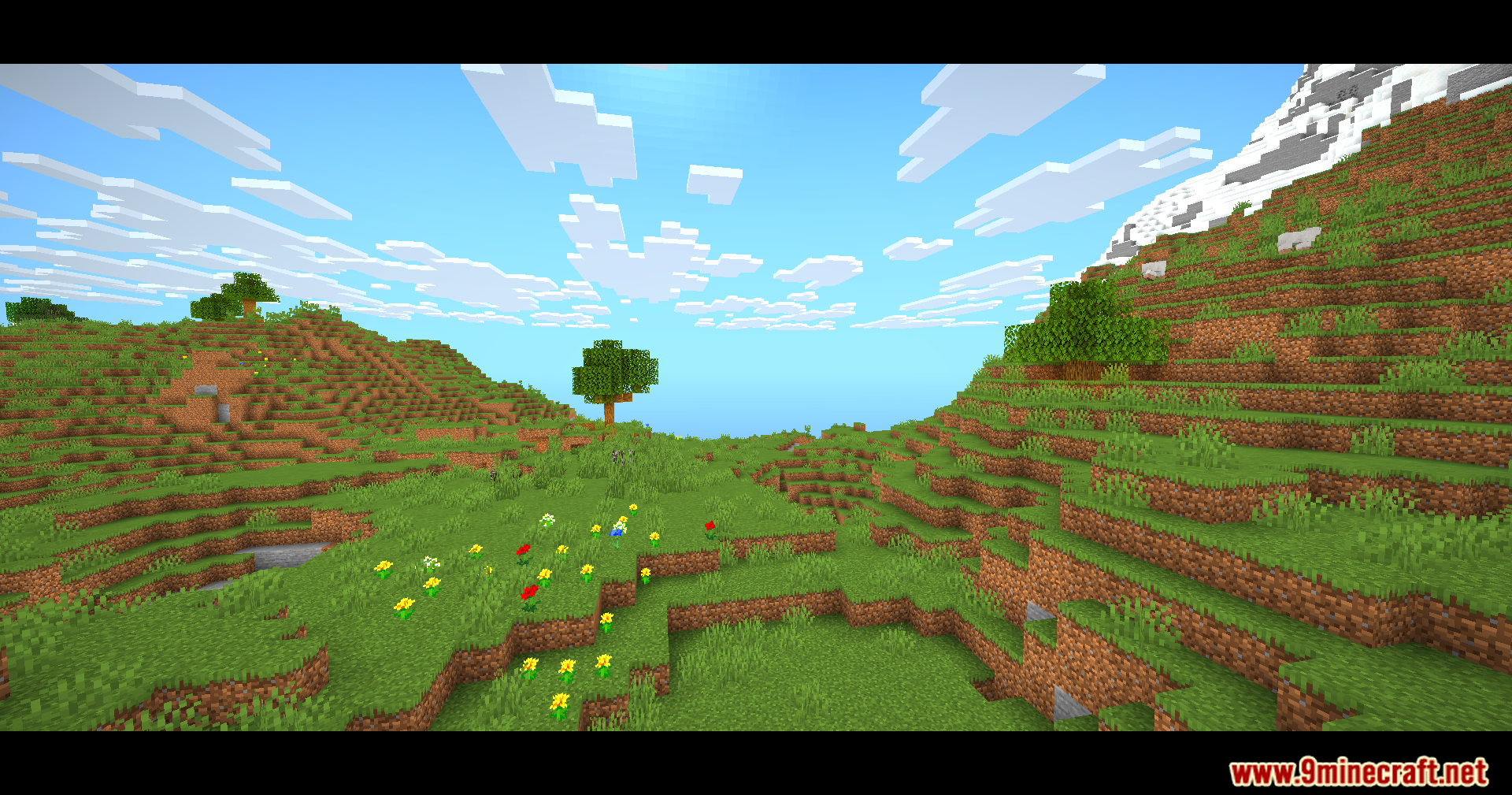
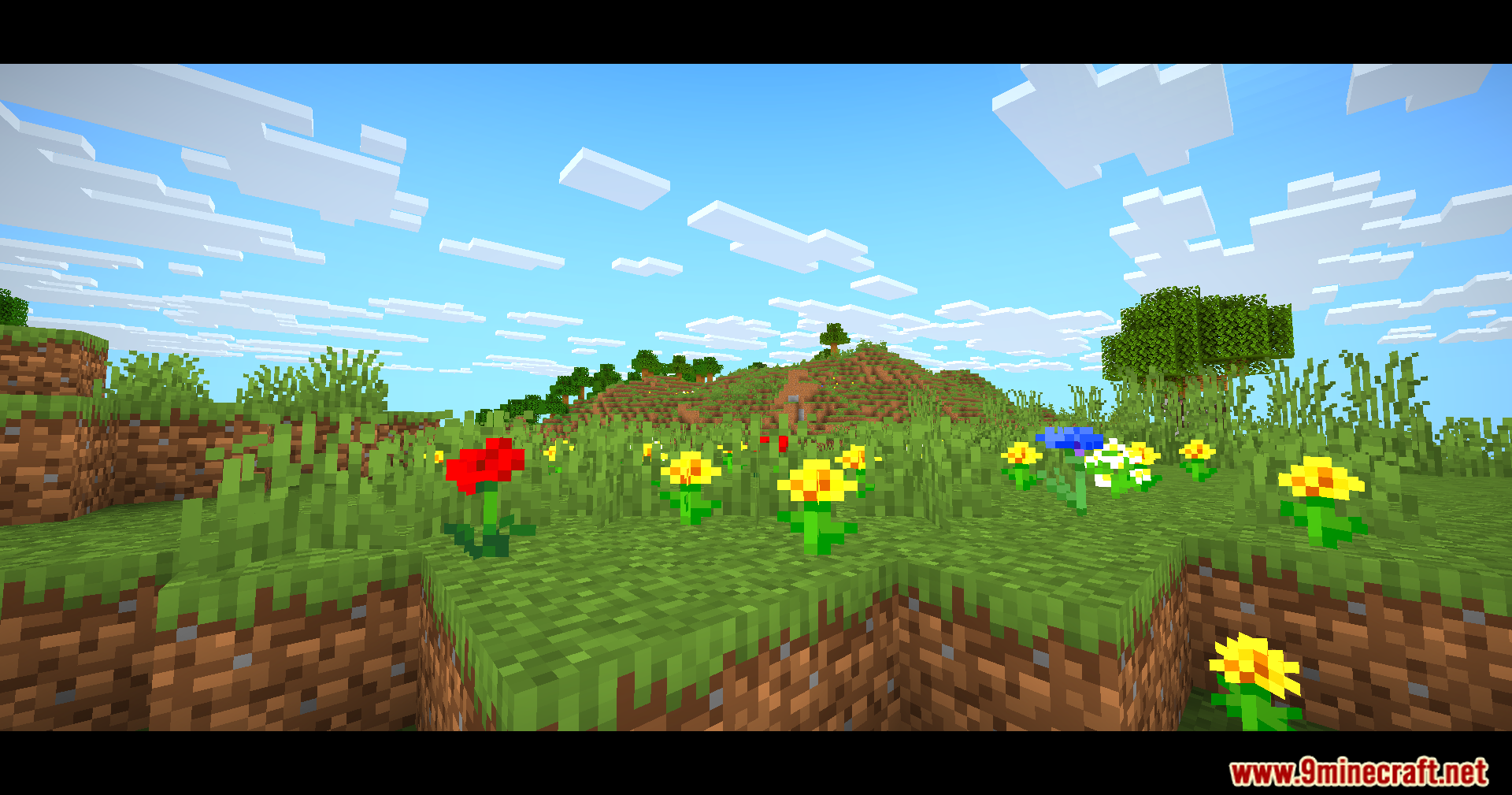
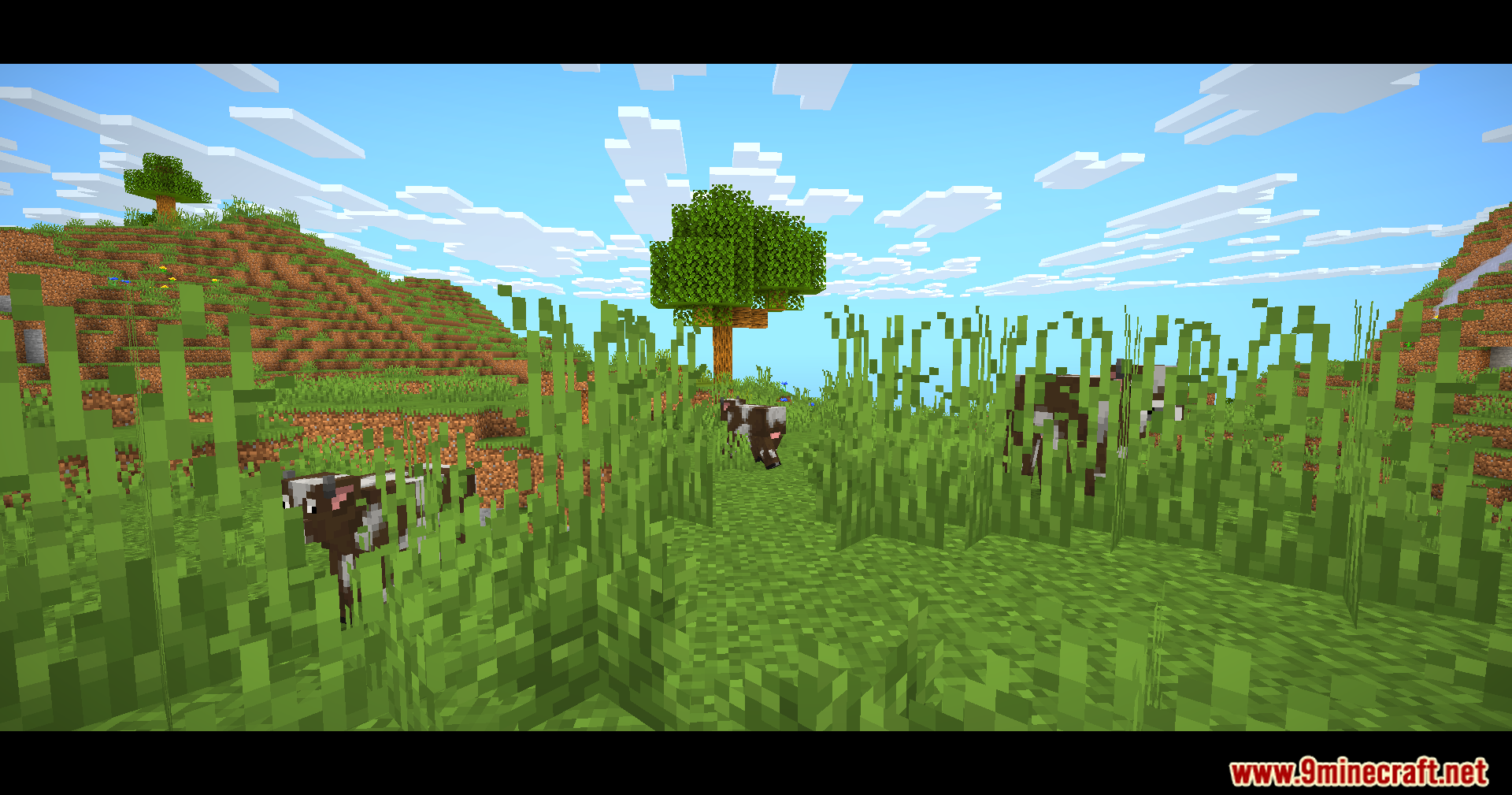
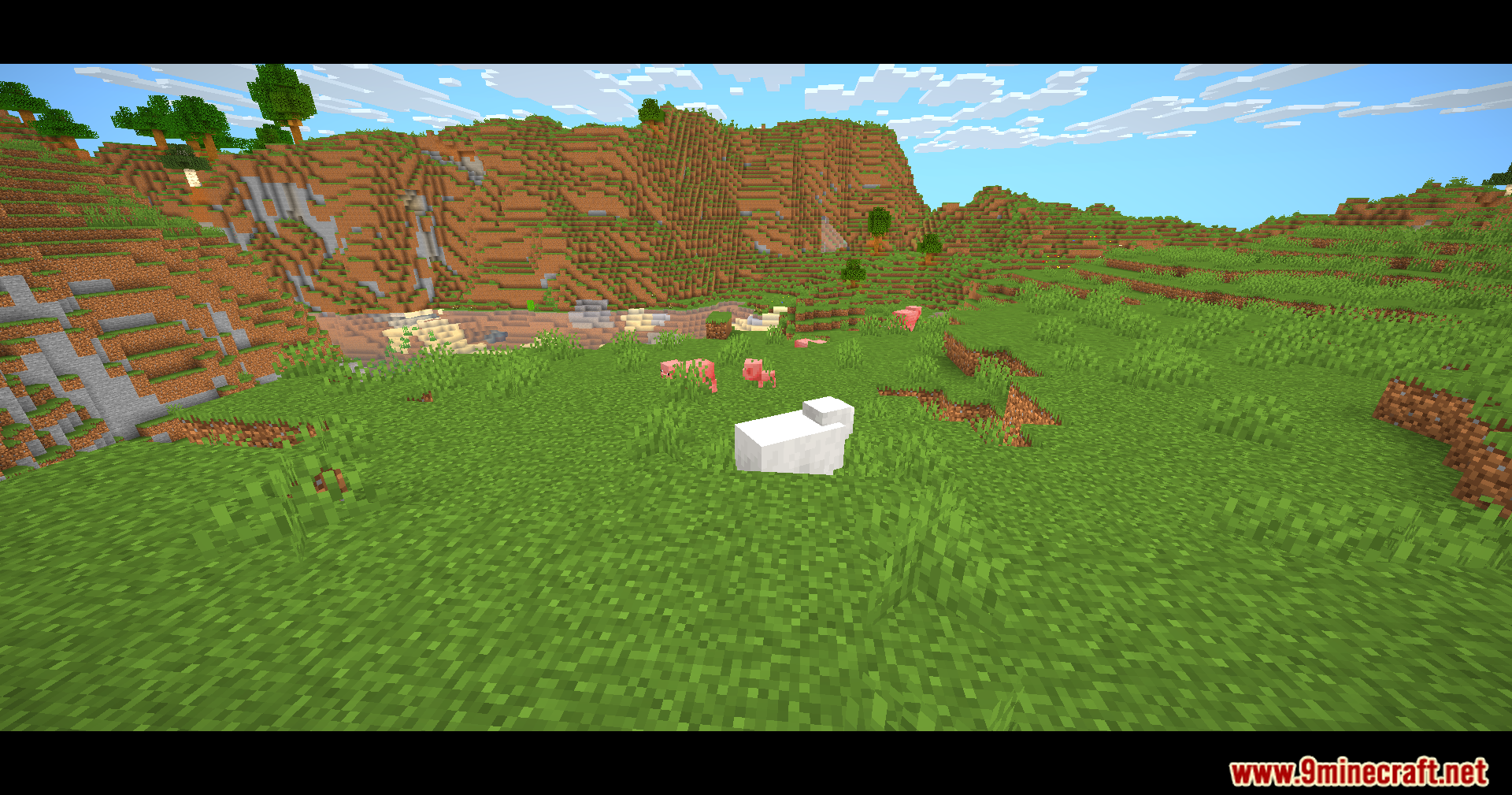
Eclipse Lite Cinematic Shaders casts cinematic black bars across your screen for a movie style. This shader pack is made for laptops and old computers that struggle with heavy graphics. It keeps the normal Minecraft style but gives you clear water while keeping your frame rate high.
Features:
- Cinematic View: Adds black bars to the top and bottom of your screen for a movie style.
- High Frame Rate: Removes heavy effects like bloom, motion blur, and depth of field to save frames.
- Keeps the water looking normal but makes it transparent for a cleaner view.
- Runs fast on old devices that cannot handle other light shader packs.
- Stops plants and leaves from waving to keep the game running fast.
🎛️ Compare Minecraft Shaders Side by Side →
Drag the slider across real in-game scenes — find YOUR perfect shader.
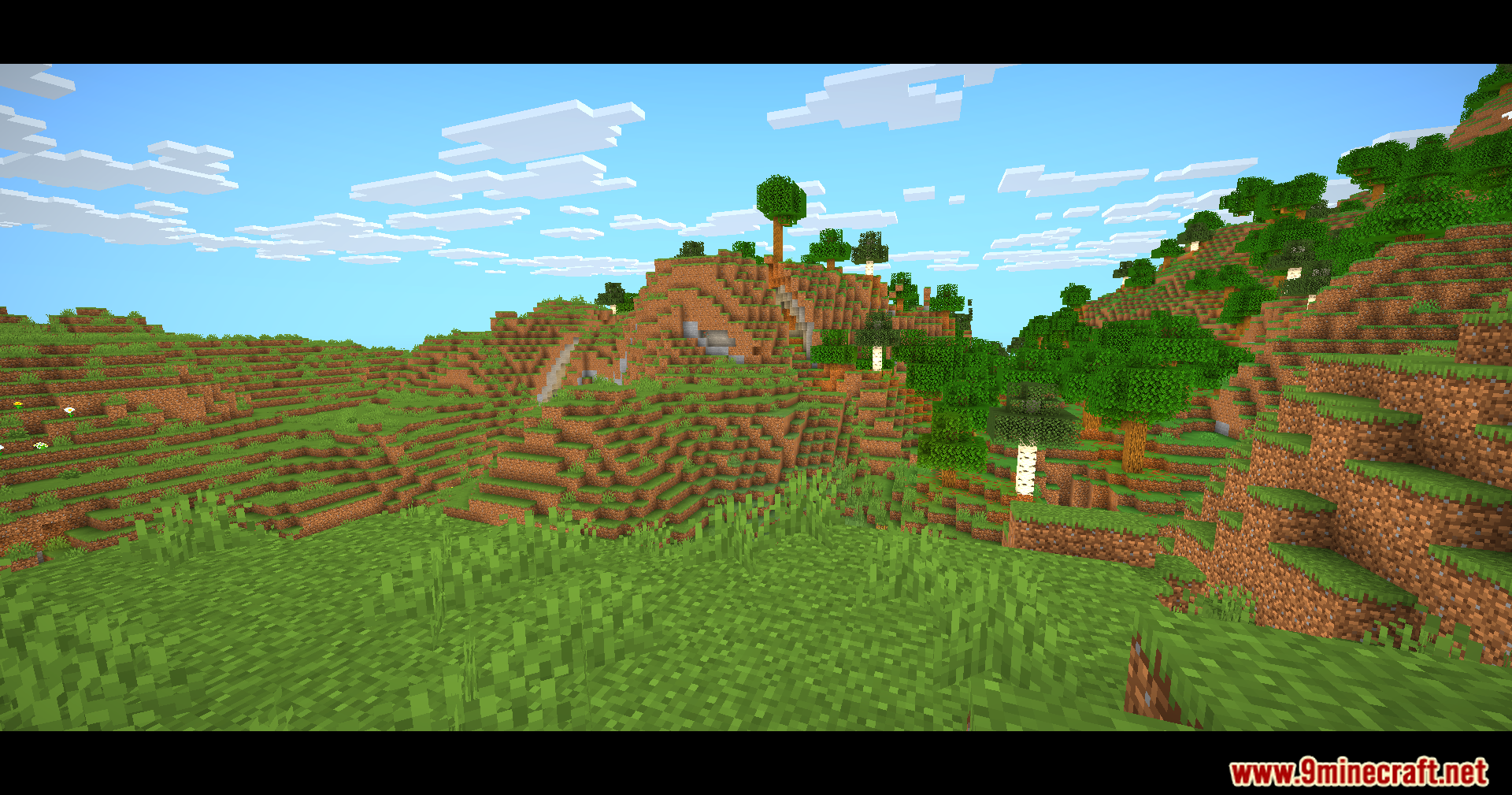
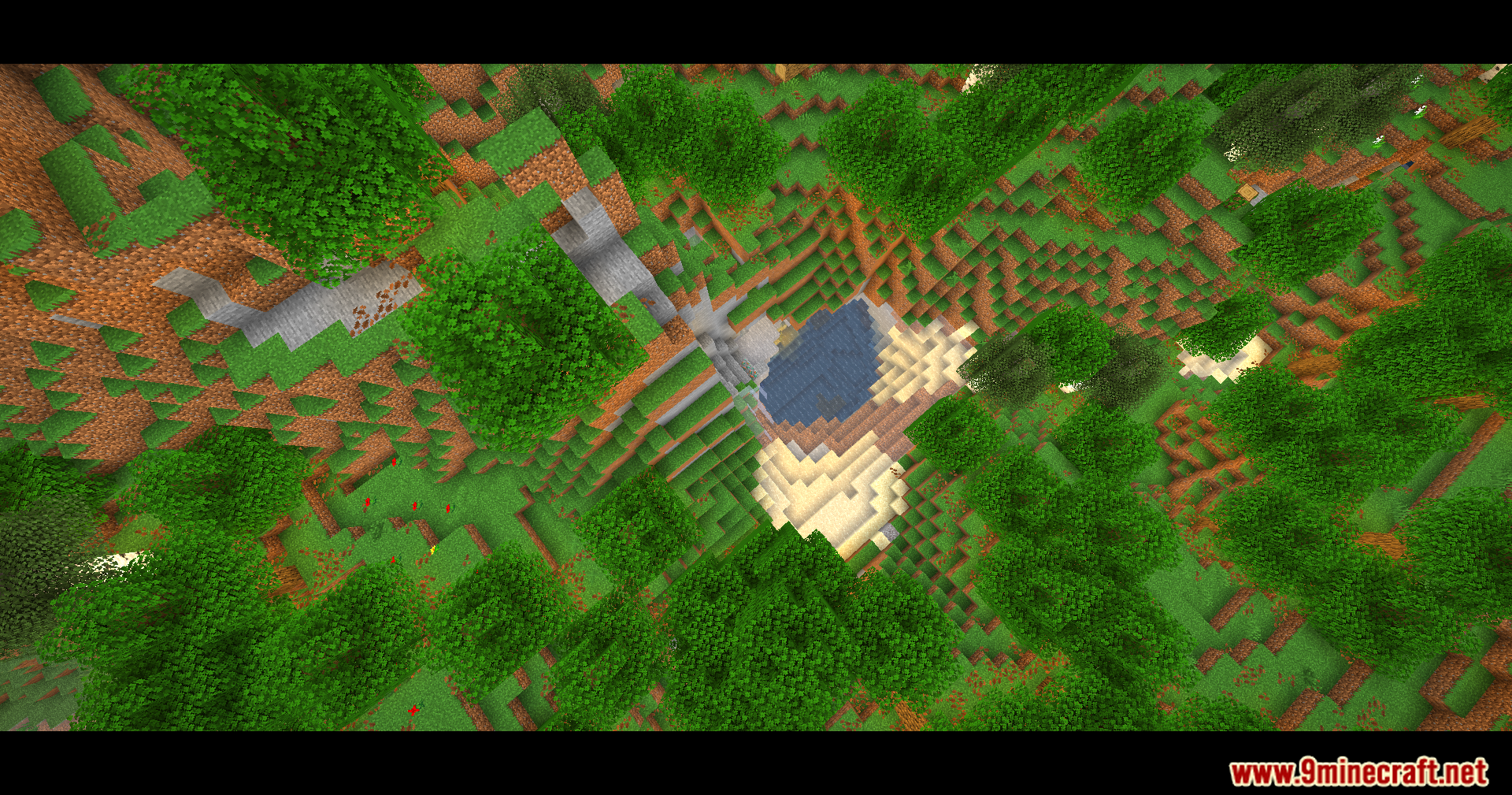
Screenshots:
Eclipse Lite Cinematic Shaders Download Links
Quick facts
- Edition: Minecraft Java
- File type: .zip (resource pack)
- Minecraft version listed: 1.20.1
- How to install: Download the .zip resource pack — do not unzip it. → Put it in .minecraft/resourcepacks. → Enable it in Options → Resource Packs.
- Where to get it: In MC Java Mods, or directly above on this page.
Install steps are the general flow for this file type — see the MC Java Mods guides for the full walkthrough.
Eclipse Lite Cinematic Shaders (26.1.2, 1.20.1) – Cinematic Black Bars is a free Minecraft Java shader. Compatible with Minecraft 1.20.1. Download it and open it directly in the game.