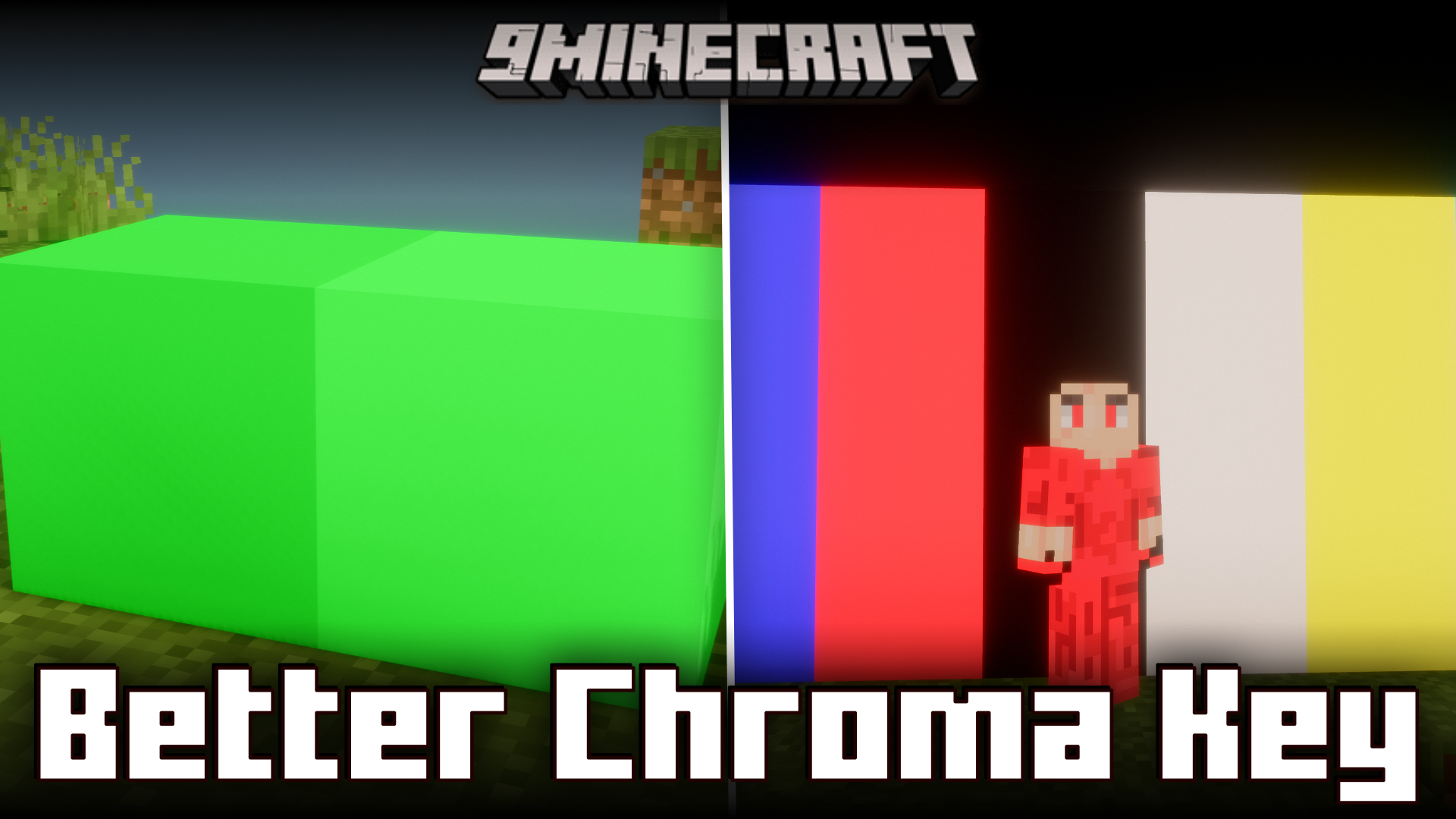
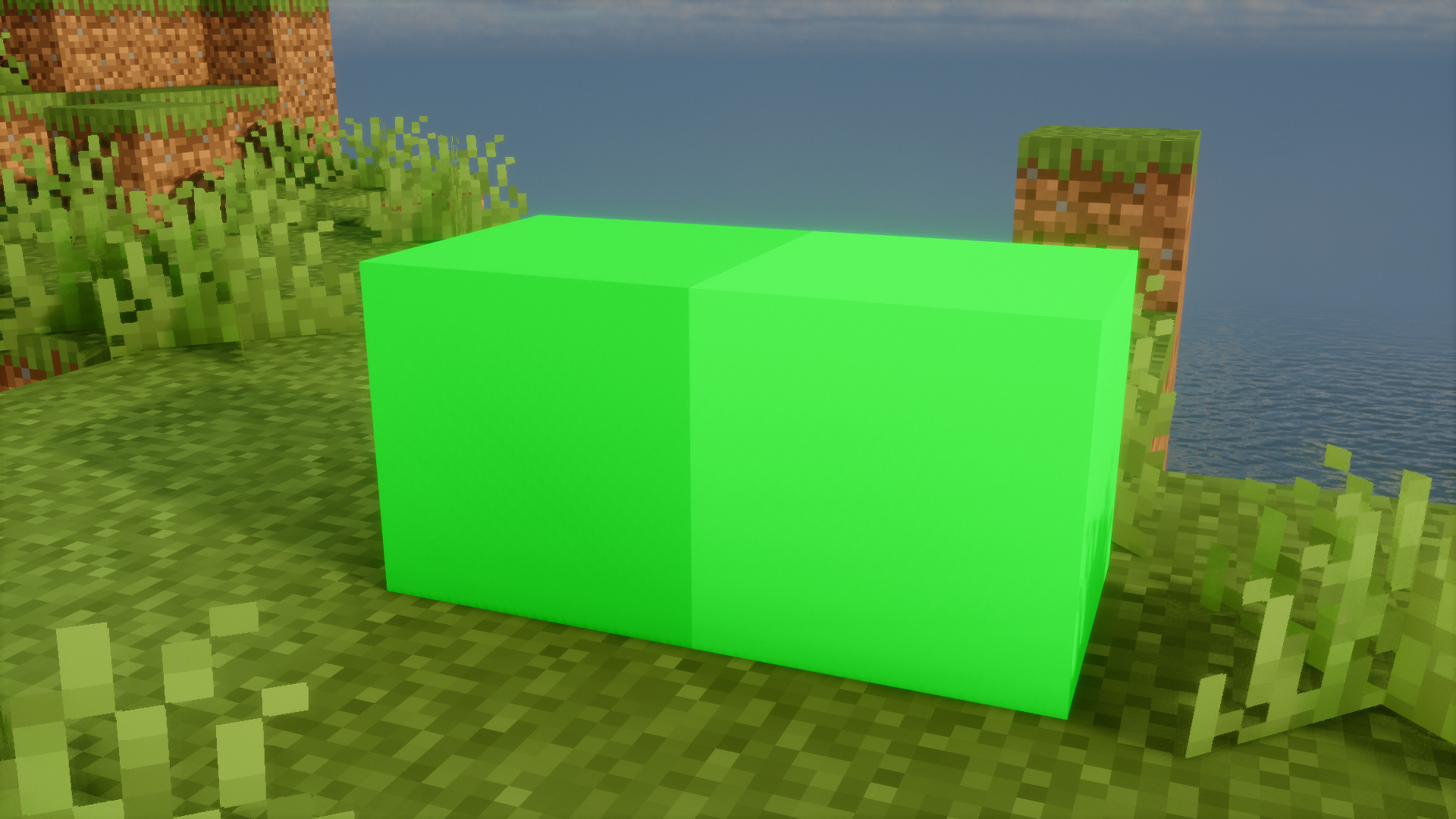
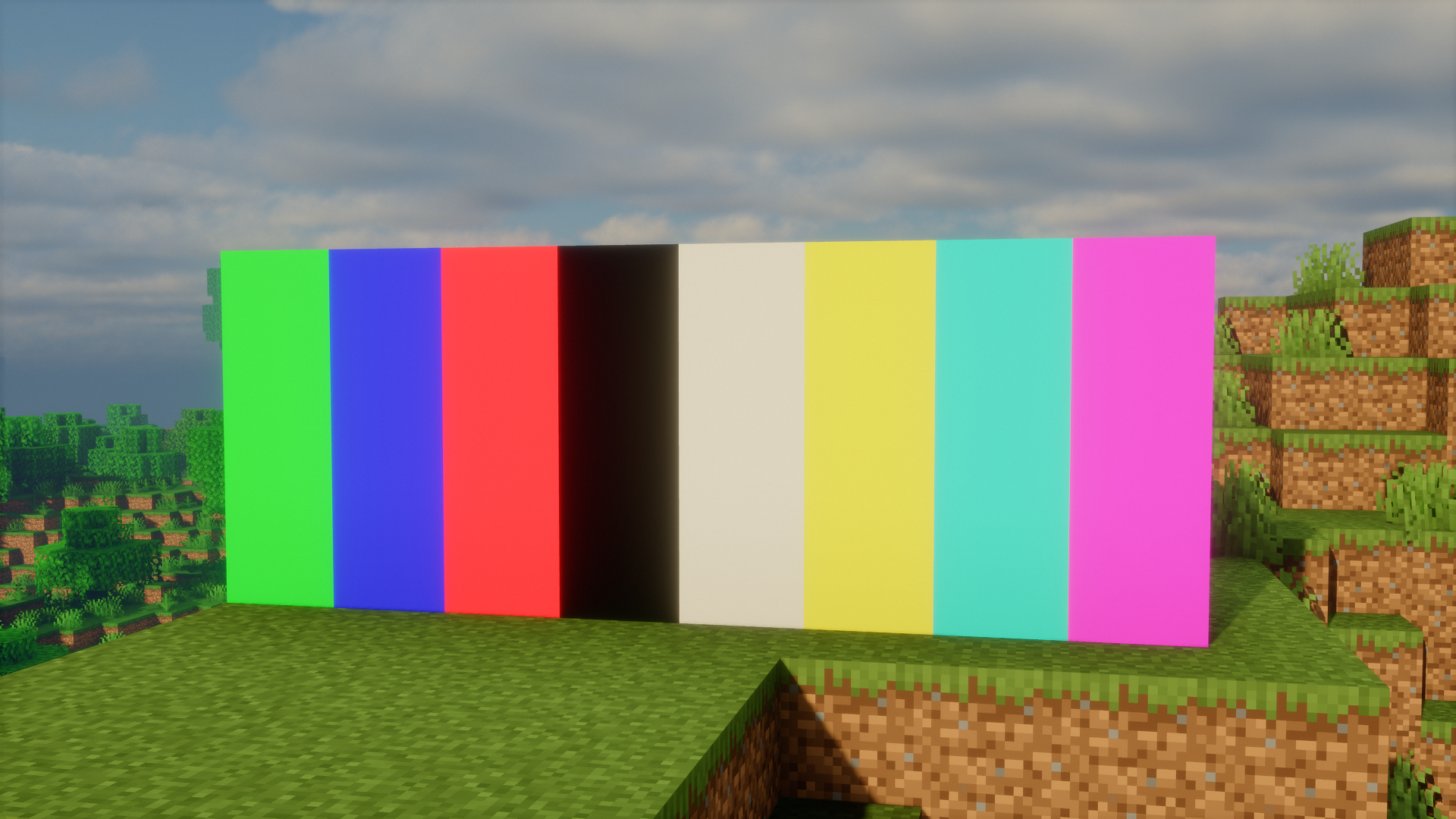
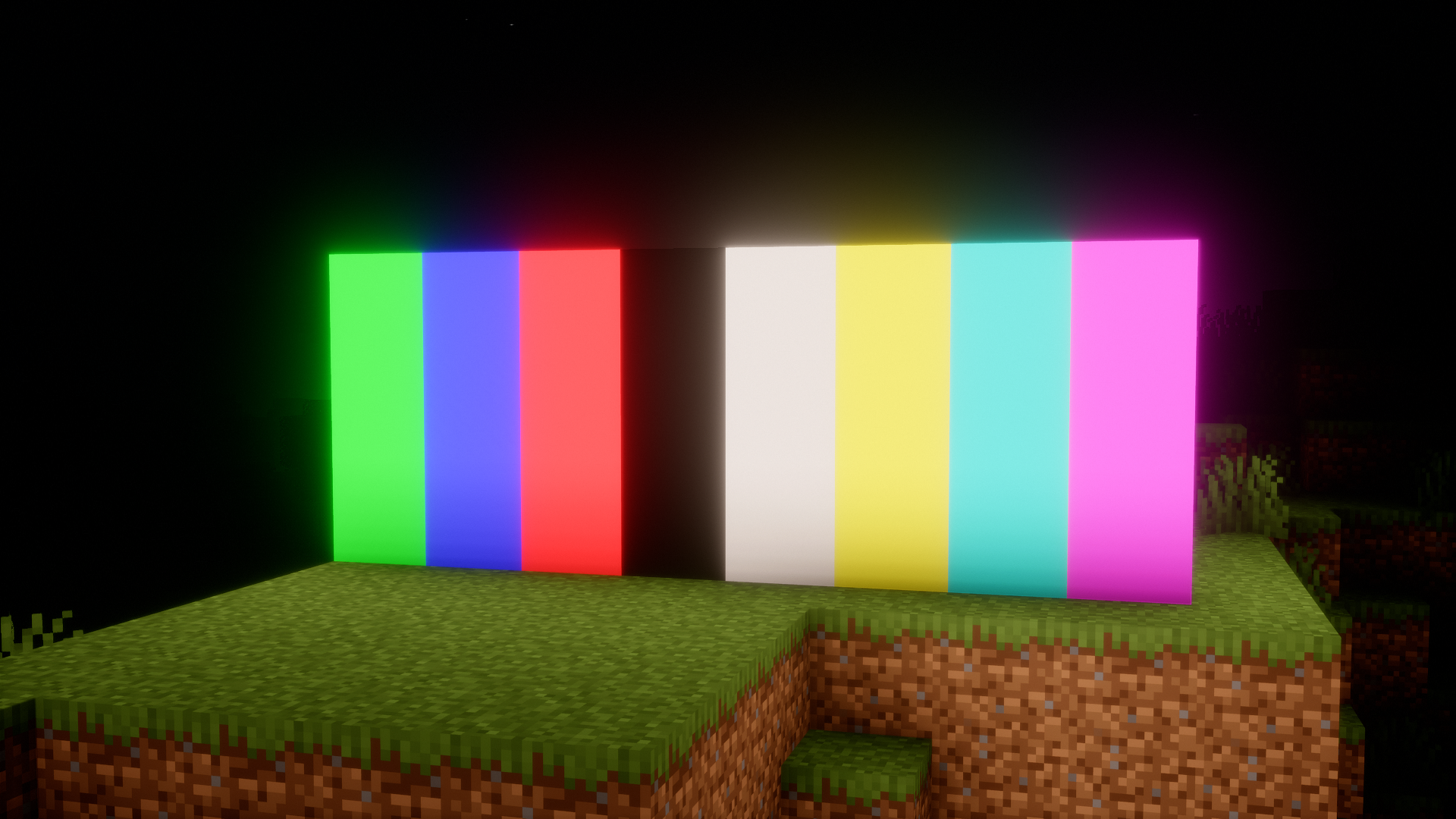
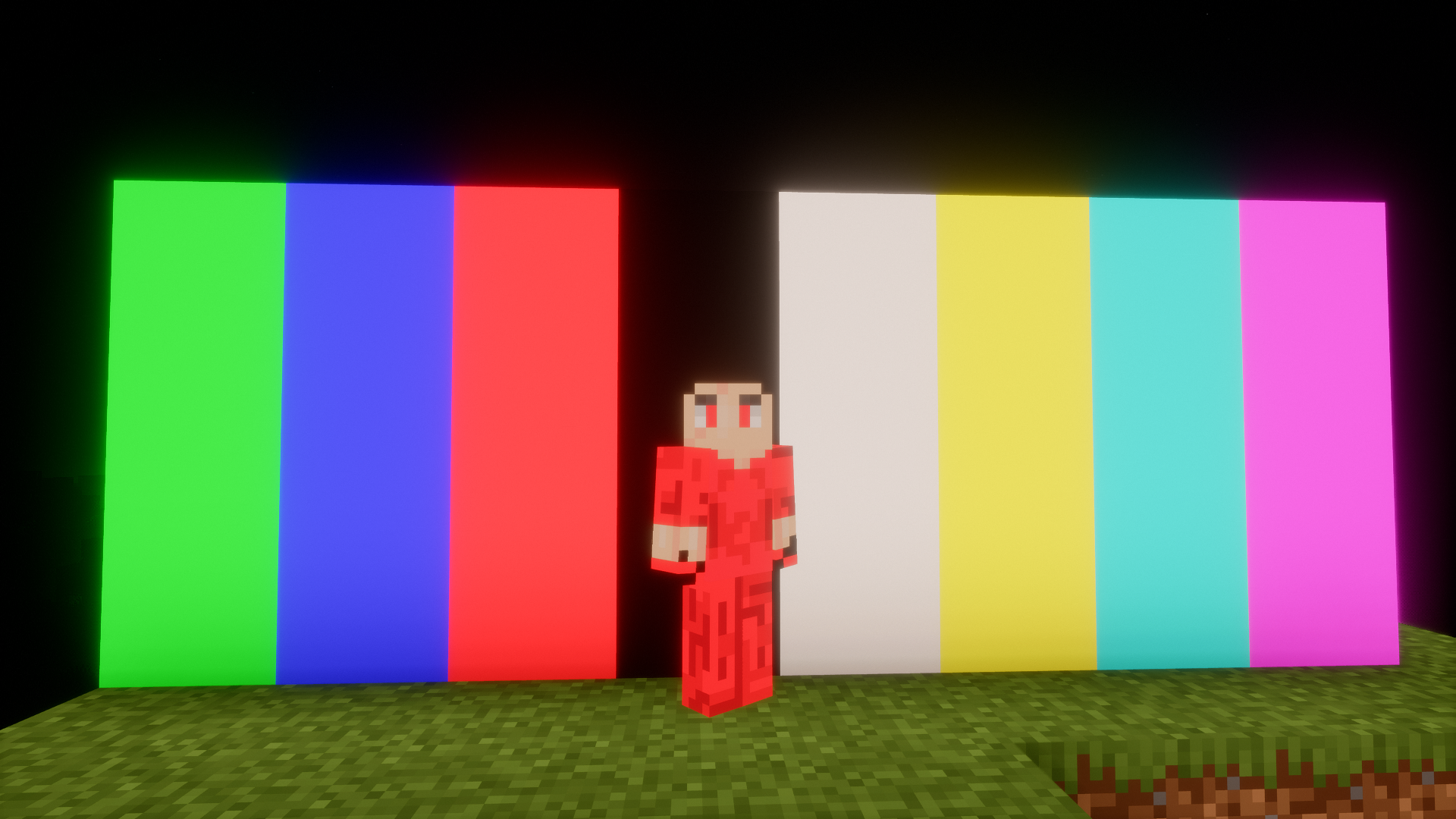
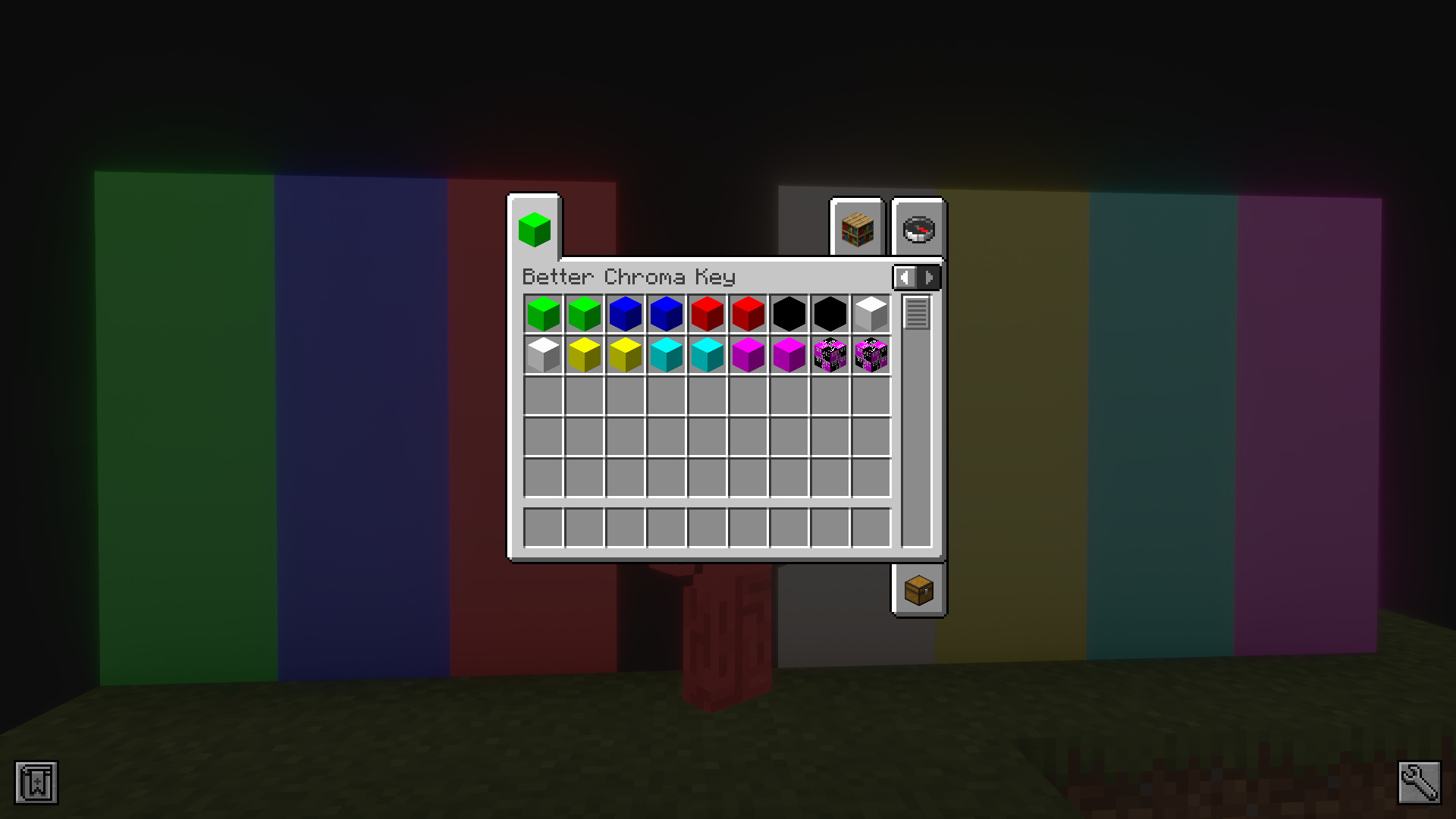
If you are a content creator, there might be scenes where you have to record in-game activity of a specific mob or a player and then change the background to a different one. In situations like these, single colored blocks will be of great help, as they allow you to easily pick and remove the background using a method called chroma keying. Better Chroma Key Mod helps achieve this by adding a collection of single colored blocks into the game. There are regular and light-emitting versions for each colored block.
Features:
- Adds single colored blocks into the game.
- Makes chroma keying easier when removing the background.
- Both regular and light-emitting variants of all blocks.
Screenshots:
Better Chroma Key Mod Download Links
- Edition: Minecraft Java
- File type: .jar
- Minecraft version listed: 1.21.1
- How to install: Install the matching mod loader (Forge, Fabric or NeoForge) for your Minecraft version. → Download the .jar. → Put it in the .minecraft/mods folder and launch that loader profile.
- Where to get it: Opens on the file's original source — not every file is mirrored on our own servers.
Install steps are the general flow for this file type — How to install Minecraft Java mods & modpacks walks through it step by step.
Better Chroma Key Mod (26.2, 1.21.1) – Single Colored Blocks For Creators is a free Minecraft Java mod. Compatible with Minecraft 1.21.1. Download it and open it directly in the game.