ModsJava
FTB Backups (Forge)
Java mod listed for Minecraft 1.16. File opened and checked on 8 Oct 2026; downloads from the MC Java Mods app on Android.
⬇ Download on CurseForge⚠ Legacy!
FTB Backups (1) is only available for Minecraft version up to 1.16.5
For newer versions, see FTB Backups 2 (1.18.2 -> 1.21.5), and FTB Backups 3 (1.21.1 -> present)
Features:
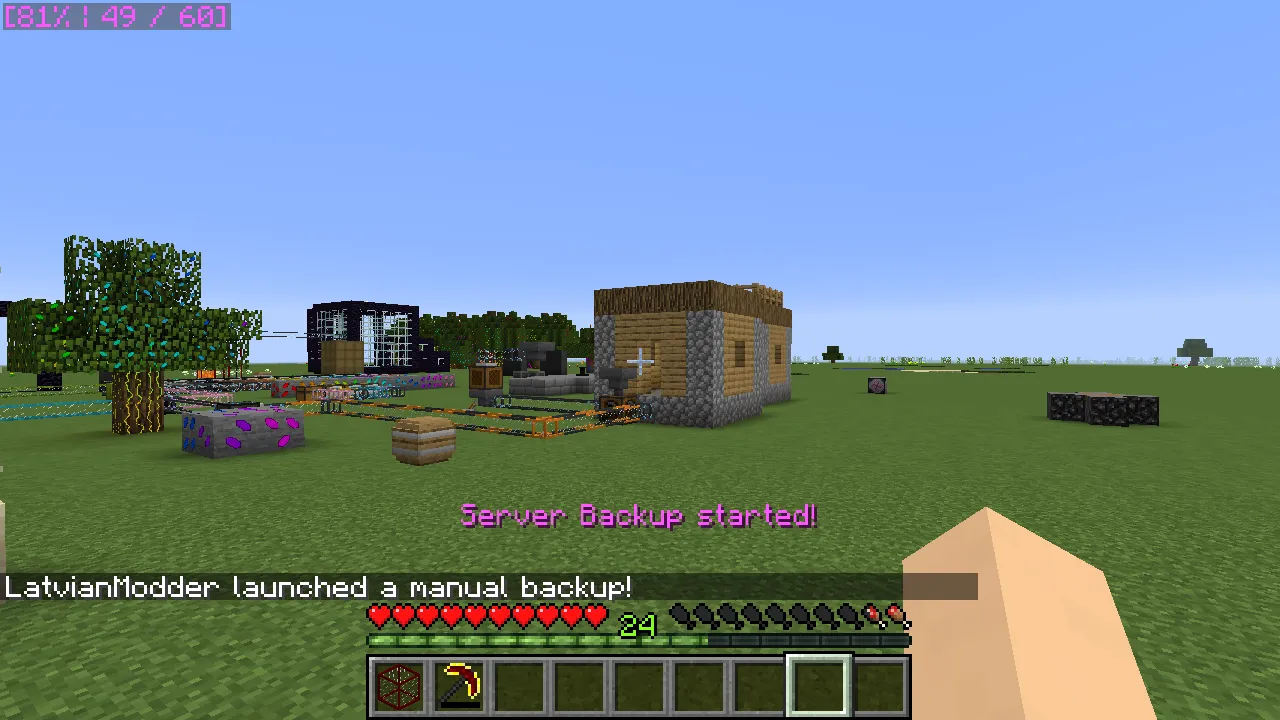
- Displays current progress in corner of game while backup is running
- Can create backups only when players are online
- Silent backups, no messages will be printed in chat
- Configurable amount of backups you can keep
- Configurable timer
- Configurable compression level for .zip
- Configurable extra files you can add to .zip
Commands:
- /backup start [custom name] - Starts backup manually. You can specify name if you want a custom one
- /backup size - Prints current world size and total backup size
- /backup time - Prints time until next backup
Support
- For Modpack issues, please go here: https://go.ftb.team/support-modpack
- For Mod issues, please go here: https://go.ftb.team/support-mod-issues
- Just got a question? Check out our Discord: https://go.ftb.team/discord
Keep up to date


Quick facts
- Edition: Minecraft Java
- File type: .jar
- Minecraft versions listed: 1.16.5, 1.16.3, 1.16.1
- How to install: Install the matching mod loader (Forge, Fabric or NeoForge) for your Minecraft version. → Download the .jar. → Put it in the .minecraft/mods folder and launch that loader profile.
- Where to get it: Opens on CurseForge — not every file is mirrored on our own servers.
Install steps are the general flow for this file type — How to install Minecraft Java mods & modpacks walks through it step by step.
FTB Backups (Forge) is a free Minecraft Java mod. Compatible with Minecraft 1.16.5, 1.16.3, 1.16.1, 1.16.4 and newer. Downloaded 78,245,689 times (via CurseForge). Download it and open it directly in the game.