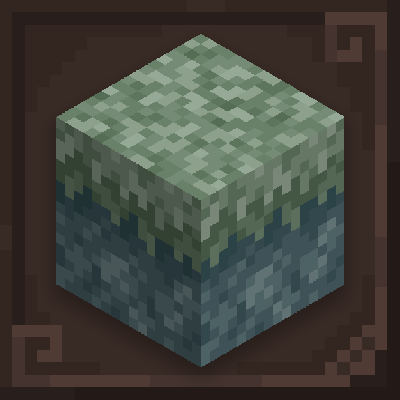
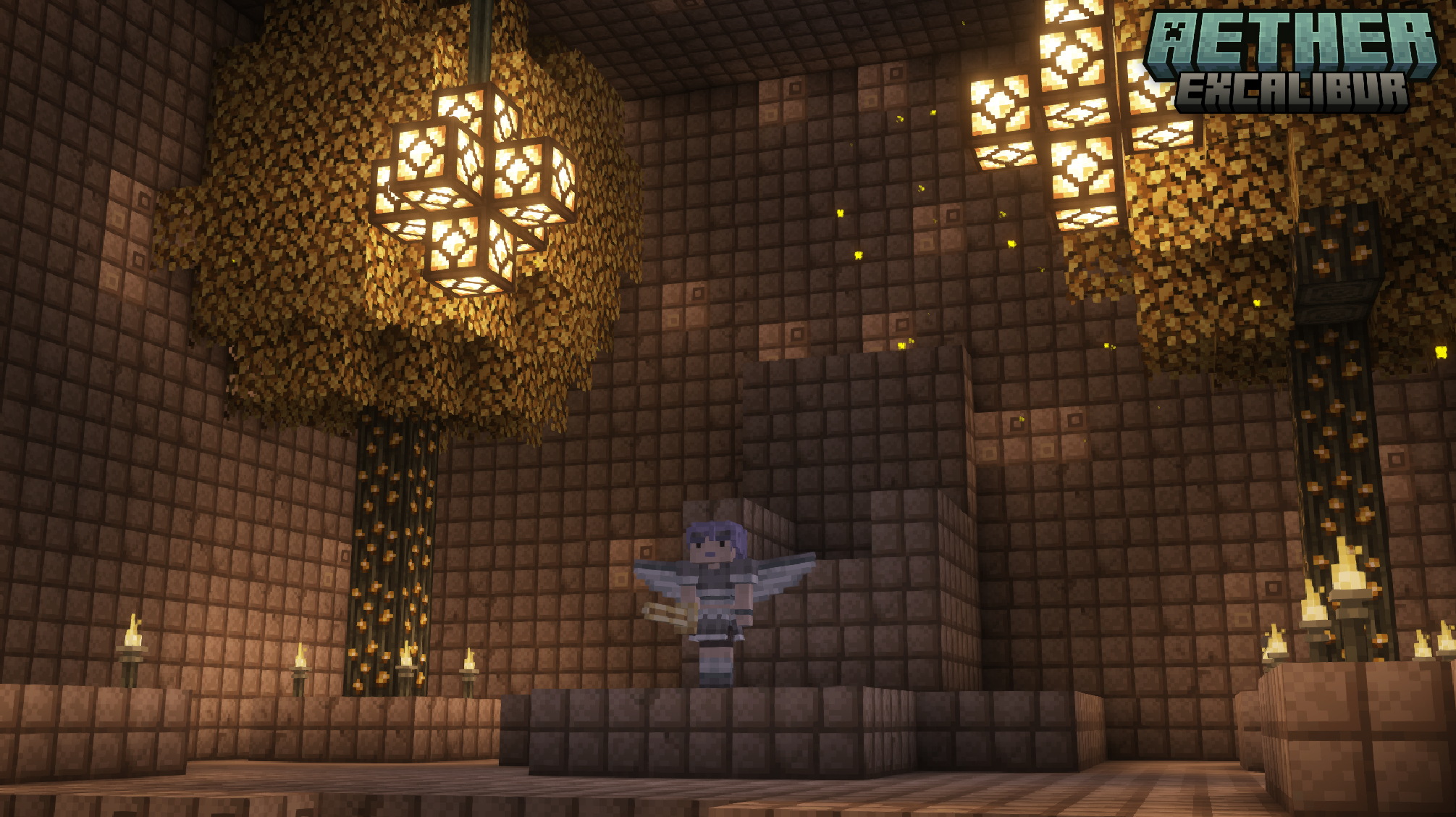
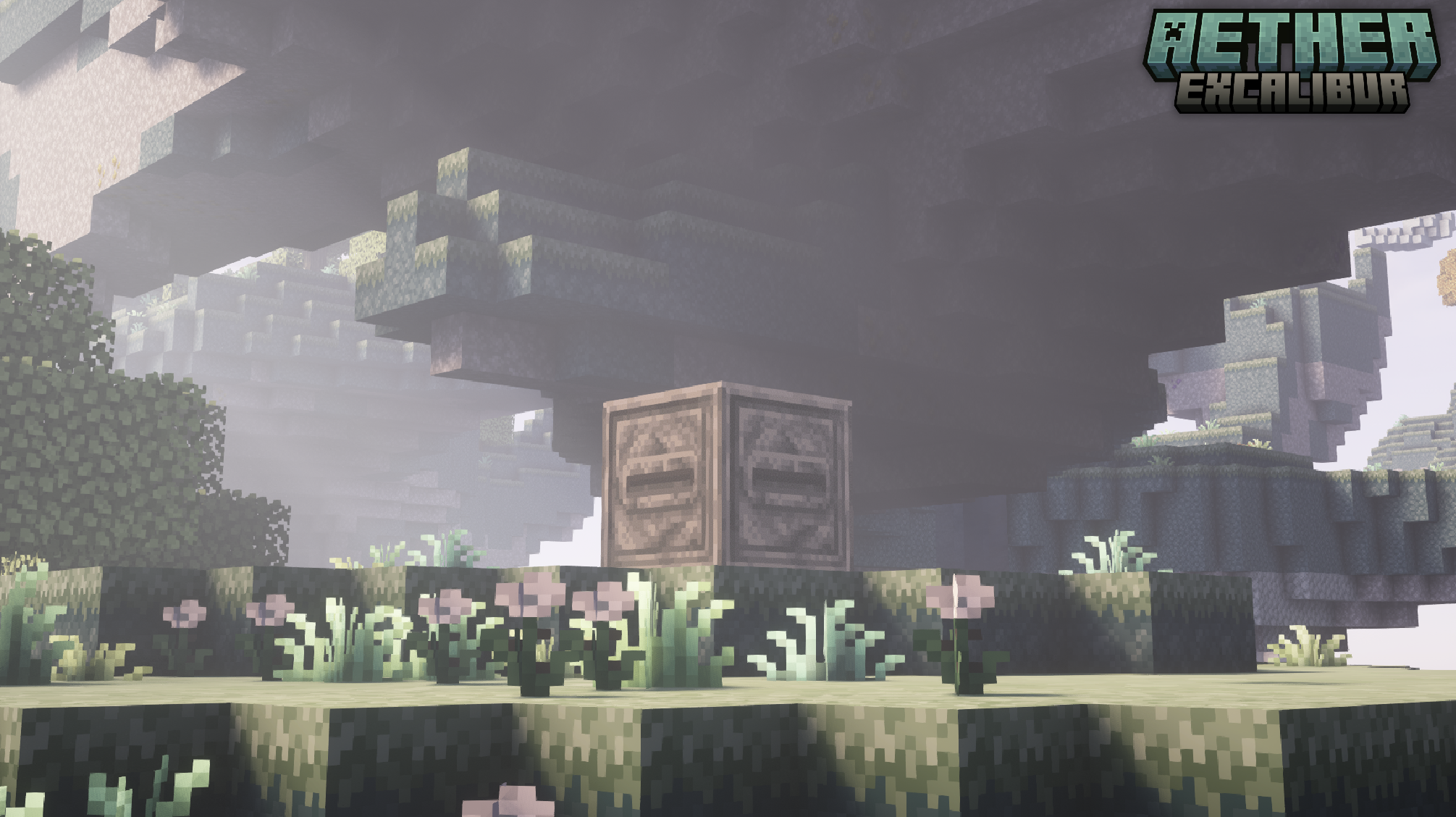
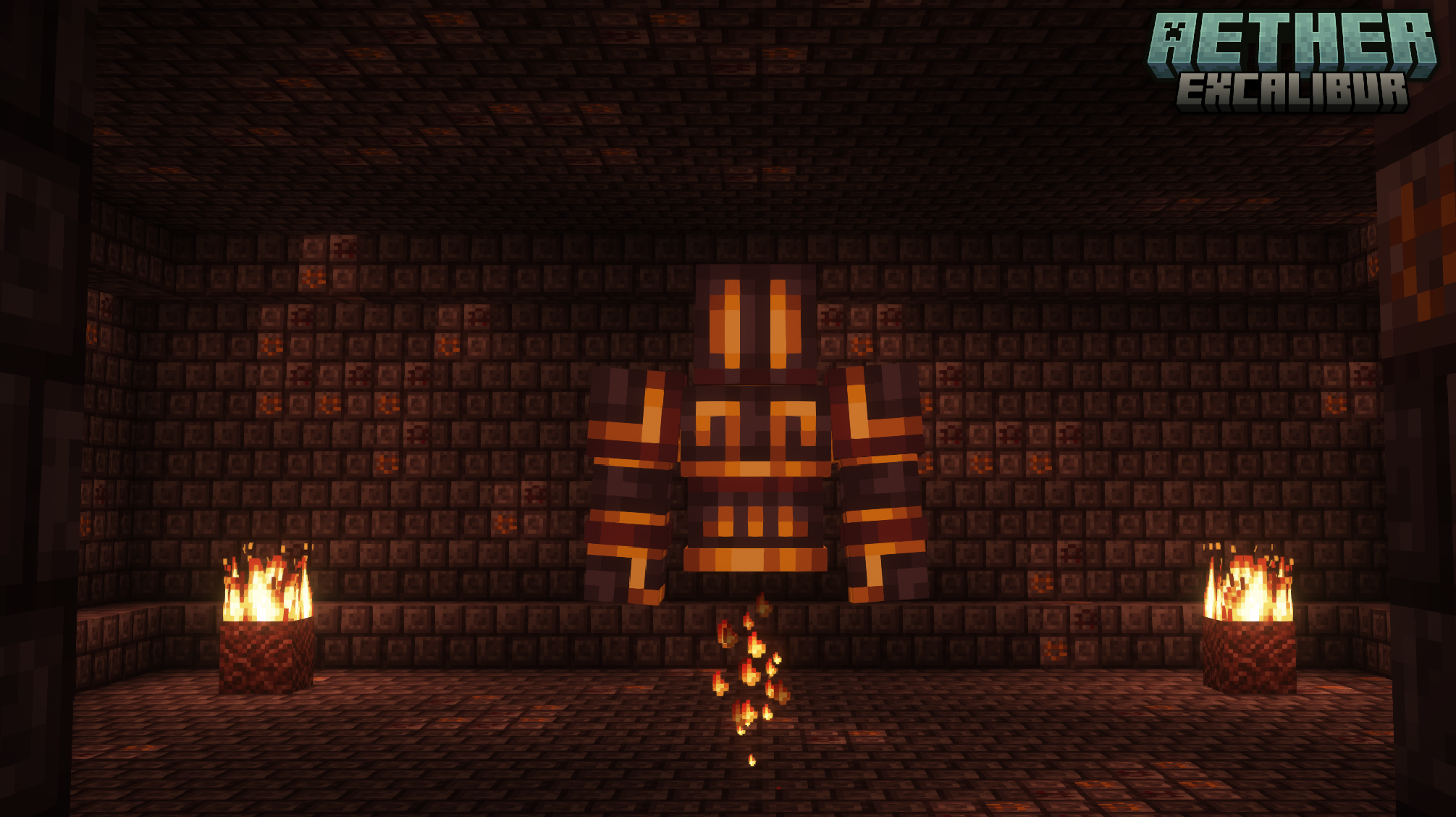
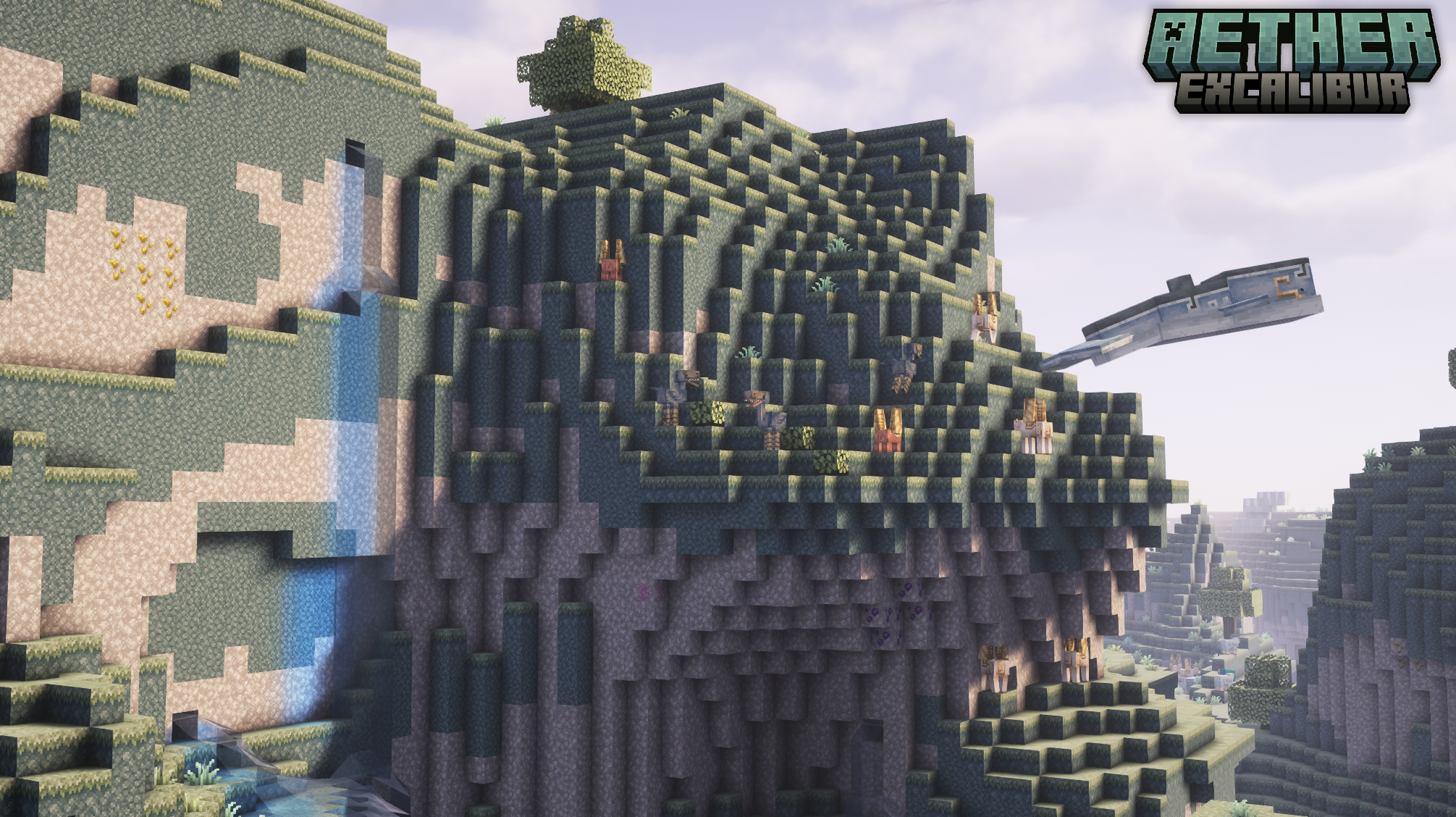
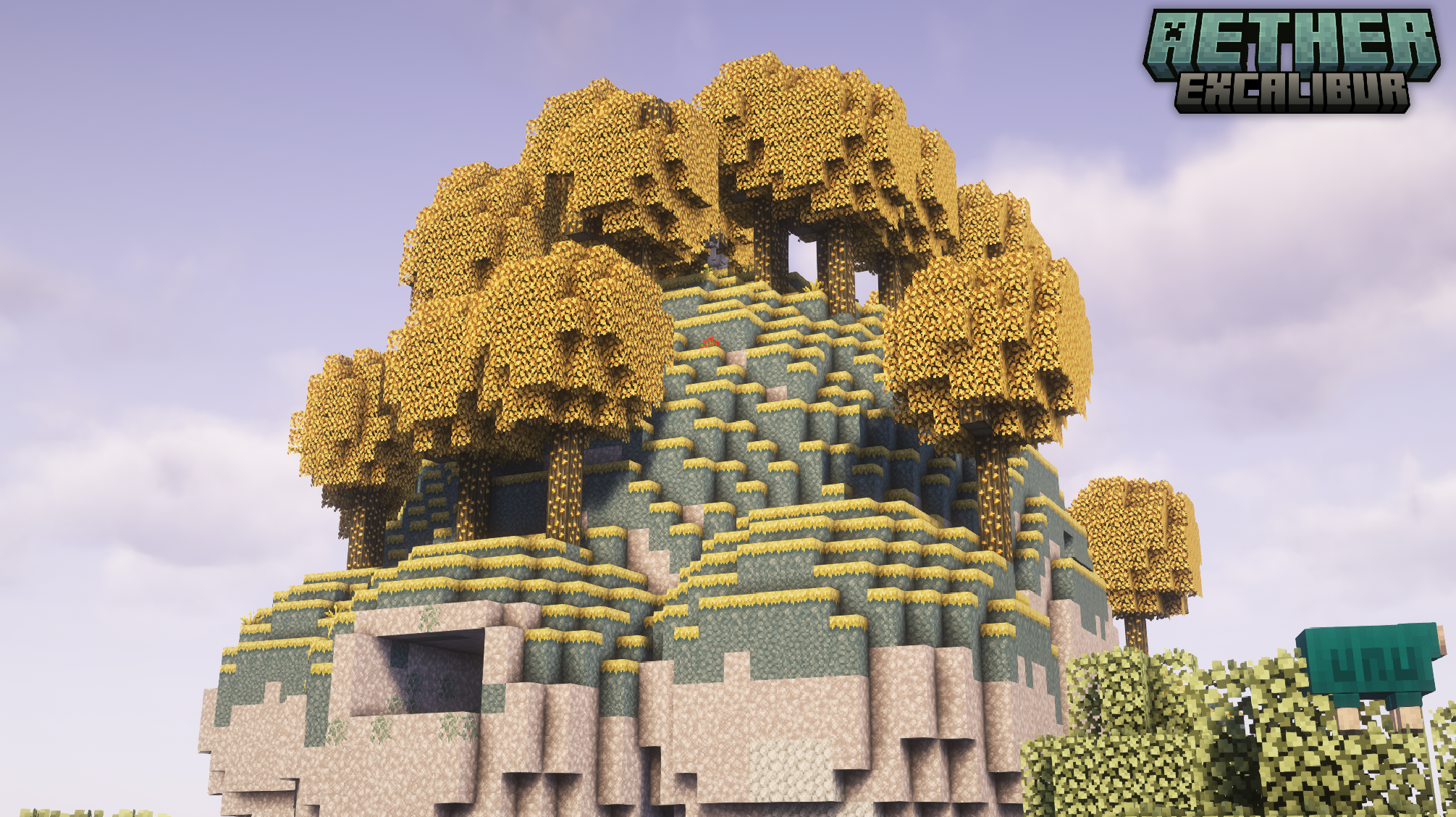
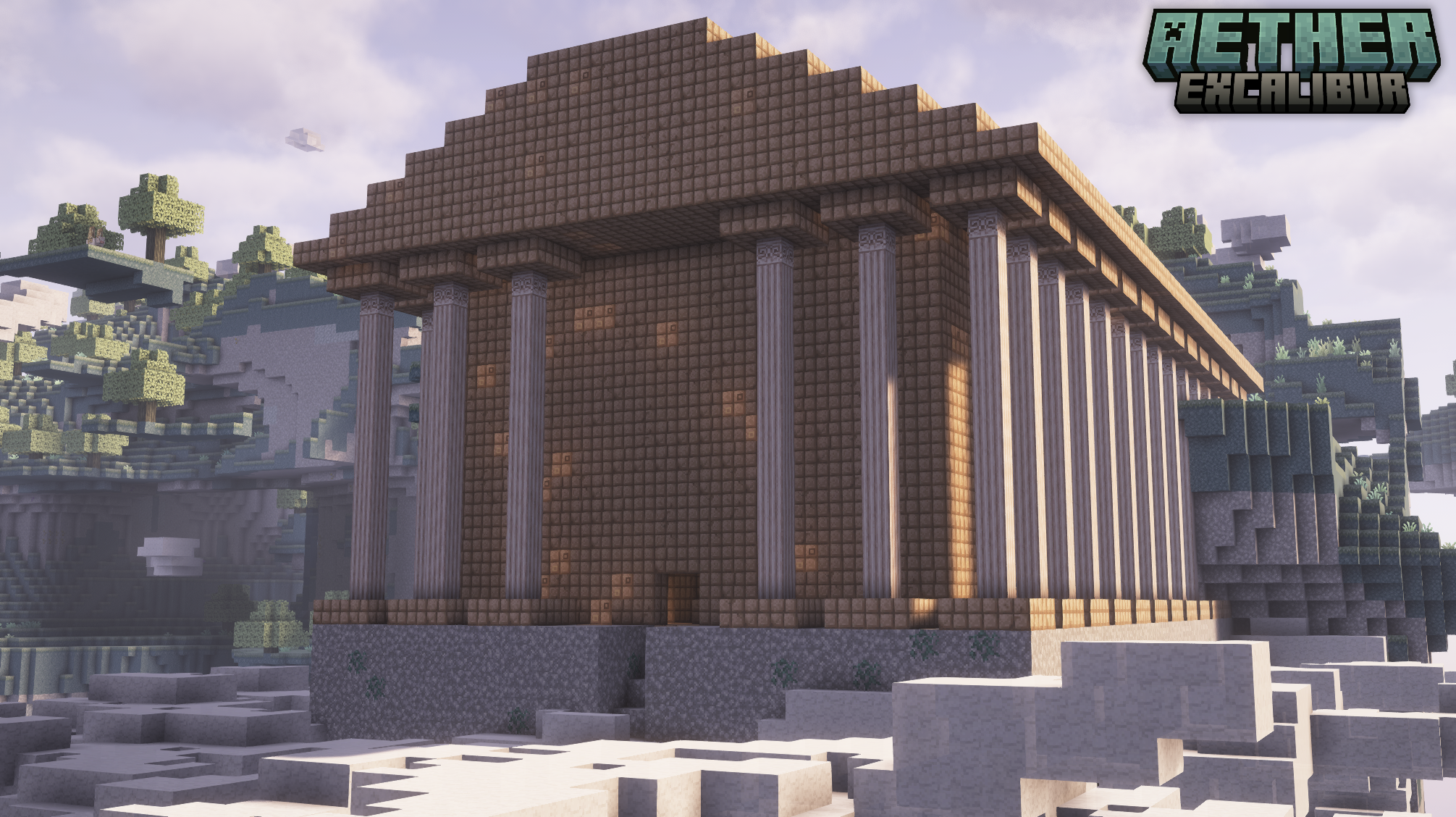

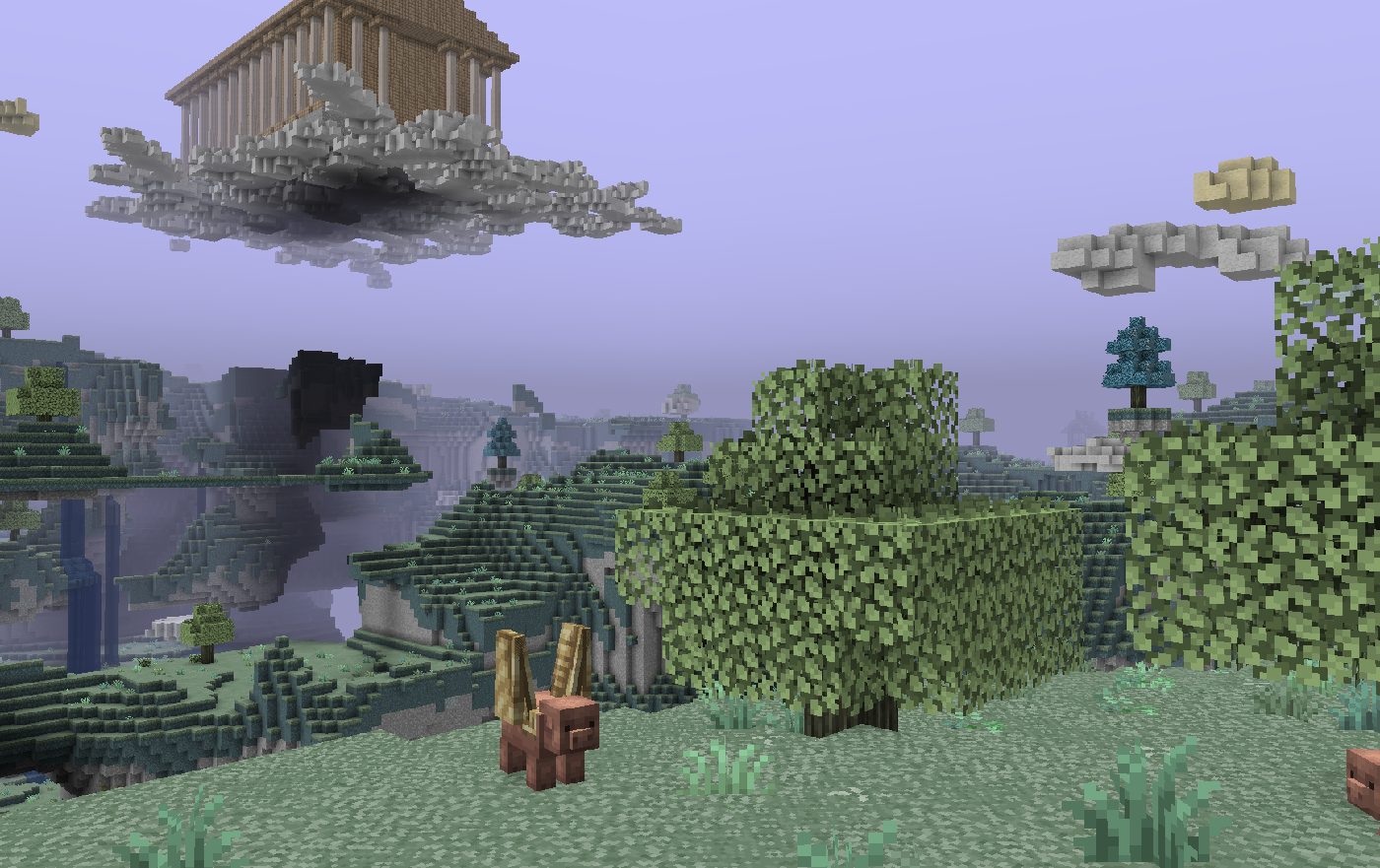
A resource pack designed to align the aesthetics of the original Aether mod with the Excalibur resource pack. This pack is considered 100% completed, containing 250+ textures for various items and blocks.
Additional support for Aether's official and unofficial addons is planned. Currently, there is no ETA on when they may be completed.
Installation:
> Launch Minecraft and click on "Options"
> Click on "Resource Packs"
> Click on "Open Resource Pack Folder"
> Drag the AetherExcaliburSupport.zip file into the resource pack folder
> Move the Aether Excalibur Support resource pack from the left column to the right
> Make sure that the support pack is placed above the original Excalibur resource pack
> Select "Done"
> The Sky Awaits
Textures
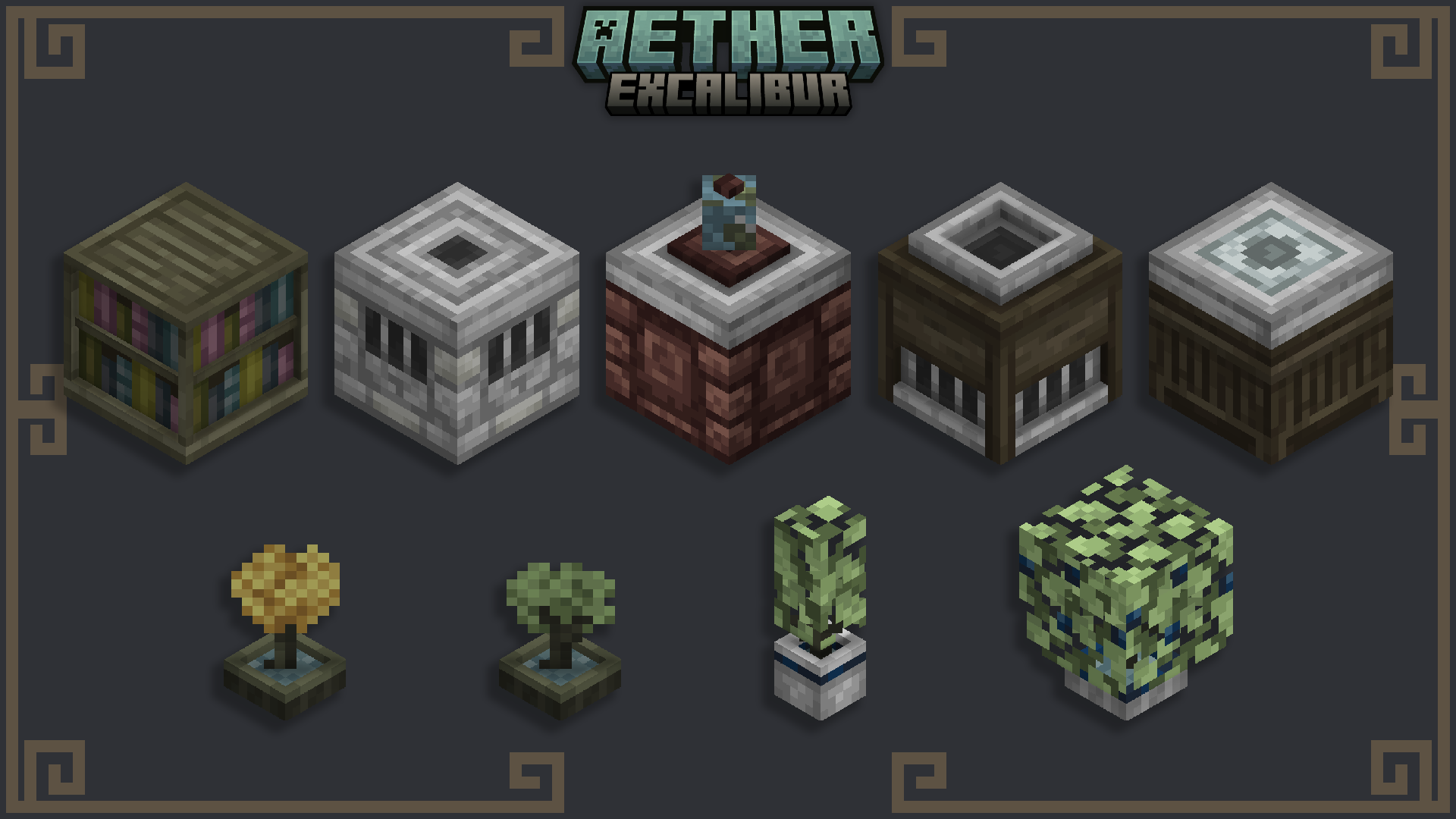
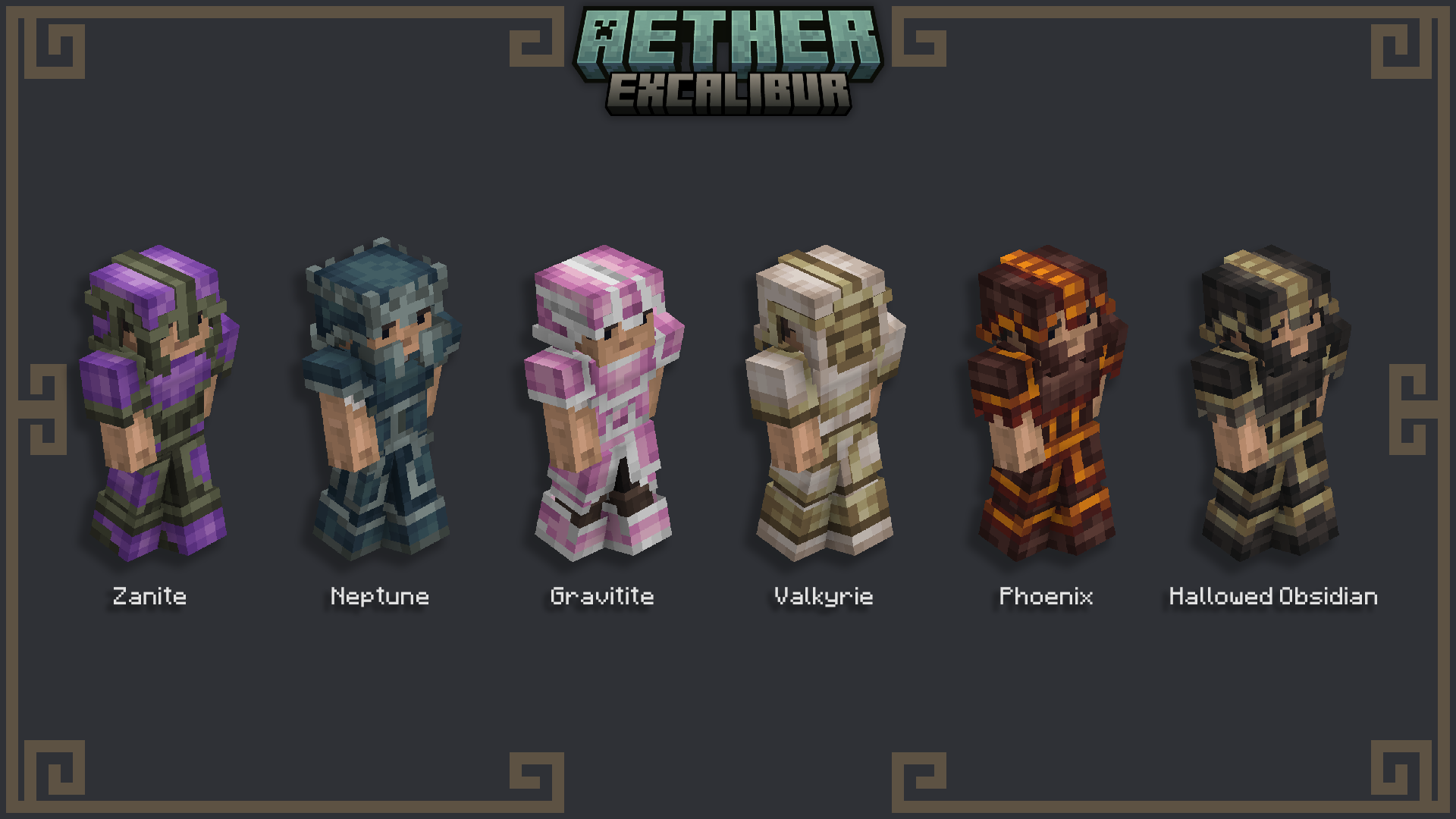
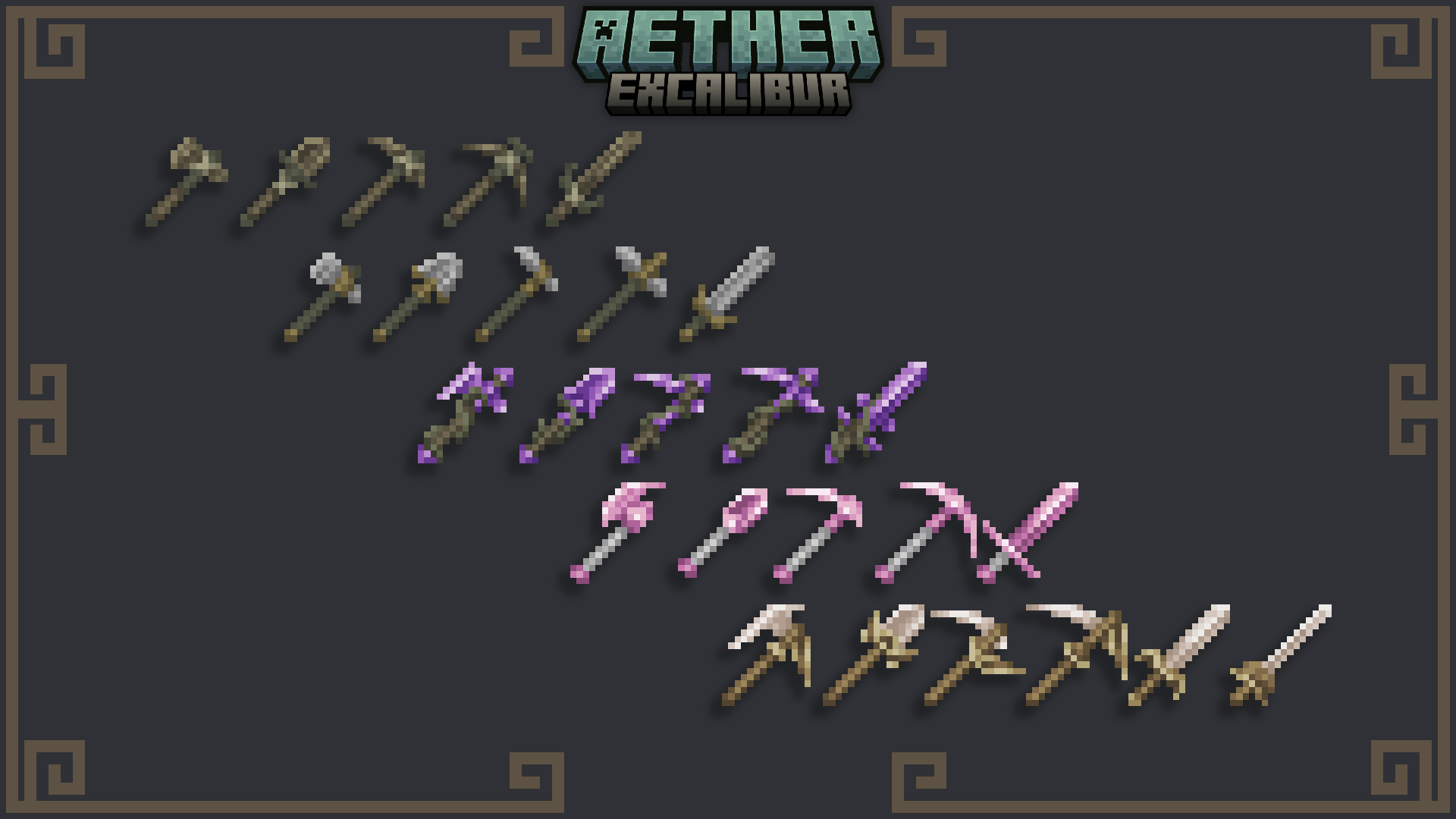
- Edition: Minecraft Java
- File type: .zip (resource pack)
- Minecraft versions listed: 1.20.2, 1.21, 1.20.5
- How to install: Download the .zip resource pack — do not unzip it. → Put it in .minecraft/resourcepacks. → Enable it in Options → Resource Packs.
- Where to get it: Opens on CurseForge — not every file is mirrored on our own servers.
Install steps are the general flow for this file type — How to install Minecraft Java resource packs walks through it step by step.
Excalibur | Aether Support is a free Minecraft Java resourcepack. Compatible with Minecraft 1.20.2, 1.21, 1.20.5, 1.21.5 and newer. Downloaded 1,108,703 times (via CurseForge). Download it and open it directly in the game.