
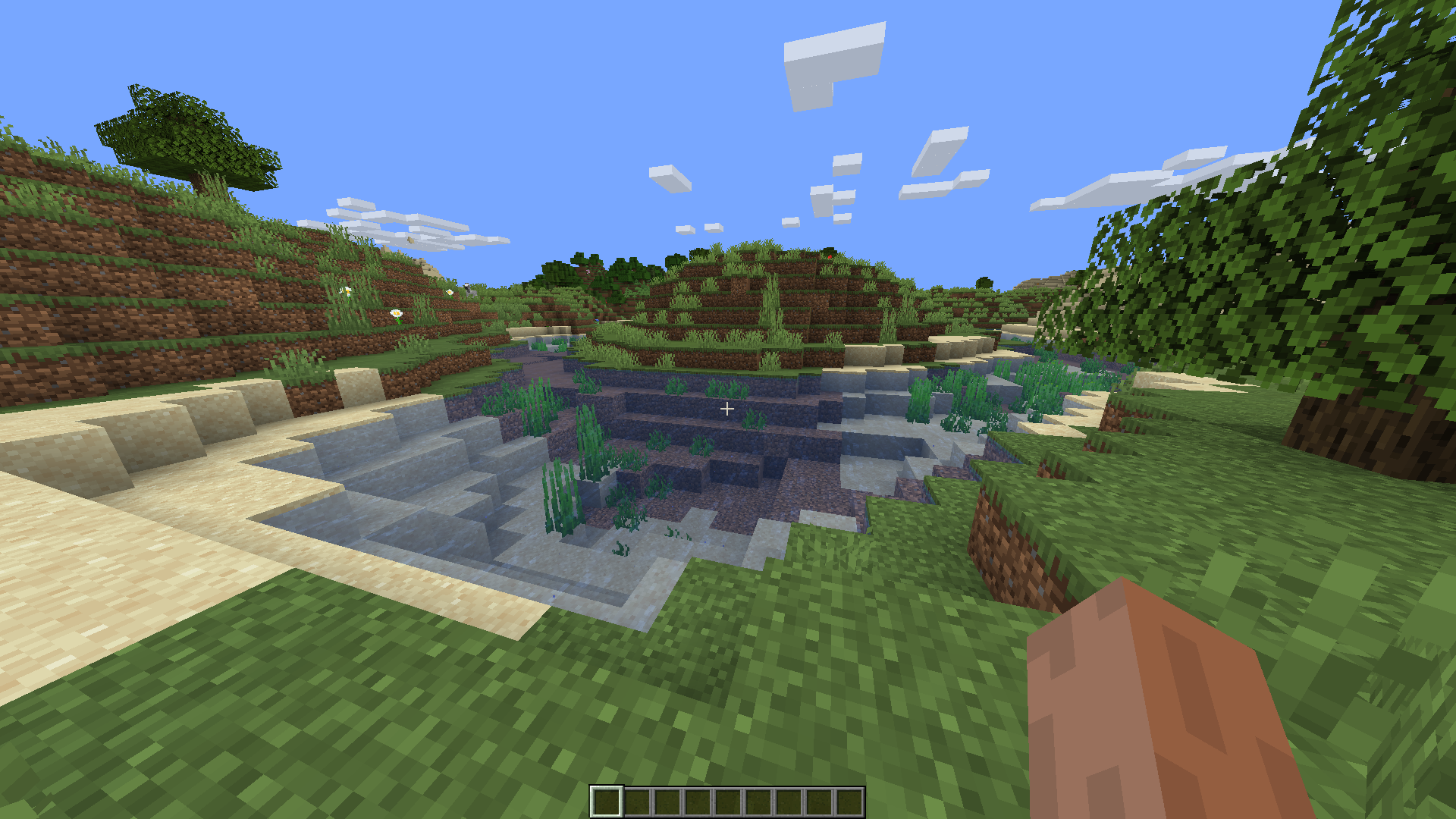
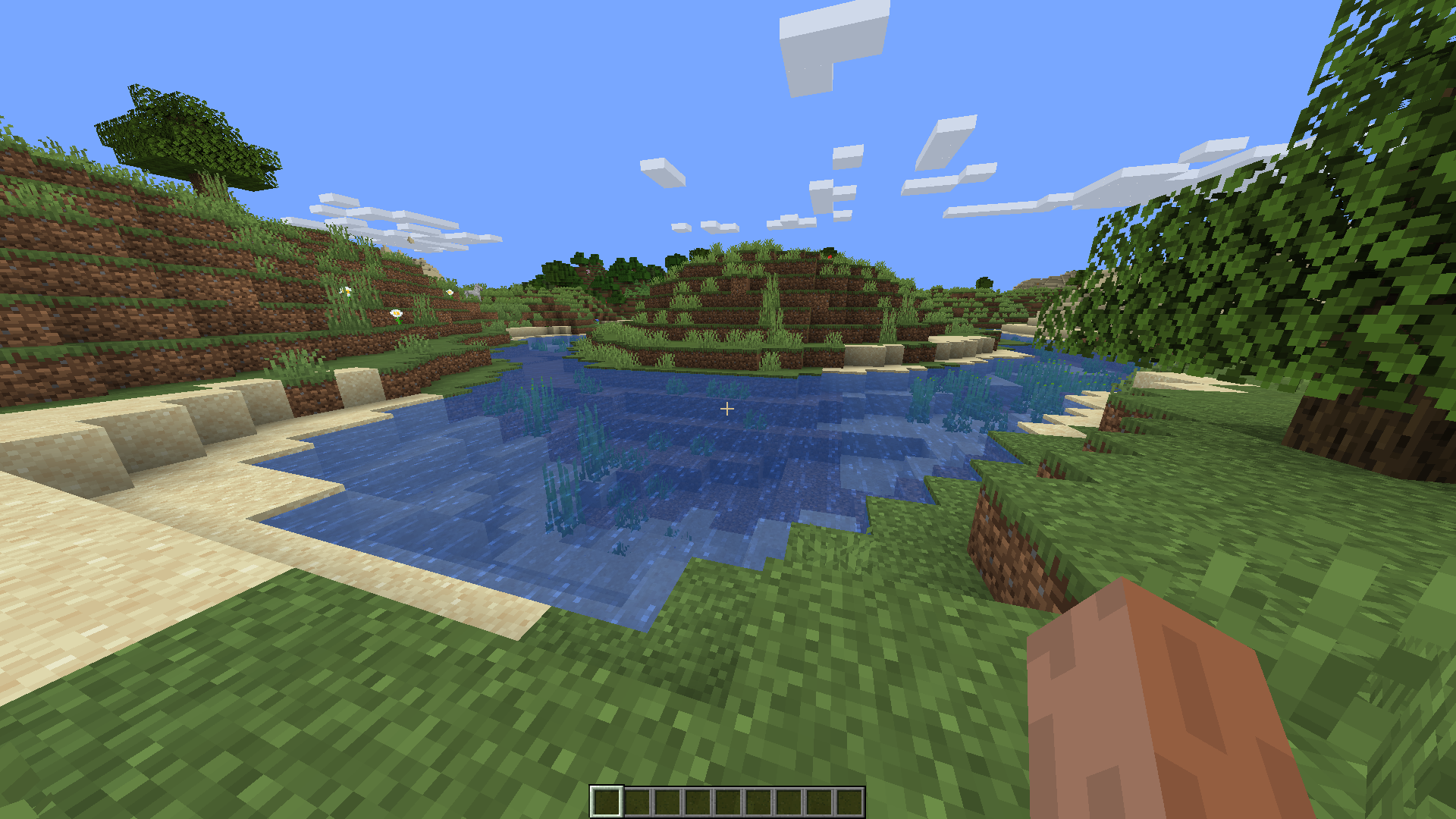
Increased transparency of vanilla water textures. Underwater transparency is the same, as it is not possible to modify it with textures (I may do OptiFine build in the future that would solve this).
1.12.X VERSION AND LOWER IS NOT SUPPORTED YET.
Water rendering works differently since 1.13 update (Update Aquatic). You can reduce transparency of textures (1.12 and older) the same way as now, but the problem is the brightness of deep waters is hardcoded and can't be changed just by texture. That makes the water look dark even though the textures are semi-transparent.
After
Before
- Edition: Minecraft Java
- File type: .zip (resource pack)
- Minecraft versions listed: 1.21.9, 1.21.10, 1.21.11
- How to install: Download the .zip resource pack — do not unzip it. → Put it in .minecraft/resourcepacks. → Enable it in Options → Resource Packs.
- Where to get it: Opens on CurseForge — not every file is mirrored on our own servers.
Install steps are the general flow for this file type — How to install Minecraft Java resource packs walks through it step by step.
Water Improved is a free Minecraft Java resourcepack. Compatible with Minecraft 1.21.9, 1.21.10, 1.21.11, 1.21.8 and newer. Downloaded 1,264,048 times (via CurseForge). Download it and open it directly in the game.