Environmental Water requires OptiFine, Polytone, or Legacy4J. Old versions (1.19.0-1.20.1) also support Colormatic, but the mod has not been updated past 1.20.1.
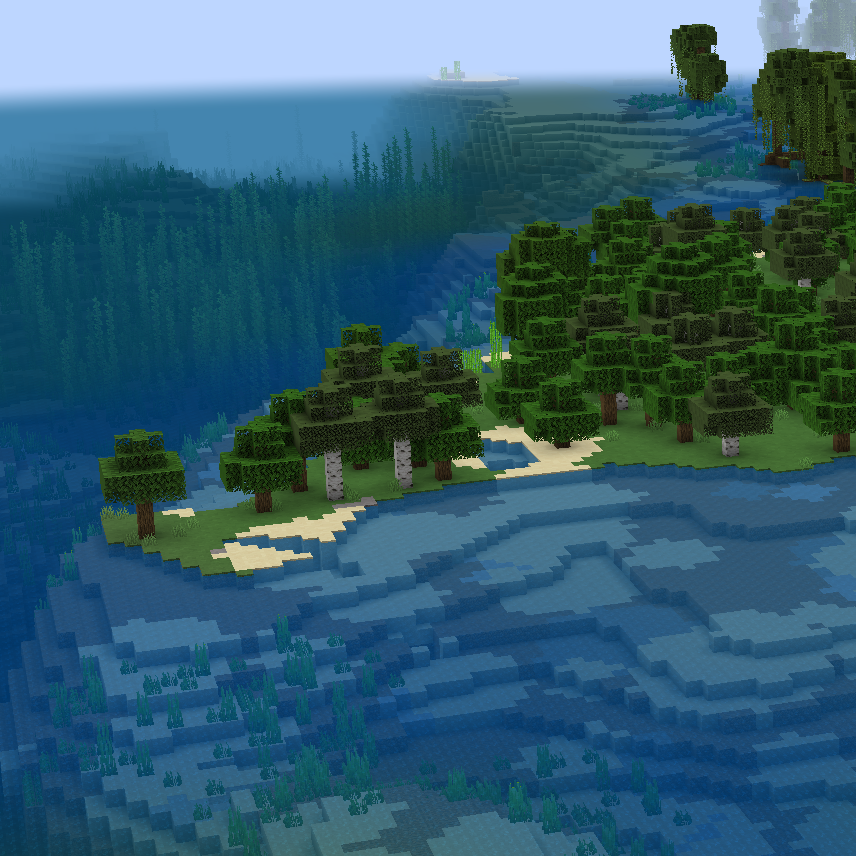
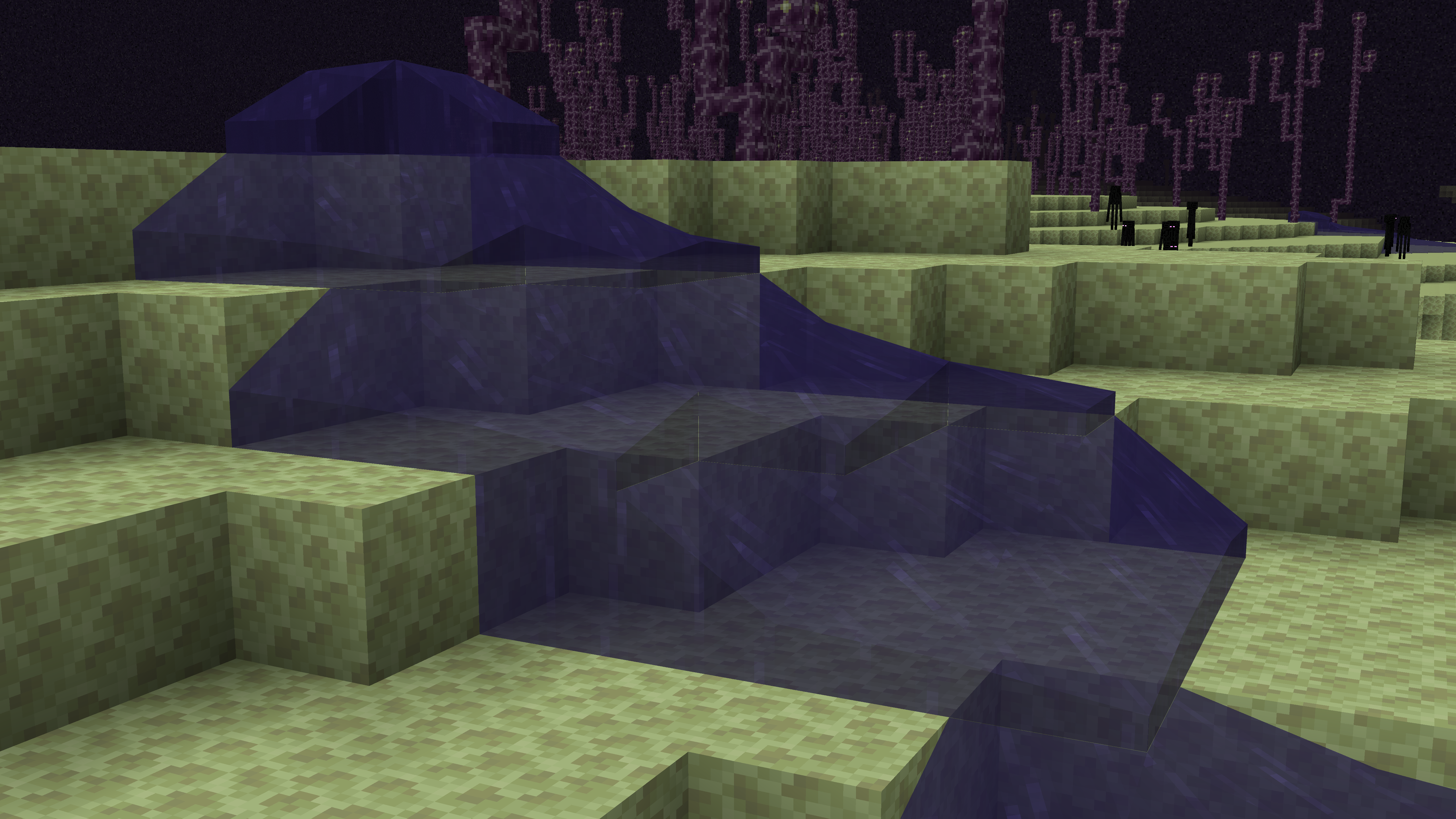
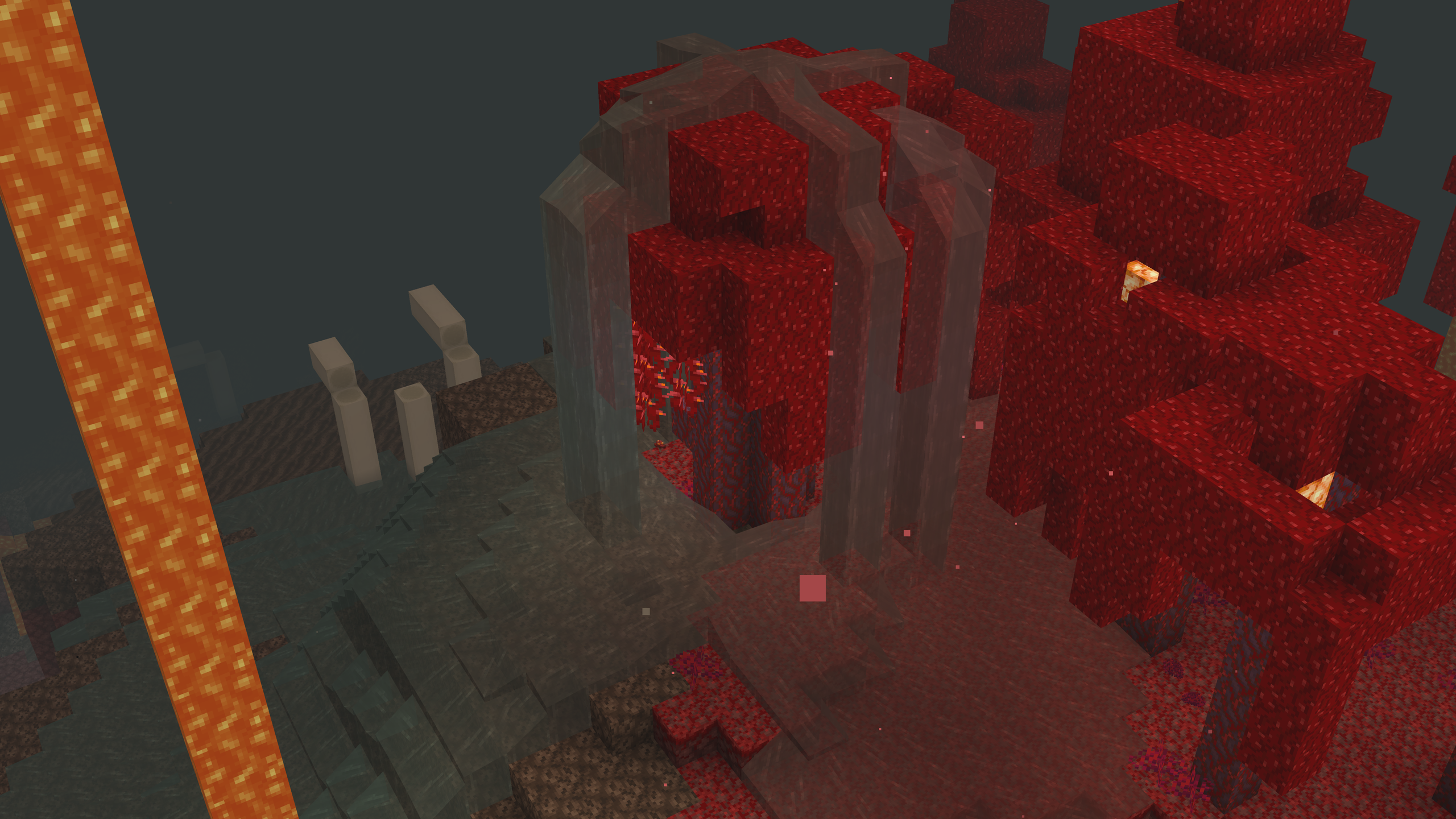
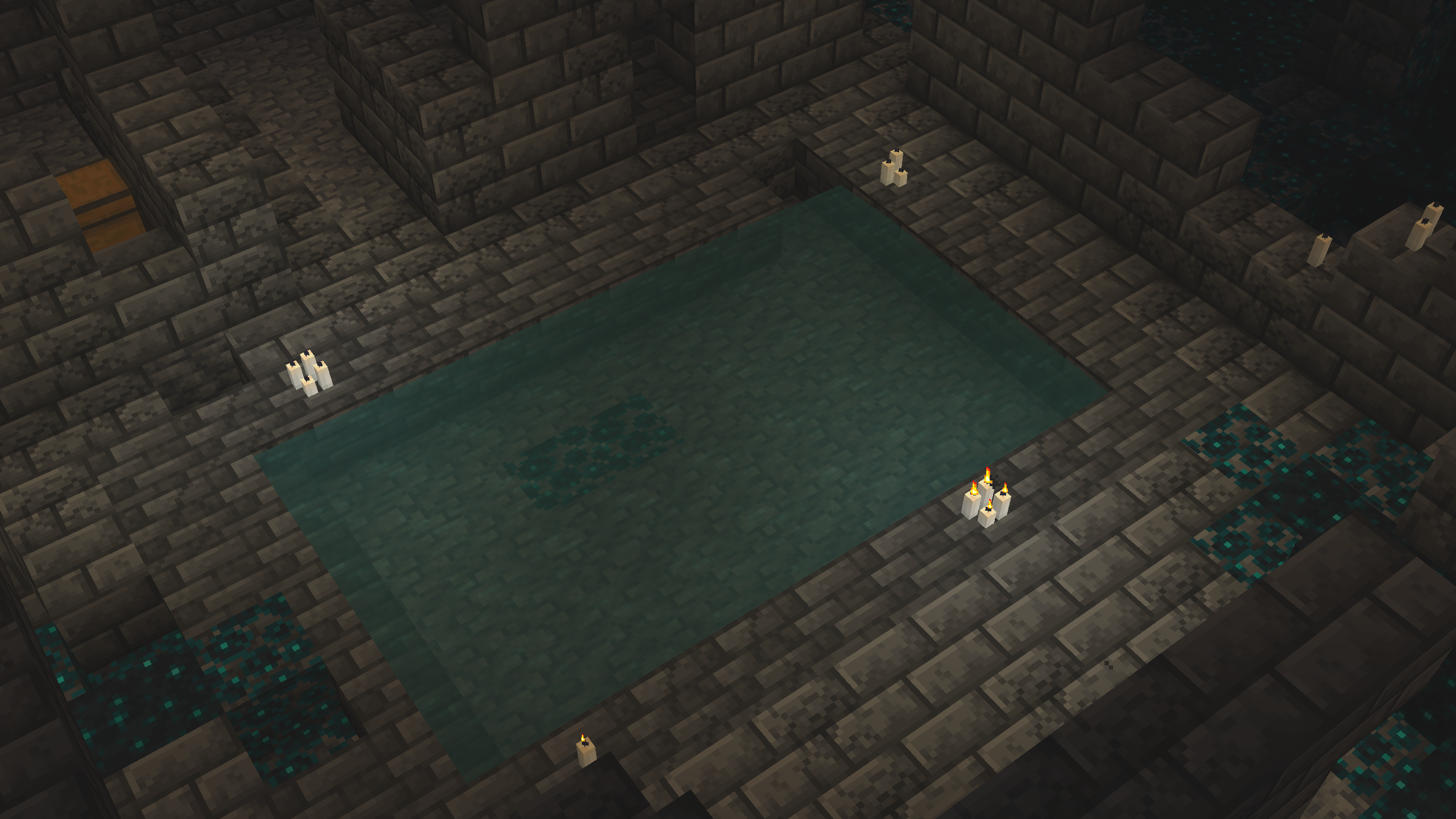
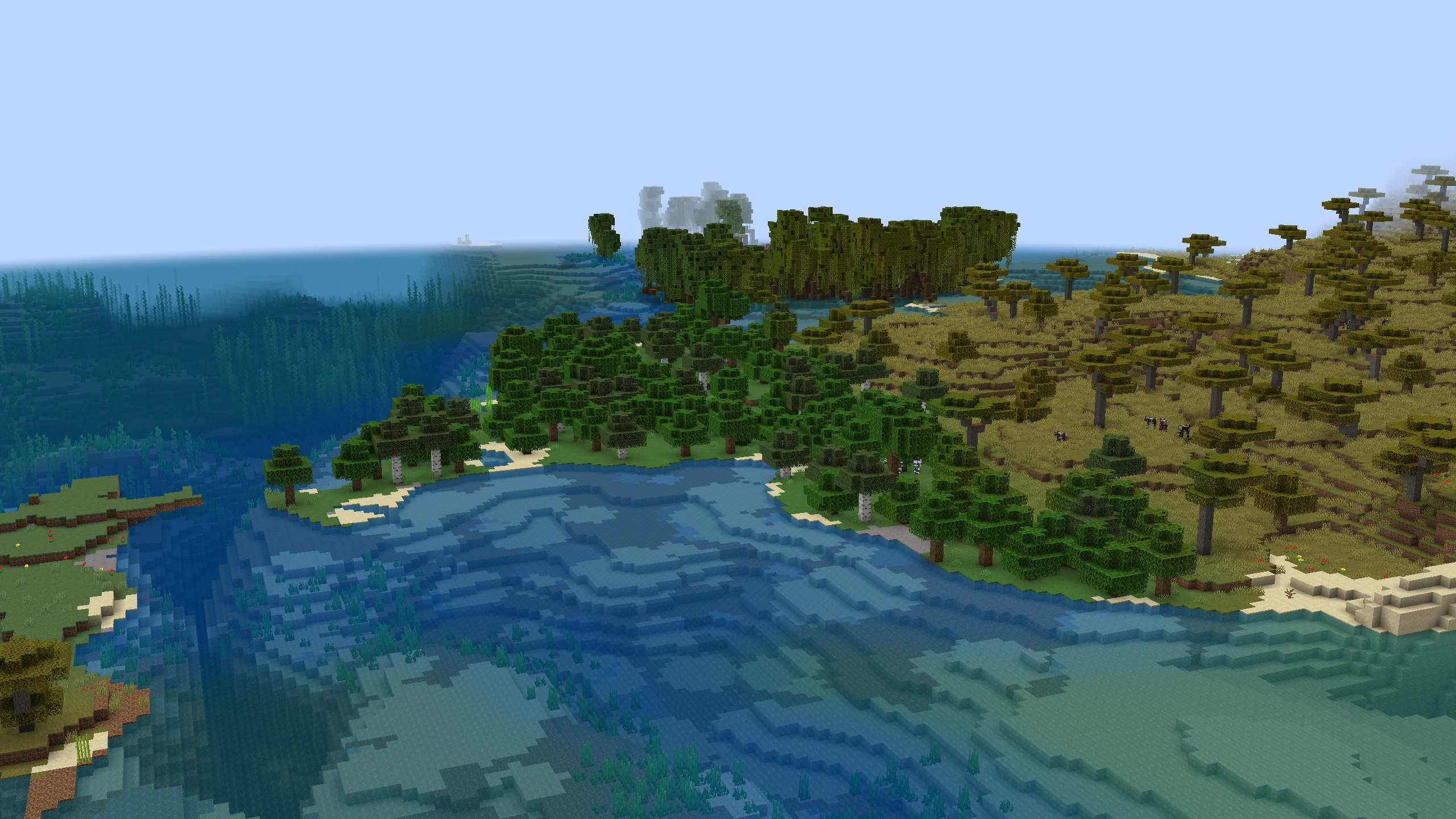
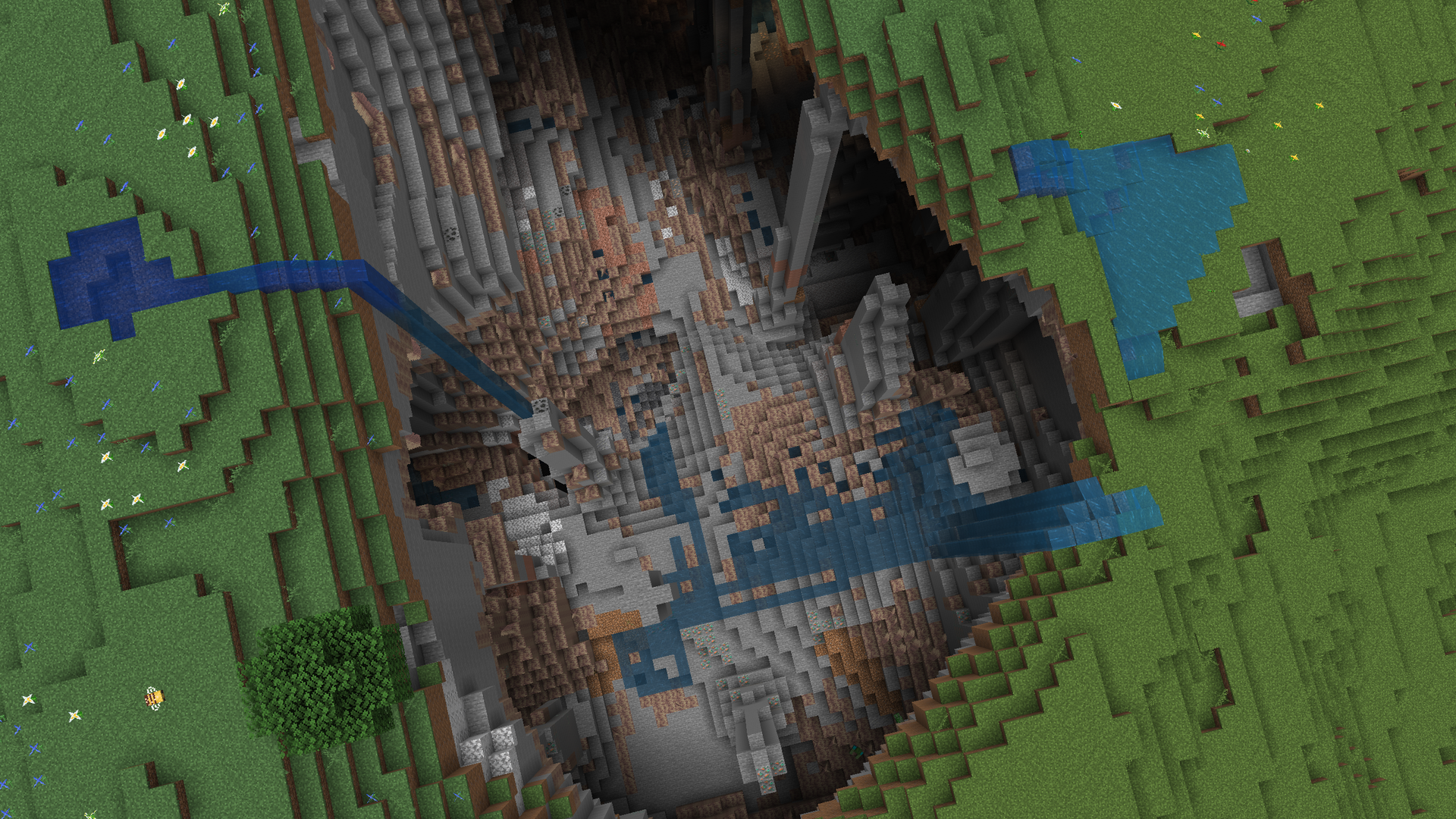
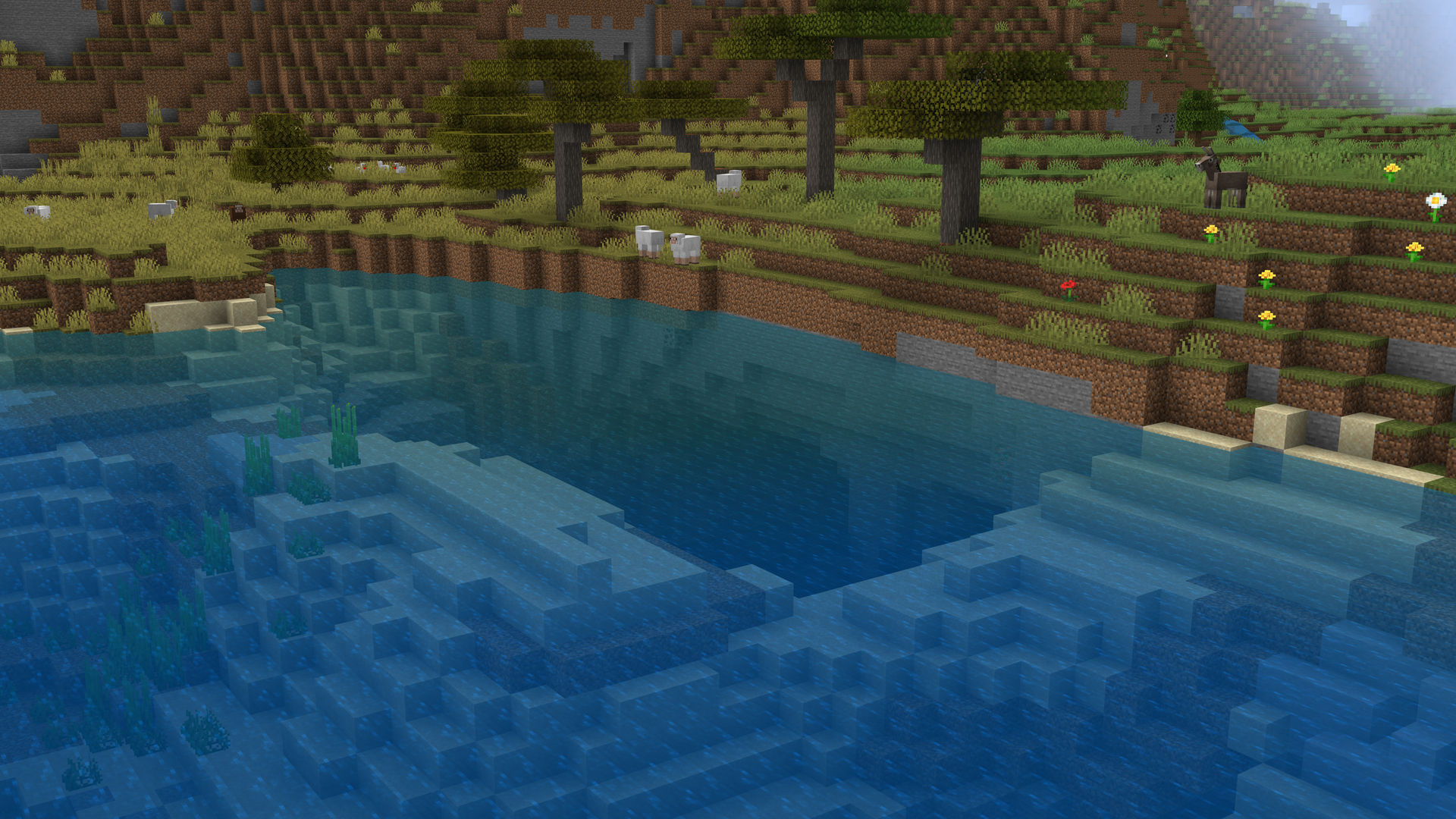
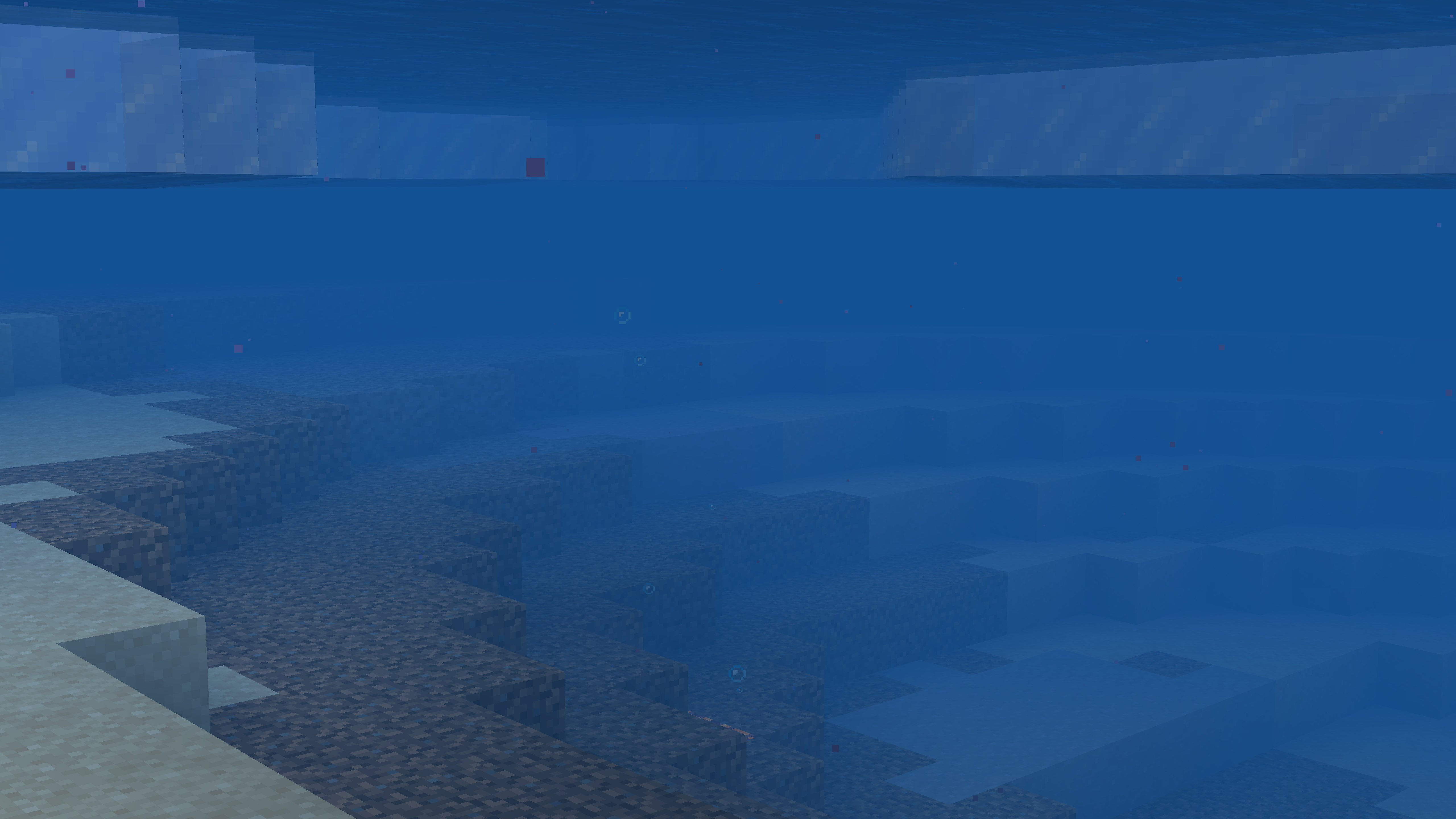
Environmental Water changes the water color in every biome. Water in a desert no longer looks the same clean blue as a mountain stream. These colors complement the blocks and shades found elsewhere in the biome to make the landscape fit together perfectly. Some changes from this pack are more subtle than others; the blue water of a river is almost identical, but the gray-pink water around mushroom islands is a massive departure from Minecraft's original blue.

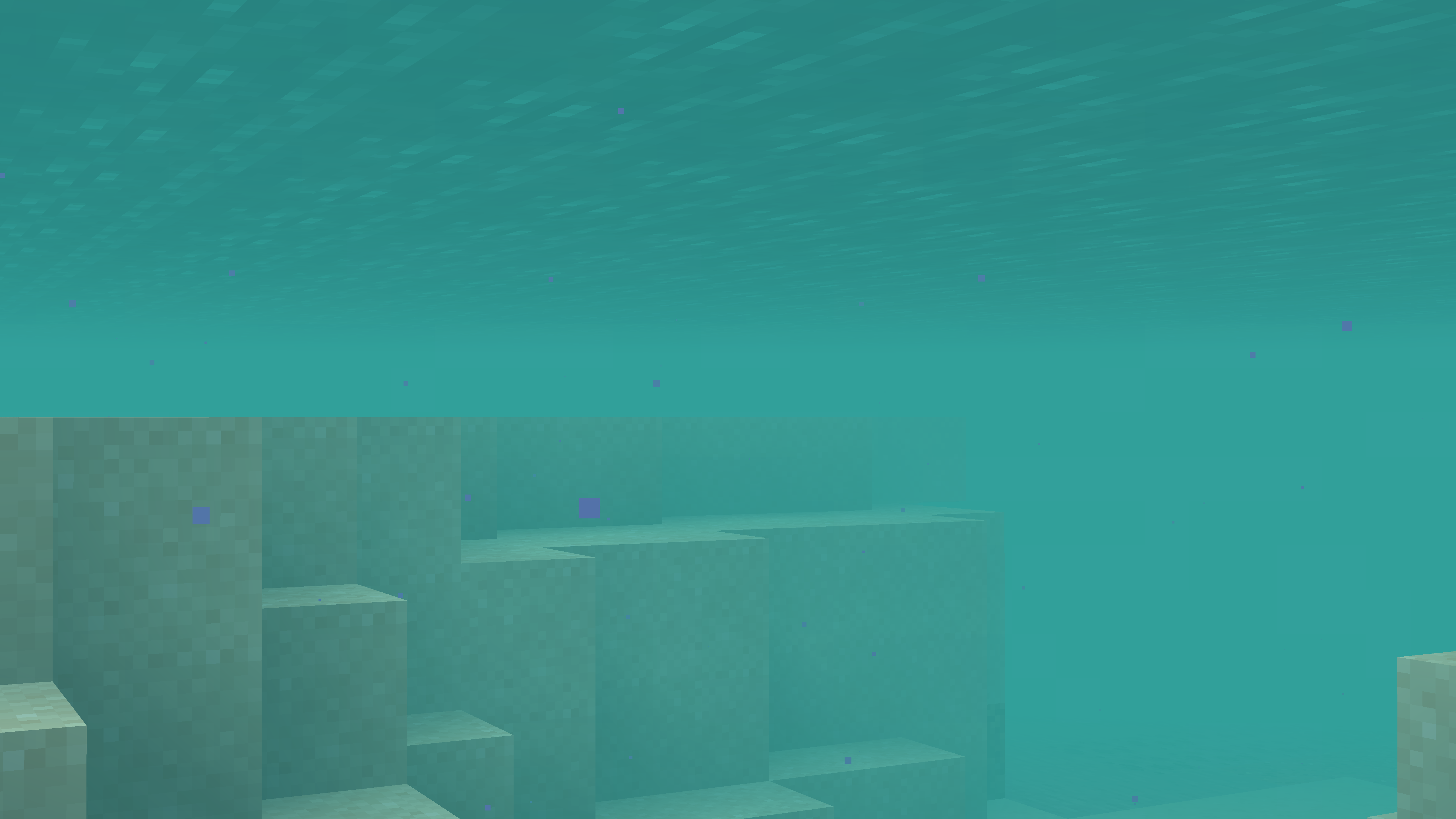
Most of the colors used by Environmental Water are ported directly from Bedrock Edition, but colors for biomes introduced after 1.16 have been custom-made. Underwater fog colors are also biome-dependent and match the surface color.
When using OptiFine, water at higher elevations blends into a different color within the same biome.

- Edition: Minecraft Java
- File type: .zip (resource pack)
- Minecraft versions listed: 1.21.9, 1.21.10, 1.21.11
- How to install: Download the .zip resource pack — do not unzip it. → Put it in .minecraft/resourcepacks. → Enable it in Options → Resource Packs.
- Where to get it: Opens on CurseForge — not every file is mirrored on our own servers.
Install steps are the general flow for this file type — How to install Minecraft Java resource packs walks through it step by step.
Environmental Water is a free Minecraft Java resourcepack. Compatible with Minecraft 1.21.9, 1.21.10, 1.21.11, 1.20.2 and newer. Downloaded 801,906 times (via CurseForge). Download it and open it directly in the game.