
Health Indicators
Java mod listed for Minecraft 26.x. Downloads from the MC Java Mods app on Android.
Simple damage indicator mod that shows a floating health bar (or number) above entities. Additional features includes an attack direction indicator
I don't know my version or loader
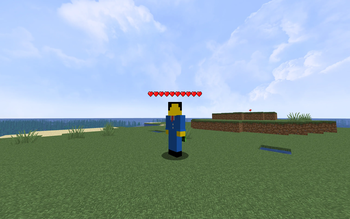
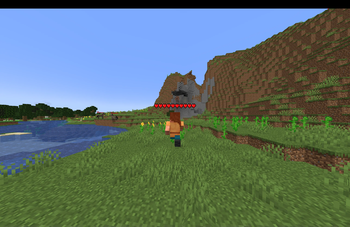
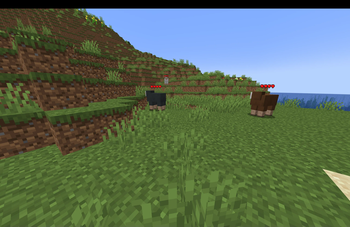
This mod displays other Players and Entities' health above them in the form of a health bar.
Features
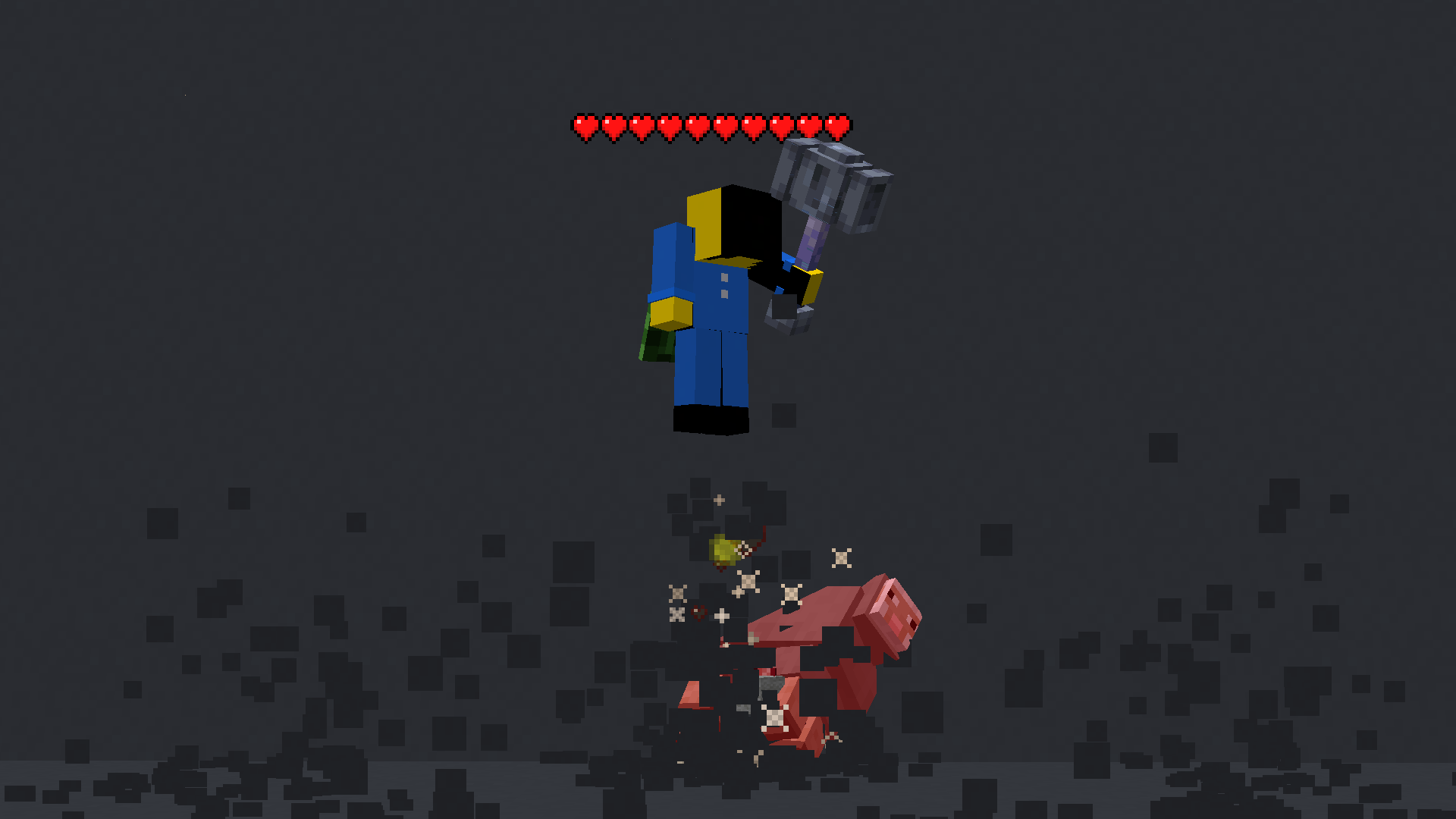
This mod displays a highly-configurable health indicator (and optional armor indicator) above all entities that corresponds to their healths. The indicators have the following filters, where you can enable/disable visibility based on:
- Entity Categories (Hostile, Passive, Players, Self)
- Entity Types (eg:
minecraft:pigoraether:aerbunny) - Player Names
- Entities that have been attacked,
- Entities that have been damaged
- Entities that you are looking at
- Entities that are within a certain distance
You can also adjust the
- Size
- Offset
- Indicator Type (Hearts | Number)
- Percentage Based Health
- Text Color
Futher QOL features:
The indicator changes texture and appearance based on the effects the entity has, just like vanilla. The indicator will
- Turn green if the entitiy is Poisoned,
- Black if they are Withering
- Display yellow hearts seperately for Absorption.
- Vibrate if the entity has Regeneration
- Change textures for Hardcore.
All the above can be disabled in the config if you don't like it.
More Details
Mod KeybindsNote: These are all default keybinds. They can be modified like any other keybind: by going into Options > Controls > Keybinds
- Enable Health Indicator:
Left Arrow - Increase Indicator Offset:
Up Arrow - Decrease Indicator Offset:
Down Arrow - Override Config Filtering:
Right Arrow - Enable Armor Indicator:
Right Shift - Open Config:
I
- Indicator Type: Whether to display a floating health bar (like in the picture) or a numerical value.
- Show Effects: Whether to change the textures of the indicator if the player has poison/wither/regen/freezing effects
- Display offset: The health bar can be raised or lowered in the config. You also have the option to set a keybind to raise/lower it.
- Step size: You can set the step size of the keybind in the config. With this, you can modify the amount the health bar is raised/lowered per click.
- Size of the indicator: The indicator size can be modified in the config.
- Percentage based health: The indicator can display health in percentages instead of a hard value
- Toggle rendering: Health bar rendering can be disabled for specific entity types (Passive, Hostile, Player, Self)
- Indicator can also be toggled to
- Show only after you have hit the entity.
- Show only if you are looking at the entity
- Show only if the entity has been damaged (not at full health)
- Not show for specific mobs/players. This can be set in the blacklist
- Edition: Minecraft Java
- File type: .jar
- Minecraft versions listed: 26.1, 26.1.1, 26.1.2
- How to install: Install the matching mod loader (Forge, Fabric or NeoForge) for your Minecraft version. → Download the .jar. → Put it in the .minecraft/mods folder and launch that loader profile.
- Where to get it: Opens on Modrinth — not every file is mirrored on our own servers.
Install steps are the general flow for this file type — How to install Minecraft Java mods & modpacks walks through it step by step.
- Ships as HealthIndicators-neoforge-26.1.0.0-beta.jar — drop this file into the mods folder
- Download size: 9 KB
- Download link checked 7 Oct 2026 — working
These come from our own check of the pack file, not from the source page.