
Armor Chroma for Fabric
Java mod listed for Minecraft 1.21. File opened and checked on 19 Oct 2026; downloads from the MC Java Mods app on Android.
Fabric fork of Armor Chroma, adds different icons in the armor bar depending on the material and can display glint for enchanted items.
⬇ Download on Modrinth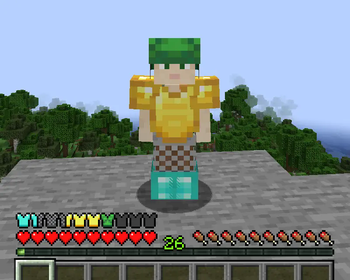
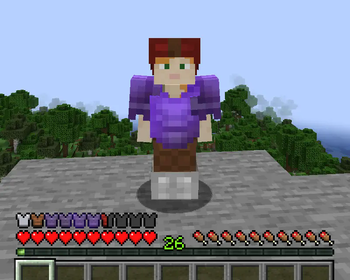
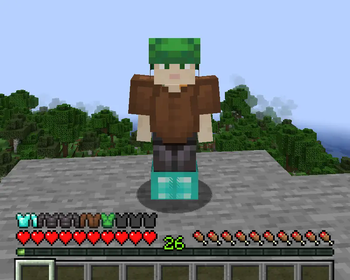
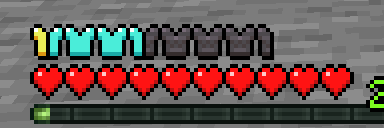
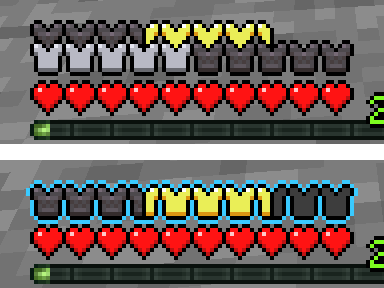
This is a Fabric fork of the original Armor Chroma mod by jobicade, a client-side mod to improve on vanilla's default armor bar.
Features include:
- Different icons depending on the material of equipped items
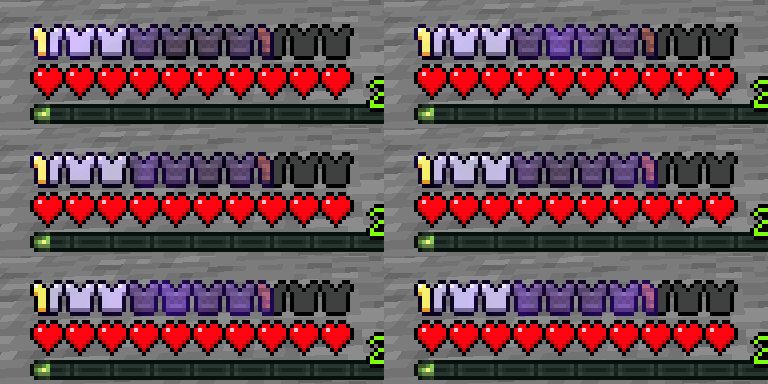
- Displaying glint for enchanted armor pieces
- Displaying armor points over 20 with additional armor icon rows or with a colored outline
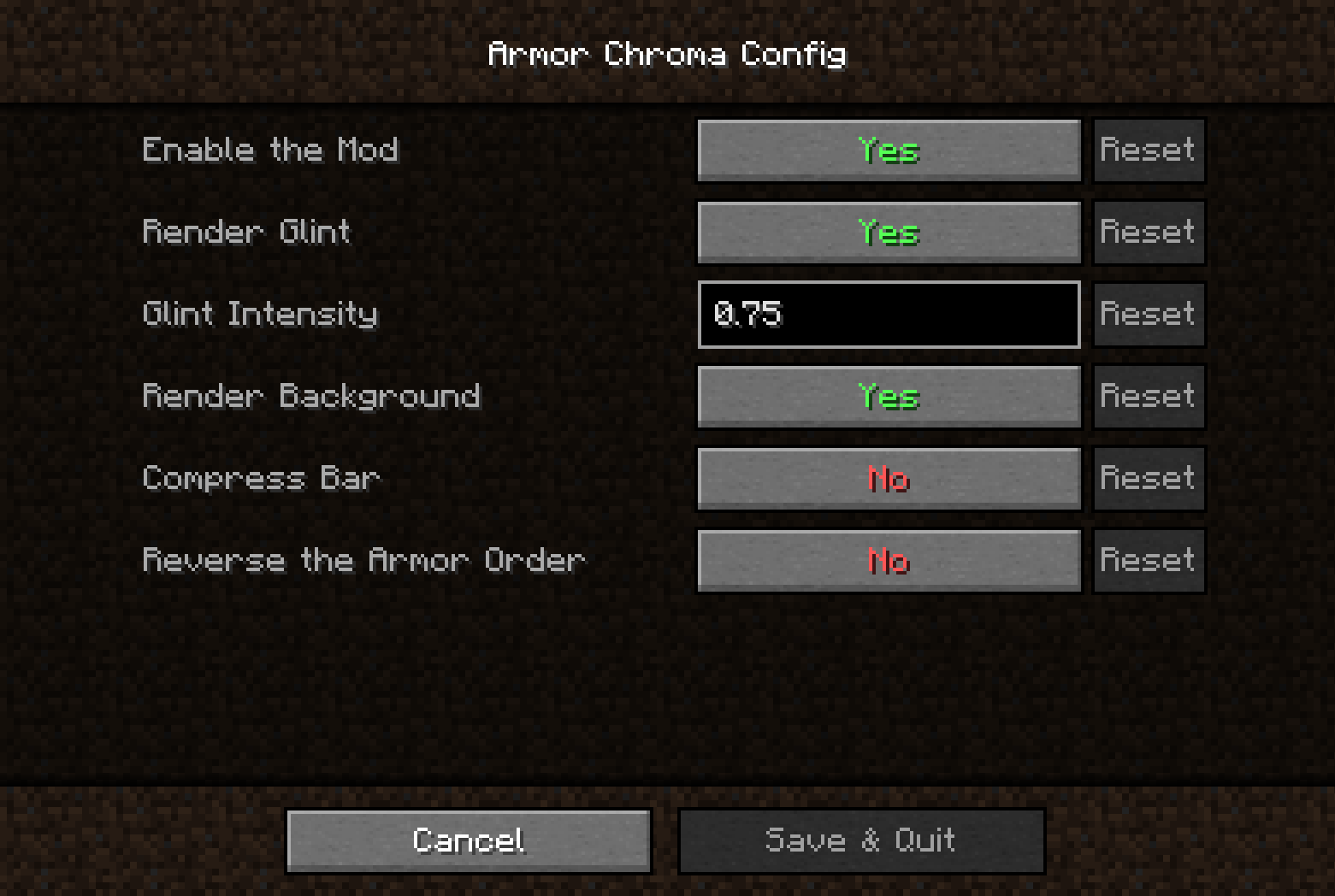
- A minimal config screen accessible through Mod Menu (CF / MR) when Cloth Config (CF / MR) is installed
- Optional built-in resource pack by Andrew Grant with alternative icons for vanilla materials.
Mod support
Built-in icons are included for some supported mods:
- Additional Additions (CF / MR)
- Botania (CF / MR)
- Copper Equipment (CF / MR)
- DragonLoot
- Tech Reborn
(See here for other mods supported by the original mod (mostly Forge-only mods).)
Support for other mods can be added using resource packs, for instance Chromatic Icons.
To create your own resource pack, see the documentation here.
Credits (Ɛ>)
- Original mod by jobicade, original suggestion by badhaloninja
- Alternative icons by Andrew Grant
- Icons for Additional Additions, Copper Equipment, DragonLoot and Tech Reborn by Ejektaflex
it_ittranslation by VladAndreiMorariuko_krtranslation by pkb- Option to reverse the armor order suggested by robotkoer
Links: original Forge version · CurseForge · GitHub · Modrinth
- Edition: Minecraft Java
- File type: .jar
- Minecraft version listed: 1.21.5
- How to install: Install the matching mod loader (Forge, Fabric or NeoForge) for your Minecraft version. → Download the .jar. → Put it in the .minecraft/mods folder and launch that loader profile.
- Where to get it: Opens on Modrinth — not every file is mirrored on our own servers.
Install steps are the general flow for this file type — How to install Minecraft Java mods & modpacks walks through it step by step.
- Ships as armorchroma-1.2.11.jar — drop this file into the mods folder
- Download size: 118 KB
- Download link checked 7 Oct 2026 — working
These come from our own check of the pack file, not from the source page.