HomeJavaModsFootprintParticle
FootprintParticle
ModsJava

FootprintParticle

by Rivmun · on Modrinth

Which build do you need?

This mod ships a separate file for every mod loader and every version of the game. Pick both, then download — the wrong build installs fine and then does nothing in the game.

Mod loader

Minecraft version

⬇ Download for 26.1–26.2 · Fabric⬇ Download for 1.21.11 · Fabric⬇ Download for 1.21.9–1.21.10 · Fabric⬇ Download for 1.21.5–1.21.8 · Fabric⬇ Download for 1.21.2–1.21.4 · Fabric⬇ Download for 1.21–1.21.1 · Fabric⬇ Download for 1.20.6 · Fabric⬇ Download for 1.20.2–1.20.4 · Fabric⬇ Download for 1.19.4–1.20.1 · Fabric⬇ Download for 1.19.3 · Fabric⬇ Download for 1.19.2 · Fabric⬇ Download for 1.19–1.19.1 · Fabric⬇ Download for 1.18.2 · Fabric⬇ Download for 1.16.5 · Fabric⬇ Download for 1.20.2–1.20.4 · Forge⬇ Download for 1.19.4–1.20.1 · Forge⬇ Download for 1.19.2 · Forge⬇ Download for 1.19–1.19.1 · Forge⬇ Download for 1.18.2 · Forge⬇ Download for 1.16.5 · Forge
I don't know my version or loader
Open the Minecraft launcher and look at the profile you play on — it names both, like fabric-loader-1.21.4. The version also shows in the bottom-right corner of the game's main menu.
No loader in the profile name? Then it's plain Minecraft, and these mods won't run — you need Fabric or NeoForge installed first.
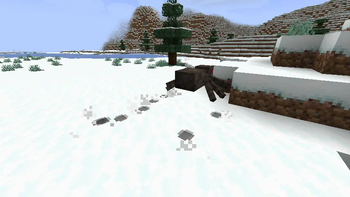
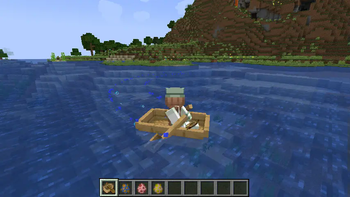
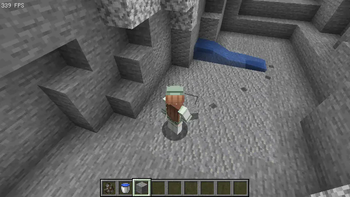
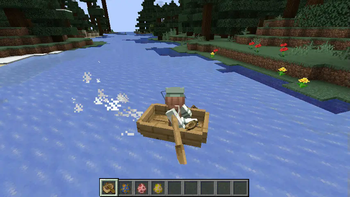
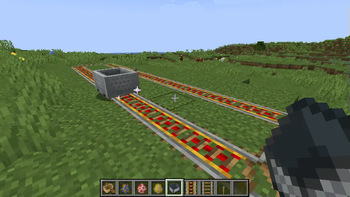
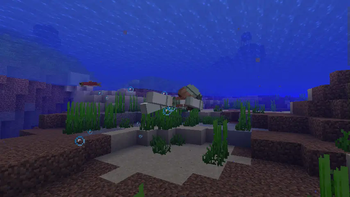
FootprintParticle — screenshot 1FootprintParticle — screenshot 2FootprintParticle — screenshot 3FootprintParticle — screenshot 4FootprintParticle — screenshot 5FootprintParticle — screenshot 6FootprintParticle — screenshot 7

I'm just confused that those particle mods have no footprint feature.

I can't find such one, so I made this one.

Footprint Particle

A simple mod that adds footprint for mobs (and players). Highly configurable designed for modpacks.

Feature

Configurable

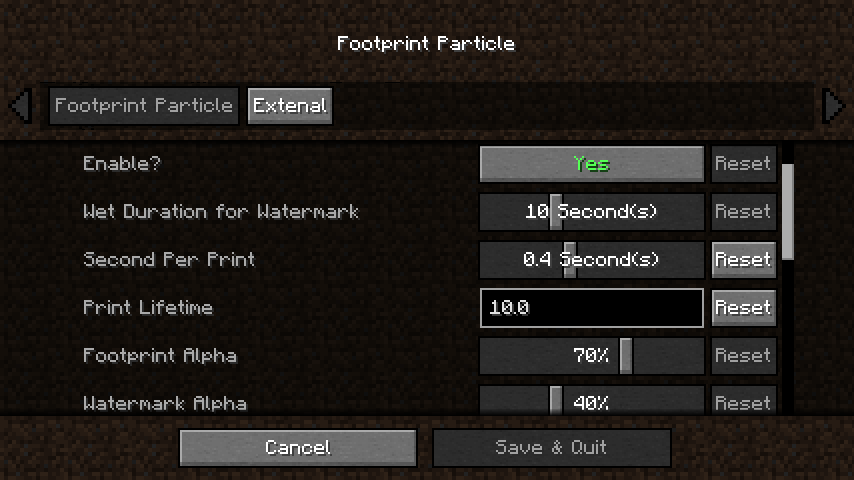
You can config its lifetime, frequency, and others through Cloth Config and Mod Menu.

Custom Print Texture

1.Make a resourcepack and put your texture.pngs to the path below:

assets\footprintparticle\textures\particle\

2.Make a footprint.json or copy one from the mod.jar to your resourcepack path below (or watermark.json if you wanna replace watermark at same time):

assets\footprintparticle\particles\

3.Add your texture.pngs file name to the .json, formatting like:

{
  "textures": [
    "footprintparticle:footprint",  // delete this line if you don't need default ugly print :)
    "footprintparticle:texture1",
    "footprintparticle:texture2",
    "footprintparticle: ..."  // remember last line NOT have comma (",")
  ]
}

4.Packing and install your pack into the game, enabled your resourcepack, then go to the config screen and edit the "Custom Print Texture" option as tooltip says:

minecraft:cat,texture1,texture2
minecraft:cow,texture1
modid:mobid,textureName
...

5.Enjoy!

Dependence

Since 0.3.1c we now support Forge & Fabric in a same jar, but dependence has some differ:

For all loader

Fabric extra needs

Contact

Any suggestions are welcome to Github.

Quick facts

Install steps are the general flow for this file type — How to install Minecraft Java mods & modpacks walks through it step by step.

Verified by MCModsHub

These come from our own check of the pack file, not from the source page.

Explore more