Cobblemon - Show Held Items
Java mod listed for Minecraft 1.21. File opened and checked on 13 Oct 2026; downloads from the MC Java Mods app on Android.
⬇ Download on Modrinth



⚠️ As of Cobblemon 1.7 this mod is no longer supported! ⚠️
The feature the this mod provides has been ported into Cobblemon as of version 1.7! 🎉
Cobblemon - Show Held Items
This is a side mod for Cobblemon so it will not do anything without Cobblemon installed.
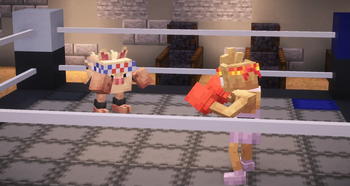
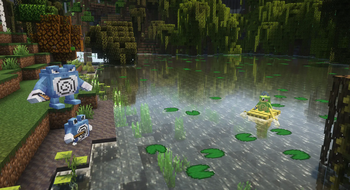
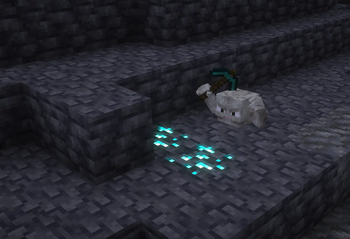
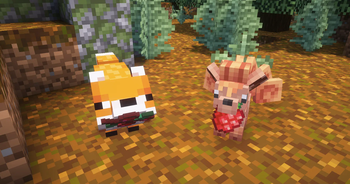
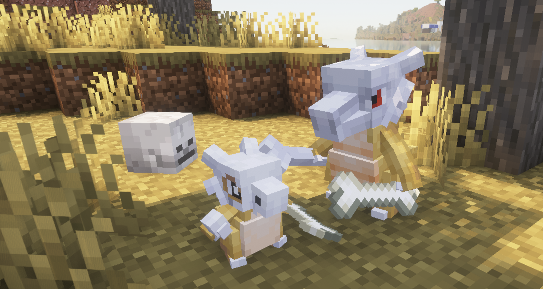
This mod allows Pokémon's Held Items render in the world. When joining a server that does not have this mod installed, only your own Pokémon's items will be rendered.

Technical Information
Server Configuration
The items that are hidden or shown as hats/glasses can be controlled by the server by adding a data pack to the server that replaces the "hidden_items.json", "wearable_eye_items.json" or "wearable_hat_items.json" item tag file. Hidden items will still be visible to the Pokémon's owner.
The path for hidden items is:
datapacks\[YOUR_SERVER'S_DATAPACK]\data\show-held-items\tags\item\hidden_items.json
These are the default settings of the file:
{
  "replace": true,
  "values": [
    "#cobblemon:held/is_held_item",
    "#cobblemon:berries"
  ]
}
Any modded or vanilla items can be added here.
The paths for eye items and hats are:
datapacks\[YOUR_SERVER'S_DATAPACK]\data\show-held-items\tags\item\wearable_eye_items.json
datapacks\[YOUR_SERVER'S_DATAPACK]\data\show-held-items\tags\item\wearable_hat_items.json
Here is an example using Villager Hats and Simple Hats:
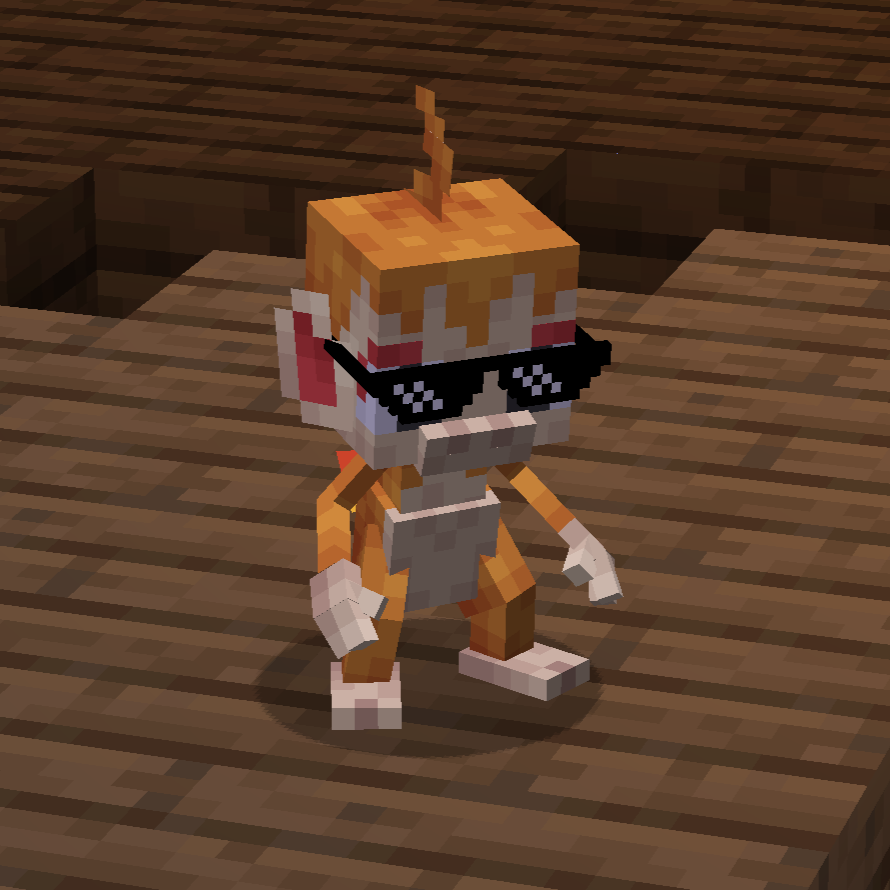
wearable_eye_items.json:
{
  "replace": false,
  "values": [
    "simplehats:clockface",
    "simplehats:sunglasses",
  ]
}
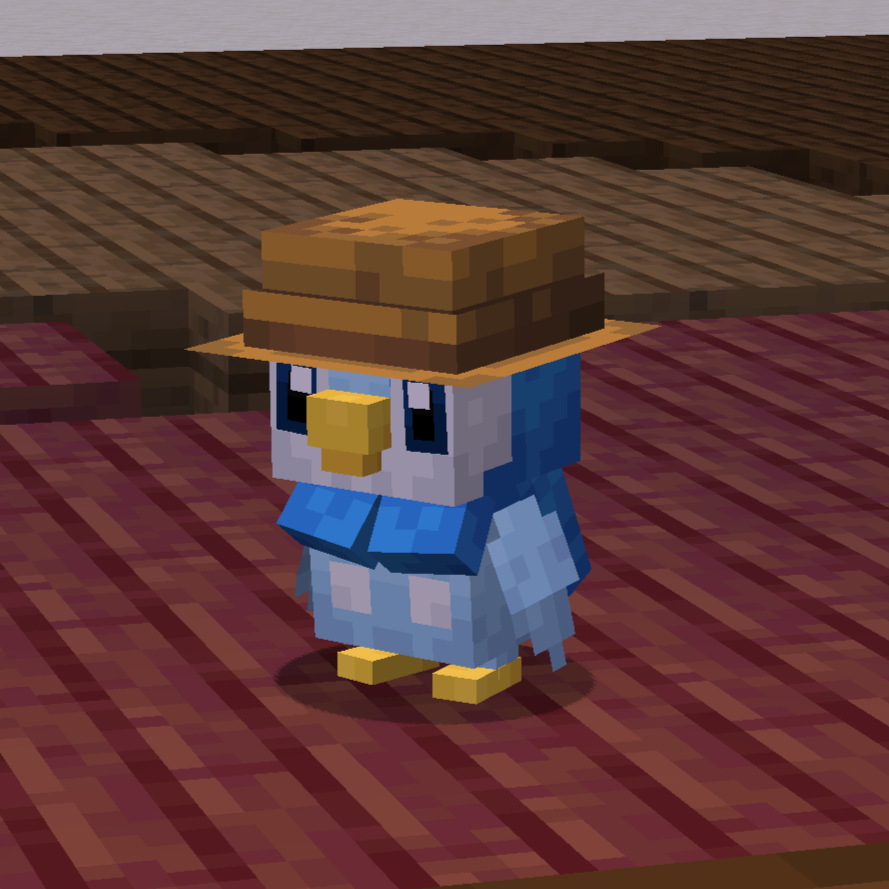
wearable_hat_items.json:
{
  "replace": false,
  "values": [
    "#villagerhats:hats"
  ]
}
Compatibility With Other Models
If there are Pokemon that do not render their held item or if you would like to have custom Fakemon show their held items, you can add a locator in the model named "held_item" or "held_item_fixed".
The "held_item" locator will render held items the same way that players render items. This is most effective for items like the spyglass, trident and other tools.
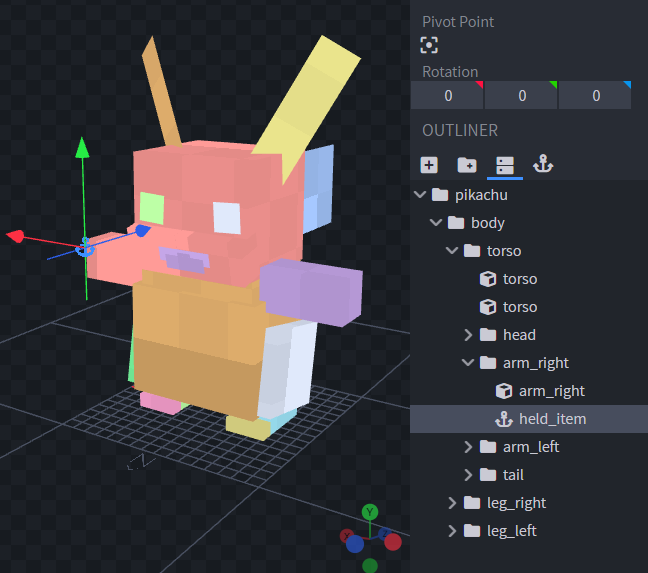
Sometimes it doesnt look quite right to have an item held the same way as the player. So for bird or dog-like pokemon, it may be best to use "held_item_fixed". This will render the flat default item model.
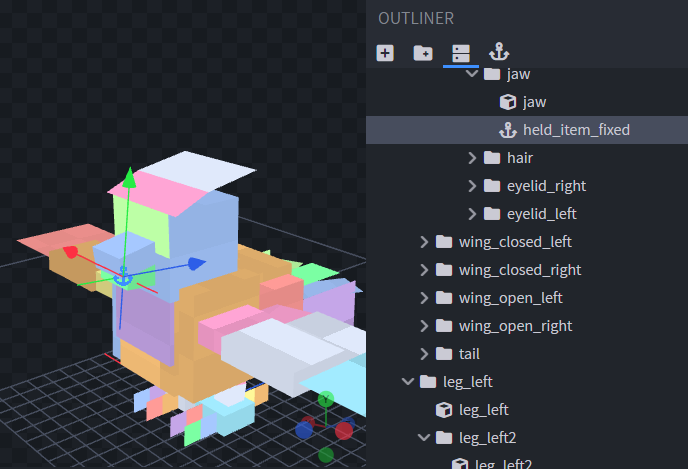
To change the rotation of the item, simply change the rotation of the locator.
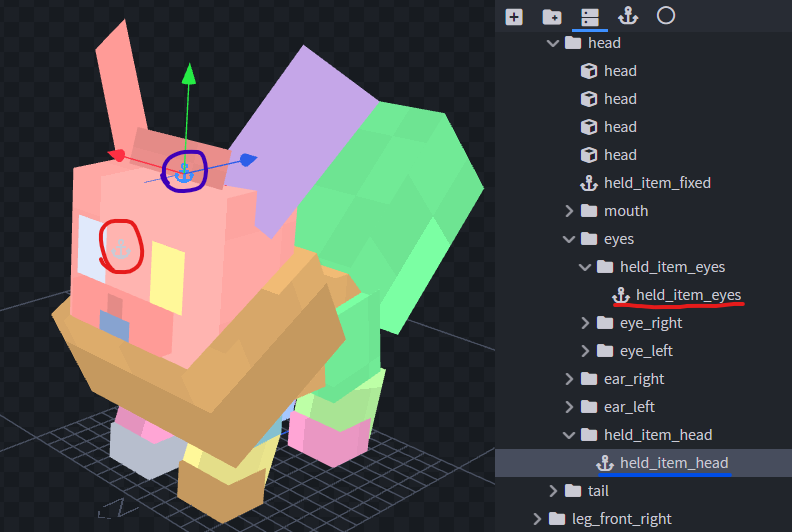
To support wearable hat or eye items add locators "held_item_head" and "held_item_eyes" onto the model either near the eyes or on top of the head.
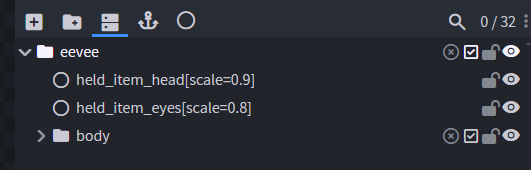
If the held item isn't quite the right size you can add modifiers to the locators using Null Objects. Give the Null Object the name of the locator you wish to modify followed by square brackets and a scale value, e.g., "held_item_head[scale=2.25]".
If you have any other concerns or questions, you can inquire here. Thank you!
- Edition: Minecraft Java
- File type: .jar
- Minecraft version listed: 1.21.1
- How to install: Install the matching mod loader (Forge, Fabric or NeoForge) for your Minecraft version. → Download the .jar. → Put it in the .minecraft/mods folder and launch that loader profile.
- Where to get it: Opens on Modrinth — not every file is mirrored on our own servers.
Install steps are the general flow for this file type — How to install Minecraft Java mods & modpacks walks through it step by step.
- Ships as show-held-items-0.2.3.jar — drop this file into the mods folder
- Download size: 5.8 MB
- Download link checked 27 Oct 2026 — working
These come from our own check of the pack file, not from the source page.