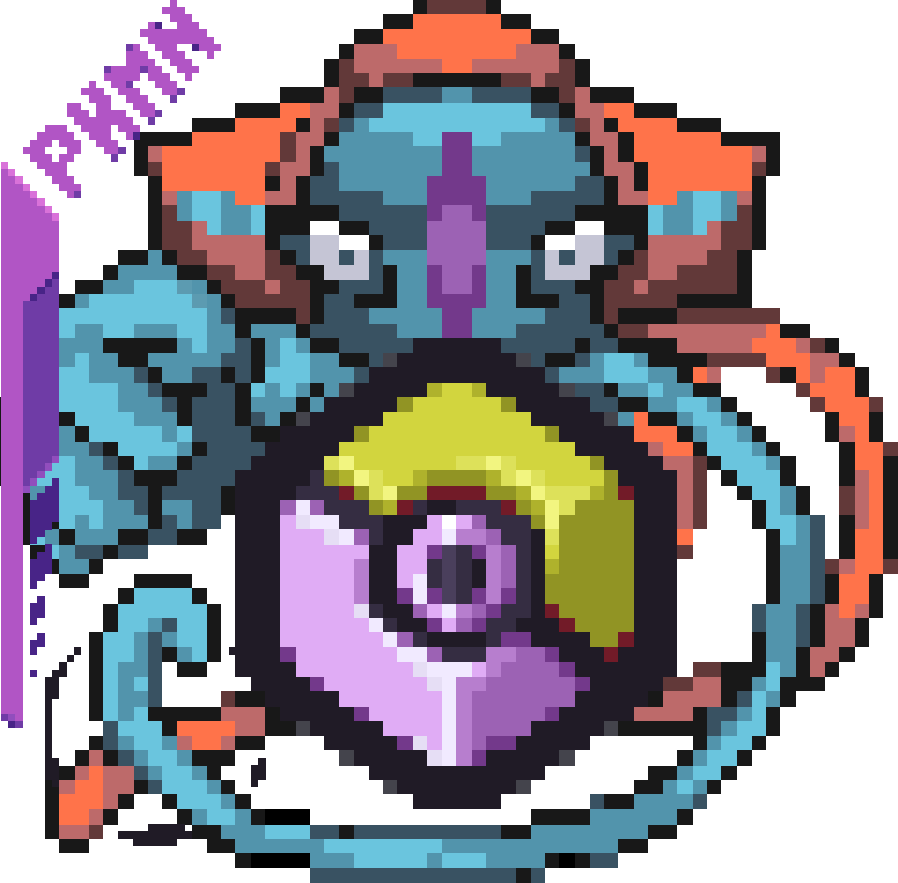
Legends & Myths (Cobblemon)
Java mod listed for Minecraft 1.21. File opened and checked on 3 Oct 2026; downloads from the MC Java Mods app on Android.
A data pack that adds legendary and mythical Pokémon to the game. Explore new buildings and Pokemon, gain new experiences in your adventures.
⬇ Download on Modrinth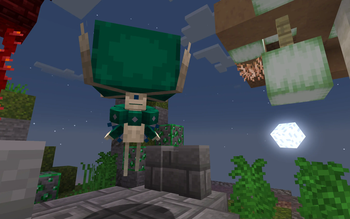
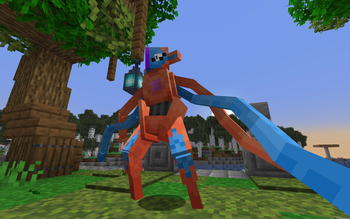
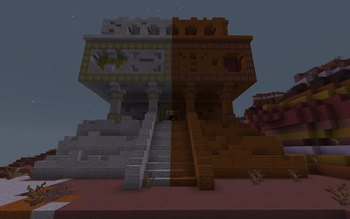
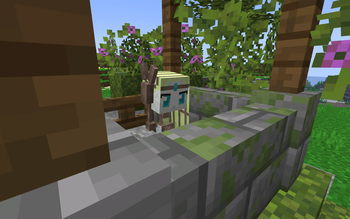
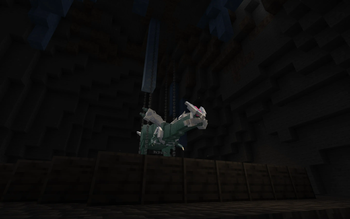
L&M IS PAUSED FOR INDEFINITE PERIOD OF TIME
FAQ:
What does Legends & Myths do?
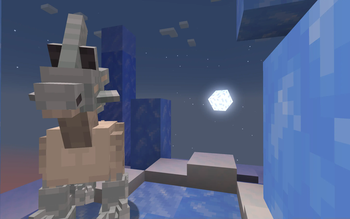
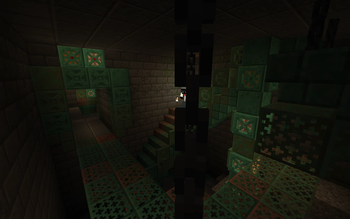
Datapack for Cobblemon which adds legenadry and mythical pokemons to the game. Every legendary/mythical pokemon from datapack have unique structure where they spawn.
For datapack and resourcepack to work
(ONLY IF USING DATAPACK FORMAT)
Install the resourcepack and datapack files
Put it datapack file into the "datapacks" folder of your world
Put resourcepack file inside of your resourcepacks
Turn on the resourcepack
How to change Deoxys' form?
You have to go to the end in order to change it's forms (no items needed)
How to change Silvally's type?
You have to give it a gem. Based on gem held the typing of your Silvally will change
Which pokemons added?
- Deoxys (All 4 forms)
- Glastrier
- Calyrex (No forms yet)
- Keldeo (Only one form)
- Regirock
- Registeel
- Regice
- Regieleki
- Regidrago
- Regigigas
- Kyogre (Donated model by: Karlo)
- Kyurem (No other forms yet)
- Genesect (No drives yet and can't be obtained in the survival)
- Latias
- Latios
- Meloetta (Only one form)
- Type: Null (From: Pokemans Pack [Cobblemon])
- Silvally (All types) (From: Pokemans Pack [Cobblemon])
- Magearna (Only default colour)
We AREN'T Myths and Legends
Legends & Myths and Myths and Legends are two different modifications!
Which format is better to use Mod/Datapack?
Datapck is more stable version of this modification since it was focused for datapack format and thus has less visual bugs.
Links
Discord server: https://discord.gg/FExcyJSB
Discord thread: https://discord.com/channels/934267676354834442/1270303327665786891
Discord help thread: https://discord.com/channels/934267676354834442/1270304029259464767
- Edition: Minecraft Java
- File type: .jar
- Minecraft version listed: 1.21.1
- How to install: Install the matching mod loader (Forge, Fabric or NeoForge) for your Minecraft version. → Download the .jar. → Put it in the .minecraft/mods folder and launch that loader profile.
- Where to get it: Opens on Modrinth — not every file is mirrored on our own servers.
Install steps are the general flow for this file type — How to install Minecraft Java mods & modpacks walks through it step by step.
- Ships as legends-myths-3.jar — drop this file into the mods folder
- Download size: 5.4 MB
- Download link checked 7 Oct 2026 — working
These come from our own check of the pack file, not from the source page.