
ModsJava
Create: Dynamic Lights
Java mod listed for Minecraft 1.21. File opened and checked on 16 Oct 2026; downloads from the MC Java Mods app on Android.
⬇ Download on Modrinth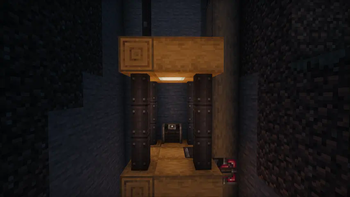
Create-Dynamic-Lights
Add dynamic lights to the Create mod.
Features
- Dynamic Lighting for Contraptions:
- Automatically create light blocks when Contraptions move.
- Support LambDynamicLights:
- Add and update light sources for LambDynamicLights mod as Contraptions move, allowing for smoother lighting effects.
Dependencies
Fabric
- Create-Fabric (Required)
- LambDynamicLights (Recommended)
Forge
- Create (Required)
- Embeddium/Rubidium Dynamic Lights (Recommended)
Server and Client Support
| Feature | Server Only | Client Only | Both Side |
|---|---|---|---|
| Light Block | Yes | No | Yes |
| Dynamic Lights | No | Yes | Yes |
- Only installed on the server.
- You can use the Light Block to create light sources even if the client doesn't have the mod installed. The client will see the light sources, and the performance impact may be heavy.
- Only installed on the client.
- The client can see the light sources created by the LimbDynamicLights mod but the light sources only has visual effects and no actual light source is created.
Known Issues
- On Fabric, if the mod is installed only on the client side, the client will crash when you modify and save the server configuration.
- For servers, I recommend installing the mod even if you don't want to use the Light Block effect. This can prevent client crashes and exception logs on the server side.
Preview
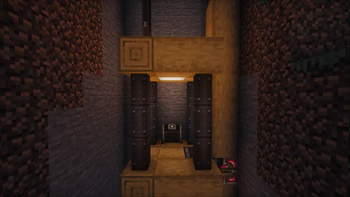
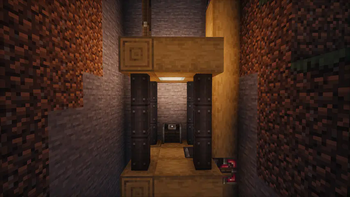
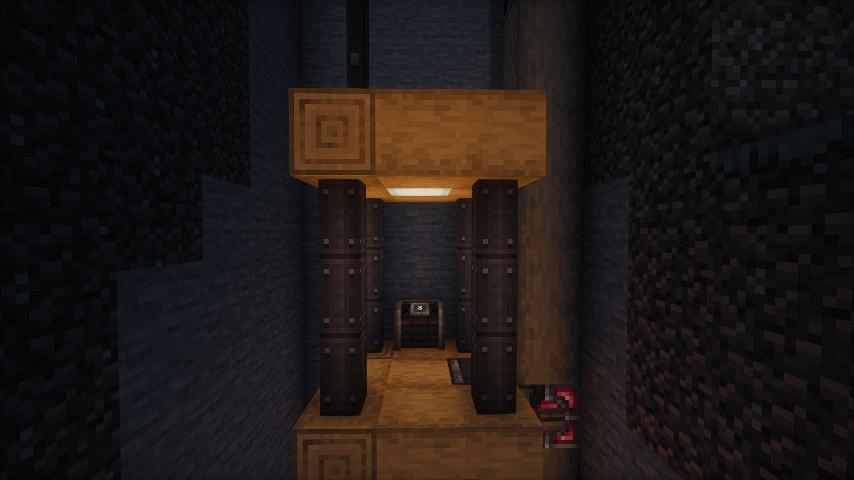 No dynamic light
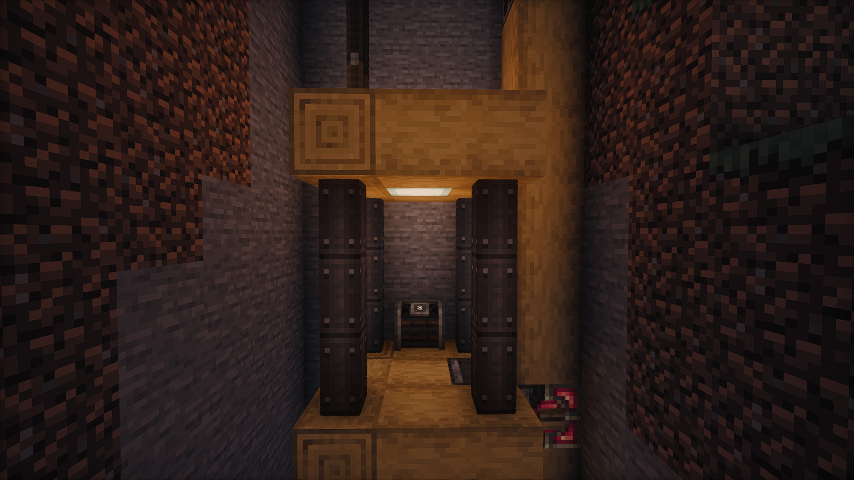 Default dynamic light
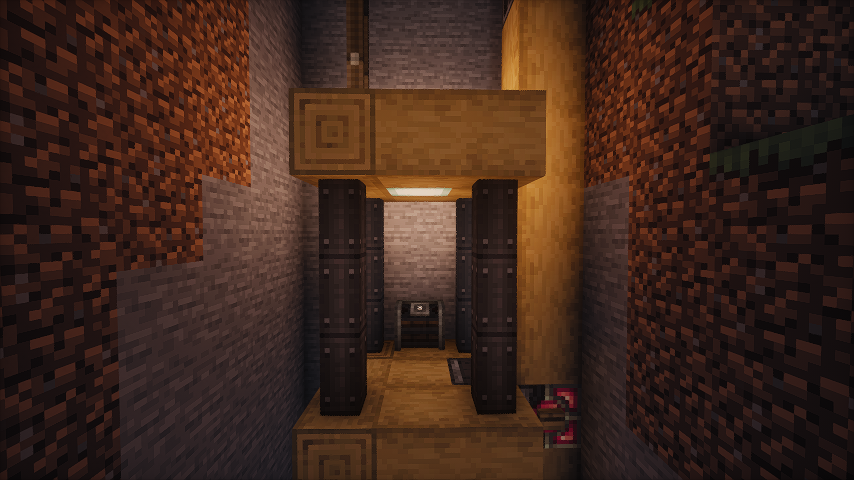 Brighter dynamic light (set the luminance multiplier to 1.2)
Some gifs
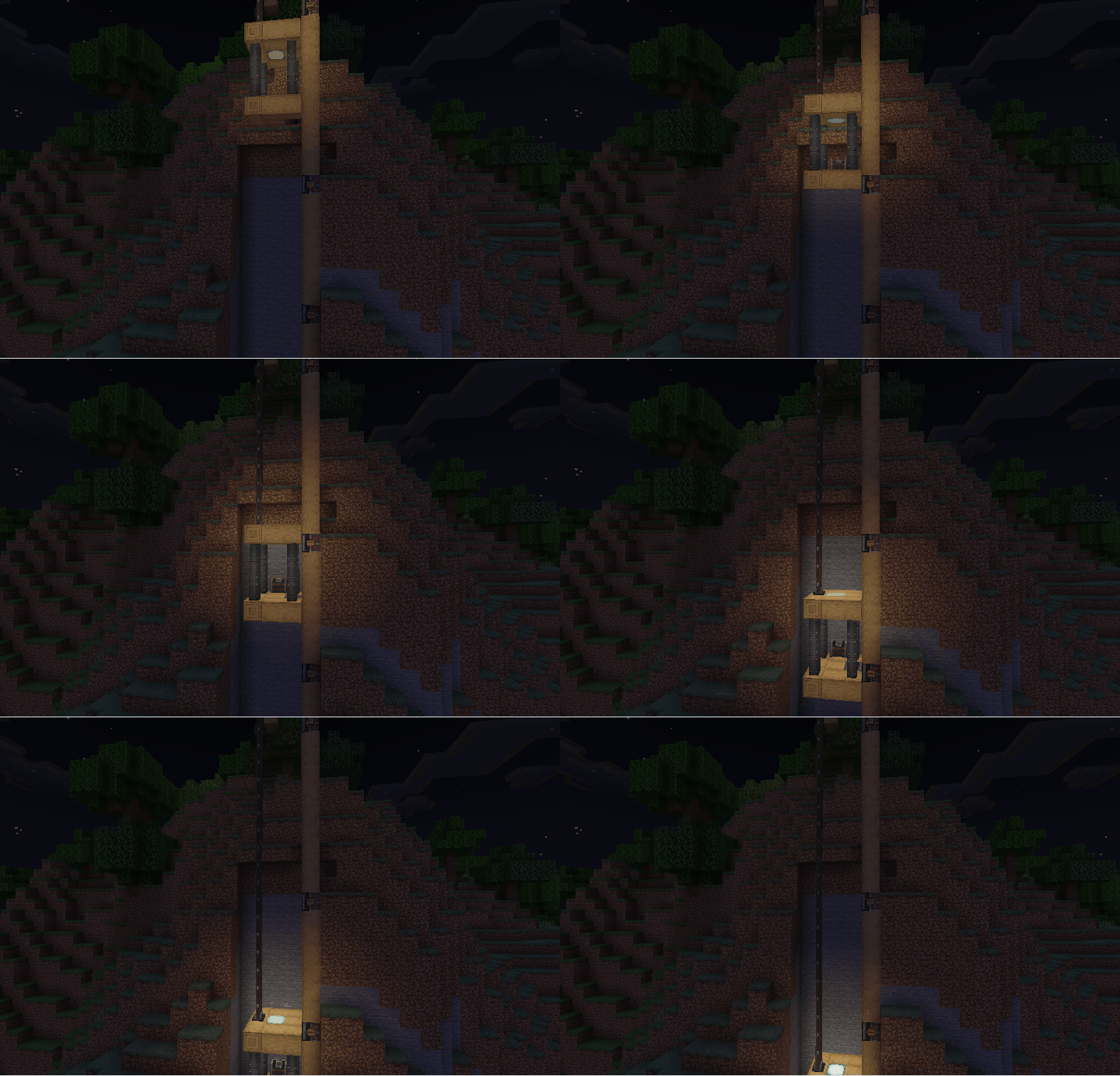
- As the elevator moves, the light illuminates the surrounding area.
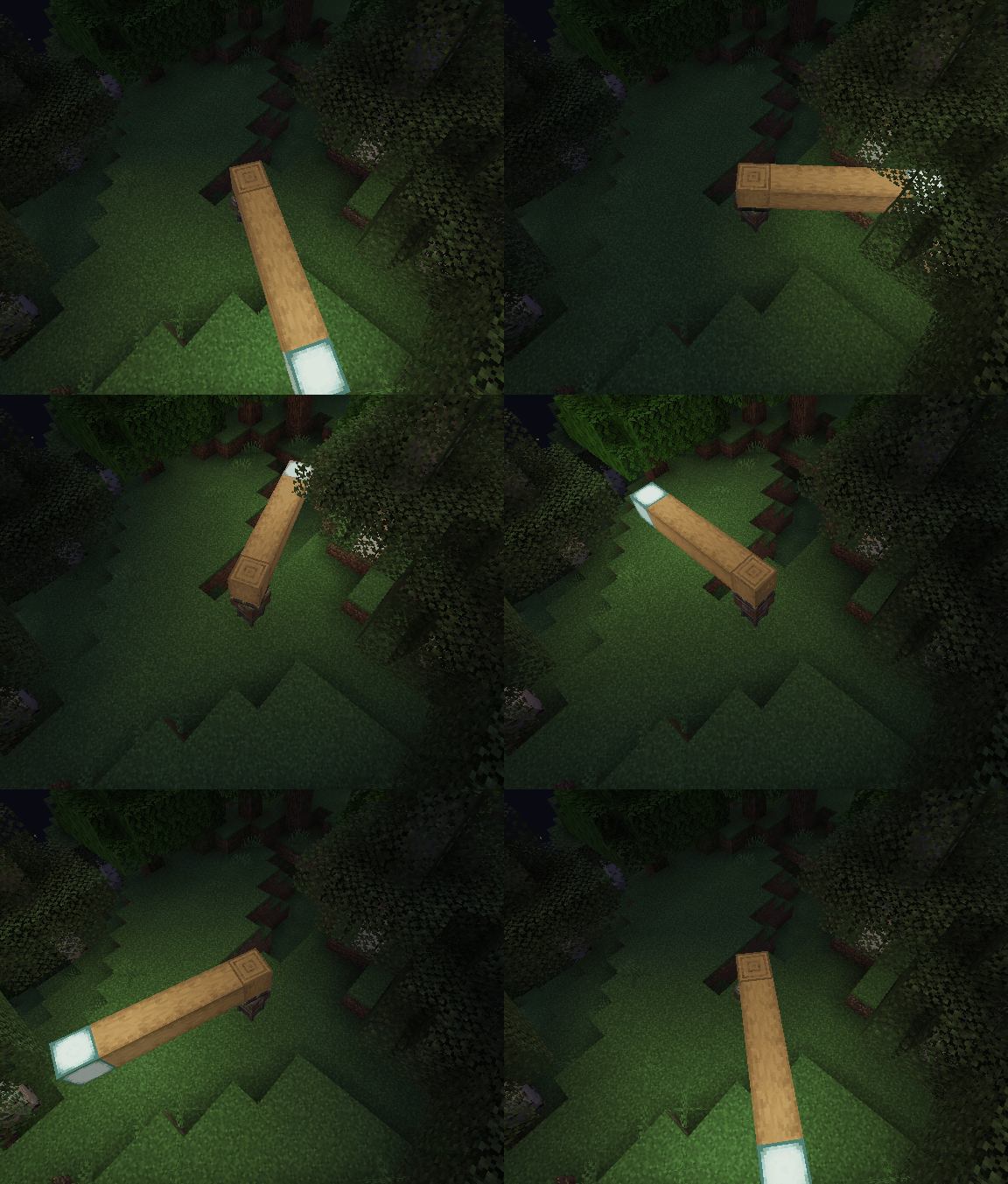
- Enable the light block. As the bearing moves, the light block is created and removed. You can see the light is a little flicker.
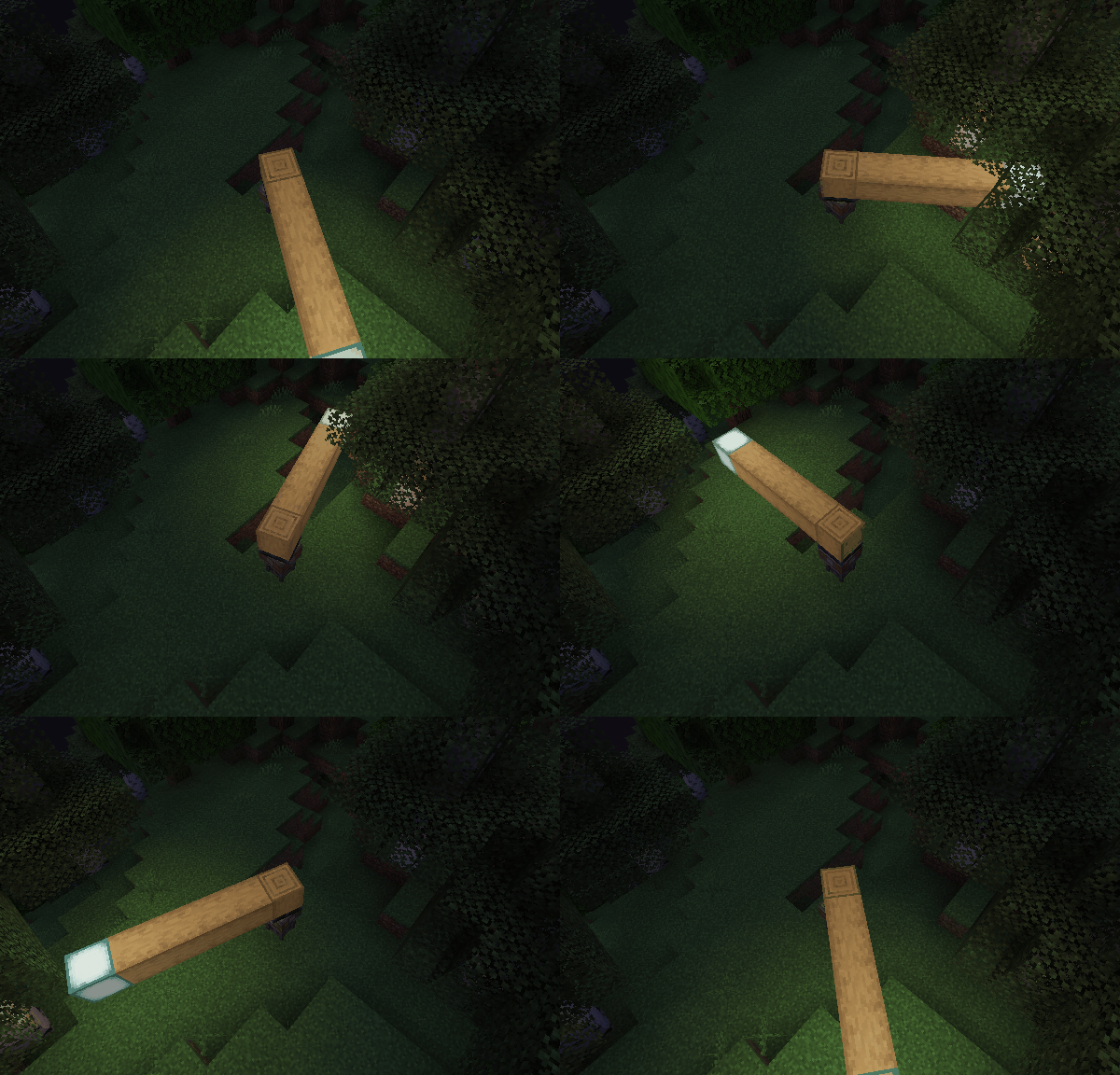
- Disable the light block and enable the LimbDynamicLight. There is no flicker, and the light is smoother.
Q&A
- Q: Why and when to use the light block?
- A: The Light Block is a block that emits light. It's invisible and intangible, making it ideal for creating light sources in the game world. It can affect the environment by melting ice or snow and preventing mob spawning. However, the Light Block can impact performance, and the light source isn’t smooth when the contraption moves. Therefore, I recommend using the LambDynamicLights mod for smoother lighting effects. There might be two reasons for using the Light Block:
- The client doesn't have the LambDynamicLights mod installed or this mod installed.
- You want to create a light source that can affect the environment, such as melting ice or snow.
- A: The Light Block is a block that emits light. It's invisible and intangible, making it ideal for creating light sources in the game world. It can affect the environment by melting ice or snow and preventing mob spawning. However, the Light Block can impact performance, and the light source isn’t smooth when the contraption moves. Therefore, I recommend using the LambDynamicLights mod for smoother lighting effects. There might be two reasons for using the Light Block:
Quick facts
- Edition: Minecraft Java
- File type: .jar
- Minecraft version listed: 1.21.1
- How to install: Install the matching mod loader (Forge, Fabric or NeoForge) for your Minecraft version. → Download the .jar. → Put it in the .minecraft/mods folder and launch that loader profile.
- Where to get it: Opens on Modrinth — not every file is mirrored on our own servers.
Install steps are the general flow for this file type — How to install Minecraft Java mods & modpacks walks through it step by step.
File checked by MCModsHub
- Ships as create-dyn-light-forge-1.21.1-2.0.1.jar — drop this file into the mods folder
- Download size: 134 KB
- Download link checked 7 Oct 2026 — working
These come from our own check of the pack file, not from the source page.