
RP Renames
Java mod listed for Minecraft 26.x. Downloads from the MC Java Mods app on Android.
⬇ Download on Modrinth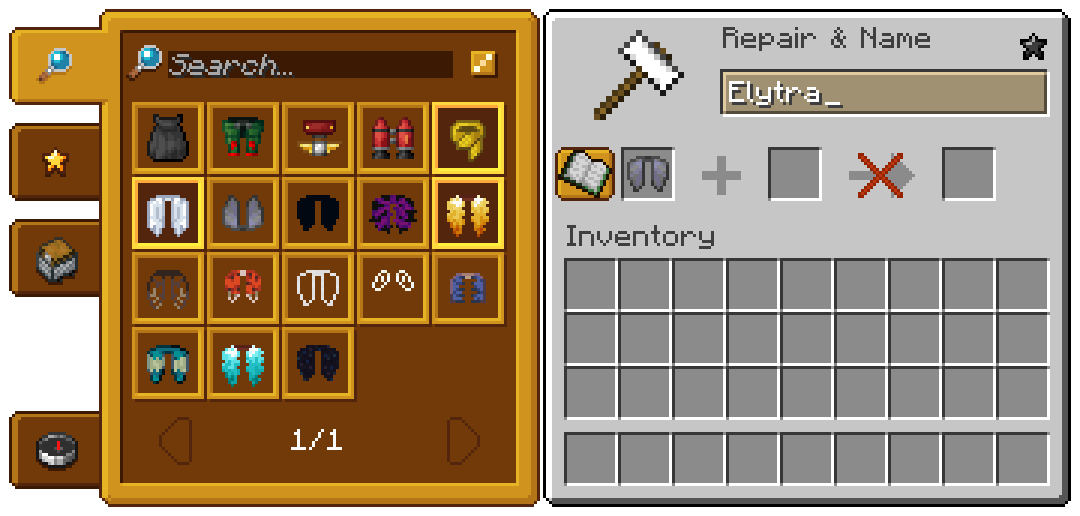
      |
 |
|---|
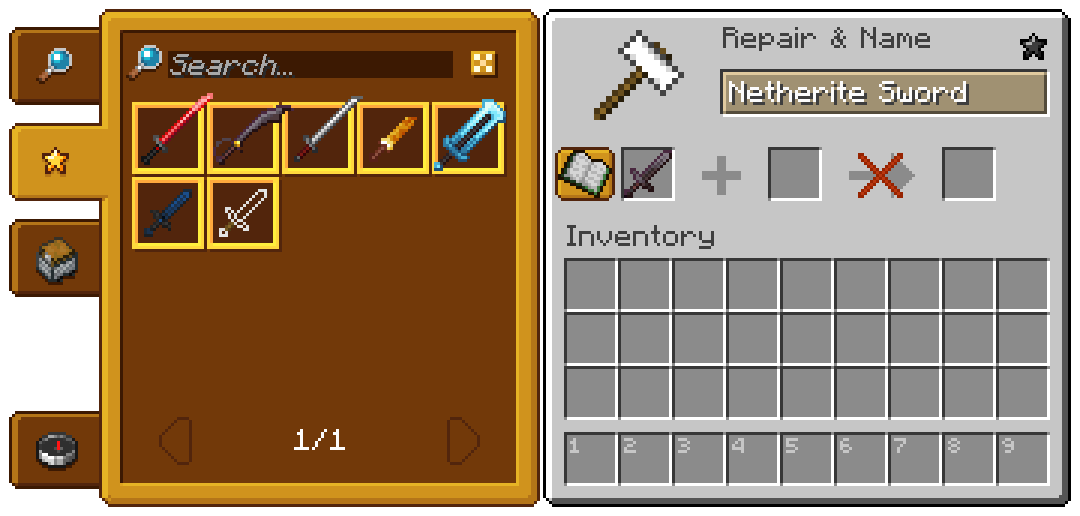
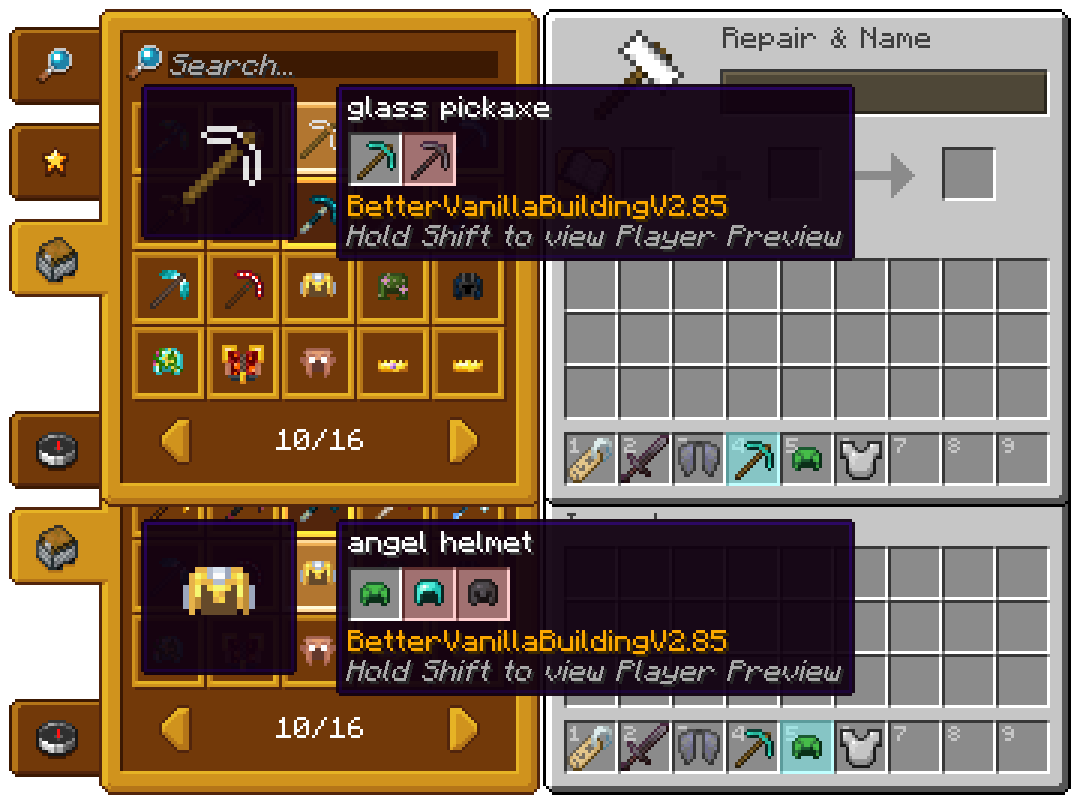
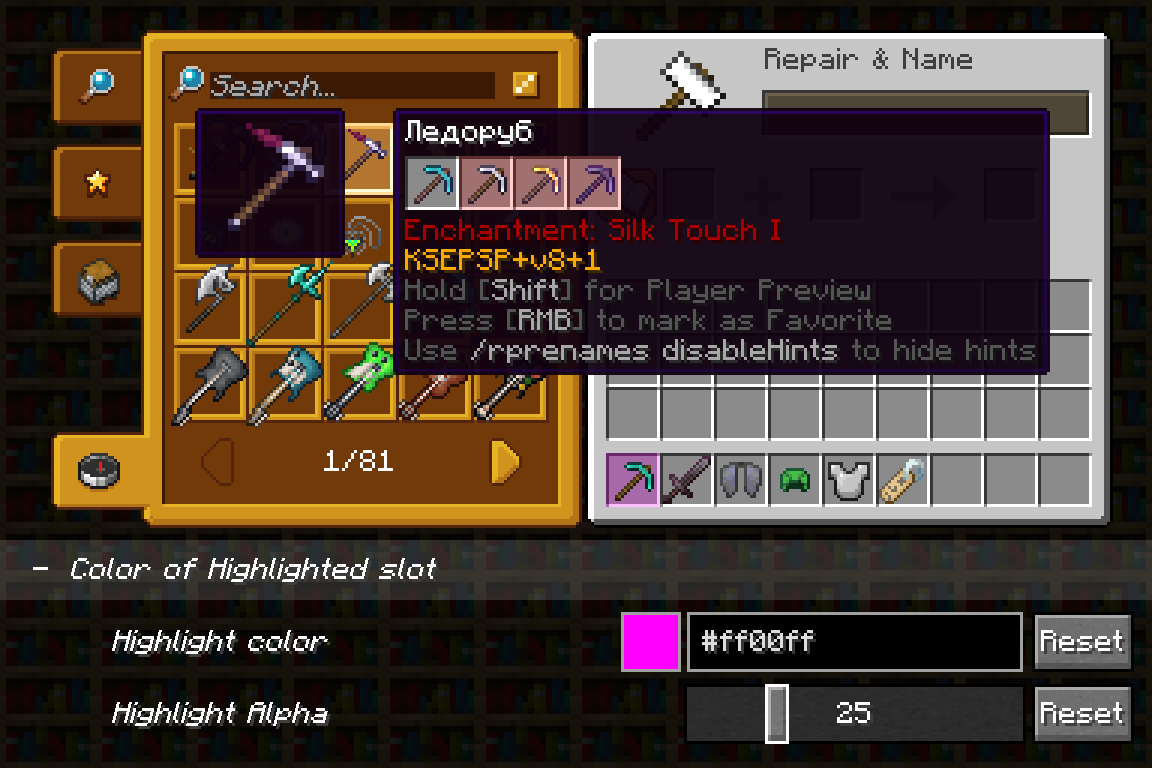
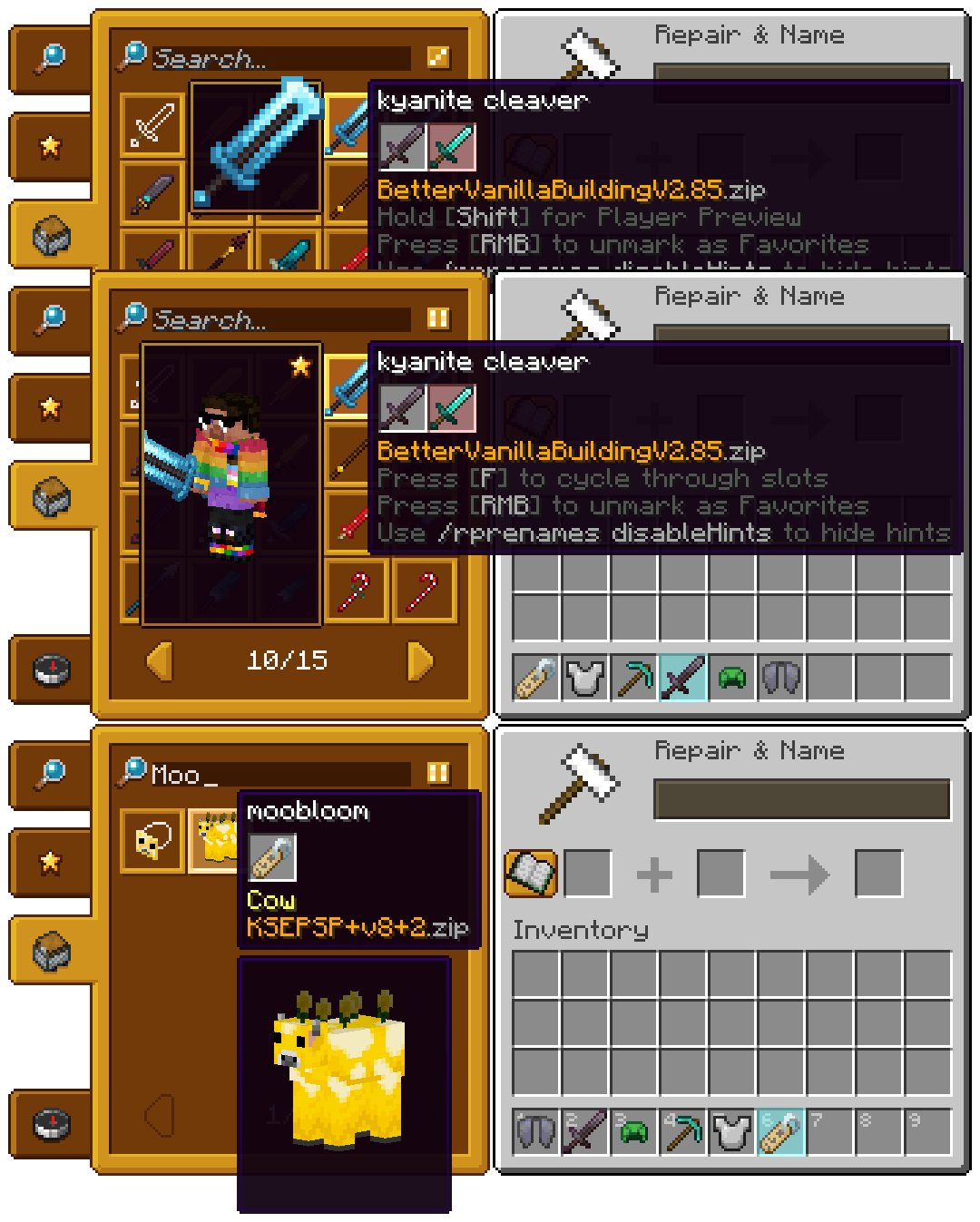
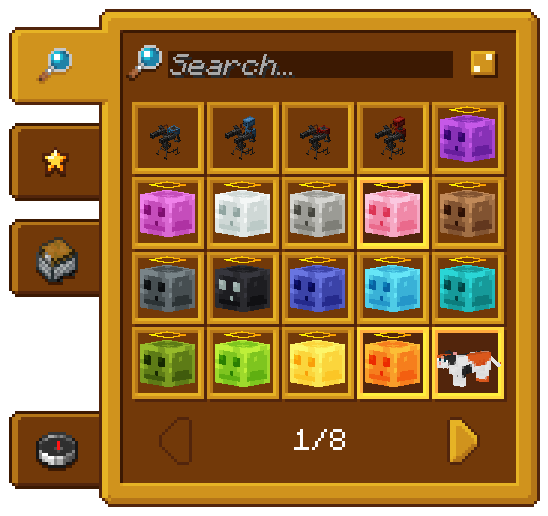
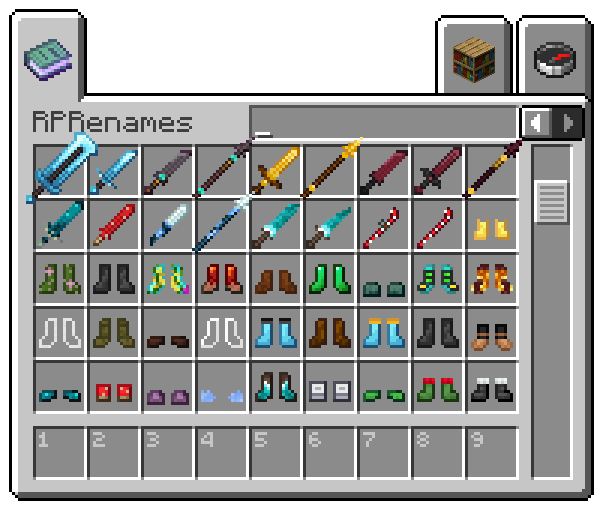
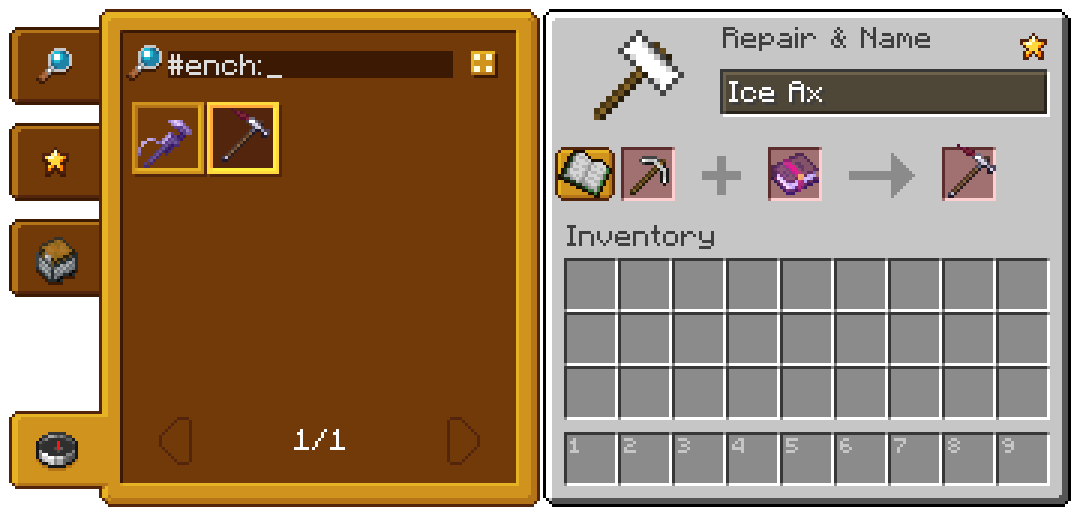
See every CIT and CEM Rename from ur resource packs in anvil menu right in game!
This is a client sided mod that helps searching for good costumize for ur tools or other items with ur resource packs. It shows every possible name requared for new texture, so u can just click on it and give ur item new look.
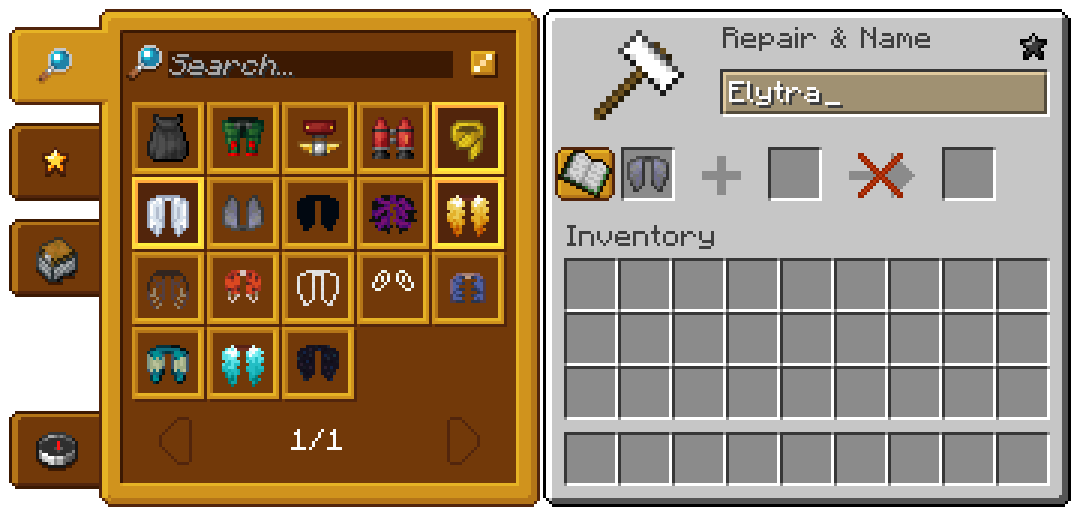
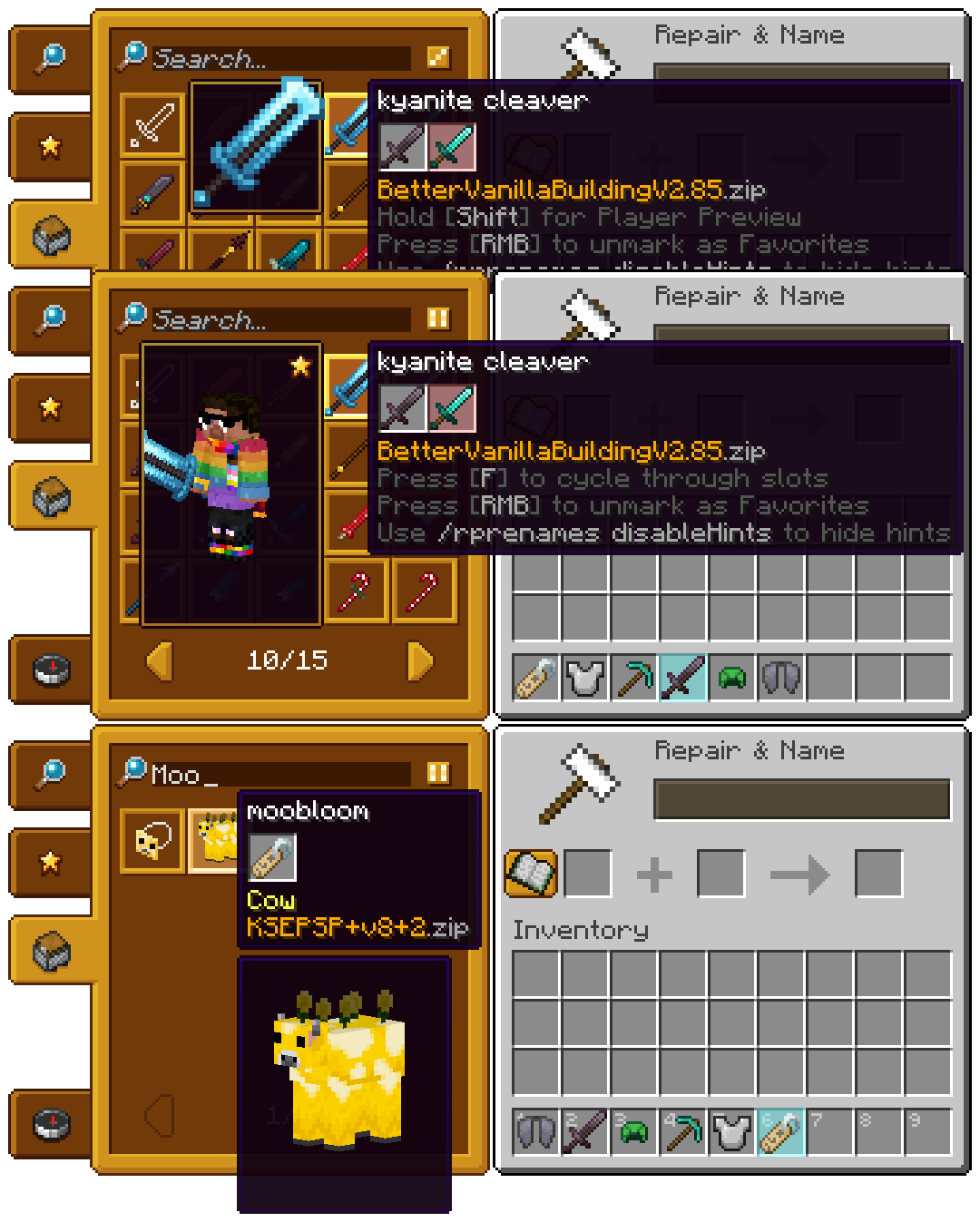
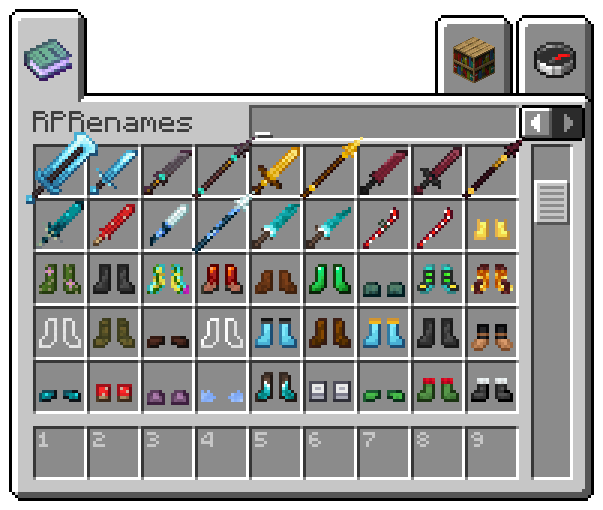
| Creative Tab! | CEM Support! |
|---|---|
 |
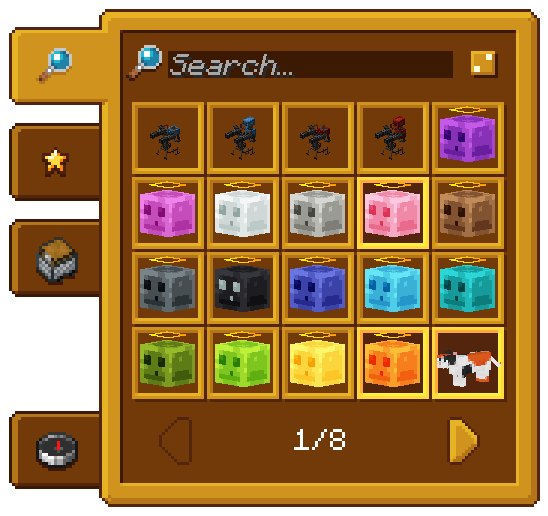 |
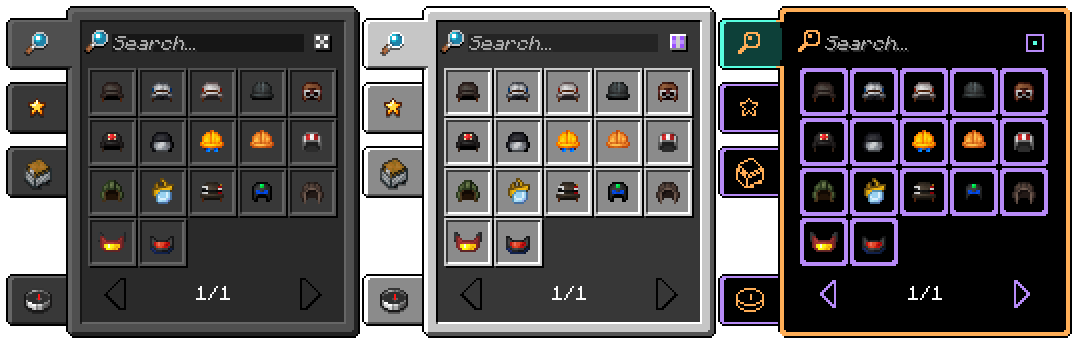
New Roleplay Experience! U don't need to search in giant list of renames on resource pack's site or somewhere else for one rename, now it is right in ur Minecraft!
- Edition: Minecraft Java
- File type: .jar
- Minecraft version listed: 26.2
- How to install: Install the matching mod loader (Forge, Fabric or NeoForge) for your Minecraft version. → Download the .jar. → Put it in the .minecraft/mods folder and launch that loader profile.
- Where to get it: Opens on Modrinth — not every file is mirrored on our own servers.
Install steps are the general flow for this file type — How to install Minecraft Java mods & modpacks walks through it step by step.
- Ships as RPRenames-26.2-0.12.2.jar — drop this file into the mods folder
- Download size: 273 KB
- Download link checked 7 Oct 2026 — working
These come from our own check of the pack file, not from the source page.