
New Slab Variants
Java mod listed for Minecraft 26.x. Downloads from the MC Java Mods app on Android.
I don't know my version or loader




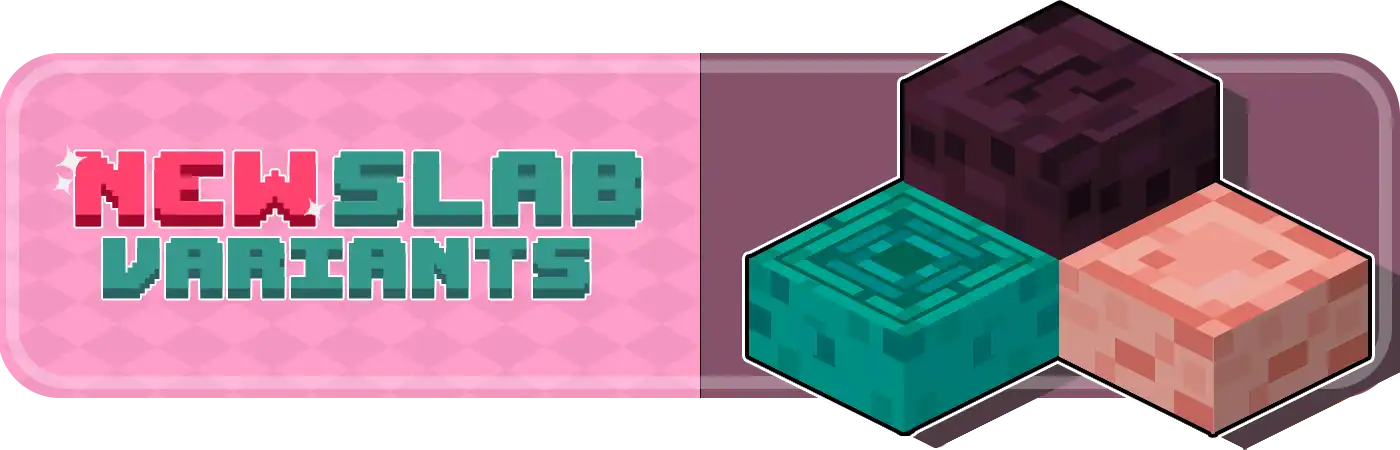
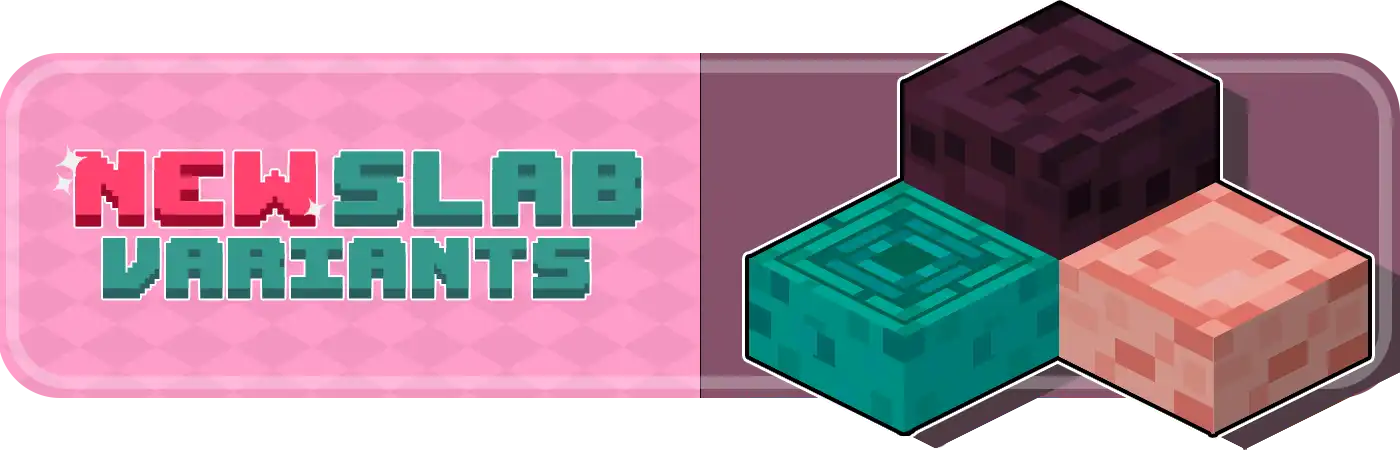
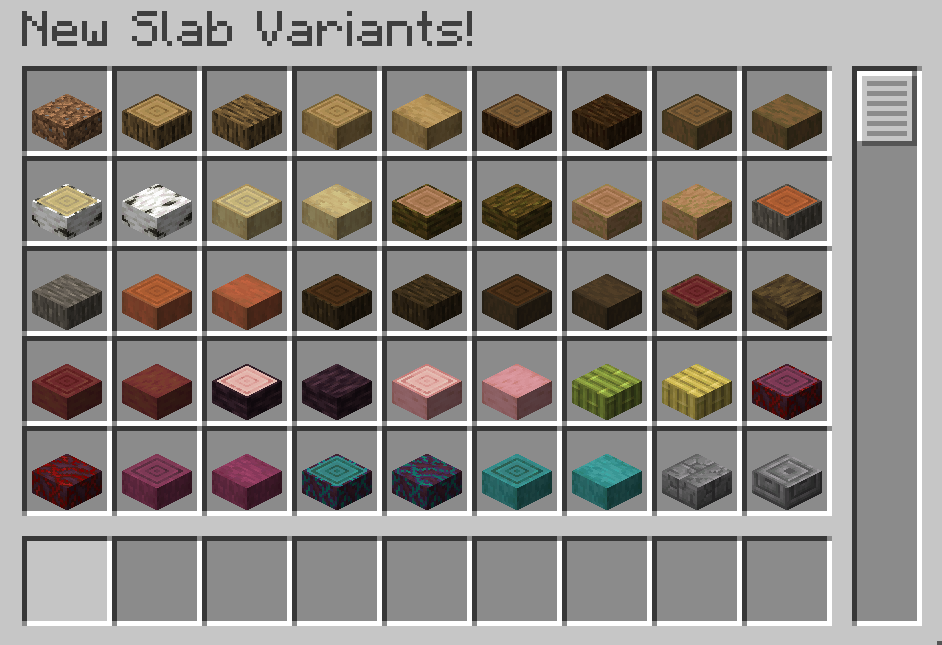
Shouldn't every block have a slab? From now on, players will have more than 200 new slabs, with textures similar to the game's vanilla blocks!
In this way, the decorative possibilities will be endless, and ideal for any modded experience.
Do you need a server to play with your friends?

For exceptional server hosting services, look no further than BisectHosting. Of course, you can install all the mods or modpacks you want, and their support team is always available to help you.
With the code "Lupin" you will get a 25% discount! Click here!

The goal of this mod is to fulfill the desire of many players, which is none other than to allow you to make slabs using a lot of different building blocks, as well as new varieties. For example, players will have the opportunity to obtain new wooden tiles, or even tiles made from mineral blocks.

This mod is compatible with other mods that add slabs?
This is really not easy to say without first analyzing the mods in question, but there should be no problem when using it with other decorative mods. In any case, if you have any inconvenience you can leave a comment and we will work to make everything work correctly.
Can slabs be placed on top of others?
The slabs work exactly the same as in the default version, but yes, you can make use of other mods that facilitate the placement of slabs of different materials in the same block.
Does it work on servers?
Sure! Remember that the best way to play with mods and friends is with BisectHosting, and by clicking on this link you can get a 25% discount.
Can this mod be used in modpacks?
Of course! As long as it is published only on Modrinth or CurseForge. Uploading it to any other platform would be violating our rights and is not allowed at all.
However, we are really grateful if you consider adding it to your Modrinth or CurseForge modpack. If you need any small changes or have any questions, contact us!

.
- Edition: Minecraft Java
- File type: .jar
- Minecraft versions listed: 26.1, 26.1.1, 26.1.2
- How to install: Install the matching mod loader (Forge, Fabric or NeoForge) for your Minecraft version. → Download the .jar. → Put it in the .minecraft/mods folder and launch that loader profile.
- Where to get it: Opens on Modrinth — not every file is mirrored on our own servers.
Install steps are the general flow for this file type — How to install Minecraft Java mods & modpacks walks through it step by step.
- Ships as new_slab_variants-neoforge-26.1.2-3.1.0.jar — drop this file into the mods folder
- Download size: 1.1 MB
- Download link checked 7 Oct 2026 — working
These come from our own check of the pack file, not from the source page.