
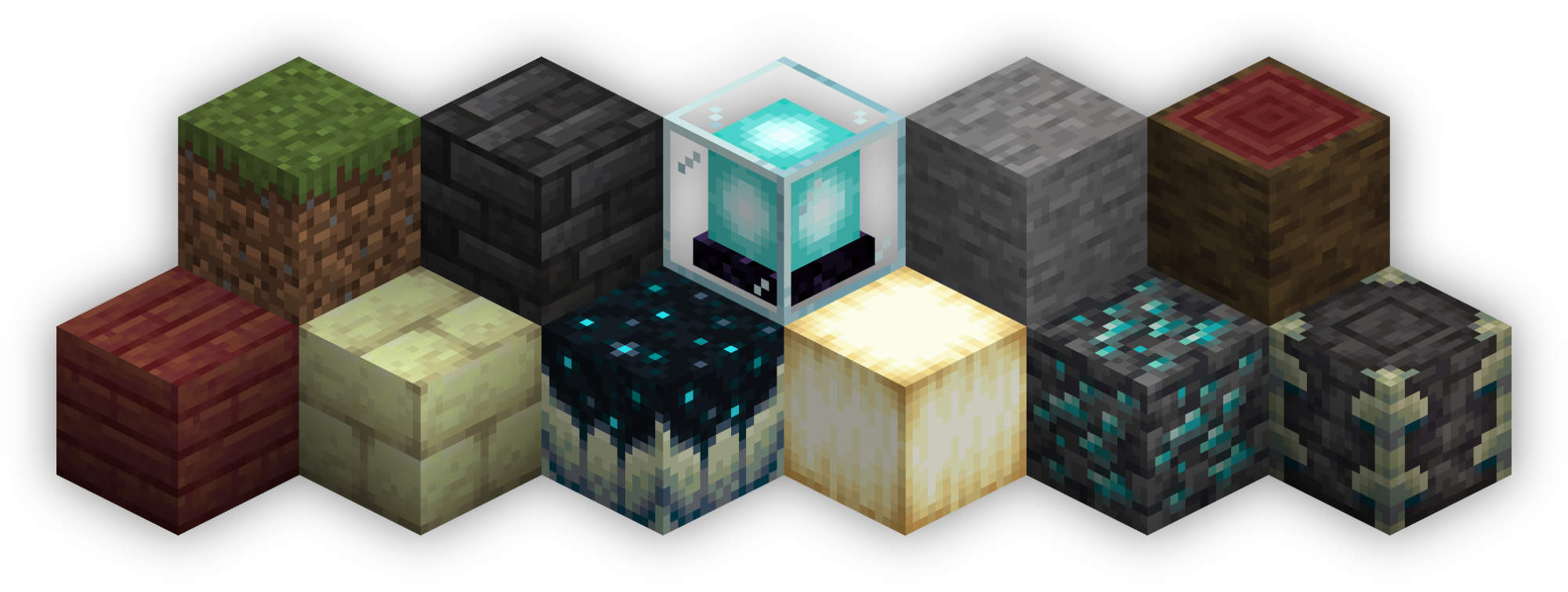
 Isometric Renders allows you to take isometric screenshots, or rather, create renders of game objects like parts of world, blocks, items and entities.
These are automatically keyed to have a transparent background and you can adjust scale, positioning and many more options right in-game in a fancy gui.
This was designed with modded wikis or similar documentation in mind, should be easy to use and mostly pretty performant.
In-Depth documentation is available on https://docs.wispforest.io/isometric-renders/home
🌟 Currently Supported Rendering Targets 🌟
- Items
- Blocks
- Entities
- Areas of the world
- Batch export of multiple blocks or items
- Item Atlases (Overviews)
The basic command is /isorender
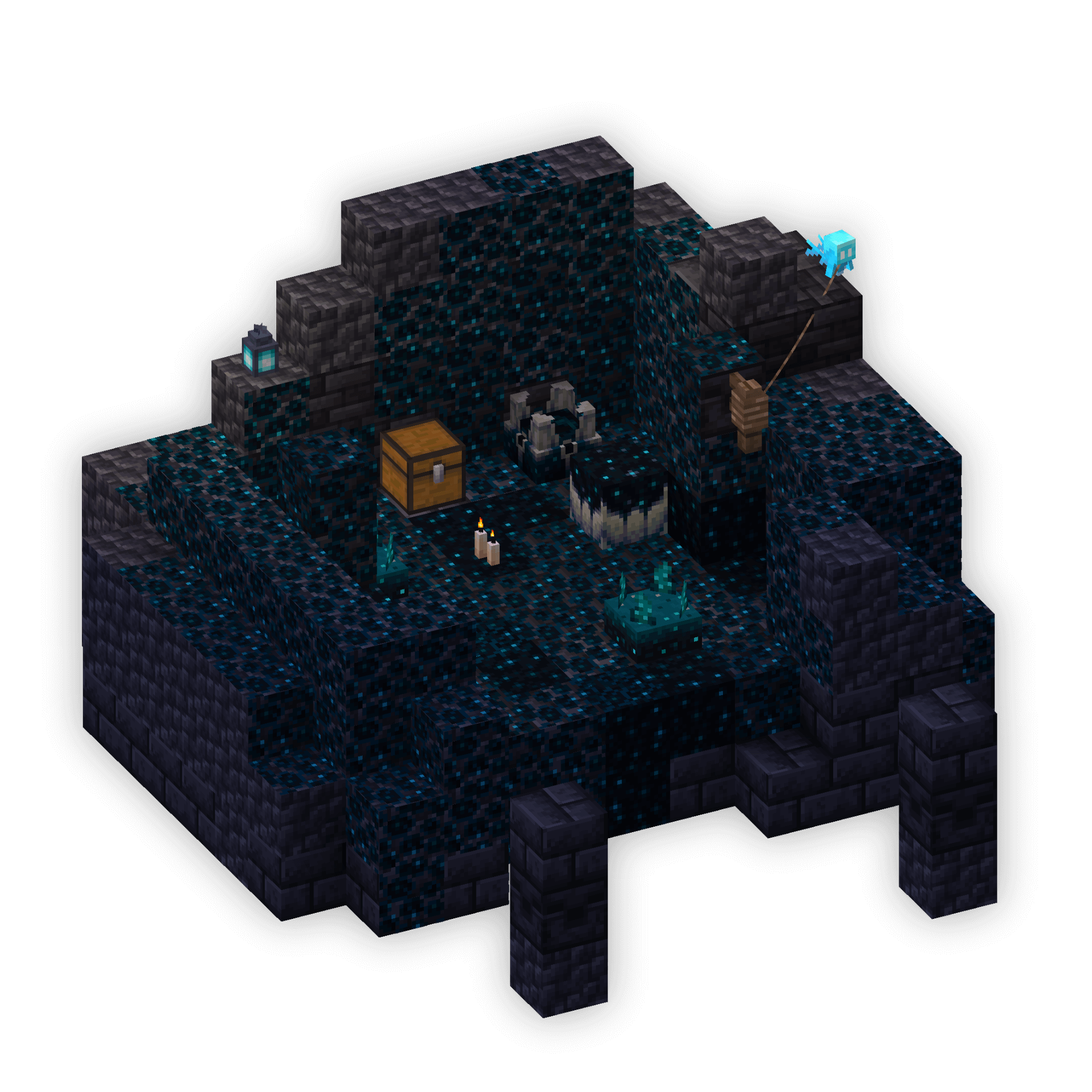
- Edition: Minecraft Java
- File type: .jar
- Minecraft version listed: 1.21.4
- How to install: Install the matching mod loader (Forge, Fabric or NeoForge) for your Minecraft version. → Download the .jar. → Put it in the .minecraft/mods folder and launch that loader profile.
- Where to get it: Opens on Modrinth — not every file is mirrored on our own servers.
Install steps are the general flow for this file type — How to install Minecraft Java mods & modpacks walks through it step by step.
- Ships as isometric-renders-0.4.9+1.21.4.jar — drop this file into the mods folder
- Download size: 198 KB
- Download link checked 26 Aug 2026 — working
These come from our own check of the pack file, not from the source page.