
Nether Coords
Java mod listed for Minecraft 26.x. Downloads from the MC Java Mods app on Android.
⬇ Download on Modrinth
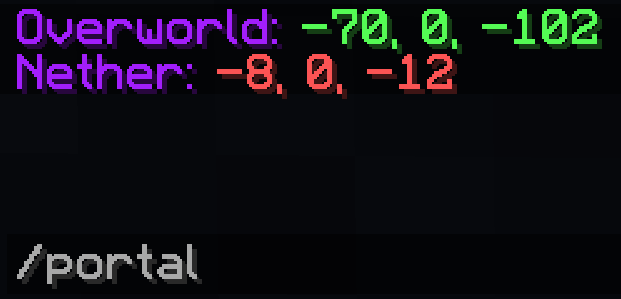
Nether Coords is a Fabric client side mod that provides players with easier ways of determining relative coordinates in game. Because Nether Coords is a client-side mod it works in both Singleplayer and Multiplayer and does not need to be installed on the server, just on the client.
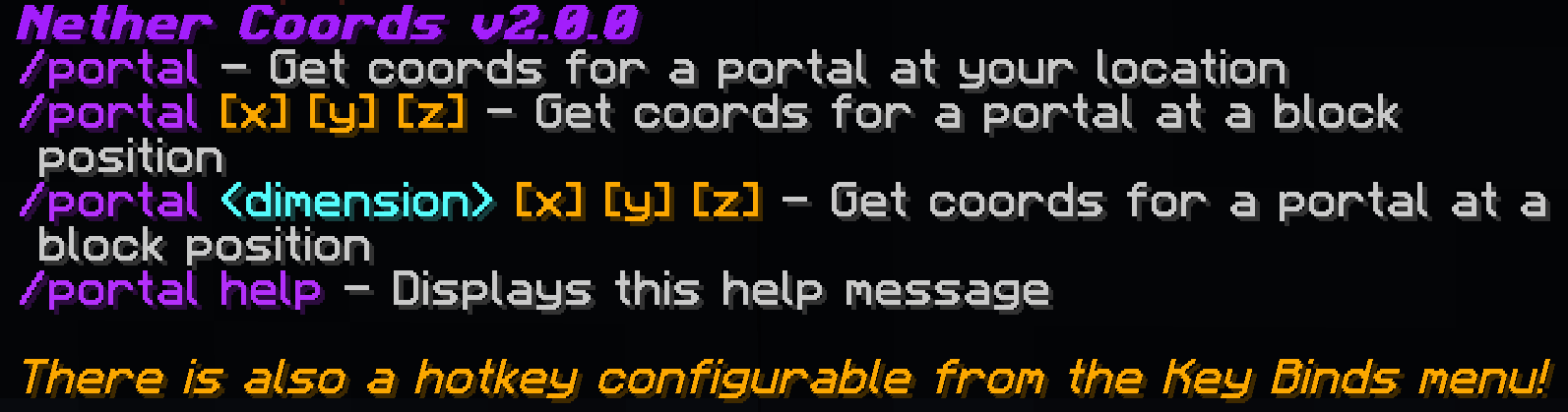
Commands:
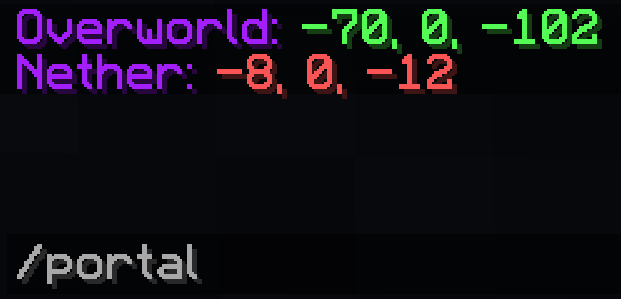
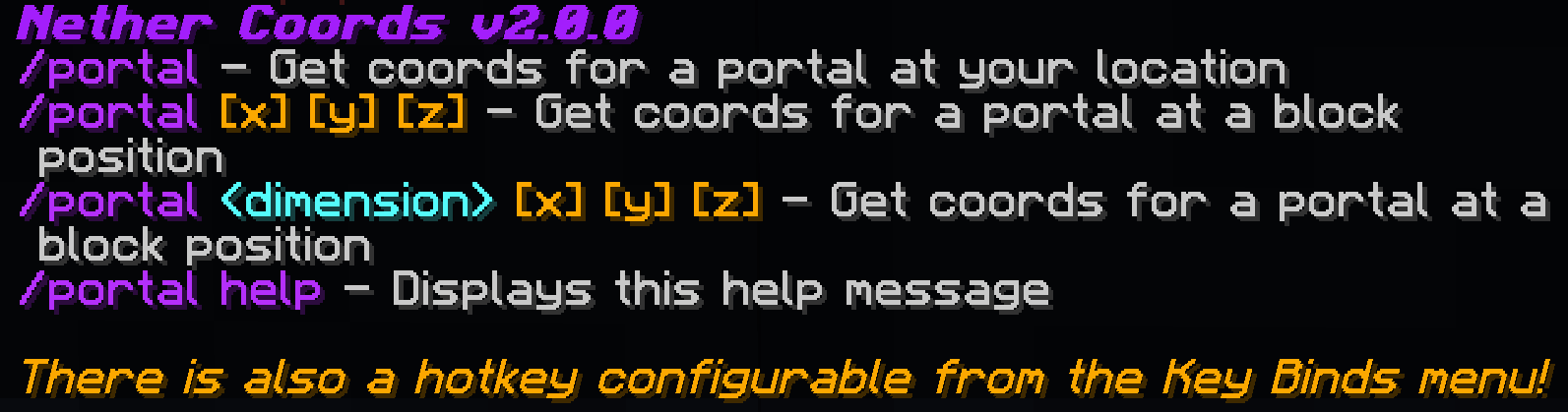
- /portal - Get coords for a portal at your location
- /portal [x] [y] [z] - Get coords for a portal at a block position
- /portal [x] [y] [z] - Get coords for a portal at a block position in a specific dimension
- /portal help - displays an in-game help message
Nether Coords is a Fabric Only mod that requires the Fabric Loader and the Fabric API
This mod is coded entirely on my free time so if you like it and want to help me out, consider supporting me!

See it in action:
In-game Help Command:
- Edition: Minecraft Java
- File type: .jar
- Minecraft version listed: 26.2
- How to install: Install the matching mod loader (Forge, Fabric or NeoForge) for your Minecraft version. → Download the .jar. → Put it in the .minecraft/mods folder and launch that loader profile.
- Where to get it: Opens on Modrinth — not every file is mirrored on our own servers.
Install steps are the general flow for this file type — How to install Minecraft Java mods & modpacks walks through it step by step.
- Ships as NetherCoords 2.0.3 for 26.2.jar — drop this file into the mods folder
- Download size: 232 KB
- Download link checked 7 Oct 2026 — working
These come from our own check of the pack file, not from the source page.