
Panorama Screenshot
Java mod listed for Minecraft 26.x. Downloads from the MC Java Mods app on Android.
⬇ Download on Modrinth
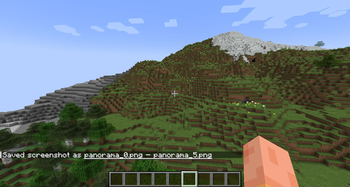
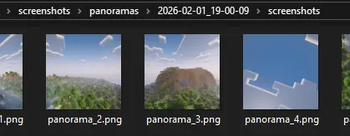
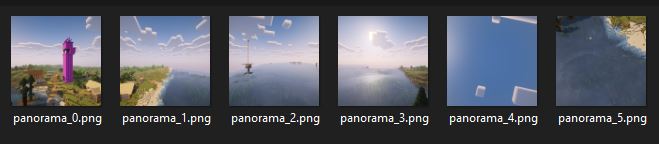
Use unused code in the vanilla client to make panorama screenshots just as MOJANG does!
The mod is characterized by the fact that it makes unused panorama screenshot code already included in the vanilla game usable. This makes the mod very lightweight and presumably easy and quick to update to the next Minecraft versions.
How to take panorama screenshots
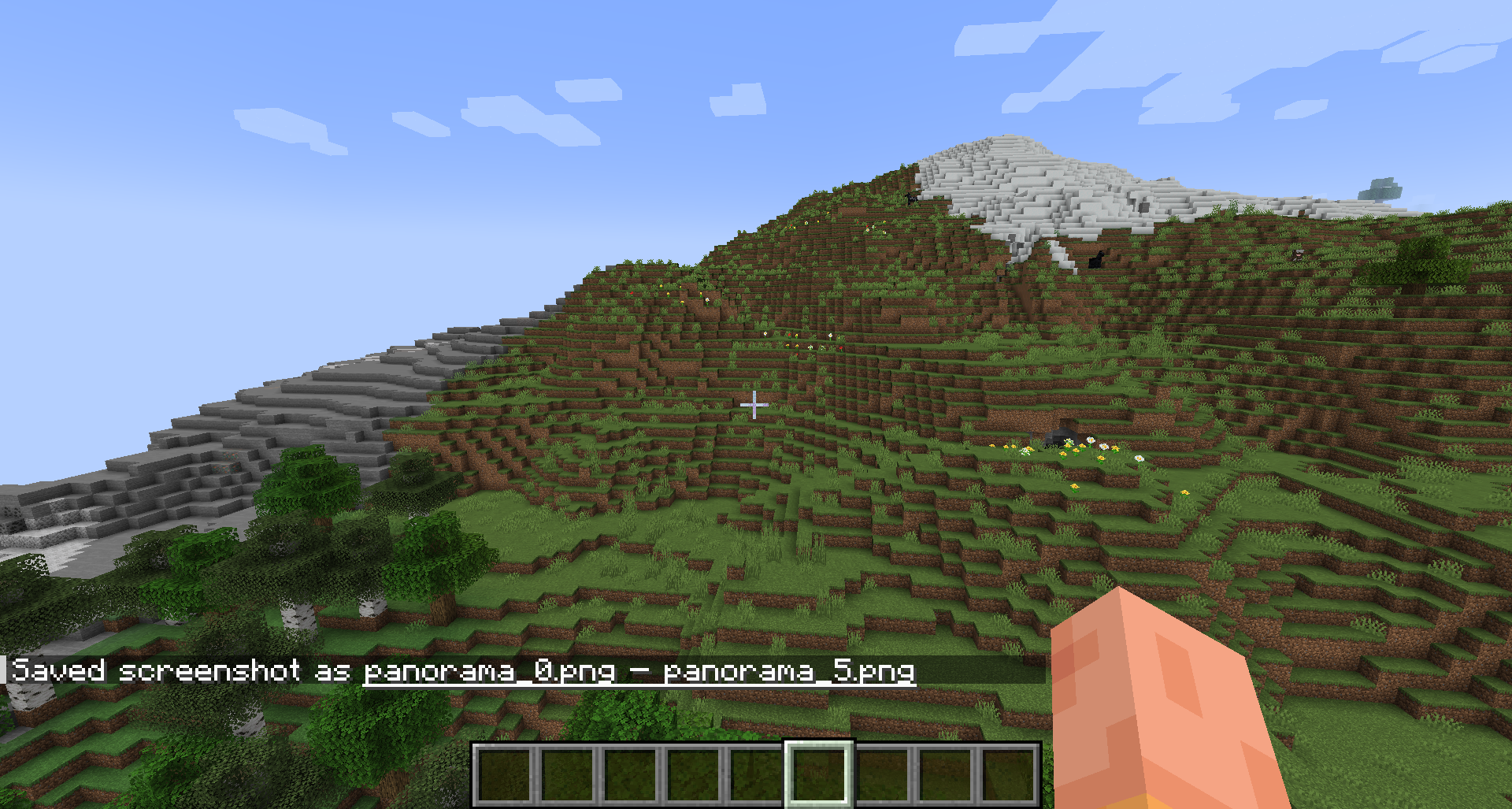
It's as simple as just pressing F4. (The key is configurable.) The rest is completely automated. No need to adjust the window size or FOV. The screenshots are then simply saved in the regular screenshot folder or, starting with mod version 1.1.0, in timestamped subfolders.
Limited functionality with shaders
Recordings with shaders enabled only work from Minecraft version 1.21.8 onwards. In older versions the recording will be blank. I can't change that because this mod doesn't change Mojang's Panorama code, it just uses it.
Using the recordings
This is just a very simple mod for creating recordings using Minecraft's own function. If you want to use the recording as your main menu background, for example, you will need to create your own texture pack. There are plenty of tutorials online for this.
Images

- Edition: Minecraft Java
- File type: .jar
- Minecraft version listed: 26.1.2
- How to install: Install the matching mod loader (Forge, Fabric or NeoForge) for your Minecraft version. → Download the .jar. → Put it in the .minecraft/mods folder and launch that loader profile.
- Where to get it: Opens on Modrinth — not every file is mirrored on our own servers.
Install steps are the general flow for this file type — How to install Minecraft Java mods & modpacks walks through it step by step.
- Ships as PanoramaScreenshot-1.1.1-26.1.2.jar — drop this file into the mods folder
- Download size: 20 KB
- Download link checked 7 Oct 2026 — working
These come from our own check of the pack file, not from the source page.