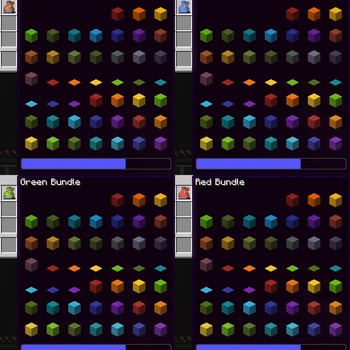
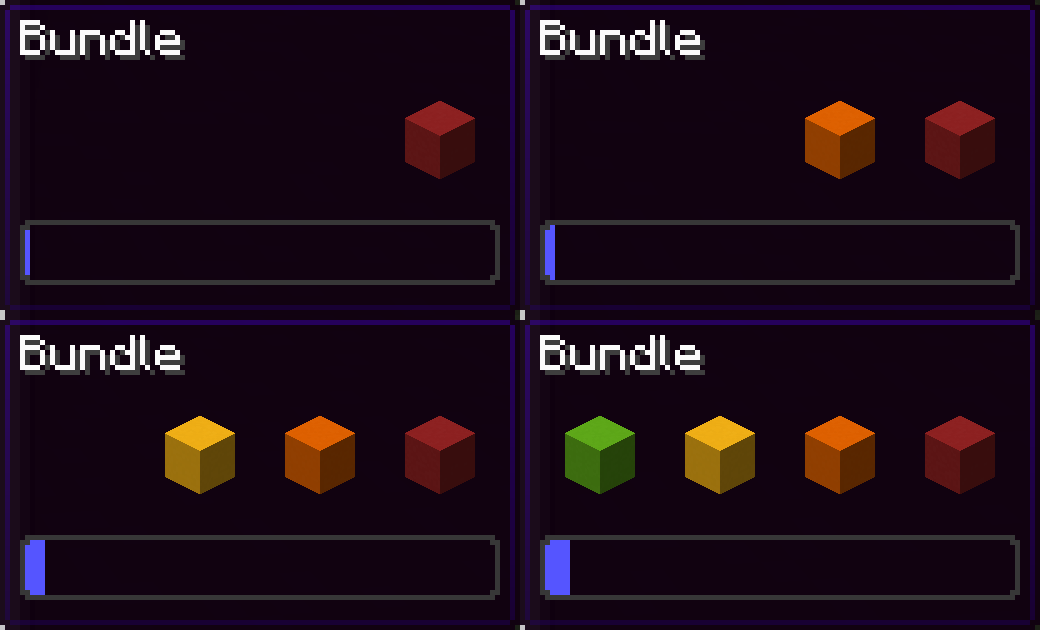
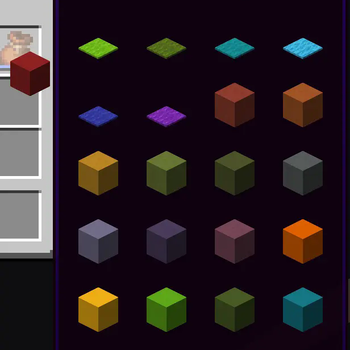
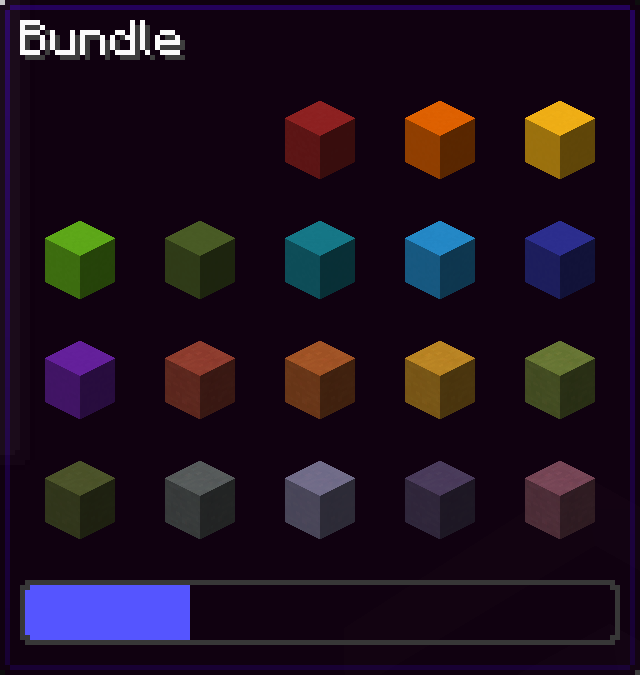
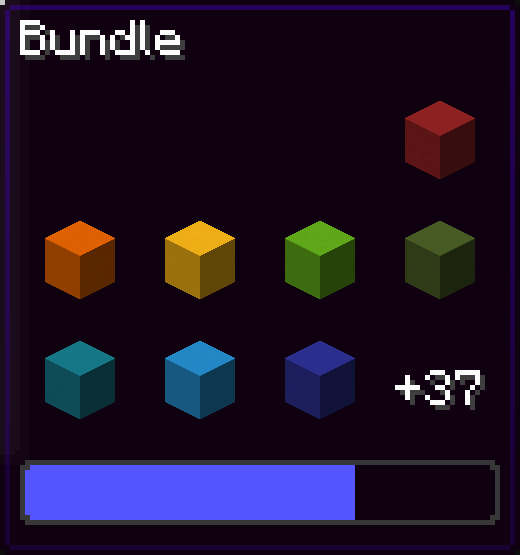
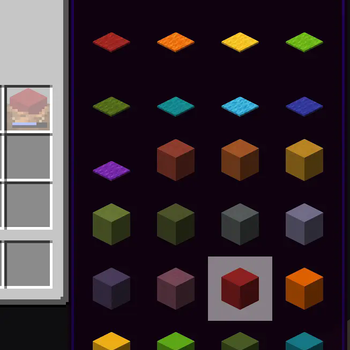
Since bundles were officially released, only up to 12 items from the bundle are accessible from the inventory without taking out other items first. This mod removes this limit of 12 items allowing all items inside the bundle to be viewed and extracted
This Modrinth page is the only official source of the mod!
Using this mod:

Vanilla:

You can navigate in the bundle's gui with the movement or arrow keys.
Press space while hovering over a bundle to put an item or take an item from the bundle!
Config screen
Open the config screen from Mod Menu in Fabric, from the Mods menu in NeoForge, or with /bundlesbeyond
Image coming here Soon™
Keybinds
There are 2 keybinds that you can find in Options > Controls:
Mod Enabled keybind
If the mod is On or Off, pressing this keybind will toggle it.
If the mod is on Hold key, holding this keybind will enable the mod.
Scroll Axis keybind
If the scroll mode is Horizontal or Vertical, pressing this keybind will toggle it.
If the scroll mode is on Hold for horizontal, holding this keybind will make the scrolling horizontal, releasing the button will make it vertical.
Same for Hold for vertical, but opposite.
Other Stuff
This mod is client side only.
In the Fabric version, this mod requires Fabric API.
Bundles Beyond is licensed under the CC-BY-NC-SA 4.0 license.
- Edition: Minecraft Java
- File type: .jar
- Minecraft version listed: 26.2
- How to install: Install the matching mod loader (Forge, Fabric or NeoForge) for your Minecraft version. → Download the .jar. → Put it in the .minecraft/mods folder and launch that loader profile.
- Where to get it: Opens on Modrinth — not every file is mirrored on our own servers.
Install steps are the general flow for this file type — How to install Minecraft Java mods & modpacks walks through it step by step.
- Ships as bundles-beyond-1.6.3+26.2+fabric.jar — drop this file into the mods folder
- Download size: 203 KB
- Download link checked 26 Aug 2026 — working
These come from our own check of the pack file, not from the source page.