
NoPackCompatCheck
Java mod listed for Minecraft 26.x. Downloads from the MC Java Mods app on Android.
I don't know my version or loader
Introduction
NoPackCompatCheck disables the resource pack compatibility warnings on Resource Pack selection screen, making the display cleaner.
After installing this mod, Minecraft will no longer display resource pack version incompatibility warnings🤗.
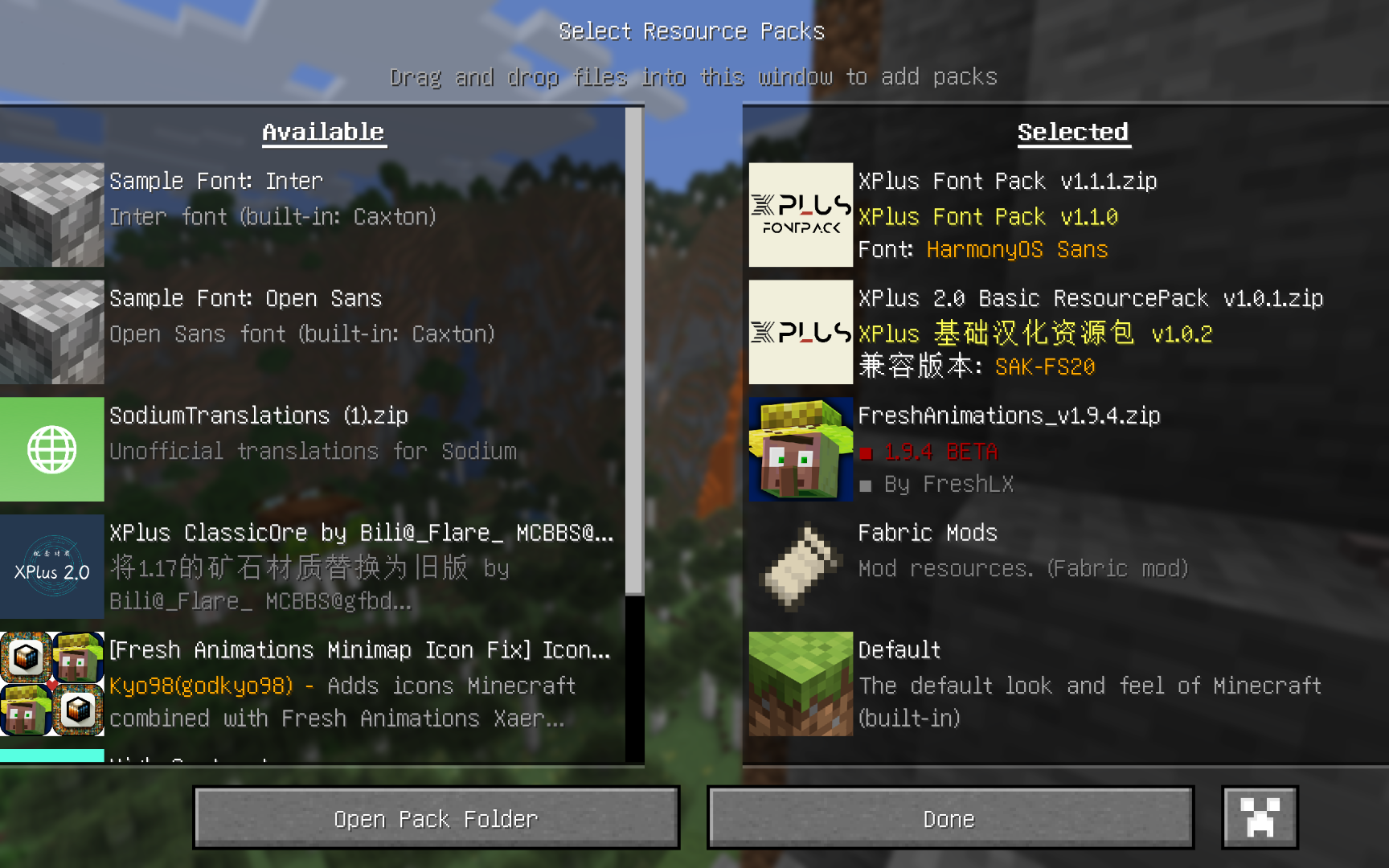
Why did I make this mod?
Since Minecraft 1.20, Mojang has begun frequently updating the resource pack format version. From Minecraft 1.6.1 to 1.19.4, the format version only increased from 1 to 13, but by 1.21.8, it had already jumped to 64 🤣🤣🤣. This rapid “version number update” has left many resource packs without timely updates to the pack.mcmeta file’s declared supported versions, even though they are in fact compatible with newer versions of Minecraft. As a result, players often face an entire page of “incompatible” warnings on the resource pack screen.
before install this mod
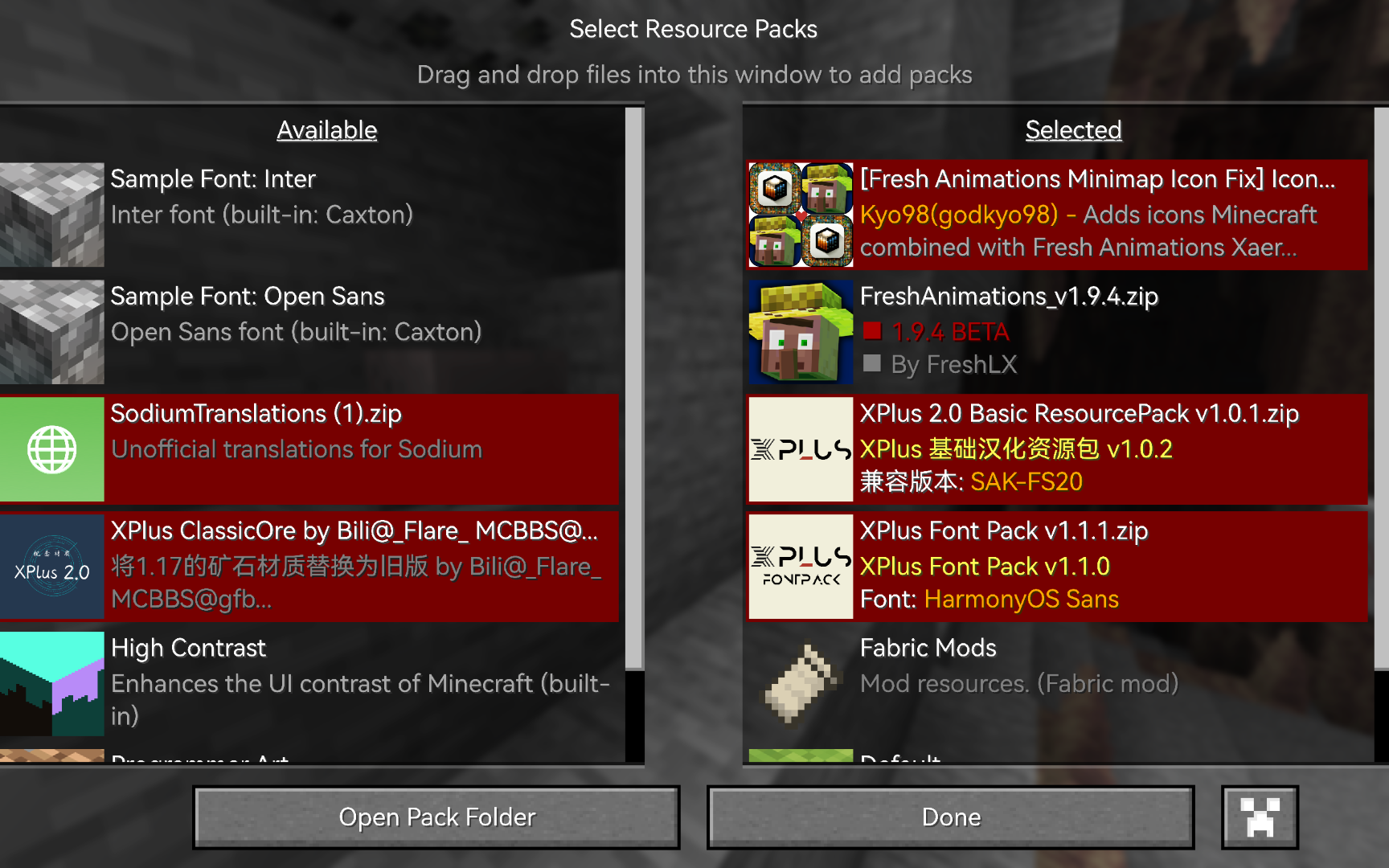
- Edition: Minecraft Java
- File type: .jar
- Minecraft versions listed: 26.1.2, 26.2
- How to install: Install the matching mod loader (Forge, Fabric or NeoForge) for your Minecraft version. → Download the .jar. → Put it in the .minecraft/mods folder and launch that loader profile.
- Where to get it: Opens on Modrinth — not every file is mirrored on our own servers.
Install steps are the general flow for this file type — How to install Minecraft Java mods & modpacks walks through it step by step.
- Ships as nopackcompatcheck-0.1.0-neoforge-mc26.x.jar — drop this file into the mods folder
- Download size: 21 KB
- Download link checked 7 Oct 2026 — working
These come from our own check of the pack file, not from the source page.