
Prehistoric Paintings
Java mod listed for Minecraft 1.21. Downloads from the MC Java Mods app on Android.
I don't know my version or loader
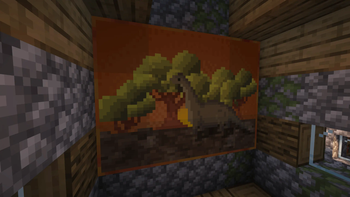
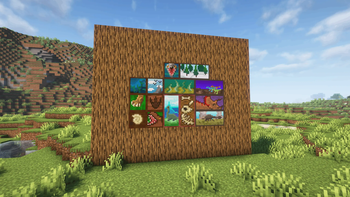
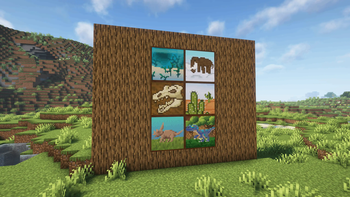
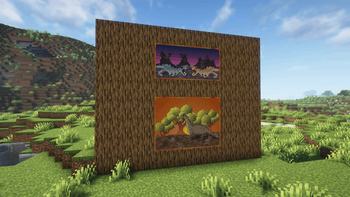
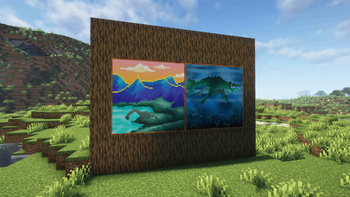
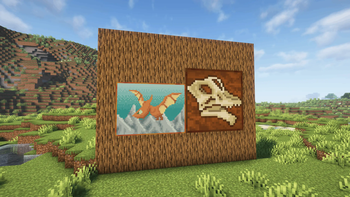
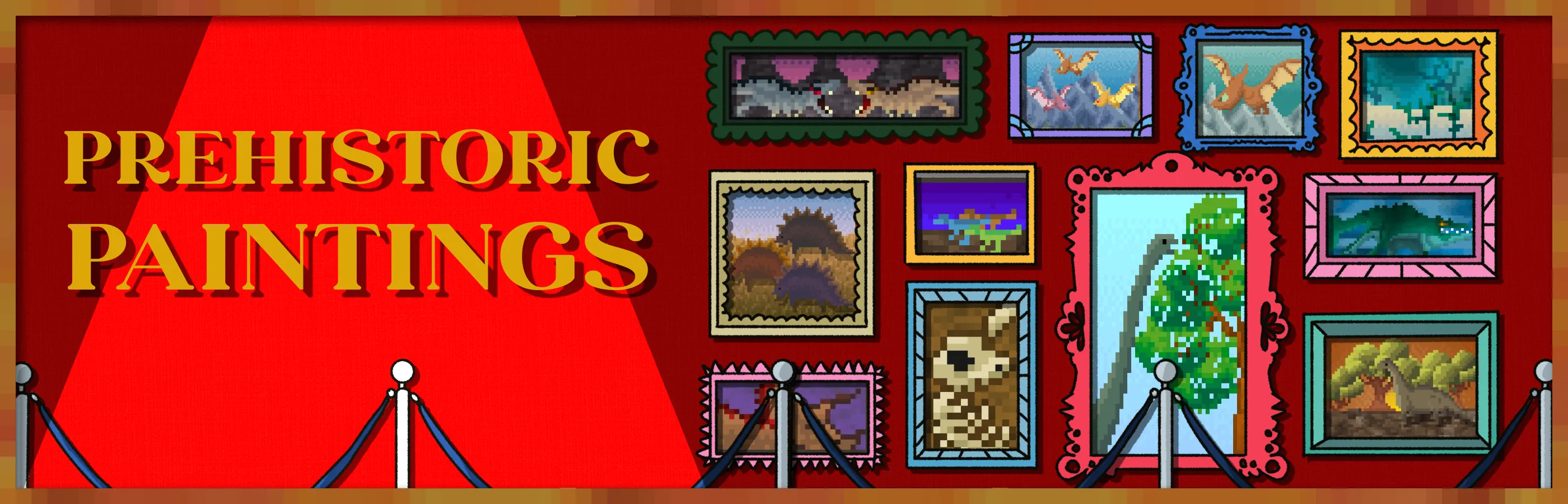
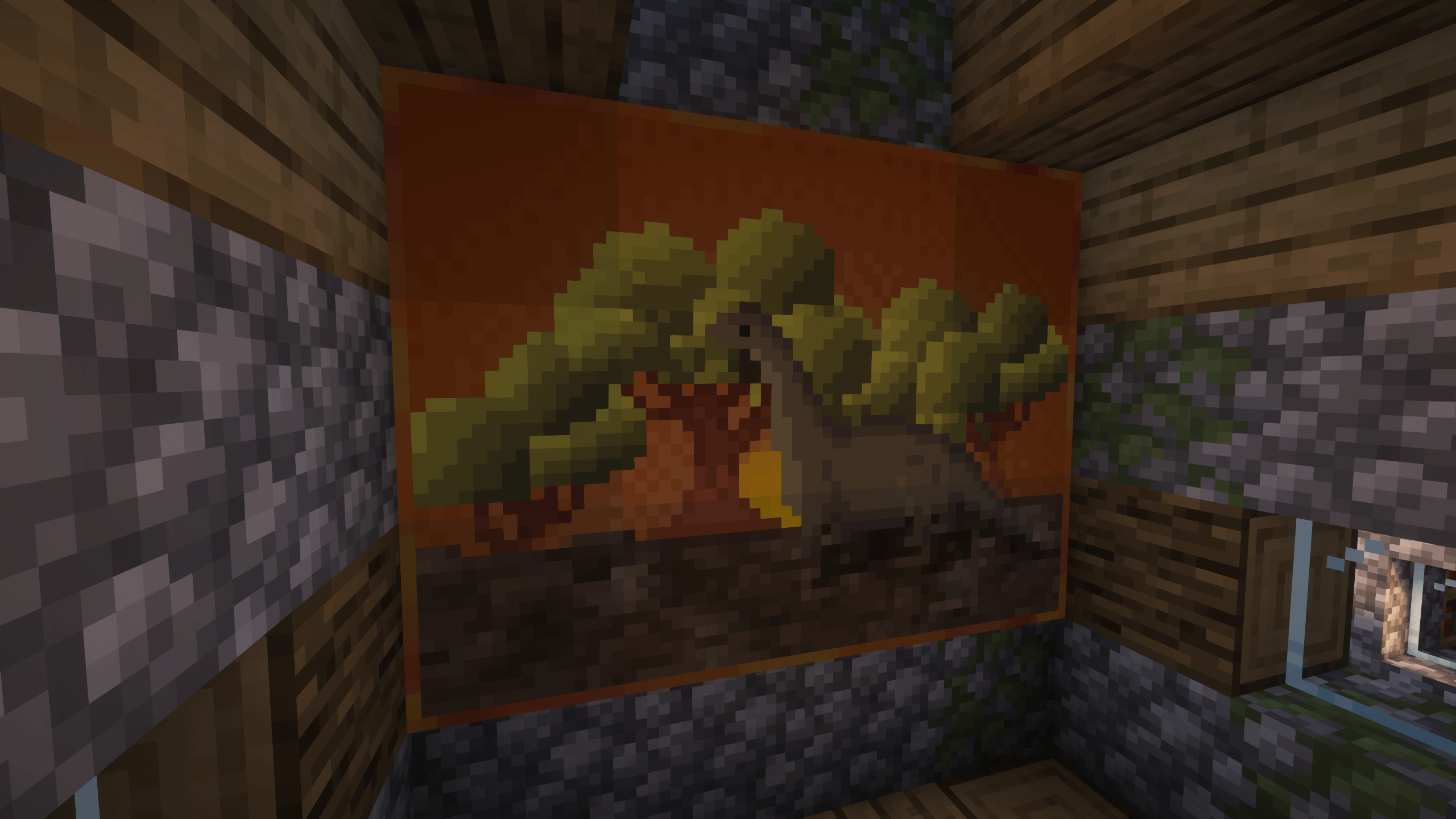
Now the vanilla squares will be replaced by new prehistoric squares! An ideal mod for those games set in the past and with dinosaurs. Landscapes, dinosaurs, dinosaur fights, and much more!
Do you need a server to play with your friends?

For exceptional server hosting services, look no further than BisectHosting. Of course, you can install all the mods or modpacks you want, and their support team is always available to help you.
With the code "Lupin" you will get a 25% discount! Click here!

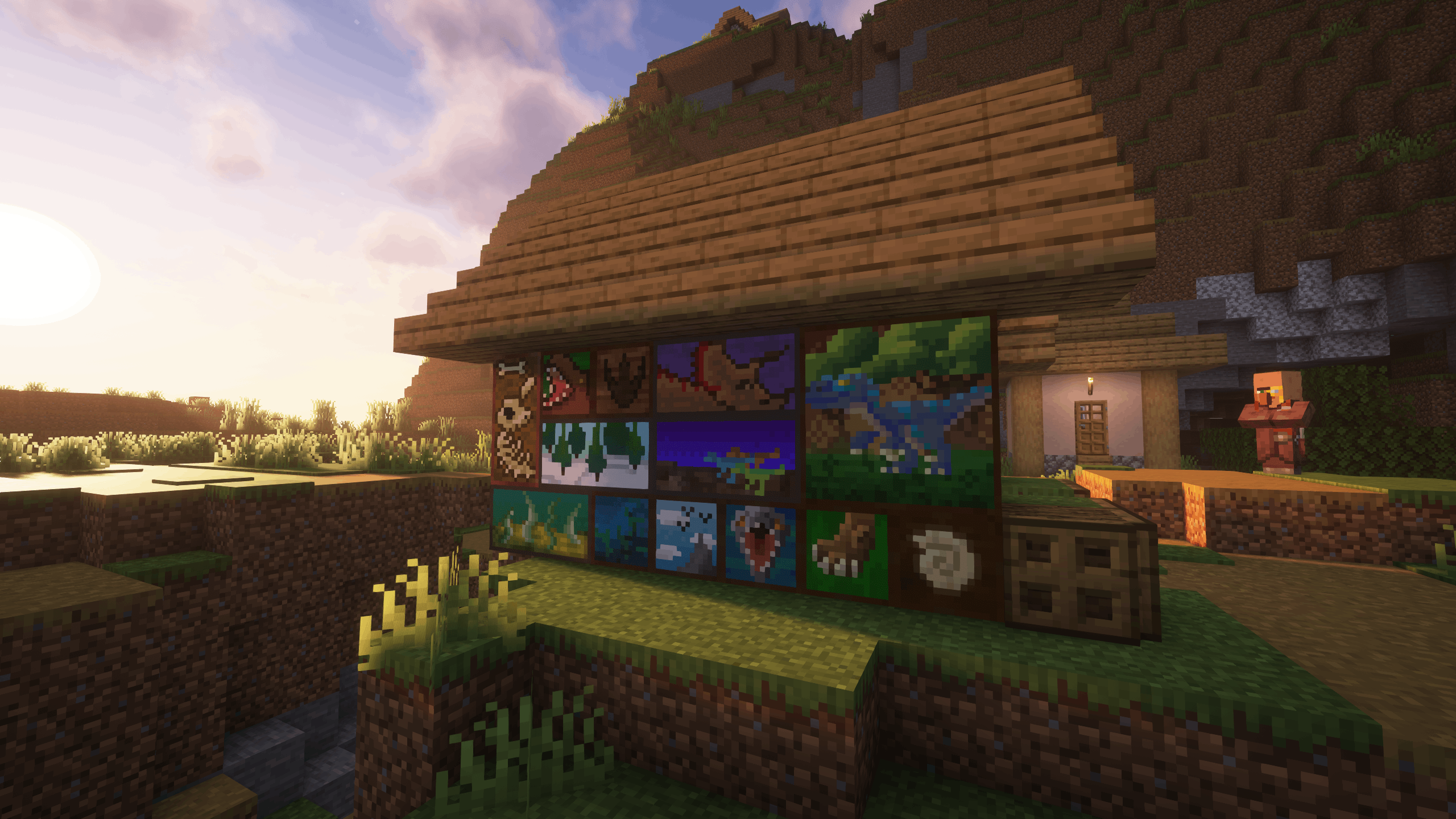
Once you install this mod, all the vanilla pictures will be replaced by new... Now they will all be new and novel pictures, with different prehistoric scenes...
Version 1.20.4 or earlier adds 26 new paintings, while 1.21.1 will add 46 new paintings in total.

Does it work on servers?
Sure! Remember that the best way to play with mods and friends is with BisectHosting, and by clicking on this link you can get a 25% discount.
Can this mod be used in modpacks?
Of course! As long as it is published only on Modrinth or CurseForge. Uploading it to any other platform would be violating our rights and is not allowed at all.
However, we are really grateful if you consider adding it to your Modrinth or CurseForge modpack. If you need any small changes or have any questions, contact us!

.
- Edition: Minecraft Java
- File type: .jar
- Minecraft versions listed: 1.21, 1.21.1, 1.21.2
- How to install: Install the matching mod loader (Forge, Fabric or NeoForge) for your Minecraft version. → Download the .jar. → Put it in the .minecraft/mods folder and launch that loader profile.
- Where to get it: Opens on Modrinth — not every file is mirrored on our own servers.
Install steps are the general flow for this file type — How to install Minecraft Java mods & modpacks walks through it step by step.
- Ships as prehistoric_paintings-NeoForge-1.21.1-1.1.0.jar — drop this file into the mods folder
- Download size: 592 KB
- Download link checked 7 Oct 2026 — working
These come from our own check of the pack file, not from the source page.