
ModsJava
ModpackUtils
Java mod listed for Minecraft 1.21. Downloads from the MC Java Mods app on Android.
I don't know my version or loader
Open the Minecraft launcher and look at the profile you play on — it names both, like fabric-loader-1.21.4. The version also shows in the bottom-right corner of the game's main menu.
No loader in the profile name? Then it's plain Minecraft, and these mods won't run — you need Fabric or NeoForge installed first.





ModpackUtils







Various utilities for modpacks!
ModpackUtils is a highly-customizeable mod for modpack developers to curate their modpacks for their users. The mod is completely open-source, and has a detailed wiki, for all its features. Need help? Join our Discord server.
Features
Chat Messages

Chat Messages are sent everytime the user joins a world.
- Chat Welcome: A customizable welcome message is sent every time a user joins a world. Info like Modpack Name and the Version Installed are entered automatically.
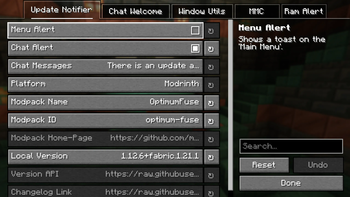
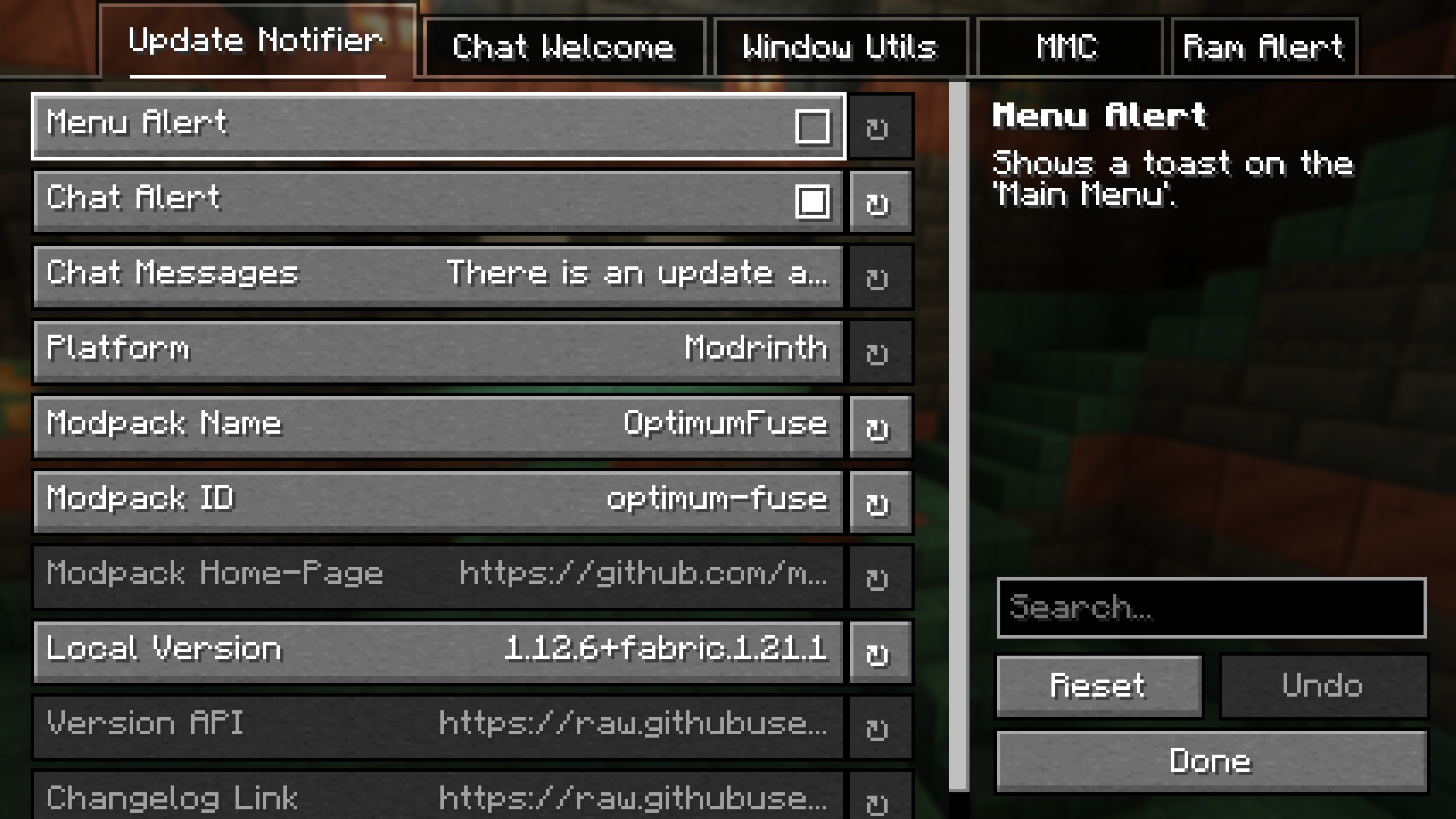
- Update Notifier: Informs users about modpack updates, with a customizable message.
- Ram Alert: Notifies the user if the RAM allocated is below the minimum required by the modpack.
Toast Notifications
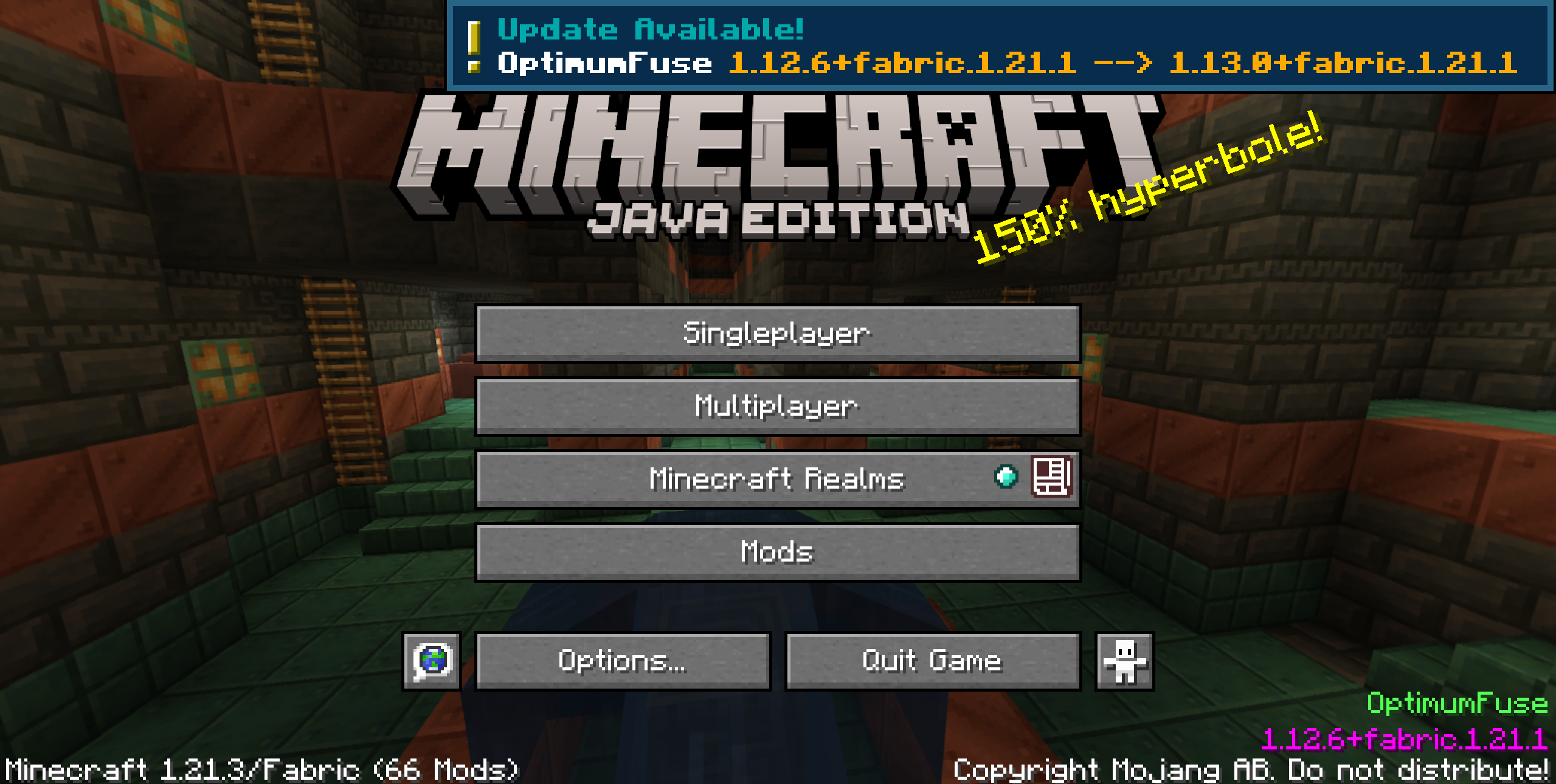
Toast notifications appear once on the Title Screen, just after loading the game.
- Update Toast: Notifies the user about modpack updates. Info like Modpack Name and the Version Installed are entered automatically.
- Ram Alert Toast: Shows a toast if the RAM allocated is below the minimum required by the modpack.
Window Utils
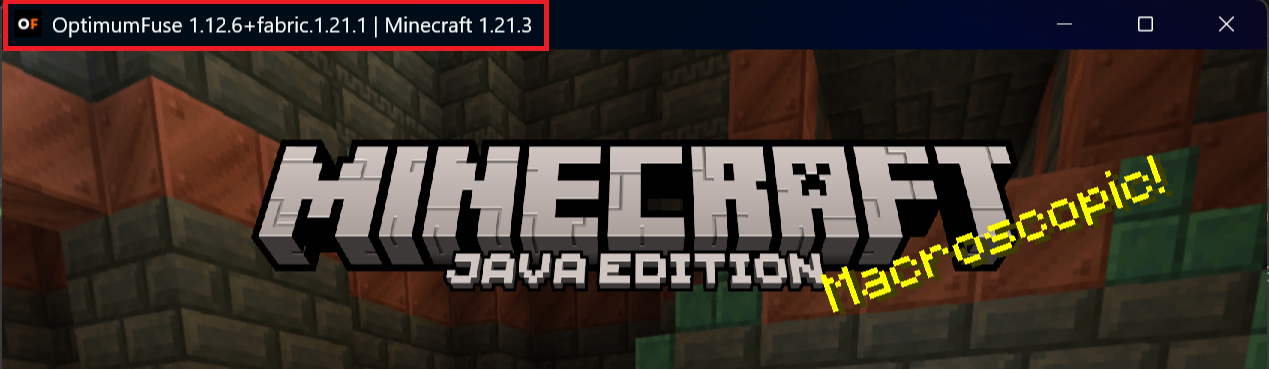
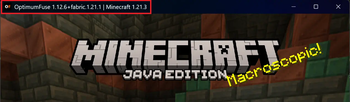
- Custom Icon: Customize the game window icon, like using your modpack logo, by placing the icon files in the
config/mutils/iconsfolder. - Custom Title: Set a custom title for the game window. Info like Modpack Name and the Version Installed are entered automatically.
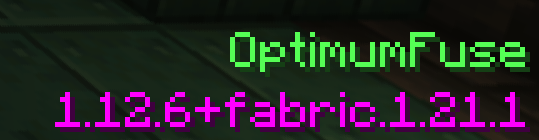
Main Menu Credits Integration
- Normal: A simple text is shown on the Title Screen.

- Fancy: Detailed, colorful lines of text are shown on the Title Screen.
- Custom: Refer to the wiki for more info.
Fully Configurable
Quick facts
- Edition: Minecraft Java
- File type: .jar
- Minecraft versions listed: 1.21, 1.21.1
- How to install: Install the matching mod loader (Forge, Fabric or NeoForge) for your Minecraft version. → Download the .jar. → Put it in the .minecraft/mods folder and launch that loader profile.
- Where to get it: Opens on Modrinth — not every file is mirrored on our own servers.
Install steps are the general flow for this file type — How to install Minecraft Java mods & modpacks walks through it step by step.
File checked by MCModsHub
- Ships as ModpackUtils-1.2.0+neoforge.1.21.1.jar — drop this file into the mods folder
- Download size: 40 KB
- Download link checked 7 Oct 2026 — working
These come from our own check of the pack file, not from the source page.