
Titlebar Changer
Java mod listed for Minecraft 1.21. Downloads from the MC Java Mods app on Android.
Minecraft mod that offers advanced customization of window appearance, including titlebar, title, and border colors. Full functionality is available only…
I don't know my version or loader
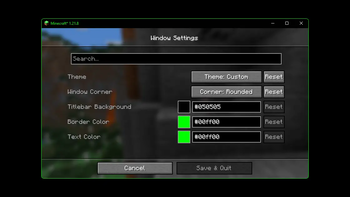
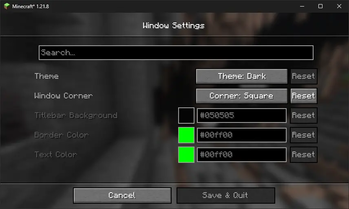
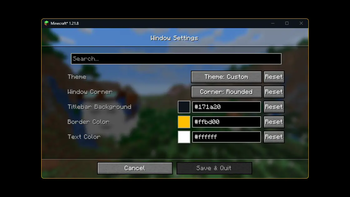
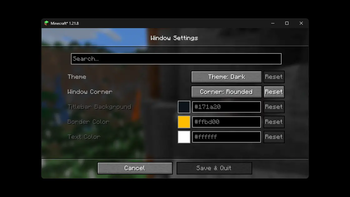

🔄Titlebar Changer
Personalize the look of your Minecraft window titlebar — tweak colors, text, corners, and borders on Windows.
- 🪟 On Windows 11, the mod unlocks the full range of customization features, such as custom colors, rounded corners, and border styling.
- 🪟 On Windows 10, support is limited by the operating system: you can only switch the titlebar between light and dark modes.
✅ Requirements
- Windows 10 or Windows 11 (other OS are not supported)
- One of: Forge or Fabric/Quilt
- (Optional, for in‑game settings): Cloth Config API
- (Optional, Fabric/Quilt config UI): Mod Menu
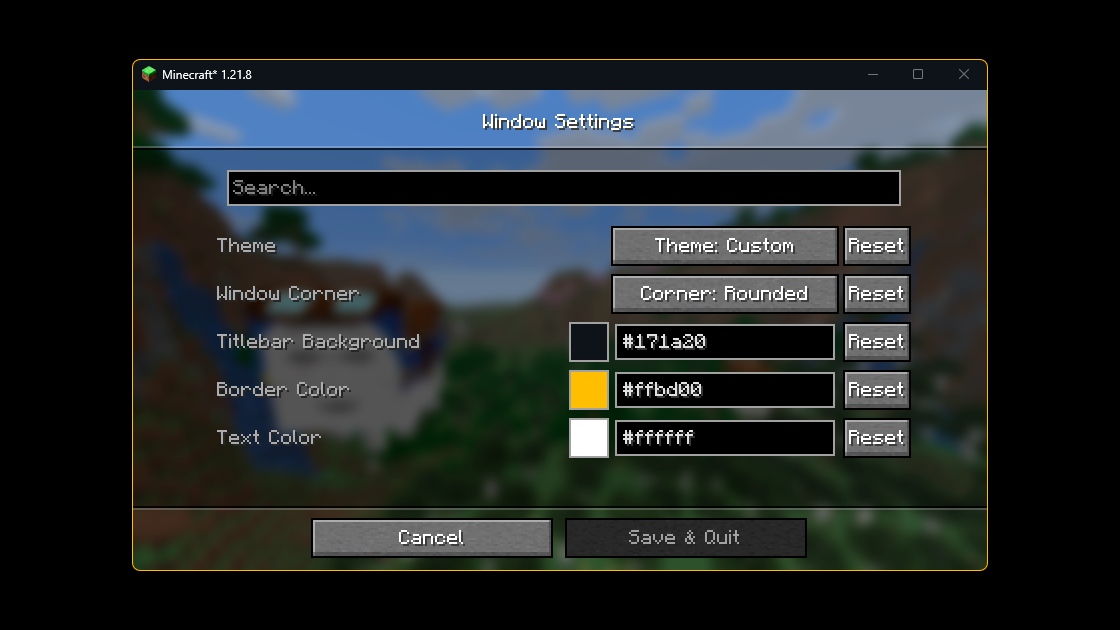
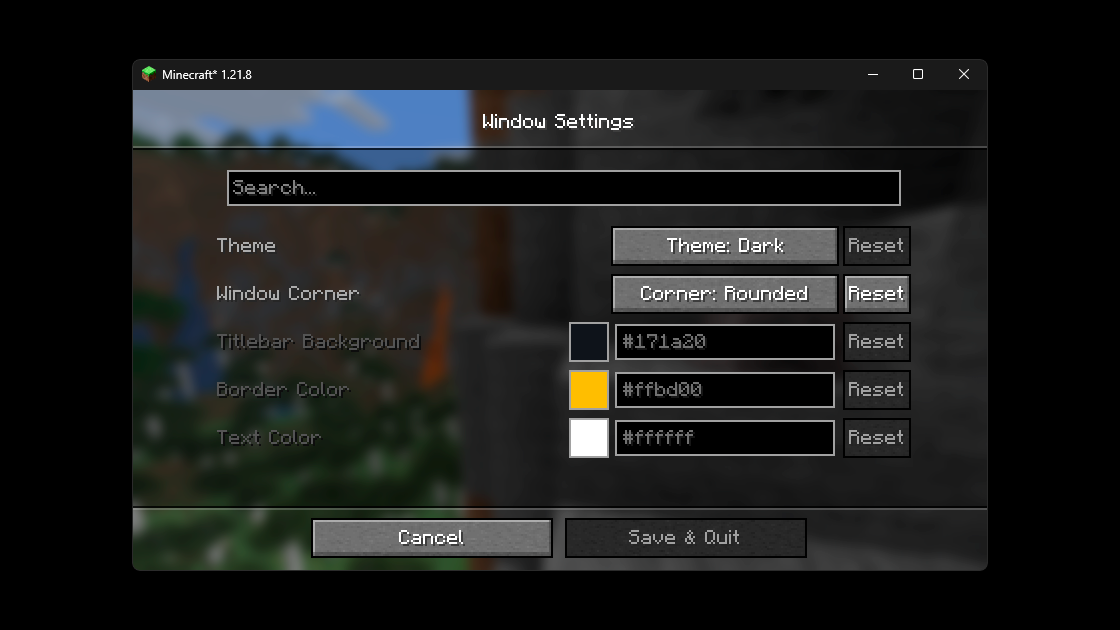
🎨 Examples
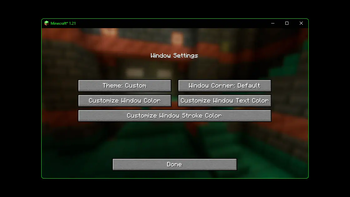
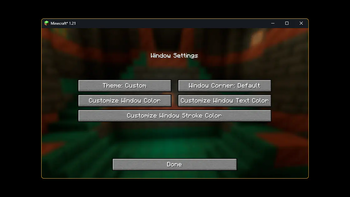
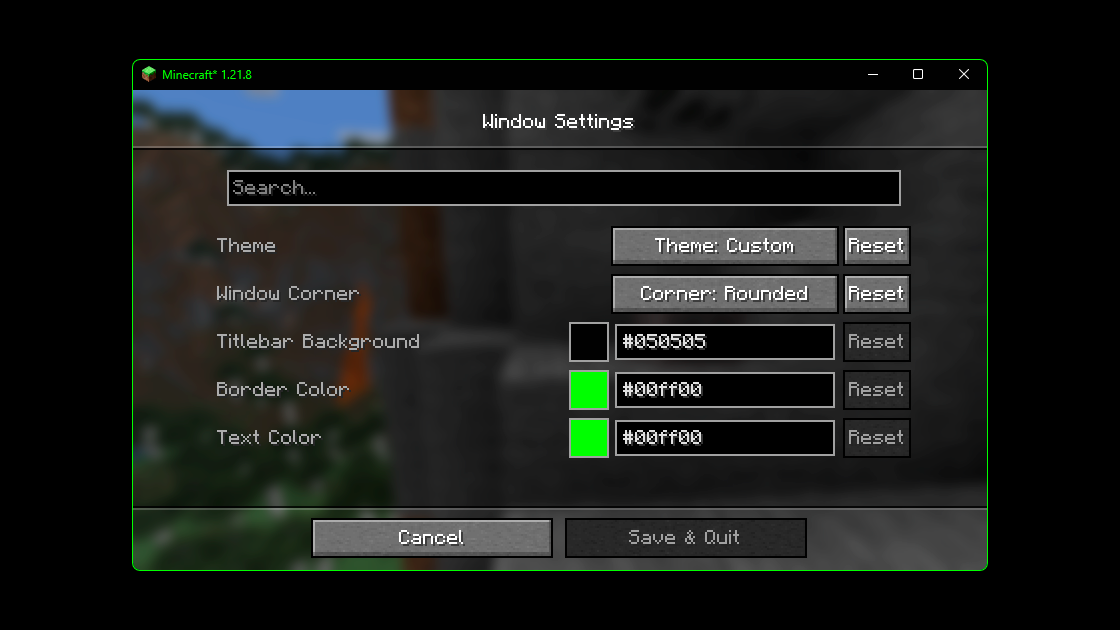
Below are examples of custom titlebar colors (Windows 11):
🐱 Fun Example
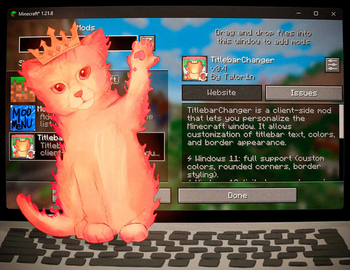
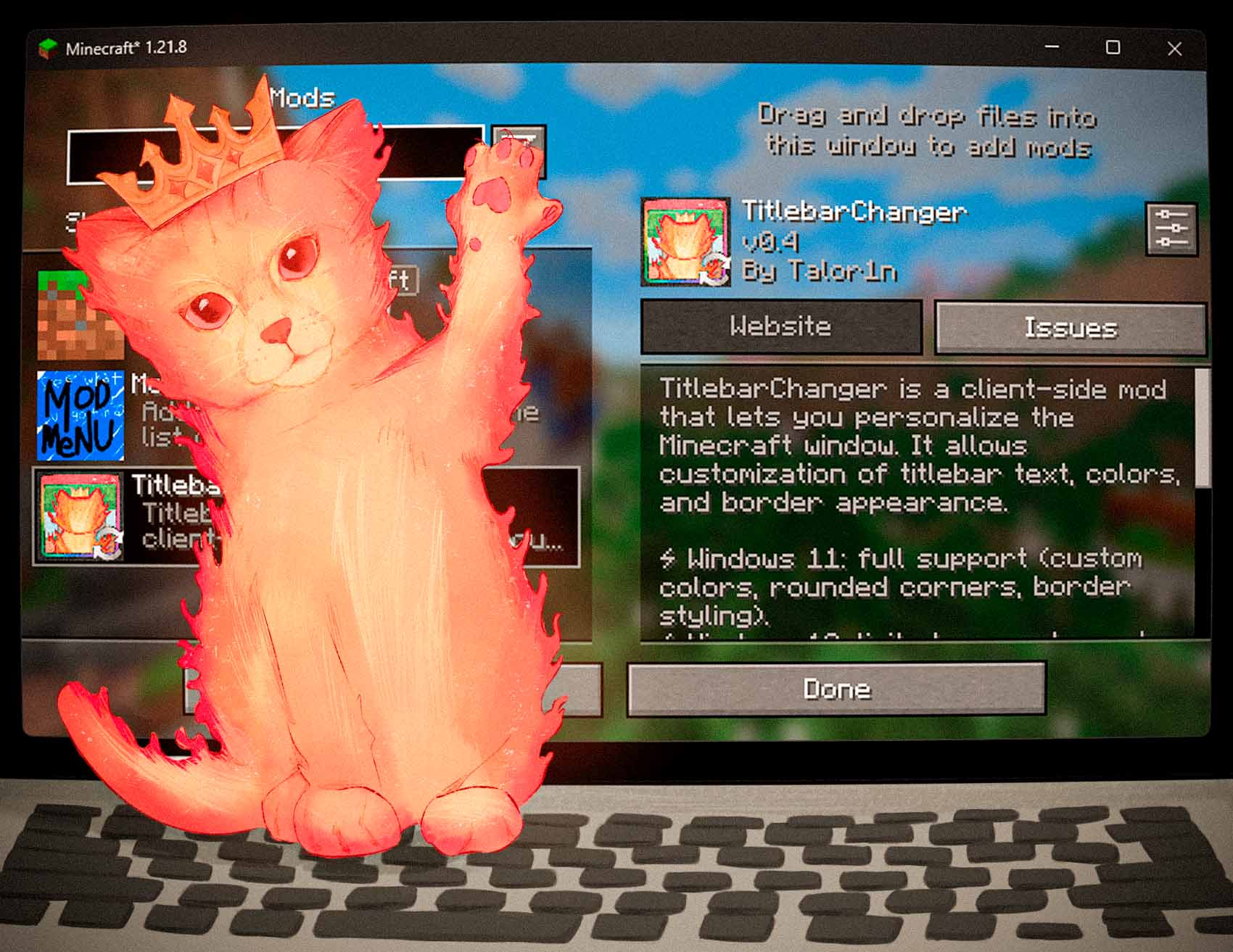
And here’s an extra — the Titlebar Changer with my cat wearing a crown 👑
🔗 Source Code
The source code for the mod is available on GitHub. If you encounter any issues or have suggestions for improvements, please feel free to leave them in the Issues section on GitHub.
⚙️ Configuration
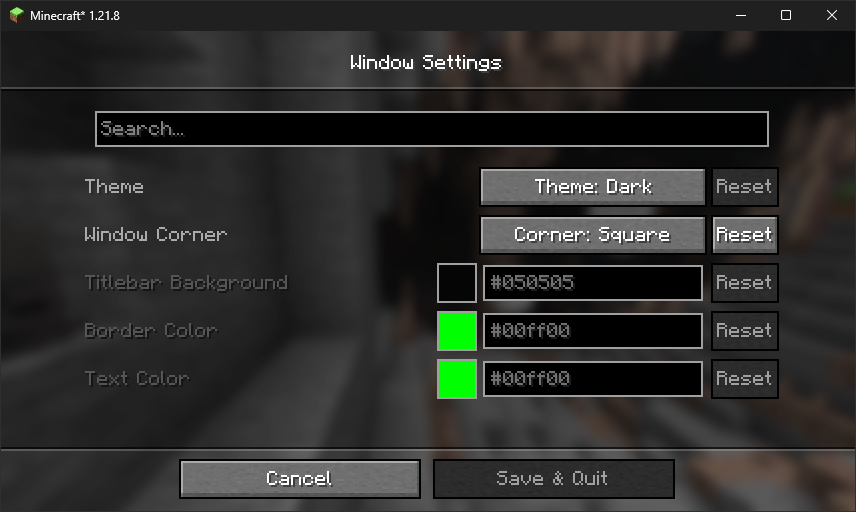
You can configure the mod either in‑game (recommended) or by editing the JSON file.
In‑game config
- Forge: Main Menu → Mods → Titlebar Changer → Config
- Fabric/Quilt: Install Mod Menu + Cloth Config, then Main Menu → Mods → Titlebar Changer
Config file
The file lives at: config/titlebar_settings.json
{
  // Window Theme: LIGHT (0), DARK (1), CUSTOM (2)
  // Controls the overall appearance of the titlebar
  // Restriction: Custom only works on Windows 11+
  "theme": "1",

  // Window Corners: SYSTEM_DEFAULT (0), NO_ROUNDING (1), ROUNDED (2), ROUNDED_SMALL (3)
  // Controls how window corners are rendered
  // Restriction: Only works on Windows 11+
  "corner": "0",

  // Caption (titlebar) background color
  // Format: #RRGGBB
  // Restriction: Only works when theme is CUSTOM (2)
  "captionColor": "#FF0505",

  // Window border color
  // Format: #RRGGBB
  // Restriction: Only works when theme is CUSTOM (2)
  "borderColor": "#FF00FF",

  // Title text and button color
  // Format: #RRGGBB
  // Restriction: Only works when theme is CUSTOM (2)
  "textColor": "#FF00FF"
}
Option reference
| Option | Values / Format | Notes |
|---|---|---|
theme |
0 = Light • 1 = Dark • 2 = Custom |
On Windows 10 only 0/1 are supported. Full customization (2) works only on Windows 11. |
corner |
0 = System default • 1 = No rounding • 2 = Rounded • 3 = Rounded small |
Available only on Windows 11. |
captionColor |
#RRGGBB |
Used only with theme = 2 (Custom). |
borderColor |
#RRGGBB |
Used only with theme = 2 (Custom). |
textColor |
#RRGGBB |
Used only with theme = 2 (Custom). |
Tip: restart the game after manual edits.
❓ FAQ
Does it work on Linux or macOS? The mod uses Windows APIs. On non‑Windows systems it will load in dormant mode (inactive, no changes applied).
Does it work in fullscreen? The titlebar is part of the windowed UI. Fullscreen modes that hide the window frame will also hide the titlebar.
Can I use hex colors with alpha (#AARRGGBB)?
No — use #RRGGBB.
- Edition: Minecraft Java
- File type: .jar
- Minecraft versions listed: 1.21, 1.21.1, 1.21.2
- How to install: Install the matching mod loader (Forge, Fabric or NeoForge) for your Minecraft version. → Download the .jar. → Put it in the .minecraft/mods folder and launch that loader profile.
- Where to get it: Opens on Modrinth — not every file is mirrored on our own servers.
Install steps are the general flow for this file type — How to install Minecraft Java mods & modpacks walks through it step by step.
- Ships as titlebarchanger-fabric-1.21.x-0.4.jar — drop this file into the mods folder
- Download size: 1.2 MB
- Download link checked 7 Oct 2026 — working
These come from our own check of the pack file, not from the source page.