
HitBox+
Java mod listed for Minecraft 26.x. File opened and checked on 5 Oct 2026; downloads from the MC Java Mods app on Android.
I don't know my version or loader
HitBox+


HitBox+ is a client-side Fabric mod for customizing Minecraft entity hitbox colors.
Screenshots
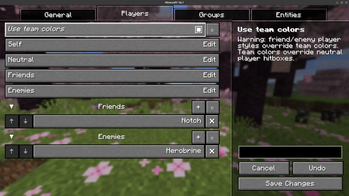
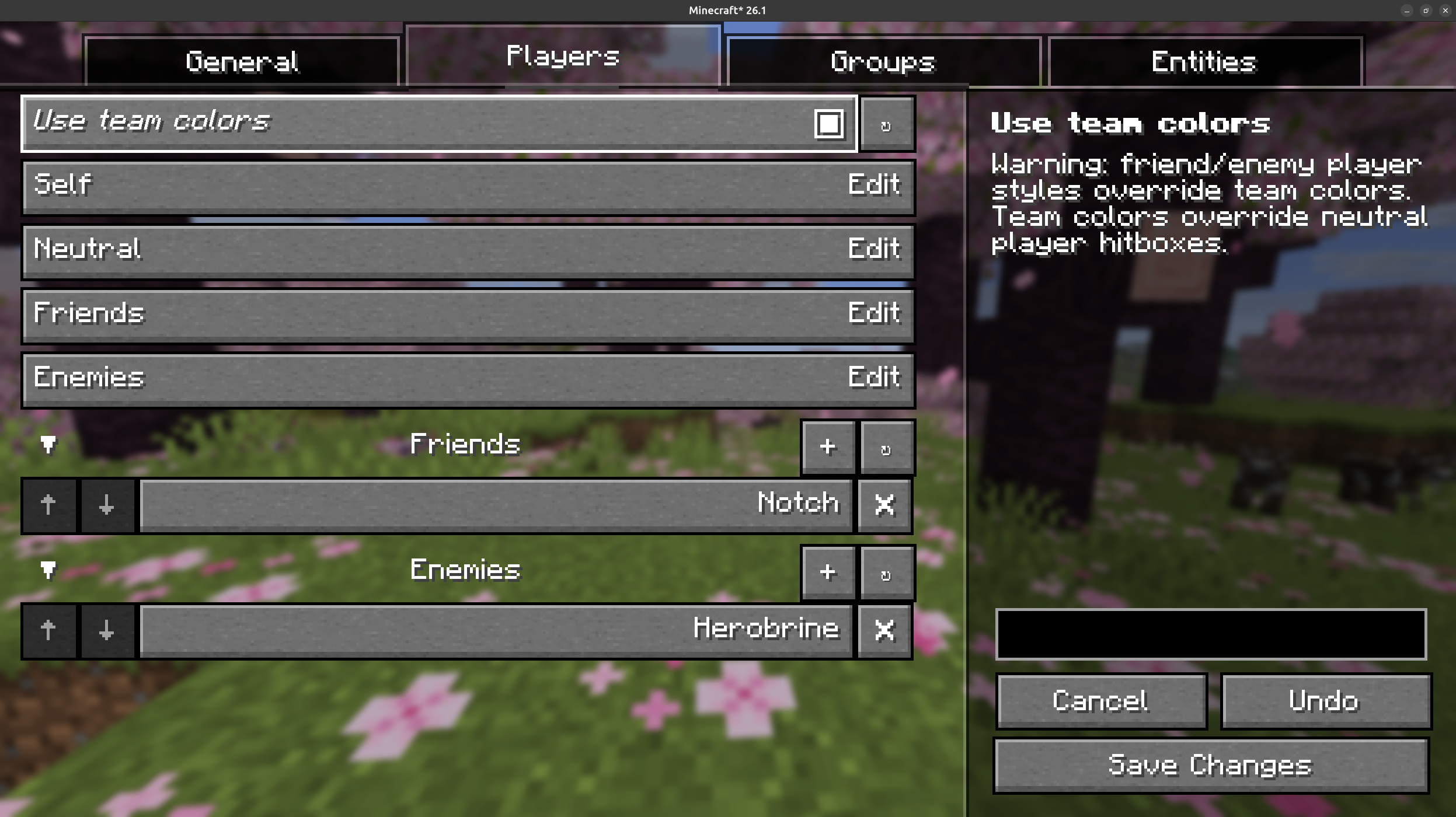
Player rules let you tune self, neutral, friend, and enemy hitboxes separately.
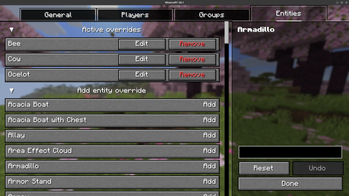
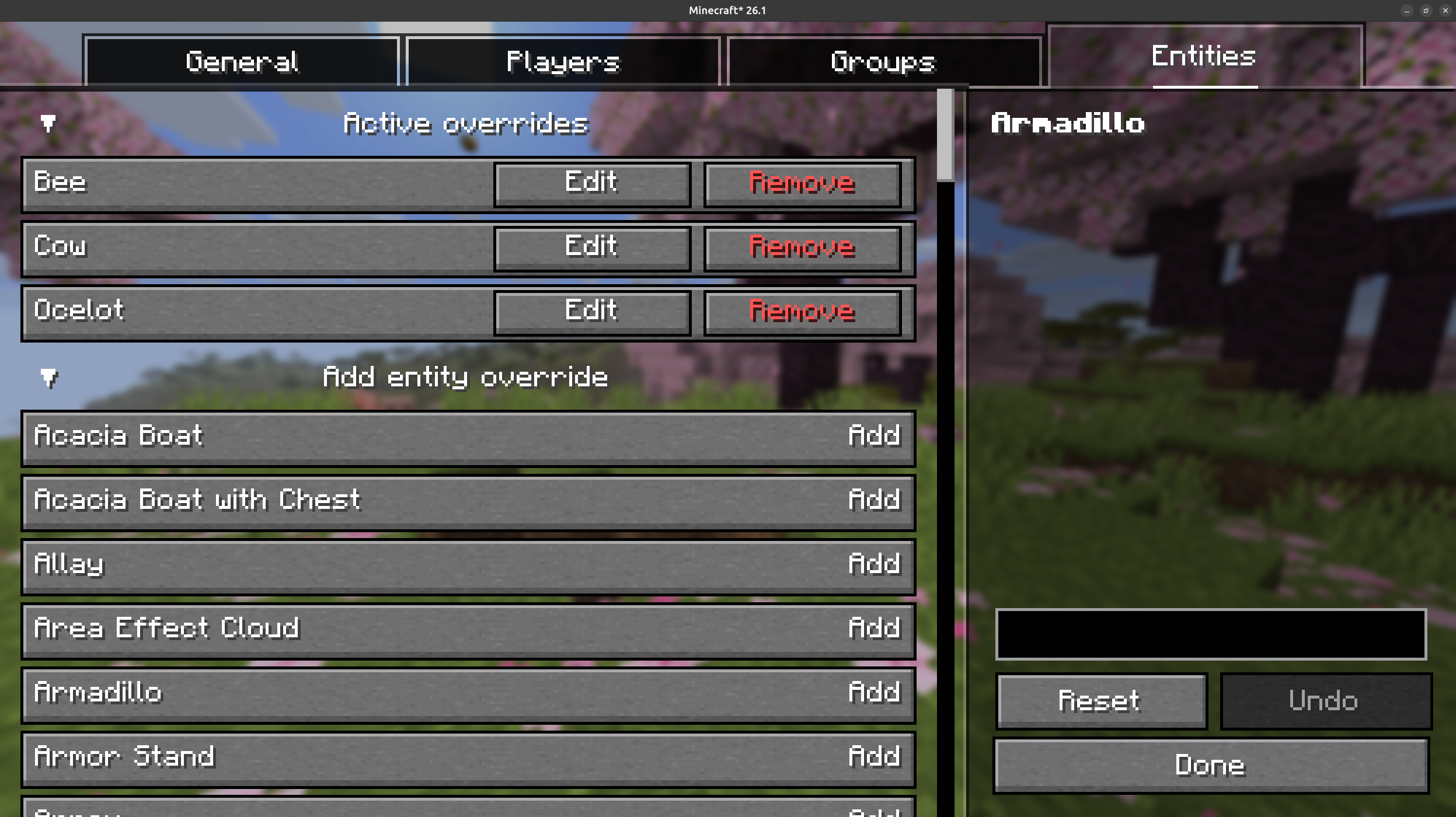
Entity overrides let you enable custom styling for individual entity ids.
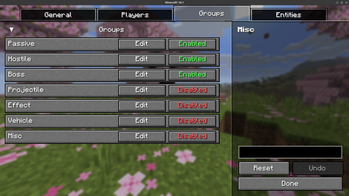
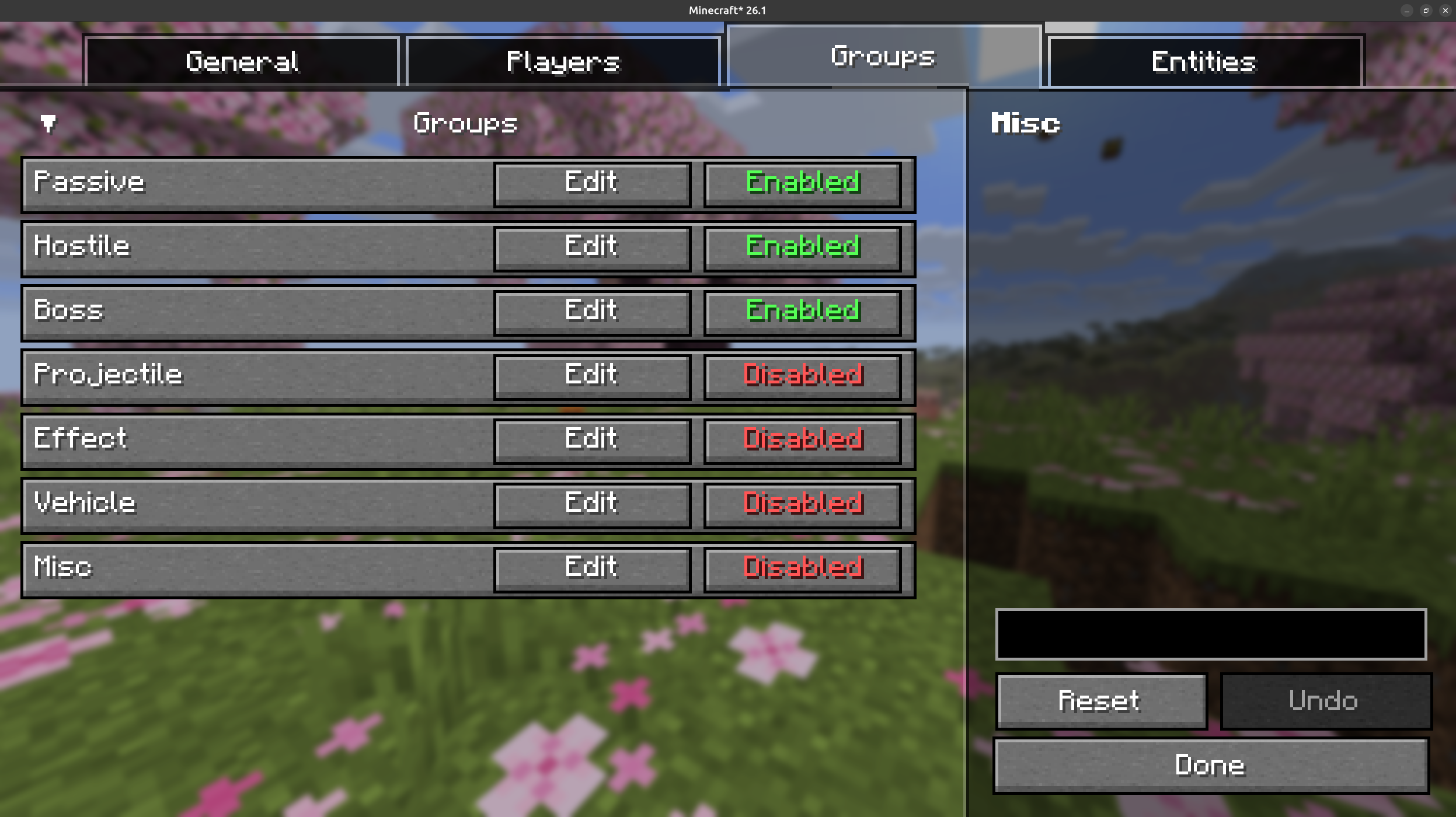
Group defaults cover broad categories such as passive mobs, hostile mobs, bosses, projectiles, vehicles, and miscellaneous entities.
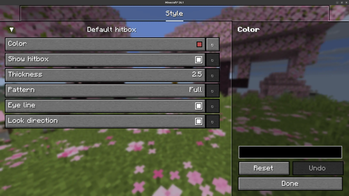
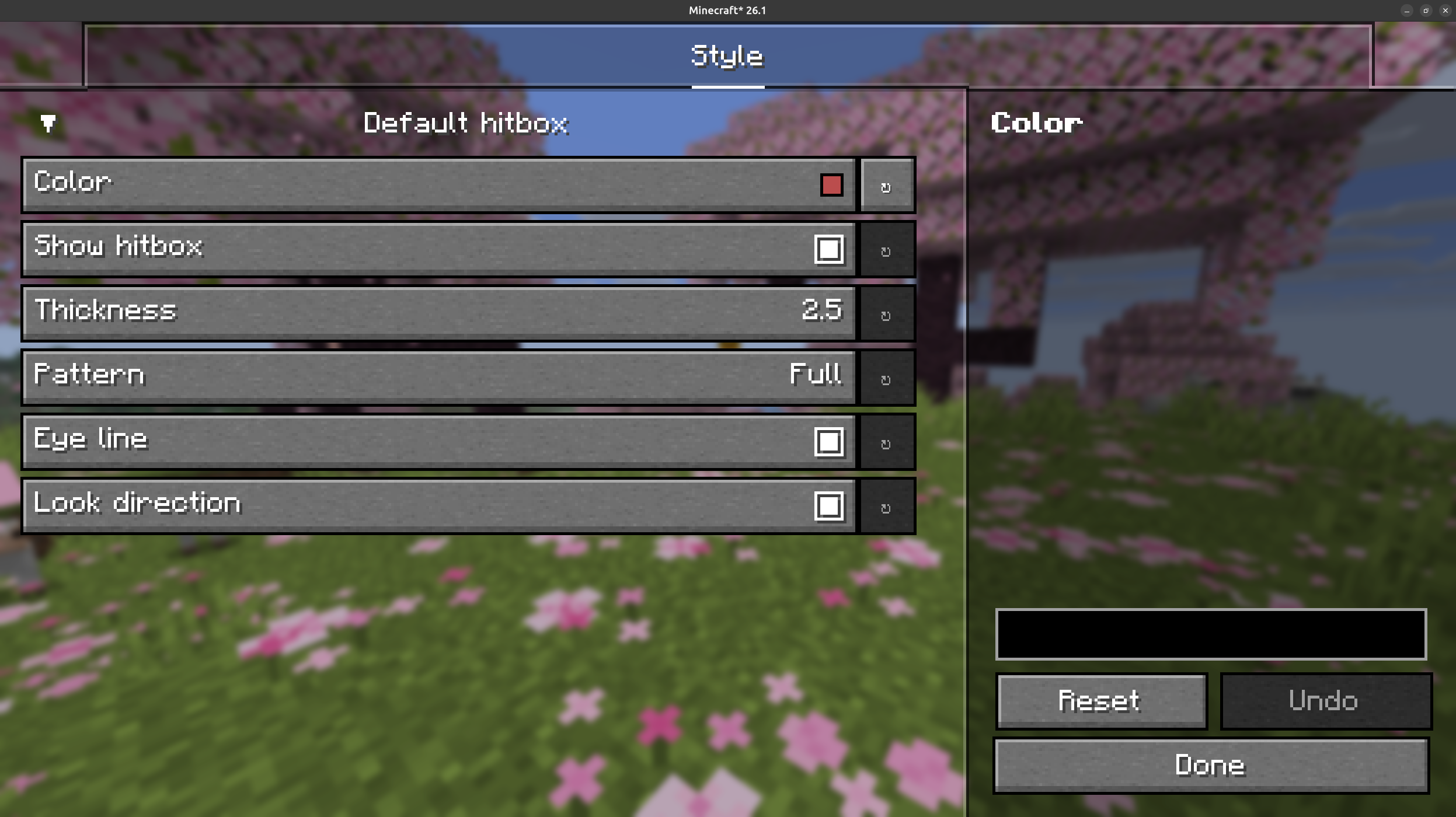
The style editor controls color, visibility, line thickness, pattern, eye line, and look direction for each rule.
Features
- Customize the default hitbox style used for entities without a more specific rule.
- Configure separate styles for self, neutral players, friends, and enemies.
- Use Minecraft team colors for neutral players when enabled.
- Set broad defaults for passive mobs, hostile mobs, bosses, projectiles, effects, vehicles, and miscellaneous entities.
- Add per-entity overrides for any registered entity id.
- Choose full or dotted hitbox lines, line thickness, eye line visibility, and look direction visibility.
Configuration
HitBox+ uses YACL for its config screen and integrates with Mod Menu when it is installed. The config file is stored at:
config/hitboxplus.json5
The config screen includes active entity overrides, an entity picker, and a custom entity id field for ids such as minecraft:zombie.
Commands
HitBox+ adds client-side commands for managing player relation lists:
/hitboxplus {friend|enemy} {add|remove} <player>
/hitboxplus {friend|enemy} list
Player name suggestions are provided from online players and existing configured names.
Quick Player Tagging
Use Minecraft's pick-block control while targeting a player to cycle that player through:
friend -> enemy -> neutral
HitBox+ saves the change immediately and shows a chat confirmation.
Requirements
- Fabric Loader
- Fabric API
- YetAnotherConfigLib
- Mod Menu is recommended for opening the config screen from the mods list.
Links
- Source: https://github.com/PingIsFun/HitBoxPlus
- Discord: https://discord.gg/Jm2gPbvZZa
License
HitBox+ is licensed under the MIT License.
- Edition: Minecraft Java
- File type: .jar
- Minecraft versions listed: 26.1, 26.1.1, 26.1.2
- How to install: Install the matching mod loader (Forge, Fabric or NeoForge) for your Minecraft version. → Download the .jar. → Put it in the .minecraft/mods folder and launch that loader profile.
- Where to get it: Opens on Modrinth — not every file is mirrored on our own servers.
Install steps are the general flow for this file type — How to install Minecraft Java mods & modpacks walks through it step by step.
- Ships as hitboxplus-1.0.0+26.1.jar — drop this file into the mods folder
- Download size: 108 KB
- Download link checked 7 Oct 2026 — working
These come from our own check of the pack file, not from the source page.