
Datapack/Gamerule Menus
Makes the Datapack and Gamerule menus accessible from existing singleplayer worlds. Allows toggling experimental features.
⬇ Download on Modrinth
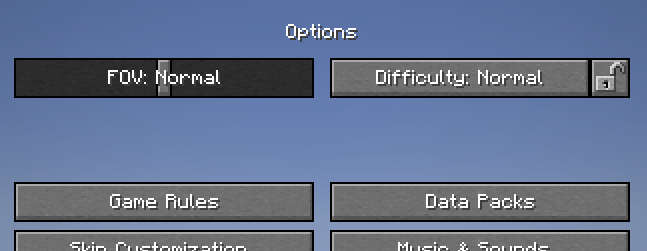
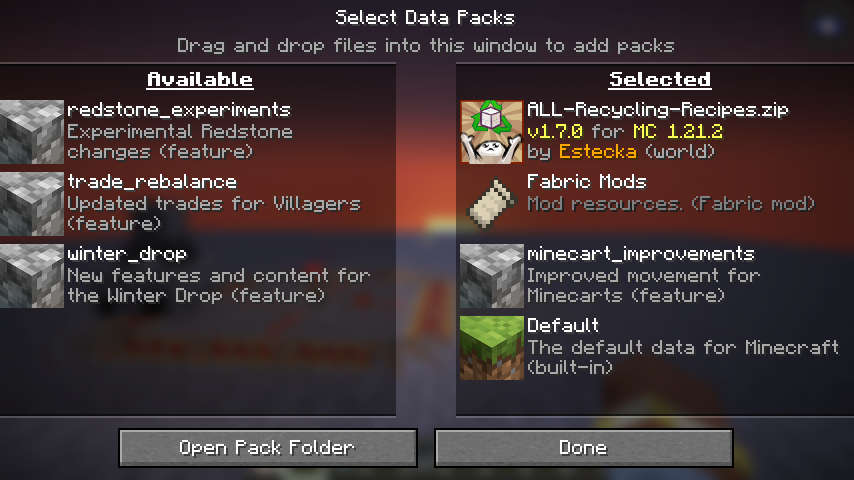
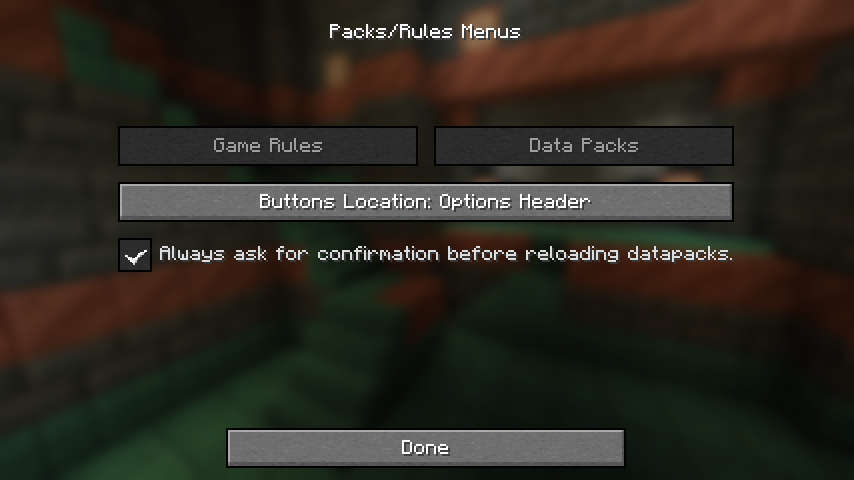
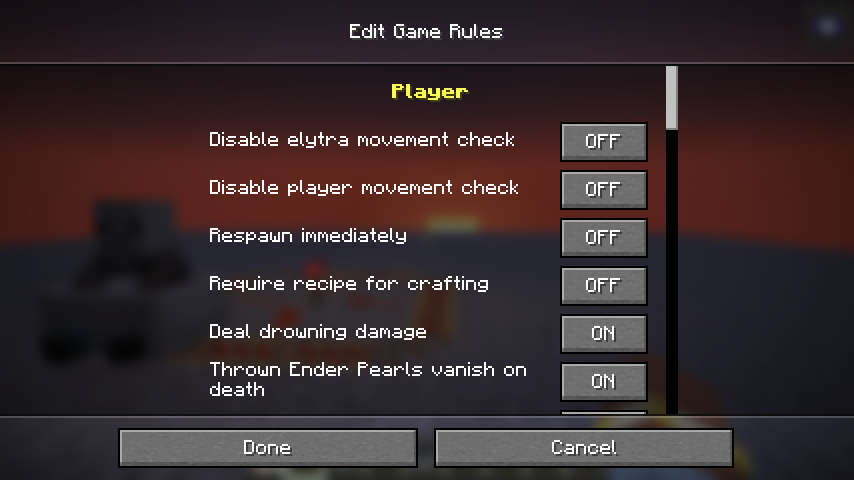
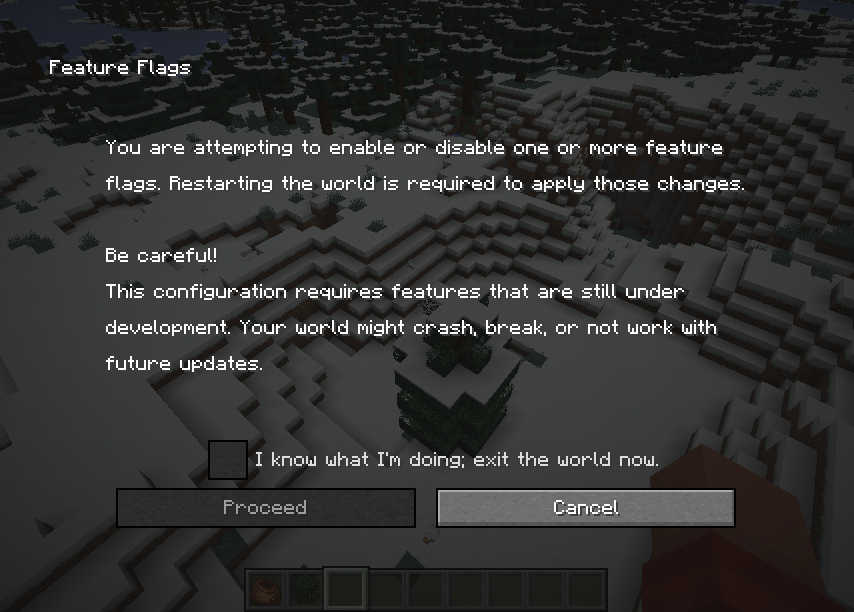
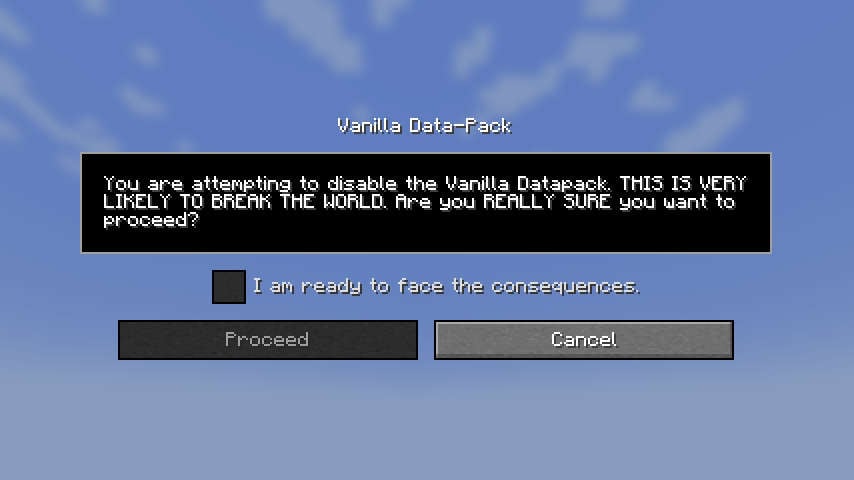
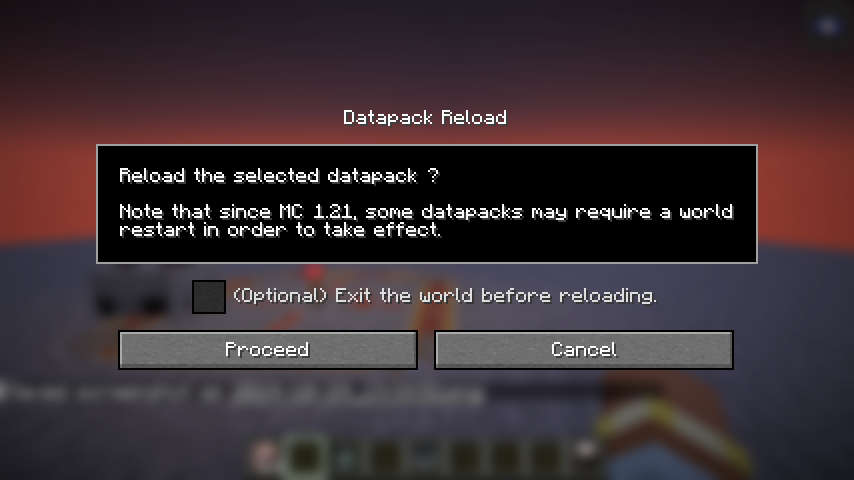
Starting MC 26.1, this mod no longer provides a gamerules menu, in favor of vanilla's implementation. It still provides a datapack menu.
Data-Pack / Game-Rule Menus
Takes the titular menus from the World-Creation menu, and makes them available from already created singleplayer worlds.
This provides a more user-friendly alternative to the vanilla /gamerule and /datapack commands.
Like those commands, the menus will only be accessible in worlds with cheats/commands enabled.
Unlike the vanilla /datapack command, the Datapack menu from this mod also can be used to toggle experimental features !
Word of caution: Datapacks
Some types of datapacks require a world restart to fully take effect. Whenever possible, the mod will show a warning after toggling one of them, and offer you the option to either back-out, or exit the world gracefully. However, some type of packs cannot be detected, and no warning will be displayed for those.
Registry Packs
The new type of packs introduced in MC 1.21, those packs which add data to registries (painting variants, etc), are not detected by the mod, but still require a world restart to fully take effects.
Toggling these packs without a restart may cause some errors in the log, but those are benign so long as you restart the world immediately afterward. This behaviour is no different from using the /datapack command.
Experimental Features
Packs that dpend on experimental features are properly detected by the mod. Toggling them will also toggle the corresponding feature-flag on the world, and exit the world gracefully.
Vanilla Datapack
The Vanilla datapack can technically be disabled, but you probably don't want to do it. Doing so will break worlds unless you know exactly what you are doing. An additional warning screen will appear when trying to disable this pack.
If you can't load a world after having disabled the Vanilla datapack, loading it in Safe Mode should be able to restore it.
Related Mods
Preferred Gamerules
Lets you choose the default values of gamerules
Cloth Gamerules
Cloth-Config replacement for the gamerules screen.
- Edition: Minecraft Java
- File type: .jar
- Minecraft version listed: 26.2
- How to install: Install the matching mod loader (Forge, Fabric or NeoForge) for your Minecraft version. → Download the .jar. → Put it in the .minecraft/mods folder and launch that loader profile.
- Where to get it: Opens on Modrinth — not every file is mirrored on our own servers.
Install steps are the general flow for this file type — How to install Minecraft Java mods & modpacks walks through it step by step.
- Ships as packrule-menus-3.0.0+26.2.jar — drop this file into the mods folder
- Download size: 44 KB
- Download link checked 27 Aug 2026 — working
These come from our own check of the pack file, not from the source page.